

Turn recordings into transcripts and summaries in minutes
Upload audio or video for multilingual transcription, AI notes, and action items
2026 PTT Hot Topic: Meeting Notes AI — Tinrec vs Plaud Note: A 5-Dimension Comparison
It's 10 PM on a Wednesday, and you've just finished a two-hour online meeting. When you open the transcript to organize it, you find it mixed with Chinese and English, three people talking at once, and a bunch of technical terms you can't quite make out. You wonder: among the meeting notes AI tools recommended on PTT, which one can actually solve this problem?
This isn't a spec dump. Instead, it puts the two most discussed approaches on PTT—software-based Tinrec and hardware-based Plaud Note—side by side. I'll break it down across 5 dimensions and tell you which one to choose in which situation.
Tinrec vs Plaud Note | Quick Overview
Tinrec is an AI meeting notes and collaboration tool. Its desktop version records online meetings without a bot, offers real-time transcription, AI summaries, action item extraction, and team knowledge retention. The personal plan has a free tier to try, and the team plan provides independent spaces and seat management.
Plaud Note series (including NotePin) are AI recording hardware devices. Users buy a standalone device to record on the go, capture phone calls and in-person meetings, and then use the app for AI summaries. On the US official site, NotePin is currently priced at USD 159 and Note Pro at USD 189. AI plans include Starter, Pro, and Unlimited subscription tiers.
Below, I'll compare the two across 5 dimensions: recording method, Chinese recognition, post-meeting organization, cross-platform and file retention, and team collaboration.
Dimension 1 | Recording Method: Bot-Free Software vs Standalone Hardware
Plaud Note's strength is its hardware form factor. It's like a voice recorder, suitable for carrying around, in-person meetings, phone calls, or situations where you need discreet recording. For those who are often on the go and don't want to open a computer, the intuitive "press and record" operation does have its value.
Tinrec takes the software route. The desktop version directly captures computer system audio, so when handling online meetings on Zoom, Google Meet, Microsoft Teams, Webex, etc., there's no need to invite a meeting bot. The mobile app can also record, suitable for outdoor or ad-hoc recording. In other words, you don't need to carry an extra device—just open your usual computer or phone and start.
Honestly, neither method is absolutely better. But if most of your meetings are on a computer, Tinrec's bot-free workflow eliminates many steps of charging hardware, transferring files, and syncing.
→ This dimension: Tinrec is more direct for online meetings; Plaud Note still has an edge in portable hardware scenarios.
Dimension 2 | Chinese Recognition and Multilingual Meetings
Plaud Note's recording quality comes from its hardware microphone, which performs reliably in quiet, close-range recordings. The app also provides transcripts and summaries. However, in meetings with mixed Chinese and English, overlapping speakers, or many technical terms, transcription results are still affected by recording conditions.
Tinrec puts more effort into organizing Chinese meetings. It supports Chinese, Traditional Chinese, and multilingual meeting scenarios, and offers real-time translation and bilingual viewing. The team plan also allows maintaining "team hotwords" to include company-specific terminology, improving recognition of professional vocabulary. Note that actual accuracy is still affected by audio quality, accents, noise, and overlapping speech—no tool can promise 100% accuracy.
→ This dimension: Tinrec offers greater flexibility for Chinese and multilingual meeting organization.
Dimension 3 | Post-Meeting Organization and AI Applications
Plaud Note's app can generate summaries, apply templates, and answer questions—enough for "quickly reviewing key points after recording." However, its core still revolves around audio files recorded by the hardware. To further process into reports or tables after the meeting, you usually need to copy content to other tools.
Tinrec extends the post-meeting workflow further. In addition to transcripts, it automatically generates AI summaries, chapters, key points, and action items. It supports mind maps, AI Q&A, and can use an Agent to post-process and generate reports, tables, and documents. More practically, it offers multi-format export, allowing you to bring results into existing workflows like Notion, Google Docs, OneNote, Dropbox, etc.
Simply put, Plaud Note helps you "record," while Tinrec helps you "use."
Stop organizing recordings by hand
Upload audio or video and automatically get a transcript, summary, and action items
→ This dimension: Tinrec clearly wins.
Dimension 4 | Cross-Platform Use and File Retention
Plaud Note is mainly hardware plus app, with recordings saved on the device or within the app ecosystem. If you're used to mixing phone, computer, and tablet, or want to import existing meeting audio or interview recordings, the hardware approach isn't as smooth.
Tinrec supports web, desktop, and mobile. Input sources include live recording, online meetings, audio/video files, and some web links. The team plan also provides an audio recycle bin, where accidentally deleted audio can be restored before permanent cleanup (currently 30-day retention). For those who need to preserve historical meetings and interview materials, this is a reassuring design.
→ This dimension: Tinrec is more complete in multi-device and file handling.
Dimension 5 | Team Collaboration and Knowledge Retention
Plaud Note has team membership and device management capabilities, but it's essentially an extension of a "personal recording device." It's common for team members to record and save separately.
Tinrec's team plan is an independent team space. Meeting data belongs to the team. You can create multiple teams, invite members via link, and distinguish owners, admins, and regular members. Admins can assign or revoke seats, view usage trends and member rankings, manage team hotwords, and query and export audit logs. When a member leaves or loses a seat, team resources need to be handed over to other active members and won't be taken away by individuals.
Note that the team plan currently focuses on team-level sharing; all active members can read team data; only those with seats can record, upload, and edit. It's not a file-level permission system but manages governance and usage eligibility through "roles + seats."
→ This dimension: Tinrec is more complete in team knowledge retention and governance.
What Are the Unique Advantages of Each?
Tinrec's unique advantages:
- Bot-free recording of online meetings; desktop version directly captures system audio without inviting an extra account.
- Chinese and multilingual meeting organization, supporting real-time translation, bilingual viewing, and team hotwords.
- Complete post-meeting workflow, from summaries, action items, Q&A to Agent-generated reports and multi-format export.
- Team space with members, roles, seats, usage, audit, and recycle bin—ideal for turning meetings into team assets.
Plaud Note's unique advantages:
- Portable hardware recording; intuitive for in-person meetings, phone calls, and discreet recording scenarios.
- Recording quality relies on a standalone microphone, offering hardware advantages in specific close-range environments.
Conclusion: Which One Should You Choose?
- If you need bot-free recording for Zoom, Meet, Teams meetings → Tinrec.
- If you want automatic summaries, action items, and AI follow-up questions on meeting content → Tinrec.
- If you need to switch between phone and computer and import existing audio → Tinrec.
- If you want to manage team members, seats, usage, and audit → Tinrec team plan.
- If you often record outdoors or in-person and prefer a standalone hardware device → Plaud Note is still suitable.
In one sentence: For most office workers who mainly deal with online meetings and post-meeting organization, Tinrec is a more complete choice. I recommend starting with the free version and testing it with your own meeting recordings.
FAQ
Q1: Is Tinrec's free version enough? The free version provides basic quota to experience recording, importing, summaries, and transcription. If you only occasionally organize a recording, start with the free version. If you have steady needs every week, consider the Pro monthly or annual plan.
Q2: Can Tinrec and Plaud Note be used together? Yes. Some people use Plaud Note for in-person meeting recordings, then import the audio into Tinrec for subsequent summaries, Q&A, and archiving. The two are not mutually exclusive but complementary.
Q3: Which online meeting platforms does Tinrec support? The desktop version can handle meeting audio played on your computer, including Zoom, Google Meet, Microsoft Teams, Webex, etc. It's not a bot that automatically joins all calendar meetings; you need to actively open Tinrec to start recording.
Q4: What's the difference between the team plan and personal plan? Personal plan data is managed by the individual account. The team plan provides an independent team space where meeting data belongs to the team, and adds capabilities such as members, roles, seats, sharing benefits, usage analytics, audit logs, and recycle bin.
Q5: Do I need consent before recording and transcribing? Yes. Recording and transcription involve local laws and privacy regulations. It's recommended to inform participants and obtain consent before recording.
References
- How to use AI for meeting minutes? How to organize meeting transcripts? | AI speech-to-text tutorial | 104 Career Power
- How to do AI meeting minutes? Complete tutorial from writing principles, tool selection to automation prompts | Manager Today
- Meeting notes神器: No more rushing in meetings! AI speech-to-text app/voice recorder recommendations, one-click transcript and summary
- 2026 workplace meeting notes time-consuming pain points, PTT hot discussion on voice recorders and AI recording technology provides perfect solution - Tinrec Blog
- 6 voice recorder recommendations 🔥 for class notes/meeting minutes/workplace evidence, highly recommended by PTT and Dcard users, plus AI transcripts super fast 🖊️ - Want to save money (@enen_066) | Dcard
Turn every recording into actionable outcomes
Get 60 free transcription minutes when you sign in. No credit card required.
Related Reading
You might also like

How to Create Podcast Transcripts in 2026: 5 Steps from Recording to Transcript
Most people looking for podcast transcription software only focus on accuracy, but the real key is whether you need plain text or searchable, summarizable, shareable content. This article explains the complete podcast transcription workflow in 5 steps, demonstrating transcription, summarization, AI Q&A, export, and team sharing with Tinrec, and concludes with 5 purchasing considerations and FAQs.

4 AI Meeting Note Takers Tested for 2026: Which Saves the Most Time in Google Meet?
Still typing up notes after Google Meet? This article breaks down the 4 most common mistakes when choosing an AI meeting note taker and compares Tinrec, Otter.ai, Notta, and Granola on bot-free recording, Chinese meetings, post-meeting organization, and team knowledge retention. Includes pricing and pitfalls to help you pick the right one and leave on time.

4 LINE Call Recording Solutions Compared for 2026: Which One Actually Saves You Time After the Call?
LINE doesn't have built-in call recording, and iPhone and Android handle it completely differently. This article compares four options—iPhone's built-in local capture, Cube ACR, PLAUD recording hardware, and Tinrec—based on four key criteria: recording source, platform compatibility, post-recording organization, and team management, to help you choose a solution that truly saves time.

4 LINE Call Recording & Transcription Solutions Tested for 2026: How to Work Around iPhone Limits
A roundup of popular LINE call recording methods discussed on PTT, comparing iOS 18 built-in, Android built-in, Cube ACR, and Tinrec, with practical tips for transcribing and AI summarizing recordings.

Free LINE Call Recording Options in 2026: Tinrec and 4 Other Tools Compared
LINE doesn't have built-in call recording, so most people turn to third-party tools. This article reviews common free and paid options for LINE call recording, and uses Tinrec as an example to show how to turn recordings into searchable, queryable transcripts and meeting notes that can be shared with your team. It also includes buying tips and FAQs.

2026 AI Meeting Notes Tools Compared: Which Saves the Most Time for Teams Meetings?
After a Teams meeting, do you still have to organize the transcript, summary, and action items yourself? This article breaks down how to choose an AI meeting notes tool from a methodology perspective, comparing Microsoft Teams built-in transcription, Otter.ai, Notta, and Tinrec on their actual differences in Chinese meetings, bot-free recording, and post-meeting Q&A, with a copyable starter checklist.

4 Podcast Transcription Tools Tested for 2026: Which One Best Fits Students' Needs for Transcripts and Bilingual Subtitles?
Ever listen to a podcast during your commute, hear a key point, but can't write it down? Or need to cite a specific idea for a final paper but can't find the timestamp? This article tests 4 podcast subtitle and transcription tools from a student's perspective, covering input methods, whether transcripts are searchable and queryable, bilingual translation, and whether free tiers are sufficient. We break down key buying factors, pitfalls to avoid, and recommendations.
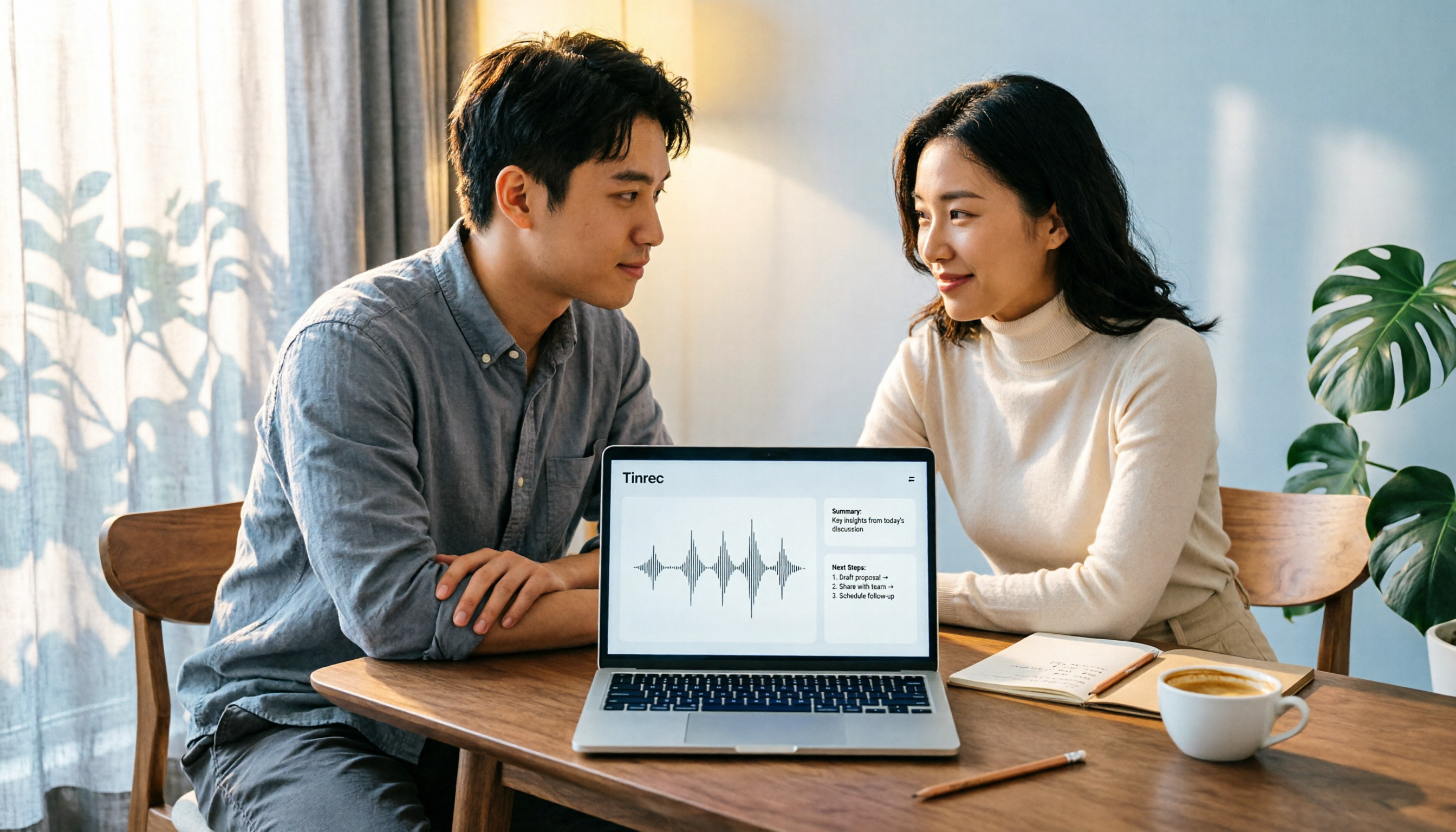
4 Computer Recording Software Compared in 2026: Auto-Generate Summaries and To-Dos After Recording
This article focuses on the decision factor of 'how quickly you can organize after recording' and compares four computer recording software: Tinrec, Bandicam, Audacity, and Windows Voice Recorder. It analyzes key differences such as system sound recording, AI transcription, summary and to-do generation, and team collaboration, and provides buying tips, pitfalls to avoid, and scenario-based recommendations.

2026 Notta vs Tinrec: Bot-Free Recording & Team Knowledge Retention
When you search 'notta vs nada' on Google, half the results are slang explanations—but what you really want to compare is Notta and Noota. This article breaks down Notta and Tinrec across five dimensions, from bot-free recording and Chinese meeting experience to post-meeting workflows, team governance, and pricing, helping you figure out which one better suits Chinese-language meeting scenarios in Hong Kong.