

Turn recordings into transcripts and summaries in minutes
Upload audio or video for multilingual transcription, AI notes, and action items
4 Podcast Transcription Tools Tested for 2026: Which One Best Fits Students' Needs for Transcripts and Bilingual Subtitles?
You listen to a 40-minute episode on your commute, but later can't find that one sentence—you need more than just subtitles
Last semester, I took an elective taught entirely in English. The professor assigned two podcasts each week as prep. I thought I could just listen with headphones during my commute, but when I needed to cite a specific point from an episode for my final report, I couldn't remember which minute it was. That episode was 58 minutes long, and I fast-forwarded through the whole thing without finding it. I ended up re-listening to the entire episode.
The second scenario: my daily subway commute is about 40 minutes each way. I often hear a brilliant quote I want to note down, but my phone is playing and my hands are holding the strap—I can't type. By the time I get back to my dorm, I've mostly forgotten it.
The third scenario: group projects. My teammates each listen to different industry podcasts, and when we meet to summarize key points, everyone says different things—because we each remember different segments.
What these three scenarios have in common: what you lack isn't 'listening'—it's the ability to capture, retrieve, and use the content after listening. This article shares my experience testing several podcast subtitle/transcription tools this semester.
Before Choosing a Podcast Subtitle Tool, Understand These 4 Key Points
1. Are you 'listening while watching' or 'processing after listening'? If you want to see subtitles in real-time during your commute, the key is whether they display synchronously during playback. If you're organizing afterward, the key is whether you can import audio files or links to generate transcripts. Many people buy a tool only to realize it's not the right fit—wasting money.
2. After getting the transcript, can you still use it? A text file that you can only read—not search or query—has very low value. Ask yourself: Will I later want to know 'What exactly did the guest say about a certain topic?' If you can directly ask questions about the content, review efficiency improves dramatically.
3. Language and translation needs Chinese shows, mixed Chinese-English, and fully English episodes have completely different difficulty levels. If you're practicing English listening like me, bilingual display with both original and translated text is more useful than plain subtitles.
4. Is the free tier enough for a student? This is the most practical point. First calculate: How many episodes do you listen to per week, and how long is each? Then decide whether to pay. Instead of looking at plan names, first confirm whether the free version can last you a week.
Tinrec—My Go-To Tool This Semester
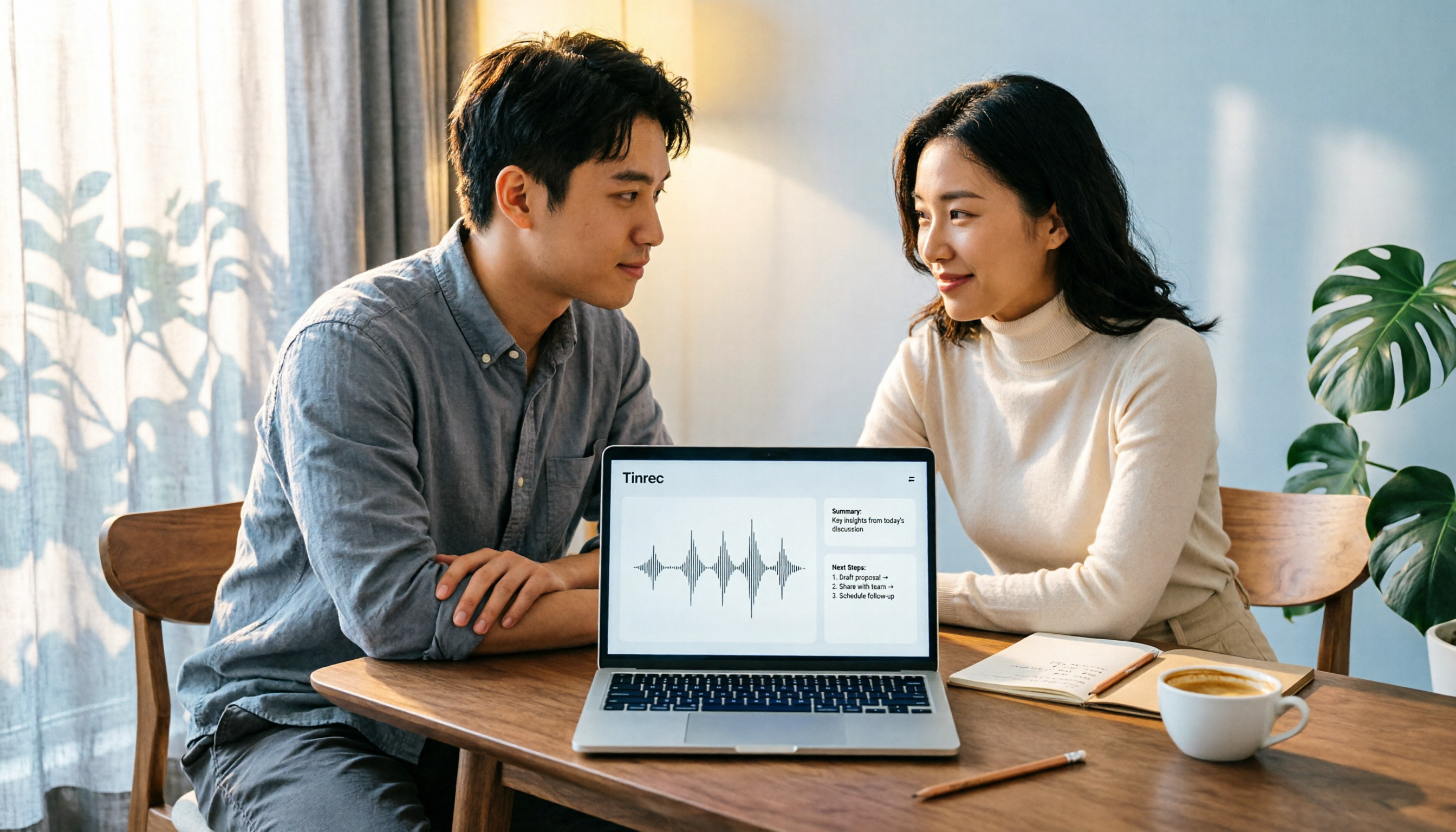
Tinrec is an AI meeting notes and collaboration tool for individuals and teams, available on desktop, mobile, and web. It doesn't just convert audio to text—it organizes recordings into searchable, summarizable, and queryable data.
Turn podcast audio into transcripts. My approach is to download podcast audio and import it for transcription. Some public video content can also be imported via web links. The resulting transcript is searchable—I just need to remember the term 'remote work' and I can jump directly to that minute, no more fast-forwarding from the start.
AI summaries and chapters: review the outline before deciding to re-listen. For a 58-minute conversation, it generates a summary and chapters, breaking the long episode into sections. My current review process: skim the summary → pick interesting chapters → re-listen only to those segments. This saves more than half the time.
AI Q&A is the main reason I stick with it. After recording or importing, you can directly ask it 'What was the guest's view on remote work?' or 'Which studies did the host mention?' It doesn't just throw keywords at you—it gives you organized answers. Most similar tools currently stop at 'giving you a transcript'—this is the biggest difference. It also supports real-time translation, letting you view content in original, translated, or bilingual mode—very practical for someone like me practicing English.
Stop organizing recordings by hand
Upload audio or video and automatically get a transcript, summary, and action items
How I tested it. I used the same ~12-minute Chinese podcast (two hosts conversing, with background music) and an English interview. I focused on three things: Is the transcript smooth to read? Can it distinguish speaker changes? Can I find specific segments via search? In testing, the Chinese conversation had good readability, and the English interview captured key points. However, with background music, multiple people talking over each other, or heavy accents, there are still spots needing manual correction.
Three things I find worthwhile:
- The transcript is just the starting point—there are also summaries, chapters, Q&A, and export. One recording can be reused many times.
- Mixed Chinese-English and bilingual display are friendly for English shows—no need for a separate translation tool.
- Mobile, computer, and web can be used seamlessly—record a lecture on your phone during commute, organize on your computer back in the dorm.
Limitations to be clear about: It's not a tool that 'automatically grabs shows from all platforms'—you must import audio files or initiate recording yourself. The free version has a basic quota; if you listen to several episodes weekly and also record class content, you'll need to upgrade. In that case, I'd recommend considering Pro. Also, actual recognition accuracy is affected by audio quality, background music, accents, and overlapping speech. For important citations, verify against the original audio.
Who it's for: Students who want to retain what they hear for repeated use, need search and Q&A, and often switch between devices. If you're doing a group project and need to share transcripts and notes, the team version offers independent team spaces, member and seat management, and usage tracking. Meeting data belongs to the team—it won't disappear when someone graduates. Pricing and benefits are subject to the official purchase page.
Besides Tinrec, What Other Options Are There?
Apple Podcast built-in transcripts: iPhone users can view transcripts on the episode page, tap paragraphs to jump, and long-press to copy text (sharing limited to 200 characters with source link)—completely free. Note that availability varies by language and region; Chinese show support was still rolling out at the time. Also, it only serves episodes within the Apple Podcast platform—your own audio files or YouTube interviews won't work. Tinrec can handle any audio file and also lets you ask questions about the content.
Immersive Translate: Primarily a browser extension, it works with over 60 platforms including YouTube Podcasts and Spotify video episodes. It supports over 100 languages, bilingual subtitles, and SRT export. Suitable for those who want bilingual subtitles for video-style podcasts. However, its focus is subtitle generation and translation—transcript summarization, chapters, and follow-up Q&A are not its strong suit. This is where Tinrec clearly does more.
Memo AI: A Windows/macOS desktop tool. Paste a YouTube or Apple Podcast link to generate a transcript, with automatic timeline markers, bilingual subtitle and .srt export, local file processing, plus AI summaries and mind maps. Suitable for those who prefer desktop batch processing and want mind maps. The difference is Tinrec adds mobile and web continuity, plus team spaces, seats, and usage management for collaboration.
Pitfall Guide: 3 Most Common Mistakes When Choosing a Podcast Subtitle Tool
Pitfall 1: Only looking at 'whether it has subtitles,' ignoring whether they're usable afterward. A transcript you can't search or query is just audio converted to text piled up. The real value is whether you can find that sentence later.
Pitfall 2: Ignoring platform lock-in. Built-in features usually only serve content within their own app. Switch to a video on another platform or your own audio file, and they're useless. First figure out where you usually listen to shows.
Pitfall 3: Treating the free tier as unlimited. Calculate how many episodes you listen to per week and how long each is before deciding to pay—don't wait until you run out. Also, don't believe claims like 'accuracy is always high'—for shows with background music or multiple people talking over each other, test a short segment with your own audio first.
Conclusion: Which One Should You Choose?
- Want to retain what you hear for later search, Q&A, and export → Tinrec (most complete post-transcription workflow)
- Just want to casually view Apple Podcast transcripts on iPhone, and listen to shows in supported languages → Apple Podcast built-in (free)
- Mainly watch YouTube video-style shows, need bilingual subtitles and SRT files → Immersive Translate
- Prefer Windows/macOS desktop batch processing, also want mind maps → Memo AI
- Group project needs shared transcripts, notes, and member management → Tinrec team version (team space + seat management, data belongs to team)
My advice: start with the free version. Take your most-listened episode and test a segment. Confirm the transcript reads smoothly and search finds the segments you need, then decide whether to upgrade. No need to pay upfront. One final reminder: if you need to record lectures or interviews, remember to comply with local regulations and obtain consent.
References
- How to Use Apple Podcast Transcripts? 4 Tips to Master Episode Transcription - Mr. Mad
- View Podcast Transcripts on iPhone - Apple Support (Taiwan)
- 'Transcripts' Feature on Apple Podcasts - Apple Podcasts Creator Resource Center
- Podcast Subtitle Generator: AI-Powered Transcription Tool | Immersive Translate
- Memo AI Tutorial: One-Click Transcription of YouTube and Podcasts into Transcripts, Bilingual Subtitle Videos, AI Summaries, and Mind Maps
Turn every recording into actionable outcomes
Get 60 free transcription minutes when you sign in. No credit card required.
Related Reading
You might also like

How to Create Podcast Transcripts in 2026: 5 Steps from Recording to Transcript
Most people looking for podcast transcription software only focus on accuracy, but the real key is whether you need plain text or searchable, summarizable, shareable content. This article explains the complete podcast transcription workflow in 5 steps, demonstrating transcription, summarization, AI Q&A, export, and team sharing with Tinrec, and concludes with 5 purchasing considerations and FAQs.

4 AI Meeting Note Takers Tested for 2026: Which Saves the Most Time in Google Meet?
Still typing up notes after Google Meet? This article breaks down the 4 most common mistakes when choosing an AI meeting note taker and compares Tinrec, Otter.ai, Notta, and Granola on bot-free recording, Chinese meetings, post-meeting organization, and team knowledge retention. Includes pricing and pitfalls to help you pick the right one and leave on time.

4 LINE Call Recording Solutions Compared for 2026: Which One Actually Saves You Time After the Call?
LINE doesn't have built-in call recording, and iPhone and Android handle it completely differently. This article compares four options—iPhone's built-in local capture, Cube ACR, PLAUD recording hardware, and Tinrec—based on four key criteria: recording source, platform compatibility, post-recording organization, and team management, to help you choose a solution that truly saves time.

4 LINE Call Recording & Transcription Solutions Tested for 2026: How to Work Around iPhone Limits
A roundup of popular LINE call recording methods discussed on PTT, comparing iOS 18 built-in, Android built-in, Cube ACR, and Tinrec, with practical tips for transcribing and AI summarizing recordings.

Free LINE Call Recording Options in 2026: Tinrec and 4 Other Tools Compared
LINE doesn't have built-in call recording, so most people turn to third-party tools. This article reviews common free and paid options for LINE call recording, and uses Tinrec as an example to show how to turn recordings into searchable, queryable transcripts and meeting notes that can be shared with your team. It also includes buying tips and FAQs.

2026 AI Meeting Notes Tools Compared: Which Saves the Most Time for Teams Meetings?
After a Teams meeting, do you still have to organize the transcript, summary, and action items yourself? This article breaks down how to choose an AI meeting notes tool from a methodology perspective, comparing Microsoft Teams built-in transcription, Otter.ai, Notta, and Tinrec on their actual differences in Chinese meetings, bot-free recording, and post-meeting Q&A, with a copyable starter checklist.
4 Computer Recording Software Compared in 2026: Auto-Generate Summaries and To-Dos After Recording
This article focuses on the decision factor of 'how quickly you can organize after recording' and compares four computer recording software: Tinrec, Bandicam, Audacity, and Windows Voice Recorder. It analyzes key differences such as system sound recording, AI transcription, summary and to-do generation, and team collaboration, and provides buying tips, pitfalls to avoid, and scenario-based recommendations.

2026 Notta vs Tinrec: Bot-Free Recording & Team Knowledge Retention
When you search 'notta vs nada' on Google, half the results are slang explanations—but what you really want to compare is Notta and Noota. This article breaks down Notta and Tinrec across five dimensions, from bot-free recording and Chinese meeting experience to post-meeting workflows, team governance, and pricing, helping you figure out which one better suits Chinese-language meeting scenarios in Hong Kong.

2026 PTT Hot Topic: Meeting Notes AI — Tinrec vs Plaud Note: A 5-Dimension Comparison
How do you choose a meeting notes AI tool that's trending on PTT? This article compares Tinrec and Plaud Note across 5 key dimensions—recording method, Chinese recognition, post-meeting organization, cross-platform use, and team collaboration—to help you find the right meeting notes solution.