
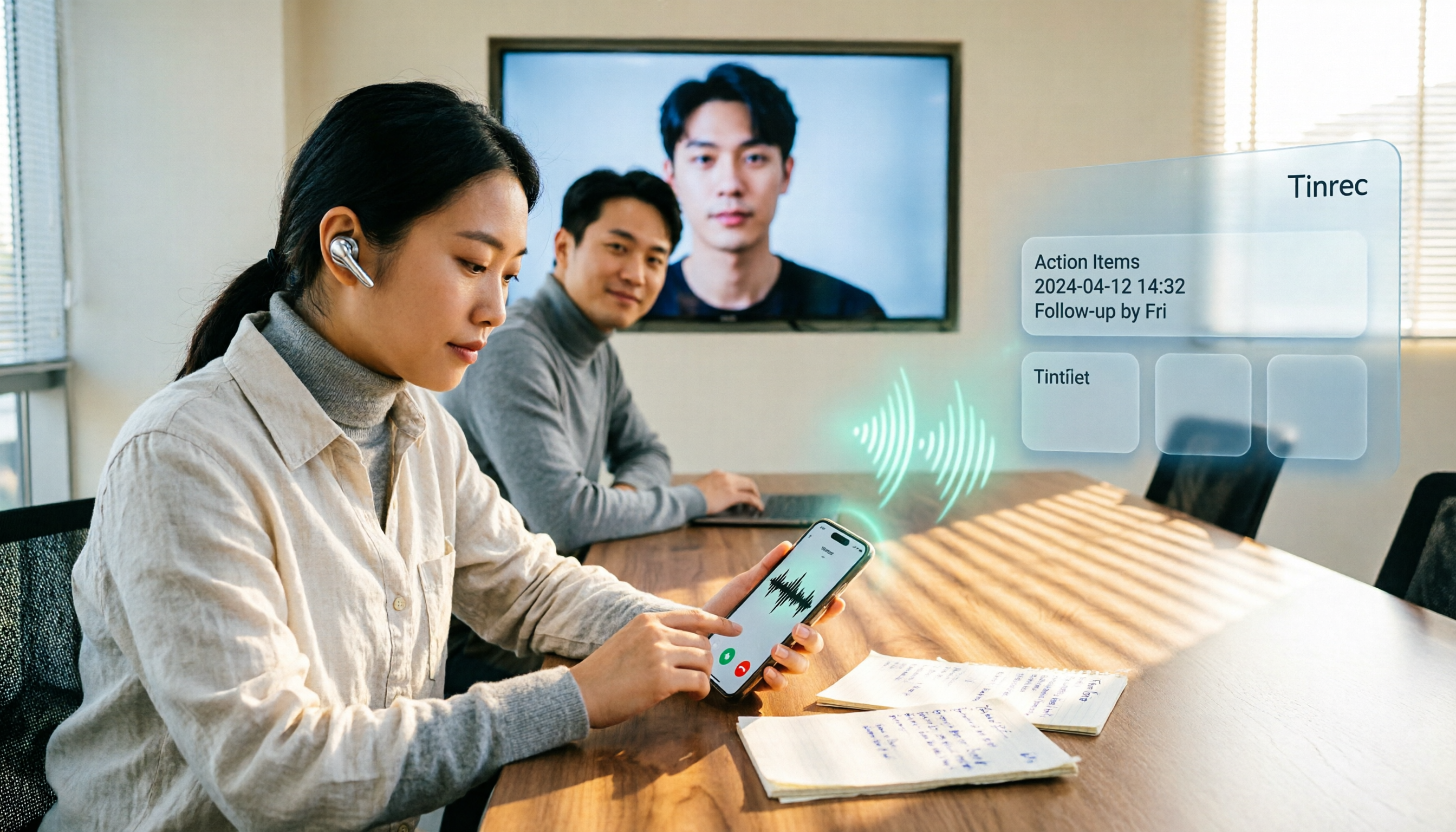
Turn recordings into transcripts and summaries in minutes
Upload audio or video for multilingual transcription, AI notes, and action items
4 LINE Call Recording Methods Tested for 2026: Android vs. iPhone — Which Is Most Reliable?
The real pain point of LINE recording isn't recording—it's what happens after
Last week a friend asked me: he had a 40-minute LINE call with a client and wanted to double-check the delivery date the client mentioned, but he had nothing saved.
This isn't an isolated case.
LINE calls use VoIP, with audio processed inside the app on both ends. LINE officially offers no recording or export function. So you have to work around it at the system level—which is why Android and iPhone methods are completely different.
What's worse, most people go through the trouble of recording, but the audio file just sits on their phone and never gets opened again.
This article covers two things.
First, how to capture the audio from your phone; second, once captured, how to turn it into data you can actually use.
Before choosing a method, understand these 4 key points
1. What kind of phone do you have?
Android is more open, so screen recording can usually capture both microphone and system audio, making both sides audible in the recording. iPhone has stricter limits on VoIP audio access, so early software-only solutions often only recorded your own voice.
2. Do you need video or just audio?
Most people only need audio. Audio-only files are much smaller and easier to organize later.
3. Can the other party be heard?
This is the biggest dividing line. Some tools only record your voice, and you don't find out until after the call ends.
4. What will you do with the recording afterward?
If it's just for evidence, recording is enough. But if you want to "quickly review before the next meeting" or "turn client promises into to-dos," the real key is the post-recording workflow.
My approach: After recording, use Tinrec to turn calls into usable data
Honestly, for the "record the LINE call" part, I just use my phone's built-in features.
But for the "after recording" part, I've relied almost entirely on Tinrec (秒听录音) for the past year.
It's an AI meeting notes and collaboration tool for individuals and teams, available on iOS, Android, and web. My workflow is:
After the call, upload the audio file to Tinrec, and it generates a transcript directly.
Not a subtitle file you have to edit yourself—a searchable, reviewable transcript.
Then AI automatically generates summaries and chapters, breaking a 40-minute conversation into quickly skimmable sections. It also extracts action items—who promised what, by when—listed line by line.
What I use most is actually AI Q&A.
Before, to find "the part where the client mentioned budget," I'd have to Ctrl+F and scroll. Now I just ask: What were the client's concerns about pricing in this call? It gives me an answer based on semantic understanding, not a bunch of keywords.
That's where I think it differs most from ordinary transcription tools.
Other points I've found useful:
- No meeting bot needed: The desktop version captures system audio directly, so for online meetings like Zoom, Google Meet, Microsoft Teams, and Webex, no extra bot needs to join.
- Complete output formats: Transcript, summary, chapters, action items, mind map—and you can export to Notion, Google Docs, OneNote, etc. for further use.
- Team version accumulates data: After creating a team space, meeting data belongs to the team. When members leave or lose their seat, data can be handed over. Admins can view usage, seats, and audit logs. Team annual plan is USD 199 per paid seat per year, with each paid seat providing 2,000 minutes of shared team import quota per month.
Stop organizing recordings by hand
Upload audio or video and automatically get a transcript, summary, and action items
Limitations to be clear about: Tinrec is not a LINE call recording tool. It processes audio you already have, as well as live meeting audio. If you want automatic recording during a call, you still need your phone's system or hardware.
Also, actual transcription quality is affected by recording quality, background noise, accents, and multiple people talking over each other. For important content, it's recommended to cross-check the transcript with the recording.
Besides Tinrec, what other methods are there?
Android built-in screen recording
Most Android phones' screen recording can capture both microphone and system audio, free and without installing anything. The downside is that settings vary by brand, and the result is just a video file—no transcript, no summary. If you need "ask and search after recording," you'll need to connect it to Tinrec.
iPhone system call recording
Newer iOS versions have added call recording capabilities, integrating LINE calls into the system call flow. The advantage is it's clean and doesn't require external devices; but it's tied to iPhone and iOS version, so Android users or older models can't use it, and the result is still just an audio file. To turn it into meeting notes, you still need another tool—which is exactly what Tinrec fills in.
PLAUD and other recording hardware
PLAUD Note Pro is a standalone recording device that magnetically attaches to the back of your phone, capturing both sides through a physical microphone, independent of LINE or system permissions—especially appealing to iPhone users. But it requires an extra device purchase, with hardware starting around USD 189, plus carrying and charging costs. Tinrec requires no extra hardware, works on phone, web, and desktop, and can also process your existing audio files.
Pitfall guide: The 4 most common LINE recording mistakes
Pitfall 1: Thinking LINE has built-in recording.
It doesn't. LINE officially offers no recording or export function; all methods work around it at the system level. Accept this first, so you don't keep looking for a button that doesn't exist.
Pitfall 2: Discovering only your voice was recorded.
This is the most common situation for iPhone users. Before an important call, do a 30-second test recording to confirm both voices are captured, then start the real conversation.
Pitfall 3: Forgetting to inform the other party.
In Taiwan, recording a call by one of the parties for record-keeping or evidence is generally fine; recording to spy on others' privacy is not. In practice, my advice is simple: say "I'm recording this call for later organization"—it's legal and puts the other party at ease.
Pitfall 4: Recording and then leaving it.
Dozens of unnamed audio files sitting on your hard drive is as good as not recording. Develop the habit of "transcribe and extract action items the same day" so these recordings have value.
Conclusion: Which one should you use?
- Want zero-cost audio capture first → Phone built-in screen recording (Android) or system call recording (iPhone)
- Often on iPhone calls and don't want hassle → Consider recording hardware like PLAUD
- Want transcript, summary, and action items right after recording → Tinrec
- Want to ask AI directly "What were the client's concerns?" → Tinrec (AI Q&A is where it stands out most from other tools)
- Want to turn meeting data into a shared team asset → Tinrec Team version (spaces, seats, usage, audit all in one)
Method matters more than tool.
First think clearly about why you're recording this call—for evidence, for review, or to turn into next steps.
Once you're clear, the tool choice becomes obvious.
Test step by step, and you'll gradually master this workflow.
References
- Complete LINE Call Recording Tutorial (2026)
- LINE Call Recording Guide: Android, iPhone, PC All Covered! – AirDroid
- LINE Finally Supports Call Recording! No Plugins or External Devices Needed—Use iPhone's Built-in System Feature
- [Phone Tips] LINE Can Record Calls! iPhone Built-in Call Recording Trick, No Notification to the Other Party! | Jyes Communication ~ Challenging the Lowest Phone Prices
- Achieve Cube ACR, LINE Call Recording
Turn every recording into actionable outcomes
Get 60 free transcription minutes when you sign in. No credit card required.
Related Reading
You might also like
Free AI Transcription in 2026: Tinrec vs Yating - Cantonese Recognition + Auto Summary
Stuck in a Central meeting until quitting time, then having to listen to recordings and type transcripts? This article uses the same Cantonese meeting recording to test Tinrec and Yating transcription, comparing free quotas, Cantonese recognition, post-meeting organization, cross-platform support, and team collaboration to tell you which free AI transcription tool is better for Hong Kong office workers.

2026 Top 5 AI Transcript Organizers Compared: Which One Actually Saves You Two Hours After a Meeting?
AI transcript organizers don't stop at converting speech to text. This hands-on comparison of 5 tools evaluates post-meeting organization, bot-free recording, AI Q&A, and team knowledge retention to show you which one truly saves time.

2026 Comparison of 3 Transcription Software: Which Saves the Most Time with AI Organization and Team Collaboration?
2026 transcription software comparison, featuring Tinrec, to help you understand core capabilities, real-world use cases, purchasing considerations, and FAQs, so you can find the most time-saving meeting organization solution.

4 Free Transcription Software Compared in 2026: Free Tiers, Chinese Recognition, and Post-Meeting Organization—Which One Is Actually Enough?
There are many free transcription tools, but "free trial" and "free plan" are two different things. This article starts with common misconceptions, outlines 4 key points for choosing transcription software, and compares the free tiers, Chinese recognition, and post-meeting organization capabilities of Tinrec, Yating Transcription, Otter.ai, and Notta to help you find the one that truly meets your needs.

2026 Free Transcription Generator Buying Guide: 4 Key Points and Recommendations
How to choose a free transcription generator? This article starts with common pitfalls, then covers use cases, core capabilities, and 4 key buying considerations for transcription generators. Using Tinrec as an example, it explains how to handle recording, transcription, summarization, to-dos, and team collaboration in one workflow.

How to Choose a Transcription Tool in 2026: 5 Steps to Searchable Meeting Notes
Recording is easy; the hard part is what comes after. Drawing from real interviews and meetings, this guide breaks down 4 key factors to consider before choosing a transcription tool, shares my actual workflow, reusable AI prompt templates, and 5 steps to turn recordings into searchable meeting notes.

6 Free Transcription Tools Tested in 2026: Which Free Tier Is Actually Enough?
We compare 6 transcription tools you can start using for free, covering free quotas, language support, and post-meeting organization, plus common misconceptions about free plans and tips for choosing.

2026 Complete Guide to Audio Transcription Software: A Practical Workflow from Recording to Meeting Minutes
Choosing audio transcription software based only on price and minutes is the most common mistake. This complete guide covers real-world use cases, core capabilities, and purchasing considerations, explaining how Tinrec turns meeting recordings into searchable, queryable, and reusable data, and outlines the quotas and pricing for the free and team versions.

LINE Call Recording on iPhone vs Tinrec: 5-Factor Comparison for 2026
Many iPhone users ask how to record LINE calls. This guide covers five common methods and compares iPhone's built-in call recording with Tinrec, an AI meeting notes tool, across recording, transcription, post-call organization, and team collaboration to help you choose the right workflow.