
Turn recordings into transcripts and summaries in minutes
Upload audio or video for multilingual transcription, AI notes, and action items
A 100-minute class, 18 classes per semester, you can't re-listen to everything
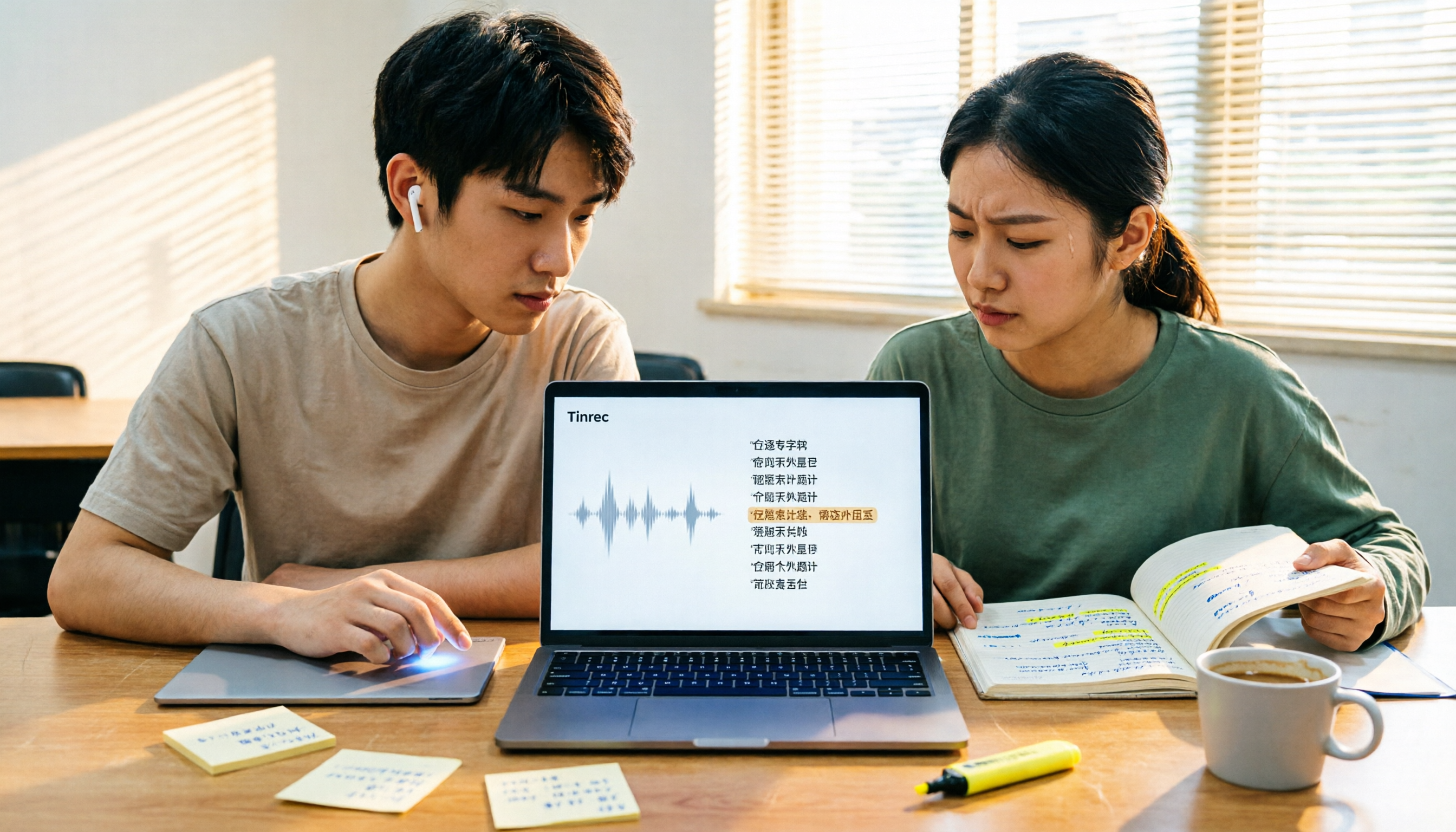
Last semester I took a three-credit required course. The professor spoke at about 180 words per minute, and the slides flipped faster than he talked. I tried taking handwritten notes, but before the midterm, I opened my notebook—I couldn't even recognize my own handwriting, let alone figure out which page "this will be on the exam" referred to.
Later I switched to recording the entire class. The problem: a 100-minute class, 18 classes per semester is 1800 minutes. Re-listening to everything would take 30 hours, and I only had three nights before finals.
Group discussions were even worse. Four people chatted for two hours, and after the meeting, no one remembered what the conclusion was. The group leader asked in the group chat, "So what are we supposed to do?" and got 12 read receipts. The common thread in these scenarios is: you don't need a tool that just records audio; you need a tool that turns recordings into key points, to-dos, and searchable data.
Before choosing a transcription tool, understand these 4 key points
**Point 1: Free tier isn't about total minutes, it's about per-file limit.** Some tools give you 120 minutes per month on the free plan, which sounds like a lot, but limit each file to 3 minutes—your 100-minute class means the free version is basically unusable. Before choosing, check both the "per-file limit" and "monthly total."
**Point 2: What do you get after recording?** A tool that only gives you a transcript means you still have to find key points from 10,000 words yourself. A tool that automatically generates summaries, chapters, and to-dos lets you review for finals by reading a two-page summary instead of re-reading 10,000 words. The time difference is the hours of sleep you lose.
**Point 3: Is your class online or offline?** For online classes (Zoom, Google Meet, Microsoft Teams), check if the tool requires a "meeting bot" to join as an extra participant—some professors will ask who you are if they see an extra name. The ideal approach is for the tool to record directly from your computer's system audio, without needing an extra account to join the meeting.
**Point 4: Cross-platform.** You record on your phone in class, organize on your laptop in the dorm, and search on the web version in the library during finals. If the tool only supports one platform, you'll be transferring files between devices until you go crazy.
Tinrec – The one I used all semester
Tinrec is an AI meeting notes and collaboration tool for individuals and teams, supporting iOS, Android, and web, with a desktop version that can handle online meetings on Zoom, Google Meet, Microsoft Teams, Webex, and more.
**Transcribes as you record in class.** Now I just open Tinrec and put it on my desk during class, and it transcribes while recording. I used to be anxious the whole class because I couldn't write fast enough; now I just look up and listen to the professor, and the text generates itself. After class, the transcript is searchable. When I want to find "that marketing 4P case the professor mentioned" for finals, I just type the keyword and jump to it, no need to listen from the beginning.
**No need to invite a bot for online classes.** Many classes in our department have moved online. Tinrec's desktop version captures the computer's system audio directly, without adding an extra bot to the meeting room, so there's no awkward "unknown account in the meeting list." This is very practical for those taking online general education courses.
**You can ask it questions directly after recording, which I think is the most powerful feature.** After class, I can ask Tinrec directly: "What was the report format the professor mentioned today?" It gives me an answer based on content understanding, not just where keywords appear. I use the same approach for group discussions: a two-hour discussion recording, I ask "Who did we decide to do the survey design?" and it tells me the answer. At the same price point, almost none of the tools I tested have this feature—most only let you manually Ctrl+F and search slowly.
**Summaries, chapters, to-dos, export.** Tinrec automatically generates summaries and chapters, breaking a two-hour discussion into several sections. It also extracts action items from the discussion—who needs to submit what and when—which is a lifesaver for group projects. Finally, the entire result can be exported. I usually put it into Notion to share with group members, no need to retype.
Stop organizing recordings by hand
Upload audio or video and automatically get a transcript, summary, and action items
**If the whole group uses it, there's a team version.** For our graduation project, our group of four used the team version, which provides an independent team space. Meeting data belongs to the team, not tied to an individual's account—after members graduate or leave, the data remains and can be handed over to others. The team version also allows seat allocation, usage tracking, and activity logs. Pricing: team monthly is USD 29.80 per paid seat per month, annual is USD 199 per paid seat per year (about USD 16.58 per month).
**Honest limitations.** First, the free version provides a basic quota; if you want to record every class, you'll need a paid plan like Pro or weekly pass. But if you only record two or three heavy courses, the free version is enough to try. Second, the team version price isn't cheap for student groups; unless you have a long-term project and really need centralized data management, the individual version is sufficient. Third, transcription quality is affected by the recording environment—large classroom echo, people talking over each other, fast-speaking professors all impact results. For important content, it's best to cross-check with the recording.
**Who it's for:** Students who need Chinese lecture transcription, want to use AI to find answers directly after recording, and switch between phone and computer.
Besides Tinrec, what other options are there?
**Otter.ai:** A mature tool for English meetings. The free version offers 300 minutes per month, which is generous. Pro annual is about USD 8.49 per user per month. If you take all-English classes and your recordings are all in English, it's more cost-effective than Tinrec. But its mindset is more for English business meetings, and organizing Chinese courses isn't its strong suit; it also lacks Tinrec's post-processing workflow of asking questions directly after recording and then exporting to reports or tables.
**Notta:** The most direct competitor to Tinrec, with multi-platform transcription, translation, and team plans. The free version offers 120 minutes per month, but each file is limited to 3 minutes—this limit makes it almost unusable for a 100-minute class. Pro annual is about USD 8.17 per month. It also lacks Tinrec's desktop version method of recording online meetings without a meeting bot by capturing system audio directly. Team space and seat governance are not its main focus.
**PLAUD Note/NotePin:** It's an AI recording hardware, starting at USD 159 for the device, with a Starter membership at 300 minutes per month. If you often need to record on the go without a phone (e.g., interviews, phone calls), the hardware has its value. But for students, spending extra money on a device and carrying an extra item is a high barrier; Tinrec works on phone, computer, or web, and can handle online meetings, historical files, and team data in one place.
Pitfall guide: 3 most common mistakes when choosing a transcription tool
**Pitfall 1: Only looking at "how many free minutes per month," not the per-file limit.** A 3-minute per-file limit means you have to split each class into 30+ files and stitch them together yourself. Before buying, ask yourself: how long is my longest recording?
**Pitfall 2: Thinking a transcript equals review notes.** A transcript is just raw material. What really saves time is summaries, chapters, and to-dos. If your tool only spits out 10,000 words, you still have to read those 10,000 words for finals.
**Pitfall 3: Using a transcription tool as a "recorder."** Many people record and then leave it, never using AI Q&A. My own habit is to throw questions at it a week before exams: "What three research methods were mentioned in this class?" This is much faster than manually flipping through a 30-minute transcript, and it's like using only one-third of the tool's capabilities.
Conclusion: Which one should you choose?
- Chinese lectures, need live transcription → Tinrec, desktop version also handles online classes.
- Want to use AI to ask key points directly after recording, don't want to manually search transcripts → Tinrec, this is the most obvious difference in my testing.
- Record on phone, organize on computer, search on web → Tinrec, all three platforms available.
- Group projects need shared meeting data, members come and go → Tinrec team version, data belongs to the team, can be handed over.
- All-English lectures, tight budget → Otter.ai, the only non-Tinrec scenario recommended in this article.
My own approach is to install the free version of Tinrec first and record the most needed course for a week. Whether the free quota is enough depends on how many classes you plan to record—only you know the answer. Try before deciding whether to pay, which is more accurate than reading ten reviews.
One final reminder: before recording and transcribing, check the class or meeting rules and get consent when needed. This is much more important than which tool you choose.
References
- No time limit! 3 free AI transcription tools, highly recommended! AI voice notes generate meeting minutes, presentations, mind maps | 104 Career Force
- SoundType AI ultra-accurate transcription, speech to text, AI dictation - Google Play app
- Asking the experts, any recommended AI tools that can transcribe audio files to text?
- Yating Transcription
- Online speech to text AI, free MP3 or audio file to text transcription - MyEdit
Turn every recording into actionable outcomes
Get 60 free transcription minutes when you sign in. No credit card required.
Related Reading
You might also like
5 Video Conferencing Software Compared in 2026: How to Choose Between Zoom, Teams, Meet, and Tinrec
We tested and compared Zoom, Microsoft Teams, Google Meet, and other video conferencing platforms, analyzing post-meeting organization pain points. Tinrec desktop version requires no meeting bot—it directly records system audio, instantly transcribes, summarizes, extracts action items, and even offers AI Q&A and team collaboration.

How to Download Zoom Meetings in 2026: Tinrec Bot-Free Transcription + AI Summary
Many people search for "Zoom meeting download" but overlook the cost of post-meeting organization. This article uses Tinrec as an example to show how to record Zoom and other online meetings without a meeting bot, automatically generate transcripts, summaries, and action items, and turn meetings into team knowledge.

How to Record Zoom Meetings in 2026: 5 Steps from Recording to AI Summary
Zoom makes meetings easy, but post-meeting organization is the real pain point. This guide covers 7 solutions that turn Zoom meetings into transcripts, summaries, and action items—from Zoom's native recording, Otter, Fireflies, Notta, and Granola to Tinrec and PLAUD recording hardware—with pricing and ideal use cases, plus a 5-step workflow from recording to AI summary.

3 Ways to Share iPhone Voice Memos in 2026: Which One Will They Actually Listen To?
Sharing an iPhone recording with someone is really two different choices: sending a file or sending the content. This guide breaks down three common methods, five key questions to ask before sharing, and shows how Tinrec turns an iPhone recording into a transcript, summary, and to-dos that people will actually read.

2026 Comparison of 4 Meeting Transcription Tools: Who Saves the Most Time After Adding a Meeting to Teams Chat?
Many people think that adding a meeting in a Teams chat means the meeting notes are taken care of. This article addresses the real pain points of post-meeting organization, explaining how bot-free recording, real-time transcription, AI summaries, and action items fill the gap after the meeting, and covers Tinrec Personal and Team plan pricing, limitations, and use cases.

Zoom Meeting Download Guide 2026: From Install to Meeting Notes
Looking to download Zoom? This guide starts with the official download channels, then compares Zoom's built-in recording with Tinrec across 5 dimensions—transcripts, Chinese recognition, post-meeting organization, data retention, and student budget analysis—to help you decide which one to install.

2026 Meeting App Comparison: Zoom Built-in Transcription vs Tinrec — Which Saves More Time?
Is Zoom's built-in AI summary enough for your meetings? This article compares Zoom Workplace and Tinrec across five dimensions—recording methods, post-meeting organization, Chinese language experience, team governance, and legacy file handling—to help you decide which one to use.

iPhone Recording Not Playing Back? 2026 Complete Guide: From Troubleshooting to Fixing It with Tinrec
Can't hear your iPhone recordings? It's not necessarily a broken device. This guide breaks down common misconceptions and inefficient approaches, showing you how Tinrec's instant recording transcription solves the 'recorded but can't hear it' problem at the source—covering real-time transcription, AI summaries, action item extraction, and team collaboration.

4 Best Free Transcription Tools in 2026: Free Tier Limits and Chinese Recognition Compared
We tested four free transcription tools in 2026, comparing free tier limits, Chinese recognition, post-meeting organization, and cross-platform support. Tinrec is our top pick for its free meeting workflow, and we also compare Otter.ai, Notta, and Granola to help you decide which free version can actually handle a full meeting transcription.