

Turn recordings into transcripts and summaries in minutes
Upload audio or video for multilingual transcription, AI notes, and action items
2026 Zoom Meeting Notes Tools Compared: Which AI Summarizer Works Best Without a Meeting Bot?
"It's 10 AM on Wednesday. You open Zoom. The meeting is scheduled for 40 minutes. At 11:15, the meeting ends. You look down at your notebook—only three lines."
Who's responsible for what, whether last week's blocker was resolved, what the client's key requirement was—none of it was captured.
Zoom's cloud recording does exist, but let's be honest: few people will rewatch a 75-minute video just to write meeting notes.
This article isn't about how to run a Zoom meeting. It's about solving the most time-consuming part: what happens after the meeting ends.
The Pain Starts After the Online Meeting Ends
The first pain point is note-taking. During the meeting, you have to listen, think, and type at the same time—usually you end up doing all three poorly.
The second pain point is reviewing. Zoom recordings only play as a whole; to find "who proposed the budget," you have to scrub the timeline yourself.
The third pain point is fragmentation. Meeting notes are in Zoom, to-dos are in Line, files are in Google Drive—a month later, you can't find anything.
With the right tool, these three problems can be solved at once.
Before Choosing a Zoom Meeting Notes Tool, Understand These 4 Key Points
1. Is it a "meeting bot" or "bot-free recording"? A meeting bot joins the Zoom room as an extra account, adding a participant to the screen—some clients mind this. The bot-free approach captures system audio directly from your computer—this is the first spec I look at.
2. Chinese and mixed Chinese-English recognition performance Meetings in Taiwan are rarely pure Chinese; they're usually "let's sync on this deadline." Whether the recognition engine is optimized for mixed Chinese-English makes a big difference in real experience.
3. What can you do after transcription? A tool that only gives you a transcript is just handing the organization work back to you. Whether it can automatically generate summaries, chapters, to-dos, and even let you ask questions directly about the meeting content—that's the key to saving time.
4. Free quota and team ownership How many minutes does the free version give? Who owns the data when shared across a team? Will meeting records still exist after a member leaves? These are questions you only ask after getting burned.
Tinrec — Our Top Pick After Testing
Tinrec is an AI meeting notes and collaboration tool for individuals and teams, available on iOS, Android, and web. It doesn't just convert audio to text; it organizes meetings into searchable, queryable, and further processable data.
Bot-free recording of Zoom meetings Tinrec's desktop version captures system audio directly, handling Zoom, Google Meet, Microsoft Teams, and Webex meetings played on your computer—no need to invite any bot into the meeting room, and no extra participant appears. Note: this is not "automatically join all meetings on your calendar"—you need to actively start recording in the desktop app.
The real value is after recording During the meeting, Tinrec generates a transcript in real time. After the meeting, summaries, chapters, key points, and to-dos are already organized—who's responsible for what and by when, all visible at a glance.
Even better is AI Q&A: after recording, you can directly ask "who mentioned the budget in the last meeting," and it answers based on semantic understanding, not just a list of keyword search results. Few competitors at this price point currently do this.
How we tested We used a ~40-minute Chinese Zoom meeting recording (with mixed Chinese-English, keyboard sounds, and overlapping speakers). Tinrec performed relatively stably on Chinese and mixed segments; real-time translation lets you switch between original, translated, or bilingual views—very convenient for cross-language meetings.
Stop organizing recordings by hand
Upload audio or video and automatically get a transcript, summary, and action items
Three main advantages First, no extra hardware, no meeting bot—just open the desktop app and record. Second, the post-transcription output is comprehensive: summaries, chapters, to-dos, mind maps, AI Q&A, and export to Notion, Google Docs, OneNote, etc. for further use. Third, Chinese experience and team knowledge retention. The team version provides an independent team space; meeting data belongs to the team, and records don't leave when members do.
Limitations to be clear about Tinrec is not a calendar-based meeting bot; it won't automatically join all meetings. Audio import and different plans have quota limits; heavy users need to pay. Also, no AI transcription is 100% accurate—for important content, cross-check with timestamps and recording playback.
Pricing Personal plans include a free version, weekly pass, Pro monthly, and Pro annual—choose based on usage frequency. Team plan is currently USD 29.80 per paid seat per month, or USD 199 per paid seat per year (about USD 16.58/month), with each paid seat providing 2,000 minutes of shared team import quota per month; eligible teams can try 7 days, 1 free seat, and 300 shared minutes. Actual prices are subject to the official purchase page.
Who it's for If you frequently need to record Chinese or mixed Chinese-English Zoom meetings, want to use AI to find key points right after recording, and need to switch between phone and computer, Tinrec is a very suitable choice.
Besides Tinrec, What Other Options Are There?
Zoom Workplace built-in AI If you're already on a paid Zoom plan, the built-in recording and AI meeting summary can meet basic needs—the advantage is never leaving Zoom. However, it mainly serves Zoom's own meetings; cross-platform (Meet, Teams) records must be managed separately, and it's harder to consolidate historical meetings into a single database.
Otter.ai A mature choice for English business meetings. Free version: 300 minutes/month; Pro annual: about USD 8.49/user/month, including 1,200 minutes/month. It also offers desktop capabilities, but Chinese and mixed Chinese-English are not its strengths; also, it lacks Tinrec's approach of centralizing meeting data into a team space with role and seat governance. If you only record English meetings, Otter is a reasonable option.
Notta A multilingual transcription tool with high overlap with Tinrec. Free version: 120 minutes/month (max 3 minutes per session); Pro annual: about USD 8.17/month, 1,800 minutes/month. Its language support is good, but Tinrec's differences are bot-free online meeting recording, AI Q&A, and desktop post-meeting Agent processing (directly generating reports, tables, documents).
Pitfall Guide: 3 Most Common Mistakes When Choosing a Meeting Notes Tool
Pitfall 1: Assuming built-in is enough. If you only meet on Zoom, built-in summaries are indeed enough. But most people's meetings are spread across Zoom, Meet, and Teams—records end up scattered, which means no records.
Pitfall 2: Only looking at free minutes. Free quota matters, but what really determines time savings is "output after transcription." A tool that only gives a transcript still leaves you organizing for two hours.
Pitfall 3: Ignoring team data ownership. Recording team meetings with a personal account means records disappear when a member leaves. When choosing, ask clearly: does data belong to the individual or the team? Are there roles, seats, usage, and auditing?
Conclusion: Which One Should You Choose?
- Need to record Chinese or mixed Chinese-English Zoom meetings → Tinrec (Chinese experience + bot-free recording)
- Want to use AI to find key points and to-dos right after meetings → Tinrec (most complete AI Q&A and post-meeting output)
- Cross-platform use (Zoom + Meet + Teams, phone + computer) → Tinrec (unified desktop processing)
- Already fully on Zoom paid plan, needs are simple → Zoom built-in AI summary is enough
- Only record English meetings, limited budget → Otter.ai free version is worth considering
We suggest starting with Tinrec's free version, trying it on a real Zoom meeting you have, and seeing if the transcript and summary actually save you time before deciding whether to upgrade.
References
Turn every recording into actionable outcomes
Get 60 free transcription minutes when you sign in. No credit card required.
Related Reading
You might also like

4 Apple Watch Recording to iPhone Tools Compared in 2026: Sync, Transcribe, AI Summarize
How do you sync Apple Watch recordings to iPhone? After syncing, how do you transcribe, summarize, and find key points? This article first shows you how to enable iCloud sync, then compares 4 recording organization tools side by side, including Tinrec, Otter.ai, Notta, and Granola, from free to paid at a glance.

2026 Comparison of 5 Recording Tools: How to Choose Between Plaud Voice Recorder and AI Meeting Assistants
Starting from Plaud recording use cases, this guide compares Plaud Note, NotePin, Tinrec, Otter, Notta, and TurboScribe in terms of recording, transcription, summarization, and pricing to help you decide whether to buy hardware or use an AI meeting tool.

Free Zoom Meetings in 2026: 100 Participants and 40-Minute Limit Explained
Free Zoom meetings support up to 100 participants, but meetings with 3 or more people are limited to 40 minutes. This article breaks down the actual limits of the free plan and common misconceptions, explains why post-meeting organization is the real time sink, and tests how Tinrec uses bot-free desktop recording, real-time transcription, AI summaries, and action items to turn Zoom meetings into searchable, trackable meeting data.

PLAUD NotePin Review 2026: AI Transcription Tested + Tinrec Meeting Notes Comparison
PLAUD NotePin review and buying guide. We test the wearable recording capsule from hardware audio capture to AI meeting notes, and compare Tinrec's Chinese meeting support, bot-free recording, and team collaboration to help you choose the right tool.

Tinrec vs PLAUD NotePin 2026: 5-Dimension Comparison — Is a Voice Recorder Worth Buying?
Starting from the PLAUD voice recorder trending on Dcard, this comparison examines PLAUD NotePin, Note Pro, and Tinrec across five dimensions: audio capture, post-meeting organization, team collaboration, cross-device support, and cost structure, helping you decide whether to buy hardware or choose software.
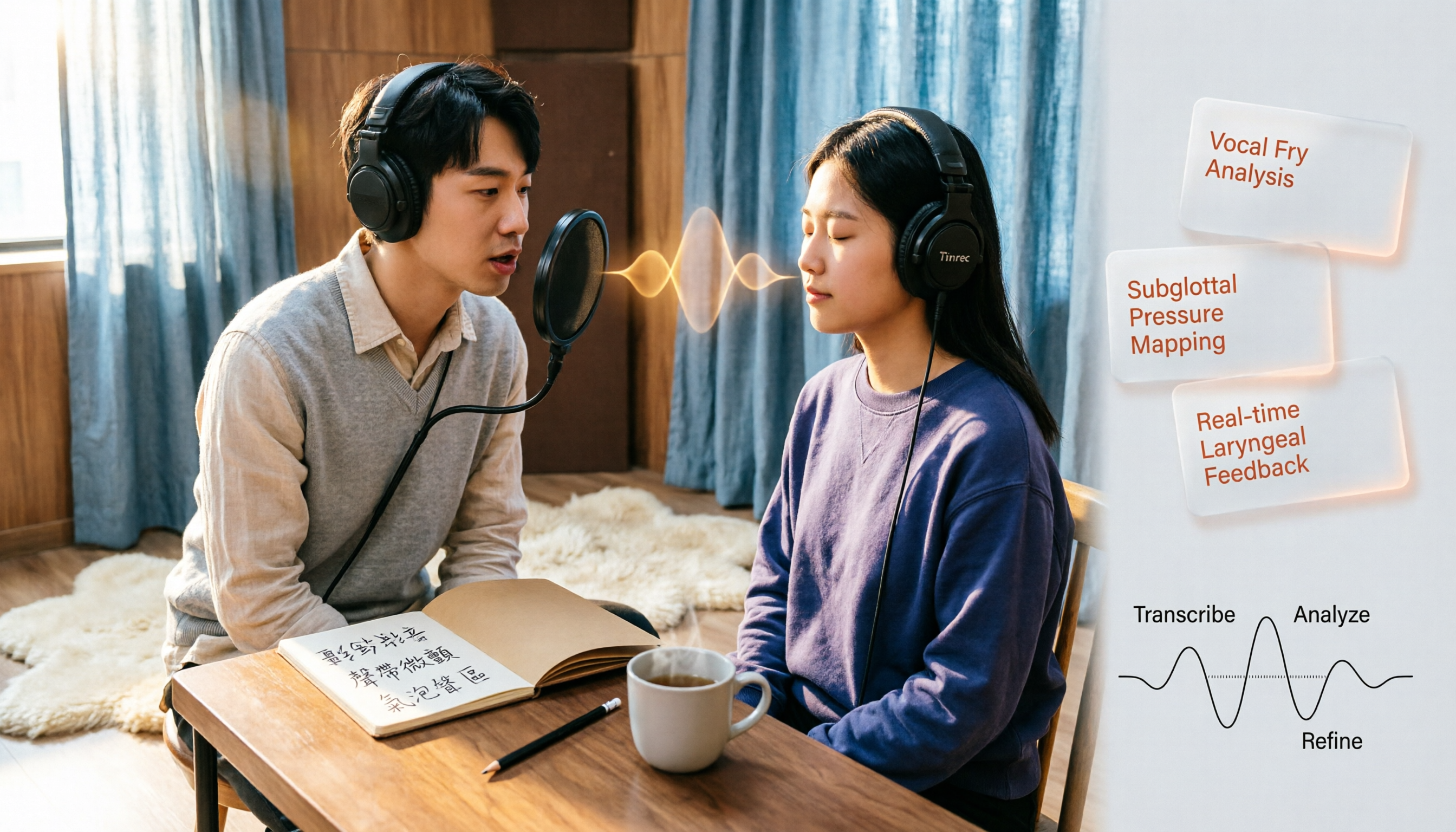
Vocal Fry in Chinese: 3 Translations Compared — Which Is Most Accurate?
The most common Chinese translation of vocal fry is "氣泡音" (qìpàoyīn), while some also call it "聲帶微顫" or "氣泡音聲區." This article compares common definitions from Cambridge Dictionary, Wikipedia, and singing tutorials, and explains the vocal mechanism, common misconceptions, and safe practice tips.
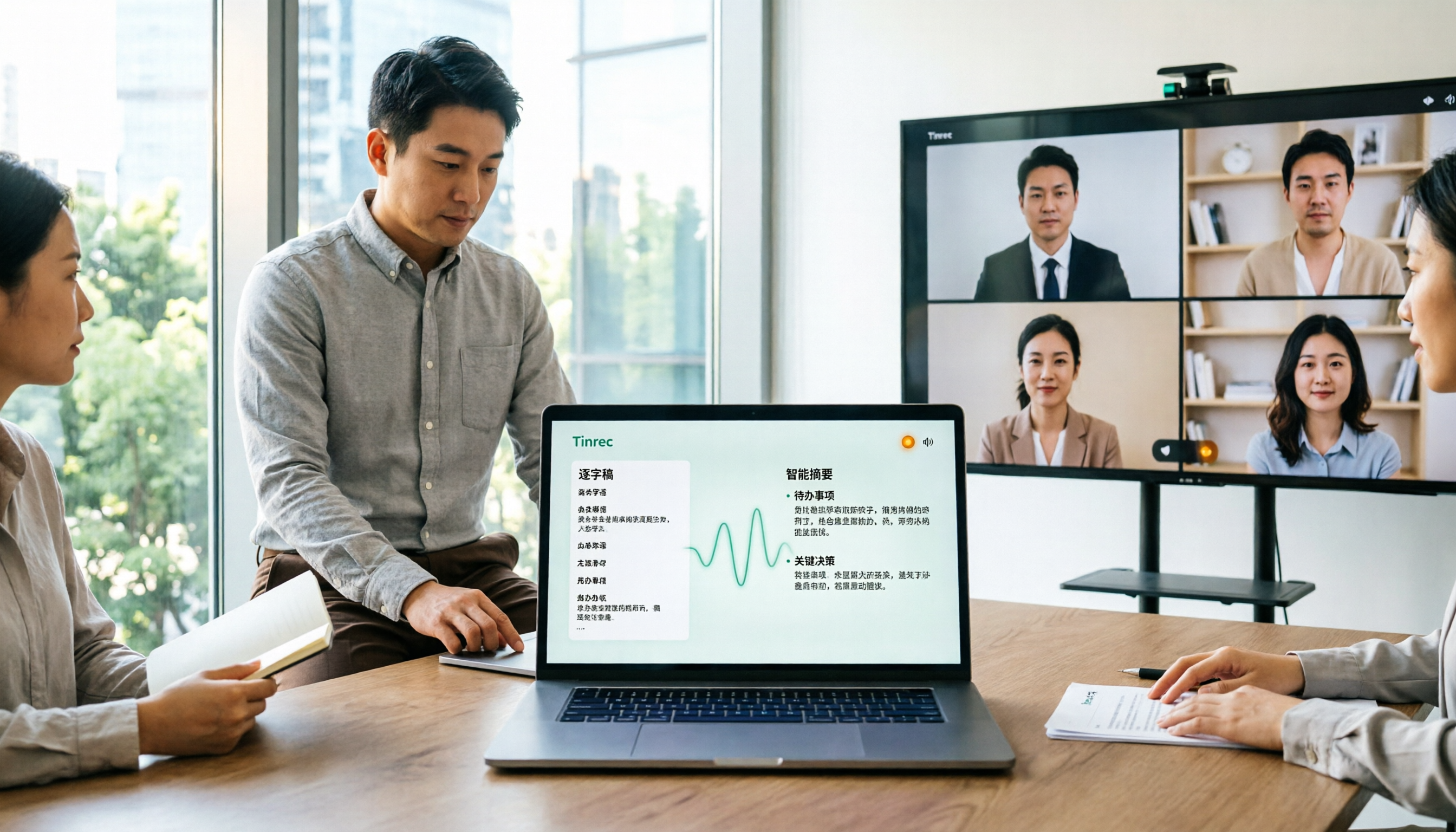
How to Use Microsoft Teams Meetings: 3 Meeting Note Methods Tested in 2026 — The One Without a Bot Is Easiest
Stuck in the lobby after clicking a Teams meeting invite? Can't find the meeting ID? This article first explains the 4 basic actions for using Teams meetings (joining a meeting, instant vs. scheduled meetings, in-meeting controls, cross-device access), then from the real needs of mid-level managers, tests and compares 3 meeting note methods, explaining why Tinrec — which doesn't use a meeting bot — is best suited for Chinese Teams meetings and team knowledge retention.

How to Use Zoom Meetings in 2026: 2 Recording Methods Compared — Which One Auto-Generates Meeting Notes?
Starting from the actual process of joining a Zoom meeting, this comparison examines Zoom's built-in transcription versus Tinrec across 5 dimensions: starting a recording, post-meeting organization, Chinese language experience, cross-platform data retention, and team collaboration — helping you decide which method to use for meeting records.

4 Teams Meeting Recorder Tools Tested in 2026: Where's the Meeting ID and How to Organize After Recording?
First, learn how to find your Teams meeting ID from the meeting invite, Outlook scheduling, and the Teams join screen. Then, we test and compare four meeting recorder tools—Tinrec, Otter.ai, Notta, and Granola—to see which is best for Chinese meetings, bot-free recording, and team data retention.