

Turn recordings into transcripts and summaries in minutes
Upload audio or video for multilingual transcription, AI notes, and action items
Tutorial: Tinrec vs Notta Teams in 2026 — Bot-Free Recording + Team Knowledge Retention
If your team is choosing a meeting notes tool, when you lay out Notta Teams and Tinrec side by side, what usually stalls the decision isn't price—it's three key questions: Does meeting recording require putting a bot into the meeting room? Are the transcripts and summaries for Chinese meetings good enough? After a member leaves, who owns the meeting data? The answers to these three questions will directly determine which contract you sign. Below, we break down each of these decision points.
Why are some people starting to look for Notta alternatives?
Notta is a multi-platform transcription tool familiar to many teams. It supports real-time transcription, file import, translation, and team plans. It performs relatively well with English content and file transcription, and meeting notes and subtitle creation are common use cases.
However, after actually integrating it into team workflows, common pain points gradually emerge: the free plan offers 120 minutes per month and a maximum of 3 minutes per recording, so it's easy to hit the limit during testing; if you want to record online meetings without inviting a bot, you often need additional installation or configuration; and when meeting data needs to upgrade from "personal transcripts" to "team-searchable, transferable assets," the granularity of team spaces, seats, and auditing becomes critical. If you've encountered similar situations, Tinrec is worth adding to your evaluation list for comparison.
Tinrec vs Notta: What are the differences in core experience?
1. Meeting recording method: Bot vs system audio
How online meetings are recorded is the first thing a team needs to decide. The traditional approach is to have a meeting bot join as a participant. The advantage is automation; the downside is an extra stranger on the attendee list, which is especially awkward for external client meetings. Tinrec's desktop version directly captures the computer's system audio. When handling Zoom, Google Meet, Microsoft Teams, Webex, and other meetings, it doesn't need to invite a bot and won't add an extra account to the participant list. For teams that frequently hold client meetings or cross-company meetings, this difference is very noticeable in practice.
2. Chinese and multilingual meeting experience
In meetings of Taiwanese teams, it's common to mix Chinese with English technical terms—this is exactly where general-purpose transcription tools tend to fall short. Tinrec covers Chinese, Traditional Chinese, and multilingual meeting scenarios. It supports real-time translation during recording and original/translated/bilingual views, and offers a team hotwords feature so product names, project codes, and industry jargon can be maintained in advance to improve recognition stability. Note that actual performance can still be affected by recording quality, accents, background noise, and overlapping speakers. We recommend testing with your own meeting recordings.
3. Post-meeting workflow: The transcript is just the beginning
What most people actually spend time on isn't "generating a transcript" but reading it, extracting conclusions, and organizing action items. After transcription, Tinrec produces AI summaries, chapters, key points, and action items. It also supports AI Q&A around single or multiple meetings—you can directly ask "What was the conclusion of this meeting?" or "Who is responsible for which item?" If you need to turn meetings into deliverable work products, Tinrec can further generate reports, tables, and documents, and export to existing workflows like Notion, Google Docs, OneNote, and Dropbox.
4. Team governance: Roles and seats should be viewed separately
The most common confusion when adopting a team tool is treating "roles" and "seats" as the same thing. In Tinrec's team plan, roles determine who can manage the team, members, auditing, and team settings; seats determine whether a member can record, upload, edit, import/export, and use team resources. Members who are active but have no seat can still view, play, and read team data. Additionally, it provides usage analytics, audit logs, and an audio recycle bin. When a member leaves or is removed, their team resources can be transferred to other active members, preventing data from leaving with the person.
Stop organizing recordings by hand
Upload audio or video and automatically get a transcript, summary, and action items
5. Plan quotas and trial design
Taking internal product configurations as an example, Tinrec's team plan offers a 7-day trial for first-time eligible teams, 1 free seat, and 300 minutes of team shared import quota. After payment, it's USD 29.80 per paid seat per month, or USD 199 per paid seat per year (about USD 16.58 per month). Each paid seat provides 2,000 minutes of team shared import quota per month. Real-time recording under an active seat is currently not deducted by minutes. Notta's Business plan, when paid annually, comes to about USD 16.67 per seat per month. The unit prices are close, so the difference should be judged more by whether the quota structure and governance features match your team's rhythm.
Tinrec's core features at a glance
Real-time audio to text: Open Tinrec and start recording; text is generated simultaneously. During the meeting, you can check against the content to confirm no key points are missed. By the time the meeting ends, the transcript is already complete, saving time on post-meeting re-listening.
Bot-free online meeting recording: The desktop version captures system audio, so participants don't see an extra account join. It's especially suitable for external meetings, client interviews, and situations where you need to keep the meeting clean.
AI summaries and chapters: Long meetings are automatically divided into structured sections. You don't need to read a two-hour discussion from start to finish—review the chapters first, then decide which part to read in detail.
Action item extraction and AI Q&A: Organize follow-up actions from discussions and continue asking questions about meeting content. Suitable for project weekly meetings, decision meetings, and client requirement interviews.
Team space and governance: Meeting data is stored centrally in a team space, with member invitations, role and seat management, usage analytics, audit logs, team hotwords, and an audio recycle bin, turning meeting records from personal files into a traceable team database.
Real-world use cases
Cross-department weekly meetings: For fixed weekly project meetings, use Tinrec's desktop version for bot-free recording. After the meeting, confirm each department's action items directly from the summary and to-dos. Managers no longer need to spend time piecing together meeting notes.
Client requirement interviews: Sales and customer success teams find it inconvenient to have a bot join external meetings. Switch to system audio capture, then use AI Q&A after the meeting to follow up on objections and commitments mentioned by the client, and export them as follow-up materials.
Chinese project discussions: For terminology-heavy product or engineering meetings, maintain team hotwords first to improve proper noun recognition stability and reduce manual proofreading time afterward.
Historical meeting retention: Import recordings previously scattered across personal devices and chat rooms into the team space. When new members join, they can search and ask questions about historical decisions without relying on word of mouth.
Points to consider when choosing an audio-to-text tool
1. How meetings should be recorded: First confirm your team's meeting types. If you frequently meet with external parties, a recording method that doesn't require a bot to join will be smoother; Tinrec's desktop version provides a clear approach here.
2. Language and technical terminology: For meetings mixing Chinese and English, check whether the tool supports multiple languages and terminology maintenance. Tinrec offers real-time translation, bilingual views, and team hotwords. Test with your actual meeting recordings first.
3. How far post-meeting output goes: If you only get a transcript, you usually need another round of organizing. When evaluating, ask directly: Can it produce summaries, chapters, and action items? Can it answer questions about the meeting? Tinrec's workflow is complete in this regard.
4. Whether team governance is in place: Members, roles, seats, usage, and auditing should be designed separately to avoid situations where "everyone can edit" or "when people leave, data leaves too."
5. Quota structure and pricing: The quota rules for real-time recording and file import differ. Before signing, confirm how many minutes of import needs your team will actually generate each month.
Conclusion: Is Tinrec worth a try?
Back to the three key questions at the beginning: If you don't want a bot in your meetings, Tinrec's desktop version solves it with system audio. For Chinese meetings and bilingual content, Tinrec offers multiple languages, real-time translation, and team hotwords. For data ownership after a member leaves, Tinrec's team plan draws clear boundaries with team spaces, roles and seats, usage, and auditing. If you're choosing a tool for your team that can retain meeting data long-term, these three points are more worth confirming than simply comparing prices. We suggest using the team plan's free trial quota first, running a complete workflow with a real internal meeting, and then deciding whether to proceed.
(Recording and transcription involve personal data and local regulations. In actual use, please obtain participants' consent in accordance with applicable rules.)
References
- 2026 Recording Transcription Tool Comparison: Is Tinrec the Best Alternative for Notta Users? - Tinrec Blog
- 4 AI Meeting Note-Taking Apps Tested in 2026: Which Works Best for Chinese Meetings and Team Collaboration? - Official Tinrec Blog
- Notta Review 2026: Is the Free Plan's 3-Minute Limit Worth It? - Official Tinrec Blog
- 2026 Hands-On Comparison of 5 Free Notta Alternatives: Tinrec Is a Better Choice for Chinese Users - Official Tinrec Blog
- Notta AI Pricing 2026: Free vs Paid Plans, Features, and Differences Explained - Official Tinrec Blog
Turn every recording into actionable outcomes
Get 60 free transcription minutes when you sign in. No credit card required.
Related Reading
You might also like
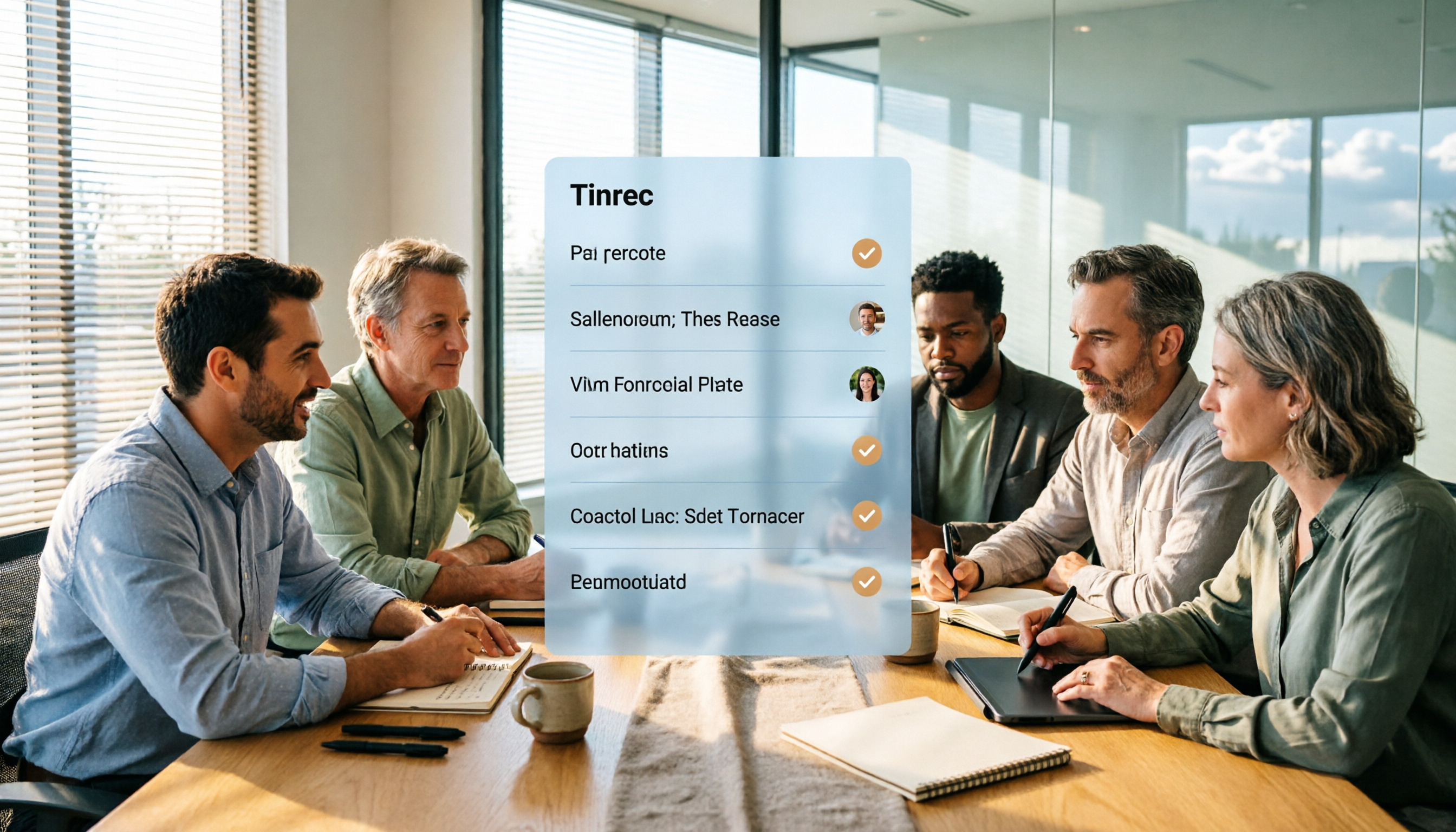
5 Project Meeting Report Templates Compared for 2026: Which One Turns into an Action List Fastest?
We compare 5 project meeting report templates and tools—from manual Word templates to Tinrec, Notta, Otter, Fireflies, and TurboScribe—covering free limits, pricing, and best use cases to help you choose the fastest way to produce actionable meeting minutes.

2026 AI Meeting Recorder Comparison: Fathom vs Tinrec for Chinese Meeting Notes
We tested four AI meeting note tools—Tinrec, Fathom, Notta, and Otter.ai—in real meeting scenarios. From Chinese and mixed Chinese-English recognition to bot-free recording, post-meeting organization, and team data management, we explain why Fathom suits English sales teams and how Tinrec performs in Chinese meetings and team collaboration.
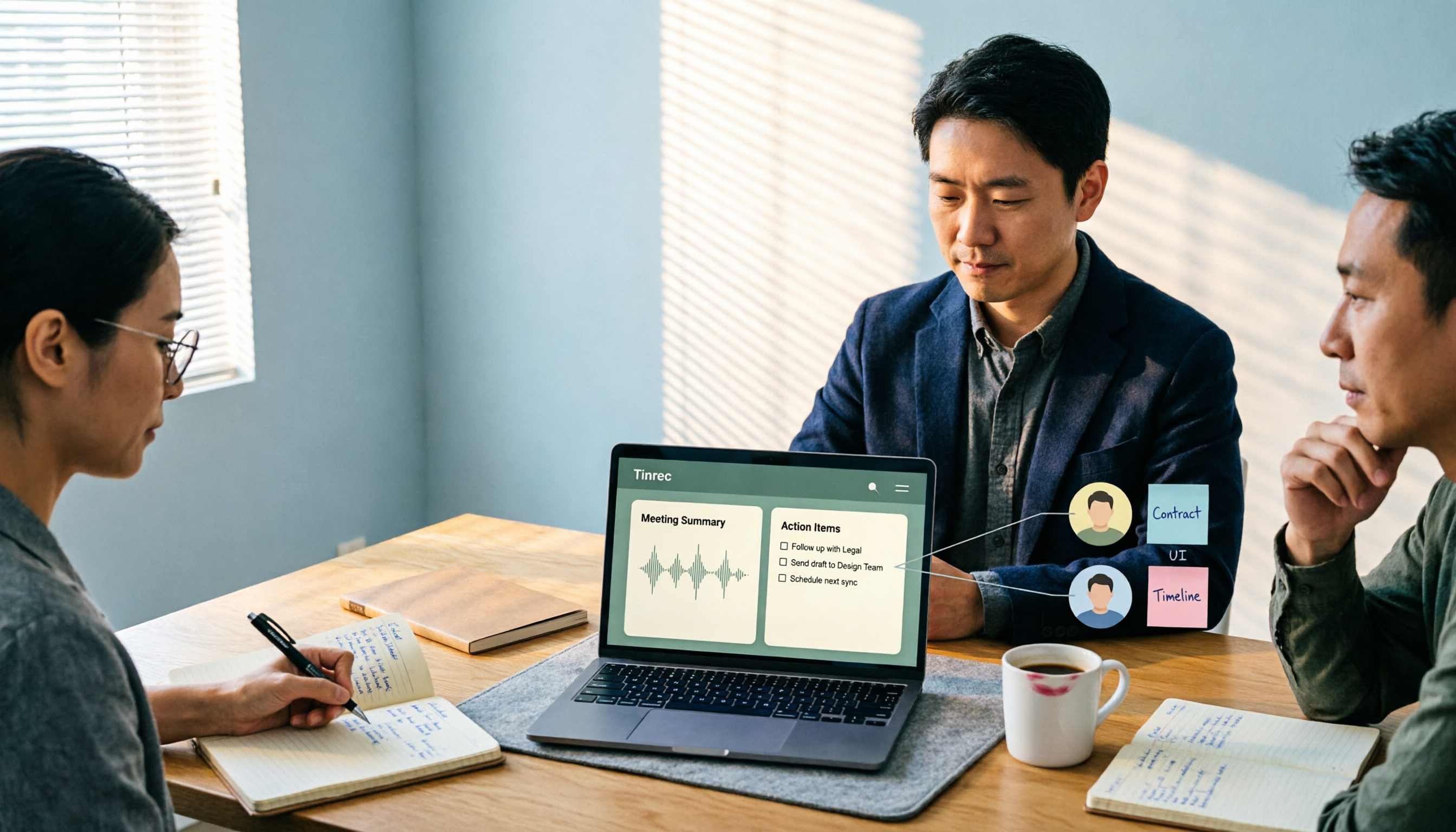
2026 Comparison of 4 Meeting Recording-to-Report Tools: How Fast Can You Get a Report After a Meeting?
Turning a meeting recording into a deliverable report isn't about transcription speed—it's about post-meeting output and team knowledge retention. This article tests Tinrec, Otter.ai, Granola, and TurboScribe from a mid-level manager's perspective, breaking down bot-free recording, summaries and action items, AI follow-up questions, audio retention, and team seat management, with scenario-based recommendations and three common pitfalls to avoid.

4 Meeting Minutes Tools Tested for 2026: Which One Turns Notes into a PPT Outline Fastest?
Still building a PPT outline after the meeting? We tested 4 meeting minutes tools, comparing transcription accuracy, structured output, AI Q&A, and team collaboration to find out which one turns meeting minutes into a PPT outline fastest.
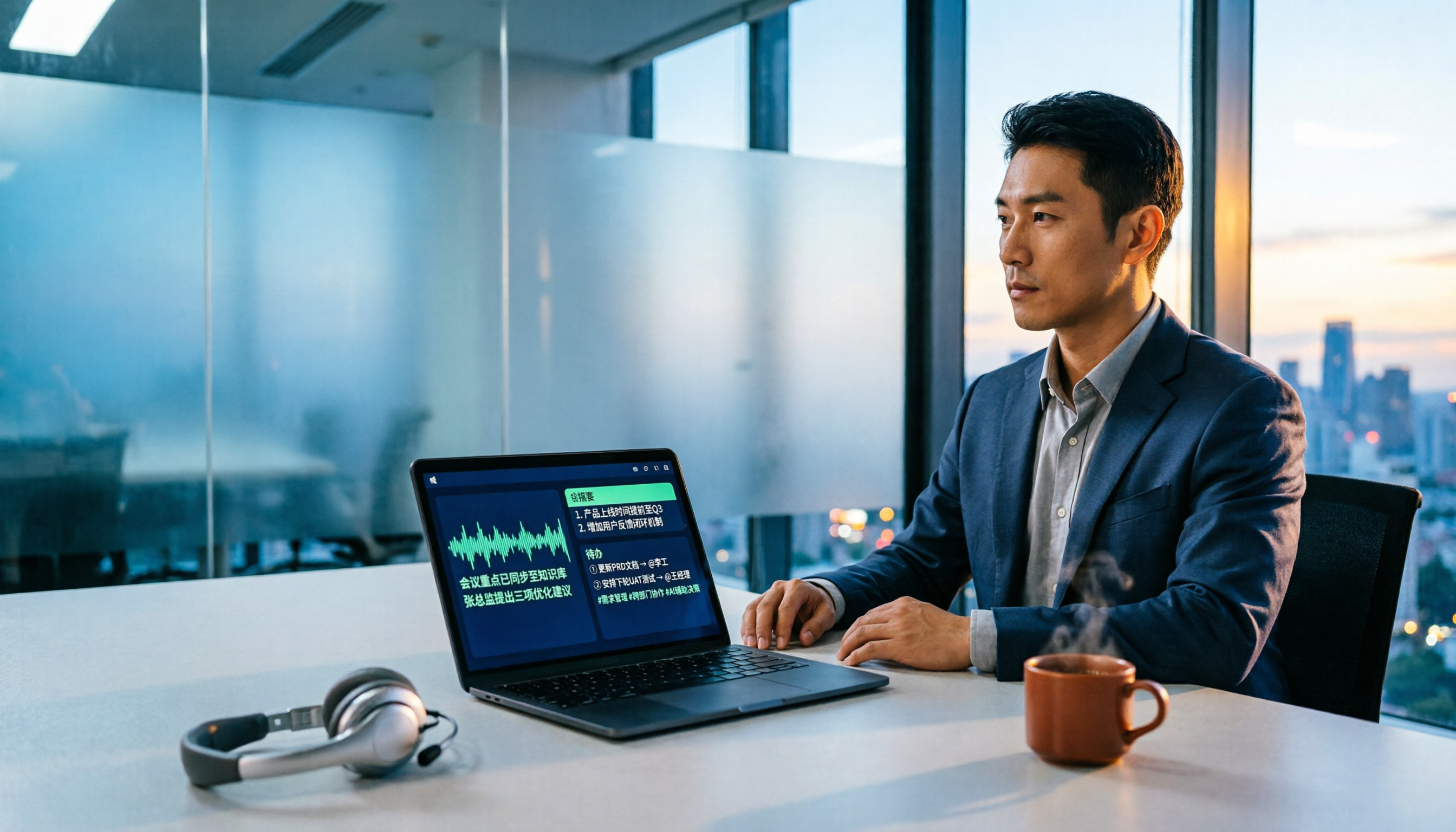
6 AI Meeting Transcription Tools Compared for 2026: Fireflies.ai vs Tinrec — Which Should You Choose?
Based on hands-on experience, this comparison covers six AI meeting transcription tools — Tinrec, Fireflies.ai, Otter.ai, Notta, Granola, and TurboScribe — from bot and bot-free recording, Chinese recognition, post-meeting organization, to team data management, helping you choose the right solution for your work style.

2026 Team Meeting Tools Compared: The One Without a Meeting Bot Is the Easiest
From the perspective of a mid-level manager leading a 10-person team with 15 meetings a week, we tested and compared four team meeting tools: Tinrec, Granola, Otter.ai, and Notta. We examined five key points: how recordings are captured, post-meeting outputs, Chinese and mixed Chinese-English recognition, role and seat governance, and quota calculation. We also summarized the four most common purchasing mistakes to help you choose the one that truly preserves meeting assets.

2026 AI Meeting Minutes Tools Compared: Which One Generates a Word Report in One Click?
We tested 4 AI meeting minutes tools, comparing transcription, post-processing, Word export, and team data governance. Find out why Tinrec saves the most time for Chinese meetings and report output, plus 4 common buying mistakes to avoid.

Laxis vs Tinrec 2026: Which AI Meeting Tool Is Right for You? 5 Steps to Choose
Laxis and Tinrec both turn meetings into text, but they are built for different purposes. This article compares them across five dimensions—Chinese meeting handling, online meeting recording, post-meeting workflow, team data governance, and pricing—and provides a 5-step framework to help your team decide which one to choose.
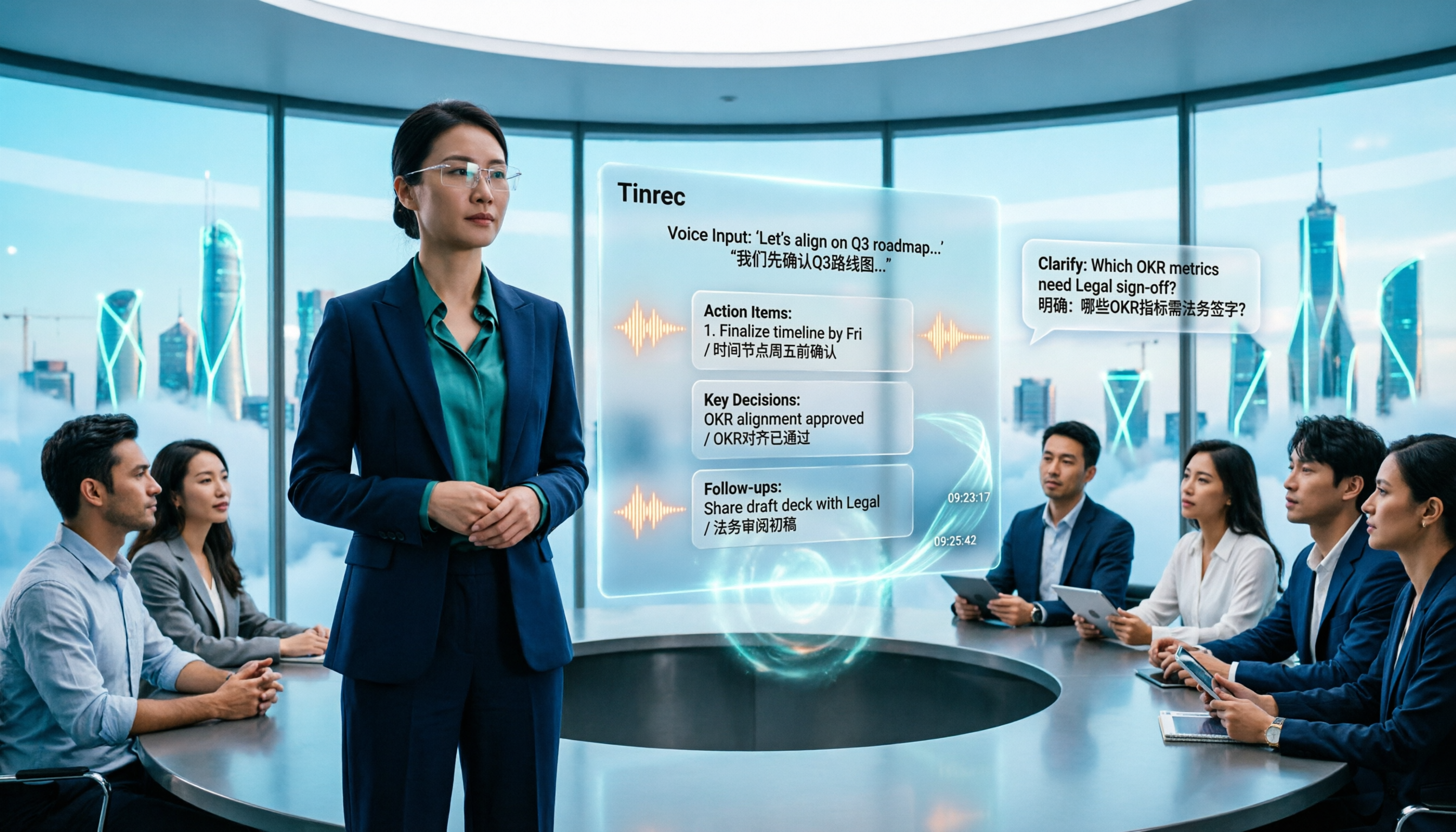
2026 AI Meeting Note Tools Compared: Granola vs Tinrec for Chinese Meetings
We tested four AI meeting note tools including Granola and Tinrec, comparing Chinese and mixed Chinese-English recognition, audio retention and historical file import, post-meeting AI queries, and team data management. We also cover selection criteria and common pitfalls to help you choose the right tool for your meeting scenario.