
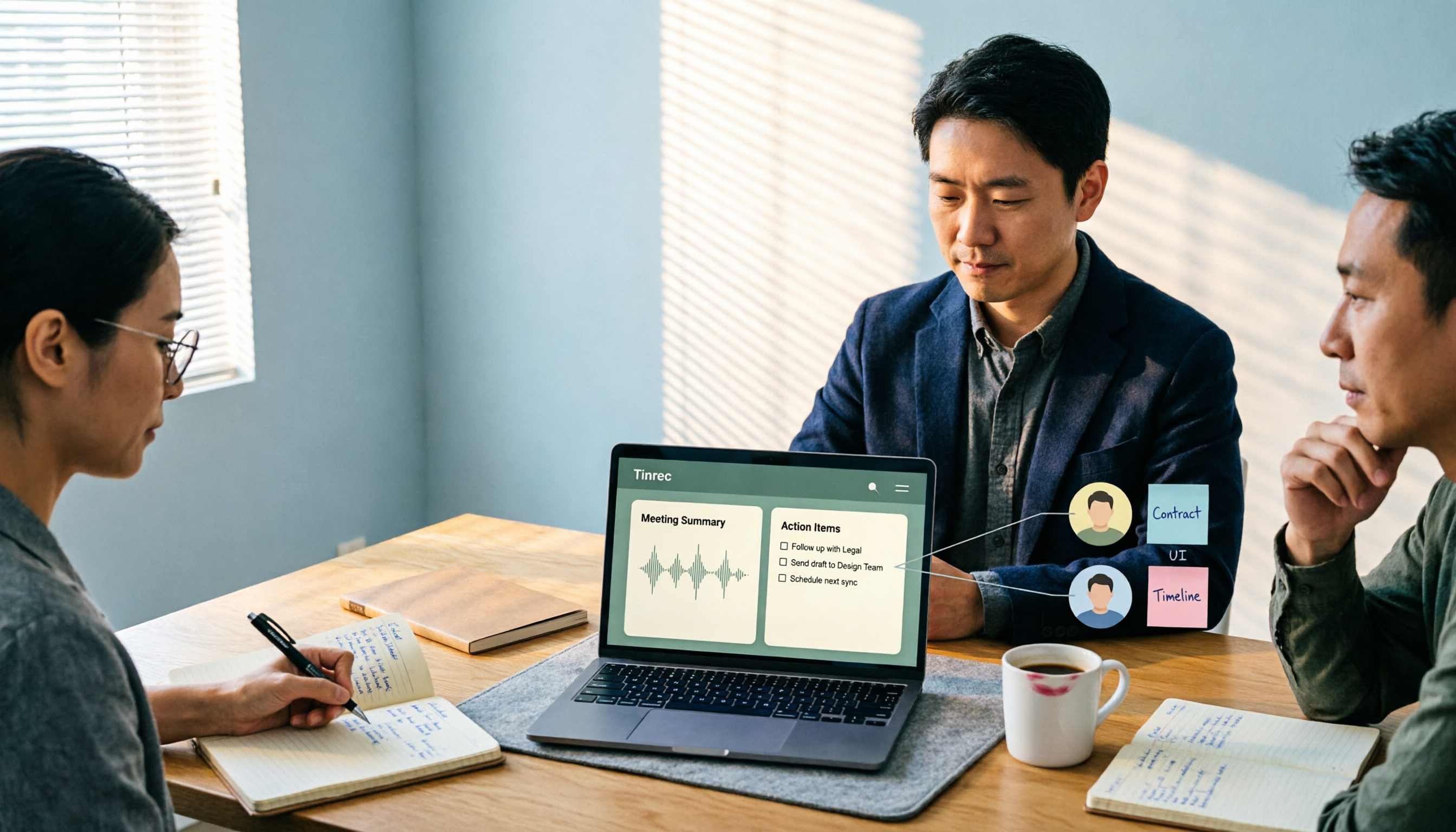
Turn recordings into transcripts and summaries in minutes
Upload audio or video for multilingual transcription, AI notes, and action items
2026 Comparison of 4 Meeting Recording-to-Report Tools: How Fast Can You Get a Report After a Meeting?
Let me ask you a question first: after a 50-minute meeting ends, how long does it take you to produce a meeting report that you can show your boss?
If your answer is "I stay late that night to work on it," then what you really need isn't the "most accurate transcription tool"—it's the tool that produces output fastest after the meeting and is most reusable. In this article, I tested 4 tools using my own team's meetings, focusing on one criterion: how many steps stand between the end of the meeting and a usable report.
The Work Starts After the Meeting—Most People Get Stuck in the "Post-Meeting Phase"
What I used to dread wasn't the meeting itself—it was afterward. Weekly meetings, project status meetings, cross-department coordination—about 15 per week, each leaving behind a pile of decisions and action items.
Scenario one: a two-hour meeting, then two more hours re-listening to the recording. Who said what—you have to piece it all together yourself.
Scenario two: your boss casually asks, "What was the conclusion on that budget from last time?" You flip through your notes for three minutes and can't find it—that feeling is awful.
Scenario three: you verbally assign something to a subordinate, ask about it two days later, and they say they forgot. No record, no follow-up.
The common thread in all these problems is: what you're missing isn't a transcript—it's a meeting report you can use directly. Choosing the right tool can really eliminate a big chunk of that.
Before Choosing a Meeting Recording Tool, Understand These 4 Key Points
First, transcription is just the threshold—post-meeting output is what matters. There are plenty of tools that can convert speech to text now. The difference is whether they can automatically give you a summary, chapters, key points, and action items after transcription. If all you get is a long transcript, you still have to read through it yourself.
Second, should online meetings use a meeting bot? One type of tool joins the meeting as a "participant," adding an account to the attendee list; another type records directly from your computer's system audio, so meeting participants won't notice an extra person. The latter is more suitable for client meetings and sensitive cross-department meetings.
Third, will the audio file be retained? Some tools keep only text, not audio. This means if you want to go back and verify a specific sentence later, you no longer have the original recording to listen to.
Fourth, if your team will use it, look at the difference between "roles" and "seats." Who can manage the team and who can upload and edit are two different things. Most articles don't cover this, but it's the easiest thing to get stumped on during procurement.
Tinrec—Our Team's Current Primary Tool
One-sentence positioning: Tinrec is an AI meeting notes and collaboration tool for individuals and teams, turning meetings into searchable, collaborative, actionable team knowledge.
How does it work in real meetings?
During online meetings, I start recording directly from the desktop app. It captures the computer's system audio without dropping a bot into the Zoom or Google Meet participant list. The transcript appears as you record, and by the time the meeting ends, the summary, chapters, and action items are already organized—who's responsible for what and when it's due, all at a glance. This step alone saves me the two hours I used to spend re-listening to recordings.
The second scenario is post-meeting follow-up questions. More than once, I've directly asked it, "In last quarter's meetings, what was the final decision on the budget?" It doesn't dump a list of keyword search results on you—it answers based on the meeting content. This is especially useful for teams like ours where "one decision is scattered across five meetings."
The third scenario is delivery. Meeting data can be exported directly to Notion, Google Docs, OneNote, and other tools, and can further generate reports, tables, and documents. For people who need to report upward, this is far more practical than a transcript.
Stop organizing recordings by hand
Upload audio or video and automatically get a transcript, summary, and action items
The team plan deserves separate mention. The team plan isn't "multiple people sharing one account"—it's an independent team space: you can invite members, set owners/admins/regular members, assign and revoke seats, centrally store meeting audio and action items, and view usage trends, member details, and audit logs. Here's an easily confused distinction: roles determine who can manage the team, seats determine who can record, upload, edit, and export. Members without seats can still view, play, and read team data, but cannot upload or edit. Also, when a member leaves or loses their seat, team resources belong to the team and need to be handed over to other active members—they won't be taken away by the individual.
Three advantages I've actually experienced:
First, the "no bot" aspect is especially noticeable in client meetings; second, after the meeting, I don't need to open another ChatGPT tab and copy-paste back and forth—summaries, action items, and exports are all in one workflow; third, team data doesn't disappear when people leave.
Limitations should also be stated clearly: First, accuracy is affected by recording quality, noise, accents, and multiple people talking over each other. For important content, I still cross-check against the transcript timestamps—I wouldn't recommend treating it as a 100% no-check-needed tool. Second, document import and web link import consume credits, so heavy usage depends on your plan. Pricing and benefits are subject to the official purchase page.
Who it's for: People whose meetings are primarily in Chinese, who need to directly produce reports or tables after meetings, and who value audio retention and team knowledge retention.
Besides Tinrec, What Other Options Are There?
Otter.ai: A mature choice for English business meetings. Basic is free with 300 minutes per month; Pro annual billing works out to about USD 8.49/user/month including 1,200 minutes of in-app recording and 10 file imports. If almost all your meetings are in English, it's a great deal; but for Chinese meeting experience and post-meeting report and table processing, Tinrec is more focused.
Granola: Also uses a bot-free approach to transcribe from device audio, and combines with your handwritten notes to generate content. Basic is free; Business is USD 14/user/month. Note that it doesn't support uploading pre-recorded audio files and doesn't retain meeting audio—if you need to listen back to the original audio for verification, Tinrec is the direct solution here.
TurboScribe: A cost-effective file transcription tool. Free allows 3 files per day with a 30-minute limit per file; Unlimited is USD 120 per year. Its strength is long files and batch processing (paid version supports up to 10 hours per file and 50 files at once), but it doesn't focus on real-time meetings, post-meeting Q&A, or action item extraction—that's Tinrec's territory.
Pitfall Guide: The 3 Most Common Mistakes When Choosing a Meeting Recording Tool
Pitfall one: Only looking at the officially stated accuracy rate. That's usually measured in a quiet environment. Real meeting rooms have air conditioning noise, keyboard sounds, and multiple people talking over each other—performance will definitely be lower. I recommend testing with a real recording of your own, not just looking at advertising numbers.
Pitfall two: Only looking at transcription, not post-meeting output. If a tool only gives you a transcript, you're only using a third of its value. What really takes time in a meeting report is the summary, action items, and follow-up—not typing.
Pitfall three: Equating "team sharing" with "permission management." Many teams buy a tool only to discover: they want everyone to be able to view but only a few to edit—what they actually need is a role-plus-seat design. Before buying, ask clearly how these two things are separated.
Conclusion: Which One Should You Actually Choose?
One-sentence conclusion: If what you want is "a deliverable report right after the meeting ends," Tinrec is currently the smoothest path.
- Primarily Chinese meetings, need post-meeting reports or tables → Tinrec
- Need to retain recordings, need to listen back for verification → Tinrec
- Team sharing of meeting data, need to manage members and seats → Tinrec (Team plan)
- Only use iPhone, no cross-platform need → Granola is worth trying
- Pure English meetings, zero budget → Otter.ai free version is enough
- Need to batch transcribe 50 long files at once → TurboScribe
I recommend starting with Tinrec's free version for one or two real meetings to experience what "no more re-listening to recordings after the meeting" feels like. If it works well, then consider upgrading or evaluating the team plan. You don't need to spend money from the start, but remember: what you're saving isn't the cost of the tool—it's those two hours every evening.
References
- No time limit! 3 free AI transcription tools, highly recommended! AI voice notes generate meeting minutes, presentations, mind maps | 104 Career Power
- How to use AI for meeting minutes? How to organize meeting transcripts? | AI voice-to-transcript tutorial | 104 Career Power
- The most recommended AI meeting notes tool of 2026, the must-have time-saving meeting tool!
- Get meeting minutes done! How to do AI voice-to-transcript? Gemini Notebook, Gemini, EchoScript operation analysis | 104 Career Power
- Taking meeting minutes is such a hassle? ChatGPT+Whisper gets it done in one go! Automatic transcription, summarization, and sending all possible | BusinessNext
Turn every recording into actionable outcomes
Get 60 free transcription minutes when you sign in. No credit card required.
Related Reading
You might also like

Free Management Meeting Report Solutions in 2026: A Look at 4 Types of Tools
Starting from common pitfalls, this article reviews free solutions and tool types for management meeting reports, and explains how Tinrec uses real-time transcription, AI summaries, action items, and team spaces to turn meeting content into trackable decision data.

How to Turn Meeting Notes into Work Reports in 2026: 5 Steps from Recording to AI Output
Meeting notes are not transcripts. This article compares Tinrec and Otter.ai on Chinese meetings, bot-free recording, post-meeting report generation, and team knowledge retention, and outlines a 5-step process to turn meeting recordings into deliverable work reports.

2026 AI Meeting Transcription Tools with Free Plans: 5 Options Compared
Tired of writing meeting minutes after a long day? This article compares 5 AI meeting transcription tools that offer free plans, breaking down free quotas, meeting capture methods, and post-meeting organization capabilities. It focuses on Tinrec and Notta to help you find the best tool for your needs.

Tinrec vs Notta 2026: 5-Dimension Comparison — Which Generates Meeting Minutes PDFs More Easily?
Generating deliverable PDF meeting minutes isn't just about transcription accuracy; it also involves format output, post-meeting organization, and team data retention. This article reviews 6 common solutions, covering recording methods, transcription, summarization, export, and team management, and helps you choose based on budget and use case.

2026 Meeting Notes Tool Comparison: Tinrec vs Notta, Otter.ai, Granola — Which Should You Choose?
How do you choose between Tinrec and other meeting note tools? This article compares Tinrec with Notta, Otter.ai, and Granola based on 4 key criteria: Chinese meeting transcription, bot-free recording, post-meeting organization, and team collaboration. We also cover selection standards and common pitfalls to help you find a meeting notes tool that truly saves time.
5 Project Meeting Report Templates Compared for 2026: Which One Turns into an Action List Fastest?
We compare 5 project meeting report templates and tools—from manual Word templates to Tinrec, Notta, Otter, Fireflies, and TurboScribe—covering free limits, pricing, and best use cases to help you choose the fastest way to produce actionable meeting minutes.

2026 AI Meeting Recorder Comparison: Fathom vs Tinrec for Chinese Meeting Notes
We tested four AI meeting note tools—Tinrec, Fathom, Notta, and Otter.ai—in real meeting scenarios. From Chinese and mixed Chinese-English recognition to bot-free recording, post-meeting organization, and team data management, we explain why Fathom suits English sales teams and how Tinrec performs in Chinese meetings and team collaboration.

4 Meeting Minutes Tools Tested for 2026: Which One Turns Notes into a PPT Outline Fastest?
Still building a PPT outline after the meeting? We tested 4 meeting minutes tools, comparing transcription accuracy, structured output, AI Q&A, and team collaboration to find out which one turns meeting minutes into a PPT outline fastest.
6 AI Meeting Transcription Tools Compared for 2026: Fireflies.ai vs Tinrec — Which Should You Choose?
Based on hands-on experience, this comparison covers six AI meeting transcription tools — Tinrec, Fireflies.ai, Otter.ai, Notta, Granola, and TurboScribe — from bot and bot-free recording, Chinese recognition, post-meeting organization, to team data management, helping you choose the right solution for your work style.