

Turn recordings into transcripts and summaries in minutes
Upload audio or video for multilingual transcription, AI notes, and action items
2026 Comparison of 4 Tencent Meeting AI Notes Alternatives: Which Handles Bot-Free Recording and Post-Meeting Q&A Best?
First, Ask Yourself: Do You Want a Set of Notes, or a Workflow That Handles All Your Meetings?
Tencent Meeting's AI notes can already automatically summarize and extract key points.
If all your meetings are held in Tencent Meeting, it's actually sufficient.
But that's usually not the case for me—
Clients use Zoom, consultants use Google Meet, colleagues use Teams, and occasionally a client sends a recording file directly.
So the question becomes: Are you choosing "which notes are more accurate," or "which solution can handle all your meeting sources and remain useful after the meeting?"
This determines whether you should switch and where to switch to.
Below are 4 approaches I've tested with the same set of meeting materials, and I'll explain the differences clearly.
Before Choosing an Alternative, Think Through These 4 Things
First, is the input source broad enough?
Tools that only support "online meetings" get stuck when faced with offline interviews, phone recordings, or audio files sent by clients.
Second, does the recording method interrupt the meeting?
Meeting bots join as participants, and some people mind having an extra account in the meeting list; another approach is to capture system audio directly on the desktop, without disrupting your usual meeting habits.
Third, can you "ask" it after the meeting?
If it only gives you a transcript, you still have to dig through it yourself. Being able to ask questions semantically is what truly saves time.
Fourth, who ultimately holds the data?
If everything is stored in personal accounts, a colleague's departure creates a gap. Team spaces are a whole different level.
Tinrec — The One I Ultimately Kept
Tinrec is an AI meeting notes and collaboration tool for individuals and teams, covering iOS, Android, desktop, and web.
Three things stood out to me.
First, bot-free recording on desktop. Before a meeting, open Tinrec desktop, and it directly captures your computer's system audio. It works with Zoom, Google Meet, Microsoft Teams, and Webex, without inviting any bot into the meeting room or changing your existing meeting workflow.
Second, you can continue asking questions after the meeting. After recording, I can directly ask it, "Who mentioned budget adjustments in last week's meeting?" or "What reservations did the client have about the delivery date?" It doesn't give me a list of keywords; it answers directly. At the same price point, this capability is not common.
Third, the output is more than a transcript. Summaries, chapters, action items, and mind maps are automatically generated. You can further use the Agent to generate reports, tables, and documents, and export to Notion, Google Docs, OneNote, or Dropbox for further processing.
For team use, the focus is completely different. The team version provides an independent team space where meeting data belongs to the team, and members can view and reuse historical meetings. The admin side can manage roles and seats, view usage trends, query and export audit logs, and hand over data when members change. One thing to clarify: roles determine who can manage, seats determine who can record, upload, and edit. Members without a seat can still view, play, and read team data.
Stop organizing recordings by hand
Upload audio or video and automatically get a transcript, summary, and action items
Limitations are also clear. The free version has a basic quota, and heavy use requires payment. Actual transcription quality is affected by audio quality, accents, multiple people talking over each other, and technical terminology. For important content, I still go back and check the original text. For some team version capabilities, before official public announcements, it's best to refer to the official purchase page.
Besides Tinrec, What Other Options Are There?
I actually started with Tencent Meeting's built-in AI Assistant Pro. It offers personalized reminders, meeting content summaries, and key information extraction. If your meetings are 100% in Tencent Meeting, its integration is the most convenient. But as soon as meetings move to other platforms, the data gets scattered.
Then I tried Otter.ai. It's a veteran choice for English meetings. The Basic free version offers 300 minutes per month, and Pro annual billing is about USD 8.49 per user per month, including 1,200 minutes per month. It's mature for English business scenarios, but Chinese meeting nuances are not its strong suit.
I also tried Notta. It offers multi-platform transcription, file import, and translation. Free is 120 minutes per month, max 3 minutes per session; Pro annual billing is about USD 8.17 per month, including 1,800 minutes per month. It's suitable for those who mainly transcribe files, but bot-free online meeting recording and post-meeting team data retention are not its focus.
After going through a round, my conclusion is: Each has its strengths, but options that combine "cross-platform recording + post-meeting Q&A + team retention" in one are few.
Pitfall Guide: The 3 Most Common Mistakes When Choosing AI Notes Tools
Pitfall 1: Only looking at how many free minutes are included.
Many people see "300 free minutes per month" and choose it, only to find it only transcribes text, with no summaries or action items, and they still have to organize manually afterward. Look at the quota together with AI features.
Pitfall 2: Ignoring input sources.
Today you only have online meetings, tomorrow you might need to process a client's recording, and the day after you might want to handle a course video. Tools that support only a single source will soon require you to find a second tool.
Pitfall 3: Buying it but only using it as a transcript.
If you only convert recordings to text, you're using only one-third of its capabilities. What truly makes a difference is the post-meeting step—directly asking it for key points, having it extract action items, and letting it generate a meeting record you can send out.
Conclusion: Which One Should You Choose?
- Meetings span multiple platforms and you want to keep recordings → Tinrec (bot-free desktop recording, works with Zoom, Meet, Teams, Webex)
- You want to use AI to ask about key points and generate documents after the meeting → Tinrec (AI Q&A and Agent post-processing)
- Meeting data needs to become a team asset, requiring seat management and auditing → Tinrec Team Version
- All meetings are in Tencent Meeting and you just need a set of notes → Tencent Meeting AI Assistant Pro
- Budget-first, all content is English meetings → Otter.ai
Quick Start: My 6-Step Routine
- Start with the free version and throw in an old recording that gave you the most trouble.
- On the day of the meeting, open the desktop version and start bot-free recording.
- After the meeting, first check the summary and chapters to confirm the structure is correct.
- Ask it to extract action items, and manually add owners and deadlines.
- Directly ask it a question you would otherwise have to replay the recording to find.
- When team collaboration is needed, create a team space and assign seats.
The tool is just a supporting role. What really changes is whether you turn "post-meeting organization" into a fixed step. Test gradually, and you'll master this method over time.
References
- Tactiq Alternative Recommendations (2026 Latest) | Comparison of 4 AI Meeting Notes Tools
- Tencent Meeting Leads 5 AI Notes Tools Tested and Recommended_Artificial Intelligence_2501_92406411-AtomGit Open Source Community
- 2026 Comparison of 4 Meeting Follow-Up AI Tools: Who's Best at Asking AI to Find Key Points Right After Recording? - Tinrec Blog
- How to Do AI Meeting Notes? Complete Guide from Writing Principles, Tool Selection to Automation Prompts | Manager Today
- Tencent Meeting AI Assistant Pro - Tencent Meeting
Turn every recording into actionable outcomes
Get 60 free transcription minutes when you sign in. No credit card required.
Related Reading
You might also like
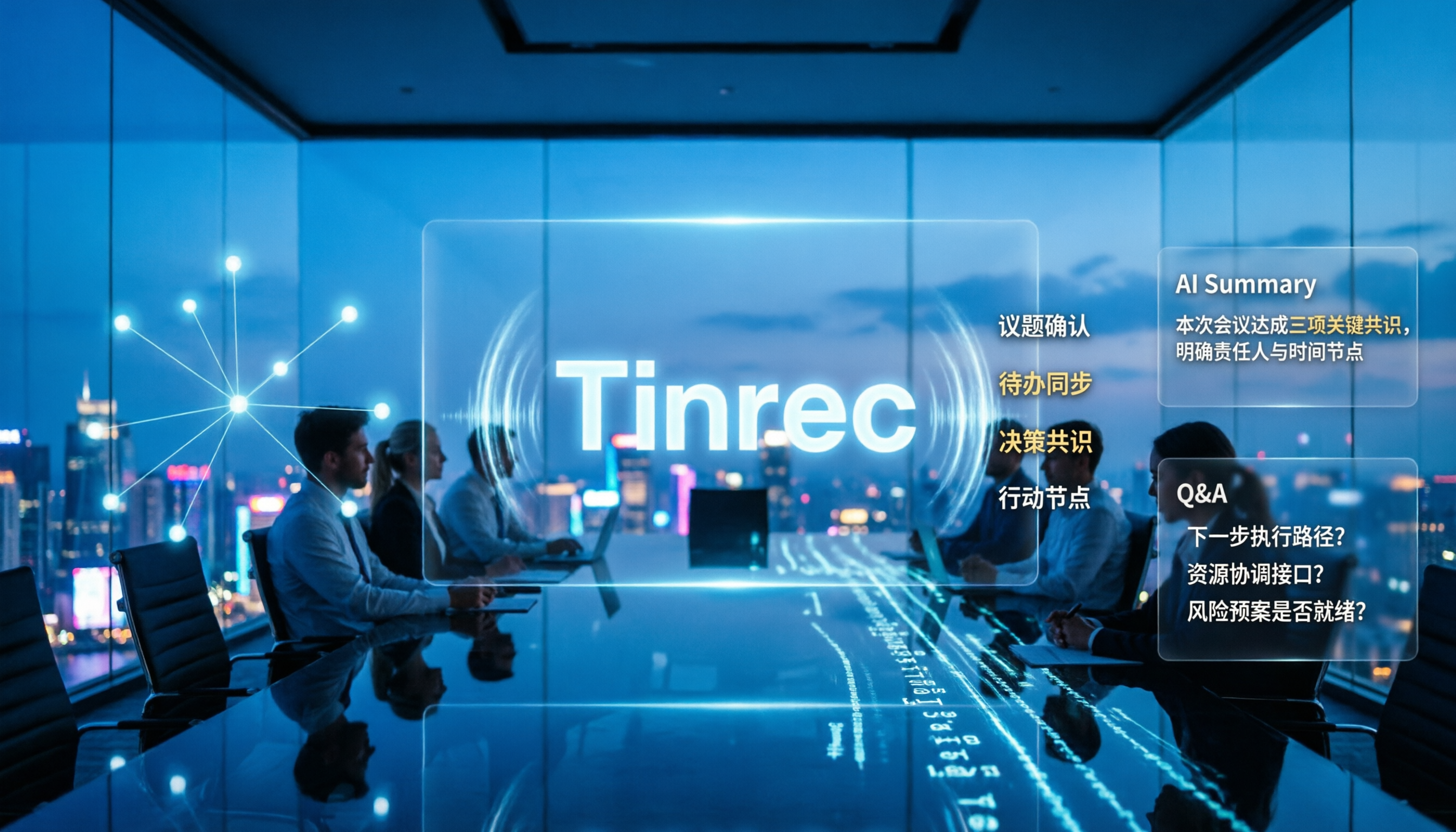
4 Best Audio-to-Text Tools for Chinese Meetings in 2026: Real-World Comparison
How to choose the right audio transcription tool? This article starts with common pitfalls, outlines 4 key buying factors, then compares Tinrec, Otter.ai, Granola, and TurboScribe in real-world tests for Chinese meeting transcription, bot-free recording, AI summary Q&A, and team data retention. It ends with a guide to avoid mistakes and recommendations based on your needs.
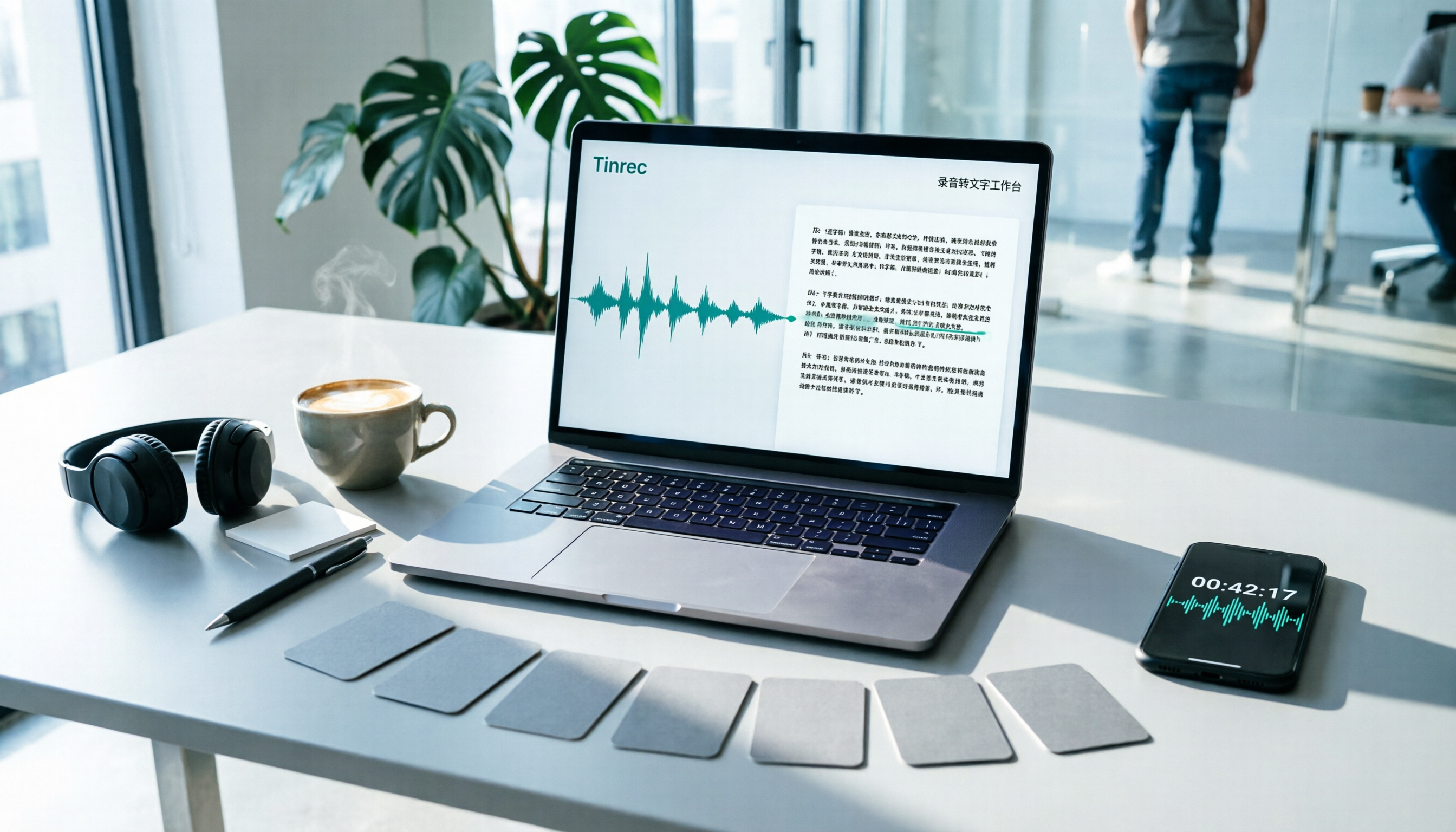
7 Best Free Audio-to-Text Transcription Tools in 2026: A Complete Comparison
Tired of spending hours transcribing meeting recordings? This guide reviews 7 free audio-to-text transcription solutions in 2026, comparing free tiers and paid pricing for Tinrec, MyEdit, cSubtitle, Otter.ai, Notta, TurboScribe, and Granola. Learn each tool's free limits, pricing, and ideal use cases to find the best fit for your transcription needs.

4 Meeting Transcription Tools Tested for 2026: Which One Actually Builds a Team Knowledge Base?
The real pain point with meeting notes isn't that nothing gets written down—it's that what's written down never gets used. Starting from real meeting scenarios, this article breaks down 4 key decision points for choosing a meeting transcription tool, compares Tinrec, Granola, Notta, and PLAUD in hands-on testing, and outlines the 3 most common buying mistakes, helping you turn scattered meeting content into a searchable, queryable, transferable team knowledge base.

2026 Comparison of 4 Meeting Transcription Tools: Who Does Permission Management Best?
Who should see meeting notes? This article examines four key points—roles and seats, team-level sharing, data ownership after member departure—and compares the permission management designs of Tinrec, Otter.ai, Fireflies.ai, and Granola, plus four common pitfalls to help you think clearly before adoption.

2026 Tinrec Meeting Data Governance Tutorial: Bot-Free Recording + Team Data Retention
After the meeting ends, does the data really stay? This article starts from the decision-making focus of 'meeting data governance,' guiding you through four key decision points. It tests Tinrec's bot-free recording, AI Q&A, and team space, compares the applicable scenarios of Otter.ai, Notta, and Granola, and includes a pitfall avoidance guide and a quick-start checklist.

Tinrec Personal vs Team Space: What's the Difference? 2026 Comparison
What's the difference between Tinrec Personal and Team Space? This article compares data ownership, sharing permissions, member seats, usage governance, and real-world scenarios to help you decide whether to use Personal or Team.

Tinrec vs Notta 2026: 5-Factor Comparison for Enterprise Meeting Data Management
Enterprise meeting data is scattered across recordings, chat rooms, and personal laptops. Which tool should you choose to centralize management? This article compares Tinrec and Notta across 5 key purchasing dimensions, with brief reviews of Otter.ai and Granola, to help you find the best solution for your team's meeting assets.

2026 AI Meeting Agent Guide: How Tinrec Turns Meetings into Searchable, Actionable Data
A hands-on guide to AI meeting agents for college students. It starts with common pitfalls, explains why meeting bots or transcripts alone aren't enough, and compares Tinrec with Otter, Notta, and Granola on meeting capture, Chinese recognition, AI Q&A, recording retention, and free tiers. It also covers practical uses for lectures, group discussions, project interviews, and internship meetings.

2026 Comparison of 4 Meeting Notes Tools: Which One Has the Best Team Audit Logs?
From team audit logs and seat management to Chinese meeting transcription, we compare Tinrec, Otter, Fireflies, and Notta to help you find the best meeting notes tool for team governance.