

Turn recordings into transcripts and summaries in minutes
Upload audio or video for multilingual transcription, AI notes, and action items
Why "Meeting Data Access Permissions" Has Become a Real Problem
Last month a friend asked me: after a critical project meeting, they needed to trace back who proposed a certain decision two months later — only to discover the recording was stored in a departed colleague's personal account.
The data was still there, but no one could access it.
This is what I always say: the challenge with meeting notes was never "did we record it" — it's "after recording, whose hands is it in, who can open it, and who can take it with them."
Once teams start meeting weekly and collaborating across departments, meeting data access permissions stop being just an IT matter — they become a workflow matter.
In this article, I've compiled 6 solutions that address meeting data access permissions, from team-level sharing and role/seat management all the way to data ownership for hardware recording — ordered by how I'd recommend them based on actually mapping out team workflows.
Solution 1 | Tinrec — Taking Meeting Data from Individuals Back to the Team
One-line positioning: Not multiple people sharing a single personal account, but an independent team collaboration space.
Team-level sharing with clear data ownership Meeting recordings, transcripts, summaries, and action items are stored in the team space and owned by the team — not by the individual who uploaded them. New members can directly view historical team meeting data upon joining.
Roles and seats managed separately Roles determine who can manage the team, members, audit, and team settings; seats determine whether a member can record, upload, edit, import, and export. Members with valid access but no seat can still view, play, and read team data.
Handover design for member changes When a member leaves, is removed, or loses their seat, team resources they were responsible for can be handed over to other active members — meeting data doesn't disappear along with the person.
Post-meeting governance and traceability Provides usage analytics, audit log search and export, team hotword management, and a 30-day audio recycle bin — so admins know who's using what, how much, and what's been changed.
Pricing The team's first eligible trial is 7 days, 1 free seat, and 300 minutes of team shared import quota. Team monthly billing is USD 29.80 per paid seat per month; annual billing is USD 199 per paid seat per year, approximately USD 16.58 per month. Each paid seat provides 2,000 minutes of team shared import quota per month; under an active team plan and active seat, live recording currently does not deduct minutes.
Best for Departments and project teams that need Chinese-language meeting notes, don't want to invite a meeting bot, and want to turn meeting data into a team asset.
Solution 2 | Otter.ai — Mature Team Permissions and Meeting Automation
One-line positioning: The most mature AI meeting assistant for English business meeting workflows.
It covers Zoom, Microsoft Teams, and Google Meet, with real-time transcription, speaker identification, AI Chat, and team management capabilities. Permissions and member management are relatively complete.
According to the current official pricing page: Basic is free with 300 minutes per month; Pro annual billing works out to USD 8.49 per user per month, including 1,200 minutes of in-app recording per month and 10 file imports; Business offers unlimited meetings and in-app recording, plus more import and management capabilities.
Best for: Organizations that primarily hold English-language meetings and need mature team permissions and automated workflows.
Solution 3 | Fireflies.ai — Role Permissions and Enterprise Governance
One-line positioning: A meeting assistant with standout meeting automation and team analytics capabilities.
Strengths include meeting bots, AI summaries, AskFred, team analytics, and extensive third-party integrations. The enterprise tier places significant emphasis on permissions and governance.
Official annual pricing: Free USD 0, Pro USD 10 per seat per month, Business USD 19 per seat per month, Enterprise USD 39 per seat per month. The so-called "unlimited transcription" is still subject to storage, upload speed, and AI Credit rules.
Best for: Teams that need meeting automation and sales analytics, and already have enterprise governance processes in place.
Stop organizing recordings by hand
Upload audio or video and automatically get a transcript, summary, and action items
Solution 4 | Notta — Multilingual Transcription and Role Permissions
One-line positioning: A multi-platform transcription and meeting notes tool with significant overlap with Tinrec.
Covers multi-platform transcription, meeting notes, file import, and translation. The Business plan provides role permissions and usage reports.
Official figures: Free offers 120 minutes per month with a maximum of 3 minutes per single item; Pro annual billing works out to USD 8.17 per month with 1,800 minutes per month; Business annual billing works out to USD 16.67 per seat per month, offering unlimited transcription, role permissions, and usage reports.
Best for: Teams that need multilingual transcription, have clear budget considerations, and don't need governance features like a team data recycle bin.
Solution 5 | Granola — Bot-Free Meeting Notes, Permissions Follow the Notes
One-line positioning: An AI meeting notes tool centered on user-written notes.
It also uses a bot-free approach to capture device audio, supports real-time transcript viewing, copying, and searching, and combines user notes to generate meeting content. It does not support uploading pre-recorded audio files and does not save meeting audio files.
Official pricing: Basic is free, Business USD 14 per user per month, Enterprise USD 35 per user per month.
Best for: Teams that prefer taking notes during meetings and don't need to retain audio recordings.
Solution 6 | PLAUD Note / NotePin — Data Ownership for Hardware Recording
One-line positioning: An AI recording solution centered on a dedicated recording device.
What users purchase is the device itself and the portable recording experience. Meeting data access permissions are primarily tied to the device and the app's team membership management.
Official US website pricing shows: NotePin USD 159, Note Pro USD 189; Starter offers 300 minutes per month, Pro USD 99.99 per year including 1,200 minutes per month, Unlimited USD 239.99 per year.
Best for: People who frequently record in environments without a computer, on phone calls, or in in-person settings, and are willing to carry an extra device.
With So Many Solutions, How Should You Choose?
If your core pain point is "who owns the meeting data, and will it still be there after someone leaves," the decision logic is actually quite clear:
• Want meeting data owned by the team, with handover when members leave → Tinrec — team resources are owned by the team, with a resource handover process • Need to distinguish "who can manage" from "who can use" → Tinrec — roles and seats are designed separately • Need governance capabilities like usage analytics, audit, and recycle bin → Tinrec — includes usage analytics, audit logs, and audio recycle bin • Primarily Chinese-language meetings or mixed Chinese-English content → Tinrec — covers Chinese, Traditional Chinese, and multilingual meeting scenarios • Prioritize English business meetings and mature automation → Otter.ai or Fireflies.ai • Want to try at zero cost first → Every provider's free plan can get you started, but team governance capabilities typically require a paid plan
3 Things to Know Before Using Meeting Data Access Permission Mechanisms
First, team-level sharing is not the same as file-level permissions. Currently Tinrec focuses on team-level sharing, using roles to control governance and seats to control usage eligibility. If you need "different access scopes for different members on each meeting note," that falls under file-level permission design — you'll need to confirm whether the tool supports it.
Second, seats and roles are two different things. Having a role doesn't mean you can use resources; having a seat doesn't mean you can manage the team. When assessing needs, first ask "who needs to record, who needs to manage," then decide on the number of seats.
Third, recording and transcription involve legal and consent considerations. Before recording a meeting, remember to comply with local regulations and obtain participant consent when required.
Summary
Meeting data access permissions are really about a team's memory: whose hands the data is in determines how long the team can remember.
Tinrec's approach is to bring meeting data into the team space, use roles to manage governance and seats to manage usage, and enable handover when members leave.
If you've ever experienced the frustration of "the data is there, but I can't get it," start with the free plan or a team trial — run one complete meeting through the entire workflow before deciding whether to expand.
Test step by step, and you'll gradually master this approach.
References
- Set or change permissions for a public folder - Microsoft Support
- Ministry of Justice - Related Legal Provisions
- Central Regulation Search Results - National Laws and Regulations Database
- National Development Council Archives Administration Bureau Order: Amendment to "Retention Periods and Destruction of Agency Archives..."
- Regulation Name: National Archives Management Committee Meeting Guidelines
Turn every recording into actionable outcomes
Get 60 free transcription minutes when you sign in. No credit card required.
Related Reading
You might also like

4 Meeting Notes Tools Tested in 2026: Which One Actually Builds a Team Knowledge Base?
Meeting notes shouldn't stay locked in personal accounts. We tested Tinrec, Otter.ai, Granola, and PLAUD across bot-free online meeting recording, post-meeting summaries and action items, AI Q&A, team spaces, roles, and seat management to help you find the tool that truly turns meetings into reusable team data.
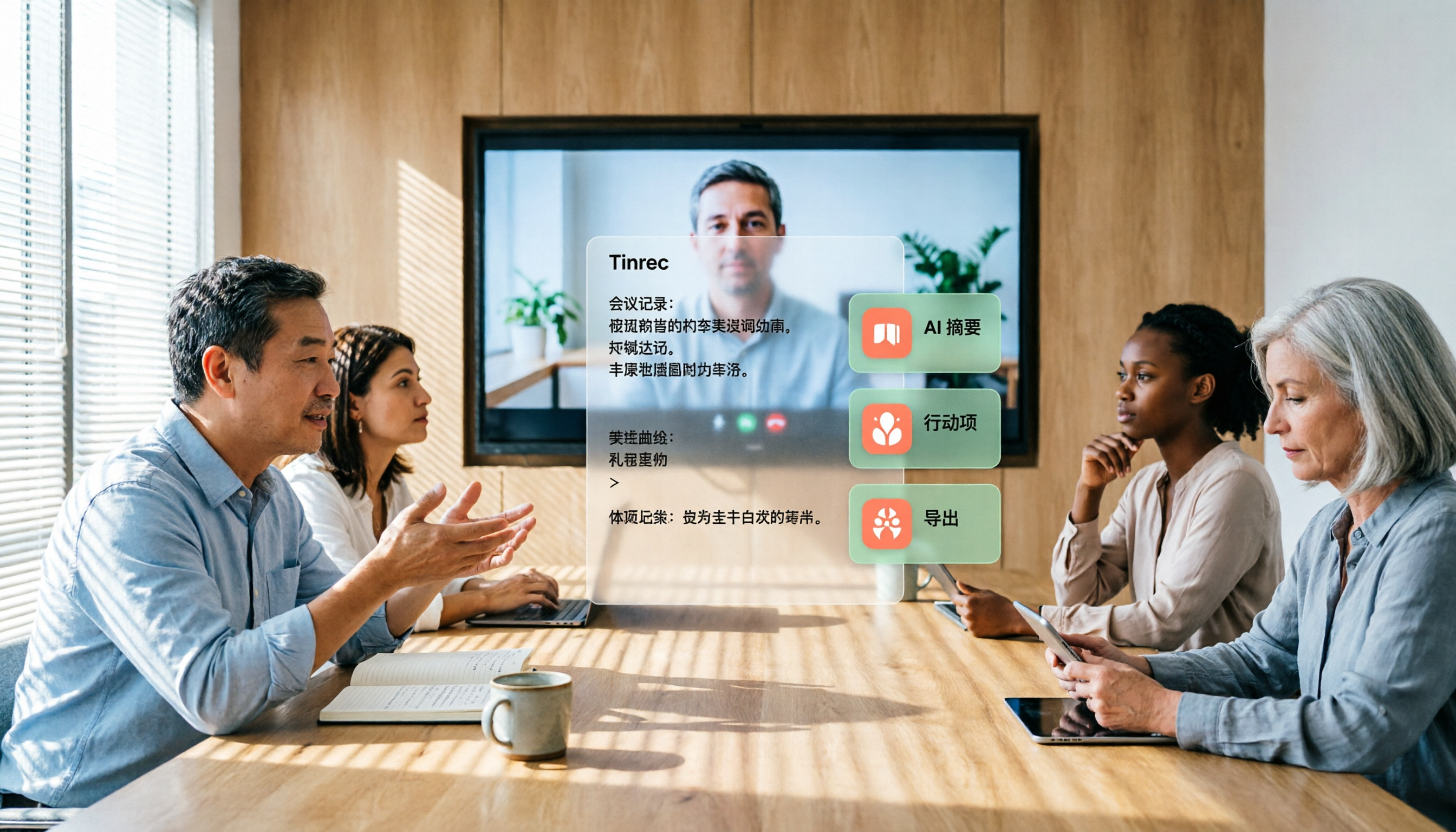
Feishu Minutes Alternatives: 2026 Hands-On Comparison of 2 Tools, Tinrec Handles Chinese Meetings Better
Feishu Minutes free version has ASR time limits. This article compares Feishu Minutes and Tinrec in meeting recording, free quota, AI organization, export, and team collaboration to help users who meet across platforms and want to consolidate meeting materials find a more suitable alternative.

Notion AI Meeting Notes Alternative Tested: Tinrec's Bot-Free Workflow Review (2026)
Notion AI's meeting notes are well-integrated, but plan thresholds, device limits, and team sharing needs can still get in the way. From the perspective of a mid-level manager who runs 15 meetings a week, this hands-on review tests Tinrec as an alternative: bot-free recording, live transcription, AI summaries and action items, post-meeting Q&A, multi-format export, and team space roles and seat governance—plus an honest look at when it's not a good fit.

5 AI Meeting Tools Seat Management Tested for 2026: How Many Team Plan Seats Do You Really Need?
How many seats to buy for a team meeting tool is the biggest question most teams face before purchasing. This article uses Tinrec's team plan to demonstrate a replicable seat management process, explaining roles, seats, data ownership, and usage checks in 5 steps, along with FAQs and alternatives.

4 Best Audio-to-Text Tools for Chinese Meetings in 2026: Real-World Comparison
How to choose the right audio transcription tool? This article starts with common pitfalls, outlines 4 key buying factors, then compares Tinrec, Otter.ai, Granola, and TurboScribe in real-world tests for Chinese meeting transcription, bot-free recording, AI summary Q&A, and team data retention. It ends with a guide to avoid mistakes and recommendations based on your needs.
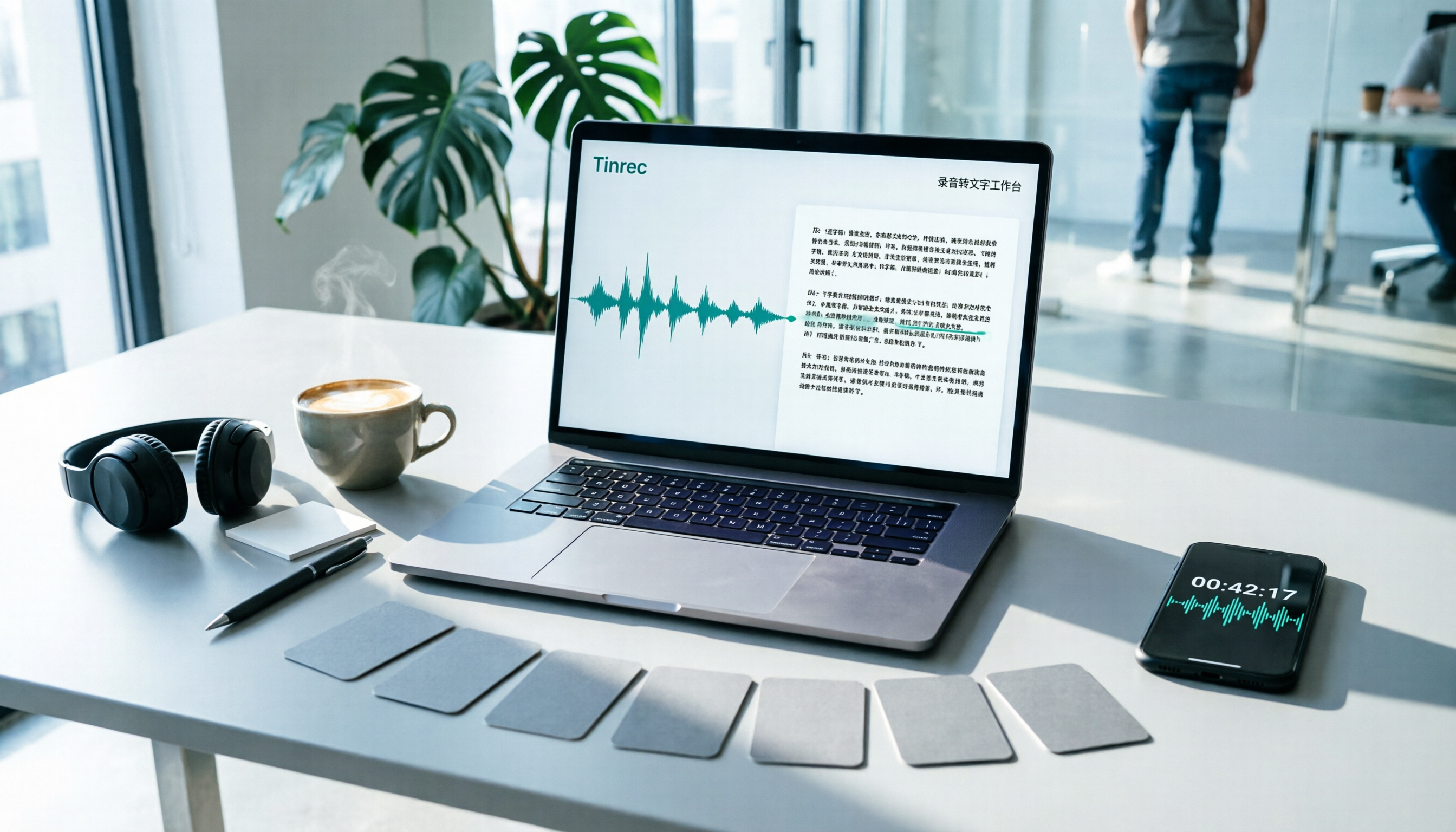
7 Best Free Audio-to-Text Transcription Tools in 2026: A Complete Comparison
Tired of spending hours transcribing meeting recordings? This guide reviews 7 free audio-to-text transcription solutions in 2026, comparing free tiers and paid pricing for Tinrec, MyEdit, cSubtitle, Otter.ai, Notta, TurboScribe, and Granola. Learn each tool's free limits, pricing, and ideal use cases to find the best fit for your transcription needs.

4 Meeting Transcription Tools Tested for 2026: Which One Actually Builds a Team Knowledge Base?
The real pain point with meeting notes isn't that nothing gets written down—it's that what's written down never gets used. Starting from real meeting scenarios, this article breaks down 4 key decision points for choosing a meeting transcription tool, compares Tinrec, Granola, Notta, and PLAUD in hands-on testing, and outlines the 3 most common buying mistakes, helping you turn scattered meeting content into a searchable, queryable, transferable team knowledge base.

2026 Comparison of 4 Meeting Transcription Tools: Who Does Permission Management Best?
Who should see meeting notes? This article examines four key points—roles and seats, team-level sharing, data ownership after member departure—and compares the permission management designs of Tinrec, Otter.ai, Fireflies.ai, and Granola, plus four common pitfalls to help you think clearly before adoption.

2026 Comparison of 4 Tencent Meeting AI Notes Alternatives: Which Handles Bot-Free Recording and Post-Meeting Q&A Best?
Tencent Meeting's built-in AI notes are sufficient for single-platform users, but when meetings span Zoom, Meet, and Teams, or when you need to process client-sent audio files, the issue isn't accuracy—it's whether the tool can handle all your sources. This article uses the same set of meeting materials to test four approaches, comparing input sources, recording methods, post-meeting Q&A, and team data retention, and highlights the three most common mistakes when choosing a tool.