

Turn recordings into transcripts and summaries in minutes
Upload audio or video for multilingual transcription, AI notes, and action items
Two-Hour Meeting, Two More Hours Writing Notes — The Problem Isn't Your Work Ethic
For many professionals, attending over a dozen hours of meetings a week is the norm. The real killer isn't the meeting itself — it's having to listen back to recordings, type transcripts, and sort out who promised to do what. By the time you're done, it's already 8 PM. That's how overtime happens.
What makes it worse is Cantonese. Plenty of tools claim Chinese support, but throw in a real Cantonese meeting with air conditioning noise and multiple people talking over each other, and the output often needs hours of manual correction.
If you've ever finished a meeting and forgotten the conclusion, or needed to find a decision from last month only to re-listen to an hour of recording, this article is for you.
Before Choosing an AI Meeting Agent, Understand These 5 Key Points
1. How free quotas are calculated. Many tools advertise "free," but the free version may only process a few minutes at a time, or just over a hundred minutes per month — used up after two meetings. Before searching for a "free AI meeting agent," check whether the quota is monthly, per meeting, or trial-only. Whether it's enough depends on how often you meet.
2. Chinese and Cantonese recognition. English meeting tools are everywhere, but Chinese scenarios are different. Mixed Chinese-English, technical terms, and overlapping speakers all affect output quality. Before committing, test with your own recording.
3. How recording is captured. Some tools require a meeting bot to join as a participant; others capture system audio directly from a desktop app. The former requires notifying all attendees; the latter is cleaner in terms of process and privacy.
4. What you get after the meeting. A transcript alone isn't enough. You need summaries, chapters, action items, translations, and export to Notion or Google Docs to be usable for further work.
5. How team data is managed. If more than one person uses it, think about who owns the data, how to hand over when a member leaves, and whether there are usage and activity logs.
Tinrec — Our Top Pick After Hands-On Testing
In short: Tinrec is an AI meeting notes and collaboration tool for individuals and teams, available on iOS, Android, and web.
Record online meetings without a bot. The desktop app captures system audio directly, handling Zoom, Google Meet, Microsoft Teams, and Webex without inviting a bot to join. No unfamiliar "participant" appears in the attendee list.
Ask questions after recording. This is the biggest difference between Tinrec and most tools at the same price point. Once a meeting ends, AI generates summaries, chapters, and action items; you can then ask things like "Who mentioned the budget last meeting?" or "What objections did the client raise?" It answers based on semantic understanding, not a list of keyword search results for you to filter.
From transcript to deliverable. Beyond the original text, you can generate bilingual comparisons, mind maps, reports, and tables, then export to Notion, Google Docs, OneNote, or Dropbox for further work. For anyone who regularly writes post-meeting summaries, this step saves the most time.
Stop organizing recordings by hand
Upload audio or video and automatically get a transcript, summary, and action items
Free quota and pricing. Tinrec's free version offers a basic quota to try recording, importing, summaries, and transcription; for occasional recording cleanup, the free version is sufficient. For short-term intensive meetings, consider a weekly pass; for steady weekly needs, choose Pro; for long-term recording accumulation, choose the annual plan. For teams, first-time eligible teams get a 7-day trial, 1 free seat, and 300 shared import minutes; team monthly is USD 29.80 per paid seat per month, annual is USD 199 per paid seat per year, with each paid seat getting 2,000 shared import minutes per month. Actual prices and benefits are subject to the official purchase page.
Honest limitations. The free quota is still limited for heavy users; transcription quality depends on recording environment — overlapping speakers or poor audio still require manual review.
Who it's for. If you frequently handle Chinese/Cantonese meetings, want to use AI to find key points right after recording, or switch between phone and computer, Tinrec is one of the best choices available.
Besides Tinrec, What Else Is There?
Otter.ai: A veteran choice for English business meetings. The official free version offers 300 minutes per month — quite generous. But its performance in Chinese and Cantonese scenarios falls short of Tinrec, and it lacks Tinrec's combination of bot-free desktop recording plus post-meeting AI Q&A. If 90% of your meetings are in English, Otter is worth a look; if you often speak Chinese, it's a step behind.
Notta: Handles multilingual transcription and meeting notes. Official free version offers 120 minutes per month, max 3 minutes per session. Like Tinrec, it supports multiple platforms and team plans, but note the short meeting limit. Tinrec's team space, role and seat management, and Agent post-processing have no direct equivalent in Notta.
Granola: Also takes the bot-free route, using desktop system audio plus user handwritten notes to generate content. Free version available. However, it doesn't support uploading pre-recorded audio files and doesn't save meeting audio — if you want to keep recordings for later review or archiving, choose Tinrec.
Pitfalls Guide: 3 Most Common Mistakes When Choosing a Free AI Meeting Tool
Pitfall 1: Only looking at the word "free." Some free versions only transcribe a few minutes at a time, or have a monthly cap of just over a hundred minutes — used up after two meetings. Before committing, check how the quota is calculated.
Pitfall 2: Thinking a transcript equals meeting notes. A transcript is just raw material. Without summaries, action items, or the ability to ask questions, you'll still spend time re-reading it. When choosing a tool, look at what it produces after the meeting.
Pitfall 3: Ignoring team permissions and data ownership. Sharing a personal account among multiple people means no one knows who changed what when problems arise. Team versions need clear roles and seats — those with roles can manage people and settings; those with seats can record, upload, and export. Like Tinrec's team version, members without seats can still view and play team data but cannot edit; when a member leaves, data can be handed back to the team, not taken away.
Conclusion: How Should You Choose in 2026?
- Want to try a free AI meeting agent → Start with Tinrec's free version; the basic quota is enough to test recording, summaries, and action items
- Mostly Chinese/Cantonese meetings → Tinrec handles mixed Chinese-English and technical terms
- Want to use AI to ask questions right after recording → Tinrec; AI Q&A is not keyword search, it answers directly
- Cross-platform use on phone and computer → Tinrec, with iOS, Android, and web
- Don't want a bot in online meetings → Tinrec desktop captures system audio
- 90% English meetings, zero budget → Otter.ai free version (300 minutes per month)
Ultimately, free quotas are for testing. Trying with your own real meeting recording is more practical than reading ten promotional articles. If it works for you, then consider upgrading.
References
- No Time Limit! 3 Free AI Transcription Tools, Highly Recommended! AI Voice Notes Generate Meeting Minutes, Presentations, Mind Maps | 104 Career Power
- Meeting.ai: Agent for Work - Google Play App
- 2026's Most Recommended AI Meeting Notes Tool, the Must-Have for Time-Saving Meetings!
- Using AI in Meetings and Video Conferences | Google Workspace
- AI Meeting Notes - Smart Meeting Notes and Summaries | MaiAgent
Turn every recording into actionable outcomes
Get 60 free transcription minutes when you sign in. No credit card required.
Related Reading
You might also like

2026 Comparison of 4 Meeting Data Centralization Solutions: Stop Treating Cloud Storage as Organization
Centralizing meeting data isn't just dumping attachments into a shared cloud drive. This article examines common pitfalls, breaks down four common approaches to meeting data management, and uses Tinrec as an example to explain real-time transcription, AI summaries and action items, AI Q&A, team spaces, and seat governance. It concludes with 5 purchasing considerations and FAQs.

Tinrec vs Notta 2026: 5-Dimension Comparison — Which Is Better for Team Meeting Databases?
A mid-level manager who holds 15 meetings a week compares Tinrec and Notta across 5 dimensions to help you choose the right team meeting database. From bot-free recording and AI action item extraction to team spaces and pricing quotas, get it all in one article.
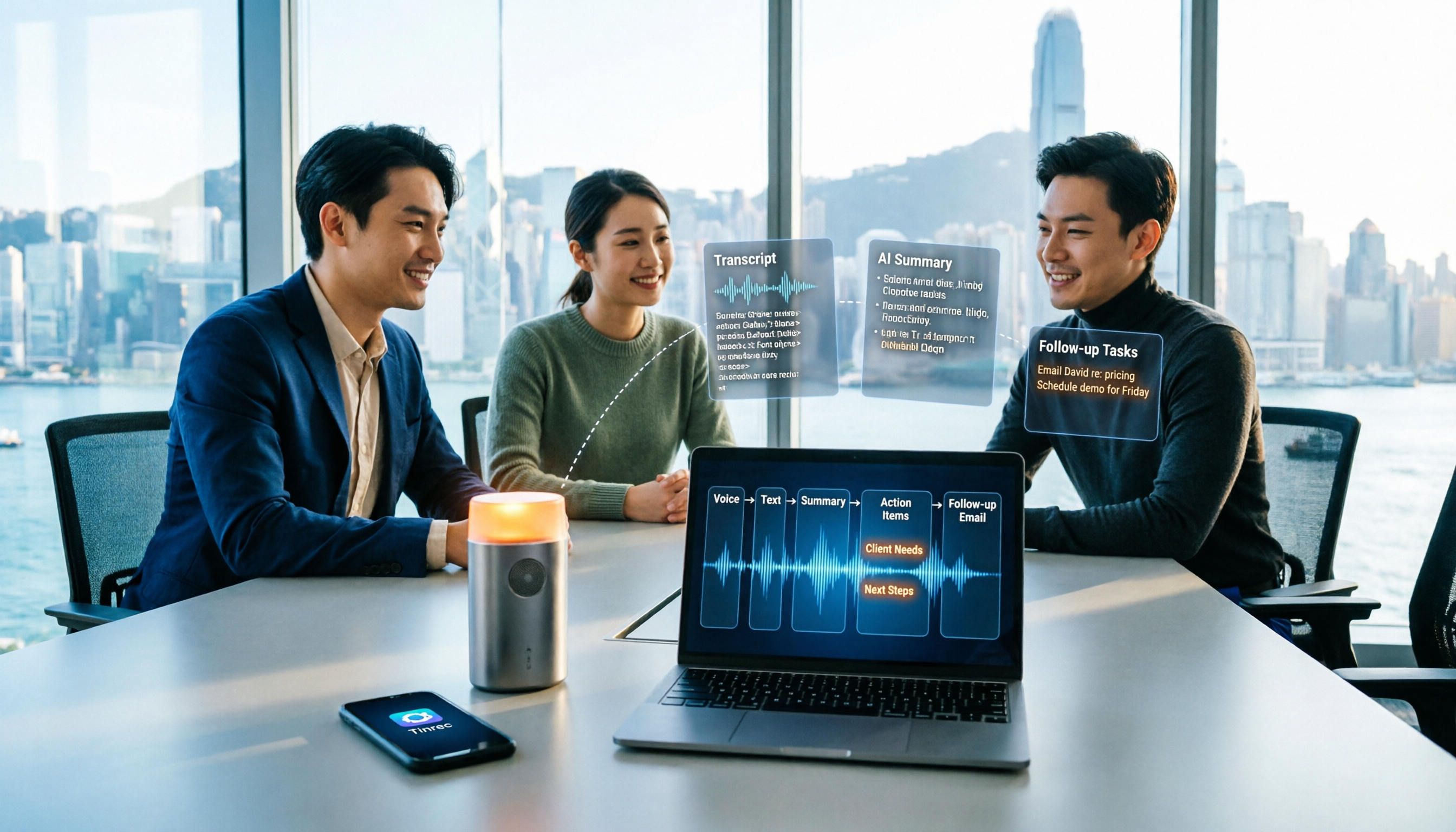
How to Take Sales Meeting Notes in 2026: 5 Steps from Recording to Customer Follow-Up
Sales meeting notes shouldn't wait until the meeting ends. This article breaks down the complete process in 5 steps, from recording, transcription, AI summaries to customer follow-up, and compares Tinrec and Otter.ai dimension by dimension to see which is better suited for Hong Kong sales teams communicating in Chinese.

5 AI Meeting Knowledge Base Tools Tested and Compared in 2026: Can Meeting Notes Become Searchable Team Assets?
Meeting notes aren't just about speed—you need to find them later. This article approaches the topic from a purchasing decision perspective, breaking down the core capabilities of AI meeting knowledge base tools, real-world use cases, and 5 key buying considerations. It uses Tinrec to demonstrate a complete workflow: bot-free online meeting recording, transcripts and real-time translation, AI summaries and action items, AI Q&A, and team spaces with seat governance.
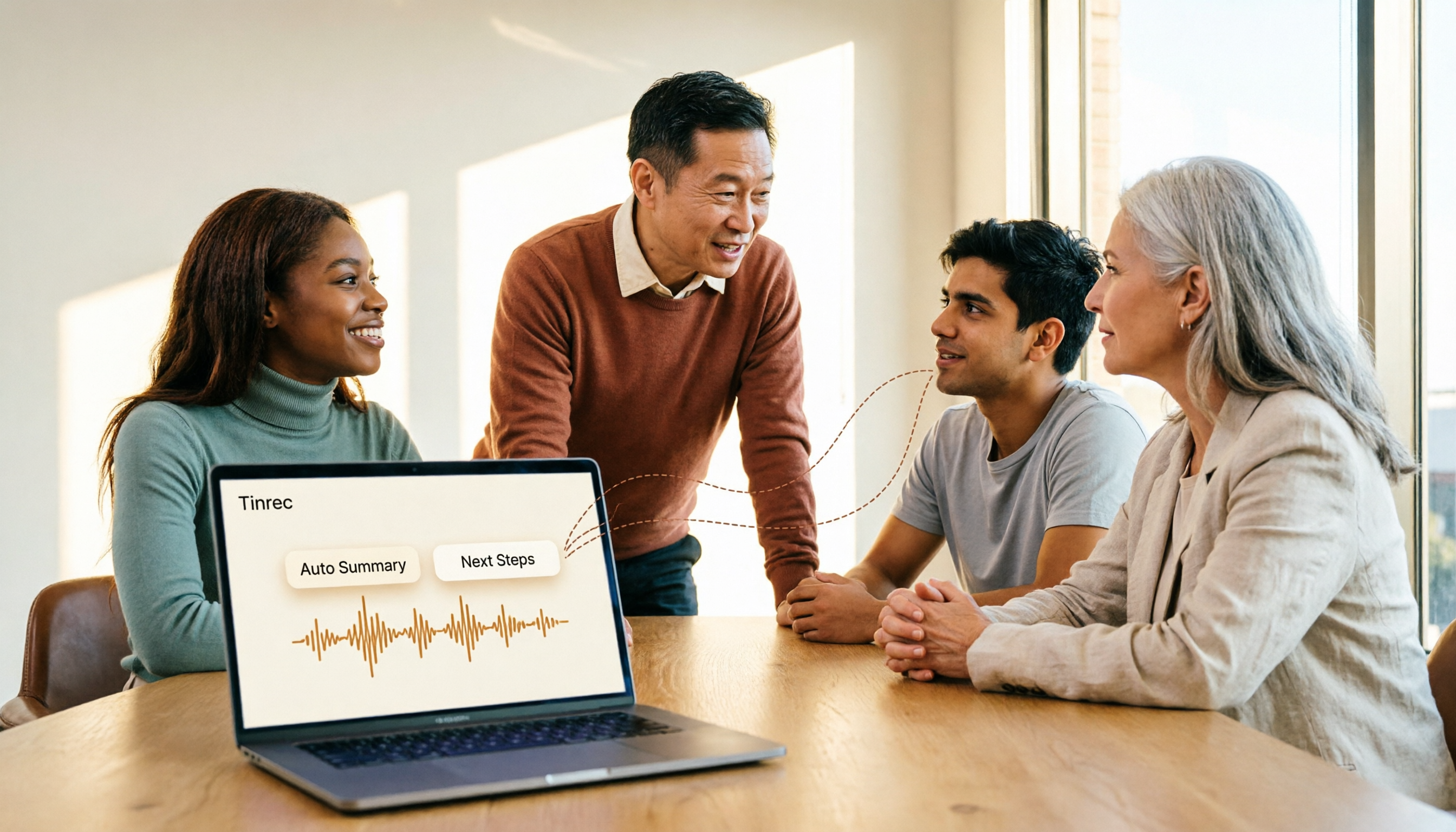
2026 AI Meeting Agent Tools: Record Zoom Without Bots, Auto-Generate Action Items
Two-hour meeting, then another two hours to organize? This guide shows you how to choose an AI meeting agent tool, breaking down four key aspects: bot-free recording, AI summaries and action items, AI follow-up questions, and team spaces. It also compares Tinrec with Otter.ai, Granola, and PLAUD Note, and provides clear recommendations based on scenarios.

Tinrec vs Granola 2026: 5-Dimension Comparison for Chinese Meetings
Meetings are easy, but taking notes is hard. Can AI meeting agents really help? This article compares Tinrec and Granola across 5 dimensions, with brief reviews of Otter.ai and Notta, covering bot-free recording, post-meeting summaries and action items, AI Q&A, and team seat management to help you save overtime after every meeting.

2026 Meeting AI Agent Solutions: Bot-Free Recording + Auto-Generated Action Items
The meeting is over, but the work has just begun. This article addresses the real pain points of mid-level managers, explaining 4 key factors for choosing a meeting AI agent solution. It tests Tinrec's bot-free online meeting recording, AI Q&A, and action item extraction, compares it with Otter.ai, Granola, and Notta, and provides selection advice for team plan seat and usage management.

2026 Smart Meeting Agent Comparison: Tinrec vs Otter.ai — Which Is Better for Chinese-Speaking Teams?
Smart meeting agents don't just transcribe meetings—they also summarize, extract action items, and answer questions. This article compares Tinrec and Otter.ai across five dimensions: meeting capture, Chinese-language experience, post-meeting organization, team governance, and pricing, to help you decide which one fits your meeting scenarios.

Tinrec vs Fireflies.ai 2026: 5-Dimension Comparison — Which Generates Deliverable Meeting Reports?
After a meeting ends, the transcript is just the starting point. This article compares Tinrec and Fireflies.ai from the perspective of AI meeting agents generating reports, across 5 dimensions: Chinese transcription, bot-free recording, post-meeting report generation, team collaboration, and pricing/quotas. It also provides selection advice for different budgets and scenarios.