

Turn recordings into transcripts and summaries in minutes
Upload audio or video for multilingual transcription, AI notes, and action items
If You're Still Typing After the Meeting, You Chose the Wrong Tool
A two-hour meeting, followed by an hour and a half of organizing—this is the daily routine for many office workers. What's even more frustrating is Cantonese meetings: there are few transcription tools that support Cantonese, and even when they exist, accuracy varies.
So the question isn't "which app records clearly," but: Do you want something ready to use as soon as the meeting ends?
In 2026, there are plenty of tools claiming to be "AI meeting agents," but few actually get the job done. Below is a decision framework based on real testing, and how I would choose.
Before Choosing an AI Meeting Agent, Understand These 4 Key Points
1. Recording method: Bot joining vs. bot-free The traditional approach is to send a meeting bot to join as a participant. The advantage is automation; the downside is that others see an extra person, which is especially awkward in client meetings. Another approach is to capture computer system audio directly via a desktop app, without adding any participants—you just start recording yourself. This offers better privacy perception and flexibility.
2. Post-meeting output: More than a transcript A transcript is the starting point, not the end. You need to check: Does it automatically generate summaries? Does it have chapters and key points? Does it extract action items and assignees? Can you ask follow-up questions after recording? Tools that only output text mean you have to spend time processing it yourself.
3. Chinese and Cantonese experience Many English meeting tools are mature, but performance with Chinese, mixed Chinese-English, and technical terminology can vary greatly. Before choosing, test with a real meeting recording of your own—don't just look at marketing.
4. Where does the data ultimately belong? Meetings recorded under a personal account usually stay with you alone. If your team meets daily, ask: Can data be centralized? Can new hires see old meetings? If someone leaves, will the data disappear with them?
Tinrec — My Top Pick After Testing
Tinrec is an AI meeting notes and collaboration tool for individuals and teams, available on iOS, Android, and web, with a desktop version that can capture computer system audio directly.
Record online meetings without adding a bot When hosting Zoom, Google Meet, Microsoft Teams, or Webex meetings, you don't need to invite any bot. Just open the Tinrec desktop app and start recording—the meeting content is instantly transcribed. This is especially useful for client meetings and cross-department meetings—no one will ask, "Why is there a stranger here?" Note that you still need to manually start recording; it doesn't automatically join all meetings on your calendar.
After recording, ask it directly for key points When the meeting ends, AI has already generated a summary, chapter highlights, and action items—who's responsible and when it's due, all clear. Even more practical is AI Q&A: you can directly ask, "Who mentioned the budget in the last meeting?" It doesn't dump a bunch of keyword search results on you; it answers based on semantic understanding. Few tools at this price point can do this.
Chinese, mixed Chinese-English, and real-time translation Chinese meeting transcription and minutes are one of Tinrec's main scenarios. During recording, you can view the original text, translation, or bilingual view—no need to compare sentence by sentence afterward for cross-language meetings. Accuracy is affected by recording quality, background noise, accents, multiple people talking over each other, and technical terminology, so don't treat it as a guaranteed win. For important content, verify against the recording timestamps. The team version also has "team hotwords" where you can pre-add company-specific terms to reduce misrecognition of proper nouns.
Pros:
Stop organizing recordings by hand
Upload audio or video and automatically get a transcript, summary, and action items
- Bot-free recording, no awkwardness in client meetings;
- End-to-end post-meeting workflow: transcript → summary → action items → AI follow-up → export, no need to open multiple tools;
- Export to Notion, Google Docs, OneNote, Dropbox, etc., for further processing, and use Agent post-processing to generate reports, tables, and documents.
Limitations (being honest):
- The free version has basic quota; heavy users need to upgrade. Paid options include weekly, Pro monthly, and annual plans—short sprints and long-term use have different choices;
- The team version is a separate team space, not "several people sharing a personal account." Team monthly is USD 29.80 per paid seat per month, annual is USD 199 per paid seat per year. Each paid seat includes 2,000 minutes of shared team import quota per month. Eligible teams get a 7-day trial, 1 free seat, and 300 minutes of shared import quota. Prices and benefits are subject to the official purchase page.
Who it's for: Professionals who meet daily and need to produce minutes and action items afterward; teams that frequently record Chinese or mixed Chinese-English meetings; departments that want to turn meeting data from "on personal phones" into a "team database."
Besides Tinrec, What Other Options Are There?
Otter.ai: A veteran choice for English business meetings. The free version offers a generous 300 minutes per month, and AI Chat and team management are mature. But its strength is English meetings; Chinese experience is not its focus, and it mainly relies on a bot joining. If all your meetings are in English, it's one of the few exceptions I'd recommend in this article; if they're in Chinese, test carefully first.
Granola: Also takes a bot-free approach, using desktop system audio plus your own handwritten notes to enhance meeting content. The free version is already usable. But note that it doesn't support uploading pre-recorded audio files, nor does it save meeting audio—so you can't listen back to the original audio afterward. Tinrec retains recordings, supports file import, and real-time translation, making it more suitable if you need to verify afterward.
PLAUD Note / NotePin: A representative of AI recording hardware. Device prices are around USD 159 to USD 189. The advantages are portability, long battery life, and ability to record phone calls. But you're buying a piece of hardware; online meetings need separate handling, and team data accumulation isn't its strength. Tinrec requires no extra device, works on web, desktop, and mobile, and records online meetings directly.
Pitfall Guide: 4 Most Common Mistakes When Choosing an AI Meeting Agent
Pitfall 1: Only looking at advertised accuracy. A studio environment and a real meeting room are two different things. Air conditioning noise, keyboard sounds, several people talking over each other—results can vary greatly. Test with your own recordings, don't just look at ad numbers.
Pitfall 2: Ignoring cross-platform. Record on your phone today, organize on your computer tomorrow—if the tool doesn't support cross-platform, you'll be miserable.
Pitfall 3: Buying but not using AI features. Using the tool only as "audio-to-text" means you're using only a third of its capabilities. After recording, directly ask "What was the conclusion of this meeting?"—much faster than flipping through a 30-minute transcript yourself.
Pitfall 4: Assuming team sharing equals file-level permissions. Most team versions focus on team-level sharing, with roles and seats controlling governance and usage eligibility, not setting individual visibility for each file. Before signing, ask clearly: who can view, who can edit, how are seats allocated.
Conclusion: Which One Should You Choose?
- Need to record Chinese or mixed Chinese-English meetings and get minutes immediately after → Tinrec (also supports real-time translation and bilingual view)
- Don't want an extra bot in the meeting → Tinrec (desktop captures system audio, no bot)
- Want to ask AI directly for key points after recording → Tinrec (AI Q&A is a key differentiator)
- Need to use on both phone and computer → Tinrec (iOS, Android, web all available)
- Want data to belong to the team, not individuals → Tinrec team version (team space, members and roles, seats, usage analytics, audit logs, audio recycle bin)
- Only record English meetings, zero budget → Otter.ai (one of the few exceptions in this article)
I suggest trying Tinrec's free version with a real Cantonese or Chinese meeting recording first. If you feel it's worth the time saved, then consider upgrading; don't pay upfront. Also, recording and transcription involve others' privacy, so remember to comply with local regulations and obtain consent from participants when necessary.
References
- Meeting.ai: Agent for Work - Google Play App
- Meeting Ink - 2026 AI Meeting Notes Tool Test | 7 Speech-to-Text and Summary Speed Comparison | Meeting Ink - AI Meeting Notes Assistant Auto-Transcribe Transcript Summarize Meeting Minutes
- 2026 Most Recommended AI Meeting Notes Tool, Time-Saving Must-Have for Meetings!
- AI Meeting Notes Generator
- Meeting Ink - AI Meeting Notes Assistant Auto-Transcribe Transcript Summarize Meeting Minutes
Turn every recording into actionable outcomes
Get 60 free transcription minutes when you sign in. No credit card required.
Related Reading
You might also like

2026 Comparison of 2 User Interview Analysis Tools: Tinrec vs Otter.ai — Which Handles Chinese Interview Organization Better?
After user interviews, transcribing, extracting insights, and organizing action items take the most time. This article compares Tinrec and Otter.ai across recording capture, Chinese transcription, post-interview follow-up, audio file import, team knowledge retention, and pricing plans to help you decide which tool fits your interview workflow.

2026 Meeting Recording Knowledge Base Comparison: Why Tinrec Is the Top Notta Alternative
A meeting recording knowledge base isn't just about turning recordings into transcripts—it's about making every meeting searchable, queryable, and transferable. This article examines the decision points for team data retention and compares Tinrec vs. Notta on bot-free recording, AI Q&A, team spaces, and Chinese language experience, plus an overview of Tinrec's core features, use cases, and buying advice.

4 AI Meeting Transcription Tools Compared for 2026: Which One Actually Builds a Searchable Meeting Archive?
Spending all day in meetings and then overtime writing notes? This article approaches the decision from whether meeting content can be retained long-term, comparing four AI meeting tools. It covers five key factors to understand before choosing, hands-on experience with Tinrec's bot-free recording and AI Q&A, and four common pitfalls to help you find a meeting archive you can actually search later.

Team Knowledge Base vs. Meeting Notes in 2026: A 5-Dimension Comparison — The Difference Isn't Just Whether You Can Find It Again
Meeting notes and team knowledge bases are often treated as the same thing, but they differ in purpose, lifecycle, searchability, action linkage, and ownership. This article breaks down the differences across 5 dimensions and explains how to use Tinrec to turn scattered meeting notes into a searchable, queryable, and transferable team knowledge asset.
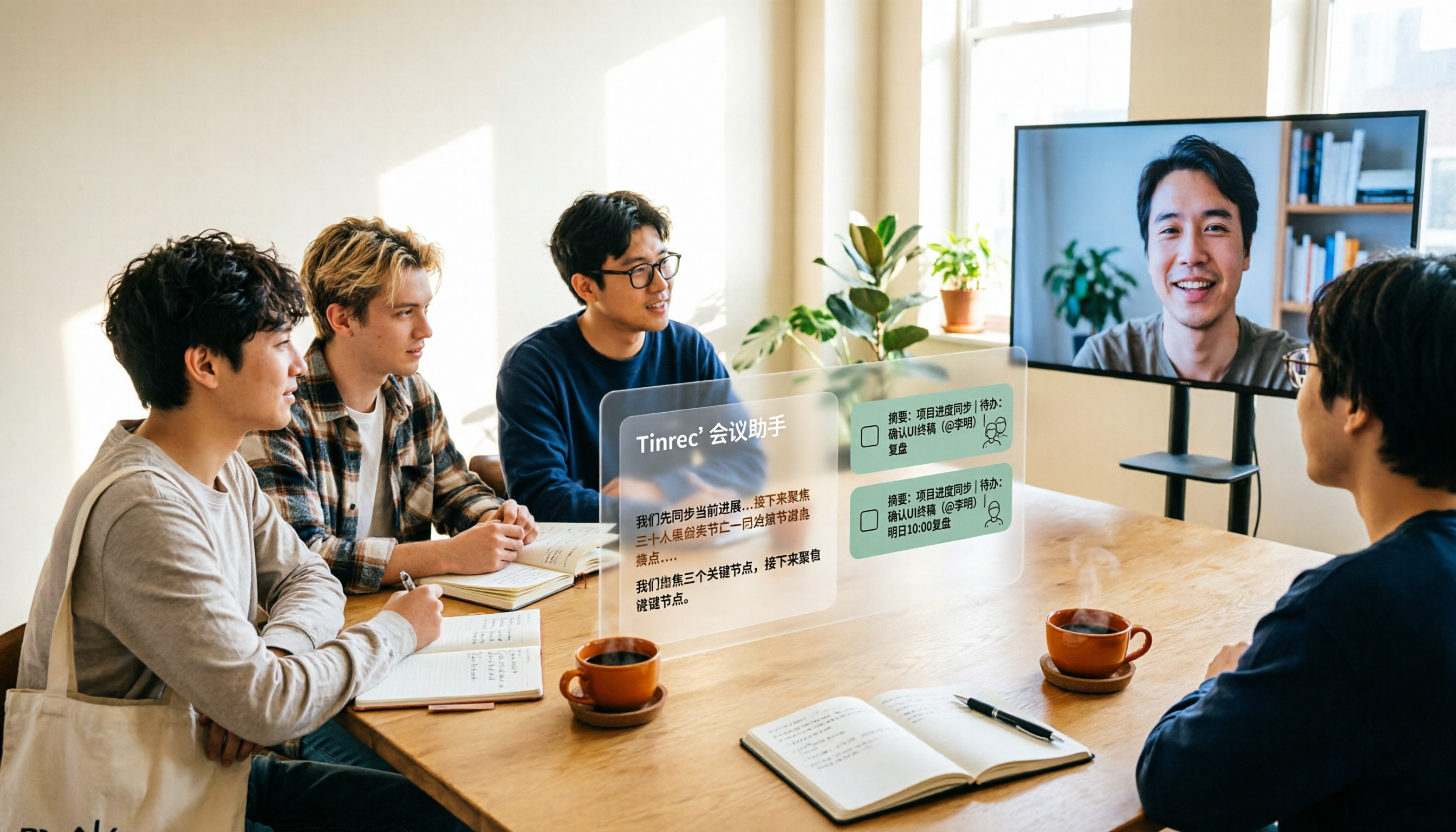
2026 Complete Guide to AI Team Meeting Assistants: Auto-Generate Transcripts, Summaries & Action Items
From student group projects to internship team weekly meetings, how do you actually use an AI team meeting assistant? This 2026 complete guide first breaks down common misconceptions, then explains core capabilities, real-world use cases, and 6 key considerations for choosing one. It also demonstrates Tinrec's full workflow for bot-free online meeting recording, real-time transcription, AI summaries, action item extraction, and meeting Q&A.

2026 Comparison of 4 Meeting Data Centralization Solutions: Stop Treating Cloud Storage as Organization
Centralizing meeting data isn't just dumping attachments into a shared cloud drive. This article examines common pitfalls, breaks down four common approaches to meeting data management, and uses Tinrec as an example to explain real-time transcription, AI summaries and action items, AI Q&A, team spaces, and seat governance. It concludes with 5 purchasing considerations and FAQs.

Tinrec vs Notta 2026: 5-Dimension Comparison — Which Is Better for Team Meeting Databases?
A mid-level manager who holds 15 meetings a week compares Tinrec and Notta across 5 dimensions to help you choose the right team meeting database. From bot-free recording and AI action item extraction to team spaces and pricing quotas, get it all in one article.
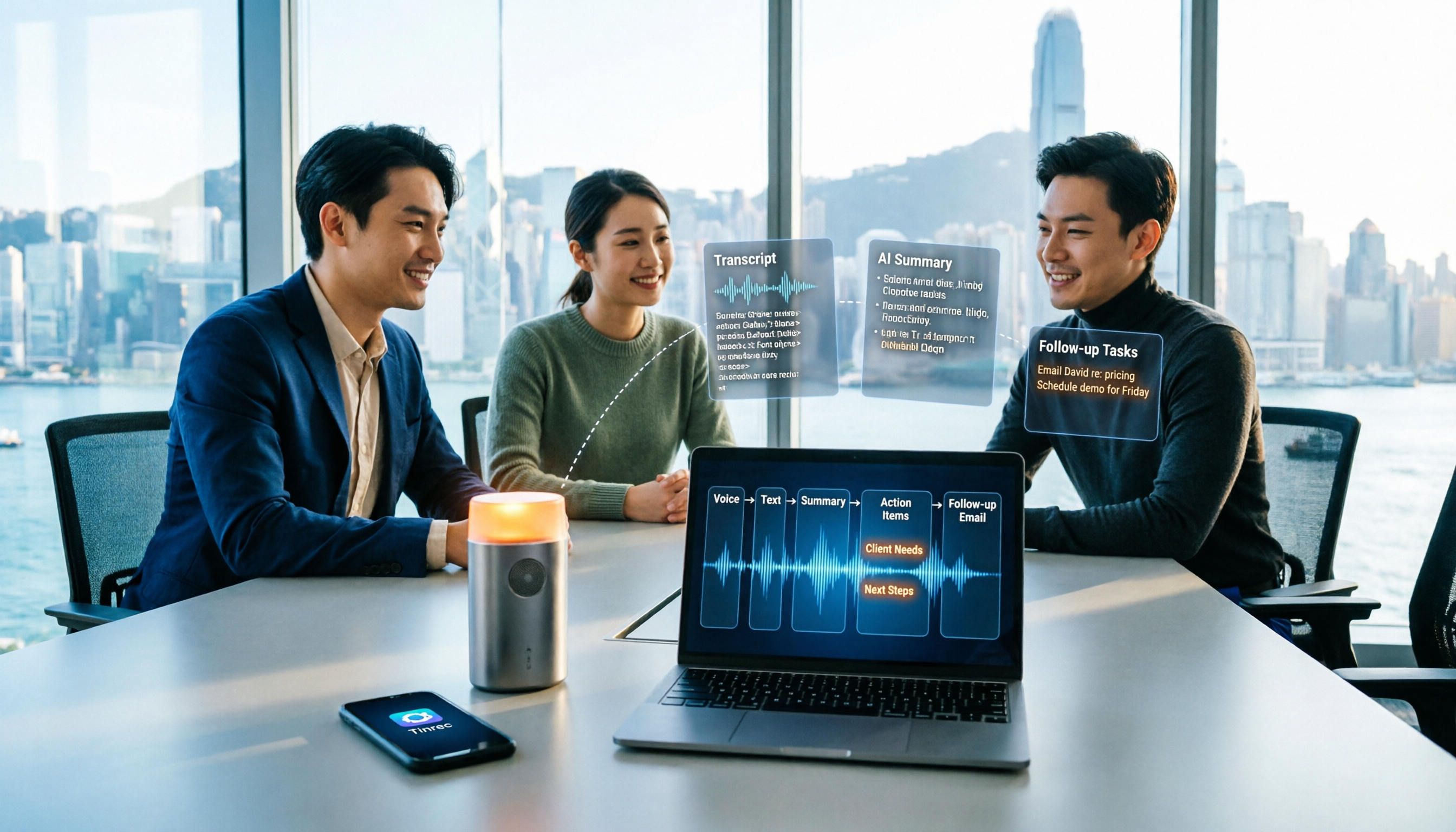
How to Take Sales Meeting Notes in 2026: 5 Steps from Recording to Customer Follow-Up
Sales meeting notes shouldn't wait until the meeting ends. This article breaks down the complete process in 5 steps, from recording, transcription, AI summaries to customer follow-up, and compares Tinrec and Otter.ai dimension by dimension to see which is better suited for Hong Kong sales teams communicating in Chinese.

5 AI Meeting Knowledge Base Tools Tested and Compared in 2026: Can Meeting Notes Become Searchable Team Assets?
Meeting notes aren't just about speed—you need to find them later. This article approaches the topic from a purchasing decision perspective, breaking down the core capabilities of AI meeting knowledge base tools, real-world use cases, and 5 key buying considerations. It uses Tinrec to demonstrate a complete workflow: bot-free online meeting recording, transcripts and real-time translation, AI summaries and action items, AI Q&A, and team spaces with seat governance.