

Turn recordings into transcripts and summaries in minutes
Upload audio or video for multilingual transcription, AI notes, and action items
Many people think that finding a speech-to-text tool that supports Cantonese solves their meeting notes problem.
So they throw the entire recording in, wait for the transcript to appear, and then continue manually picking out key points from thousands of words.
Honestly, getting the text is just the first step. Organizing minutes, finding conclusions, and tracking action items—that's where the real time sink is.
Three very common scenarios:
- In Cantonese meetings with mixed English and Chinese, the tool outputs a bunch of "係咁啦" "嗰個"—pronounceable but not easy to read.
- The transcript is saved as a file no one opens again; next time you need to check "who said they'd change the budget last time," you can only rely on memory.
- Recordings stay in a colleague's personal account; when they leave, the data goes with them.
If you've encountered these situations, this article is for you. Below, we'll first cover how to choose, then compare Tinrec and Notta hands-on, and finally add when to use pure speech-to-text options.
Before Choosing a Cantonese Speech-to-Text Tool, Understand These 4 Key Points
1. Test with your own Cantonese recording, not just demo audio
Almost every tool can provide a clean demo audio clip. But real meeting rooms have air conditioning noise, keyboard sounds, and people talking over each other. I usually prepare a recording of my own—ideally including company terminology and mixed English-Chinese—and throw it in. That's more accurate than any promotional number.
2. How meeting audio gets into the tool
There are three common approaches for online meetings: a meeting bot joins, desktop capture of system audio, or manual upload of the recording after the meeting. A bot appears in the participant list, which can be awkward for external client meetings; manual upload means processing only starts after the meeting ends, pushing all the work to post-meeting.
3. Can the output directly become something usable?
Transcript, summary, chapters, action items, queryable, exportable. Miss one, and you'll spend extra manual time. A tool that only gives a transcript essentially hands the organization work right back to you.
4. Who ultimately holds the data?
Personal accounts and team spaces are two different things. If meeting data involves multiple people sharing, ask clearly about members, roles, seats, usage, and export methods upfront—don't wait until someone leaves to discover the data can't be taken away.
5-Dimension Hands-On Comparison: Tinrec vs Notta
We'll look at five dimensions: Cantonese and Chinese transcription experience, meeting capture methods, post-meeting organization capabilities, team collaboration and governance, and cross-platform and export.
Bottom line first: if you want to turn a meeting into usable data end-to-end, Tinrec's workflow is more complete; if you mainly need to quickly convert existing audio or video files into text and subtitles, a transcription tool like Notta still does the job.
Tinrec: The Most Complete Post-Transcription Workflow
Tinrec is an AI meeting notes and collaboration tool for individuals and teams. It supports live recording, bot-free desktop recording of online meetings, audio/video file import, and automatically generates summaries, chapters, and action items.
Usable right during the meeting. The desktop version directly captures your computer's system audio, working with Zoom, Google Meet, Microsoft Teams, and Webex without putting a bot into the meeting room. This is especially practical for client calls—the participant list stays clean. Note that this is not "automatically join all meetings"; you still need to open Tinrec and start recording yourself.
Transcribe while recording, with bilingual view. For cross-language meetings, you can switch between original text, translation, or bilingual view, and it can also handle Chinese and mixed Chinese-English content.
Post-meeting is the key. After recording, you can directly ask "What were the conclusions of this meeting?" or "Who is responsible for what?" without manually Ctrl+F through a 30-minute transcript. You can then generate meeting minutes, reports, and tables, and export to Notion, Google Docs, OneNote, Dropbox, and other tools for further processing.
Three advantages I find most impactful:
Stop organizing recordings by hand
Upload audio or video and automatically get a transcript, summary, and action items
- From recording, transcript, summary, action items to export—it's a complete workflow, no need to move files between four tools.
- The team version provides an independent team space where meeting data belongs to the team; when a member leaves or loses their seat, resources can be handed over to other members and won't disappear with the person.
- Admins can view roles, seats, usage analytics, and audit logs—very practical for departments that need procurement and governance.
Limitations to be honest about:
- Tinrec does not promise a fixed accuracy rate. Actual performance is affected by recording quality, background noise, accents, overlapping speech, and technical terminology. If your meetings are mainly in Cantonese, we recommend testing with a real recording of your own first to confirm that the presentation of filler words and company terminology is acceptable.
- Transcription and file import have quotas. The personal version includes a free plan, weekly pass, Pro monthly, and Pro annual; the team version is an independent space, with a 7-day trial for first-time eligible users, 1 free seat, and 300 minutes of team shared import quota. Paid seats are USD 29.80/month or USD 199/year (about USD 16.58/month), with 2,000 minutes of team shared import quota per seat per month; under an active team plan, live recording currently does not deduct minutes. Prices and benefits are subject to the official purchase page.
- The team version currently focuses on team-level sharing, managing governance and usage eligibility through roles and seats, not file-level permissions. Members without a seat can view, play, and read data, but need a seat to record, upload, edit, and export.
In short, if you frequently hold Cantonese or mixed Chinese-English meetings, want to use AI to find key points directly after meetings, or need to turn meetings into team data, Tinrec is currently the closest fit for this need.
Besides Tinrec, What Other Options Are There?
Notta: A multi-platform transcription tool with good Chinese and multilingual support. The free version offers 120 minutes per month, with a 3-minute limit per upload. Official annual plans: Pro about USD 8.17/month (1,800 minutes per month), Business about USD 16.67/seat/month. It suits users focused on file transcription, subtitles, and translation; but bot-free desktop meeting recording, AI follow-up questions around meetings, and team seat governance are not its strong suits.
Speech to Text by cantonese.ai: Uses an iOS Shortcut approach—forward a WhatsApp voice message and get text in seconds. Very convenient for single voice messages. However, its main use is "one segment at a time"; for full meeting summaries, action items, and team shared data, Tinrec is more complete.
Speechnotes: An online notepad in the browser that supports Hong Kong-style Cantonese voice input—speak and text appears in real time, with punctuation inserted manually via buttons. Free and no installation are advantages, but it's a real-time dictation tool with no recording file retention or post-meeting organization; it can't help with already-recorded meeting files.
Pitfall Guide: The 4 Most Common Mistakes When Choosing a Cantonese Transcription Tool
Pitfall 1: Only looking at advertised accuracy numbers. That number is usually measured in a quiet environment. Real meetings have noise, interruptions, and accents—the gap can be obvious. The right approach is to test with your own recording, preferably the noisiest meeting you have.
Pitfall 2: Treating "text output" as the finish line. Getting only a transcript means you've completed just one-third. The real time-consuming part is finding conclusions, organizing action items, and sending them to relevant people. When choosing a tool, factor in the post-meeting workflow.
Pitfall 3: Ignoring data ownership. Recording team meetings with a personal account may be fine short-term, but problems arise long-term—when members change departments or leave, the data is cut off. If meeting content belongs to the team, it should be placed in a team space from the start.
Pitfall 4: Overcomplicating team permissions. Many teams assume they can set visibility per file. In practice, the proven approach is team-level sharing, with roles and seats controlling who can use resources. Confirm this boundary before purchasing so expectations don't fall short.
Conclusion: Which One Should You Choose?
To echo the conclusion in one sentence: you need to transcribe it and also be able to organize it—Tinrec is the most complete in this workflow.
Scenario breakdown:
- Meetings mainly in Cantonese or mixed Chinese-English, and you need minutes afterward → Tinrec (bot-free recording + summaries + AI follow-up)
- After recording, you want to directly ask "who mentioned the budget" → Tinrec (AI Q&A around meeting content)
- You need to use it on phone, computer, and web, and export data to Notion or Google Docs → Tinrec
- Multiple people share meeting data, and you need seats, usage, and auditing → Tinrec team version
- You just need to convert a batch of existing audio or video files into text and subtitles → A transcription tool like Notta is more suitable
- You just want to quickly turn a friend's voice message into text → A lightweight approach like Speech to Text by cantonese.ai is enough
We recommend starting with the free version and testing with a real Cantonese meeting. If the transcript reads smoothly and the summary captures key points, then consider upgrading; there's no need to pay from the start.
One final reminder: recording and transcription involve personal data; please comply with local regulations and obtain participants' consent when necessary.
References
Turn every recording into actionable outcomes
Get 60 free transcription minutes when you sign in. No credit card required.
Related Reading
You might also like

iPhone Built-in Voice Memos vs Tinrec: Cantonese Transcription and Meeting Notes Comparison (2026)
Starting with iOS 18.4, iPhone's built-in Voice Memos can transcribe Cantonese recordings for free without installing an app. This comparison puts it head-to-head with Tinrec, covering Cantonese recognition, long recording organization, cross-platform support, AI Q&A, and team collaboration to help you decide which approach fits your meetings and classes.

2026 Comparison of 4 Cantonese to Indonesian Translation Tools: Real-time Meeting Translation and Post-Meeting Searchability
Cantonese to Indonesian translation in the workplace serves two distinct needs: understanding in the moment during meetings, and being able to look up records after the meeting ends. This article compares four approaches—Tinrec, Zeemo, Love Cantonese, and human translation—breaking down real-time translation, transcript retention, post-meeting Q&A, and team data ownership, while highlighting common pitfalls and practical selection advice.

Best WhatsApp Voice-to-Text Tools in 2026: 4 Tested Options and the Smoothest Way to Handle Cantonese on iPhone
A roundup of four ways to convert WhatsApp voice messages to text in 2026, from iPhone's built-in transcription and the cantonese.ai shortcut to Tinrec. We compare input methods, Cantonese accent performance, post-transcription summaries, and AI follow-up capabilities, plus four common pitfalls to help you choose the right solution for your situation.

2026 Windows Cantonese Voice Input Comparison: Win+H, Yu's Input Method, and Tinrec — Which to Choose?
Typing Cantonese on Windows isn't about whether tools exist — it's about which one to use. This article compares three options: Windows 11 built-in voice input (Win+H), a Cantonese phonetic keyboard (Yu's Input Method), and Tinrec. It tests them across five dimensions and includes full setup steps for Win+H Cantonese voice input, helping you decide what to use for short dictation versus meeting recording organization.

2026 Comparison of 3 Cantonese to Mandarin Translation Apps: Why Tinrec Is Better for Students
Translating sentence by sentence is different from capturing an entire class for later review. This article compares three approaches—Cantonese translation assistants, online conversion tools, and Tinrec—from a student's perspective, explaining why a workflow of recording → transcript → summary → follow-up questions is better suited for university students who need to write reports and prepare for finals. It also covers free quotas, cross-platform availability, and team plan information.

Cantonese to Japanese Translation Apps in 2026: 3 Steps to Choose + Real-World Pitfalls
From asking for directions while traveling to meetings with Japanese clients, this guide covers how to choose a Cantonese-to-Japanese translation app, common mistakes, and real-world testing tips. It also explains Tinrec's role in meeting transcription, real-time translation, and post-meeting organization.

2026 Cantonese Speech-to-Text Buying Guide: 6 Tools Tested and Recommended
WeChat's built-in speech-to-text only supports Mandarin, English, and Cantonese, and processes one voice message at a time. This guide covers 6 solutions for Cantonese speech-to-text, from free WeChat and WhatsApp to Tinrec, Notta, TurboScribe, and PLAUD recording hardware, with practical limitations, pricing, and selection advice.
4 Cantonese-to-English Translation Apps Tested: Which One Turns Cantonese Conversations into English Documents? (2026)
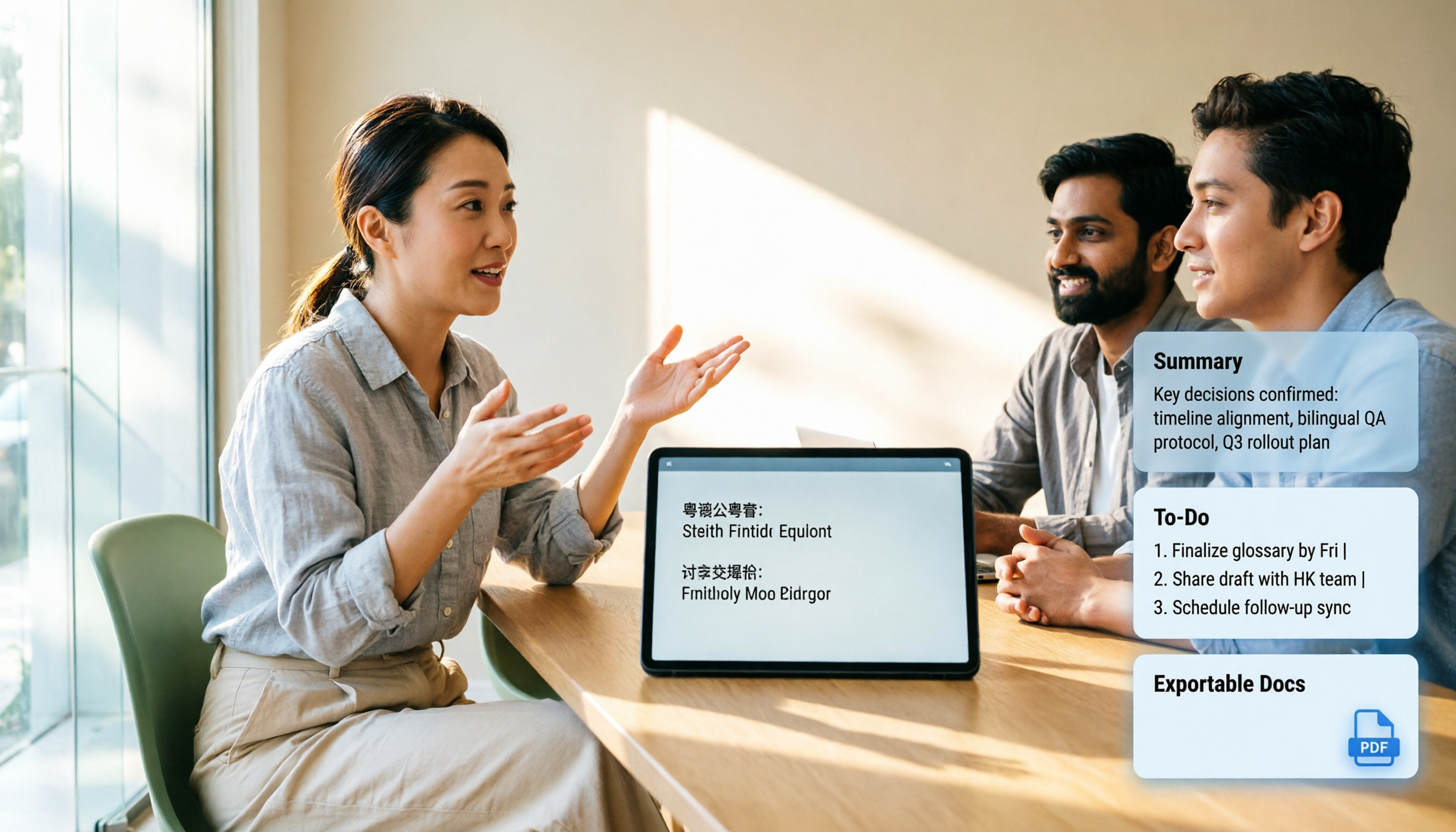
When searching for a Cantonese-to-English translation app, most people don't just need a dictionary—they need to turn a whole Cantonese conversation into English material they can understand and send. This article compares the practical uses of four tools and tests Tinrec's performance in meeting transcripts, real-time bilingual translation, summary to-dos, and team collaboration.

4 Cantonese Speech-to-Text AI Tools Tested for 2026: Which Meeting Notes Can You Actually Use?
You have a Cantonese meeting recording—which tool turns it into usable notes? This hands-on comparison of Tinrec, Notta, Otter.ai, and Granola focuses on three questions: does it understand spoken Cantonese, is the output directly readable, and can your team take over the data? Includes selection criteria, pitfalls to avoid, scenario-based recommendations, and honest breakdowns of free tiers and paid pricing.