

Turn recordings into transcripts and summaries in minutes
Upload audio or video for multilingual transcription, AI notes, and action items
The real decision: Can this Cantonese recording be turned into something you can use directly?
You have a one-hour Cantonese meeting recording, and you need to turn it into notes you can send to colleagues.
The real choice isn't "which tool has the most features"—it comes down to three questions: Does it understand spoken Cantonese? Is the transcribed text directly readable? After recording, can your team take over the data?
Many people's first experience with speech-to-text ends in disappointment—not because it "can't transcribe," but because "the output isn't usable." Filler words are all kept, mixed Chinese-English sections become gibberish, speakers are all merged together, and you still have to listen to the whole thing again when you need it.
This article follows those three questions and puts several mainstream approaches from 2026 through a real test. After reading, you should be able to decide which one to use.
Before choosing a Cantonese speech-to-text AI, understand these 4 key points
First, is it a Cantonese model, or a Mandarin model forced to fit? This is the most easily overlooked difference. Some tools list "Chinese" in their supported languages, but the underlying model is Mandarin-based, so it will keep guessing wrong on Cantonese tones, modal particles, and unique vocabulary. Services that truly handle Cantonese train it as a separate language model. When choosing a tool, the most accurate test is to try it with your own recording.
Second, is the output spoken or written style? What's said in a Cantonese meeting is very different from the written record you need to send out. Some tools let you choose "spoken" or "written" output, and even traditional or simplified Chinese. For those who need to generate meeting notes directly, this saves more than just typing time.
Third, what else do you get after transcription? A tool that only gives you a transcript means you still have to read through an hour of content yourself. Does it have automatic summaries, chapters, action items, and can you ask questions about the recording? This determines whether you spend three minutes or three hours organizing a one-hour recording.
Fourth, the real boundaries of the free tier. Free plans usually aren't "unusable"—they have three types of limits: total minutes per month, maximum length per file, and whether exporting costs money. Some services let you preview for free, but you need to upgrade to download files. Before trying, check exactly where the limits are.
Tinrec (秒聽錄音) — After testing, the best choice for Chinese and Cantonese meetings
Tinrec (秒聽錄音) is an AI meeting notes and collaboration tool for individuals and teams, available on desktop, web, and mobile. It doesn't just turn audio into text—it organizes meetings into searchable, summarizable, queryable, and exportable data.
No need to invite a separate bot to your meeting. The Tinrec desktop app directly captures your computer's system audio, handling online meetings on Zoom, Google Meet, Microsoft Teams, and Webex without inviting an extra meeting bot. This is a big deal for external meetings—the other side won't see a strange account on the participant list. Note that this is "you actively open Tinrec and start recording," not automatically joining all calendar meetings.
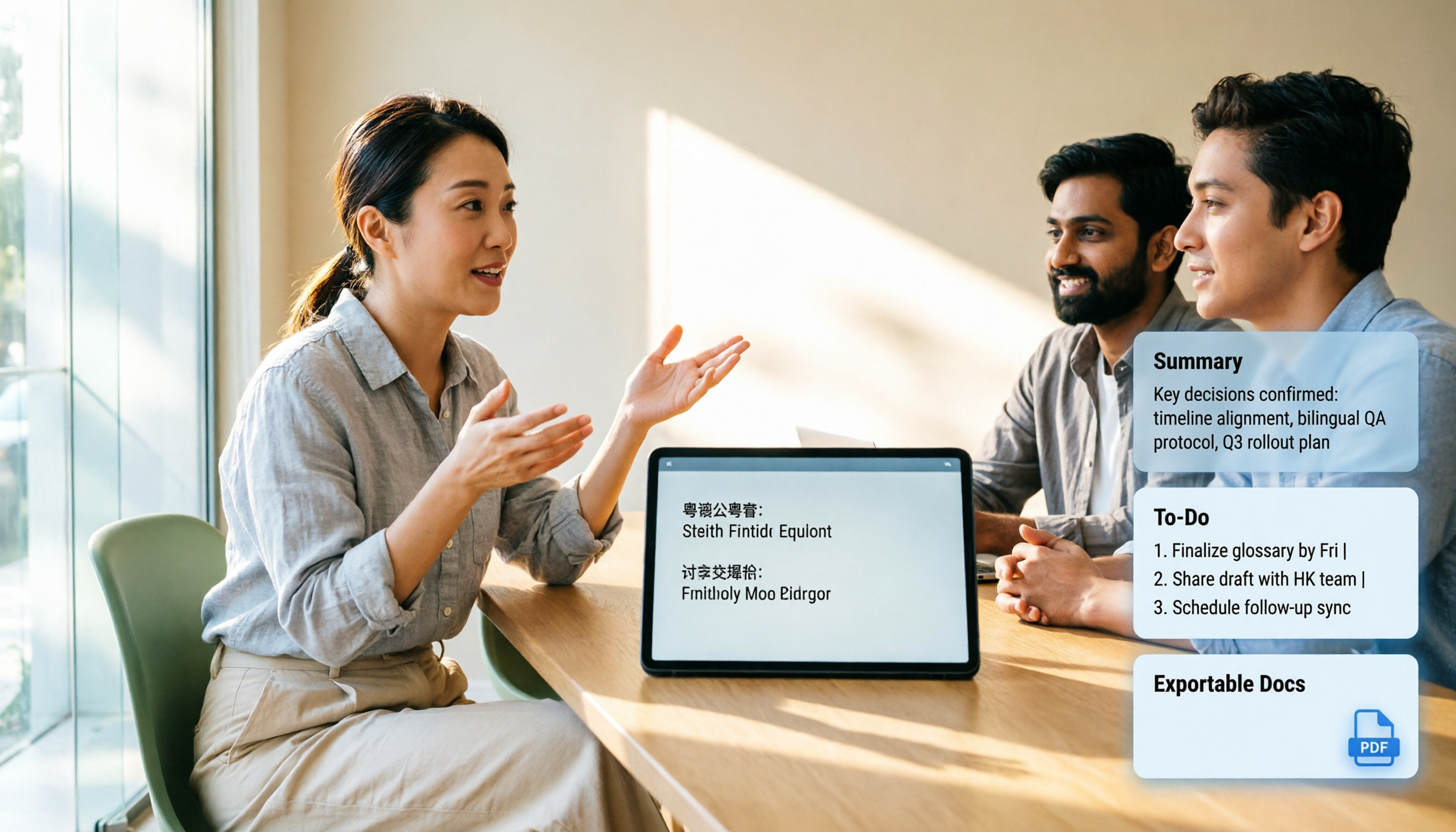
Handles Cantonese, Chinese, and mixed Chinese-English, with real-time translation. During the meeting, you can see the transcript appear as it goes, and for cross-language meetings you can switch between original text, translation, or bilingual view. In my testing, I deliberately used a Cantonese recording with mixed Chinese-English, air-conditioning background noise, and two speakers taking turns (indoor meeting, about 40 minutes, recorded once on phone and once on desktop). The main gaps appeared in proper nouns and overlapping speech. I won't give a single accuracy number here because the same audio file performs very differently in different sections—giving one overall number would be misleading.
The real difference is after the meeting ends. After recording, Tinrec automatically generates summaries and chapters, breaking long meetings into readable sections and extracting action items from the discussion. Even better is the AI Q&A—you can directly ask it "Who mentioned the budget in the last meeting?" and it will answer based on semantic understanding, not just throw a list of keyword search results at you. Among tools at this price point, this feature is not common.
Many exits—your data won't get stuck in the tool. Transcripts and summaries can be exported to common file formats and brought into Notion, Google Docs, OneNote, or Dropbox for further processing. The built-in Agent post-processing can also generate reports, tables, and documents based on meeting content, saving a round of work for those who need to deliver post-meeting notes.
Stop organizing recordings by hand
Upload audio or video and automatically get a transcript, summary, and action items
Team edition: Turn meetings from personal devices into team assets. If meeting data is for the whole team to use, the team edition is a separate team space, not multiple people sharing one account. Admins can invite members, set owner/admin/member roles, assign and revoke seats, view team usage trends and member details, and query and export operation audit logs. Here's a commonly confused concept: roles determine who can manage the team, seats determine who can record, upload, edit, and import/export. Active members without seats can still view, play, and read team data.
Currently, the team edition's first eligible trial is 7 days, 1 free seat, and 300 minutes of team shared import quota; monthly billing is USD 29.80 per paid seat per month, annual billing is USD 199 per paid seat per year (about USD 16.58 per month), and each paid seat provides 2,000 minutes of team shared import quota per month. Under an active team plan and active seat, real-time recording currently does not deduct minutes; only file and web imports use the shared quota. Pricing and benefits are subject to the official purchase page.
Limitations should also be clear. The personal free version only has basic quota to experience recording, importing, summaries, and transcription—check the official website for actual minutes and benefits. If you need to process dozens of long files at once, there are more specialized batch transcription services on the market. Also, any AI can miss or misunderstand details; for important numbers and commitments, it's recommended to cross-check by replaying the transcript at specific timestamps.
Who it's for. People who frequently hold Cantonese or Chinese meetings, need to directly produce notes and action items afterward, want to ask follow-up questions about the content after recording, and need the team to collectively build up meeting data.
Besides Tinrec, what other options are there?
Notta A multi-platform transcription and meeting notes tool, with the highest overlap with Tinrec. The free version offers 120 minutes per month and up to 3 minutes per item; Pro annual billing is about USD 8.17 per month with 1,800 minutes per month. It's suitable for people who purely want transcription and translation, but for post-recording follow-up questions, action item organization, and team data governance, Tinrec puts more emphasis on these.
Otter.ai A mature choice for English business meetings. Basic is free with 300 minutes per month; Pro annual billing is about USD 8.49 per user per month, including 1,200 minutes of in-app recording and 10 file imports per month. Its English meeting experience is indeed solid, but if you're mainly recording Cantonese content, this isn't its home turf.
Granola Also a bot-free AI meeting notes tool, Business is USD 14 per user per month. Its strength is combining user-written notes with AI. Note that it doesn't support uploading pre-recorded audio files and doesn't save meeting audio—if you need to keep recordings, re-listen later, or import old files, this is a hard limitation, whereas Tinrec keeps audio and supports file import.
There are also online services specializing in Cantonese, such as CantoSub, which supports Hong Kong Cantonese, Guangzhou dialect, and other branches and can output traditional Chinese; Subanana lets you upload recordings or paste links, automatically separates speakers and adds punctuation, and free accounts can preview the first 15 minutes of each file, with export being a paid feature. They each have their own strengths in pure transcription, but post-meeting action items, follow-up questions, and team spaces are still something you need to figure out separately.
Pitfall guide: The 3 most common mistakes when choosing a Cantonese transcription tool
Pitfall 1: Only looking at advertised accuracy. Numbers measured in a quiet studio are very different from your meeting room with air conditioning noise, keyboard sounds, and multiple people talking over each other. The right approach is to try it with a real recording of your own, and look at the hardest five minutes, not the best-sounding five minutes.
Pitfall 2: Treating "supports Chinese" as "supports Cantonese." These are different at the model level. If a tool doesn't have Cantonese-specific processing, spoken words, modal particles, and tones can easily go wrong all the way through, and you'll still have to retype the whole thing.
Pitfall 3: Treating the transcript as the end goal. If you only use the transcription feature, you're only using one-third of what these tools can do. The real time difference is in post-processing: automatic summaries, chapters, action items, and directly asking the recording "What was the conclusion of this meeting?" These are what compress three hours into three minutes.
Pitfall 4: Team sharing one account. The consequence of taking shortcuts is chaotic data ownership—who uploaded it, who can edit it, how to hand over data when someone leaves—all unclear. For multiple people to share, you should use a team space with roles and seat mechanisms, so meeting data belongs to the team.
Conclusion: Which one should you choose?
To sum up in one sentence: If you're recording Cantonese or Chinese meetings and what you need is not a transcript but directly usable notes, Tinrec is currently the smoothest overall choice.
Scenario breakdown:
- Mainly Cantonese/Chinese meetings, need summaries, chapters, and action items afterward → Tinrec
- Want to directly ask about key points from the meeting content after recording → Tinrec (AI Q&A is its most impressive part)
- Data needs to be shared by the whole team, and you need to manage members and usage → Tinrec Team Edition
- Need to process a large number of long files at once, batch transcription → Specialized services like TurboScribe are more suitable
- Meetings are entirely in English, and the team is in an English environment → Otter.ai's free tier is generous
- Want a physical device for recording on the go → Recording hardware like PLAUD, but remember you're paying for the device
It's recommended to start with the free version, run a segment with your own Cantonese recording, and see if the transcript reads smoothly and whether the summary captures the key points. If it works for you, then consider upgrading—no need to pay from the start.
References
- Cantonese Speech to Text | AI Cantonese Speech Recognition | CantoSub
- Free Cantonese Speech to Text App 2026 | Subanana
- Text to Speech Cantonese
- Cantonesetts AI - Cantonese AI Text to Speech | Cantonese Text-to-Speech
- Top 5 Speech-to-Text Tools in Hong Kong: Accurate Cantonese Recognition, Double Meeting and Interview Efficiency!
Turn every recording into actionable outcomes
Get 60 free transcription minutes when you sign in. No credit card required.
Related Reading
You might also like

2026 Comparison of 3 Cantonese to Mandarin Translation Apps: Why Tinrec Is Better for Students
Translating sentence by sentence is different from capturing an entire class for later review. This article compares three approaches—Cantonese translation assistants, online conversion tools, and Tinrec—from a student's perspective, explaining why a workflow of recording → transcript → summary → follow-up questions is better suited for university students who need to write reports and prepare for finals. It also covers free quotas, cross-platform availability, and team plan information.

Cantonese to Japanese Translation Apps in 2026: 3 Steps to Choose + Real-World Pitfalls
From asking for directions while traveling to meetings with Japanese clients, this guide covers how to choose a Cantonese-to-Japanese translation app, common mistakes, and real-world testing tips. It also explains Tinrec's role in meeting transcription, real-time translation, and post-meeting organization.

2026 Cantonese Speech-to-Text Buying Guide: 6 Tools Tested and Recommended
WeChat's built-in speech-to-text only supports Mandarin, English, and Cantonese, and processes one voice message at a time. This guide covers 6 solutions for Cantonese speech-to-text, from free WeChat and WhatsApp to Tinrec, Notta, TurboScribe, and PLAUD recording hardware, with practical limitations, pricing, and selection advice.
4 Cantonese-to-English Translation Apps Tested: Which One Turns Cantonese Conversations into English Documents? (2026)
When searching for a Cantonese-to-English translation app, most people don't just need a dictionary—they need to turn a whole Cantonese conversation into English material they can understand and send. This article compares the practical uses of four tools and tests Tinrec's performance in meeting transcripts, real-time bilingual translation, summary to-dos, and team collaboration.

4 Cantonese Voice Input Tools Tested for Windows 10: How to Choose in 2026
Using Cantonese voice input on Windows 10 often means pressing Win+H and getting English, or switching language packs only to find it doesn't work in every app. This article tackles common misconceptions and compares Windows built-in voice input, VoiceIn, and Tinrec. It explains the difference between real-time dictation and audio-to-text transcription, with step-by-step setup instructions and tool selection advice.

Tinrec vs Otter.ai 2026: 5-Dimension Comparison for Cantonese Meeting Transcription
A 90-minute Cantonese meeting recording needs to become a transcript, summary, and action items—choosing the wrong tool can cost you hours. This article compares Tinrec and Otter.ai across five dimensions: language recognition, audio capture, post-meeting organization, import flexibility, and team governance, to help you pick the right tool for Cantonese and Chinese meeting scenarios.

2026 Best Speech-to-Text Tools Compared: Which Handles Cantonese and Mixed Chinese-English Best?
The most time-consuming part of a Cantonese meeting is often not the meeting itself but the post-meeting review and organization. Starting from real scenarios of Cantonese and mixed Chinese-English, this article outlines 4 key purchasing criteria, compares Tinrec, Otter.ai, Notta, and PLAUD in hands-on tests, and includes a pitfalls guide and scenario-based selection advice.

4 Cantonese Speech-to-Text Tools Tested: Is Windows 10 Built-in Enough?
Want Cantonese voice input on Windows 10 but Win + H only shows English? This guide first distinguishes between real-time dictation and audio transcription needs, then tests and compares Windows 10 built-in speech input, VoiceIn, Otter.ai, and Tinrec. From language settings and audio processing to post-meeting organization and team collaboration, find the Cantonese voice workflow that suits you best.

4 Cantonese Speech-to-Text Tools Tested: Which Handles Chinese-English Mixing Best?
We tested four Cantonese speech-to-text tools, comparing Cantonese recognition, Chinese-English code-switching, post-meeting summaries, team collaboration, and pricing limits to help you decide which is best for meeting notes and transcripts.