
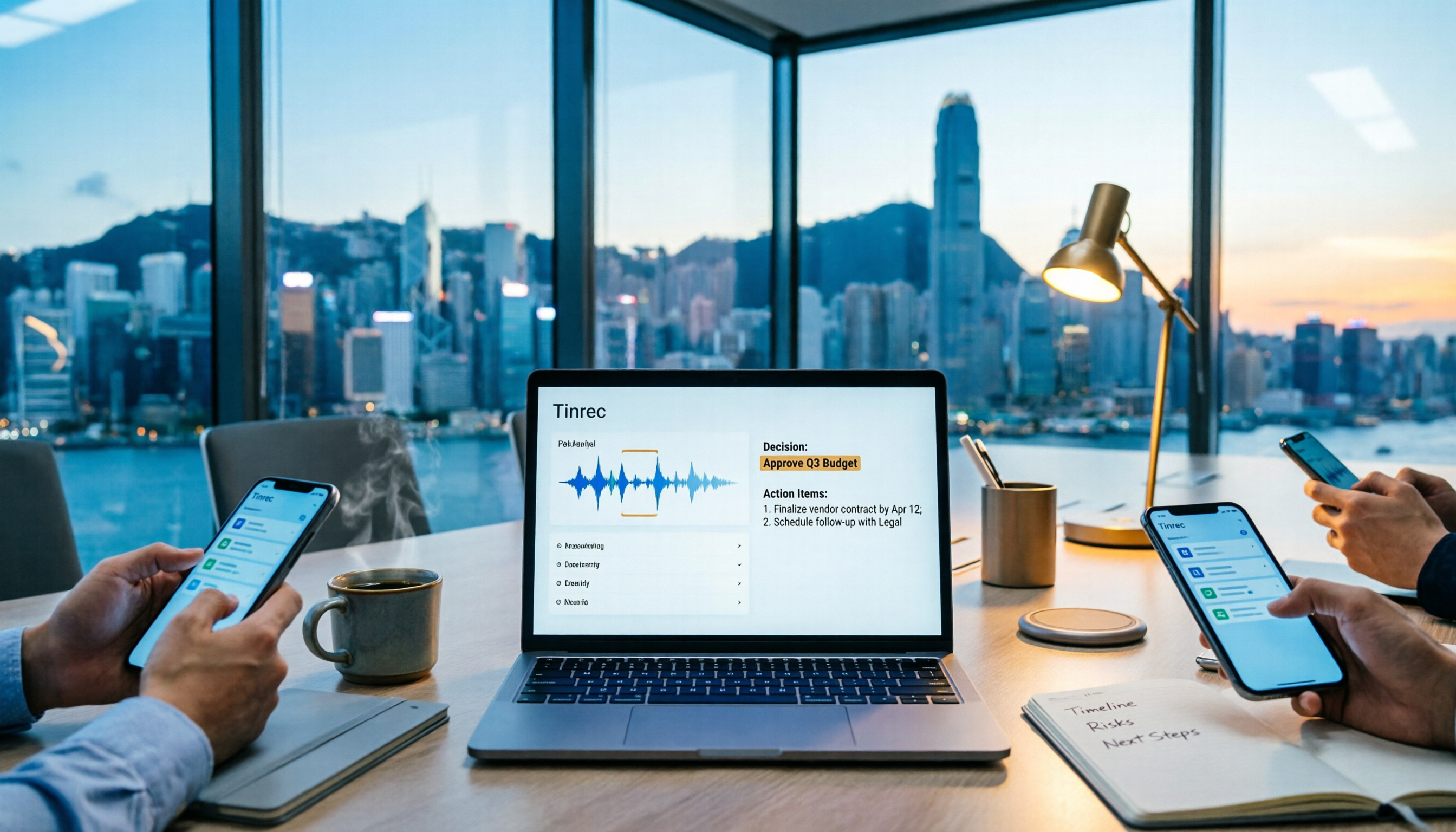
Turn recordings into transcripts and summaries in minutes
Upload audio or video for multilingual transcription, AI notes, and action items
"Hey, send out the minutes for this project by tomorrow morning." The meeting ended at 3:30, and your boss said this at 5:00. You have a phone recording and half a page of scribbled notes, plus 40 minutes of overtime to get it done.
The hardest part of writing project meeting minutes isn't not knowing how to write them—it's three things: during the meeting, you have to listen and take notes, and you miss key points; afterward, you transcribe the recording, which is painfully slow; and everyone uses different formats, so three months later, no one can find the decisions made that day. Below is a ready-to-copy template, followed by a comparison of two common approaches—software-based Tinrec and hardware-based PLAUD Note.
Project Meeting Minutes Template: 5 Essential Sections
The biggest difference between project meetings and regular meetings is that they focus on progress, blockers, and next steps, so the format must highlight "action items and responsibilities." You can directly copy these five sections:
1. Basic Information: Project/team name, meeting purpose, date and time, location or platform, attendees, absentees.
2. Agenda Recap: Write in one question what the meeting aims to solve. For example, "P1 module delayed by two weeks—cut features or add people?" Anyone receiving the minutes will immediately know what the meeting was about.
3. Discussion Summary: Only write key points and disagreements, not a verbatim transcript. If there are three viewpoints, write three—no need for one sentence per person.
4. Consensus and Decisions: Write "what was decided," not "what was discussed." Example: Decided to cut feature A and release the core version first.
5. Action Items: Owner + specific task + deadline, one per line. Minutes without owners and deadlines are as if the meeting never happened.
Timing is also crucial: write them the same day. The longer you wait, the more you forget, and the more it feels like a chore.
Tinrec vs PLAUD Note | Quick Overview
Tinrec is an AI meeting notes and collaboration tool for individuals and teams, turning meetings into searchable, collaborative, and actionable data. PLAUD Note is a representative AI recording hardware—users buy a standalone recorder plus an app.
| Item | Tinrec | PLAUD Note |
|---|---|---|
| Form | Web, desktop, mobile app | Requires separate hardware purchase (NotePin USD 159 / Note Pro USD 189) |
| Core Input | Live recording, desktop system audio, audio/video import, mobile, some web links | Primarily hardware recording |
| Pricing Structure | Personal: Free/Weekly/Pro Monthly/Annual; Team: USD 29.80 per paid seat/month, annual USD 199 (approx. USD 16.58/month) | One-time hardware purchase, plus Starter 300 min/month, Pro USD 99.99/year (1,200 min/month), Unlimited USD 239.99/year |
Let's examine each of the 6 dimensions.
Dimension 1 | Recording and Meeting Capture Methods
PLAUD Note's selling point is portable hardware: no need to open a computer, one-touch recording, works for in-person meetings, outdoors, and phone calls, and battery life is a strength. The trade-off is carrying an extra device, remembering to charge it, and connecting to the app afterward.
Tinrec takes a software approach: desktop captures computer system audio, mobile app does live recording, and past meetings can be imported as audio or video for retroactive notes—no extra hardware needed.
→ This dimension: If you mainly meet in front of a computer, Tinrec has a lower entry barrier; hardware advantages are concentrated in scenarios where you don't want to open a computer.
Dimension 2 | Online Meeting Support
PLAUD relies on hardware to pick up sound. For online meetings, you typically place your phone or recorder next to the speaker, so background noise and speaker quality affect results—essentially recording through an extra layer.
Tinrec's desktop version directly captures device system audio, handling Zoom, Google Meet, Microsoft Teams, and Webex meeting audio played on the computer, without inviting a meeting bot as a participant. Note: users must actively open Tinrec to start recording, not automatically join all calendar meetings.
→ This dimension: For pure online meetings, Tinrec clearly wins.
Dimension 3 | Minutes Generation: From Transcript to To-Dos
PLAUD's app provides summaries, templates, and Q&A—sufficient for "one recording, one summary."
Stop organizing recordings by hand
Upload audio or video and automatically get a transcript, summary, and action items
Tinrec goes beyond transcripts to generate AI summaries, chapters, key points, to-dos, and mind maps. Agent post-processing can further generate reports, tables, and documents based on the meeting, approaching a "ready-to-submit" state.
To be honest: don't expect 100% accuracy. Actual results depend on recording quality, background noise, accents, overlapping speech, and technical terms. For important decisions, verify against the transcript and recording playback.
→ This dimension: If you need to submit minutes quickly, Tinrec's output is closer to delivery requirements.
Dimension 4 | AI Q&A and Post-Meeting Processing
PLAUD supports Q&A on recording content, limited to single, one-off recording organization.
Tinrec allows follow-up questions across single or multiple meeting materials, e.g., "Who promised to deliver this module in the last two meetings?" It also supports real-time translation during recording, viewing in original/translated/bilingual mode, and multi-format export to Notion, Google Docs, OneNote, Dropbox, etc., for further processing.
→ This dimension: Tinrec wins for cross-meeting follow-ups and exporting to existing workflows.
Dimension 5 | Team Collaboration and Data Ownership
PLAUD's team capabilities mainly revolve around team membership and device management.
Tinrec's team version is a separate team space: create and switch between multiple teams, add members via invite link, set owner/admin/member roles, assign or revoke seats, share team live recording and import benefits, plus team hotwords, usage analytics, audit logs, and audio recycle bin.
One clarification: roles and seats are different. Active members without a seat can view, play, and read team materials but cannot upload, edit, or import/export. Team resources belong to the team; when a member leaves or is removed, they must hand over team resources to other active members.
→ This dimension: For departments or project teams needing long-term meeting asset accumulation, Tinrec's governance capabilities clearly win.
Dimension 6 | Pricing Structure and Cost
PLAUD is "hardware first + membership later": NotePin USD 159, Note Pro USD 189, then choose Starter (300 min/month), Pro (USD 99.99/year, 1,200 min/month), or Unlimited (USD 239.99/year).
Tinrec is pure subscription: personal plans by usage tasks—Free, Weekly, Pro Monthly, and Annual; team version USD 29.80 per paid seat/month, annual USD 199 per paid seat (approx. USD 16.58/month). First eligible team trial is 7 days, 1 free seat, 300 minutes team shared import quota; paid seats provide 2,000 minutes team shared import quota per month; under active team plan and active seats, live recording currently does not deduct minutes. All prices and benefits subject to official purchase page.
→ This dimension: If you don't want to buy hardware first and want to try a free version, Tinrec has lower entry cost; but if you need daily phone recording and one-touch outdoor recording, hardware has its value.
What Are the Unique Advantages of Each?
Tinrec's Unique Advantages
- Desktop version records online meetings without a bot, no extra participant needed.
- One-stop after transcription: summary, chapters, to-dos, Q&A, translation, export, Agent post-processing.
- Team space with roles, seats, usage, and audit—meeting data can be handed over, not tied to individuals.
- No extra hardware; use across web, desktop, and mobile.
PLAUD Note's Unique Advantages
- Portable hardware—one-touch recording for in-person meetings, phone calls, and outdoor scenarios.
- Record without a computer—convenient for frequent travelers.
Frequently Asked Questions
Q: What's the difference between project meeting minutes and general meeting notes? A: Project meetings focus on progress, blockers, and next steps, so the format emphasizes action items and owners; general meetings or board meetings may not need such detailed breakdowns.
Q: Can AI-generated minutes be sent directly? A: They can serve as a draft, but decisions and numbers should be verified against the transcript and recording, especially amounts, dates, and names.
Q: What to note before recording? A: Follow local laws and obtain participant consent when required.
Conclusion: Which Should You Choose?
- If you need to handle Zoom, Meet, Teams online meetings without adding a bot → Tinrec
- If you want to ask AI for key points and to-dos directly after recording, or even generate reports and tables → Tinrec
- If you want to switch between phone and computer, and keep meeting data in a team space → Tinrec
- If you want unified management of members, seats, usage, and activity logs → Tinrec Team
- If you frequently do phone recording, one-touch outdoor recording, and don't want to open a computer → PLAUD Note is worth considering
In one sentence: For most professionals who need to deliver project meeting minutes, Tinrec is a more complete choice; hardware wins for portability and phone recording. We suggest trying Tinrec's free version with a real meeting recording to see the results, then decide whether to invest in hardware.
References
- How to Take Meeting Minutes? 2026 Complete Guide for Beginners - Meta Note
- Free Meeting Minutes Template (Word, Google Docs, PDF) | HiNoter Blog
- Tips for Creating Meeting Minutes Templates 2026 • Asana
- Quality Meeting Templates on Notion | Notion Marketplace
- Meeting Minutes = Transcript? Professional Minutes Only Record 3 Key Points | Writing Tips & Templates | 104 Career Force
Turn every recording into actionable outcomes
Get 60 free transcription minutes when you sign in. No credit card required.
Related Reading
You might also like

How to Write a Meeting Summary Email: 3 AI Tools Tested in 2026, This One Works Best for Chinese Meetings
A meeting summary email isn't just pasting a transcript. This article breaks down the 3 most common mistakes in writing meeting summary emails, the 4 key structures you need to master, and tests Tinrec, Otter.ai, Granola, and Notta in Chinese meeting scenarios to help you produce a meeting recap email with clear decisions and action items in the shortest time.

4 AI Meeting Agents Tested in 2026: Which One Turns Meetings into Trackable Actions?
A hands-on comparison of 4 AI meeting agents in 2026, covering bot-free recording, Chinese transcription, AI Q&A, action item extraction, and team data governance. Tinrec is featured as the main example, with use cases for personal and team plans, pricing limits, and pitfalls to avoid.

2026 Cross-Department Meeting Notes Tools Compared: Which One Captures Decisions and Action Items?
Cross-department meeting notes often turn into verbatim transcripts, leaving decisions and action items lost after the meeting. This article starts with common pitfalls, outlines tool selection criteria, and compares Tinrec, Otter.ai, Notta, and Granola in hands-on testing, plus explains how to use team spaces to retain cross-department meeting data.

2026 Comparison of 4 Sales Meeting Follow-Up Email Tools: How AI Summaries Save Time
After a meeting, the client disappears—how do you write a follow-up email that gets a reply? This article breaks down practical approaches to sales meeting follow-up emails and uses Tinrec to demonstrate the complete workflow from meeting recording, transcription, AI summaries, to action item extraction, with 5 key considerations for choosing a tool and FAQs.

2026 AI Meeting Tools for Client Calls Compared: Tinrec vs Otter.ai vs Notta for Chinese-Language Meetings
How do you choose an AI tool for client meetings? We tested Tinrec, Otter.ai, and Notta across five dimensions—Chinese transcription, bot-free recording, post-meeting AI Q&A, team permissions, and pricing—to help teams find the best fit for recording client meetings.

What Is a Meeting AI Agent and Which One Is Best? 5 Tested in 2026 for Chinese Meetings and Team Knowledge Retention
A meeting AI agent is not just a faster typewriter. This article starts with common misconceptions, breaks down the three layers of meeting AI agents, and uses Tinrec as an example to explain bot-free meeting recording, AI Q&A, action item extraction, and team knowledge retention. It concludes with 5 key points to consider when choosing a tool.

How to Choose Meeting Collaboration Tools in 2026: 5 Steps to Tell Them Apart from Project Management Tools
Meeting collaboration tools vs. project management tools—which one actually fits your team? This article compares Tinrec and Asana across 5 dimensions, covering meeting notes, AI summaries, task tracking, team knowledge retention, and pricing, so you can pick the right tool based on your pain points.

Tinrec vs Notta 2026: 5-Dimension Comparison for Meeting Action Plan Software
After the meeting, who takes action? This article compares Tinrec and Notta across 5 dimensions—automatic to-do extraction, Chinese meeting experience, bot-free online meeting recording, and team data governance—to help you decide which is better for turning meetings into actionable plans.
![[Guide] Tinrec 2026: Turn Meeting Recordings into To-Dos — Auto-Generate Minutes + Action Items](https://record-img.tos-accelerate.volces.com/images/2026/09/25/1790343296286884955.png)
[Guide] Tinrec 2026: Turn Meeting Recordings into To-Dos — Auto-Generate Minutes + Action Items
Tired of spending an hour writing to-dos after every meeting? This guide breaks down the right workflow for turning meeting recordings into action items, using Tinrec as an example — from recording, transcript, and AI summary all the way to to-do lists, AI Q&A, export, and team sharing. Includes 5 key buying considerations and FAQs.