

Turn recordings into transcripts and summaries in minutes
Upload audio or video for multilingual transcription, AI notes, and action items
The meeting ends, you have a 60-minute recording, but your notes are only three lines. To turn it into a transcript, you'll need to spend another one to one and a half hours replaying, pausing, and playing again.
If you're looking for a "free audio-to-text" tool, this article organizes what I've tried myself and what I pay special attention to: whether the free quota is enough, whether Chinese recognition is reliable, and whether you can continue working after transcription.
Tinrec is an AI meeting notes and collaboration tool for individuals and teams. It supports real-time audio-to-text, bot-free online meeting recording, audio/video file import, and can automatically generate summaries, chapters, to-dos, and mind maps. The free version provides a basic quota so you can try converting a recording to text first.
What can audio-to-text do for you?
Scenario 1: After the meeting, the transcript is already there
Previously, after a two-hour meeting, organizing meeting notes would take another hour. Now, with real-time transcription during the meeting, by the time the meeting ends, the transcript, summary, chapters, and to-dos are all ready. You can see at a glance who is responsible for what and when it's due.
Scenario 2: Clear out all the recordings accumulated on your phone at once
There are a dozen or so interviews and random notes lying on your phone, each at least ten minutes long. Import them into Tinrec, and you turn them into searchable text all at once. Later, when you need to find a specific sentence, you don't have to listen from the beginning again.
Scenario 3: No need to stare at the whole cross-language meeting
When meeting with foreign clients, transcribing sentence by sentence is impossible to keep up with. Tinrec supports real-time translation during recording, allowing you to switch between original text, translation, or bilingual content, and review after the meeting.
Scenario 4: Meeting content directly becomes next steps
Transcription is just the starting point. Tinrec can extract to-dos from discussions, and you can use AI Q&A to ask follow-up questions like "What was the budget the client mentioned?" or ask it to generate reports, tables, and meeting minutes.
What are the core capabilities of an audio-to-text tool?
Real-time audio-to-text: Text appears as you record, not after recording ends. Suitable for offline meetings, interviews, and on-site notes. You can confirm in real-time whether key points are missed during the meeting.
Bot-free online meeting recording: This is the most practical difference I find. Tinrec's desktop version directly captures computer system audio. When handling online meetings on Zoom, Google Meet, Microsoft Teams, Webex, etc., there's no need to add a meeting bot to the meeting room, and participants won't see an extra account.
Audio/video file import: Already recorded meetings, interviews, and course audio files can be imported for transcription. Note that file import consumes import quota, which is calculated differently from real-time recording.
AI summary, chapters, and to-dos: The biggest fear with long meetings is not finding the key points. Tinrec breaks content into chapters, organizes summaries, and highlights to-dos from discussions for easy follow-up.
AI Q&A and post-meeting output: After transcription, you can ask questions about the meeting content and further generate reports, tables, and documents. It supports export to Notion, Google Docs, OneNote, Dropbox, etc., bringing results into your existing workflow.
Team space: The team version centralizes meeting data storage. Members can view historical meetings, and administrators can manage roles, seats, usage, and audit logs.
Practical application scenarios
Meeting notes
Weekly meetings, review meetings, and cross-department meetings most need "post-meeting searchability." After recording with Tinrec, the transcript is searchable, and decisions and to-dos remain in the team space. Before next week's meeting, review last time's conclusions without asking "Who said they'd handle that last time?"
Classroom and learning
A two-hour class is exhausting just to listen to. Import the recording into Tinrec, first look at the summary to grasp the structure, then go back to the transcript for details. When reviewing, asking questions directly to the text is much faster than listening to the recording repeatedly.
Interviews and research
The most valuable part of user interviews and expert interviews is the original words. Tinrec's transcript preserves the spoken content, allows keyword search, and marking quoted passages. The summary helps you grasp the main thread of the entire interview first.
Stop organizing recordings by hand
Upload audio or video and automatically get a transcript, summary, and action items
Content creation and internal delivery
Podcast interviews, internal training videos, and client communication records can be processed into articles, teaching materials, or reports after transcription. Tinrec's Agent post-processing can organize meeting content into document form, saving a lot of manual time.
5 things to note when choosing a free audio-to-text tool
1. Is the free quota monthly or a one-time limit?
Many tools' free plans are not unusable, but the limitations differ. Some have a fixed number of minutes per month, and some also add a single-session length limit—for example, Notta's free version has 120 minutes per month, with a maximum of 3 minutes per session, requiring file splitting if exceeded. Tinrec's free version provides a basic quota, suitable for testing with your own recording first to confirm recognition quality before considering an upgrade.
2. Chinese and mixed Chinese-English recognition performance
Meetings in Taiwan often mix English terms into Chinese. When choosing a tool, don't just look at official copy; test directly with your own recording. Tinrec is designed for Chinese and Traditional Chinese scenarios, supports multilingual meetings, and the team version can maintain team hotwords to improve recognition of product names and proper nouns.
3. Can it help you organize after transcription?
The transcript is just raw material. The key points to look at: Are there summaries, chapters, to-dos? Can you ask questions about the content? Tinrec puts post-transcription organization, Q&A, export, and post-meeting output into the same workflow. This is the biggest difference from pure transcription tools.
4. How to record online meetings?
Meeting bots join the meeting as participants, which some companies or clients may mind. Tinrec's desktop version uses system audio capture, initiated by the user, without adding extra participants. Note that it does not automatically join all calendar meetings; you need to start it yourself.
5. Data ownership and team permissions
If used by a team, first confirm who owns the data. In Tinrec's team version, resources belong to the team. When a member leaves, their responsible resources are handed over to other valid members. The team version also distinguishes between "roles" and "seats." Roles determine who can manage the team, and seats determine who can record, upload, edit, and export. Members without seats can still view and read team data.
Frequently Asked Questions
Is there really free audio-to-text?
Yes, but the definition of free depends on the limitations. Most tools offer a fixed number of minutes per month or trial quota. Tinrec's free version provides a basic quota to experience recording, import, summary, and transcription. If you have meetings every week, consider a weekly pass or Pro plan.
What can Tinrec's free version do?
You can use the basic quota to experience recording, file import, summary, and transcription. How long it actually lasts depends on your recording length and usage frequency. It's recommended to transcribe a segment of your own meeting recording first to see if the quality meets your needs.
What languages does Tinrec support?
It primarily targets Chinese and Traditional Chinese meetings, and supports multilingual meetings, mixed Chinese-English content, real-time translation, and bilingual viewing. Actual recognition performance is affected by recording quality, background noise, accents, and overlapping speakers.
Can I record Zoom, Google Meet, Microsoft Teams meetings?
Yes, you can record the meeting audio played on your computer from these platforms via Tinrec's desktop version, without inviting a meeting bot. This means Tinrec has no official partnership with these platforms; it simply processes the audio played on the computer.
How accurate is the transcript?
It's not recommended to rely solely on official numbers. Accuracy depends on recording quality, microphone distance, ambient noise, speaker accents, and technical terminology. In practice, AI can save a lot of typing time, but for important content, it's advisable to verify with transcript timestamps and recording playback.
What's the difference between the team version and the personal version?
The personal version's data belongs to the individual account; the team version is an independent team space with additional capabilities such as member invitations, role and seat management, shared import quota, usage analysis, audit logs, audio recycle bin, and team hotwords. Eligible teams can try 7 days, 1 free seat, and 300 minutes of shared team import quota for the first time; paid seats are USD 29.80/month, annual payment USD 199 (about USD 16.58/month), each seat provides 2,000 minutes of shared team import quota per month, and real-time recording is currently not deducted by minutes under an active seat.
If I only use it occasionally, how should I choose?
For occasional transcription of a recording, use the free version first; for short-term intensive interviews or meetings, consider a weekly pass; for regular weekly meetings and learning needs, a Pro monthly plan is more suitable; for long-term accumulation of recording data, the annual plan has a lower monthly equivalent.
Conclusion
Audio-to-text itself is not difficult. The difficult part is whether the free plan can support your usage volume, and whether you can actually find and use that text after transcription. Tinrec's value lies in putting recording, transcription, summary, to-dos, Q&A, export, and team collaboration into the same workflow. The desktop version's bot-free recording is especially convenient for online meetings.
The recommended approach is simple: first use the free version to transcribe a segment of your own meeting or interview recording, and see if the Chinese recognition and organization results are usable. If usable, consider upgrading; if not, at least you only spent the time of one recording.
References
- Online AI speech, video, audio file auto-transcription - Free trial - cSubtitle
- Audio to text - Free speech-to-text tool
- No time limit! 3 free AI transcript tools, highly recommended! AI voice notes generate meeting minutes, presentations, mind maps | 104 Workplace
- Online speech-to-text AI, free MP3 or audio file to text transcript - MyEdit
- Tested 4 best "speech-to-text" online tools recommended, free instant audio file to transcript
Turn every recording into actionable outcomes
Get 60 free transcription minutes when you sign in. No credit card required.
Related Reading
You might also like

2026 Comparison of 4 Audio-to-Text Tools: Which Transcripts Are Actually Ready to Use?
A hands-on comparison of 4 audio-to-text tools, covering how they capture online meetings, their performance with Chinese and mixed Chinese-English speech, post-transcription summaries and AI Q&A, and team seat management and handover. We explain how to choose based on different budgets and use cases, and highlight the 4 most common pitfalls before purchasing.

2026 Comparison of 4 Audio-to-Text Apps: Are Free Tiers Enough for Students?
Starting from questions in PTT discussion threads, I tested 4 audio-to-text apps over a full semester using class recordings and group meetings. I compared real-time transcription, free tiers, post-meeting AI summaries, and cross-platform export, explaining why Tinrec was the one I kept, and who Notta, PLAUD, and Otter.ai are best for.
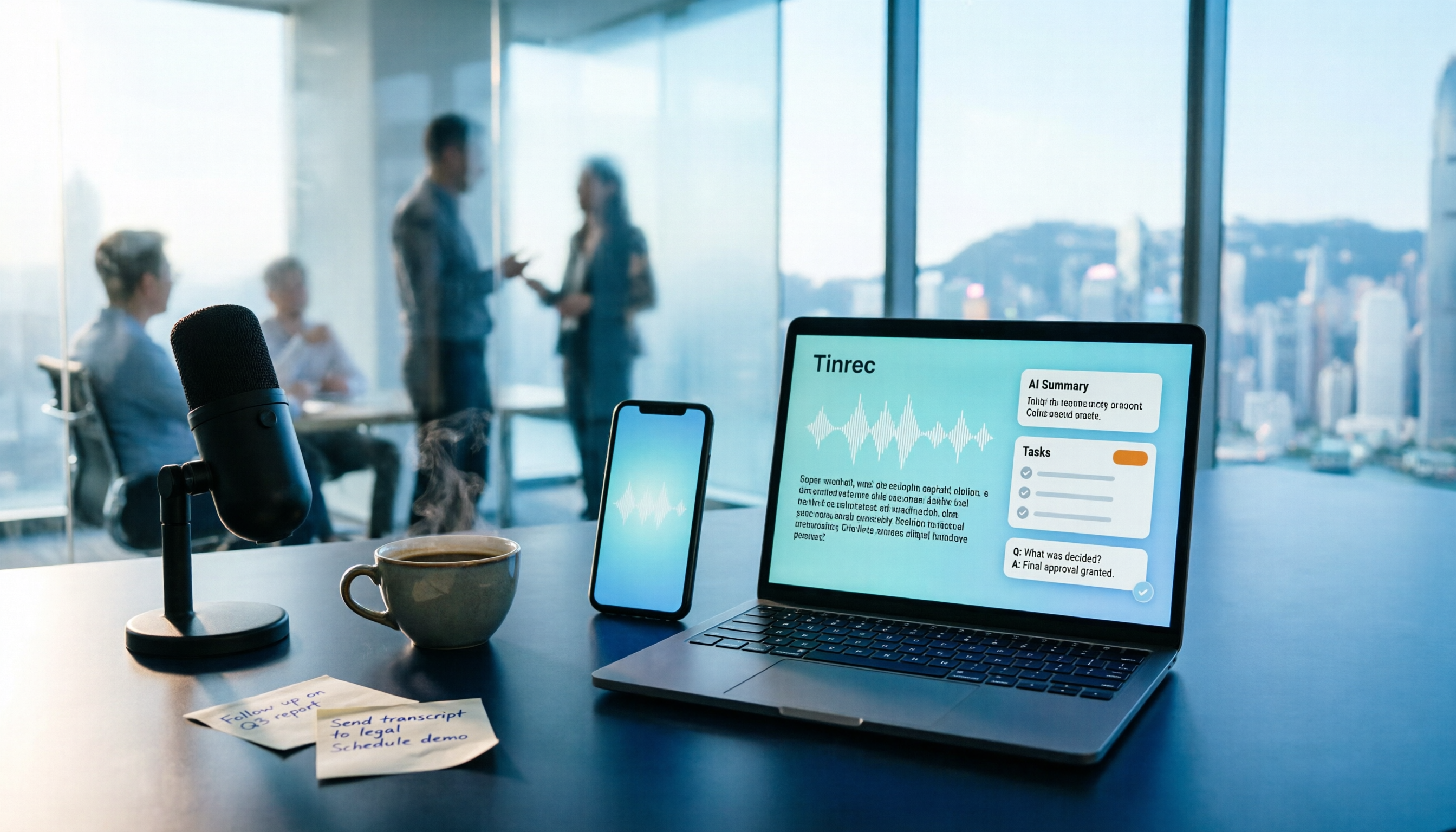
Free Audio-to-Text Solutions in 2026: 5 Options Compared
Transcribing recordings is a lifesaver for busy professionals, but free tools often disappoint. This article uses Tinrec as a primary example to outline free ways to get started with audio-to-text in 2026, compares 5 plans from free to team versions, and breaks down core capabilities like real-time transcription, bot-free meeting recording, AI summaries and action items, and AI Q&A, so you know which one is worth using.

5 Best Audio-to-Text Apps in 2026: Free Tiers and AI Summaries Compared
We tested audio-to-text apps on free tier limits, Chinese and mixed Chinese-English recognition, and post-meeting organization. We break down 5 key buying factors and 4 common pitfalls, then take a deep dive into Tinrec's bot-free online meeting recording, AI summaries, action item extraction, AI Q&A, and team workspace. Finally, we give clear recommendations based on budget and use case.
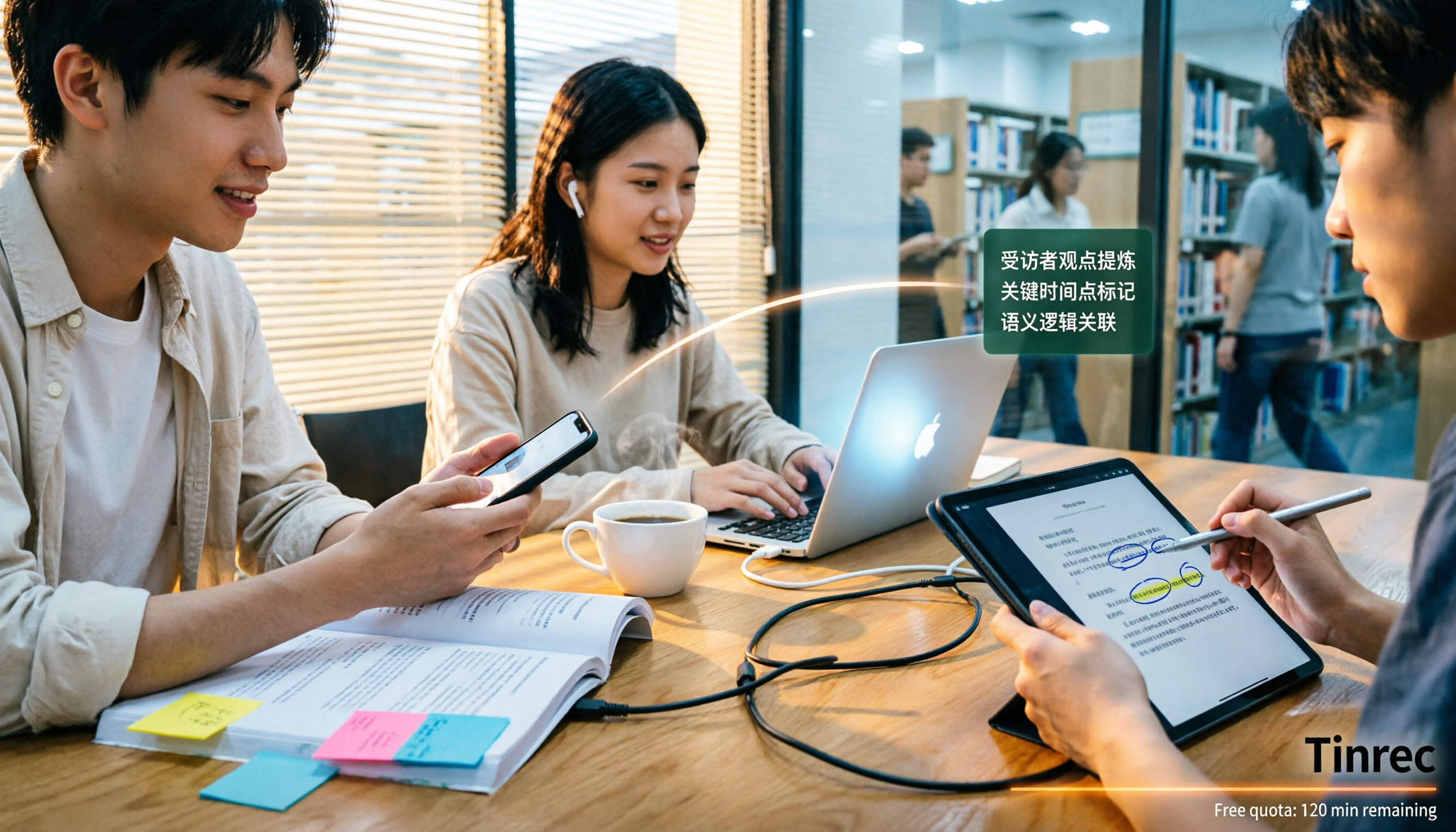
4 Best Audio-to-Text Apps in 2026: Which Free Tier Works Best for Students?
Starting from college and grad school scenarios like lectures, group discussions, and interviews, this article first highlights the three most common mistakes when choosing an audio-to-text app, then compares Tinrec, Notta, Otter.ai, and PLAUD Note across four key areas: free quota, AI organization, cross-platform support, and online meeting recording. It also includes buying advice and pitfalls to avoid for students.

4 Free Audio-to-Text Tools Compared in 2026: Is Tinrec, cSubtitle, or MyEdit's Free Version Enough?
How do you choose a free audio-to-text tool? This article compares the free quotas and limitations of Tinrec, cSubtitle, MyEdit, and Monica, explains Tinrec's real-time recording, bot-free online meeting recording, AI summaries and action items, AI Q&A, multi-format export, and team workspace, and breaks down the differences between free, personal, and team plans to help you decide which free option is truly sufficient.

How to Transcribe Audio to Text in 2026: 5-Step Mobile Tutorial
Transcribing audio to text on your phone doesn't mean typing every word. This article covers the top 3 mistakes people make, 4 key factors for choosing a tool, and 5 practical steps—from recording on your phone, live transcription, AI summaries and to-dos, AI Q&A, to exporting deliverables. It also compares Tinrec, iPhone's built-in transcription, Notta, and Otter.ai, and includes 4 common pitfalls and selection advice.

How to Transcribe iPhone Recordings in 2026: A 4-Step Hands-On Guide
You don't need third-party tools to turn iPhone recordings into text—iOS 18.4 and later include built-in transcription. This guide uses 4 key criteria to help you choose the right tool, and puts Tinrec to the test in Chinese meetings, online meetings, and team collaboration.

2026 Free Audio-to-Text AI Complete Guide: Free Tiers, Tool Comparison, and Tinrec Hands-On Review
From a student's hands-on perspective, this guide breaks down common misconceptions about free audio-to-text AI: how free quotas work, whether transcripts are directly usable, and how much time post-processing takes. It compares common free tools with Tinrec on Chinese recognition, AI summary and to-dos, bot-free online meeting recording, and team knowledge retention to help you find the one that truly saves time.