

Turn recordings into transcripts and summaries in minutes
Upload audio or video for multilingual transcription, AI notes, and action items
4 Free Audio-to-Text Tools Compared in 2026: Is Tinrec, cSubtitle, or MyEdit's Free Version Enough?
The meeting ends, and you look at that 47-minute recording on your phone, thinking: I'll have to put on headphones, play and pause, and type every word into the computer.
That will probably take an hour and a half, and if you miss a single sentence, you have to replay the whole section.
So many people start looking for free audio-to-text tools. My own approach is usually to check two things first: how long the free version lasts, and whether the transcript can be used directly.
This article starts from those two angles, compares 4 tools I've actually tested, and honestly describes Tinrec's positioning and limitations.
Why Are People Looking for a "Free and Good Enough" Audio-to-Text Tool?
Manual transcription is the most intuitive method, and also the most time-consuming. A one-hour recording usually takes two to three hours to type out.
Free tools do solve the typing part. For example, cSubtitle's free version lets you quickly try 3 minutes, MyEdit gives you daily points for free transcription, and Monica offers a 30-minute free trial.
But after the quota runs out, most people run into the same problem: you have the transcript, now what?
What a meeting really needs isn't just text, but conclusions, action items, and who to hand things off to. If you also struggle with "getting the transcript but still having to organize it again," Tinrec is worth checking out.
Tinrec vs Common Free Tools: What's Different in the Core Experience?
Free Quota and Usage Rhythm
The most realistic issue with free tools is how the quota is calculated. Some limit the length per session, some give a fixed number of times per day, and some give a trial minute allowance that you have to wait or upgrade after using.
Tinrec's free version provides a basic quota, letting you actually experience the core workflows of recording, file import, summarization, and transcription. My suggestion is to first try it with the type of recording you handle most often; you can tell in five minutes whether it fits.
There's no standard answer for quotas. But if you have meetings every week, you should factor in the long-term cost.
Input Sources and Meeting Scenarios
Most free transcription tools focus on file uploads. cSubtitle supports MP4, MOV, MP3, WAV, M4A, OGG, WMA and other formats, with a single file up to 4GB and 5 hours, making it convenient for organizing existing recordings.
In addition to uploading audio and video files, Tinrec adds two entry points that are very useful during meetings: real-time recording, and direct capture of computer system audio via the desktop version.
When using Zoom, Google Meet, Microsoft Teams, or Webex, you don't need to invite any meeting bot. Just open the Tinrec desktop version to record and generate a transcript simultaneously. Users who often forget to call the bot will especially appreciate this.
Post-Transcript Organization Capabilities
This is where I think the biggest difference lies. Traditional transcription tools usually end at the transcript or subtitle file. For example, MyEdit can export .txt or .srt, and cSubtitle produces a Word file with time codes and .sub, .vtt subtitle files.
Tinrec treats the transcript as a starting point. It automatically generates summaries, chapters, key points, and action items, and can also do AI Q&A around the meeting content.
For example, after a one-hour meeting, you don't need to reread 30 pages of transcript. Just ask "What was the conclusion of this meeting?" or "Who is responsible for which item?" and it will give answers based on semantics. For those who need to produce meeting minutes, this is a clear time saver.
Language Support and Real-Time Translation
Chinese recognition is what Taiwanese users care about most, especially since meetings often mix Chinese and English technical terms. MyEdit supports 9 languages including Chinese, English, Japanese, Korean, German, French, and Spanish, while cSubtitle focuses on Mandarin Chinese training.
Tinrec covers Chinese, Traditional Chinese, and multilingual meeting scenarios, and supports real-time translation during recording, allowing you to switch between original text, translation, or bilingual view.
In addition, Tinrec's team plan offers a team glossary feature, allowing you to maintain a list of internal product names, abbreviations, and technical terms, which practically helps recognition.
Actual recognition performance is still affected by recording quality, background noise, accents, and multiple people speaking at once, just like every other tool.
Team Collaboration and Data Retention
After using personal tools for a while, data usually ends up scattered across individual accounts. When someone leaves, meeting records disappear too.
Tinrec's team plan puts meeting data into a separate team workspace, where audio files, folders, and action items are stored together, and new members can view past meetings.
Managers can manage usage rights through roles and seats, view usage analytics, and audit logs. Note that the team plan currently focuses on team-level sharing, not fine-grained file-level permission control.
Tinrec's Core Features at a Glance
Real-time audio-to-text: Open Tinrec and start recording, and text is generated simultaneously. Suitable for offline meetings, interviews, or impromptu discussions. The transcript is ready as soon as the meeting ends, no extra time needed.
Bot-free meeting recording on desktop: This is one of Tinrec's most practical designs. The desktop version directly captures the computer's system audio to handle online meetings on Zoom, Google Meet, Microsoft Teams, Webex, etc., without pulling a bot into the meeting room. Users just need to actively start recording.
Stop organizing recordings by hand
Upload audio or video and automatically get a transcript, summary, and action items
AI summaries, chapters, and action item extraction: Long meetings are broken into meaningful sections, and key points and action items are automatically organized. Especially useful for project weekly meetings and client meetings, because "who does what" is usually the easiest part to miss.
AI Q&A: You can ask questions about a single meeting or across meetings. As historical data accumulates, this feature becomes more like a conversational meeting database.
Multi-format export and Agent post-processing: Transcription results can be taken to Notion, Google Docs, OneNote, Dropbox, etc. for further use, and can also generate reports, tables, and meeting documents.
Team workspace: Centrally manage meeting recordings, transcripts, summaries, and action items, with members getting corresponding usage rights based on roles and seats.
How to Choose Between Tinrec's Free, Personal, and Team Plans?
The free plan is suitable for those who occasionally organize a recording, to first experience the complete workflow of recording, import, summarization, and transcription.
If you only have a short period of intensive meetings, courses, or interviews, consider a weekly pass; if you have steady weekly usage, the Pro monthly plan is more suitable; if you need long-term accumulation of recording data, the annual plan has a lower monthly equivalent.
The team plan is a separate collaboration space, not multiple people sharing one account. The first eligible team trial is 7 days, 1 free seat, and provides 300 minutes of team shared import quota.
For paid plans, the team monthly is USD 29.80 per paid seat per month, and annual is USD 199 per paid seat per year, equivalent to about USD 16.58 per month; each paid seat provides 2,000 minutes of team shared import quota per month.
Also, under an active team plan and active seats, real-time recording currently does not deduct minutes, while file and web imports use team shared import minutes. Actual prices, currencies, and promotions are subject to the official purchase page.
Real-World Usage Scenarios
Online meetings: Project weekly meetings on Zoom, just open Tinrec desktop to record directly, no bot needed. After the meeting, summaries and action items are already generated, ready to paste into the group chat for reporting.
Classes and lectures: Sitting in the back of the classroom, you can still use your phone for real-time audio-to-text. When you get home, use the chapter feature to review, much more efficient than listening to a two-hour recording again.
Client interviews and requirements meetings: Salespeople fear missing client promises and objections. Tinrec organizes action items from the discussion, and after the meeting you can export them as a document to hand off to the team.
Organizing historical recordings: Old recordings can be uploaded and transcribed at once, then queried later with AI Q&A. For those who need to accumulate materials long-term, this is more useful than leaving them on a hard drive.
Points to Note When Choosing an Audio-to-Text Tool
How the free quota is calculated: First figure out whether it limits per-session length, daily times, or monthly minutes. For example, cSubtitle's free version is a quick 3 minutes, Monica is a 30-minute trial, suitable for verifying results but not for a main workflow.
Whether the original recording is kept: Transcripts can have errors, so being able to listen back to the original audio for comparison is important. Tinrec keeps audio files, and the team plan also provides an audio recycle bin, so accidentally deleted files can be restored before permanent cleanup.
What you can do after the transcript: If you only want a subtitle file, a pure transcription tool is enough; if you also need meeting minutes, action items, and follow-up tracking, choose a tool with summarization and Q&A capabilities.
Performance with Chinese and mixed Chinese-English: Meetings in Taiwan are rarely all Chinese; product names and technical terms often mix in English. When choosing a tool, test with a real recording of your own, which is more accurate than looking at spec sheets.
Ownership of team data: If meeting data will be used across members, confirm whether the data is stored in personal accounts or a team space. Tinrec team resources belong to the team, and can be handed over to other active members when membership changes.
Recording compliance: In most regions, recording requires participant consent. Before using any transcription tool, you should confirm the relevant regulations.
Summary: Is Tinrec Worth a Try?
If you just need to turn a recording into text, the free trial quota of free tools is actually enough.
But if you want to avoid another round of organizing after the meeting, Tinrec's value is more obvious: bot-free desktop recording solves the problem of recording online meetings, summaries, action items, and AI Q&A save time on post-meeting organization, and the team plan keeps this data in a place where it can be searched and handed over.
I suggest starting with the free version and running through the workflow with your own recording. That's more direct than reading any review.
FAQ
Q1: What can Tinrec's free version do? The free version provides a basic quota, allowing you to experience core workflows such as recording, import, summarization, and transcription, suitable for first confirming whether it fits your use case.
Q2: Do I need to invite a meeting bot to join the meeting? No. The Tinrec desktop version directly captures computer system audio to handle online meetings. Users need to actively start recording; it does not automatically join all calendar meetings.
Q3: What's the difference between the team plan and the personal plan? Personal plan data is managed under individual accounts; the team plan provides a separate team space, meeting data belongs to the team, and adds capabilities such as members, roles, seats, usage analytics, audit logs, and audio recycle bin.
Q4: Can team members without a seat see the data? Yes. Active members can still view, play, and read team data even without a seat; only after obtaining a seat can they record, upload, edit, import, and export.
Q5: Does it only produce a transcript? No. Tinrec also generates summaries, chapters, key points, and action items, and can create mind maps, reports, tables, and documents, and export to Notion, Google Docs, OneNote, Dropbox, etc.
Q6: Can accuracy be guaranteed? It's not recommended to understand it that way. Actual recognition performance is affected by recording quality, noise, accents, overlapping speech, and technical terms. Important content should still be verified against transcript timestamps and audio playback.
Q7: Can deleted team audio be recovered? After audio enters the team recycle bin, it can be restored before permanent cleanup begins. The current retention period is 30 days.
References
- Online AI speech, video, audio file auto transcription - Free trial - cSubtitle
- Online speech-to-text AI, free MP3 or audio file to text transcript - MyEdit
- Tested 4 best "speech-to-text" online tools, free instant audio to transcript
- Audio to text - Free speech-to-text tool
- No time limit! 3 free AI transcript tools, highly recommended! AI voice notes generate meeting minutes, presentations, mind maps | 104 Career Power
Turn every recording into actionable outcomes
Get 60 free transcription minutes when you sign in. No credit card required.
Related Reading
You might also like

2026 Comparison of 4 Audio-to-Text Tools: Which Transcripts Are Actually Ready to Use?
A hands-on comparison of 4 audio-to-text tools, covering how they capture online meetings, their performance with Chinese and mixed Chinese-English speech, post-transcription summaries and AI Q&A, and team seat management and handover. We explain how to choose based on different budgets and use cases, and highlight the 4 most common pitfalls before purchasing.

2026 Comparison of 4 Audio-to-Text Apps: Are Free Tiers Enough for Students?
Starting from questions in PTT discussion threads, I tested 4 audio-to-text apps over a full semester using class recordings and group meetings. I compared real-time transcription, free tiers, post-meeting AI summaries, and cross-platform export, explaining why Tinrec was the one I kept, and who Notta, PLAUD, and Otter.ai are best for.
Free Audio-to-Text Solutions in 2026: 5 Options Compared
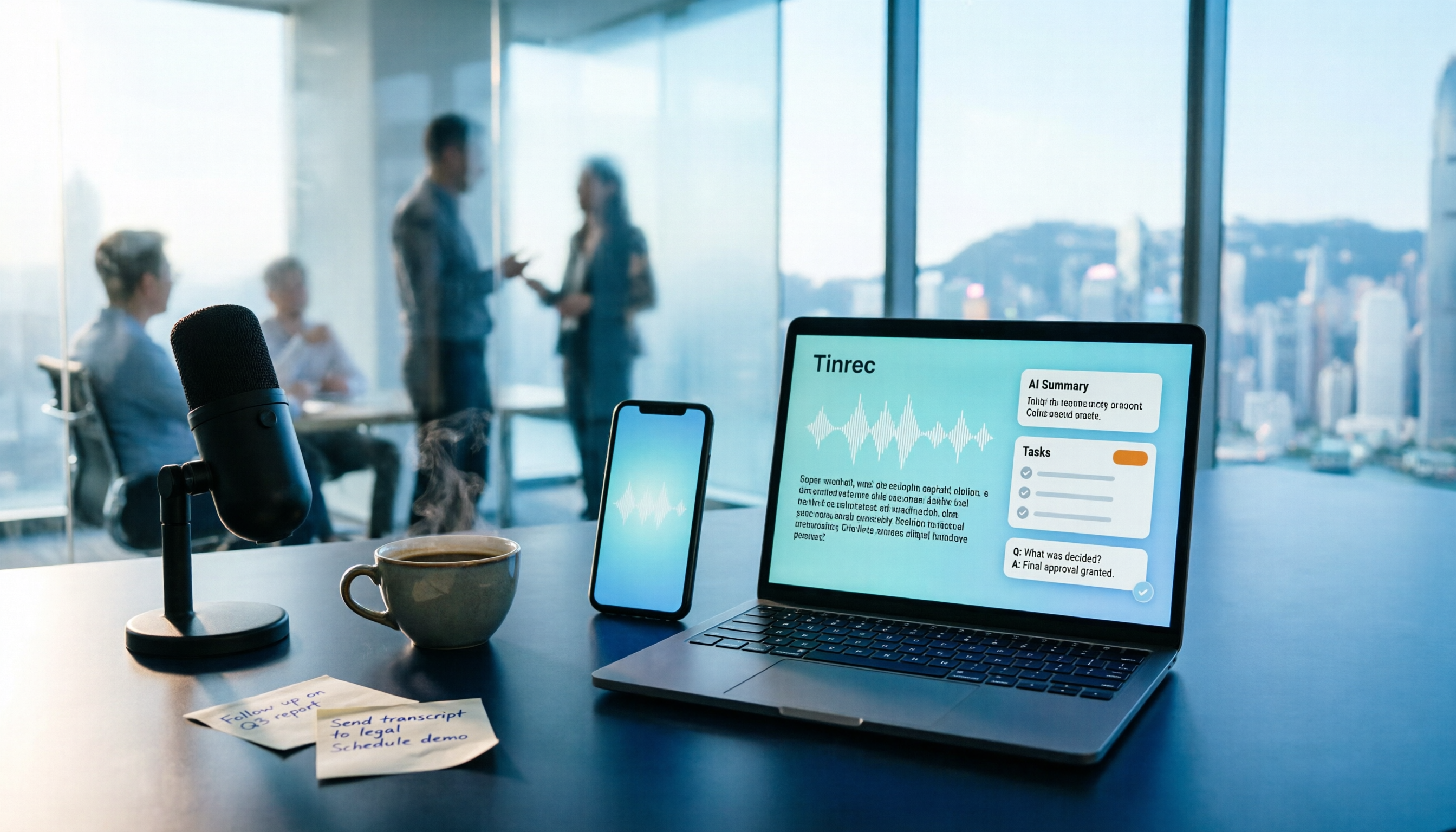
Transcribing recordings is a lifesaver for busy professionals, but free tools often disappoint. This article uses Tinrec as a primary example to outline free ways to get started with audio-to-text in 2026, compares 5 plans from free to team versions, and breaks down core capabilities like real-time transcription, bot-free meeting recording, AI summaries and action items, and AI Q&A, so you know which one is worth using.

5 Best Audio-to-Text Apps in 2026: Free Tiers and AI Summaries Compared
We tested audio-to-text apps on free tier limits, Chinese and mixed Chinese-English recognition, and post-meeting organization. We break down 5 key buying factors and 4 common pitfalls, then take a deep dive into Tinrec's bot-free online meeting recording, AI summaries, action item extraction, AI Q&A, and team workspace. Finally, we give clear recommendations based on budget and use case.
4 Best Audio-to-Text Apps in 2026: Which Free Tier Works Best for Students?
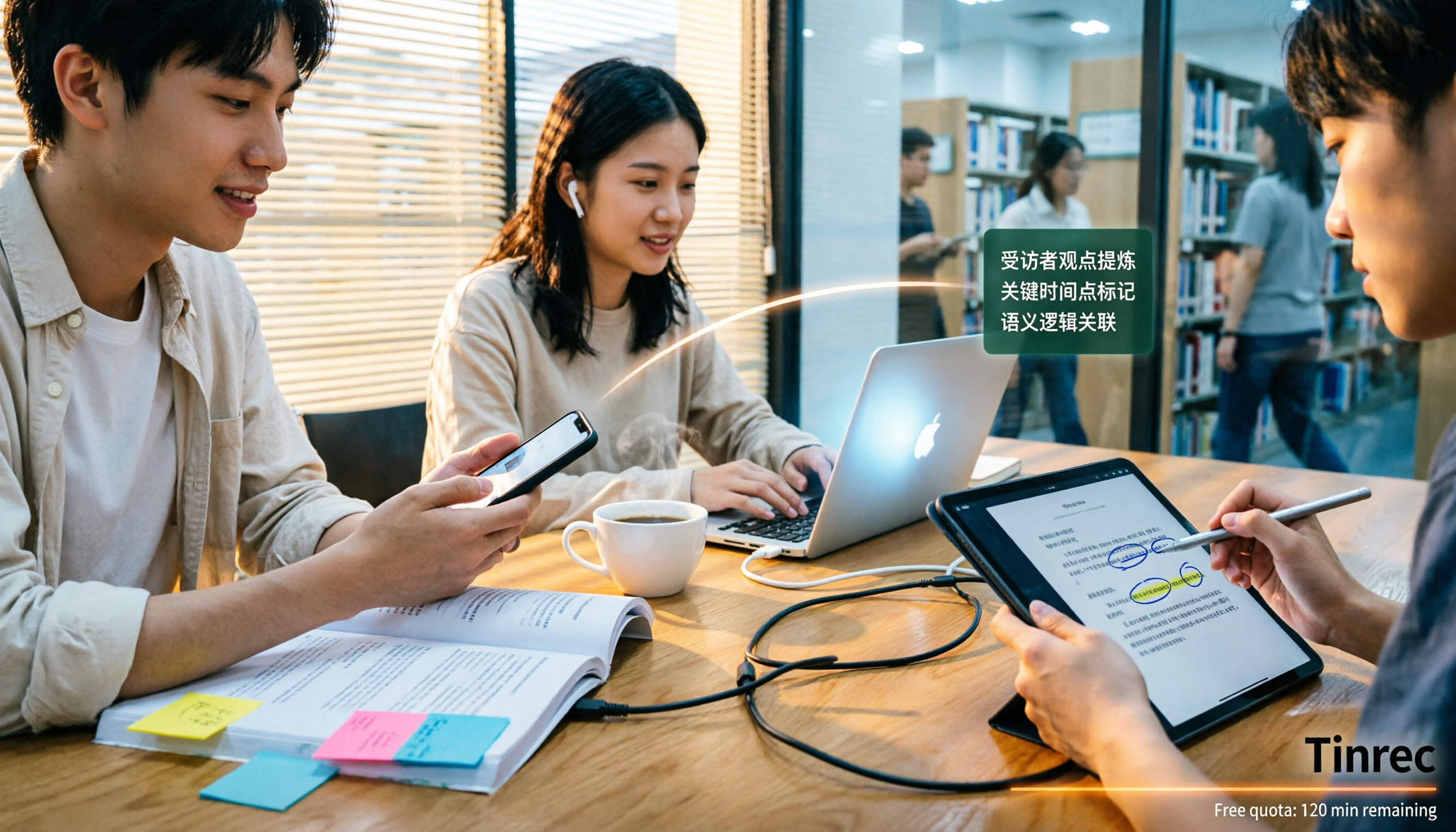
Starting from college and grad school scenarios like lectures, group discussions, and interviews, this article first highlights the three most common mistakes when choosing an audio-to-text app, then compares Tinrec, Notta, Otter.ai, and PLAUD Note across four key areas: free quota, AI organization, cross-platform support, and online meeting recording. It also includes buying advice and pitfalls to avoid for students.

How to Transcribe Audio to Text in 2026: 5-Step Mobile Tutorial
Transcribing audio to text on your phone doesn't mean typing every word. This article covers the top 3 mistakes people make, 4 key factors for choosing a tool, and 5 practical steps—from recording on your phone, live transcription, AI summaries and to-dos, AI Q&A, to exporting deliverables. It also compares Tinrec, iPhone's built-in transcription, Notta, and Otter.ai, and includes 4 common pitfalls and selection advice.

How to Transcribe iPhone Recordings in 2026: A 4-Step Hands-On Guide
You don't need third-party tools to turn iPhone recordings into text—iOS 18.4 and later include built-in transcription. This guide uses 4 key criteria to help you choose the right tool, and puts Tinrec to the test in Chinese meetings, online meetings, and team collaboration.

2026 Free Audio-to-Text AI Complete Guide: Free Tiers, Tool Comparison, and Tinrec Hands-On Review
From a student's hands-on perspective, this guide breaks down common misconceptions about free audio-to-text AI: how free quotas work, whether transcripts are directly usable, and how much time post-processing takes. It compares common free tools with Tinrec on Chinese recognition, AI summary and to-dos, bot-free online meeting recording, and team knowledge retention to help you find the one that truly saves time.

Tinrec vs Notta 2026: 5-Dimension Comparison — Which Free Audio-to-Text Tool Is Better?
How do you choose a free audio-to-text tool? This article compares them across 5 dimensions: free quota, Chinese recognition, post-meeting organization, meeting recording methods, and team permissions. Using Tinrec as an example, it explains what you can do with the free version and what you can do after transcription.