

Turn recordings into transcripts and summaries in minutes
Upload audio or video for multilingual transcription, AI notes, and action items
2026 Free Speech-to-Text Options: 5 Common Types Explained
Before finals last semester, I opened the recording app on my phone and found 12 hours and 40 minutes of class recordings piled up from the whole semester. That was the result of me barely taking any notes.
I figured, "I have the recordings, I'll just listen before the exam." But I gave up on the first night: 10 minutes of listening meant pausing, rewinding, and replaying, and an hour later I had only gotten through the first 20 minutes of one class.
That was when I really understood: the biggest misconception about free speech-to-text isn't that "free means less accurate." It's that you think it's free, but the quota runs out. Free plans generally fall into 5 types: single-session time limits (only a few minutes at a time), fixed monthly minutes, daily credits, feature-locked (free only gives plain text, summaries cost extra), and shared team quota. Each type of "free" has different limits behind it. If you just see the word "free" and jump in, you can easily get stuck right before a midterm report.
I later switched to Tinrec and have been using it since the second semester of my senior year. Below I'll share how I used it this semester to save my notes, group discussions, and senior project interviews, and I'll be clear about whether the free version is actually enough.
What can speech-to-text do for students?
Scenario 1: The professor talks too fast to take notes
Some professors talk fast and flip through slides even faster, and handwriting just can't keep up. In those cases I turn on Tinrec's live recording transcription, and a transcript appears while class is still going. It doesn't "understand" the lecture for me, but at least I won't open my notebook before an exam and find handwriting I can't read.
Scenario 2: A two-hour group discussion, and nobody remembers the conclusions
The most common tragedy in a project group is a lively discussion where nobody writes down who's doing what. Our approach is to record the whole discussion with Tinrec, then let it automatically generate a summary and action items. Who's responsible for which page, what needs to be turned in before the next meeting—just check the list instead of asking each other in the group chat, "So which framework did we decide to use?"
Scenario 3: During finals review, you can't find the key points in a recording from start to finish
You can't relisten to 12 hours of recordings. Tinrec breaks long recordings into chapters and generates summaries, so I can scan the summary to pinpoint a few key sections, then go back and listen to those few minutes of the original recording. That's far more efficient than my old habit of forcing myself through the whole semester at double speed.
Scenario 4: Online courses, lectures, and remote meetings
Tinrec's desktop version can capture your computer's system audio directly, handling online meetings on Zoom, Google Meet, Microsoft Teams, Webex, and similar platforms without adding a meeting bot to the room. When an online class or remote project meeting ends, the transcript is basically ready too.
What are the core capabilities of speech-to-text?
Live recording transcription: Transcribes as you record, not after. Works directly for in-person classes, on-site interviews, and impromptu discussions.
Bot-free online meeting recording: Tinrec's desktop version captures system audio, so you don't need to invite an extra bot into the meeting and no unfamiliar account shows up in the room. Note that this doesn't mean it "automatically joins all calendar meetings"—you still need to open Tinrec and start recording yourself.
AI summaries and chapters: A two-hour discussion gets organized into structured key points, and long meetings can be browsed by chapter. For exam review, this is more useful than the transcript itself.
Action item extraction and AI Q&A: After transcription, you can directly ask it, "Which database did we decide to use in this discussion?" or "How many pages did the professor say the report should be?" and it answers based on the content. It also organizes action items from the discussion into a to-do list.
Live translation and multi-format export: For cross-language courses or interviews, you can view the original text, translation, or bilingual content. Finished material can be exported and taken into Notion, Google Docs, OneNote, Dropbox, and other tools to keep working, and can also be turned into reports, tables, and documents.
Real-world use cases
Class notes: For large required courses, I keep live transcription on the whole time; for general education or slower-paced classes, I only record key sections. Tinrec's AI summary keeps what the professor repeatedly emphasized, so during review I check the summary first and then decide whether to listen to the original audio.
Senior project and group meetings: Our group meets once a week and records the whole thing with Tinrec. Afterward we paste the to-do list into the group chat, and it's obvious who hasn't done their part. Before the next meeting, I use AI Q&A to look back and check, "Who provided the interviewee list we mentioned last time?"
Stop organizing recordings by hand
Upload audio or video and automatically get a transcript, summary, and action items
Interviews and research: For my senior project I needed to interview upperclassmen and industry professionals. After recording with Tinrec, a transcript is generated directly, and I pick quotes from it. Before, a one-hour interview took three hours to transcribe; now I save that time for analysis and writing.
Online courses and lectures: For remote classes or outside lectures, I record system audio with the desktop version, then use the summary to review quickly after class, and search the transcript for keywords when I need details.
Team and club sharing: If a project group, lab, or club needs to share materials, Tinrec's team plan provides an independent team space where meeting data belongs to the team, plus member roles and seat management, shared quota, usage analytics, audit logs, an audio recycle bin, and team hotwords. Even if a member leaves, the data isn't taken away by an individual and can be handed over to other members.
5 things to watch when choosing a speech-to-text tool
1. How the free quota is calculated matters more than the word "free"
Single-session time limits, monthly caps, and daily credits are completely different restrictions. Tinrec's free plan lets you try recording, importing, summaries, and transcription with a basic quota, which is good for first checking whether it recognizes your Chinese classroom recordings smoothly. To organize a whole semester of classes, you still need to look at your actual usage to decide whether to upgrade.
2. Recognition performance for Chinese and mixed Chinese-English
Classrooms in Taiwan often use Chinese as the main language with English technical terms mixed in. Tinrec covers Chinese, Traditional Chinese, and multilingual meeting scenarios, and you can maintain frequently used technical terms with team hotwords. Actual accuracy is affected by recording quality, noise, accents, overlapping speakers, and technical terms, so it's best to test a segment with your own recording.
3. Can you use it directly after transcription?
The transcript is just raw material. Whether it can automatically generate summaries, chapters, and action items, and whether you can ask questions about the content, is the key to saving time. After transcription, Tinrec also has AI summaries, action item extraction, AI Q&A, and Agent post-processing to further produce reports, tables, and meeting minutes.
4. Supported input sources and platforms
Make sure the tool can handle your materials: existing audio files, video files, online course audio, and the devices you commonly use. Tinrec supports live recording, audio and video files, and mobile recording; the desktop version can handle online meeting audio playing on your computer, and there are iOS, Android, and web versions.
5. Team collaboration and data ownership
If you're using it alone, a personal plan is enough. But when a project group or lab needs to share data, note that "multiple people sharing one account" and a "true team space" are very different. Tinrec's team plan is an independent space where you can set owners, admins, and regular members, and use seats to decide who can record, upload, edit, and export. Members who are active but don't have a seat can still view, play, and read team materials.
FAQ
Q1: Is there truly completely free speech-to-text?
Yes, but most are free with limits. Common approaches are a fixed number of minutes, daily credits, or a single-session time cap, and features may be limited to plain text transcription. Tinrec's free plan provides a basic quota to try recording, importing, summaries, and transcription, which is good for testing before deciding whether to upgrade.
Q2: Is the free quota enough for one semester?
It depends on how much you record. If you only record key courses, weekly usage isn't much; if you plan to record every class in full, you'll need to consider upgrading. Besides the free plan, Tinrec's personal plans include a weekly pass, Pro monthly, and Pro annual, so you can choose based on short-term sprints or long-term accumulation. Prices and plan details are subject to the official purchase page.
Q3: What languages does Tinrec support?
Tinrec covers Chinese, Traditional Chinese, and multilingual meeting scenarios, and also supports live translation during recording so you can view the original text, translation, or bilingual content. Actual recognition results are affected by recording quality, accents, noise, and technical terms.
Q4: Do I need to add a meeting bot to meetings when using Tinrec?
No. Tinrec's desktop version directly captures your computer's system audio to handle meetings playing on your computer from platforms like Zoom, Google Meet, Microsoft Teams, and Webex. You need to open Tinrec yourself to start recording; it's not a bot that automatically joins calendar meetings.
Q5: What's the difference between the team plan and the personal plan?
Personal plan data is managed by an individual account. The team plan is an independent team space where meeting data belongs to the team, with additional capabilities like members, roles, seats, shared benefits, usage analytics, audit logs, and an audio recycle bin. Currently, team plan paid seats are USD 29.80/month, or USD 199/seat/year with annual billing, about USD 16.58/month. Each paid seat provides 2,000 minutes of shared team import quota per month; eligible teams get a 7-day trial with 1 free seat and 300 minutes of shared import quota for the first time. Prices and promotions are subject to the official purchase page.
Conclusion
Free speech-to-text isn't unusable—you just need to see clearly where the "free" is limited. My advice: start with the free plan, test a segment with your own classroom recording, and confirm Chinese recognition, summary quality, and ease of use. If you just need to catch up on a whole semester of notes the week before finals, a short-term option like the weekly pass is plenty; if you regularly organize meetings or courses every week, then consider Pro. If a project group or lab needs to share data, go straight to the team plan—don't let your group's meeting records scatter across four people's phones until nobody can find them.
References
- Audio to Text - Free Speech-to-Text Tool
- Online AI Speech, Video, and Audio File Auto-Transcription - Free Trial - cSubtitle
- Tested: 4 of the Best Online Speech-to-Text Tools, Free Instant Audio-to-Transcript
- Online Speech-to-Text AI, Free MP3 or Audio File to Text Transcript - MyEdit
- Yating Transcript
Turn every recording into actionable outcomes
Get 60 free transcription minutes when you sign in. No credit card required.
Related Reading
You might also like

4 iPhone Transcription AI Tools Tested in 2026: Which One Actually Saves You Time?
Two-hour meeting, two more hours to organize? This article compares four common iPhone recording-to-text methods: iOS built-in transcription, Notta, PLAUD NotePin, and Tinrec. It outlines four key buying criteria, four common pitfalls, and explains Tinrec's real-world performance in Chinese meetings, post-meeting AI Q&A, and team knowledge retention, helping you decide which one to choose.

4 Best iPhone Transcription Solutions in 2026: Built-in vs. Apps vs. AI Tools
How to choose an iPhone audio-to-text solution? This article compares Apple's built-in Voice Memos, Granola, Notta, and Tinrec, covering Chinese language support, post-meeting organization, team collaboration, and pricing to help you find the right fit.

2026 AI Transcription Tools Comparison: 4 Picks Tested for Chinese Accuracy & Post-Meeting Efficiency
We tested 4 AI transcription tools in 2026, comparing Chinese recognition, online meeting recording, free tiers, and post-meeting organization. We cover 4 key buying factors and 4 common mistakes, and compare Tinrec, Notta, Granola, and Otter.ai to help you choose the best fit.

5 Best iPhone Transcription Apps in 2026: Which Saves the Most Time for Cantonese Meetings?
Which iPhone transcription app is best? We tested Tinrec, Apple Voice Memos, Otter.ai, and Granola using a Cantonese meeting recording with mixed Chinese and English. We compared recognition accuracy, post-meeting organization, cross-platform use, and team sharing to help you save time on transcripts.
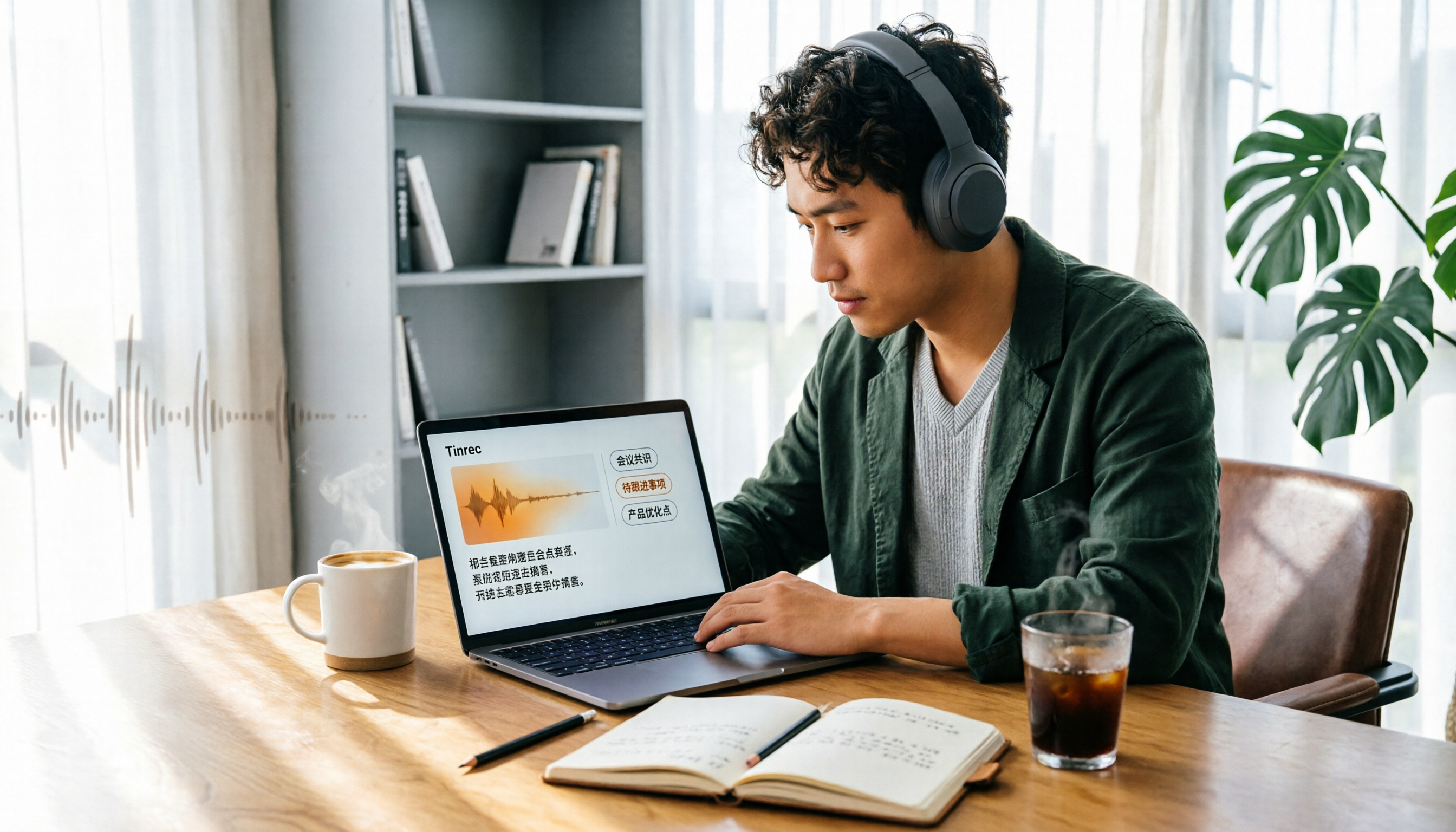
4 Audio-to-Text Tools Tested in 2026: Can ChatGPT or Tinrec Turn Your Recordings into Transcripts?
Want to use ChatGPT to turn audio files into transcripts, but it can't read audio files and its recording mode only works on macOS and certain paid workspaces? This hands-on comparison of 4 audio-to-text tools covers importing existing audio, Chinese recognition, post-meeting organization, and team data retention—plus 3 common mistakes to avoid when choosing a tool.

2026 Top 5 Speech-to-Text Software Comparison: Which Free Version Is Good Enough?
Starting from the overtime pain points of Central office workers, this article tests and compares free speech-to-text solutions in 2026, breaks down 5 key factors to consider when choosing a tool, and uses Tinrec to demonstrate the complete workflow from real-time transcription, AI summaries, action item extraction, AI Q&A, to team workspace retention.

2026 4-Way Audio-to-Text Comparison: Is Samsung Galaxy AI Enough?
Is Samsung Galaxy AI's speech-to-text assistant good enough? This article starts with three common recording organization mistakes, breaks down 5 key buying factors, and compares Samsung's built-in feature, Tinrec, Otter.ai, and Notta. It also covers 4 pitfalls to avoid, helping you decide based on your budget and use case.

5 Chinese Speech-to-Text Tools Tested in 2026: Which Saves the Most Time on Meeting Notes?
A mid-level manager who runs 15 meetings a week shares hands-on experience: when choosing a Chinese audio-to-text tool, the key isn't whether it supports Chinese, but whether it can handle your meeting format, organize the transcript afterward, and provide enough team governance. Using Tinrec as an example, this covers bot-free meeting recording, Chinese transcripts, AI summaries and action items, and the practical uses and limits of team spaces.

2026 AI Transcription Tools Buying Guide: 6 Tested Picks & Advice
Which tool should you use for class recordings, group discussions, or online project meetings? This guide, based on real student scenarios, reviews 6 AI transcription and meeting note tools—Tinrec, Notta, Otter.ai, Granola, TurboScribe, and NotebookLM—so you can quickly compare free tiers, pricing, and selection order.