

Turn recordings into transcripts and summaries in minutes
Upload audio or video for multilingual transcription, AI notes, and action items
Wednesday, 3:30 PM, a Central office building. You just finished a two-hour cross-department meeting. Before your boss even steps out of the conference room, he asks, "Which three items need follow-up? Who's responsible?" You look at the 128MB recording on your phone and your heart sinks—listen to it sentence by sentence? You won't be leaving by 9 PM tonight.
You quickly Google "free speech to text software" and a flood of results pops up. After installing a few, you discover: the free quota runs out quickly, the output is a jumble of words without punctuation, and sections with mixed Chinese and English or multiple speakers talking at once are even more incomprehensible. Those few hours of trial and error are enough time to listen back to half the meeting.
This article won't waste your time. It directly addresses three things: what free speech-to-text can do now, what to look for when choosing a tool, and how to use Tinrec's free version to finish meeting notes before you leave work.
What Can Speech-to-Text Software Do for You?
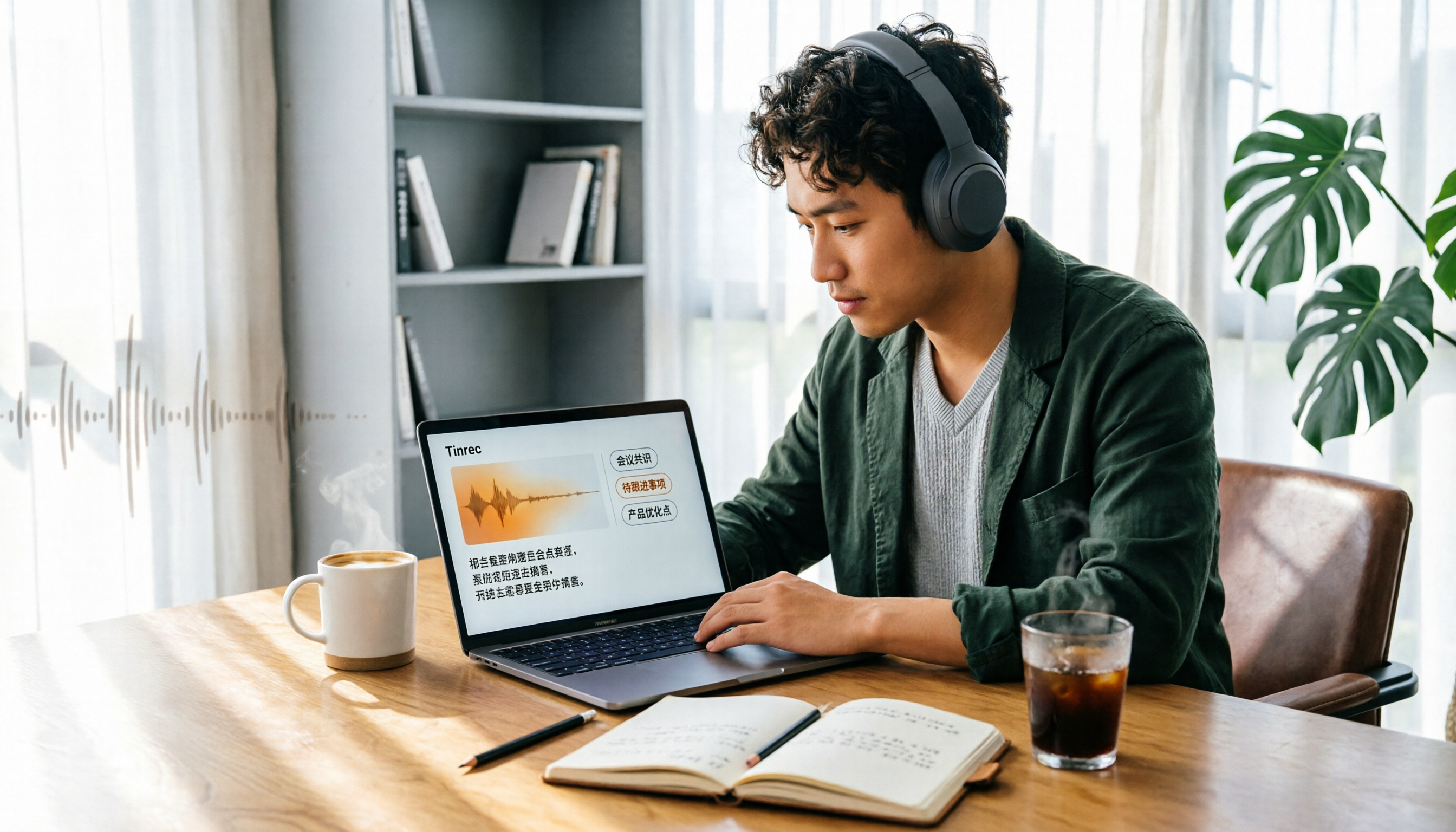
Scenario 1: After a meeting, no more listening to a two-hour recording In the past, after a meeting, you'd spend another hour listening to the recording, typing, and organizing before you could start real work. Now, with Tinrec as an example, the transcript is generated in real-time during the meeting, and after the meeting, AI automatically generates a summary, chapters, and action items—who's responsible for what and when it's due, all clear at a glance. Your work shifts from "listening and typing" to "reviewing."
Scenario 2: Online meetings, without another "bot" joining Many meeting note tools require a bot account to join the meeting, which means notifying everyone beforehand, and some people may feel monitored. Tinrec's desktop version directly captures your computer's system audio, handling meetings on Zoom, Google Meet, Microsoft Teams, Webex, etc., without inviting an extra participant.
Scenario 3: A mountain of old recordings, class recordings, interview files Dozens of recordings on your phone have never been organized. Tinrec supports importing audio and video files, converting them into searchable text all at once, and automatically extracting summaries and key points, so you don't have to listen to each one.
Scenario 4: Meetings with foreign colleagues or clients Tinrec supports real-time translation. You can choose to view the original text, translation, or bilingual side-by-side, so you know where the other person is during the meeting.
What Are the Core Capabilities of Free Speech-to-Text?
Real-time transcription: text appears as you record, not after During the meeting, you can already see the text and verify in real-time, and if you notice a missed point, you can ask immediately. For meetings that require immediate responses, this is far more practical than "waiting for transcription after the meeting"—Tinrec combines real-time recording, online meetings, and file import into a single workflow.
AI summaries and chapters: long meetings broken down and easy to understand No one wants to read a 20,000-word transcript of a two-hour meeting. Tinrec generates summaries and chapters, dividing the discussion by topic, so you can jump directly to "budget" or "staffing" without scrolling from the beginning.
Action item extraction: from discussion to action list The most valuable part of a meeting isn't the content, but "who does what after it's discussed." Tinrec organizes action items from the conversation, making it easy for you to follow up directly.
AI Q&A: continue asking questions after transcription This is the dividing line between free tools and AI meeting tools. With Tinrec, you can directly ask: "Who mentioned the budget in the meeting?" "What was the client's feedback?" The system answers based on semantic understanding, so you don't have to Ctrl+F for keywords yourself.
Multi-format export and post-processing Meeting results shouldn't be trapped in the tool. Tinrec supports export to Notion, Google Docs, OneNote, Dropbox, and other common tools; Agent post-processing can also generate reports, tables, and documents that you can submit directly.
Team workspace: using it alone vs. using it for a department are two different things Personal version data belongs to the individual account; Tinrec's team version is an independent team workspace where you can create and switch between multiple teams, invite members via link, set owners/admins/regular members, and assign or revoke seats. Paid seats provide 2,000 minutes of shared team import quota per month; under an active team plan, real-time recording is not deducted by minutes; first-time eligible teams get a 7-day trial, 1 free seat, and 300 minutes of shared import quota. Team monthly payment is USD 29.80 per paid seat per month, annual payment is USD 199 per paid seat per year; actual prices are subject to the official purchase page.
Stop organizing recordings by hand
Upload audio or video and automatically get a transcript, summary, and action items
Practical Application Scenarios
Department weekly meeting: from meeting to task assignment in one flow Monday morning weekly meeting, start recording with Tinrec desktop version, no bot needed. After the meeting, the summary already lists last week's progress and this week's priorities, and action items become a follow-up list. Meeting notes that used to take half a day to produce now have a draft as soon as the meeting ends; you just need to review and fill in gaps.
Classes, training, and lectures: no more hand-cramping note-taking During training, you focus on listening and asking questions while Tinrec generates the transcript in real-time. Afterwards, use AI Q&A to extract key points: "What were the three common mistakes the instructor mentioned?" It's much faster than reviewing 50 pages of notes.
Customer interviews and user research: needs, objections, commitments all captured Sales or research teams fear missing a single word from a customer. Tinrec retains the transcript and recording, and AI summaries help you organize customer needs, concerns, and follow-up actions. The team version also allows you to store data centrally in the team workspace, so new team members can review historical records.
Content creation: interview material directly becomes a draft For podcasters or writers, the most time-consuming part is transcribing. After transcription with Tinrec, you can export directly to Notion or Google Docs for further editing, saving time for editing or writing.
5 Things to Note When Choosing a Free Speech-to-Text Tool
1. How the free quota is calculated Most free plans on the market are limited by time, single file length, or import minutes. You need to ask: after the quota runs out, can you still transcribe your recordings? For example, Tinrec's free version provides a basic quota to experience recording, import, summaries, and transcription, so you can first test whether it suits your meeting scenarios before deciding to upgrade.
2. Actual experience with Chinese and multiple languages Don't just look at official marketing. Tinrec covers Chinese, Traditional Chinese, and multilingual meeting scenarios, and supports real-time translation and team hotwords (you can maintain department-specific terminology to improve professional term recognition). However, note that actual performance is affected by recording quality, ambient noise, accents, and overlapping speakers—so it's best to test with your own real recordings.
3. Recording method: do you need to add a bot? If you frequently meet clients or external partners, adding a bot doesn't look good. Tinrec's desktop version directly captures system audio, no extra account needed to join the meeting, which is especially practical for external meetings.
4. What you can do after transcription Tools that only produce transcripts require you to read and summarize yourself. When choosing a tool, ask: does it have summaries, chapters, action items, Q&A? Can it export? Tinrec's positioning is that "transcription is just the first step"; the real time-saving comes from organizing, asking questions, and exporting.
5. Team collaboration and data governance Using it alone vs. using it for a department have completely different requirements. Note that roles and seats are two different things: roles determine who can manage the team, members, and audits; seats determine whether a member can record, upload, edit, and import/export. Tinrec's team version also has usage analytics, audit logs, and an audio recycle bin (can be restored before permanent deletion), and when a member leaves, their team resources can be handed over to other active members. Also, remember to notify and get consent from participants before recording, and comply with local regulations.
Frequently Asked Questions
Q1: Is the free version enough? It's enough to test the workflow. Tinrec's free version has a basic quota to experience recording, import, summaries, and transcription. If you have several meetings every week, try the free version first, then choose a weekly, monthly, or annual plan based on actual usage.
Q2: Which meeting platforms does Tinrec support? Through the desktop version capturing computer system audio, it can handle meeting audio played on your computer from platforms like Zoom, Google Meet, Microsoft Teams, Webex, etc. Note that this is technical audio capture, not an official partnership with any platform, and it won't automatically join all meetings in your calendar—you need to start recording manually each time.
Q3: How high is the accuracy? It's not advisable to trust a single percentage. Transcription performance is affected by recording quality, noise, accents, overlapping speakers, and technical terminology. A safe approach is to use the transcript timestamps with the recording to verify important content, and use team hotwords to improve professional term recognition.
Q4: Can team members without a seat see the data? Yes, but they can't edit. Active members without an assigned seat can view, play, and read team data; to record, upload, edit, or import/export, they need a seat.
Q5: Can deleted recordings be recovered? Yes, within a time limit. Team audio goes to the recycle bin and can be restored before permanent deletion begins; the current retention period is 30 days; action items are not within the recycle bin scope.
Q6: How can the results be used? You can export to Notion, Google Docs, OneNote, Dropbox, etc. for further editing, or use Agent post-processing to generate reports, tables, and documents.
Conclusion
Free speech-to-text tools are no longer at the "make-do" level, but to save time, the key isn't transcription itself, but whether someone helps you organize, ask questions, and follow up afterwards.
If you have more than three meetings a week, it's worth trying Tinrec's free version with the basic quota: real-time transcription, AI summaries, action item extraction, AI Q&A all in one, and see how meeting notes go from "two hours of overtime" to "done before leaving work." For team use, you can further consider team workspace, seat allocation, and audit log governance capabilities.
References
- No time limit! 3 free AI transcription tools, highly recommended! AI voice notes generate meeting records, presentations, mind maps | 104 Workplace Power
- Audio to Text - Free Speech to Text Tool
- Speech Real-time Conversion to Text APP Recommendations 1. iPhone/iPad "Notes" APP Supports real-time conversion to text Cost: Free Supports Chinese, English
- Speech to Text Converter – Free Online | TicNote Cloud
- Free Voice Typing and Dictation Software | Speechify
Turn every recording into actionable outcomes
Get 60 free transcription minutes when you sign in. No credit card required.
Related Reading
You might also like

4 iPhone Transcription AI Tools Tested in 2026: Which One Actually Saves You Time?
Two-hour meeting, two more hours to organize? This article compares four common iPhone recording-to-text methods: iOS built-in transcription, Notta, PLAUD NotePin, and Tinrec. It outlines four key buying criteria, four common pitfalls, and explains Tinrec's real-world performance in Chinese meetings, post-meeting AI Q&A, and team knowledge retention, helping you decide which one to choose.

4 Best iPhone Transcription Solutions in 2026: Built-in vs. Apps vs. AI Tools
How to choose an iPhone audio-to-text solution? This article compares Apple's built-in Voice Memos, Granola, Notta, and Tinrec, covering Chinese language support, post-meeting organization, team collaboration, and pricing to help you find the right fit.

2026 AI Transcription Tools Comparison: 4 Picks Tested for Chinese Accuracy & Post-Meeting Efficiency
We tested 4 AI transcription tools in 2026, comparing Chinese recognition, online meeting recording, free tiers, and post-meeting organization. We cover 4 key buying factors and 4 common mistakes, and compare Tinrec, Notta, Granola, and Otter.ai to help you choose the best fit.

5 Best iPhone Transcription Apps in 2026: Which Saves the Most Time for Cantonese Meetings?
Which iPhone transcription app is best? We tested Tinrec, Apple Voice Memos, Otter.ai, and Granola using a Cantonese meeting recording with mixed Chinese and English. We compared recognition accuracy, post-meeting organization, cross-platform use, and team sharing to help you save time on transcripts.
4 Audio-to-Text Tools Tested in 2026: Can ChatGPT or Tinrec Turn Your Recordings into Transcripts?
Want to use ChatGPT to turn audio files into transcripts, but it can't read audio files and its recording mode only works on macOS and certain paid workspaces? This hands-on comparison of 4 audio-to-text tools covers importing existing audio, Chinese recognition, post-meeting organization, and team data retention—plus 3 common mistakes to avoid when choosing a tool.

2026 4-Way Audio-to-Text Comparison: Is Samsung Galaxy AI Enough?
Is Samsung Galaxy AI's speech-to-text assistant good enough? This article starts with three common recording organization mistakes, breaks down 5 key buying factors, and compares Samsung's built-in feature, Tinrec, Otter.ai, and Notta. It also covers 4 pitfalls to avoid, helping you decide based on your budget and use case.

2026 Free Speech-to-Text Options: 5 Common Types Explained
A student's guide to the common types and limits of free speech-to-text options in 2026, plus how Tinrec's instant transcription, AI summaries, action item extraction, AI Q&A, and team spaces work for class notes, group discussions, and senior projects, with advice on choosing between the free plan, weekly pass, Pro, and team plans.

5 Chinese Speech-to-Text Tools Tested in 2026: Which Saves the Most Time on Meeting Notes?
A mid-level manager who runs 15 meetings a week shares hands-on experience: when choosing a Chinese audio-to-text tool, the key isn't whether it supports Chinese, but whether it can handle your meeting format, organize the transcript afterward, and provide enough team governance. Using Tinrec as an example, this covers bot-free meeting recording, Chinese transcripts, AI summaries and action items, and the practical uses and limits of team spaces.

2026 AI Transcription Tools Buying Guide: 6 Tested Picks & Advice
Which tool should you use for class recordings, group discussions, or online project meetings? This guide, based on real student scenarios, reviews 6 AI transcription and meeting note tools—Tinrec, Notta, Otter.ai, Granola, TurboScribe, and NotebookLM—so you can quickly compare free tiers, pricing, and selection order.