

Turn recordings into transcripts and summaries in minutes
Upload audio or video for multilingual transcription, AI notes, and action items
How to Use Good Tape Free Version in 2026: Free Quota Explained + Tinrec Comparison
Many people search for "Good Tape free usage" with the same question in mind: How free is it really? Last month, I had to organize a batch of interviews and recordings from three cross-departmental meetings, and I went through the same process—first checking if the free plan was enough, then calculating what it would cost if I exceeded the limit.
Bottom line: Good Tape's free version is genuinely usable, but it has limits on the number of uses and the length of a single file. And if your meeting volume is like mine—over a dozen per week—what you should really compare is not "who is free," but "what you get after the free part." In this article, I'll use my own recording organization workflow to compare Good Tape and Tinrec side by side.
Tinrec vs Good Tape | Quick Overview
Good Tape comes from Denmark and was originally built internally by the digital newspaper Zetland to escape expensive transcription services, later becoming an independent company. It uses OpenAI's Whisper technology under the hood, supports over 40 languages including English, Chinese, Japanese, Korean, German, French, and Danish. Upload an audio file and it generates a time-coded transcript or .srt subtitle file, focusing on being "simple, free, and fast."
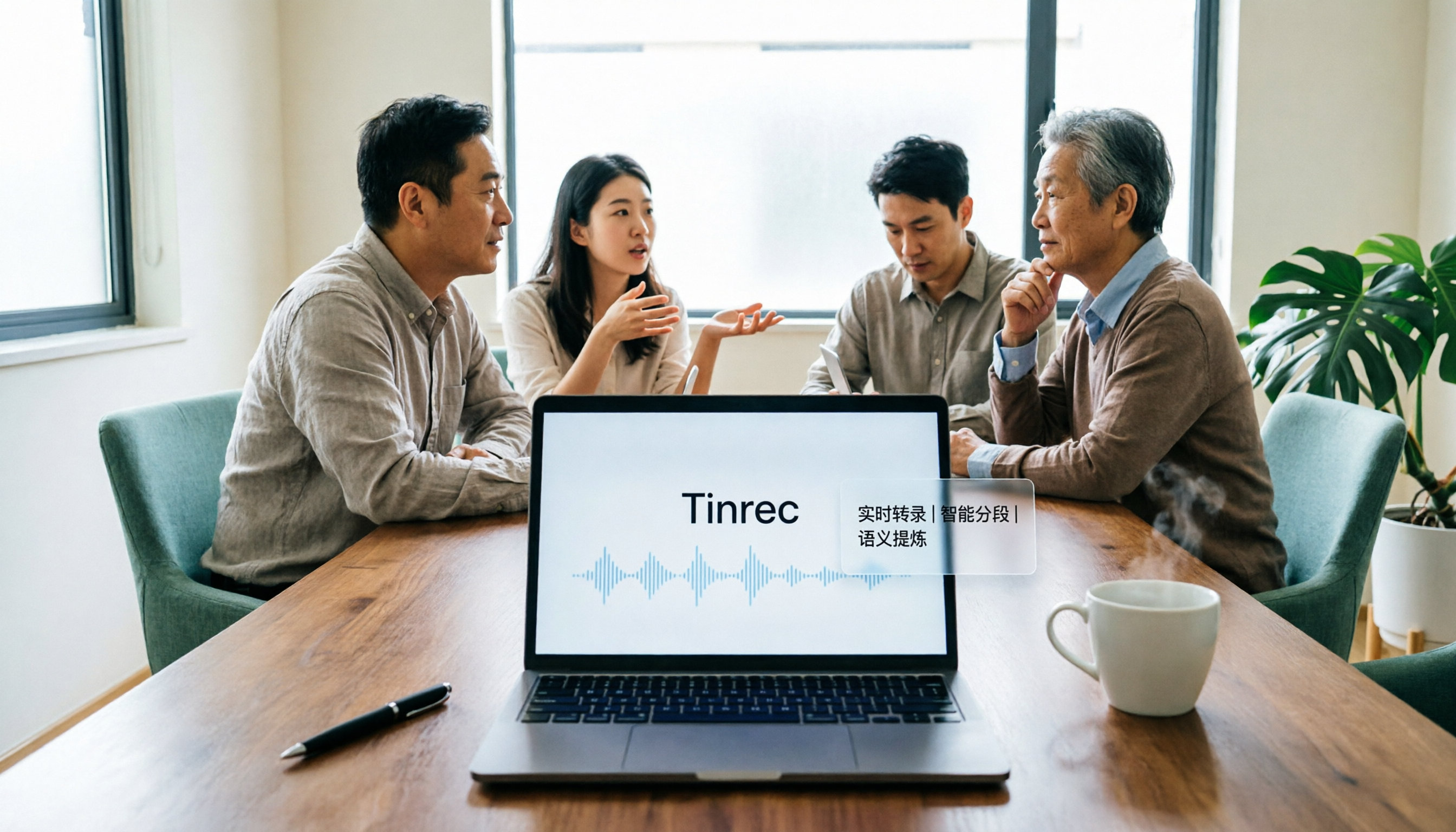
Tinrec is positioned not just as transcription, but as an AI meeting notes and collaboration tool: real-time recording, desktop version for bot-free online meeting recording, audio/video import, summaries, chapters, action items, AI Q&A, multi-format export, and the ability to store meeting data in a team space.
| Item | Good Tape | Tinrec |
|---|---|---|
| Core positioning | Online speech-to-transcript tool | AI meeting notes and team collaboration tool |
| Usage method | Upload audio in browser | Web, desktop, mobile; upload or real-time recording |
| Free plan | Yes, limited uses and duration per use | Yes, basic quota provided |
| Chinese support | Supported (Whisper multilingual) | Supports Chinese, Traditional Chinese, and multiple languages |
| Post-meeting organization | Transcript, time codes, subtitle files | Summary, chapters, action items, AI Q&A, export, team space |
Below, I'll compare them one by one across five dimensions, and finally give you criteria to decide which one to choose.
Dimension 1 | Free Quota and Pricing
Good Tape originally opened its platform for free worldwide, and the company has said the free version will remain. But free has boundaries: some users have reported that the free version allows about 3 uses per month, with a maximum of 90 minutes per use; later, paid plans were introduced beyond the free plan, focusing on higher security, faster conversion speed, and convenience. Actual quotas and plan details should be based on the official page.
Tinrec's free version also provides a basic quota, allowing you to go through the entire process of recording, importing, summarizing, and transcribing; for short-term intensive meetings or interviews, consider a weekly card; for steady weekly use, Pro is suitable; for long-term accumulation of recording data, an annual card is appropriate.
→ This dimension: Both free versions are "test the waters"—the key is not the number of uses, but whether you can complete the entire workflow during the free stage. Tinrec slightly wins.
Dimension 2 | Language Support and Chinese Recognition
Good Tape follows the Whisper route, and language coverage is its strongest point—over 40 languages, including Chinese, English, Japanese, Korean, German, and French, fully usable for Chinese users. Its design is general-purpose, without much customization for specific languages or industries.
Tinrec covers Chinese, Traditional Chinese, and multilingual meeting scenarios, supports viewing original text, translation, or bilingual content during recording, and can maintain hot words in the team space to make recognition of proper terms like product names and project codes more stable. Actual accuracy is still affected by recording quality, background noise, accents, and overlapping speech, which applies to both.
→ This dimension: Language breadth is above standard for both; if you often encounter mixed Chinese-English, dense terminology, or need real-time bilingual comparison, Tinrec offers an extra layer of adjustability. Tinrec slightly wins.
Stop organizing recordings by hand
Upload audio or video and automatically get a transcript, summary, and action items
Dimension 3 | How to Record Meetings: Upload Files or Record Live Meetings
Good Tape's operation is very simple: upload an existing recording from your computer and wait for it to finish. This is almost zero learning curve for those who already have files; but if you want to record an ongoing online meeting, you need to find a way to save the meeting audio as a file first, then upload it.
Tinrec's desktop version directly captures computer system audio, handling online meetings on Zoom, Google Meet, Microsoft Teams, Webex, etc., without adding a meeting bot as an extra participant; it can also transcribe while recording, or import existing audio and video files. Note: Tinrec does not "automatically join all calendar meetings"; the user initiates recording actively.
→ This dimension: Good Tape is "post-processing," Tinrec is "record as it happens." For those with packed weekly meetings, the difference is significant. Tinrec wins.
Dimension 4 | After Transcription: Get a Transcript or Get Something Ready to Use
Good Tape's output is complete for "getting text": transcript and .srt subtitle files, customizable time code intervals, adjustable format details (font, size, color, spacing, alignment), and export to PDF, Word, Excel.
Tinrec adds a post-meeting workflow on top of text: automatic summaries, chapters, key points, and action items, AI Q&A around meeting content, generation of meeting minutes, reports, tables, and documents, and export to Notion, Google Docs, OneNote, Dropbox, etc., for further processing.
→ This dimension: If you only need a transcript, Good Tape is fully sufficient; if you want something that can be directly used for reporting and follow-up after the meeting, Tinrec is clearly ahead.
Dimension 5 | Team Collaboration and Data Governance
Good Tape is mainly for personal use, with a highlight on privacy design: complies with EU GDPR, data does not leave the EU, and files are kept for only 3 days if not registered. This is a plus for individual users who care about data flow.
Tinrec's team version expands the personal tool into an independent team collaboration space: create and switch between multiple teams, invite members via link, set owner/admin/member roles, assign and revoke seats, centrally store meeting data, view team usage trends and member rankings, manage team hot words, query and export audit logs, and provide an audio recycle bin. One commonly confused point: roles determine who can manage the team, seats determine whether members can record, upload, edit, and export resources; valid members without seats can still view, play, and read team data. When a member leaves or loses a seat, team resources can be handed over to other valid members and will not disappear with the personal account.
→ This dimension: For individual use, Good Tape's simplicity is comfortable; to share meeting assets across a department or project team, Tinrec's team version is much more complete. Tinrec wins.
What Are the Unique Advantages of Each?
Tinrec's Unique Advantages
- Bot-free online meeting recording: Desktop version captures system audio, no extra bot on the meeting list, and does not disrupt the original participant structure.
- Complete post-meeting workflow: From summary, chapters, action items, AI Q&A to report and table generation, all in one go, no need to piece together three tools.
- Team space and governance: Members, roles, seats, usage analysis, audit logs, recycle bin—turning meeting data into traceable team assets.
- No additional hardware needed: Web, desktop, and mobile all work, with the same workflow for online meetings and in-person interviews.
Good Tape's Unique Advantages
- Minimalist free entry: Upload, wait, download—no extra steps, almost zero learning curve for occasional transcript needs.
- EU GDPR-centric data design: Data does not leave the EU, unregistered files are kept short-term, very attractive for privacy-sensitive individual users.
Conclusion: Which One Should You Choose?
- If you only occasionally need to convert a recording to text and have zero budget → Good Tape free version can solve it
- If you want to record ongoing online meetings without adding a meeting bot → Tinrec
- If you want post-meeting summaries, action items, and meeting data you can continue to query → Tinrec
- If you want the whole team to share meeting notes and manage members, seats, and usage → Tinrec team version
- If you especially care about data staying in the EU and GDPR compliance → Good Tape's design suits you better
- If you need real-time translation, bilingual comparison, and team hot words → Tinrec
In one sentence: If you search "Good Tape free usage" just to know if you can use it for free, the answer is yes, but with limits on number of uses and duration per use, and the company has since introduced paid plans beyond the free plan. Once you've used up the free quota, the real question becomes "Do I want a transcript, or a complete set of usable meeting data?"—if the latter, Tinrec's free version is worth including in the same round of testing.
Final reminder: When recording and transcribing involve others' privacy, please comply with local regulations and obtain consent from participants when necessary.
References
Turn every recording into actionable outcomes
Get 60 free transcription minutes when you sign in. No credit card required.
Related Reading
You might also like

2026 AI Meeting Notes Showdown: Tinrec vs Granola on Context Understanding and Post-Meeting Workflows
Nobody wants to re-listen to a meeting recording—that's the biggest pain point of AI meeting tools. This article focuses on context understanding and compares Tinrec and Granola across five dimensions: audio retention, input sources, Chinese language and translation, post-meeting outputs, and team governance, helping you decide which tool better fits your meeting scenarios.

Tinrec vs Microsoft Word Copilot (2026): 5-Dimension Comparison for AI Meeting Minutes in Word
Discover how Tinrec and Microsoft Word Copilot compare in generating AI meeting minutes for Word across 5 key dimensions: audio capture, Chinese transcription, post-meeting organization, Word delivery, and team collaboration. Find the most time-saving workflow for your meetings.

2026 AI Agent Meeting Tools Compared: Which Is Fastest for Chinese Meeting Notes and Action Items?
We tested four AI Agent meeting tools—Tinrec, Otter.ai, Notta, and Granola—comparing bot-free recording, Chinese transcription, post-meeting summaries and action items, AI Q&A, and team knowledge retention to help you choose the most time-saving solution for meeting notes.

2026 AI Meeting Productivity Tools: Bot-Free Recording + Auto Summaries & Action Items
Many people treat AI meeting tools as simple transcript generators, but what really impacts efficiency is post-meeting organization and follow-up. This article uses Tinrec to demonstrate how to go from bot-free recording, real-time transcription, AI summaries, and action item extraction to team workspace retention, and also covers purchasing checkpoints and FAQs.
2026 AI Meeting Assistant Comparison: Tinrec vs. Granola — Which Is Better for Chinese-Speaking Teams?
Starting from the most common misconception about AI meeting assistants, this comparison tests Tinrec and Granola across five dimensions: Chinese-language meeting experience, audio retention, post-meeting outputs, team governance, and cross-device use—helping you decide which workflow truly fits your team.

2026 Comparison of 4 Meeting Productivity Agents: Which One Actually Saves Post-Meeting Time?
The real work starts after the meeting ends. This article uses the same Chinese meeting recording to test the post-meeting workflows of Tinrec, Otter.ai, Fireflies.ai, and Notta—covering bot-free recording, summary and action items, AI Q&A, and team knowledge retention—to help you decide which meeting productivity agent truly saves time.

2026 AI Meeting Notes Tools Compared: Tinrec vs Otter.ai vs Notta vs Granola — Which Turns Meetings into Usable Data?
Stop taking notes yourself: a hands-on comparison of Tinrec, Otter.ai, Notta, and Granola covering transcripts, summaries, action items, and AI Q&A, plus buying criteria, team seat and pricing details, and pitfalls to avoid.

4 AI Agents That Generate Excel Files Tested: Which One Actually Produces a Usable .xlsx?
After a meeting, turning notes into an Excel file often means replaying the entire recording. This article starts from "where does the data come from" and compares four approaches: Tinrec, Excel's built-in Agent mode, Gemini Notebook Agent, and Aspose.Cells AI Generator. It also covers 5 key selection criteria, 4 common mistakes, and practical recommendations.

2026 Free AI Agent PPT Generation Options: 5 Tools Compared
AI Agent PPT generation tools are proliferating, but the real question is where the content comes from. This article reviews five available options in 2026, including Microsoft Copilot, MiniMax Agent, ChatPPT, and two self-hostable open-source projects. It also explains how to use Tinrec to turn meeting recordings into usable presentation material, with a pitfalls guide and selection advice.