
Turn recordings into transcripts and summaries in minutes
Upload audio or video for multilingual transcription, AI notes, and action items
Why Do You Need an Audio-to-Text Tool?
After a two-hour meeting, the recording sits on your phone, and you keep putting off listening to it again—because you know that manually transcribing it could take two or three times as long. Interviews are even trickier: the interviewee switches between Chinese and English, occasionally throws in some Taiwanese, and later you have to dig out key passages from the recording. Just thinking about it is exhausting.
In recent years, AI speech-to-text tools have matured rapidly, and from recording to transcription to summarizing, they can greatly reduce the burden of manual transcription. Below is a roundup of 6 transcription tools worth watching, and to answer the question "Is Good Tape worth it?", we look at Chinese meetings, post-meeting organization, and team collaboration to help you find the best fit.
Tinrec | The Most Complete AI Meeting Notes and Team Collaboration Tool
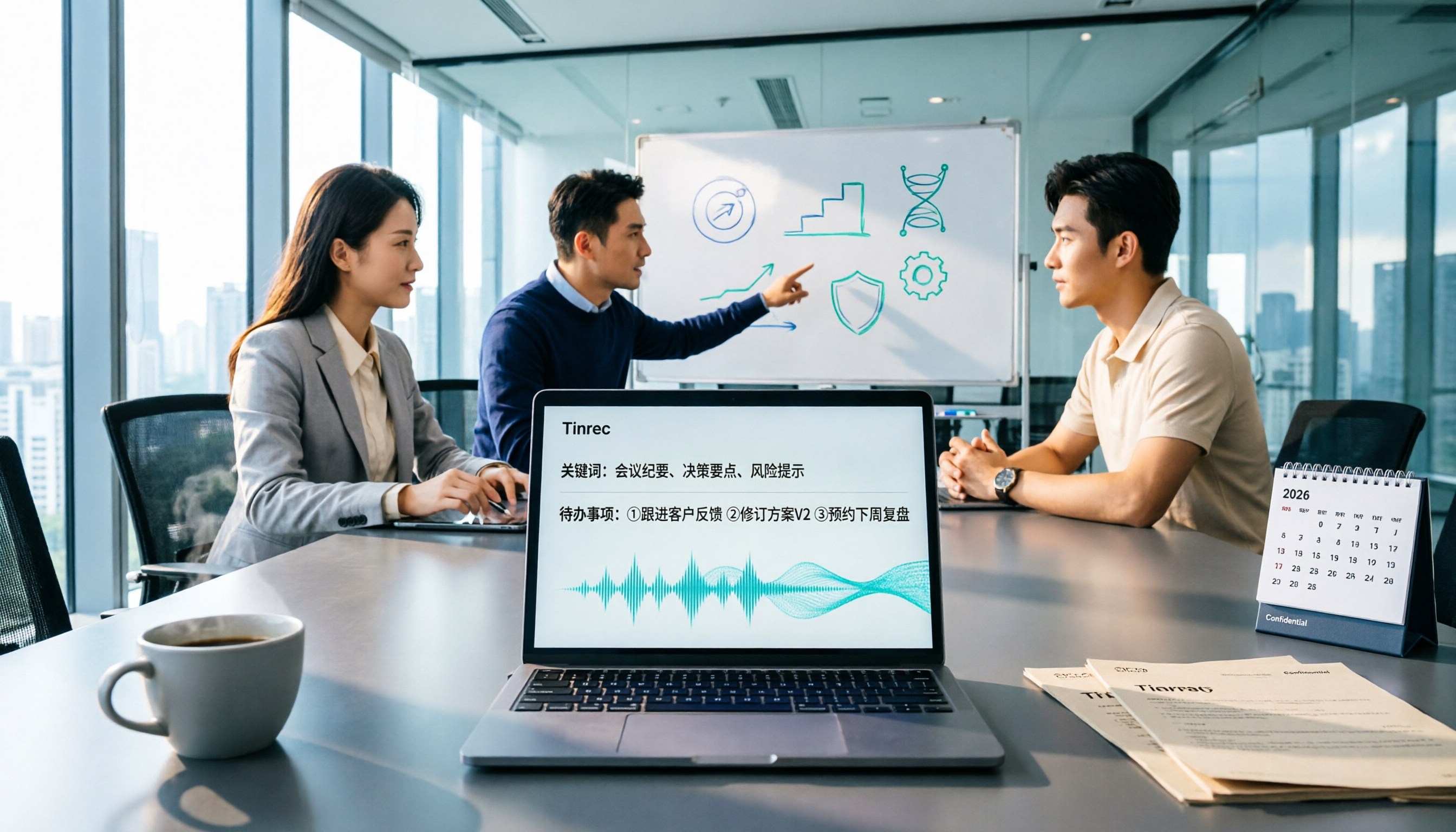
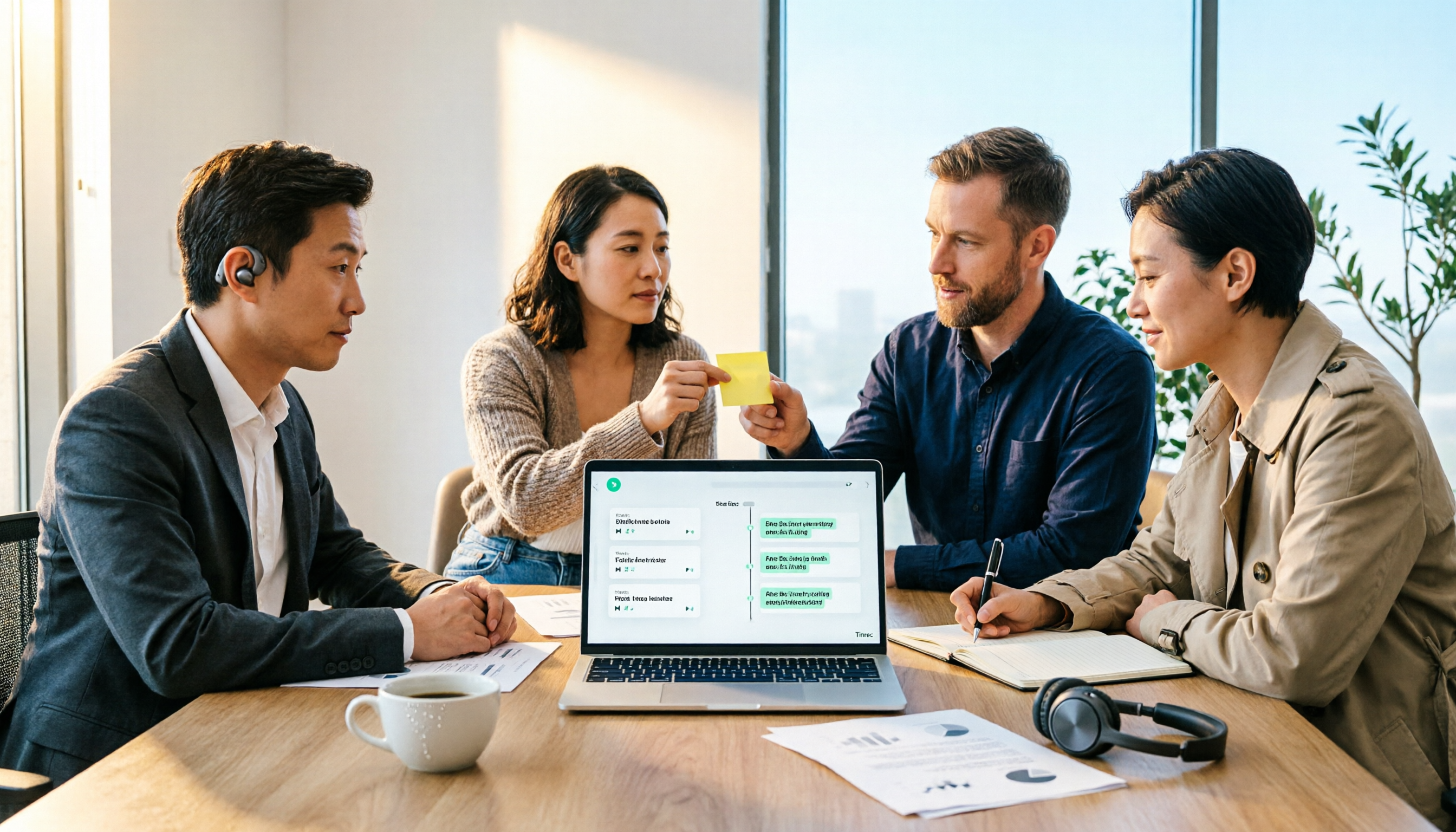
Tinrec is an AI meeting notes and collaboration tool for individuals and teams. It doesn't just turn audio into text; it organizes meeting recordings into searchable, summarizable, queryable, and exportable data, and builds them into meeting assets within team spaces.
Key Highlights:
- Bot-free recording for online meetings: The desktop version directly captures computer system audio to handle Zoom, Google Meet, Microsoft Teams, Webex, and other meetings without inviting an extra bot.
- Keep working after the transcript: Automatically generates summaries, chapters, key points, and action items; supports AI Q&A around meeting content; and can generate reports, tables, and documents.
- Chinese and multilingual meeting experience: Supports Chinese, Traditional Chinese, and multilingual transcription, provides real-time translation and bilingual viewing, and allows maintaining professional terminology through team hotwords.
- Team spaces and governance: The team version offers independent spaces, member and role management, seat allocation, usage analytics, audit logs, and an audio recycle bin, with meeting data owned by the team.
Plans: The personal version includes a free plan, weekly pass, Pro monthly, and Pro annual; the team version offers a 7-day trial (1 free seat, 300 minutes of shared team import quota), monthly at USD 29.80 per paid seat, annual at USD 199 per paid seat, with each paid seat providing 2,000 minutes of shared team import quota per month.
Who it's for: Users who need Chinese meeting notes, automatic post-meeting organization, and want to turn meeting data into team assets.
Good Tape | A Multilingual Transcription Tool for Journalists and Researchers
Good Tape was created by the Danish news organization Zetland and uses OpenAI Whisper technology. It supports over 40 languages and can turn interviews, meetings, and speech recordings into time-coded text files or .srt subtitle files. Users can customize the font, size, color, and spacing of transcripts, choose whether to display time codes, highlights, and keywords, and export to PDF, Word, Excel, and other formats. Transmission is fully encrypted, data does not leave the EU, and files are kept for only 3 days if you are not registered.
Who it's for: Journalists and researchers who mainly conduct multilingual interviews, need subtitle files, or particularly value EU GDPR data residency.
Otter.ai | A Mature AI Assistant for English Business Meetings
Otter.ai is a long-established AI meeting assistant covering Zoom, Microsoft Teams, Google Meet, live transcription, speaker identification, AI Chat, workflows, and team management. The Basic free plan offers 300 minutes per month; Pro annual billing is about USD 8.49 per user per month, including 1,200 minutes of in-app recording and 10 file imports per month.
Stop organizing recordings by hand
Upload audio or video and automatically get a transcript, summary, and action items
Who it's for: Teams that mainly hold English business meetings and need a mature meeting assistant with workflow integrations.
Notta | Multilingual Transcription and Team Plans
Notta overlaps significantly with Tinrec, covering multi-platform transcription, meeting notes, file import, translation, and team plans. Free offers 120 minutes per month, with a maximum of 3 minutes per item; Pro annual billing is about USD 8.17 per month, with 1,800 minutes per month; Business annual billing is about USD 16.67 per seat per month, offering unlimited transcription, role permissions, and usage reports.
Who it's for: Users who need multilingual transcription, file processing, and team permission management on a moderate budget.
TurboScribe | Cost-Effective Transcription for Long Files
TurboScribe focuses on long files, batch uploads, subtitles, and translation. Free allows 3 files per day, up to 30 minutes per file; Unlimited annual billing is USD 120, about USD 10 per month, and the paid version supports files up to 10 hours or 5 GB, with up to 50 files uploaded at once.
Who it's for: Users who need to batch process long audio, translate subtitles, and have a limited budget.
Yating Transcription | Taiwan's Local Chinese Speech Recognition
Yating Transcription was launched by the Taiwan AI Labs in 2018 and was once a leader among Chinese transcription tools. It charges by recording duration and has a certain level of proficiency with Taiwanese Mandarin and local speech contexts.
Who it's for: Users who prefer local Taiwanese services, mainly record in Chinese, and do not need team collaboration features.
With So Many Options, How Should You Choose?
- Want to go from transcript to summary, chapters, action items, and AI Q&A → Tinrec (one of the few tools that integrates post-meeting organization and follow-up questions into the same workflow).
- Need bot-free recording on Zoom, Meet, and Teams without adding another meeting bot → Tinrec (desktop version directly captures system audio).
- Meetings are mainly in Chinese or mixed Chinese-English, and you also need real-time translation → Tinrec (Chinese experience and bilingual viewing are its main strengths).
- Need to share meeting data across the team, manage member seats, and view usage → Tinrec Team (includes team spaces, roles, seats, audit, and recycle bin).
- Mainly handle English business meetings and value a mature meeting workflow → Otter.ai.
- Need multilingual subtitles and EU data residency → Good Tape.
- Zero budget and only occasional transcription → TurboScribe Free or Otter Basic (basic quota is enough).
4 Things to Know Before Using an Audio-to-Text Tool
- Recording quality determines transcription quality. Clear recordings with little noise and no overlapping speech usually yield the best transcription results. Tools like Tinrec offer team hotwords so you can add company-specific terminology to improve recognition of professional vocabulary.
- The transcript is just the starting point, not the end. The value of meeting recordings lies in the subsequent summaries, action items, and Q&A. Tinrec automatically generates summaries, chapters, and action items so you don't have to listen from beginning to end.
- Team permissions should clearly separate roles and seats. For example, in Tinrec Team, members without a seat can still view, play, and read team data, but they need a seat to record, upload, edit, and export.
- Get consent and follow regulations before recording. Different regions have different rules for recording and transcription, so for important meetings it's best to inform participants in advance.
Conclusion
Back to the question "Is Good Tape worth it?": If you do multilingual interviews, need subtitle files, or particularly care about EU GDPR data residency, Good Tape is indeed worth considering. But if you more often handle Chinese meetings, need bot-free recording for online meetings, and want automatic post-meeting summaries, action items, and sharing in team spaces, Tinrec will be a more complete choice. When choosing, don't just look at "who offers more transcription minutes"—look at whether it can save you time on post-meeting organization and back-and-forth searching for information. You can start with a free plan and decide after running it through an actual meeting.
References
Turn every recording into actionable outcomes
Get 60 free transcription minutes when you sign in. No credit card required.
Related Reading
You might also like

The Complete Guide to Checking Understanding in Google Meet Classes in 2026: Using Tinrec to Fill Feedback Gaps
From a student's perspective, this guide breaks down common misconceptions about checking understanding in Google Meet classes: why relying only on chat and polls is insufficient, and how Tinrec's bot-free recording, transcripts, summaries, and AI Q&A can support after-the-fact review and remediation. Includes university classes, group projects, interviews, purchasing considerations, and FAQ.
Where Are Google Meet Recordings Stored? 2026 Guide to Finding Files and Avoiding 3 Common Mistakes
Can't find your Google Meet recording after the meeting? This guide explains the default storage location for Google Meet recordings and three common misconceptions, then shares how I switched to Tinrec desktop for bot-free recording and turned meetings into searchable, queryable, deliverable records.

The Complete 2026 Guide to Google Meet: From Finding the Entry Point to Retaining Meeting Records
Most people searching for "where google meet" aren't actually stuck on finding the entry point—they're stuck on where the meeting content goes after it ends. This guide first quickly confirms Google Meet's web, app, and link entry points, then discusses how to turn meetings into searchable, queryable, and transferable data—using Tinrec to demonstrate a complete workflow from recording, transcription, and summary action items to team retention.

Google Meet in 2026: 4 Best Use Cases + Post-Meeting Documentation Workflow
When should you use Google Meet—and when shouldn't you? This guide, from a mid-level manager's perspective, walks you through 5 steps to turn Google Meet sessions from 'over and forgotten' into searchable, trackable records: first, use 4 scenarios to decide if Meet is right; then use Tinrec desktop for bot-free recording, transcription, summaries, and action items; finally, export and archive everything into your team space.
Google Meet in Gmail: Complete 2026 Guide to Find It in 3 Steps and Organize Post-Meeting Notes
First, we clarify where Google Meet lives in Gmail: on desktop it's in the left sidebar, on mobile it's in the bottom navigation bar, and if you can't find it, it's likely hidden by Quick settings. Then we discuss what really takes time—post-meeting organization—and use Tinrec to explain bot-free recording, AI summaries, action item extraction, AI Q&A, and team governance, including practical usage, limitations, and purchasing considerations.

Google Meet in 2026: How to Join a Meeting and Organize Notes in 5 Steps
What is Google Meet and how do you use it? Follow 5 steps to join a meeting, capture key points during the call, and use Tinrec afterward to generate transcripts, summaries, and action items. Includes FAQs and advanced tips for mid-level managers and team leads with back-to-back meetings.
Where Are Google Meet Recordings Stored? Complete Guide for 2026: From Finding Files to Turning Them into Usable Meeting Notes
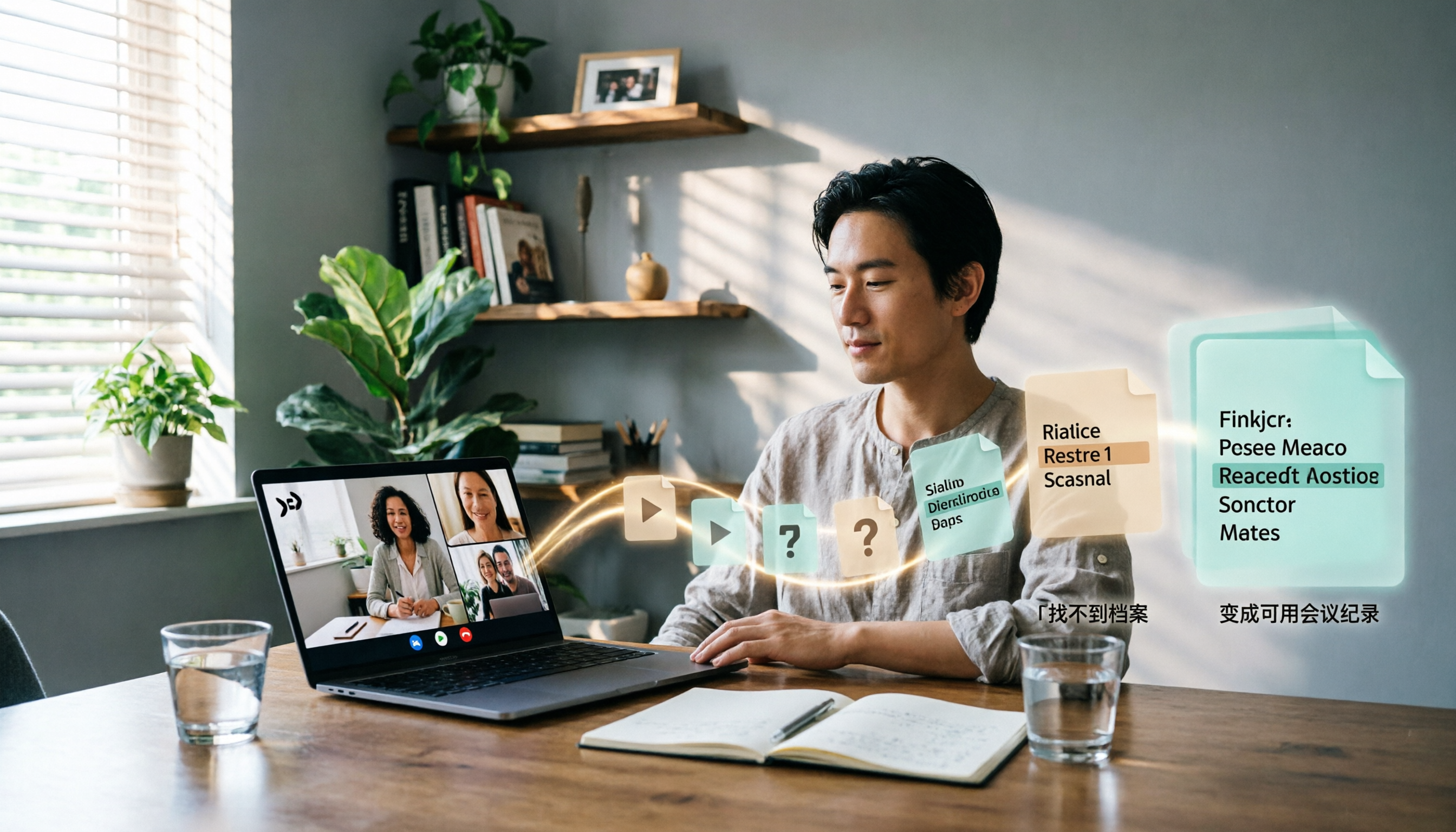
Where do Google Meet recordings actually go? Why can't you find them if you're not the organizer? This complete guide first explains the actual storage rules and 4 troubleshooting checks, then shows how to use Tinrec to turn meeting recordings into searchable, queryable, and shareable meeting notes—so you never have to hunt for the file again.

The Complete 2026 Guide to Google Meet: From Its Origins to Choosing a Meeting Notes Workflow
Who developed Google Meet? The answer isn't a single founder—it's Google the company. But once you know that, the real decision is: where should the content live after the meeting ends? This guide starts with the development background, helps you distinguish between the 'meeting venue' and 'meeting data,' and offers an actionable meeting notes workflow to turn conversations into searchable, actionable team knowledge.
2026 Complete Guide to Google Meet User Groups: Who Uses It, Where, and How to Organize Post-Meeting Data
Google Meet has a low barrier to entry—anyone with a Google account can use it—but what really keeps professionals working late is post-meeting organization. Starting from user profiles, this article explains how enterprise teams, education, consultants, and the public sector each use Google Meet, and how Tinrec turns meeting recordings into searchable, queryable, and transferable meeting data.