
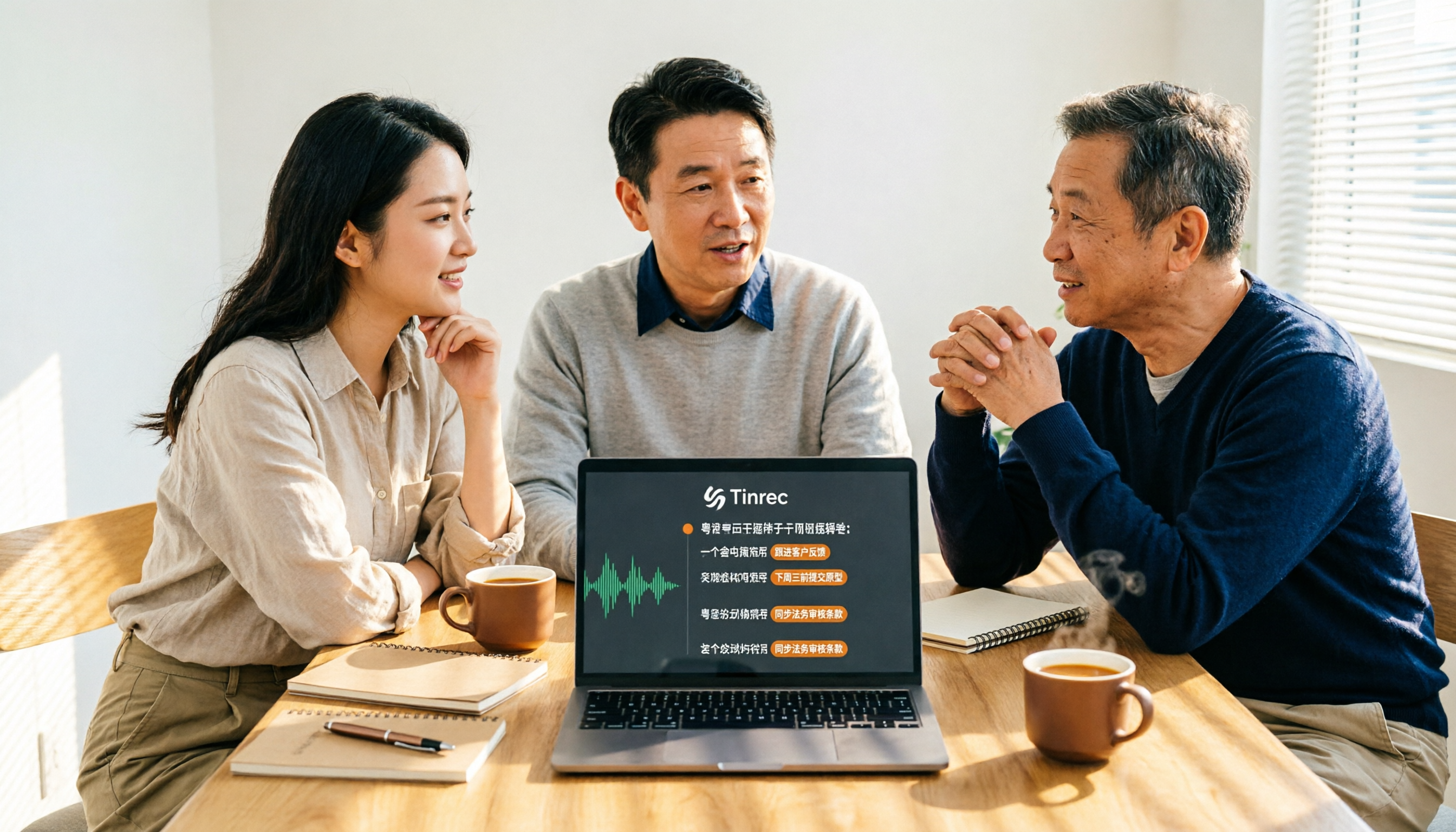
Turn recordings into transcripts and summaries in minutes
Upload audio or video for multilingual transcription, AI notes, and action items
Which Google Voice Input Cantonese Setting Is Best? 2026 Test of 4 Options, This One Makes Meeting Notes Easiest
The problem usually isn't that you don't know how to set it up—it's that you're setting the wrong place
Many people think that simply changing their Google account language to "Chinese (Hong Kong)" will make voice input automatically understand Cantonese. But after making the change, when they speak Cantonese to their phone, the screen still shows a string of Mandarin—this is the most common cry for help online. On the LIHKG forum, someone tried several settings just to get their voice search back from Mandarin to Cantonese.
The issue is that Google's voice input isn't a single switch—it's several independent entry points. Keyboard dictation, Google Assistant conversations, voice search in the search bar, and meeting recording transcription all have separate language settings that don't communicate with each other. Setting Cantonese in your account doesn't mean the keyboard will listen; even if the keyboard understands, Google Assistant might not reply in Cantonese.
More realistically: even if you successfully set up all four entry points, what you get is still just a string of text. After a two-hour meeting, facing a transcript with no paragraphs, no highlights, and no action items, you'll still have to work overtime.
This article will first clarify common misconceptions about setup, then compare four approaches, and finally tell you which one is best for handling Cantonese meetings.
Before setting up Cantonese voice input, understand these 4 key points
1. Which type of "voice input" do you actually need? In the Google ecosystem, "voice input" is at least four different things: keyboard voice dictation, Google Assistant conversations, voice search in the search bar, and meeting recording transcription. They are set up separately. First confirm whether you want to "type faster" or "record an entire meeting," so you don't waste effort.
2. Can you actually add Cantonese to the language list? According to Google's official documentation, Google Assistant on a device can use up to three languages, and some features are not supported in all languages. That means whether you can use Cantonese depends on your device, OS version, and account settings—not every phone will show the same option.
3. Do you want "typing" or "recording"? Voice input only turns speech into text. What a meeting really needs is segmentation, summaries, action items, and a searchable database. If you have to read the entire transcript from start to finish every time, the typing time you saved will be paid back after the meeting.
4. Will the recording be kept? Some dictation features only give you text and don't keep audio files. If you later want to confirm whether your boss said Wednesday or Friday, you'll have to rely on memory. Whether recordings are kept and whether you can cross-check with timestamps is one of the most overlooked factors when choosing a tool.
Tinrec: Our top pick after testing
Tinrec is an AI meeting notes and collaboration tool for individuals and teams, available on iOS, Android, web, and desktop.
It's easier to understand in a real scenario. During a meeting, open Tinrec and it will transcribe as it records, with both Chinese and Cantonese in the same document, so you don't have to stop to take notes mid-meeting. If you're in an online meeting, the desktop version directly captures your computer's system audio—Zoom, Google Meet, Microsoft Teams, and Webex all work without pulling a bot into the meeting as an extra participant. For salespeople who don't want clients to see an unknown account join, this is especially practical.
After the meeting is where it really stands out. Tinrec automatically generates summaries, chapters, key points, and action items, listing who is responsible for what and when it's due. More importantly, there's AI Q&A: you can directly ask it "Who mentioned the budget in the last meeting?" and it will give you an answer based on semantics, rather than throwing a list of keyword search results for you to find yourself. Among tools at the same price point, this feature is not common. If the meeting includes foreign languages, you can also enable real-time translation and view in original, translated, or bilingual mode. Organized content can be exported to Notion, Google Docs, OneNote, Dropbox, or through Agent post-processing to directly generate reports, tables, and documents.
Testing conditions: We compared the four approaches indoors, with a single microphone, and participants speaking in turn. Actual transcription results will be affected by recording quality, ambient noise, accents, overlapping speech, and technical terminology. For important content, we recommend cross-checking with transcript timestamps and recording playback.
Three main advantages:
Stop organizing recordings by hand
Upload audio or video and automatically get a transcript, summary, and action items
- No need to fiddle with Cantonese settings. Record Chinese and Cantonese meetings directly, saving time from repeatedly adjusting system languages.
- The transcript is just the starting point. Summaries, chapters, action items, and AI Q&A are all in one workflow, so you don't need to open multiple tools to piece things together after the meeting.
- Phone, computer, and web share the same account, suitable for personal use or team spaces.
Limitations to note: The free version has usage limits, and heavy users need to pay; file import and web link import consume quota, and the team version uses shared team quota. Also, Tinrec is currently not a bot mode that automatically joins all calendar meetings—you need to open the desktop version yourself to start recording.
For the team version, members can share and view team data, but a seat is required to record, upload, and edit; roles and seats are two different things—admins handle governance, seats determine who can use resources. Currently, the team version is USD 29.80 per paid seat per month, or USD 199 per paid seat per year, with each paid seat providing 2,000 minutes of shared team import quota per month; eligible teams can try 7 days, 1 free seat, and 300 minutes of shared quota for the first time. Actual prices and benefits are subject to the official purchase page.
Who it's for: People who frequently handle Cantonese meetings, interviews, or class recordings; those who want to use AI to find key points directly after recording; or those whose work and life span both phone and computer.
One final reminder: recording and transcription involve others' privacy. Please comply with local laws when using them, and obtain consent from participants when necessary.
Besides Tinrec, what other options are there?
Google Assistant/Gboard dictation Free and built-in, most convenient for typing a few words on the fly. But settings are scattered: Google Assistant requires going to "top right avatar → Settings → Google Assistant → Languages" to add a language; account language is under "Data & personalization → Languages" changed to Traditional Chinese (Hong Kong). Some users online have used this step to get their voice search back from Mandarin. Its limits are also clear—it only gives you text, no summaries, action items, or AI Q&A, and it doesn't guarantee keeping audio files.
Chrome extension "Cantonese Voice Input" Available in the Chrome Web Store, click "Start Recording" to activate voice input, with a very low barrier to entry. The downside is it only lives in a browser tab, so you can't use it outside Chrome, and it has no post-meeting organization beyond the transcript—during a meeting, you wouldn't want to use a browser extension to record the entire discussion.
Notta A multi-platform transcription tool covering meeting notes, file import, and translation, with a team plan. The free version offers 120 minutes per month, with a maximum of 3 minutes per single item. It overlaps significantly with Tinrec, but Tinrec's desktop bot-free recording, post-meeting AI Q&A, and Agent post-processing (directly generating reports, tables, documents) are features Notta currently lacks.
Pitfall guide: The 4 most common mistakes when setting up Cantonese voice input
Pitfall 1: Thinking one language change works everywhere. Changing the account language doesn't necessarily change the keyboard; changing the keyboard doesn't make Google Assistant speak Cantonese. The correct approach is to set up three places separately: Google Assistant's language, Google account language, and Gboard's input language. Set them separately so you don't end up unable to communicate after changes.
Pitfall 2: Treating "voice input" as "meeting notes." Voice input solves typing speed, not post-meeting organization. A two-hour meeting gives you 10,000 words of unsegmented text, and you still have to read it all yourself. To save time, choose a tool that automatically produces summaries and action items.
Pitfall 3: Only looking at official claimed recognition accuracy. Official impressive numbers usually come from quiet recording environments. Real meeting rooms have air conditioning noise, keyboard sounds, and people interrupting—performance will differ noticeably. We recommend trying your own meeting recording directly, which is more reliable than ads.
Pitfall 4: Not checking whether recordings are kept. If a tool only gives you text and doesn't save audio, and you later find a sentence was transcribed incorrectly, there's no going back. A solution that keeps recordings and allows timestamp cross-referencing will save considerable re-listening costs over time.
Conclusion: Which one should you choose?
In one sentence: for "convenient typing," Google's built-in is enough; to "turn Cantonese meetings into usable data," choose Tinrec.
- Only replying to messages on your phone, typing a few words quickly → Google Assistant/Gboard, free and built-in.
- Organizing Cantonese meetings, interviews, class recordings → Tinrec, transcript and summary in one step.
- Mixed Chinese-English or multilingual meetings → Tinrec, supports real-time translation and bilingual view.
- Want to ask AI directly to find key points after recording → Tinrec, this is its biggest difference from pure dictation tools.
- Need to use on phone, computer, and web → Tinrec, all platforms share the same data.
- Team needs to share meeting data, manage usage and permissions → Tinrec team version, with team space, seats, usage analytics, and audit logs.
We recommend starting with the free version, and considering an upgrade after the quota runs out. Instead of spending time changing system languages back and forth, try a Cantonese recording of your own once and see which approach really helps you work less overtime.
References
- Cantonese Voice Input - Chrome Web Store
- Change your language or use multiple languages - Android - Google Assistant Help
- Google Account Settings – Google Input Tools
- Google voice search turned into Mandarin, can't switch back to Cantonese | LIHKG Forum
- A few steps to set up Google Assistant Cantonese version on your phone - Hong Kong Economic Times - Instant News Channel - Market Finance - Stocks - D191025
Turn every recording into actionable outcomes
Get 60 free transcription minutes when you sign in. No credit card required.
Related Reading
You might also like

2026 Real-Time Translation Tools Compared: Which Is Best for Cantonese Meeting Notes?
iOS 26.1 finally lets iPhone users interact with Apple Intelligence in Cantonese, but real-time understanding and post-meeting searchability are two different things. This comparison of Tinrec, Apple's built-in real-time translation, Google Translate, and Notta—covering language support, transcript retention, and team collaboration—helps you find the best choice for Cantonese meetings.

Tinrec vs Traditional Cantonese Translation Apps in 2026: A 5-Dimension Comparison—Which Is More Practical for Real-Time Translation and Meeting Notes?
When looking for a Cantonese real-time translation app, first clarify whether you need to translate a 'conversation' or a 'meeting.' This article compares Tinrec with traditional translation apps across 5 dimensions: real-time bilingual display, bot-free online meeting recording, post-meeting summaries and action items, and team roles and seat costs. It also honestly explains limitations regarding accents and accuracy.

4 Free Cantonese Speech-to-Text Tools Tested and Compared in 2026: Which One Gives You the Most Free Usage?
From free usage limits and Cantonese with mixed Chinese-English recognition to post-transcription summaries, action items, and exports, here's how to choose a free Cantonese speech-to-text tool in 2026. Using Tinrec as an example, we explain no-bot online meeting recording, AI summary Q&A, and how team data can be retained.

4 Android Cantonese Voice Input Solutions Compared: Which Saves the Most Time in 2026?
When using Cantonese voice input on an Android phone, most people only think about 'speaking is faster than typing,' but what you really need to decide is: do you want short phrase input or meeting-level recording? This article compares four common approaches, breaking down real-time transcription, AI summaries, action item extraction, AI Q&A, and team collaboration capabilities. It also demonstrates a practical workflow with Tinrec and provides five key purchasing decision points and FAQs.
5 Cantonese to Mandarin Translation Tools Compared: Which Can Organize Meeting Notes?
Hong Kong clients speak Cantonese in meetings, and you have Cantonese interview videos, but you don't know which tool to use? This article reviews 5 common Cantonese to Mandarin translation tools, explaining the suitable scenarios for web translators, mobile apps, and AI meeting note tools, and shares a practical workflow to turn entire Cantonese recordings into transcripts, summaries, and action items.

Cantonese Translation Software 2026: Tinrec Transcripts + Real-Time Bilingual Comparison
When you have Cantonese content to handle at work, a pure translation tool only solves "understanding in the moment," but what meetings really need is "findable afterward." This article compares Tinrec and PLAUD Note across 5 dimensions—transcript retention, translation and bilingual comparison, post-meeting output, cross-platform and team collaboration, and the cost threshold of hardware and subscriptions—to help you decide which tool better fits your Cantonese and Chinese meeting workflow.

6 Cantonese Translator Tools Tested in 2026: Which One Turns Cantonese Meetings into Usable Transcripts?
Looking for a Cantonese translator? First decide whether you need to translate a single sentence or an entire meeting. This guide reviews 6 common Cantonese translation tools, from free web translators and Cantonese-Mandarin apps to AI meeting assistants that generate transcripts and summaries. Learn which tool fits which scenario and what common pitfalls to avoid.

4 Cantonese Translator Tools Tested: Which Is Best for Live Meeting Translation?
We compare four popular Cantonese translation and meeting transcription tools, covering their real-world differences from word lookup to full meeting transcripts, live translation, summaries, and action items. If you need to handle Cantonese or mixed Chinese-English content in meetings, interviews, or classes, Tinrec stands out for its bot-free recording, AI Q&A, and team knowledge retention.

How to Use Cantonese Voice Input on Windows 10 in 2026: A Complete 5-Step Guide
Trying to use Cantonese voice input on Windows 10 often gets stuck on language switching, limited built-in support, or Chrome extensions that only work in the browser. This guide uses 5 decision steps to compare Windows built-in voice input, VoiceIn, and Tinrec, covering everything from real-time input to post-meeting transcripts, summaries, action items, and team collaboration, so you can find the Cantonese voice workflow that fits you best.