

Turn recordings into transcripts and summaries in minutes
Upload audio or video for multilingual transcription, AI notes, and action items
How to Choose a Cantonese Translator: Most People Get It Wrong from the Start
The word "translator" makes it sound simpler than it is.
Most people's first instinct is: copy a Cantonese sentence, paste it, get Chinese or English, done.
But anyone who's actually used one knows the hard part of Cantonese was never the vocabulary—it's the context. The same sentence with a different tone or word choice can mean something completely different, and literal translations often come out "right words, wrong meaning."
A more common inefficient approach: after a one-hour meeting with a Hong Kong client, you go back, listen to the recording, and type out the transcript by hand, then translate it yourself. That's three hours per meeting, two of which are spent on repetitive work.
The problem isn't that you're not working hard enough—it's that you're separating "recording" and "translating" into two separate tasks.
If a tool could produce a transcript and translation while recording, those two extra hours wouldn't need to exist.
Before Buying a Cantonese Translator, Understand These 4 Key Points
1. Do you need to "look up a word" or "process an entire conversation"?
If you just occasionally want to know what a Cantonese sentence means, an online translation webpage is enough.
But if you're dealing with long, multi-speaker content like meetings, interviews, or classes, a pure text translator will be painful—you have to turn audio into text before you can even start translating.
2. Accuracy depends on real-world conditions, not official specs
Almost every tool claims high accuracy. But those numbers are usually measured in quiet environments, with a single speaker, and a standard accent.
Real meeting rooms have air conditioning noise, keyboard clatter, people interrupting, and accented speech. Only under these conditions do the differences between tools truly show. We recommend testing with your own recording, not just relying on marketing.
3. Does it keep the original recording?
Many people overlook this. Translation results are AI-generated; if a key promise is mistranslated, your only recourse is to go back and listen to the original audio.
If a tool only gives you text and doesn't keep the audio file, you have no way to verify.
4. Do you need cross-device and team collaboration?
Record on your phone today, organize on your work computer tomorrow—if the tool doesn't support cross-platform, you'll be stuck.
If a team needs to share meeting content, you also need to check for member management, permissions, and usage governance.
Tinrec — Our Top Pick After Testing
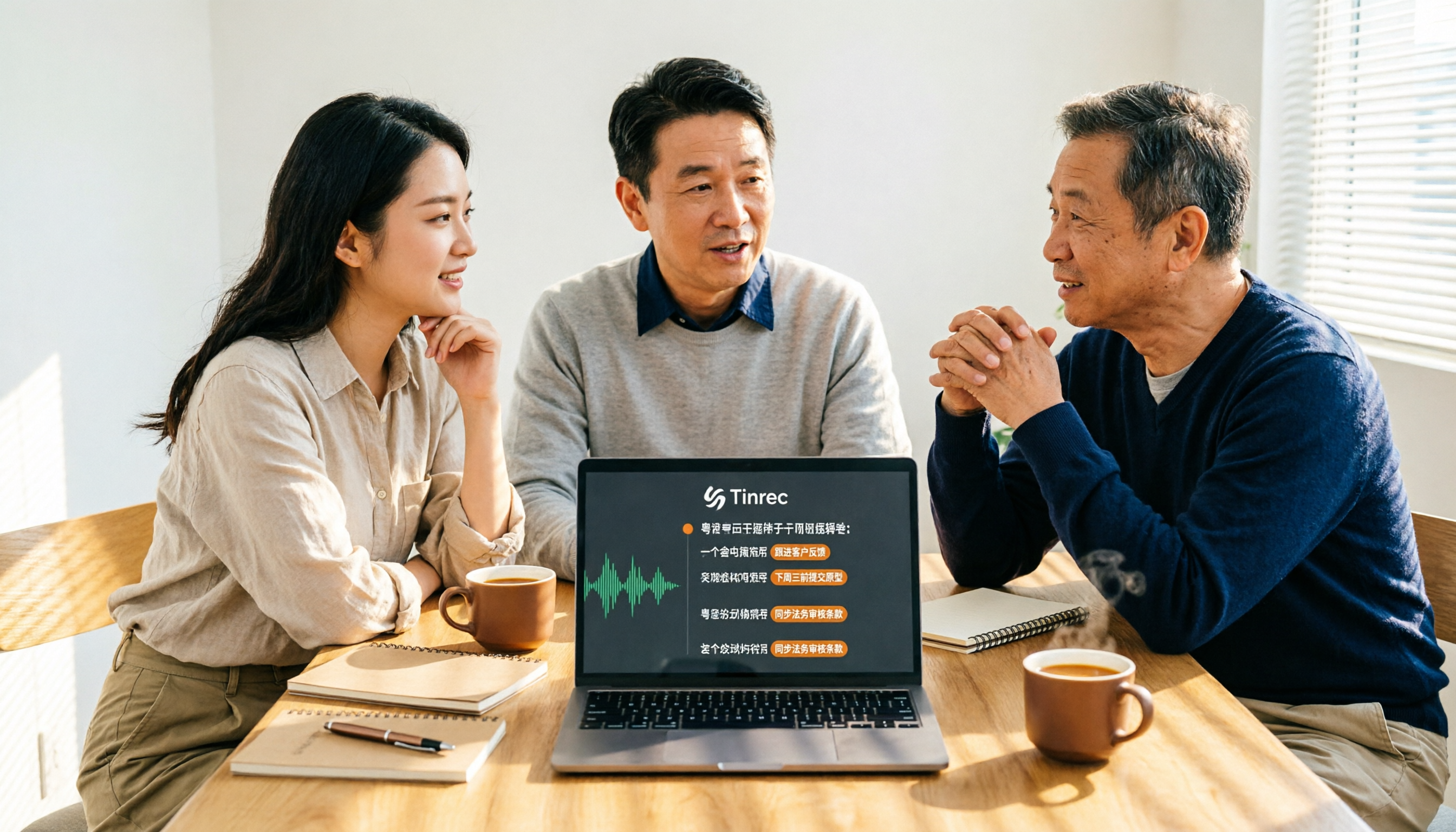
Tinrec is an AI meeting notes and collaboration tool for individuals and teams, available on iOS, Android, desktop, and web. It doesn't just convert audio to text—it turns meetings into searchable, summarizable, queryable, and exportable data.
Live transcript and translation while you meet
This is the biggest difference from a pure translator.
When you open Tinrec on desktop during a meeting, it captures your computer's system audio and works with Zoom, Google Meet, Microsoft Teams, and Webex—no need to invite a meeting bot as a participant. Note: this isn't "automatically join all your calendar meetings"; you open Tinrec and start recording yourself.
The transcript is generated in real time during recording. If the meeting mixes Cantonese, Mandarin, or English, you can switch between original, translation, or bilingual view to confirm what the other person means as you go.
After recording, AI pulls out the key points
Tinrec really shines after the meeting ends. It automatically generates summaries, chapters, and action items—who's responsible for what, what's next—no need to go through everything yourself.
Even better is AI Q&A. You can directly ask, "What was the budget cap the client mentioned?" or "What did we decide last meeting?" It answers based on semantic understanding, not just a list of keyword search results. Most similar translation tools currently lack this capability.
Stop organizing recordings by hand
Upload audio or video and automatically get a transcript, summary, and action items
Results you can take with you
Transcripts, summaries, and action items can be exported to Notion, Google Docs, OneNote, Dropbox, and other tools for further editing; you can also use it to generate meeting minutes, reports, or tables.
A few limitations to note
The free version offers a basic quota, good for trying it out; if you have weekly meetings to organize, you'll need to upgrade to a paid plan.
Also, Tinrec's strength is recording and organizing meeting content. If you just want to look up how to pronounce a single Cantonese word, it's overkill.
Who it's for
If you need to handle Cantonese or mixed Chinese-English meetings, want to ask AI for key points right after recording, and switch between phone and computer, Tinrec will save you a lot of time compared to a simple online translator.
Besides Tinrec, What Other Options Are There?
Xunfei Cantonese Translator: An online Cantonese translation tool. Paste text into the box and get results; it also supports translation between Cantonese and other common languages. Low barrier to entry, no installation. Good for occasional word lookup or short sentences. But it's essentially text translation—no transcript, summary, action items, and it doesn't keep meeting recordings, so it can't handle a full meeting.
OpenL Translate: An AI-powered translation service supporting over 100 languages, translating text, images, documents, and speech. The free plan allows 1,500 characters per translation, and the company emphasizes that translation data is not stored. Its broad language coverage is an advantage, but if your focus is meeting transcripts and post-meeting organization, it's more of a translation tool than a meeting tool, and it lacks team spaces and member management.
Notta: A multilingual transcription tool with significant overlap with Tinrec, covering multi-platform transcription, meeting notes, file import, and translation, plus team plans. Current official pricing: free plan 120 minutes per month, max 3 minutes per file; Pro annual billing about USD 8.17/month, 1,800 minutes per month. It's suitable for users who simply need transcription and translation; but in bot-free desktop recording, AI Q&A, post-meeting output, and team data governance, Tinrec is more complete.
Pitfall Guide: 3 Most Common Mistakes When Choosing a Cantonese Translator
Pitfall 1: Thinking accurate translation is enough
Accuracy is only one part. What really takes time is—who said it, when, what was the conclusion, who needs to do what. A tool that only gives you translated text leaves all that for you to fill in. When choosing a tool, first ask if it has a transcript timeline, summary, and action items.
Pitfall 2: Only looking at price, not whether it keeps recordings
Some tools are lightweight and free, but only give you the transcribed text, not the original audio. If translation or transcription is wrong, you can't verify. Especially for client promises or contract terms, the ability to replay the original audio is essential.
Pitfall 3: Using a meeting tool as a translator, or vice versa
The reverse is also true. Using a pure translator for a two-hour meeting means more time copy-pasting; using a meeting tool to look up a single word is a waste. Think about your frequency and scenario first, then decide which type of tool you need.
Conclusion: Which One Should You Choose?
In one sentence: if your Cantonese needs arise in meetings, interviews, or classes, Tinrec is the most complete choice among these.
Scenario breakdown for reference:
- Need to handle Cantonese or mixed Chinese-English meeting transcripts and translation → Tinrec
- Want to ask AI "What was the conclusion of this meeting?" right after recording → Tinrec (AI Q&A is its differentiator)
- Need to use on phone, computer, and web → Tinrec
- Team needs to share meeting data, manage members and usage → Tinrec team plan; team resources belong to the team, and can be handed over when a member leaves
- Just need to occasionally look up how to translate a Cantonese sentence → online tools like Xunfei Cantonese Translator are enough
- Need to translate large documents in many different languages → OpenL Translate has broader language coverage
Two final reminders. First, before recording, confirm local regulations and get consent from participants. Second, AI transcription and translation may still miss details; for important content, cross-check with the transcript timeline and original audio.
If you want to try, Tinrec has a free version with a basic quota to run one or two meetings. If it works well, consider upgrading—no need to pay upfront.
References
Turn every recording into actionable outcomes
Get 60 free transcription minutes when you sign in. No credit card required.
Related Reading
You might also like

2026 Real-Time Translation Tools Compared: Which Is Best for Cantonese Meeting Notes?
iOS 26.1 finally lets iPhone users interact with Apple Intelligence in Cantonese, but real-time understanding and post-meeting searchability are two different things. This comparison of Tinrec, Apple's built-in real-time translation, Google Translate, and Notta—covering language support, transcript retention, and team collaboration—helps you find the best choice for Cantonese meetings.

Tinrec vs Traditional Cantonese Translation Apps in 2026: A 5-Dimension Comparison—Which Is More Practical for Real-Time Translation and Meeting Notes?
When looking for a Cantonese real-time translation app, first clarify whether you need to translate a 'conversation' or a 'meeting.' This article compares Tinrec with traditional translation apps across 5 dimensions: real-time bilingual display, bot-free online meeting recording, post-meeting summaries and action items, and team roles and seat costs. It also honestly explains limitations regarding accents and accuracy.

4 Free Cantonese Speech-to-Text Tools Tested and Compared in 2026: Which One Gives You the Most Free Usage?
From free usage limits and Cantonese with mixed Chinese-English recognition to post-transcription summaries, action items, and exports, here's how to choose a free Cantonese speech-to-text tool in 2026. Using Tinrec as an example, we explain no-bot online meeting recording, AI summary Q&A, and how team data can be retained.

4 Android Cantonese Voice Input Solutions Compared: Which Saves the Most Time in 2026?
When using Cantonese voice input on an Android phone, most people only think about 'speaking is faster than typing,' but what you really need to decide is: do you want short phrase input or meeting-level recording? This article compares four common approaches, breaking down real-time transcription, AI summaries, action item extraction, AI Q&A, and team collaboration capabilities. It also demonstrates a practical workflow with Tinrec and provides five key purchasing decision points and FAQs.

5 Cantonese to Mandarin Translation Tools Compared: Which Can Organize Meeting Notes?
Hong Kong clients speak Cantonese in meetings, and you have Cantonese interview videos, but you don't know which tool to use? This article reviews 5 common Cantonese to Mandarin translation tools, explaining the suitable scenarios for web translators, mobile apps, and AI meeting note tools, and shares a practical workflow to turn entire Cantonese recordings into transcripts, summaries, and action items.

Cantonese Translation Software 2026: Tinrec Transcripts + Real-Time Bilingual Comparison
When you have Cantonese content to handle at work, a pure translation tool only solves "understanding in the moment," but what meetings really need is "findable afterward." This article compares Tinrec and PLAUD Note across 5 dimensions—transcript retention, translation and bilingual comparison, post-meeting output, cross-platform and team collaboration, and the cost threshold of hardware and subscriptions—to help you decide which tool better fits your Cantonese and Chinese meeting workflow.

6 Cantonese Translator Tools Tested in 2026: Which One Turns Cantonese Meetings into Usable Transcripts?
Looking for a Cantonese translator? First decide whether you need to translate a single sentence or an entire meeting. This guide reviews 6 common Cantonese translation tools, from free web translators and Cantonese-Mandarin apps to AI meeting assistants that generate transcripts and summaries. Learn which tool fits which scenario and what common pitfalls to avoid.

How to Use Cantonese Voice Input on Windows 10 in 2026: A Complete 5-Step Guide
Trying to use Cantonese voice input on Windows 10 often gets stuck on language switching, limited built-in support, or Chrome extensions that only work in the browser. This guide uses 5 decision steps to compare Windows built-in voice input, VoiceIn, and Tinrec, covering everything from real-time input to post-meeting transcripts, summaries, action items, and team collaboration, so you can find the Cantonese voice workflow that fits you best.
Which Google Voice Input Cantonese Setting Is Best? 2026 Test of 4 Options, This One Makes Meeting Notes Easiest
Google voice input Cantonese settings are scattered across Google Assistant, Google account language, and Gboard, so changing one still doesn't let you speak Cantonese. This article tests four approaches: Google Assistant/Gboard, the Chrome extension "Cantonese Voice Input," Notta, and Tinrec. It covers setup paths, common pitfalls, and explains why meeting notes shouldn't rely on voice input alone.