
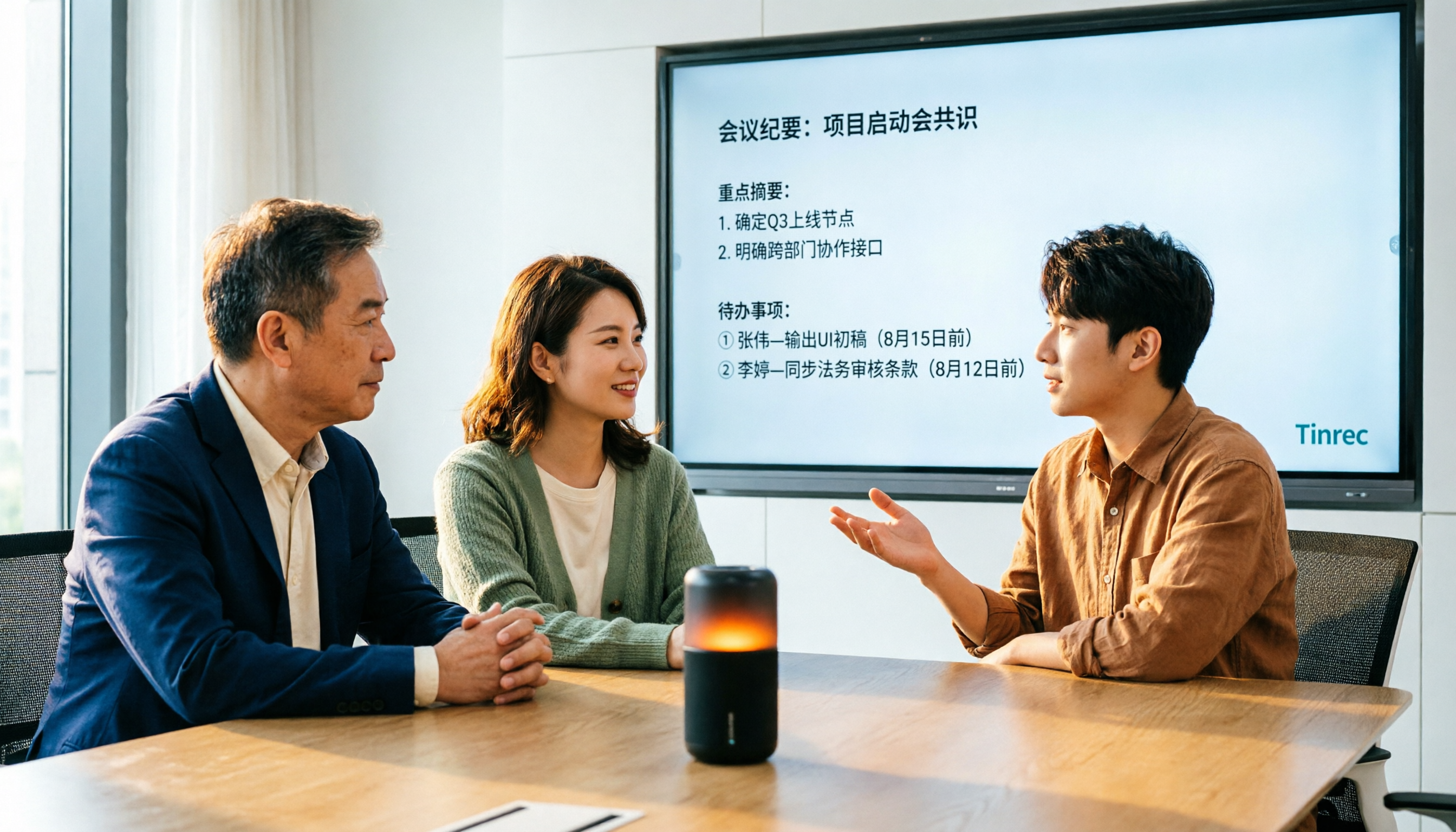
Turn recordings into transcripts and summaries in minutes
Upload audio or video for multilingual transcription, AI notes, and action items
4 Audio-to-Text Tools Tested for 2026: Which Saves the Most Time on Chinese Meeting Notes?
Most people still think of audio-to-text as simply "throw a recording into a tool and wait for the transcript to pop out."
I used to think that way too. Until I had to organize a two-hour cross-department meeting for my company. The transcript came out, but reading through over 20,000 words took longer than just re-listening to the recording.
The problem was never transcription speed. It's whether the text you get can be used directly.
If you've ever been in the situation where "it's transcribed, but I don't know how to organize it," this article is for you. Below are four tools I've actually used and still use. I'll make clear who each one is for.
Most People Get the First Step Wrong with Audio-to-Text
Many think that if you pick the right tool and the transcript is accurate, you're all set. What really kills efficiency is what comes after: a two-hour meeting transcript easily runs 20,000 words, and you have to scan from top to bottom just to find "who's responsible for that thing later."
The second common mistake is treating a "meeting bot" as the only solution. Bots are convenient for joining meetings, but they show up in the participant list. Some client meetings, interviews, or sensitive occasions aren't suitable for having an extra account online.
The third pitfall is free quotas. Many tools advertise free plans, but when you sign up, you find out it's limited to 3 minutes per file and only 100+ minutes per month—used up in one meeting.
Together, these issues are what make audio-to-text truly difficult: it's not that you can't transcribe, it's that the output is hard to organize and hard to share with colleagues. Choosing the right tool can solve all three at once.
Before Choosing an Audio-to-Text Tool, Understand These 4 Key Points
1. Accuracy depends on your own recordings, not ads. Every tool claims to be accurate. But numbers from a studio test are different from a real meeting room—air conditioning noise, keyboard clicks, people talking over each other, mixed Chinese and English. These are everyday realities. I suggest you test with a segment of your own meeting recording; it's more useful than any spec sheet.
2. The transcript is just the starting point; what you can do after transcription is what matters. A tool that only gives you a transcript is essentially throwing the organizing work back at you. A more reasonable expectation: after transcription, you automatically get a summary, chapters, action items, and even the ability to ask "what was the final conclusion of this meeting?" Whether this part is done well determines whether you save two hours or just ten minutes.
3. How the meeting is recorded affects where you can use it. Meeting bots need to join as a participant, suitable for internal regular meetings; desktop audio capture lets you record with a click, without an extra account in the meeting room, which is friendlier for external meetings and client interviews.
4. Check free quotas and cross-platform support before committing. First, see how many minutes the free version gives per month and if there's a length limit per file. Also, if you record on your phone and organize on your computer, confirm the tool supports iOS, Android, and web simultaneously.
Tinrec — My Most Used Tool After Testing
Tinrec is an AI meeting notes and collaboration tool for individuals and teams, supporting iOS, Android, and web. Its core is taking "recording" all the way to "usable data."
I use it most during meetings. The desktop version directly captures system audio, so it can record Zoom, Google Meet, Microsoft Teams, and Webex meetings without inviting a bot. For those who meet with external clients, this saves a lot of explanation. Note: it's not "automatically join all calendar meetings"; you still need to start recording yourself.
Second is post-transcription organization. After the meeting, the transcript is already running, then it automatically generates a summary, chapters, and action items—who's responsible for what and when it's due, listed directly. It can also generate mind maps, so the structure of long meetings is clear at a glance.
What really sets it apart from other tools is AI Q&A. After recording, you can directly ask "who mentioned the budget last time" or "what concerns did the client have about the delivery date." It doesn't just throw a list of keyword search results at you; it reads the entire meeting and answers directly. At the same price point, this feature is either missing or not as intuitive. It also supports real-time translation, so cross-language meetings can show original, translated, or bilingual content simultaneously.
Stop organizing recordings by hand
Upload audio or video and automatically get a transcript, summary, and action items
My testing method is simple: take the same real meeting recording—mixed Chinese and English, air conditioning background noise, three people taking turns speaking—run it through each tool, then spend five minutes seeing which transcript needs the least manual correction. Actual results will vary based on recording quality, accents, noise, and technical terms. I won't give you a pretty percentage, but try it with your own recording and you'll see the difference.
I'll summarize the pros in three sentences: no extra hardware or meeting bot needed, works on phone, computer, and web; after transcription, you don't get a dead transcript but data you can query and export to Notion, Google Docs, OneNote for further processing; teams can deposit meetings into a team space, so they won't disappear when someone leaves.
Limitations should also be clear. The free version uses a basic quota; if your weekly meetings are packed, you'll need to look at paid plans. It's divided by usage tasks (weekly pass for short-term intensive use, Pro for steady use, annual for long-term accumulation), not just price comparison.
For teams, Tinrec has a separate team space with roles and seats separated—active members can view and play team data even without a seat, but recording, uploading, and editing require a seat. The team version is currently USD 29.80 per paid seat per month, or USD 199 per paid seat per year (about USD 16.58 per month). Each paid seat gets 2,000 minutes of shared team import quota per month; eligible teams can try 7 days, 1 free seat, 300 minutes shared import quota. Actual prices and promotions are subject to the official purchase page.
If you often have Chinese meetings, don't want a bot in the meeting room, and want to use AI to find key points directly after recording, Tinrec is currently the smoothest choice.
Besides Tinrec, What Other Options Are There?
If you just want to look at alternatives, these three have clear use cases.
Notta overlaps most with Tinrec, both support multi-platform transcription, file import, and translation. Free version: 120 minutes per month, max 3 minutes per session; Pro annual is about USD 8.17 per month, suitable for those who just want to "quickly convert files to text." But if you need bot-free recording of online meetings and team seat and audit management, Tinrec is much more complete in that regard.
Otter.ai is a veteran choice for English business meetings. Free version gives 300 minutes per month, quite generous, and AI Chat and team features are mature. Note that its Chinese meeting experience is not a strength. If your meetings are mainly in English, it's worth considering; but if the content is Chinese, Tinrec's recognition, real-time translation, and post-processing are more aligned with needs.
Granola also takes the bot-free route, using desktop system audio plus your own notes to generate meeting content. Business version is USD 14 per user per month. However, it doesn't support uploading existing audio files and doesn't retain meeting audio. If you need to listen back to recordings or want to organize old meeting files together, this is where Tinrec has an advantage.
Pitfall Guide: 3 Most Common Mistakes When Choosing an Audio-to-Text Tool
Pitfall 1: Only looking at official accuracy claims. Those pretty numbers are usually measured in quiet environments. Real meeting rooms have air conditioning, keyboard sounds, people interrupting. That's where the difference shows. I suggest taking your own recording for a free trial; five minutes will tell you if it works.
Pitfall 2: Treating the transcript as the end goal. Many buy a tool but only use the "audio-to-text" layer, which is only a third of its capability. The summary, action item extraction, and even asking questions directly about the meeting content are where real time savings happen.
Pitfall 3: Ignoring team scenarios. Personal use and team use are different. Individuals look at quota and cross-platform; teams also need to consider member permissions, seat allocation, usage, and audit logs. If meeting data will become a team asset later, choosing a tool with a team space from the start saves a migration later.
Also, a reminder: recording and transcribing involves others' conversations. Remember to comply with local laws and obtain consent from participants when necessary.
Conclusion: Which One Should You Choose?
Back to the original question: what you really want is not "transcribed text" but "text you can use directly after transcription." Match your scenario:
- Often have Chinese meetings, don't want a bot in the meeting room → Tinrec (desktop version records system audio directly)
- Want to use AI to ask key points, need summaries and action items → Tinrec (AI Q&A is its most impressive feature)
- Record on phone, organize on computer, and listen back to old recordings → Tinrec (cross-platform, retains audio files)
- Want to turn meetings into team data, need seats and audit → Tinrec team version (roles and seats managed separately)
- Meetings mainly in English, zero budget → Otter.ai (free 300 minutes, but weaker in Chinese)
My advice is to first use Tinrec's free version for two or three meetings, see if the transcript and summary quality meet your expectations, and consider upgrading if it feels right. No need to pay from the start.
References
Turn every recording into actionable outcomes
Get 60 free transcription minutes when you sign in. No credit card required.
Related Reading
You might also like
4 AI Meeting Summary Tools Tested in 2026: Which One Saves the Most Time on Auto-Generated Minutes?
Meeting's over—still stuck writing the summary yourself? This article tackles common misconceptions and compares four AI meeting summary tools: Tinrec, Otter.ai, Notta, and Granola. We break down selection criteria, test real workflows, and highlight pitfalls to help you find a time-saving solution that automatically generates transcripts, summaries, and action items.

How to Use Tinrec in 2026: Accurate Chinese Transcription + Automatic Meeting Minutes
Still spending an hour typing transcripts after meetings? This complete guide breaks down the core capabilities, real-world use cases, and key considerations for choosing a Chinese audio-to-text tool, using Tinrec as an example to demonstrate the full workflow from recording, transcription, AI summarization, to team knowledge retention.

2026 Comparison of 4 Auto-Generated To-Do Tools: Which One Really Captures Every Meeting Action Item?
Still copying action items from meeting transcripts? We tested 4 auto-generated to-do tools using the same meeting scenario, comparing to-do extraction, bot-free recording, AI Q&A, export, and team data governance. Plus 4 common pitfalls and selection advice.

4 AI Meeting Minutes Tools Tested for 2026: How to Choose for Chinese Meetings and Team Knowledge Retention
Still spending twice as long organizing meeting notes after the meeting ends? This article compares four AI meeting minutes tools—Tinrec, Otter.ai, Notta, and Granola—breaking down how meeting audio enters the system, Chinese and mixed Chinese-English recognition, post-meeting summaries and action items, team data ownership, and pricing plans. It also covers the four most common pitfalls when choosing a tool, helping you find the one that fits your workflow.

4 Interview Transcription Tools Compared for 2026: How to Choose from Free to Paid
Tired of spending hours transcribing interview recordings? This article compares 4 interview transcription tools in 2026, covering free plan limitations, mixed Chinese-English recognition, and post-transcription features like summaries, AI Q&A, and team collaboration. We also highlight 3 common pitfalls to help you find the best fit for your workflow.

Free Audio-to-Transcript Solutions in 2026: Tinrec vs cSubtitle Compared
A mid-level manager's hands-on comparison of free audio-to-transcript solutions in 2026, focusing on Tinrec and cSubtitle. We break down live meeting recording, Chinese speech recognition, AI summaries and action items, team collaboration, and free tier limits. If you run many meetings each week and need to turn them into trackable action items, this guide will help you decide which tool fits your workflow.
2026 AI Meeting Recorder Comparison: 4 Tools Tested for Transcripts and Team Knowledge
We tested and compared four AI meeting recorder tools: Tinrec, Otter.ai, Notta, and Granola. The article first explains the four key factors to consider when choosing a tool, then takes a deep dive into Tinrec's bot-free recording, AI summaries, action item extraction, and post-meeting Q&A workflow. It also honestly covers free plan limitations and team pricing, and ends with a buyer's guide and scenario-based recommendations to help you pick the right one.

2026 Comparison of 2 Meeting Transcription Tools: Tinrec vs Notta – Which Is Better for Chinese-Speaking Teams?
This hands-on comparison evaluates Tinrec and Notta, two meeting audio-to-text tools, across Chinese transcription, meeting recording methods, post-meeting organization, team collaboration, and pricing to help you decide which better fits your meeting note needs.

How to Transcribe Meeting Recordings in 2026: Auto-Generate Transcripts, Summaries & Action Items
Meeting recordings can easily run an hour, and re-listening to type notes afterward is the biggest time sink. This guide covers 7 practical solutions—from AI meeting tools and transcription services to free built-in features—to turn recordings into transcripts, summaries, and trackable action items.