
Turn recordings into transcripts and summaries in minutes
Upload audio or video for multilingual transcription, AI notes, and action items
4 AI Meeting Summary Tools Tested in 2026: Which One Saves the Most Time on Auto-Generated Minutes?
Common Misconception: Uploading a Recording to AI Doesn't Equal Auto-Generated Meeting Summaries
Many people think "auto-generating meeting summaries" just means uploading the audio after a meeting and letting AI spit out a perfect set of minutes. But once you've actually tried it, you'll find three common pitfalls.
Misconception #1: Assuming built-in transcription is enough. Zoom, Google Meet, and Teams all offer basic transcripts, but most stop at just converting speech to text. They won't organize chapters, action items, or decision points for you—you'll still have to read through a long block of text afterward.
Misconception #2: Treating the first three paragraphs of a transcript as a summary. That's not a summary; it's just truncation. A real meeting summary should answer: What was decided? Who needs to do what? By when?
Misconception #3: Ignoring recording storage and follow-up queries. Some tools don't keep audio files, or only give you a text file. If you later want to confirm who said something, you can't trace it back at all.
A more sensible approach is to choose a tool that connects the entire flow: recording → transcript → summary → action items → follow-up queries → export. This article uses that standard to compare four common AI meeting summary tools.
Before Choosing a Meeting Summary Tool, Understand These 4 Key Points
1. Can the summary separate "conclusions" from "action items"?
A good meeting summary isn't just a vague block of text. It should break out meeting conclusions, decisions, action items, and owners. If the tool only gives you a single summary paragraph, you'll still have to parse it yourself afterward.
2. Are recordings and transcripts retained and searchable?
The meeting summary is the "result," but often you need to go back and check the "process." Whether the tool keeps the original recording, whether transcripts are searchable, and whether you can click a summary point to jump to the corresponding timestamp—these determine how efficiently you can review.
3. Is it a meeting bot or bot-free recording?
A meeting bot joins as an extra participant, which some teams or clients may mind. Bot-free methods capture your computer's system audio directly without adding participants. Neither is inherently better, but you need to know which suits you.
4. Are the free tier and team collaboration sufficient?
Free versions usually have minute limits or single-session length caps. If your team shares meeting minutes, you also need to check whether it supports team spaces, member permissions, and usage management—rather than everyone using their own account.
Once you've thought through these four points, the comparison below will make more sense.
Tinrec — Our Top Pick After Testing
Tinrec is an AI meeting recording and collaboration tool for individuals and teams, supporting iOS, Android, web, and desktop. It doesn't just convert audio to text; it turns meeting recordings into searchable, summarizable, queryable, exportable, and further editable data.
In one sentence: Tinrec turns meetings into searchable, collaborative, actionable team data.
The first scenario I actually used was online meetings. Tinrec's desktop version captures system audio directly, handling meetings on Zoom, Google Meet, Microsoft Teams, Webex, and other platforms without needing a meeting bot to join. This is very practical for teams that meet with external clients—no need to invite an extra bot or ask for the other party's consent.
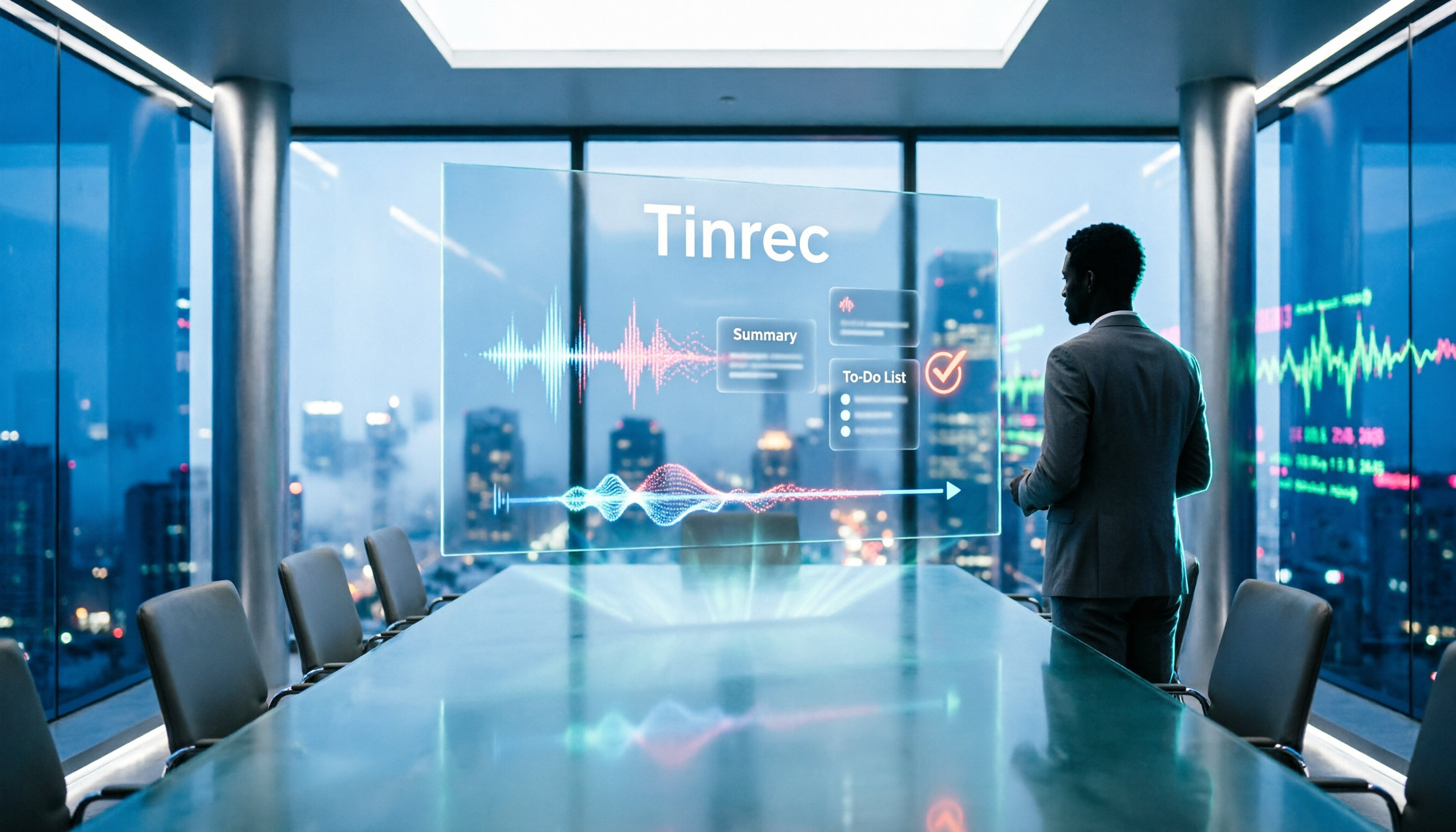
During the meeting, Tinrec generates a live transcript and supports real-time translation, letting you view the original text, translation, or bilingual content. After the meeting, AI automatically generates a summary, chapters, and key points, and extracts action items from the discussion. Who's responsible for which task and what follow-ups are needed—you can see the organized results right after the meeting without re-listening to the recording.
Even better is the AI Q&A. You can continue asking questions about the meeting content, such as "What was the conclusion about the budget in this meeting?" or "What concerns did the client mention?" It answers based on meeting semantics, not just throwing keyword search results at you. This is a strong differentiator among similar tools.
Tinrec also handles audio and video files, making it suitable for organizing historical meetings, interviews, and lecture recordings. Output formats include transcripts, summaries, chapters, action items, and mind maps, and it can export to Notion, Google Docs, OneNote, Dropbox, and other tools, or use Agent post-processing to generate reports, tables, and meeting minutes.
Stop organizing recordings by hand
Upload audio or video and automatically get a transcript, summary, and action items
If you're using it as a team, Tinrec's team plan offers an independent team space where meeting data belongs to the team, and supports member roles, seat management, usage analytics, and audit logs. When a member leaves or loses their seat, their team resources can be transferred to other active members, so data doesn't disappear with individual accounts. The team plan also supports team hotwords, which improves recognition for teams with many product terms or industry jargon.
Limitations, to be honest: The free version provides basic quota to experience recording, import, summaries, and transcription. If you have regular weekly meetings, we'd recommend considering the Pro plan. The team plan currently has a 7-day trial, offering 1 free seat and 300 minutes of shared team import quota; paid seats are USD 29.80/seat/month or USD 199/seat/year (about USD 16.58/month), with each paid seat providing 2,000 minutes of shared team import quota per month. Real-time recording is not deducted by minutes under an active team plan and seat.
Who is it for? If you frequently handle Chinese meetings, need bot-free recording for online meetings, want to use AI to query key points right after a meeting, or want to store meeting data in a team space, Tinrec is a very suitable choice right now.
Besides Tinrec, What Other Options Are There?
Otter.ai: A mature English business meeting AI assistant. Basic is free with 300 minutes per month; Pro annual billing is about USD 8.49/user/month. If your meetings are almost entirely in English, it's worth considering. But if you need Chinese meeting transcription, real-time translation, and bilingual transcripts, Tinrec's Chinese experience and team hotwords are more aligned with those needs.
Notta: A multi-platform transcription tool. Free version offers 120 minutes per month, max 3 minutes per session; Pro annual billing is about USD 8.17/month. It suits users focused on file transcription. However, Tinrec's AI Q&A, Agent post-processing, and team space are areas Notta covers less.
Granola: A bot-free AI meeting notes tool. Basic is free; Business is USD 14/user/month. Note that it doesn't support uploading pre-recorded audio files and doesn't save meeting audio. If you need to keep recordings, import existing audio files, use real-time translation, or build a team knowledge base, Tinrec is more complete in these areas.
Pitfall Guide: The 3 Most Common Mistakes When Choosing a Meeting Summary Tool
Pitfall 1: Only looking at free minutes, not summary quality. Many tools are generous with free minutes, but the summary is just a truncated transcript or a vague paragraph. When testing, use a real meeting recording with conclusions and action items to see if it can separate "conclusions" and "action items."
Pitfall 2: Ignoring post-meeting queries and export. A meeting summary isn't the end. If you want to ask "What was decided in last week's meeting?" after recording, or need to paste the summary into Notion or Google Docs for further editing, the tool's AI Q&A and export capabilities matter. Using a tool only as "audio-to-text" means you're only using part of its capabilities.
Pitfall 3: Choosing individual accounts for team sharing. If team meeting minutes are scattered across everyone's personal accounts, someone leaving creates a gap. Choose a solution with team spaces, seat management, and data handover mechanisms, so meeting minutes become a team asset, not a personal file.
Conclusion: Which One Should You Choose?
In one sentence: If you want "auto-generated meeting summaries," and your meetings are mainly in Chinese, requiring bot-free recording and post-meeting queries, Tinrec is this article's top pick.
Scenario-based recommendations:
- Chinese meetings, mixed Chinese-English meetings → Tinrec (supports Chinese, Traditional Chinese, and multiple languages, plus team hotwords)
- Online meetings without inviting a meeting bot → Tinrec (desktop version captures system audio, no bot needed)
- Want to use AI to query key points after meetings → Tinrec (AI Q&A is its core differentiator)
- Need team-shared meeting minutes, seat and usage management → Tinrec team plan (team space, roles, seats, audit logs)
- Zero budget, meetings almost entirely in English → Otter.ai (free 300 minutes per month, mature English experience)
We suggest starting with Tinrec's free version, running a complete workflow with a real meeting: record, view the transcript, check the summary and action items, then try asking a meeting-related question. If it fits your workflow, consider upgrading to Pro or the team plan.
(Note: The above prices and quotas are from official pages at the time of writing. Actual plans and prices may change; please refer to the official purchase page. Please comply with local laws when recording and transcribing, and obtain participant consent when needed.)
References
- Meeting Ink - AI Meeting Minutes Assistant: Auto-Transcribe, Summarize Meeting Minutes
- Meeting Ink - 2026 AI Meeting Minutes Tools Tested | 7 Speech-to-Text and Summary Speed Comparison | Meeting Ink - AI Meeting Minutes Assistant: Auto-Transcribe, Summarize Meeting Minutes
- Gemini Tutorial | AI Auto-Generates Meeting Minutes, a Highly Efficient Note-Taking Method 100x Faster Than Handwriting - Workplace AI Training, Customer Service Outsourcing & Service Outsourcing - Chainsea Information
- AI-Generated Meeting Summaries in Control Hub
- Taking Meeting Minutes Is Such a Hassle? ChatGPT + Whisper Does It All at Once! Auto-Transcription, Summarization, and Sending Are All Possible | BusinessNext
Turn every recording into actionable outcomes
Get 60 free transcription minutes when you sign in. No credit card required.
Related Reading
You might also like

2026 Comparison of 5 Meeting Summary Generators: How to Choose for Chinese Meetings, Bot-Free Recording, and Team Plans
How do you choose a meeting summary generator? This article compares 5 common approaches, breaking down meeting capture methods, Chinese transcription, post-meeting organization, and team knowledge retention. Using Tinrec as a practical example, it helps you decide where to invest your budget and time before purchasing.

4 Traditional Chinese Transcription Tools Compared: Which One Lets You Query Key Points with AI Right After Recording?
How do you choose a Traditional Chinese transcription tool? This article compares Tinrec, Yating Transcription, MyEdit, and Google Recorder App from real-world usage scenarios, covering 5 key selection criteria, 4 common pitfalls to avoid, and selection advice. It also explains features like AI Q&A, bot-free meeting recording, export workflows, and team collaboration to help you find the transcription tool that best fits your workflow.

4 Course Lecture Transcription Tools Tested: Which AI Summary Actually Saves You Time?
Recorded lectures all semester but never opened them? This article tackles common mistakes and tests four course recording transcription tools—Tinrec, Notta, Otter.ai, and TurboScribe. It covers four key buying factors: Chinese recognition, post-transcription AI summaries and Q&A, online class recording methods, and free tiers. Includes a pitfalls guide and scenario-based recommendations.

5 Best AI Meeting Minutes Generators in 2026: Real-World Comparison to Save You Time
Tired of spending hours organizing meeting minutes after the meeting ends? This article compares Tinrec, Otter.ai, Notta, Granola, and other tools across five key aspects: Chinese language recognition, bot-free recording, post-meeting summaries and action items, AI Q&A, and team data ownership. We break down who each tool is best for, where its limitations lie, and provide buying advice for different scenarios.

2026 Smartphone Recording Features Compared: Built-in, Call Recording, and AI Transcription—Which Is Enough?
How do you enable recording on your phone? This guide covers the steps for call and in-person recording on ASUS, Samsung, iPhone, Motorola, and Huawei, plus key legal reminders for recording consent in the U.S. Then it compares Tinrec, Otter.ai, Notta, and PLAUD for post-recording organization to help you decide which approach saves the most time.

How to Use Tinrec in 2026: Accurate Chinese Transcription + Automatic Meeting Minutes
Still spending an hour typing transcripts after meetings? This complete guide breaks down the core capabilities, real-world use cases, and key considerations for choosing a Chinese audio-to-text tool, using Tinrec as an example to demonstrate the full workflow from recording, transcription, AI summarization, to team knowledge retention.

2026 Comparison of 4 Auto-Generated To-Do Tools: Which One Really Captures Every Meeting Action Item?
Still copying action items from meeting transcripts? We tested 4 auto-generated to-do tools using the same meeting scenario, comparing to-do extraction, bot-free recording, AI Q&A, export, and team data governance. Plus 4 common pitfalls and selection advice.

4 AI Meeting Minutes Tools Tested for 2026: How to Choose for Chinese Meetings and Team Knowledge Retention
Still spending twice as long organizing meeting notes after the meeting ends? This article compares four AI meeting minutes tools—Tinrec, Otter.ai, Notta, and Granola—breaking down how meeting audio enters the system, Chinese and mixed Chinese-English recognition, post-meeting summaries and action items, team data ownership, and pricing plans. It also covers the four most common pitfalls when choosing a tool, helping you find the one that fits your workflow.

4 Interview Transcription Tools Compared for 2026: How to Choose from Free to Paid
Tired of spending hours transcribing interview recordings? This article compares 4 interview transcription tools in 2026, covering free plan limitations, mixed Chinese-English recognition, and post-transcription features like summaries, AI Q&A, and team collaboration. We also highlight 3 common pitfalls to help you find the best fit for your workflow.