
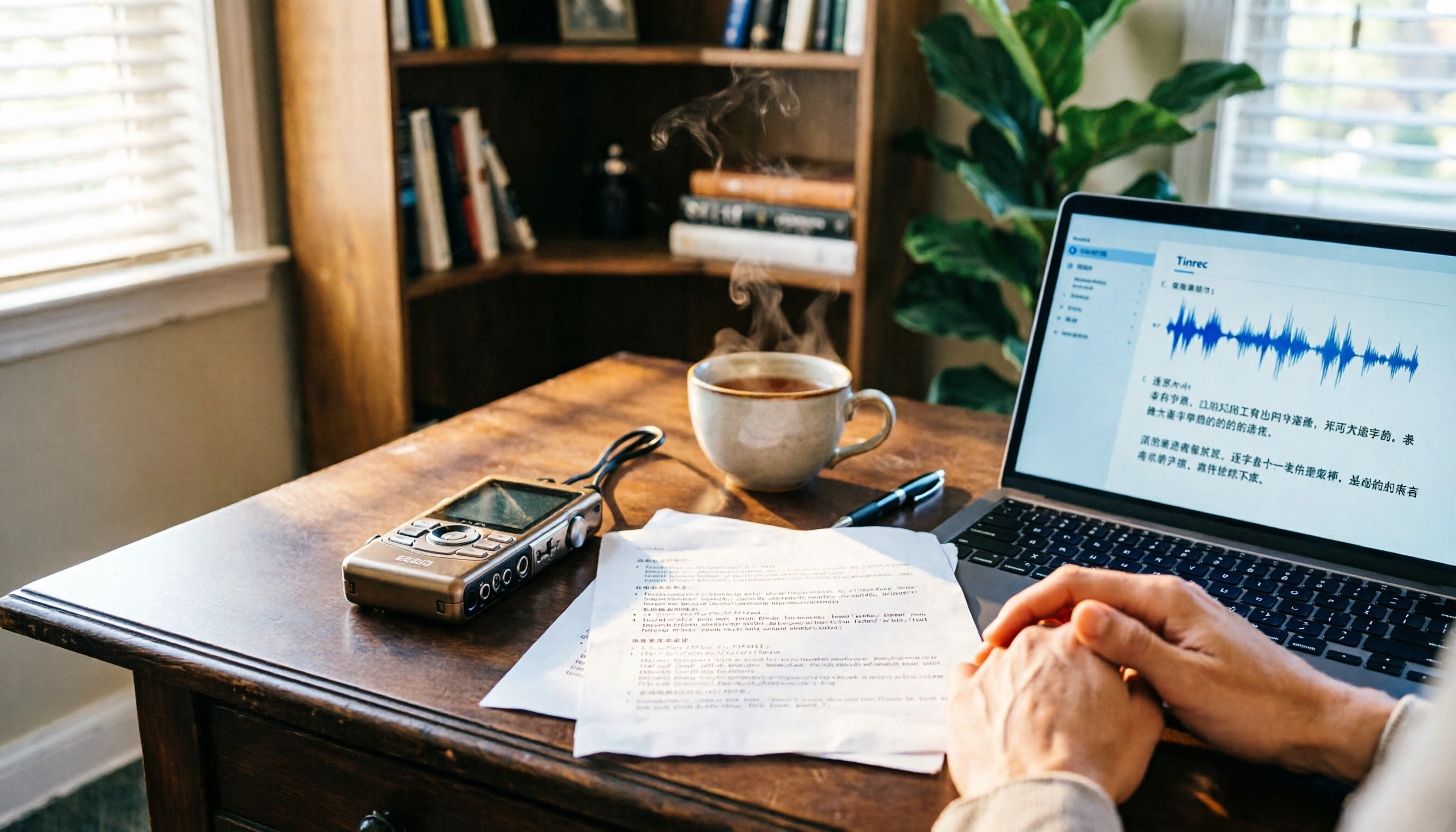
Turn recordings into transcripts and summaries in minutes
Upload audio or video for multilingual transcription, AI notes, and action items
Recording Police Interviews in 2026: 3 Methods Compared — Can You Record Yourself?
"I just wanted to record myself during a police interview — is even that not allowed?"
Last month a reader wrote to me about this. He had received a notice from the police station, went in as a suspect and completed his interview, and on the way home the more he thought about it, the more something felt off — the officer asked questions quickly, he answered quickly, and before signing he hadn't even read through the whole thing.
He wanted to know whether next time he could bring his own voice recorder in.
Honestly, there's no one-sentence answer to this. The answer changes depending on the nature of the case, your status, and where you are. I put together a comparison table from the materials I could find, and here's the conclusion up front: rather than trying to secretly record on your own, it's better to request on the spot that the police record the interview as required by law, and to check the transcript word by word before signing.
This article isn't teaching you how to secretly record — it compares which of three approaches actually protects you.
First, understand: the factors that affect "whether you can record yourself"
Many people think this question has only two answers — "yes" and "no" — but in reality you first need to distinguish four things.
First, the nature of the case. Once a criminal case enters the investigation stage, the principle of investigation confidentiality generally applies. In practice, it is often held that parties cannot record audio or video themselves. But if it is an administrative inquiry — for example, a traffic accident, a petition, or a report — according to the National Police Agency's view, recording in a public place to protect your own rights is permissible.
Second, your status. Under Article 100-1 and Article 100-2 of the Code of Criminal Procedure, when a judge or prosecutor interrogates a suspect, or when judicial police question a criminal suspect, the entire process should in principle be recorded, and videotaped when necessary. But if you appear as a complainant or witness, recording is not necessarily done.
Third, whether the place counts as "public." This is where disputes most often arise in practice. Some lawyers cite Supreme Court Criminal Judgment No. 4780 of 2011 (100th year, Tai Shang Zi No. 4780), pointing out that the key is whether both parties subjectively believe that only the other party can know the content of the conversation, and objectively whether a third party could freely enter and exit and hear the content.
Fourth, what you do after being stopped. Some lawyers warn that if you are stopped by the police on the spot and ignore repeated warnings, it may even lead to obstruction of official duties issues.
Simply put, this is not purely a "freedom of speech" question — it depends on where you stand and whose conversation you are recording.
The three approaches compared
I'm not evaluating recording equipment; I'm comparing three paths:
- Approach 1: Record privately on your own. Bring a voice recorder or use your phone without notifying anyone in advance.
- Approach 2: Request on the spot that the police record as required by law, and ask the officer to note it in the transcript. Don't record yourself, but ensure an official record exists.
- Approach 3: Have a lawyer present, and afterward request the record from the prosecutor or court. A suspect has the right under law to have a lawyer present throughout questioning.
Also, one practical step that really gets used: organizing the recording afterward. If a lawfully obtained recording runs two or three hours, it's actually hard to use without a transcript. This is also why I later noticed tools like Tinrec — I'll explain separately below.
Sources and verification conditions (this article did not conduct timed recording tests)
I need to disclose honestly: this is not a timed test article. I did not actually go to a police station and do three types of interviews to compare seconds — and that's not something that should be experimented with.
This article uses a comparison of sources, with the following sources and conditions:
- Source verification date: August 2026; product information version 2026-08-18.
- Sources referenced include two compilations from the Miaoting Recording Blog, articles from law firm websites, discussions on the PTT Life Law board, and a lawyer's personal column.
- The PTT discussion is a 2022 netizen experience, representing personal opinion, not a court view.
- Sources genuinely differ on "whether you can record yourself"; this article will faithfully indicate this and will not draw a conclusion for either side.
- For information such as lawyer fees and case judgment results, the sources did not provide verifiable figures, so these are marked as pending confirmation.
- Statements about Tinrec's features and pricing come from official product materials; they are product-side information, not third-party test results.
If you plan to use this article to decide on specific actions, remember one thing: individual circumstances vary greatly; talking to a lawyer once before taking formal action is more useful than reading ten articles.
Comparison summary table of the three approaches
| Approach | Legal risk | Can a record be kept? | Better suited for |
|---|---|---|---|
| Record privately on your own | Relatively high. In criminal cases, it may violate investigation confidentiality and may also raise issues under Article 315-1 of the Criminal Code regarding secretly recording non-public activities; continuing to record after being stopped may additionally lead to obstruction of official duties | A record exists, but the manner of obtaining it is itself problematic | Not recommended |
| Request that police record as required by law and note it in the transcript | Relatively low. This is exercising an existing right | Official recording exists; can be requested afterward | Everyone, especially suspects |
| Lawyer present + request the record afterward | Relatively low | Complete official record plus legal assistance | Suspects, complex or major cases |
(The "legal risk" in the table is a relative description summarized from public sources; it is not legal advice, nor a judgment outcome.)
One by one: what you'll actually encounter
Approach 1: Record privately on your own
This is the approach most people think of first, and the highest-risk one.
The Miaoting Recording Blog compilation clearly states that under investigation confidentiality, practice generally holds that parties cannot record audio or video themselves; secret recording may be stopped and carries legal risk. A netizen on PTT also replied directly that "an interview is not a public occasion."
But not all sources are one-sided. An article from Mingguan United Law Firm mentions that the law does not prohibit parties from recording for self-protection, as long as it does not interfere with the investigation and does not secretly record others' conversations.
Stop organizing recordings by hand
Upload audio or video and automatically get a transcript, summary, and action items
The two sides really do say different things. My reading is: this line has not yet reached a consistent conclusion in practice, so "ask the police first" is much safer than "record first and deal with it later."
When unsure, you can simply ask: "May I record to protect my rights?" If the other party agrees, there's no problem; if they say no, don't force it.
Approach 2: Request that police record as required by law, and check the transcript
This is the path I recommend most, because it stands on the side of the law.
The police are already required by law to record. If they don't at the time, you can request it on the spot and ask the officer to note this in the transcript. Afterward, you can also request the relevant audio and video materials from the prosecutor or court.
Note that this approach is more solid for suspects; if you appear as a complainant or witness, recording is not necessarily done.
Another action many people overlook: read everything word by word before signing. Correct errors on the spot; don't believe "we can fix it later."
Approach 3: Lawyer present + request the record afterward
A suspect has the right under law to have a lawyer present throughout questioning.
If you received a notice rather than a summons, don't rush to go alone. Discussing once with a lawyer and going over the questions you might be asked makes a big difference.
This path has the highest cost, but for cases that are complex or may be expanded, it is usually the most worthwhile.
Additional step: turning a lawful recording into usable material
Suppose you recorded a meeting with a lawyer present, or with the other party's consent — the file is usually long and messy.
For this part I tested Tinrec (Miaoting Recording). It is an AI meeting notes and collaboration tool for individuals and teams. In addition to real-time recording to text, it can also upload existing audio and video files and convert them to transcripts, then automatically generate summaries, chapters, and to-dos, and supports AI Q&A around the content.
Note that it processes audio files that "you have the right to record and can record" — it does not help you secretly record interviews. The consent you should obtain before recording and the legal rules you should confirm still need to be handled by yourself.
When using it, I usually look at these things first:
- Directly upload existing audio files and convert to transcripts; long meetings are automatically divided into chapters.
- Summaries and to-dos can be generated with one click, suitable for post-meeting organization.
- Supports export in multiple formats, convenient for sending to a lawyer or saving to the cloud for further editing.
- The desktop version can directly capture computer system audio, so when handling online meetings you don't need to invite a bot to join separately.
- Recognition of Chinese and mixed Chinese-English content is decent, but actual results are affected by recording quality, accent, background noise, and multiple people speaking at the same time; the official source also does not recommend promising a fixed accuracy rate.
If a firm or team uses it together, the team version is more suitable: it has an independent team space, member and role management, seat allocation, shared import quota, usage analytics, audit logs, and an audio recycle bin. Note that roles and seats are two different things — members without a seat can still view and play team materials, but cannot upload or edit.
Cost and available resources comparison
| Item | Cost | Notes |
|---|---|---|
| Record privately on your own | $0 | But any legal liability that may arise cannot be measured in money |
| Request police recording and access the record | $0 | An existing right |
| Lawyer present | Pending confirmation; quotes vary by firm | Sources did not provide verifiable amounts; recommend inquiring directly |
| Tinrec personal version | Free version, weekly card, Pro monthly card, Pro annual card | Prices subject to official website; free version suitable for light experience; consider Pro if you have steady weekly needs |
| Tinrec team version | Monthly USD 29.80 per paid seat per month; annual USD 199 per paid seat per year (about USD 16.58 per month) | 2,000 minutes of team shared import quota per seat per month; first eligible team trial is 7 days, 1 free seat, 300 minutes shared import quota. Verification date 2026-08-18; actual terms subject to the official purchase page |
Honestly, putting "lawyer fees" and "recording tool subscription fees" in the same table is a bit odd, because the two solve completely different things. The former helps you avoid risk; the latter helps you save organizing time.
Conclusion: choose by need
Under the source conditions of this article, my recommendations are as follows:
If you are in an administrative inquiry (traffic accident, petition, report), you can first ask the police whether you can record, and record after obtaining consent — that's the simplest.
If it is a criminal case and you are a suspect, don't record yourself. Request on the spot that the police record as required by law, check the transcript word by word, have a lawyer present if necessary, and afterward request the record.
If you are a complainant or witness, know that the police may not record, so it's even more important to read the transcript carefully before signing.
If you already have a lawfully obtained recording, using a tool like Tinrec to convert it into a transcript and summary will be much faster than listening to the file repeatedly.
Finally, a note on sample limitations: this article only compares public sources; it does not include full text of actual case judgments, nor does it compare the complete views of each law firm word by word. For legal matters, you should still ask a professional about your own case.
Frequently asked questions
Q1: Can I record my own police interview?
In principle, no. In criminal cases under investigation confidentiality, practice generally holds that parties cannot record audio or video themselves. For administrative inquiries (such as traffic accidents or petitions), according to the National Police Agency's view, there is room to record in public places to protect your own rights. When unsure, asking the police first is the safest.
Q2: Will the police record the interview?
When a judge or prosecutor interrogates a suspect, or judicial police question a criminal suspect, the entire process should in principle be recorded, and videotaped when necessary. If you appear as a complainant or witness, recording is not necessarily done.
Q3: What if the police do not record?
You can request it on the spot and ask the officer to note it in the transcript. Afterward, you can also request the relevant audio and video materials from the prosecutor or court.
Q4: What happens if secret recording is discovered?
You may be stopped. Some lawyers warn that if you ignore repeated warnings, it may even lead to obstruction of official duties issues; in addition, Article 315-1 of the Criminal Code has relevant provisions on secretly recording others' non-public activities without cause. Actual liability still depends on the individual case.
Q5: Can I use Tinrec to record a police interview?
Not recommended, and it does not fit the premise of use. Tinrec is suitable for meetings, interviews, classes, and similar scenarios where you already have the right to record and have obtained consent. Recording and transcription involve local regulations; when necessary, you should obtain the other party's consent first.
Q6: Is the Tinrec free version enough?
The free version is suitable for light experience; you can use the basic quota to try recording, importing, summaries, and transcription. If you have steady meetings or interviews to organize every week, then consider the Pro monthly or annual card.
Q7: What's the difference between the team version and the personal version?
Personal version data is managed under an individual account. The team version provides an independent team space, invite links, owner and admin roles, seat allocation, shared import quota, usage analytics, audit logs, team hotwords, and an audio recycle bin. When a member leaves, team resources belong to the team and need to be handed over to other active members.
References
- 2026 Complete Guide to Recording Police Interviews: Can You Record Yourself? 5 Legal Points and Tinrec Applications - Miaoting Recording Blog
- 2026 Complete Guide to Self-Protective Recording of Police Interviews: Lawful Recording and AI Organization - Miaoting Recording Blog
- Other: Can you record at a police station interview? - PttLifeLaw board - PTT
- What to note when giving a police interview? Complete analysis of process, time, rights and obligations | Taichung lawyer recommendation | Mingguan United Law Firm – Mingguan United Law Firm
- When police ask you for an interview, you should not secretly record | Lawyer Short-tailed Kangaroo
Turn every recording into actionable outcomes
Get 60 free transcription minutes when you sign in. No credit card required.
Related Reading
You might also like

2026 Free Screen Recording with Audio: 3 Options Compared
A guide to capturing system audio and microphone with Windows Game Bar, macOS QuickTime, and DiReec online tool, plus limitations for iPhone and LINE calls; also compares Tinrec for meeting recording, transcripts, and summaries.
2026 Comparison of 6 Computer Recording Solutions: Built-in, Free, and AI Transcription
Can a computer record audio directly? Yes, both Windows and Mac have built-in tools, but system audio and post-meeting organization are key. This article covers 6 computer recording solutions, from free built-in options to Tinrec AI meeting notes, helping you choose based on budget and use case.

5 Computer Screen Recording Tools Compared for 2026: From Free Built-ins to AI Meeting Summaries
Should you use built-in tools or a professional solution for computer screen recording? This article starts with the key question: 'Do you want to keep the visuals or the meeting content?' It hands-on compares Windows Game Bar, Mac screen recording, Tinrec, Granola, Notta, and TurboScribe, and outlines 4 key buying criteria and 4 common mistakes to help you choose the right solution in one go.

3 Transcription Tools Compared in 2026: How Long Does Yating Take & How Free Hours Work
How long does Yating take? This article compiles public claims about free quotas, single audio file limits, and transcription wait times, and uses Tinrec to demonstrate a complete workflow for long meeting transcripts, summaries, and action items, helping you decide if the free version is enough.

6 Audio Recording Software Compared: Which Free Version Is Enough in 2026?
Too many recording apps to choose from? This guide categorizes six tools—Windows Voice Recorder, Audacity, GarageBand, WavePad, Notta, and Tinrec—by use case, covering free limits, system audio capture, and post-meeting organization. It also demonstrates Tinrec's full workflow from recording to transcript, summary, and action items.

4 Free Recording Tools Compared in 2026: Where the Recording Feature Is Hiding and Whether the Free Quota Is Enough
"Where is the recording feature?" is the first question many people have when they open their phone. This article covers four free entry points—iPhone Voice Memos, Samsung Voice Recorder, Google Phone app call recording, and Tinrec—explaining where each is located, its free quota, registration requirements, and usage limits, with a comparison table and FAQ to help you choose the right tool for your needs.

ChatGPT Recording Limit vs Tinrec: 2026 AI Meeting Recorder Comparison
ChatGPT's recording mode caps at about 120 minutes per session, so meetings longer than two hours must be split into segments and summaries stitched together manually. This article compares ChatGPT recording mode and Tinrec across six dimensions—recording length, online meeting capture, post-meeting output, Chinese and multilingual support, audio retention, and team management—to help you decide which fits your meeting style.

Can CapCut for Desktop Record Audio in 2026? 6 Steps from Recording to Meeting Notes
CapCut for desktop can indeed record audio, but its recording is a voice-over feature designed for video editing. This article first answers "can it record," then helps you distinguish between two needs—"voice-over" and "meeting notes"—and breaks down the post-recording workflow, including transcripts, summaries, action items, and how to retain team data.
Which Memo Recording Tool Is Best? 2026 Comparison of 3 Tools: Most People Get Stuck on Post-Meeting Organization
Recording a voice memo actually only takes three steps; the real hassle comes after recording. This article first breaks down common misconceptions and operational limitations of memo recording, then compares Apple Notes built-in recording, Voice Memos, and Tinrec from four perspectives: transcripts, post-meeting outputs, cross-device access, and team data. It also includes a pitfalls guide and scenario-based selection advice.