

Turn recordings into transcripts and summaries in minutes
Upload audio or video for multilingual transcription, AI notes, and action items
2026 Comparison of 2 Meeting Transcription Tools: Tinrec vs Notta – Which Is Better for Chinese-Speaking Teams?
Have you ever been in this situation: after a two-hour meeting, it takes another two hours just to organize the recording? With so many meeting audio-to-text tools on the market, which one should you choose? I tested two tools often discussed by Taiwanese users—Tinrec and Notta—and will tell you their differences across five dimensions.
Tinrec vs Notta | Quick Overview
Tinrec is an AI meeting notes and collaboration tool for individuals and teams. It not only converts audio to text but also organizes meeting recordings into searchable, summarizable, queryable, and exportable data. Notta is a multilingual transcription tool covering meeting notes, document import, translation, and team plans. The two have quite a bit of overlap in features.
Here is the basic information for both tools:
| Item | Tinrec | Notta |
|---|---|---|
| Core positioning | AI meeting notes and team collaboration | Multilingual transcription and meeting notes |
| Meeting recording | Desktop version captures system audio without a bot | Meeting bot, desktop app, or file upload |
| Free plan | Free version to experience basic features | 120 minutes per month, max 3 minutes per session |
| Team plan | Monthly USD 29.80/seat/month; annual USD 199/seat/year | Business annual equivalent to USD 16.67/seat/month |
This article will compare the two across five dimensions: Chinese transcription, meeting recording methods, post-meeting organization, team collaboration, and pricing.
Dimension 1 | Chinese Transcription and Meeting Scenarios
In Chinese meeting transcription, Notta supports multilingual recognition and its Chinese transcription is above average, handling general meeting content. However, for meetings with mixed Chinese and English or many technical terms, Notta's performance is more average.
Tinrec has made many optimizations for Chinese meeting scenarios. In addition to Chinese and Traditional Chinese transcription, it also supports mixed Chinese-English content organization, real-time translation, and bilingual viewing. Even better, Tinrec offers a "team hotwords" feature that lets you maintain team-specific terminology to improve recognition of professional vocabulary.
→ This dimension: Tinrec has a slight edge in the level of detail for Chinese meeting scenarios.
Dimension 2 | Meeting Recording Methods (No Bot vs Bot)
When recording online meetings, Notta usually requires a meeting bot to join the meeting or manual upload of audio files. Although meeting bots are convenient, they can sometimes feel intrusive to participants, and some companies do not allow bots to join.
Tinrec's desktop version directly captures computer system audio without inviting an additional meeting bot, and can record online meetings on Zoom, Google Meet, Microsoft Teams, Webex, and more. Users just need to open the Tinrec desktop app and start recording to generate a transcript in real time.
→ This dimension: Tinrec's bot-free recording method is less disruptive to meetings and better suited for corporate environments.
Dimension 3 | Post-Meeting Organization and AI Applications
Notta offers transcription, summarization, translation, and subtitles, meeting basic post-meeting organization needs. But if you want more advanced AI applications, Notta's options are relatively limited.
Tinrec makes the post-meeting workflow more complete: automatically generates summaries, chapters, key points, and action items, and also supports AI Q&A around meeting content, and even Agent post-processing to generate reports, tables, and documents. In addition, Tinrec supports export to Notion, Google Docs, OneNote, Dropbox, and other tools, letting meeting results flow directly into your workflow.
→ This dimension: Tinrec's post-meeting organization and AI applications are clearly richer.
Dimension 4 | Team Collaboration and Data Management
Notta's Business plan provides role permissions and usage reports, suitable for team use. However, team data storage and permission management are relatively basic.
Stop organizing recordings by hand
Upload audio or video and automatically get a transcript, summary, and action items
Tinrec's team version is an independent team collaboration space where meeting data belongs to the team and does not disappear when members leave. Admins can manage members, roles, and seats, view usage analytics and audit logs, and also have an audio recycle bin and team hotword management. Members without a seat can still view, play, and read team data; only after obtaining a seat can they record, upload, and edit.
→ This dimension: Tinrec is more complete in team governance and data retention.
Dimension 5 | Pricing and Free Plans
Notta's free plan offers 120 minutes of transcription per month, but each session is limited to 3 minutes, suitable for light trial. The Pro plan annual payment is about USD 8.17/month, with 1,800 minutes per month; the Business plan annual payment is about USD 16.67/seat/month, offering unlimited transcription, role permissions, and usage reports.
Tinrec offers a free version for users to experience basic recording, import, summarization, and transcription features. The personal version also has weekly, Pro monthly, and Pro annual options. The team version is USD 29.80/paid seat/month for monthly payment, or USD 199/paid seat/year for annual payment (equivalent to about USD 16.58/month). Each paid seat provides 2,000 minutes of team shared import quota per month; real-time recording is currently not deducted by minutes under an active team plan.
→ This dimension: Notta's personal paid plans are lower priced, but Tinrec's team version offers more complete collaboration and governance capabilities. The two have different positioning.
What Unique Advantages Does Each Have?
Tinrec's unique advantages:
- Bot-free meeting recording: Desktop version directly captures system audio without inviting a bot to join the meeting, suitable for corporate environments.
- Complete post-meeting workflow: From summaries, chapters, action items to AI Q&A and Agent post-processing, turning meeting content into actionable data.
- Team data retention: Team space, member seat management, usage analytics, audit logs, and recycle bin make meeting data a team asset.
- Chinese meeting optimization: Supports mixed Chinese-English, real-time translation, and team hotwords, better fitting Chinese users' meeting scenarios.
Notta's unique advantages:
- Multilingual support: Notta performs well in multilingual transcription, suitable for teams that need to handle multiple languages.
- Clear free plan: 120 minutes per month free quota makes it easy for light users to get started.
Conclusion: Which Should You Choose?
- If you need bot-free recording of online meetings and don't want to disturb participants → Tinrec (desktop version directly captures system audio)
- If you value post-meeting AI applications and want summaries, action items, Q&A, and report generation → Tinrec (Agent post-processing and AI Q&A)
- If you need a team collaboration space to manage members, seats, and usage → Tinrec (team version provides complete governance capabilities)
- If you mainly handle multilingual files and have a limited budget → Notta's free or Pro plan is sufficient
In one sentence: For most Chinese meeting users, Tinrec is more complete in meeting recording methods, post-meeting organization, and team collaboration. We suggest trying Tinrec's free version first and testing with your own meeting recordings.
Frequently Asked Questions
Q1: What are the limitations of Tinrec and Notta's free versions? Tinrec's free version provides basic quota to experience recording, import, summarization, and transcription; Notta's free version offers 120 minutes per month, max 3 minutes per session. Both are suitable for light trial.
Q2: Which online meeting platforms does Tinrec support? Tinrec's desktop version can handle meeting audio played on a computer from platforms like Zoom, Google Meet, Microsoft Teams, and Webex. It is not a bot that automatically joins meetings; users need to actively open Tinrec to start recording.
Q3: Does Notta have Chinese transcription? Notta supports multilingual transcription, including Chinese. However, actual performance is affected by recording quality, accent, and technical terms.
Q4: What is the difference between Tinrec's team version and personal version? Personal version data is managed by the individual account; the team version provides an independent team space where meeting data belongs to the team, and adds capabilities such as members, roles, seats, sharing benefits, usage analytics, audit logs, and recycle bin.
Q5: How accurate are meeting audio-to-text tools? Accuracy is affected by recording quality, noise, accent, overlapping speakers, and technical terms. Both Tinrec and Notta perform well with clear audio. For important content, it is recommended to verify with recording playback.
Q6: Do I need consent to use meeting audio-to-text tools? Yes, recording and transcription may involve legal regulations. It is recommended to inform participants and obtain consent before recording, and comply with local laws.
(Prices and benefits mentioned in this article are subject to official pages.)
References
Turn every recording into actionable outcomes
Get 60 free transcription minutes when you sign in. No credit card required.
Related Reading
You might also like

4 AI Meeting Summary Tools Tested in 2026: Which One Saves the Most Time on Auto-Generated Minutes?
Meeting's over—still stuck writing the summary yourself? This article tackles common misconceptions and compares four AI meeting summary tools: Tinrec, Otter.ai, Notta, and Granola. We break down selection criteria, test real workflows, and highlight pitfalls to help you find a time-saving solution that automatically generates transcripts, summaries, and action items.

How to Use Tinrec in 2026: Accurate Chinese Transcription + Automatic Meeting Minutes
Still spending an hour typing transcripts after meetings? This complete guide breaks down the core capabilities, real-world use cases, and key considerations for choosing a Chinese audio-to-text tool, using Tinrec as an example to demonstrate the full workflow from recording, transcription, AI summarization, to team knowledge retention.

2026 Comparison of 4 Auto-Generated To-Do Tools: Which One Really Captures Every Meeting Action Item?
Still copying action items from meeting transcripts? We tested 4 auto-generated to-do tools using the same meeting scenario, comparing to-do extraction, bot-free recording, AI Q&A, export, and team data governance. Plus 4 common pitfalls and selection advice.

4 AI Meeting Minutes Tools Tested for 2026: How to Choose for Chinese Meetings and Team Knowledge Retention
Still spending twice as long organizing meeting notes after the meeting ends? This article compares four AI meeting minutes tools—Tinrec, Otter.ai, Notta, and Granola—breaking down how meeting audio enters the system, Chinese and mixed Chinese-English recognition, post-meeting summaries and action items, team data ownership, and pricing plans. It also covers the four most common pitfalls when choosing a tool, helping you find the one that fits your workflow.

4 Interview Transcription Tools Compared for 2026: How to Choose from Free to Paid
Tired of spending hours transcribing interview recordings? This article compares 4 interview transcription tools in 2026, covering free plan limitations, mixed Chinese-English recognition, and post-transcription features like summaries, AI Q&A, and team collaboration. We also highlight 3 common pitfalls to help you find the best fit for your workflow.

Free Audio-to-Transcript Solutions in 2026: Tinrec vs cSubtitle Compared
A mid-level manager's hands-on comparison of free audio-to-transcript solutions in 2026, focusing on Tinrec and cSubtitle. We break down live meeting recording, Chinese speech recognition, AI summaries and action items, team collaboration, and free tier limits. If you run many meetings each week and need to turn them into trackable action items, this guide will help you decide which tool fits your workflow.
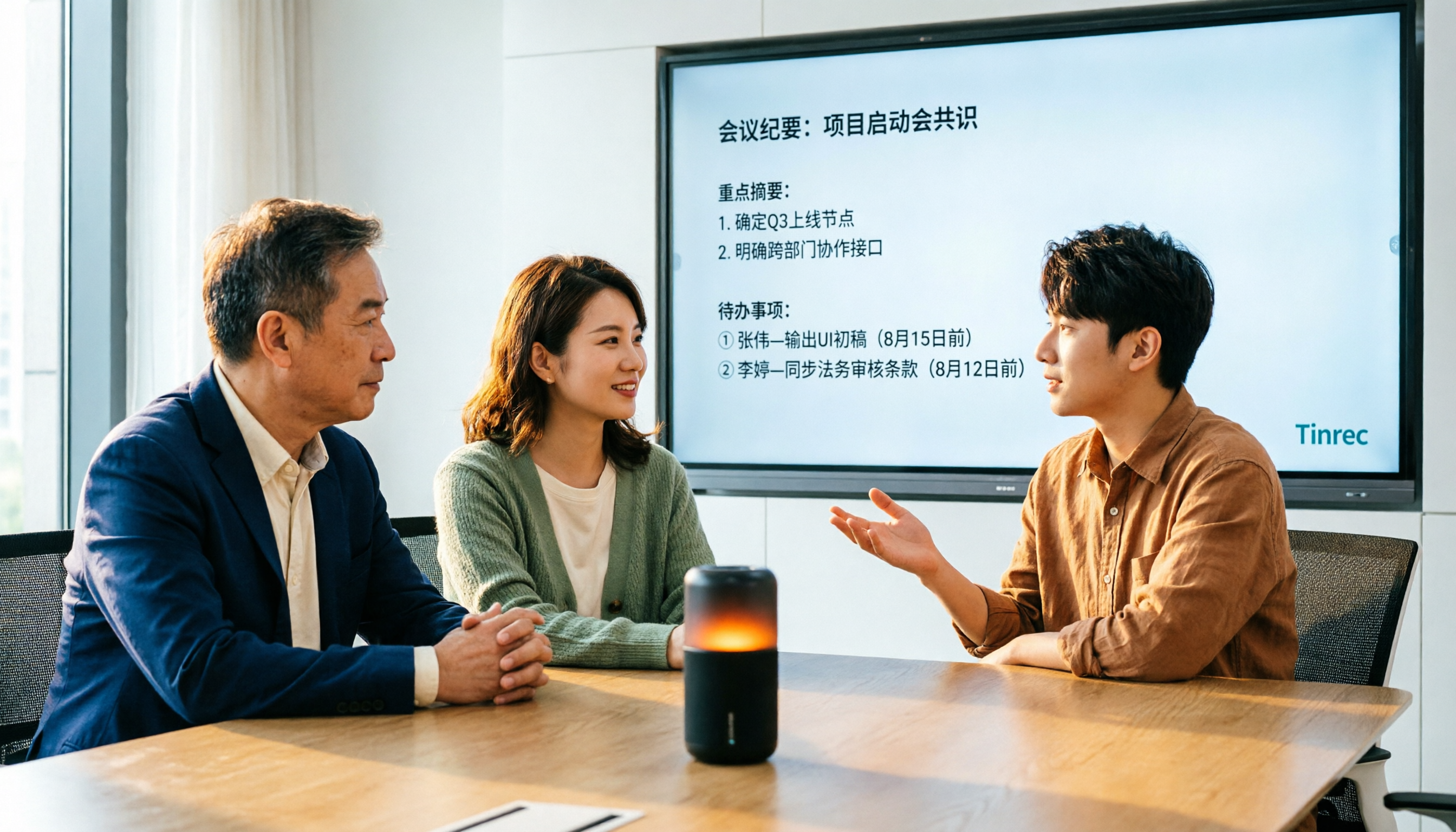
4 Audio-to-Text Tools Tested for 2026: Which Saves the Most Time on Chinese Meeting Notes?
We tested 4 audio-to-text tools, comparing Chinese meeting performance, bot-free recording, AI summaries and Q&A, and team permissions. We also outline 4 key buying factors and 3 common pitfalls to help you find the one that truly saves time after transcription.
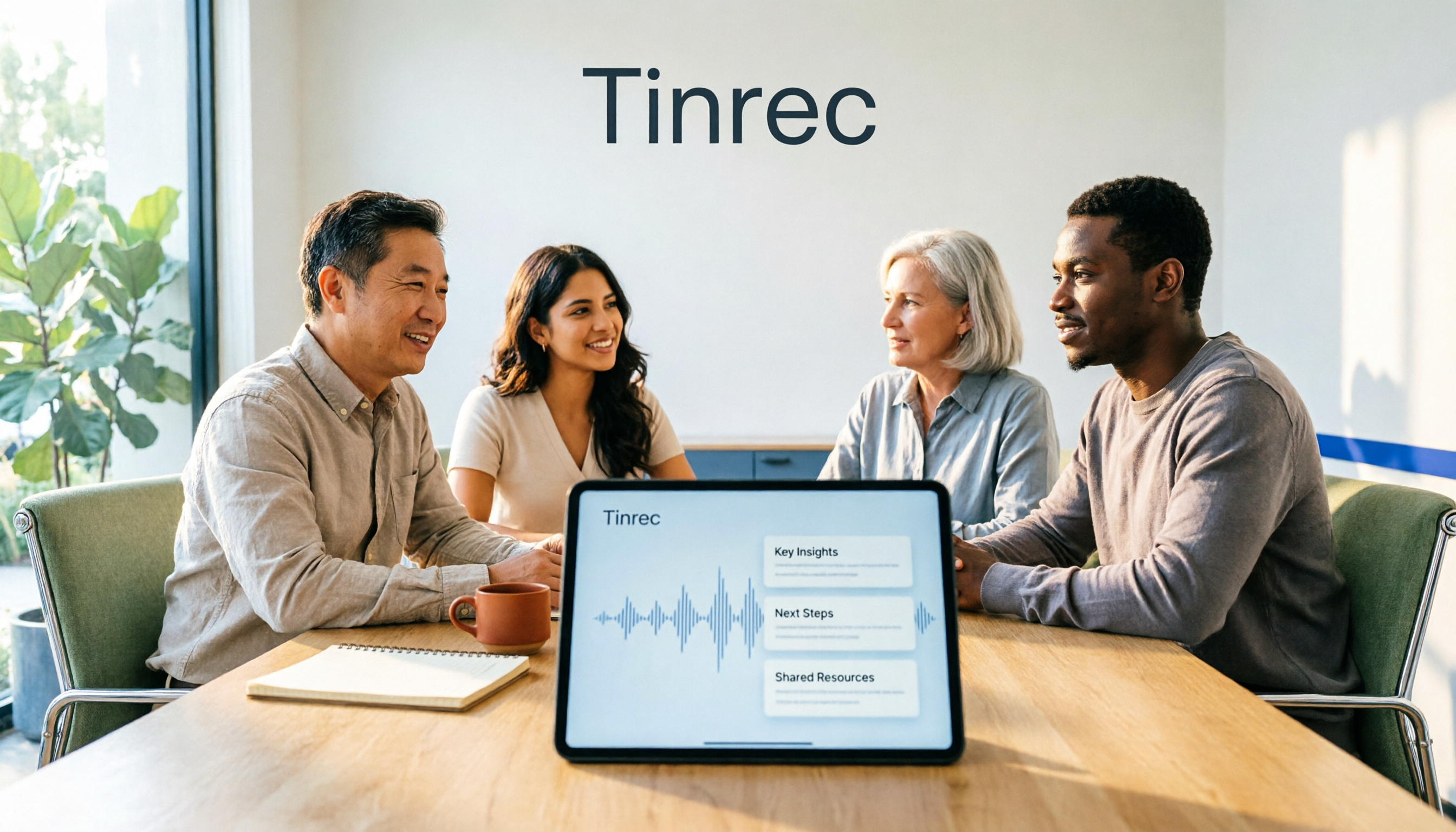
2026 AI Meeting Recorder Comparison: 4 Tools Tested for Transcripts and Team Knowledge
We tested and compared four AI meeting recorder tools: Tinrec, Otter.ai, Notta, and Granola. The article first explains the four key factors to consider when choosing a tool, then takes a deep dive into Tinrec's bot-free recording, AI summaries, action item extraction, and post-meeting Q&A workflow. It also honestly covers free plan limitations and team pricing, and ends with a buyer's guide and scenario-based recommendations to help you pick the right one.

How to Transcribe Meeting Recordings in 2026: Auto-Generate Transcripts, Summaries & Action Items
Meeting recordings can easily run an hour, and re-listening to type notes afterward is the biggest time sink. This guide covers 7 practical solutions—from AI meeting tools and transcription services to free built-in features—to turn recordings into transcripts, summaries, and trackable action items.