
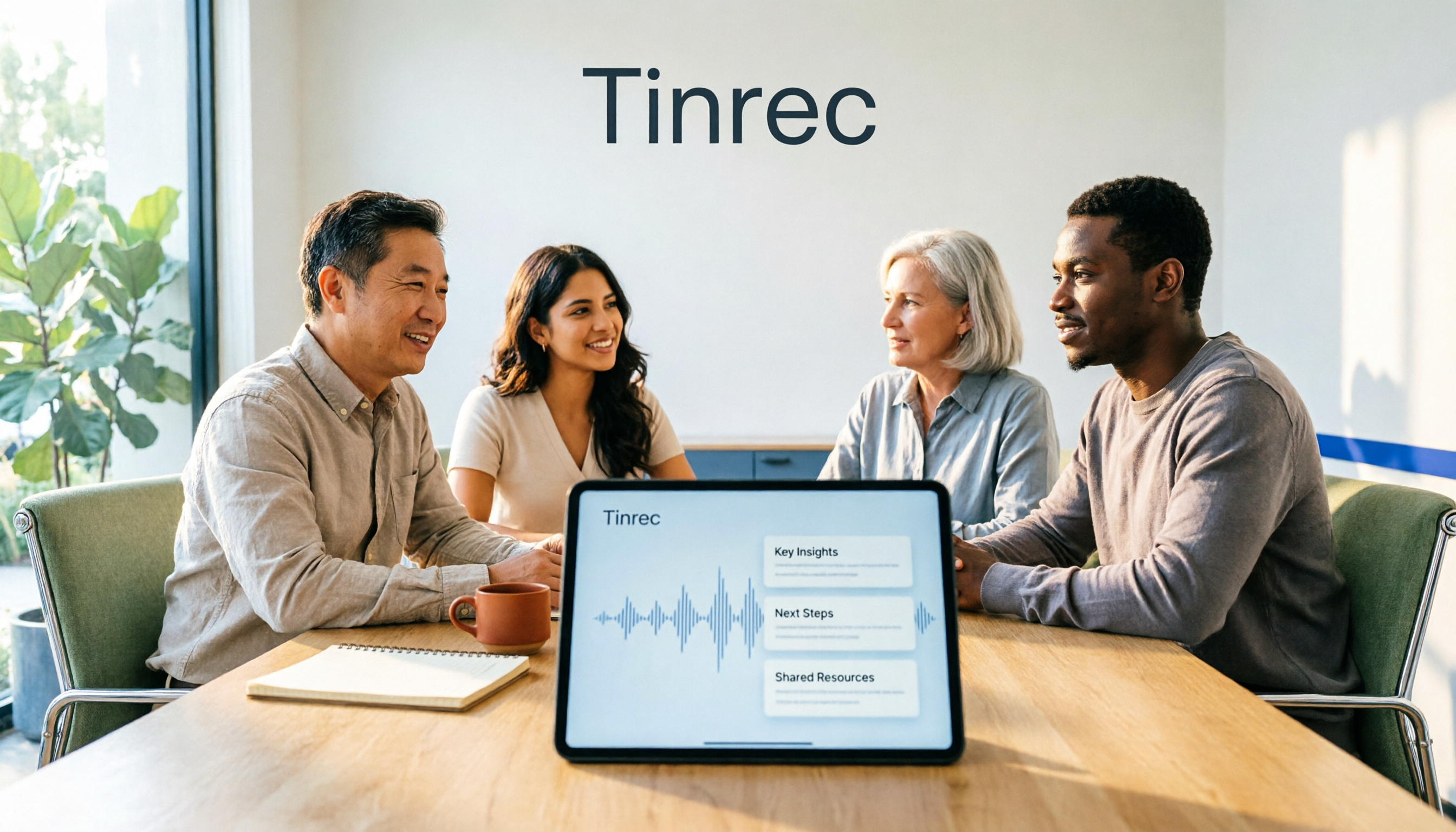
Turn recordings into transcripts and summaries in minutes
Upload audio or video for multilingual transcription, AI notes, and action items
2026 AI Meeting Recorder Comparison: 4 Tools Tested for Transcripts and Team Knowledge
Two-hour meeting, two more hours organizing notes—the problem usually isn't typing speed
Many people think AI meeting recorders are just about turning audio into a transcript, so they only look at transcription accuracy when choosing a tool.
That's actually the most common trap.
A transcript is just raw material. The real time sink happens after the meeting: finding out who promised what, what was decided, and what needs to be delivered next week from a 10,000-word document. If a tool only gives you a transcript, that file will likely end up in cloud storage and never be opened again.
A more common inefficient approach is: typing while listening during the meeting, then manually organizing action items afterward, and finally pasting them into a group chat—the same content gets processed three times.
A more sensible approach is to break the process apart: let the tool handle recording and transcription, let AI handle summaries, chapters, and action items, and people only need to review and make decisions.
This article tests and compares four common AI meeting recorders: Tinrec, Otter.ai, Notta, and Granola. I'll first go over the key factors to consider, then explain who each tool is best for.
Before choosing an AI meeting recorder, understand these 4 key points
1. How does the meeting audio get in?
There are two common methods: one is sending a "meeting bot" to join online meetings as a participant; the other is a desktop app that directly captures your computer's system audio without adding an extra participant. Both are used, but if your meetings often include external clients, having an unfamiliar account show up on the participant list sometimes requires an explanation.
2. What can it do after transcription?
Tools that only output transcripts versus tools that can generate summaries, chapters, action items, and support follow-up questions—the time saved after meetings is huge. When choosing, ask yourself: do I need "a transcript" or "something I can take into the next meeting"?
3. Real-world performance with Chinese and multiple languages
Mixed Chinese-English, technical terms, and people talking over each other are everyday realities in Chinese meetings. A long list of supported languages doesn't mean it's good—look for whether it has workflows designed for Chinese meetings, such as bilingual transcripts, real-time translation, and team glossaries.
4. Who ultimately holds the data?
For personal use, data is tied to an individual account; for long-term team use, you need to check whether data belongs to the team, whether it can be transferred when a member leaves, and whether quotas are per person or per team. Few people pay attention to this during trials, but it usually becomes painful after six months.
Tinrec—our top recommendation after testing
Tinrec is an AI meeting recorder and collaboration tool for individuals and teams, available on web, desktop, and mobile. It doesn't just convert audio to text—it turns meeting recordings into searchable, summarizable, queryable, and exportable data.
First, how it records. The Tinrec desktop app directly captures your computer's system audio, so for online meetings on Zoom, Google Meet, Microsoft Teams, or Webex, you don't need to add a meeting bot to the room. For in-person meetings, use real-time recording to get a live transcript; you can also upload pre-recorded audio or video files for transcription. Note that it's not the kind of tool that "automatically joins all meetings on your calendar"—you need to open Tinrec yourself to start recording.
After recording is where it really stands out. When the meeting ends, AI has already organized the transcript into summaries and chapters, and extracted action items from the discussion. For cross-language meetings, you can view the original, translation, or bilingual content while recording. Even more useful is AI Q&A: you can directly ask "What was the conclusion about the budget in the last meeting?" and it will answer based on the meeting content, rather than just throwing a bunch of keyword search results at you. For people who need to go back through three or four meetings every week, this saves real time.
Output is also flexible. Besides transcripts, summaries, action items, and mind maps, it can generate reports, tables, and documents, and export to Notion, Google Docs, OneNote, Dropbox, and other tools for further processing.
Three advantages I think are worth mentioning:
Stop organizing recordings by hand
Upload audio or video and automatically get a transcript, summary, and action items
- Bot-free online meeting recording. No extra account joins the meeting room, which is especially friendly for external meetings.
- Complete post-meeting workflow. From summary and action items to follow-up questions and export, no need to stitch together three tools.
- Team plan turns data into a team asset. Meeting data is stored in a team space, members can view and reuse past meetings, and admins can see usage and activity logs.
Limitations should also be clear. The free plan provides a basic quota, suitable for trying out the workflow; long-term high-frequency use requires payment. If your need is "batch transcribing dozens of long files at once," Tinrec isn't the strongest—it focuses more on in-meeting and post-meeting organization rather than bulk file processing.
Tinrec for Teams is a separate team space, not multiple people sharing one account. Eligible teams can try it free for 7 days, including 1 free seat and 300 minutes of shared team import quota; paid seats are USD 29.80/seat/month, or USD 199/seat/year (about USD 16.58/month), with each paid seat providing 2,000 minutes of shared team import quota per month. Real-time recording under an active team plan currently does not deduct minutes. Prices and benefits are subject to the official purchase page.
Also note: Tinrec's team permissions use a "role + seat" design. Roles determine who can manage the team, members, and audits; seats determine whether a member can record, upload, and edit. Members with an active role but no seat can still view, play, and read team data. This is not a file-level granular permission system, so please confirm it fits your management approach during the trial.
If you need Chinese meeting notes, don't want a bot joining your meetings, and want to use AI to find key points right after recording, Tinrec has the most complete workflow among these tools.
Besides Tinrec, what other options are there?
Otter.ai: A veteran AI meeting assistant for English business meetings, covering Zoom, Teams, and Google Meet, with desktop capabilities. The free plan offers 300 minutes per month; Pro annual billing is about USD 8.49/user/month, including 1,200 minutes of in-app recording and 10 file imports per month. If your meetings are almost all in English, it's very solid. But if you need real-time translation and bilingual transcripts for Chinese meetings, or want to build a team knowledge base from past meetings, Tinrec's focus is more obvious.
Notta: A multilingual transcription tool with significant overlap with Tinrec, supporting multiple platforms, file import, and translation. The free plan offers 120 minutes per month, with a maximum of 3 minutes per item; Pro annual billing is about USD 8.17/month, with 1,800 minutes per month. Its file transcription and translation performance is good, but for bot-free online meeting recording, team spaces, and post-meeting follow-up questions, Tinrec's design is more focused on meeting organization and collaboration.
Granola: An AI meeting notes tool that also takes a bot-free approach, using desktop system audio and microphone for real-time transcription, specializing in enhancing "your own notes" with AI. Basic is free, Business is USD 14/user/month. Note that it doesn't support uploading pre-recorded audio and doesn't save meeting audio files. If you value keeping recordings, importing existing files, Chinese language experience, or team data management, Tinrec is more suitable.
Buyer's guide: 3 most common mistakes when choosing an AI meeting recorder
Mistake 1: Only looking at the advertised accuracy rate. Accuracy varies with recording quality, background noise, accents, and overlapping speech. Numbers from a quiet studio differ significantly from a real meeting room. Test with one of your own real meetings, and prioritize tools that show timestamps in transcripts so you can listen back and verify.
Mistake 2: Using the tool as just "audio to text." Only taking the transcript means using only one-third of what these tools can do. After the meeting, directly asking AI "What was decided?" and "Who is responsible for what?" is much faster than manually scrolling through a 30-minute transcript.
Mistake 3: Team purchasing only looks at seat price. Cheap but data tied to individual accounts means records scatter when members leave. When choosing a team plan, ask clearly: who owns the data, how to hand over when members leave, whether quotas are per person or per team, and whether usage and activity logs are available.
Conclusion: Which one should you choose?
Simply put, the positioning differences among these four are more critical than price differences:
- Chinese meetings, no bot joining, need to ask key points directly after → Tinrec
- Meetings almost entirely in English, need a mature English business meeting experience → Otter.ai
- Need multilingual file transcription and subtitle translation → Notta
- Prefer writing your own notes, just want AI to enhance them → Granola
- Need team-shared meeting data, manage seats and usage → Tinrec Team
We recommend starting with a free plan. Tinrec's free version provides a basic quota, enough to run through the entire "record → summarize → action items → follow-up questions" workflow and confirm whether this way of working suits you before deciding to pay. When testing, remember to use a real meeting with mixed Chinese-English and background noise—that's when the real differences between tools show up.
Also note: recording and transcription involve others' privacy. Before use, please ensure compliance with local regulations and obtain consent from participants when necessary.
References
- Feishu Minutes | Quick AI speech-to-text, meeting notes and action item summaries - Feishu Official
- Yuanbao Minutes proactively summarizes meeting key points, tracks key progress in real time
- Meeting summaries, notes, AI notes, and enterprise search | read.ai
- AI meeting notes and "take notes for me" in Google Meet with Gemini | Google Workspace
- iFLYREC - AI Intelligent Meeting Minutes, Computer Recording Tool - Voice Recording to Work Summary Generation.
Turn every recording into actionable outcomes
Get 60 free transcription minutes when you sign in. No credit card required.
Related Reading
You might also like
4 AI Meeting Summary Tools Tested in 2026: Which One Saves the Most Time on Auto-Generated Minutes?
Meeting's over—still stuck writing the summary yourself? This article tackles common misconceptions and compares four AI meeting summary tools: Tinrec, Otter.ai, Notta, and Granola. We break down selection criteria, test real workflows, and highlight pitfalls to help you find a time-saving solution that automatically generates transcripts, summaries, and action items.

How to Use Tinrec in 2026: Accurate Chinese Transcription + Automatic Meeting Minutes
Still spending an hour typing transcripts after meetings? This complete guide breaks down the core capabilities, real-world use cases, and key considerations for choosing a Chinese audio-to-text tool, using Tinrec as an example to demonstrate the full workflow from recording, transcription, AI summarization, to team knowledge retention.

2026 Comparison of 4 Auto-Generated To-Do Tools: Which One Really Captures Every Meeting Action Item?
Still copying action items from meeting transcripts? We tested 4 auto-generated to-do tools using the same meeting scenario, comparing to-do extraction, bot-free recording, AI Q&A, export, and team data governance. Plus 4 common pitfalls and selection advice.

4 AI Meeting Minutes Tools Tested for 2026: How to Choose for Chinese Meetings and Team Knowledge Retention
Still spending twice as long organizing meeting notes after the meeting ends? This article compares four AI meeting minutes tools—Tinrec, Otter.ai, Notta, and Granola—breaking down how meeting audio enters the system, Chinese and mixed Chinese-English recognition, post-meeting summaries and action items, team data ownership, and pricing plans. It also covers the four most common pitfalls when choosing a tool, helping you find the one that fits your workflow.

4 Interview Transcription Tools Compared for 2026: How to Choose from Free to Paid
Tired of spending hours transcribing interview recordings? This article compares 4 interview transcription tools in 2026, covering free plan limitations, mixed Chinese-English recognition, and post-transcription features like summaries, AI Q&A, and team collaboration. We also highlight 3 common pitfalls to help you find the best fit for your workflow.

Free Audio-to-Transcript Solutions in 2026: Tinrec vs cSubtitle Compared
A mid-level manager's hands-on comparison of free audio-to-transcript solutions in 2026, focusing on Tinrec and cSubtitle. We break down live meeting recording, Chinese speech recognition, AI summaries and action items, team collaboration, and free tier limits. If you run many meetings each week and need to turn them into trackable action items, this guide will help you decide which tool fits your workflow.
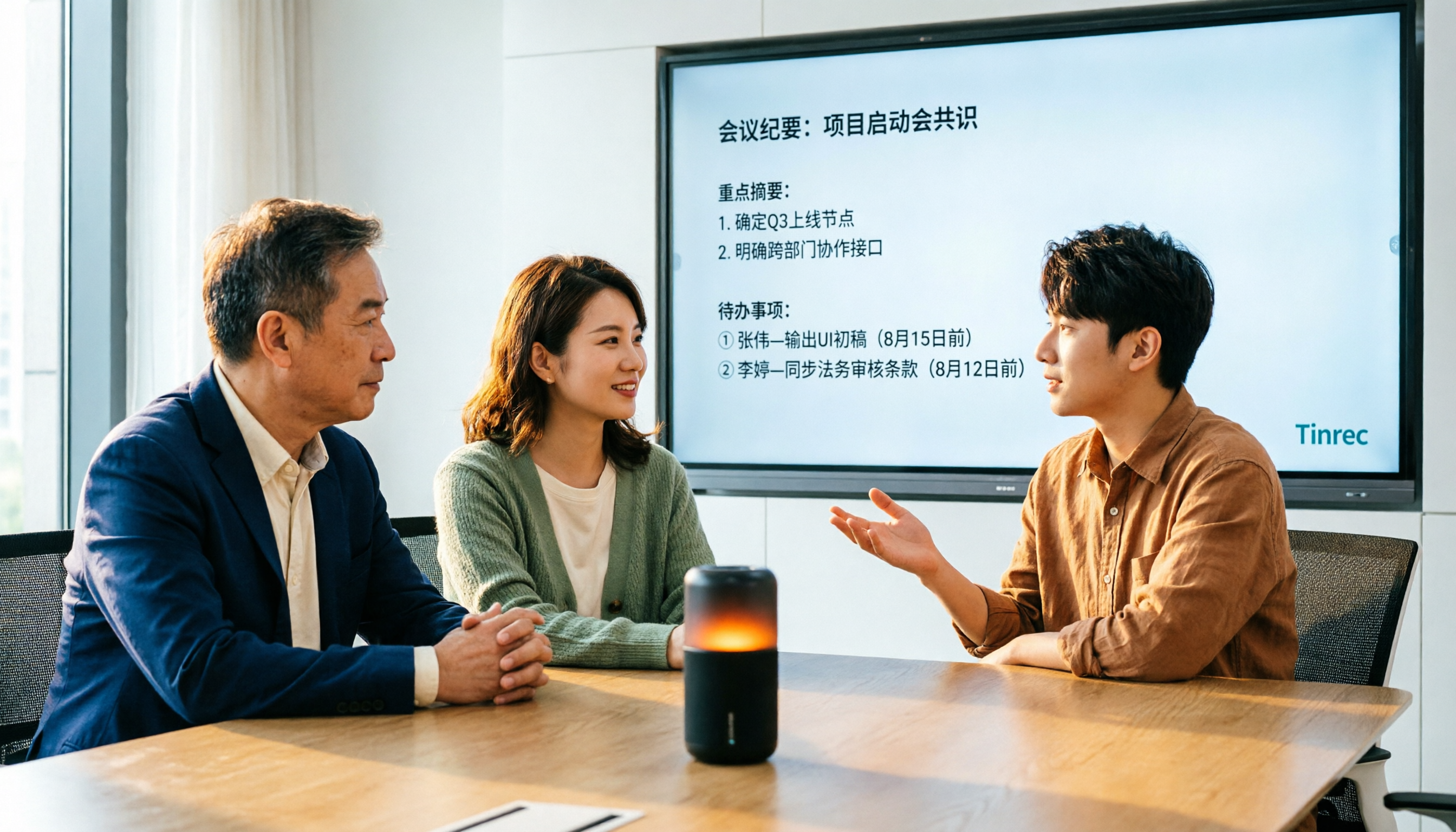
4 Audio-to-Text Tools Tested for 2026: Which Saves the Most Time on Chinese Meeting Notes?
We tested 4 audio-to-text tools, comparing Chinese meeting performance, bot-free recording, AI summaries and Q&A, and team permissions. We also outline 4 key buying factors and 3 common pitfalls to help you find the one that truly saves time after transcription.

2026 Comparison of 2 Meeting Transcription Tools: Tinrec vs Notta – Which Is Better for Chinese-Speaking Teams?
This hands-on comparison evaluates Tinrec and Notta, two meeting audio-to-text tools, across Chinese transcription, meeting recording methods, post-meeting organization, team collaboration, and pricing to help you decide which better fits your meeting note needs.

How to Transcribe Meeting Recordings in 2026: Auto-Generate Transcripts, Summaries & Action Items
Meeting recordings can easily run an hour, and re-listening to type notes afterward is the biggest time sink. This guide covers 7 practical solutions—from AI meeting tools and transcription services to free built-in features—to turn recordings into transcripts, summaries, and trackable action items.