
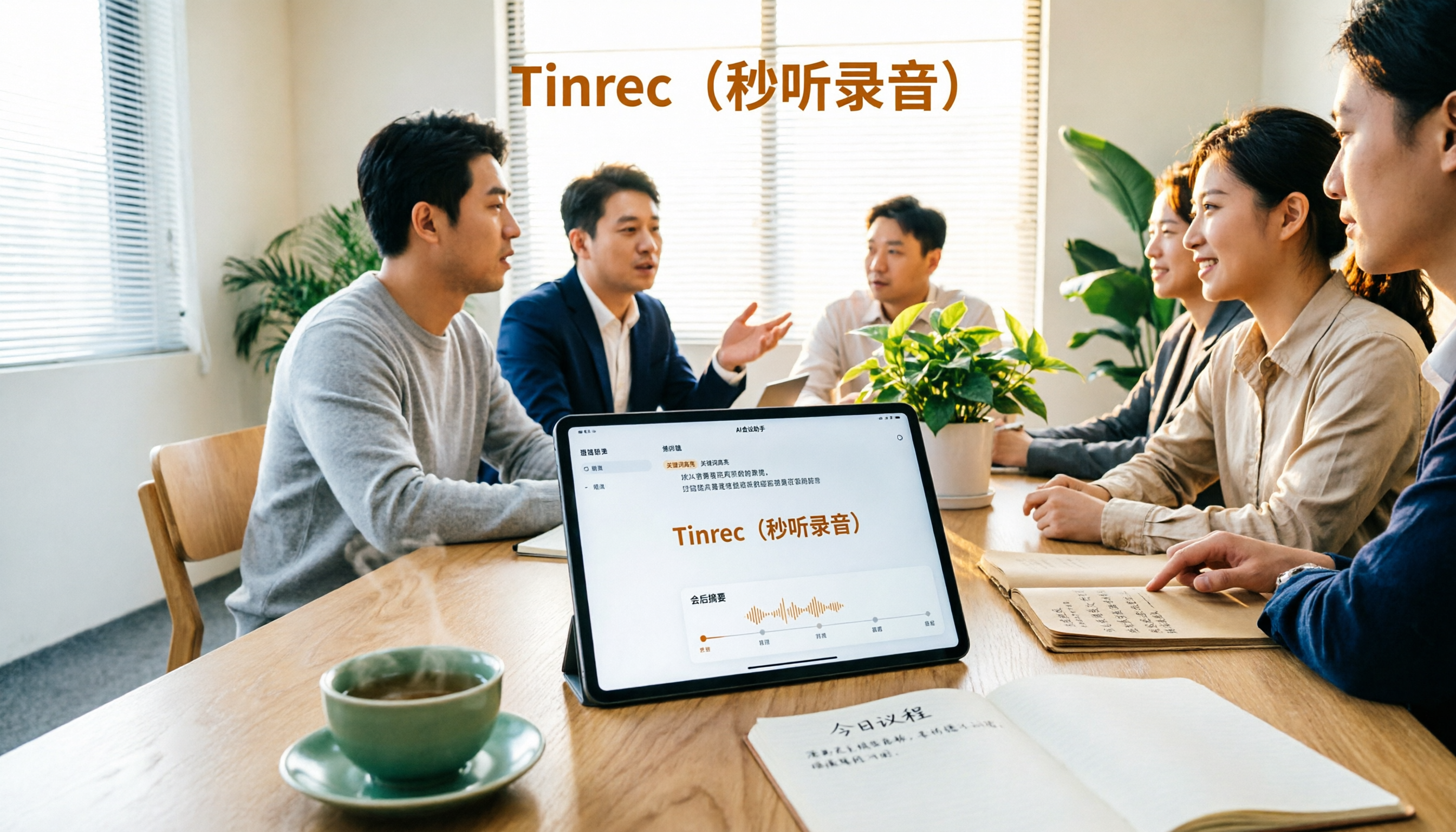
Turn recordings into transcripts and summaries in minutes
Upload audio or video for multilingual transcription, AI notes, and action items
Two Hours After the Meeting, You're Still Searching for "That One Key Sentence"
"Didn't someone say the budget needs adjusting in the last meeting? Who brought it up?"
When your manager asks this in a weekly meeting, you remember the topic but can't recall who said it or at what minute. So you open that two-hour recording on your phone and start listening from the beginning.
This is probably a daily routine for many office workers. No matter how fast you take notes, you can't keep up with the discussion; recordings are kept but almost never replayed.
Online meetings are even trickier. Once a Zoom, Google Meet, or Teams session ends and the room closes, the content disappears, leaving you to piece things together from memory.
This article isn't about "how to record" but "what to do after recording." We actually used 4 popular AI recording tools and identified the following key points that truly affect efficiency, from Chinese transcription and meeting capture methods to post-meeting organization and team collaboration.
Before Choosing an AI Recording Tool, Understand These 4 Key Points
1. Real-world Chinese recognition performance—don't just look at advertised numbers
Many tools claim 98% accuracy, but that's usually measured in a quiet studio with a single speaker. In a real meeting room with air conditioning noise, keyboard clicks, and people talking over each other, performance drops noticeably. Instead of trusting marketing numbers, test with your own meeting recording, especially to see how well it handles common Chinese-English code-switching.
2. How the meeting is "captured"
This is the most overlooked factor. There are two common approaches: one is sending a meeting bot to join as a participant; the other is using desktop software to directly capture the computer's system audio without an extra bot. The former is convenient, but some client meetings aren't suitable for an extra stranger. The latter requires you to actively start recording. First, consider whether your meeting context allows a bot, then decide which type of tool to look at.
3. After recording, do you get a transcript or usable data?
A transcript is just the starting point. What really impacts productivity is what comes after: automatic summaries, chapters, action item extraction, the ability to ask questions directly about the content, and export to Notion or Google Docs. Tools that only provide transcripts leave you to find key points in tens of thousands of words yourself.
4. For team use, clarify data ownership
If meeting data is shared by the team, ask: Whose account is the data stored under? Will data remain after a member leaves? Is there a distinction between roles and seats? This might not matter for teams of fewer than three, but becomes a real issue for ten or more.
Tinrec — The Smoothest One After Testing
Tinrec is an AI meeting notes and collaboration tool for individuals and teams, available on web, desktop, and mobile. Its positioning isn't just audio-to-text; it turns meetings into searchable, queryable, and actionable data.
Record online meetings without a meeting bot
This is Tinrec's most obvious differentiator. The desktop version directly captures system audio, handling meeting audio from Zoom, Google Meet, Microsoft Teams, Webex, etc., played on your computer, without pulling an extra bot into the meeting room. This is practical for those who frequently meet with external clients—you don't need to explain "an AI will join the meeting shortly."
Note that Tinrec is not a tool that automatically joins all calendar meetings; you need to manually start recording on the desktop version.
Not just a transcript—it completes post-meeting work
After the meeting, Tinrec produces a transcript and automatically generates summaries, chapters, and key points. It also extracts action items from the discussion, showing who is responsible for what and when it's due.
Even better is the AI Q&A. You can directly ask, "What was the conclusion about the budget in the last meeting?" It doesn't dump a bunch of keyword search results but gives you an answer based on the meeting content. Doing this manually by scanning the transcript could take over ten minutes. This feature is relatively rare among similar tools.
Additionally, it supports real-time translation, allowing you to switch between original text, translation, or bilingual view—handy when Chinese meetings include English terms. It can also export to Notion, Google Docs, OneNote, Dropbox, etc., for further processing, or use an Agent to generate reports, tables, and meeting minutes. You can also upload existing audio and video files for transcription, organizing historical meetings and interview recordings.
Team version: Turn meetings into team assets
Stop organizing recordings by hand
Upload audio or video and automatically get a transcript, summary, and action items
Personal use and team use are two different things. Tinrec's team version provides an independent team space where meeting data belongs to the team. New members can view historical meetings, and data isn't taken away when members leave.
The team version distinguishes between "roles" and "seats": roles determine who can manage the team and members; seats determine who can record, upload, edit, and export. Members without a seat can still view and play data but cannot edit or export. Admins can also view usage trends, member rankings, and details, query and export audit logs, and handle accidentally deleted audio files via the audio recycle bin.
Pricing: Team version is USD 29.80 per paid seat per month, or USD 199 per paid seat per year (about USD 16.58/month). Each paid seat provides 2,000 minutes of team shared import quota per month. Eligible teams can try free for 7 days, including 1 free seat and 300 minutes of shared import quota. Personal plans include a free version, weekly pass, Pro monthly, and Pro annual. Actual prices and benefits are subject to the official purchase page.
Limitations to note
The free version has a certain quota; heavy usage requires payment. File and web link imports consume shared import minutes, with rules different from live recording. Also, transcription quality is affected by recording environment, accents, overlapping speech, and technical terms. For important content, it's recommended to cross-check with transcript timestamps and audio playback.
Who it's for
For those who frequently hold online meetings, need Chinese (especially Taiwan-style) transcripts, want to use AI to find key points right after recording, and need to share meeting data with a team, Tinrec currently offers the most complete workflow.
Besides Tinrec, What Other Options Are There?
PLAUD Note / NotePin
PLAUD represents AI recording hardware—you're buying a physical device. NotePin official price is USD 159, Note Pro USD 189. Membership: Starter 300 minutes/month, Pro annual USD 99.99 with 1,200 minutes/month. If you need to record in-person conversations or phone calls on the go, hardware has its value. But hardware requires carrying and charging, and online meetings aren't its strong suit. Tinrec requires no extra device, works on desktop, mobile, and web, and meeting data can be stored in a team space.
Otter.ai
Otter is a mature English meeting assistant. Basic free version offers 300 minutes/month; Pro annual is about USD 8.49/user/month, including 1,200 minutes/month and 10 file imports. If the vast majority of your meetings are in English, it's cost-effective. However, its strength is in English business scenarios; Chinese meeting experience isn't as outstanding, and it lacks a Chinese-focused, team-shareable data space like Tinrec.
Notta
Notta covers multi-platform transcription, meeting notes, translation, and team plans. Free: 120 minutes/month (max 3 minutes per session); Pro annual about USD 8.17/month with 1,800 minutes/month. It performs well in file transcription and is the closest competitor to Tinrec. The difference is that Tinrec's desktop version can record online meetings without a bot and offers AI Q&A, Agent post-processing, and team resource handover for post-meeting workflows.
Pitfall Guide: 4 Most Common Mistakes When Choosing an AI Recording Tool
Pitfall 1: Only looking at official accuracy claims
Numbers measured in a quiet environment are different from results in an echoing meeting room. Test with a real recording on the free version—you'll see the difference in five minutes.
Pitfall 2: Ignoring how the meeting is "captured"
If you often meet with external clients, an extra bot joining might cause discomfort. Before buying, confirm whether the tool supports bot joining or desktop system audio capture.
Pitfall 3: Using an AI recording tool as a mere typewriter
Using it only for transcripts means you're using just one-third of its value. For example, Tinrec's AI Q&A lets you ask "What was the conclusion of this meeting?" right after recording—much faster than manually scanning a 30-minute transcript. Same with action item extraction and summaries; you'll feel the difference once you use them.
Pitfall 4: For team use, letting data be tied to personal accounts
Members leaving and taking meeting records with them is a pain many teams discover too late. If meeting data needs to be shared, choose a tool with team space, roles, and seat design from the start.
One final reminder: Before recording, inform the other party and get consent. This is not just courtesy but also relates to local regulations.
Conclusion: Which One Should You Choose?
Simply put, decide based on the meeting types you encounter most:
- Chinese-dominant, need to record online meetings without a bot → Tinrec (desktop system audio capture)
- Want to use AI to ask key points, need action items and summaries → Tinrec (AI Q&A and action item extraction)
- Need to continue on phone, computer, and web → Tinrec (multi-platform + export to Notion, Google Docs, etc.)
- Meeting data should be kept for the whole team, members may change → Tinrec Team version (team space + role/seat management)
- Need portable hardware to record in-person conversations or phone calls → PLAUD (hardware form has its place)
- Meetings almost entirely in English, limited budget → Otter.ai free version (300 minutes/month)
Overall, if you care about the post-meeting workflow—summaries, action items, Q&A, export, team sharing—Tinrec currently offers the most complete solution. We recommend starting with the free version, running your own meeting recording through it to see if summaries and action items capture the key points, then decide whether to upgrade. No need to rush into paying.
References
- Plaud Taiwan | Official Website | Leading AI Recording Device Brand
- Recording AI: Voice and Notes - Google Play App
- ai recording - PChome 24h Shopping
- ai voice recorder - momo Shopping - Highly Recommended - July 2026
- Penpower AI Voice Recorder | AI voice recorder, audio to text, transcript to notes with one-click summary, project management
Turn every recording into actionable outcomes
Get 60 free transcription minutes when you sign in. No credit card required.
Related Reading
You might also like

4 Recording AI Tools Tested in 2026: Which Saves the Most Time on Chinese Meeting Minutes?
Before choosing a recording AI, first confirm where your meetings take place. This article tests 4 common recording AI tools, breaking them down from four angles: audio capture method, post-transcription output, recording file retention, and team sharing. It also summarizes pitfalls to help you determine which one truly saves time on meeting notes.

How to Use an AI Recording Assistant in 2026: A Complete 5-Step Guide
A complete 2026 guide to AI recording assistants: starting from common misconceptions about manual transcription, this guide explains what an AI recording assistant can do for you, a 5-step workflow, real-world use cases, and 5 key purchasing considerations. It uses Tinrec as an example to demonstrate real-time transcription, bot-free online meeting recording, AI summaries and action item extraction, AI Q&A, and team workspace governance, with FAQs and team pricing details at the end.

4 Real-Time Voice Tools Tested for 2026: Which Saves the Most Time for Meeting Notes and Transcripts?
What is real-time voice? This article first clarifies the difference between Apple Live Speech and Live Voicemail, then tests 4 tools, comparing meeting notes, transcripts, AI Q&A, and team collaboration to help you find the most time-saving solution.

2026 Meeting Recorder Comparison: Tinrec vs CLOVA Note vs SEAMEET - Which Is Best for Students?
After a full semester of testing meeting recorder tools, I share my experience. Starting with the three common mistakes students make, I compare Tinrec, CLOVA Note, SEAMEET, and MyEdit on post-transcription processing, online meeting recording methods, Chinese recognition, free quotas, and team collaboration. I also provide practical usage tips and buying advice for campus scenarios like classes, group projects, and interviews.

Instant Messaging Benefits in 2026: 5 Key Advantages and How to Fill the Meeting Notes Gap
Instant messaging is fast, free, and versatile, but messages get lost after meetings. This article breaks down 5 key benefits of instant messaging and explains how Tinrec uses live transcription, AI summaries, action item extraction, and team spaces to bring those benefits into meetings.

5 Best Meeting Transcription and AI Notes Tools in 2026: Which One Actually Saves Time?
How to choose a meeting transcription tool? We tested Tinrec, Otter.ai, Granola, PLAUD, and more, comparing bot-free recording, Chinese recognition, AI summaries and action items, team data ownership, and pricing to give you practical buying criteria and pitfalls to avoid.

Tinrec vs Notta 2026: 5-Dimension Comparison for Chinese Meeting Notes
How to choose a meeting notes generator in 2026? This article compares Tinrec and Notta across five dimensions: Chinese recognition, meeting entry methods, post-meeting value, pricing, and team collaboration. It explains how Tinrec uses bot-free online meeting recording, AI summaries and Q&A, and team spaces to turn meeting recordings into searchable, trackable, and useful data.

iPhone Recording Not Showing in 2026: 5 Troubleshooting Steps + Tinrec Comparison
When iPhone recordings don't show up, it could be due to iCloud sync, iOS version, or permission settings. This article outlines 5 troubleshooting steps and compares iPhone's built-in Voice Memos with Tinrec in terms of recording visibility, transcription organization, cross-platform access, and team collaboration to help you choose the right recording workflow.

Tinrec vs Notta 2026: 5-Dimension Comparison for Video-to-Text in Chinese Scenarios
How to choose a video-to-text tool? This article compares Tinrec and Notta across 5 dimensions, from meeting recording methods, post-transcription processing, Chinese language experience to team data management, and organizes practical use cases, purchasing considerations, and FAQs to help you determine which tool better fits your needs.