

Turn recordings into transcripts and summaries in minutes
Upload audio or video for multilingual transcription, AI notes, and action items
How to Use an AI Recording Assistant in 2026: A Complete 5-Step Guide
Many people still picture a "recording assistant" as the person in the conference room wearing headphones, listening from start to finish, and typing every word into a transcript. In a recording studio, an assistant's job does include equipment maintenance, keeping the space organized, client services, scheduling sessions, and helping the recording engineer handle hardware and software issues and archive materials. But if you're still relying on manual transcription for your daily meetings and interviews, you're spending your most expensive time on the lowest-value work.
A more sensible approach is to let an AI recording assistant take over the repetitive work of listening, typing, and organizing, while you focus on judgment and decision-making. Below, using Tinrec as an example, we break down what an AI recording assistant can do for you, how to use one, and how to choose one.
What Can an AI Recording Assistant Do for You?
Scenario 1: Get meeting notes 5 minutes after the meeting ends In the past, a two-hour meeting often meant another one to two hours of organizing afterward. With Tinrec, the transcript is generated in real time as the meeting happens, and after the meeting, the AI directly produces a summary, chapters, and action items—who's responsible for what and by when, all clear at a glance.
Scenario 2: No need to add a bot to online meetings For meetings on Zoom, Google Meet, Microsoft Teams, and Webex, the Tinrec desktop app captures your computer's system audio directly to record—no need to invite an extra meeting bot as a participant. Your attendee list stays clean, and you don't have to worry about a unfamiliar account showing up.
Scenario 3: Turn old recordings and videos into searchable data Have a backlog of interviews, courses, and meeting recordings on your phone or hard drive? Tinrec supports transcription of audio and video files, turning scattered historical data into a searchable, queryable text library.
Scenario 4: Understand cross-language meetings in real time Tinrec supports real-time translation during recording, with options to switch between original text, translated text, or bilingual view. Cross-border teams don't have to wait until after the meeting to get translations.
What Are the Core Capabilities of an AI Recording Assistant?
1. Real-time audio-to-text transcription It's not transcribed after recording ends. Tinrec generates the transcript in real time as you record. During the meeting, you can glance at the text to confirm you haven't missed key points—especially useful for in-person meetings and interviews.
2. Bot-free online meeting recording The Tinrec desktop app handles online meetings by capturing system audio, initiated by the user, without a meeting bot joining. Note that this does not mean it automatically joins all meetings on your calendar.
3. AI summaries, chapters, and action item extraction Tinrec breaks long meetings into structured chapters, organizes discussion highlights, and pulls out follow-up action items from the conversation, saving you from manual note-taking and after-the-fact recall.
4. AI Q&A, multi-format export, and Agent post-processing After transcription, you can ask Tinrec questions directly, such as "Who mentioned the budget in the meeting?" or "What were the client's main concerns?" It answers based on semantic understanding. The organized content can be exported to Notion, Google Docs, OneNote, Dropbox, and other tools for continued use, and can also generate reports, tables, and documents.
5. Team workspace and governance capabilities The team version centralizes recordings, transcripts, summaries, and action items in a single team workspace, and provides management capabilities such as members, roles, seats, sharing permissions, usage analytics, audit logs, and audio recycle bin—making meeting data a team asset rather than files scattered across individual devices.
How to Use an AI Recording Assistant: A Complete 5-Step Guide
Step 1: Choose the right recording method For in-person meetings and interviews, use real-time recording. For online meetings, open the Tinrec desktop app on your computer to capture system audio. For existing files, simply upload the audio or video. None of these scenarios require additional hardware.
Step 2: Check the transcript while recording Once recording starts, the transcript is generated in real time. Glance at it during the meeting—if you notice a key number or name was missed, you can ask the person to repeat it on the spot.
Step 3: Let AI generate summaries and chapters after the meeting After recording ends, Tinrec automatically produces a summary and chapter structure, so you don't have to re-listen to long meetings. If you need cross-language support, you can switch between original text, translated text, or bilingual view.
Step 4: Extract action items and use AI Q&A for details Ask Tinrec to organize action items and owners, then ask questions directly about uncertain sections, such as "What was the context behind this decision?"
Step 5: Export or save to the team workspace Export results to your existing workflow, or leave them in the team workspace so members who didn't attend the meeting can review, follow up, and take over.
Stop organizing recordings by hand
Upload audio or video and automatically get a transcript, summary, and action items
Real-World Use Cases
Meeting notes: The biggest fear for weekly meetings, review meetings, and cross-department meetings is that "no one remembers the conclusions afterward." With Tinrec, record while the meeting happens—transcripts and summaries are generated in sync, action items automatically list owners, and you don't have to chase down who agreed to what. Over time, the team builds a searchable decision record.
Classroom and personal learning: When attending a class or lecture, use Tinrec for real-time audio-to-text transcription. You don't have to re-listen to the entire audio file at home—just read the chapters and summary to grasp key points. When you need to review, use AI Q&A to ask about specific concepts, turning a one-time recording into reusable notes.
Interviews and research: The most time-consuming part of an interview is never the conversation itself, but the post-interview transcription and organizing of quotes. Tinrec first produces a transcript, then you can use AI Q&A to find "the section where the interviewee mentioned price sensitivity." Research and writing efficiency will be noticeably different.
Content creation and team knowledge retention: Podcasts, livestreams, and meeting recordings can all be transcribed with Tinrec first, then used to generate reports, tables, or draft scripts. Teams can keep the data in the team workspace, so new members can directly review past meetings instead of relying on word of mouth.
5 Things to Consider When Choosing an AI Recording Assistant
1. Actual performance in Chinese and multiple languages Don't just look at official marketing claims—it's best to test with your own recording. Tinrec covers Chinese, Traditional Chinese, and multilingual meeting scenarios, and provides team hotword management, allowing you to add company-specific terminology to the dictionary to improve recognition of specialized terms. Actual results will still be affected by recording quality, ambient noise, accents, and overlapping speakers. For important content, it's recommended to cross-check with the transcript timestamps and the recording.
2. Meeting capture method: Does it require a bot? If your meetings often include external clients, having an extra bot account on the attendee list isn't ideal. The Tinrec desktop app captures computer system audio directly, initiated by the user, without inviting a bot to join the meeting.
3. Can it help you organize after transcription? A transcript is only a half-finished product. Tinrec produces summaries, chapters, and action items after transcription, and supports AI Q&A and multi-format export—that's the real time-saver.
4. Are audio files retained, and can data be exported? Some tools only keep text and not audio, making it troublesome to verify tone or numbers later. Tinrec retains recordings and supports export to common workflows like Notion, Google Docs, OneNote, and Dropbox.
5. Team governance and pricing model If multiple people will share it, be sure to understand how "roles" and "seats" are differentiated. The Tinrec team version shares data through a team workspace. Roles determine who can manage members and team settings; seats determine who can record, upload, edit, and export. Active members without a seat can still view, play, and read team data. For pricing, the team monthly plan is USD 29.80 per paid seat per month, and the annual plan is USD 199 per paid seat per year (about USD 16.58 per month). Each paid seat provides 2,000 minutes of team shared import quota per month. Real-time recording within an active team plan is currently not deducted by the minute; file and web imports use the team shared quota. Actual prices and benefits are subject to the official purchase page.
Frequently Asked Questions
Q1: How is an AI recording assistant different from a regular voice recorder or recording software? Regular recording tools only solve "capturing the audio." Tinrec turns the recording into text, then further organizes summaries, chapters, key points, and action items, and supports AI Q&A, real-time translation, export, and team collaboration. The difference is that you get data you can continue working with, not just an audio file.
Q2: Do I need to add a bot to the meeting to record online meetings? No. The Tinrec desktop app captures computer system audio to record meetings on Zoom, Google Meet, Microsoft Teams, Webex, and others. The user initiates the recording—no extra bot participant is needed. Note that this is not automatic joining of all meetings on your calendar.
Q3: What can I experience with the free version? The Tinrec free version provides a basic quota, which you can use to experience recording, file import, transcription, and summarization. Confirm whether it fits your work scenario before considering an upgrade. If you only need intensive use for a short period, there's also a weekly pass. If you have steady weekly needs, the Pro plan is suitable. Those who need long-term retention of recording data can consider the annual pass.
Q4: What's the difference between the team version and the personal version? Personal version data is managed under an individual account. The team version is a separate team workspace where meeting data belongs to the team, with additional capabilities such as member invitations, role and seat assignment, sharing permissions, usage analytics, audit logs, and audio recycle bin. When a member leaves, is removed, or loses their seat, their team resources need to be handed over to other active members—data doesn't leave with the individual.
Q5: Can transcription accuracy be guaranteed? What should I pay attention to before recording? We don't recommend promising accuracy with a single number. Actual performance is affected by recording quality, ambient noise, accents, simultaneous speakers, and specialized terminology. In practice, you can improve reliability with team hotwords and post-meeting verification. Also, recording and transcription involve personal data and communication privacy. Please comply with local regulations and obtain consent from participants when necessary.
Summary
What an AI recording assistant really solves isn't "did you record it," but "what do you do after recording." Hand off the repetitive work of transcription, organizing, and following up on action items to Tinrec, and what you get back is the time to focus on the conversation during the meeting and take action right after.
If you're an individual user, you can start with the Tinrec free version and run a few meetings with the basic quota to feel the difference of having transcripts and summaries generated in sync. If multiple people will share it, the first eligible team trial is 7 days, 1 free seat, and 300 minutes of team shared import quota—enough for the team to verify whether data retention and seat division meet your needs before deciding whether to expand.
References
- Recording Assistant - Recording Engineer | Quickly Find Experts for You - PRO360
- Recording Studio Assistant | Member Job Postings | JOBsMining Career Big Data
- Recording Engineer | JIBAO - Insights into Textbook Trends
- Recording Assistant | JOBs Wiki | JOBsMining Career Big Data
- "Music Recording Assistant" Jobs - August 2026 Popular Job Openings | 1111 Job Bank
Turn every recording into actionable outcomes
Get 60 free transcription minutes when you sign in. No credit card required.
Related Reading
You might also like

4 Recording AI Tools Tested in 2026: Which Saves the Most Time on Chinese Meeting Minutes?
Before choosing a recording AI, first confirm where your meetings take place. This article tests 4 common recording AI tools, breaking them down from four angles: audio capture method, post-transcription output, recording file retention, and team sharing. It also summarizes pitfalls to help you determine which one truly saves time on meeting notes.

4 Real-Time Voice Tools Tested for 2026: Which Saves the Most Time for Meeting Notes and Transcripts?
What is real-time voice? This article first clarifies the difference between Apple Live Speech and Live Voicemail, then tests 4 tools, comparing meeting notes, transcripts, AI Q&A, and team collaboration to help you find the most time-saving solution.
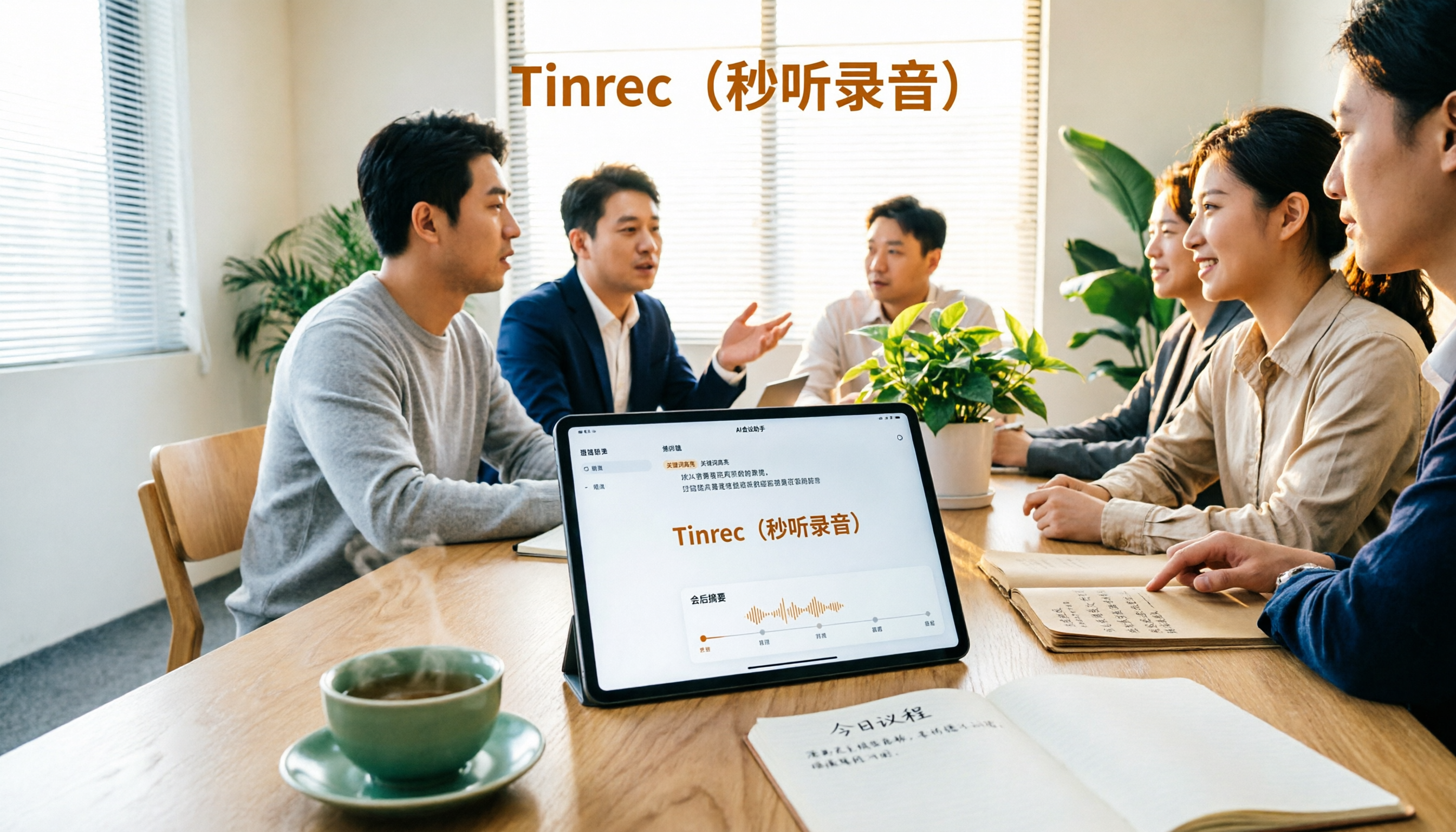
4 AI Recording Tools Tested for 2026: Which One Saves the Most Time on Chinese Meeting Notes?
Still have meeting recordings nobody re-listens to? We tested 4 AI recording tools, comparing Chinese transcription, meeting capture methods, post-meeting summaries, AI Q&A, and team data ownership. Find out why Tinrec is the smoothest for Chinese meetings and team collaboration, plus when to choose PLAUD, Otter.ai, or Notta, and key pitfalls to avoid.

2026 Meeting Recorder Comparison: Tinrec vs CLOVA Note vs SEAMEET - Which Is Best for Students?
After a full semester of testing meeting recorder tools, I share my experience. Starting with the three common mistakes students make, I compare Tinrec, CLOVA Note, SEAMEET, and MyEdit on post-transcription processing, online meeting recording methods, Chinese recognition, free quotas, and team collaboration. I also provide practical usage tips and buying advice for campus scenarios like classes, group projects, and interviews.

Instant Messaging Benefits in 2026: 5 Key Advantages and How to Fill the Meeting Notes Gap
Instant messaging is fast, free, and versatile, but messages get lost after meetings. This article breaks down 5 key benefits of instant messaging and explains how Tinrec uses live transcription, AI summaries, action item extraction, and team spaces to bring those benefits into meetings.

5 Best Meeting Transcription and AI Notes Tools in 2026: Which One Actually Saves Time?
How to choose a meeting transcription tool? We tested Tinrec, Otter.ai, Granola, PLAUD, and more, comparing bot-free recording, Chinese recognition, AI summaries and action items, team data ownership, and pricing to give you practical buying criteria and pitfalls to avoid.

Tinrec vs Notta 2026: 5-Dimension Comparison for Chinese Meeting Notes
How to choose a meeting notes generator in 2026? This article compares Tinrec and Notta across five dimensions: Chinese recognition, meeting entry methods, post-meeting value, pricing, and team collaboration. It explains how Tinrec uses bot-free online meeting recording, AI summaries and Q&A, and team spaces to turn meeting recordings into searchable, trackable, and useful data.

iPhone Recording Not Showing in 2026: 5 Troubleshooting Steps + Tinrec Comparison
When iPhone recordings don't show up, it could be due to iCloud sync, iOS version, or permission settings. This article outlines 5 troubleshooting steps and compares iPhone's built-in Voice Memos with Tinrec in terms of recording visibility, transcription organization, cross-platform access, and team collaboration to help you choose the right recording workflow.
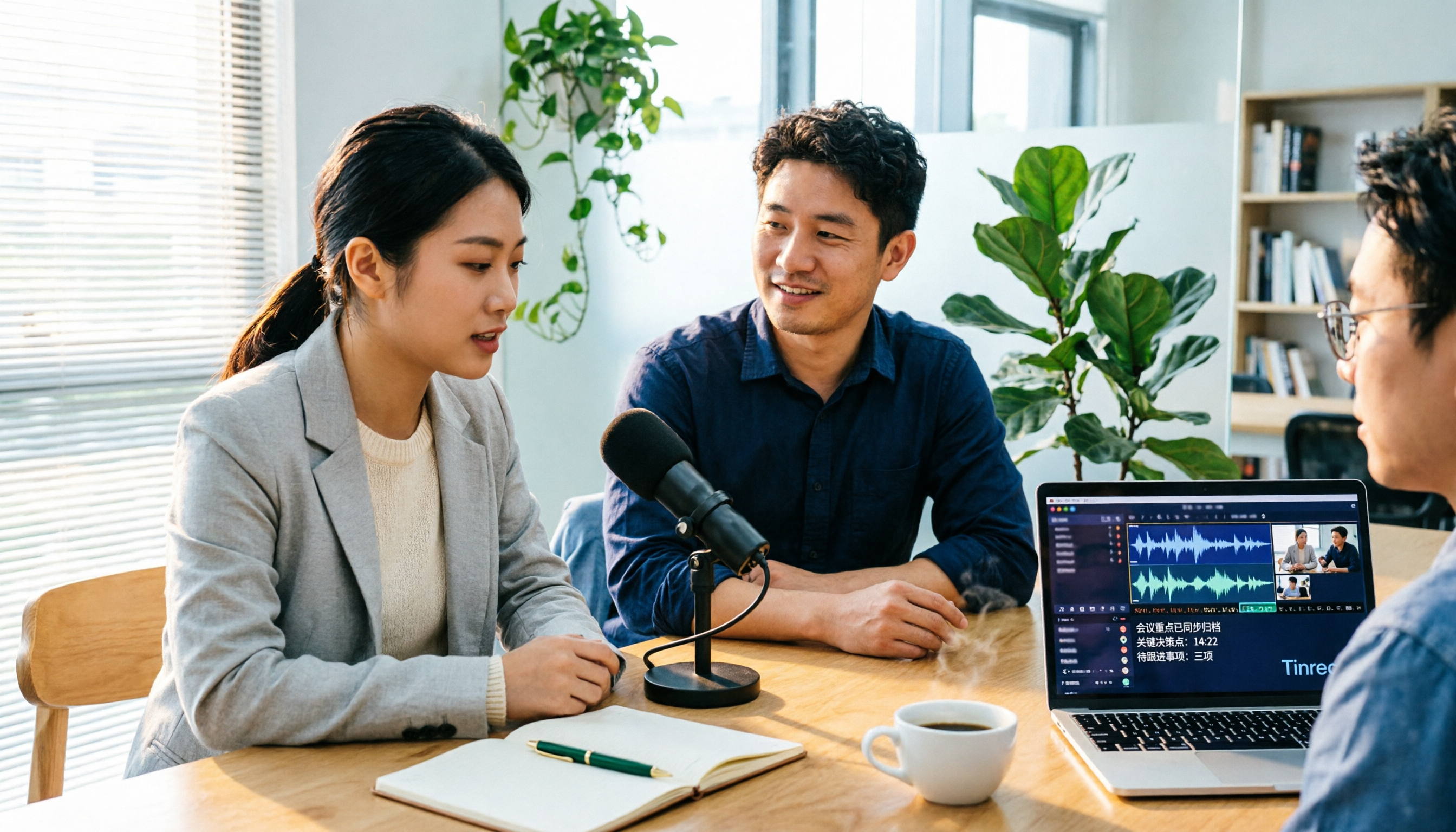
Tinrec vs Notta 2026: 5-Dimension Comparison for Video-to-Text in Chinese Scenarios
How to choose a video-to-text tool? This article compares Tinrec and Notta across 5 dimensions, from meeting recording methods, post-transcription processing, Chinese language experience to team data management, and organizes practical use cases, purchasing considerations, and FAQs to help you determine which tool better fits your needs.