

Turn recordings into transcripts and summaries in minutes
Upload audio or video for multilingual transcription, AI notes, and action items
2026 Comparison of 4 Apple Meeting Transcription Tools: Is iPhone's Built-in Transcription Enough?
"My iPhone can already turn recordings into transcripts, do I really need another tool?" This is one of the questions readers ask me most this year.
This article aims to help you make just one judgment: if your main need is "meeting notes," what exactly is the gap between the built-in transcription feature and AI tools designed specifically for meetings?
Bottom line first: if you just want a block of text, the built-in feature is enough; if you want meeting materials you can use right after the meeting, the post-meeting organization is the key.
Two-hour meeting, another two hours to organize—what you lack isn't recording, it's the post-meeting workflow
Most people's meeting process goes like this: start recording during the meeting, then find time afterward to listen again.
A two-hour meeting often takes another two hours or more to re-listen and type up; if the meeting mixes Chinese and English, or has Cantonese or Japanese speakers, the re-listening time gets even longer.
What's more troublesome is "finding the key points." If you want to confirm who committed to which deadline in a meeting three months ago, you have to flip through the transcript page by page.
Recording was never the problem; the problem is whether anyone helps you turn the content into usable data after recording.
Before choosing a meeting notes tool, understand these 4 key points
1. What can be done after transcription A transcript is just raw material. Whether it can automatically generate summaries, chapters, and action items determines how much time you still need to spend processing. If you have to copy, paste, and rewrite every time, you're only using half the tool.
2. How online meetings are recorded A common approach is to send a "meeting bot" to join the meeting as a participant. But some teams don't want a stranger's account in the meeting list. In that case, a method that "doesn't join the meeting and directly captures computer system audio" is more suitable.
3. Cross-platform and team collaboration Recording on your phone today and organizing on your computer tomorrow—if the tool doesn't support cross-platform, it's painful. If data needs to be shared with the team, you also need to check whether it has member, role, and usage management, rather than just dumping files into a group chat.
4. How quotas and costs are calculated How much free quota is available, whether there's a limit on single-session length, how team shared quotas are deducted—all need to be checked clearly, otherwise you might get stuck on the day of a critical meeting.
Tinrec—our top pick after testing
Tinrec is an AI meeting notes and collaboration tool for individuals and teams, supporting iOS, Android, desktop, and web. Its core value is advancing meetings from "recording" to "searchable, collaborative, actionable data."
Online meetings: no meeting bot needed. The desktop version directly captures computer system audio and can handle Zoom, Google Meet, Microsoft Teams, Webex, and other online meetings. Transcripts are generated in real time during the meeting, and you can continue organizing right after the meeting ends without switching tools or re-uploading.
Post-meeting organization: from transcript to deliverable document. AI automatically generates summaries, chapters, and action items, so you can quickly grasp the structure and key points of long meetings. When you need to deliver, it can further generate reports, tables, and documents, and export to existing workflows like Notion, Google Docs, OneNote, Dropbox, so you don't have to manually move things again.
AI Q&A: this is the biggest difference from pure transcription tools. After recording, you can directly ask questions about the meeting content, such as "What was the conclusion of this meeting?" or "Who is responsible for which item?" It answers based on semantics, rather than just throwing a string of keyword matching results.
About testing: Tinrec does not publicly promise a fixed accuracy rate, because actual performance is affected by recording quality, noise, accents, and multiple people talking over each other. Our actual testing focused on "whether the workflow can be completed"—from recording, generating transcripts, producing summaries and action items, to final export, it's a complete flow, not switching tools at every step.
Chinese meetings are a relative strength. It supports real-time translation and original text, translation, and bilingual views, and can organize mixed Chinese-English content; team hotwords allow you to add internal product names and abbreviations in advance to reduce recognition gaps for proper nouns.
Stop organizing recordings by hand
Upload audio or video and automatically get a transcript, summary, and action items
Pros
- Bot-free recording of online meetings, so no stranger account appears in the meeting list.
- Not just a transcript: summaries, chapters, action items, Q&A, export, and post-meeting document generation are all in the same workflow.
- The personal version offers a free version, weekly pass, Pro monthly, and Pro annual, suitable for short-term intensive use or long-term data accumulation; the team version is a separate team space with members, roles, seats, usage analytics, audit logs, and an audio recycle bin (retained for 30 days).
Things to note
- The free version is a basic quota experience; long-term or high-frequency use requires payment; actual personal version prices and plan details are subject to the official page.
- The team version is USD 29.80 per paid seat per month, or USD 199 per paid seat per year (about USD 16.58 per month), with each paid seat providing 2,000 minutes of team shared import quota per month. Under an active team plan, real-time recording currently does not deduct minutes; file and web imports use the team shared quota.
- Roles and seats are two different things: members without a seat can still view, play, and read team data, but recording, uploading, editing, importing, and exporting require a seat.
- Important information should still be verified against the transcript and recording; don't treat it as a complete replacement for manual note-taking.
Who it's for Teams that frequently need Chinese or mixed Chinese-English meeting notes, don't want a bot joining meetings, want to use AI to find key points right after meetings, or need meeting data to stay in a team space and be transferable even when members leave.
Besides Tinrec, what other options are there?
iPhone built-in Voice Memos: If you just need a transcript, the built-in feature is actually convenient. After recording, you can view the transcript directly, and you can "add transcript to note" for editing, all completely free. Note the device and version limitations—requires iPhone 12 or later, and iOS 18.4 or above to support Traditional Chinese. Its positioning is transcription itself; summaries, action items, cross-device database, and team sharing need to be handled on your own, and these are exactly the areas Tinrec focuses on.
Notta: A multi-platform transcription and translation tool with considerable overlap with Tinrec. The official free version offers 120 minutes per month, up to 3 minutes per session; Pro annual is about USD 8.17 per month (1,800 minutes per month). If you have a bunch of existing audio files that need batch transcription and subtitles, consider it; but if you need bot-free online meeting recording, AI Q&A, and post-meeting document generation, Tinrec's workflow is more complete.
PLAUD Note/NotePin: AI recording hardware focused on portable recording and physical device experience. NotePin is priced at USD 159, Note Pro at USD 189, with membership plans like Starter (300 minutes per month) or Pro (USD 99.99 per year, 1,200 minutes per month). Suitable for those who value physical recording devices; if you don't want to carry another piece of hardware and online meetings are a high proportion, Tinrec can handle it with the desktop version without extra equipment.
Pitfall guide: 4 most common mistakes when choosing a meeting notes tool
Pitfall 1: Only looking at official advertised accuracy. Many tools show beautiful numbers, but those are usually measured in quiet environments. Real meeting rooms have air conditioning noise, keyboard sounds, and multiple people talking over each other, so performance will differ significantly. It's best to test with your own recordings, not just ads.
Pitfall 2: Assuming your phone's built-in feature can handle all meetings. Built-in transcription has thresholds: iPhone 12 or later, plus iOS 18.4 or above to support Traditional Chinese. And it produces a transcript; post-meeting summaries, action items, and sharing still need to be done yourself. First clarify whether you want "a block of text" or "meeting materials you can use directly."
Pitfall 3: Ignoring cross-platform and team needs. Recording on your phone today and organizing on your computer tomorrow—if data is stuck on a single device, you'll suffer. For team use, look at how permissions and usage are managed, rather than scattering files across personal accounts.
Pitfall 4: Treating the tool only as "recording to text." If you only use transcription, you're only using one-third of its capabilities. For example, Tinrec's AI Q&A lets you ask directly after recording, "What was the conclusion of this meeting?" which is much faster than manually flipping through a 30-minute transcript.
Conclusion: Which one should you choose?
- Chinese or mixed Chinese-English meetings, need summaries and action items → Tinrec
- Online meetings without an extra bot joining → Tinrec (desktop version captures system audio)
- Need to use on both phone and computer, data needs to continue → Tinrec
- Need to follow up on details after meetings and produce reports or tables → Tinrec
- Team needs to share meeting data, manage seats and usage → Tinrec team version
- Only need a transcript, using iPhone 12 or later with iOS 18.4 → built-in Voice Memos is enough
We suggest starting with Tinrec's free version, running a complete workflow with a real meeting, then deciding whether to upgrade—no need to pay from the start.
Final reminder: recording and transcription involve other people's conversations. Please comply with local regulations and obtain participant consent when needed.
References
- View Voice Memos transcript on iPhone - Apple Support (Taiwan)
- No third-party app needed! iPhone Voice Memos and Notes app recording-to-text guide | Venus's Fantasy World
- iPhone Voice Memos to text tutorial, transcript without third-party apps built-in - Mr. Mad
- iPhone voice-to-text setup tips, 5 methods to achieve recording-to-text - Mr. Mad
- [Latest] How to convert iPhone recordings to text in iOS 18
Turn every recording into actionable outcomes
Get 60 free transcription minutes when you sign in. No credit card required.
Related Reading
You might also like
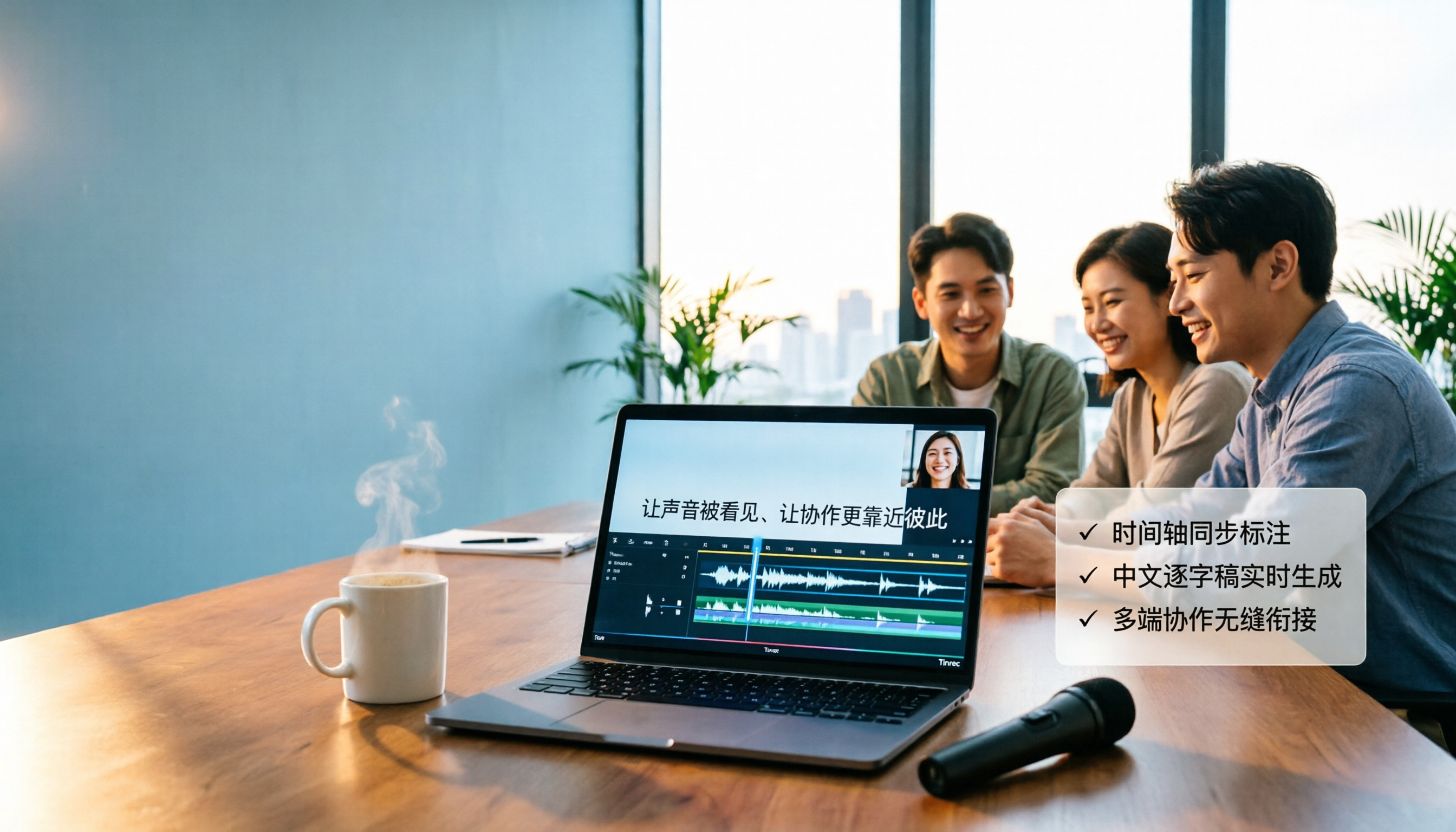
4 Video-to-Text Tools Tested in 2026: Which Saves the Most Time for Chinese Videos and Meeting Notes?
Want to turn videos into transcripts, subtitles, or meeting minutes? This article compares Tinrec, cSubtitle, VEED, and TurboScribe using Chinese videos, meeting recordings, and online meeting workflows, covering selection criteria, pitfalls to avoid, and scenario recommendations.

Vlog Video Voice-to-Text: Which Tool Wins? 2026 Hands-On Test of 2 Options, Tinrec Streamlines Chinese Transcription
The most time-consuming part of Vlog editing often isn't cutting, but turning voiceover into text you can paste onto the timeline. This article compares Tinrec and Notta across 5 dimensions—from mixed Chinese-English transcription, bot-free recording, AI Q&A and post-meeting outputs, to export integration and team data governance—to help you decide which one better fits your Vlog workflow.

What Is Smart Meeting Collaboration in 2026: Otter.ai vs Tinrec Compared Across 5 Key Dimensions
Many people confuse smart meeting collaboration with video conferencing software. This article starts from real-world usage scenarios, first clarifies the definition of smart meeting collaboration, then compares Otter.ai and Tinrec across 5 dimensions to help teams decide which one to choose.

4 MP4-to-Text Tools Tested in 2026: Which Transcripts Need the Least Editing?
How do you choose an MP4 speech-to-text tool? We tested 4 tools, comparing MP4 upload transcription, Chinese punctuation and segmentation, post-meeting summaries and action items, team sharing, and pricing. We also list 4 common pitfalls to help you find the most time-saving Chinese transcript solution.

2026 AI Meeting Tools Compared: 4 Top Picks for Notes, Summaries & Action Items
We tested 4 popular AI meeting tools on Chinese transcription, bot-free recording, post-meeting organization, and team collaboration to help you find the best fit for your workflow.

4 iPad Transcription Tools Tested: Which Handles Chinese Best in 2026?
iPad transcription isn't about speed—it's about whether you can use the transcript right away. We tested four common approaches: iPadOS 18 Voice Memos, SoundType AI, Aiko, and Tinrec. We compared Chinese and mixed Chinese-English recognition, post-meeting summaries and action items, online meeting recording, and team data retention to help you find the right fit for your workflow.

2026 Comparison of 4 MOV Video Summarization Tools: Which One Can Turn Videos into Transcripts and AI Summaries?
Many people think MOV videos can only be manually reviewed and organized, but with the right tools, you can upload MOV files to automatically generate transcripts and summaries, and even use AI to ask follow-up questions. This article compares 4 tools in practice, analyzing upload support, summarization capabilities, AI Q&A, and team collaboration, with Tinrec as the top recommendation, and provides buying criteria and pitfalls to avoid.
How to Choose Recording Software in 2026: AI Transcription + Auto To-Dos Made Easy
Recording is easy; the hard part is what comes after. This guide covers 4 key factors for choosing recording software, tests Tinrec's performance in online meetings, Chinese transcription, and AI Q&A, compares Bandicam, Audacity, and Online Voice Recorder for different scenarios, and includes a pitfalls guide and buying advice.

4 Speech-to-Text Tools Tested for 2026: Which Is Best for Chinese Meetings and AI Q&A?
A hands-on comparison of speech-to-text tools, starting with common misconceptions. We compare Tinrec, Notta, Granola, and PLAUD on Chinese recognition, online meeting recording methods, post-meeting organization, and team collaboration. Includes key buying factors, pitfalls to avoid, and scenario-based recommendations.