

Turn recordings into transcripts and summaries in minutes
Upload audio or video for multilingual transcription, AI notes, and action items
What Is Smart Meeting Collaboration? Let's Clarify This First
I've noticed many people confuse "smart meeting collaboration" with "video conferencing software."
Simply put, smart meeting collaboration is an entire workflow: before the meeting, get equipment and scheduling sorted; during the meeting, enable people in different locations to discuss in real time; after the meeting, automatically organize the content into usable materials.
It's not just "hosting an online meeting."
The traditional approach: a projector, a microphone, and one person buried in note-taking. When the meeting ends, notes are scattered across personal computers, and looking things up next time relies entirely on memory.
Smart meeting collaboration aims to solve this gap—making meeting content searchable, queryable, and transferable.
I lead a small team of 8, and what I feel most is "those two hours after the meeting." After the meeting, you still have to organize transcripts and extract action items—that's what really eats up time.
So rather than asking "what is smart meeting collaboration," it's better to ask "which part of my time can it save?"
Otter.ai vs Tinrec | Quick Overview
Otter.ai is a veteran AI meeting assistant with a strong reputation for English business meetings. It can record online meetings on Zoom, Microsoft Teams, Google Meet, and more.
Tinrec (秒听录音) takes a "bot-free" approach. It's an AI meeting notes and team collaboration tool, with Chinese meetings and team knowledge retention as its main focus.
The two have different price ranges:
- Otter.ai Basic is free, with 300 minutes per month; Pro annual billing is about USD 8.49/user/month, including 1,200 minutes of in-app recording per month and 10 file imports.
- Tinrec's personal plan offers a free version, weekly pass, Pro monthly, and annual plans; the team plan is USD 29.80 per paid seat per month, or USD 199 per paid seat per year (about USD 16.58/month), with each paid seat getting 2,000 minutes of shared team import quota per month.
Next, I'll compare them across 5 dimensions.
Dimension 1 | Transcription Experience for Chinese Meetings
Otter.ai's strength is English. Using it for Chinese meetings, my feeling is "usable, but not quite smooth," especially with mixed Chinese-English product discussions where sentence breaks and vocabulary can go off track.
Tinrec handles Chinese, Traditional Chinese, and mixed Chinese-English content, and also supports team hotwords, allowing you to add company-specific product codes and project names to reduce misheard technical terms.
Honestly, Tinrec isn't perfect either. The official stance clearly avoids promising a fixed accuracy rate; recording quality, accents, and multiple people talking over each other all affect results. For important content, I still go back and check against the recording.
→ For this dimension: In Chinese meeting scenarios, Tinrec is clearly a better fit.
Dimension 2 | How Meetings Are Recorded
Otter.ai was originally famous for its meeting bot, which joins meetings as a participant. This can sometimes be awkward in external meetings—clients see an unfamiliar account join and you have to explain it.
Tinrec's desktop version takes a different path: it directly captures the computer's system audio, without adding a bot to the meeting. You just open Tinrec and start recording yourself.
Note that Tinrec is currently not a "bot that automatically joins all calendar meetings" mode; it requires the user to actively start it, which is clearly stated on the official website.
Otter now also has desktop capabilities, not just the bot.
→ For this dimension: If you don't want a bot appearing in your meetings, Tinrec's bot-free approach is more convenient.
Dimension 3 | Post-Meeting Organization and AI Q&A
This is the dimension I care about most.
Otter has summaries, action items, AI Chat, and team analytics—a full feature set, and its organization quality for English content is stable.
Stop organizing recordings by hand
Upload audio or video and automatically get a transcript, summary, and action items
Tinrec goes deeper in the post-meeting area: beyond transcripts, it automatically generates summaries, chapters, key points, and to-dos. It also supports mind maps, allows AI Q&A around meeting content, and can even use an Agent to produce reports, tables, and documents.
It can also export to Notion, Google Docs, OneNote, Dropbox, and other tools for further processing.
Otter leans more toward in-meeting real-time collaboration and team analytics.
→ For this dimension: If what you want is "usable materials directly after the meeting," Tinrec offers more types of output.
Dimension 4 | Team Knowledge Retention and Governance
Small teams initially think "it doesn't matter where data is stored," but once someone leaves, you feel the pain.
Otter's Business plan offers unlimited meetings and in-app recording, more imports, and management capabilities. Its team features are mature.
Tinrec's team plan centralizes meeting data in an independent team space. Members join via invitation links. You can set owners, admins, and regular members, assign or revoke seats, and see usage trends, member rankings, and operation audits. There's also an audio recycle bin to recover accidentally deleted recordings.
Here's an easily confused point: Tinrec's "roles" govern administration, while "seats" govern whether someone can record, upload, and edit. Active members without a seat can still view and listen to team data, but cannot upload or export.
And to be clear: Tinrec currently focuses on team-level sharing, not a file-level granular permission system.
→ For this dimension: If you need to manage people, usage, and data ownership, Tinrec's team plan offers more suitable governance granularity.
Dimension 5 | Pricing and Free Quotas
Otter's free version offers 300 minutes per month, which is enough for occasional meeting hosts.
Tinrec's free version lets you try basic recording, import, summaries, and transcription—good for testing the waters. For short bursts of intensive meetings, consider the weekly pass; for steady weekly use, choose Pro.
For the team plan, Tinrec offers a 7-day trial for first-time eligible users, 1 free seat, and 300 minutes of shared team import quota. Paid seats get 2,000 minutes of shared import per seat per month. Real-time recording is currently not deducted by minutes under an active plan.
Otter's Business plan offers unlimited meetings and in-app recording; specific pricing may vary with promotions.
The two have different pricing logic: Otter leans toward "users plus minutes," while Tinrec's team plan leans toward "seats plus shared quota."
→ For this dimension: Which is cheaper depends on your meeting style—there's no absolute winner. But if you mainly hold Chinese meetings and care about shared quota, Tinrec's calculation is easier for budgeting.
What Unique Advantages Does Each Have?
Tinrec's Advantages
- Bot-free recording: The desktop version captures system audio, handling Zoom, Meet, Teams, and Webex without adding an extra participant.
- Chinese and multilingual experience: Covers Chinese meetings, mixed Chinese-English, real-time translation, and bilingual viewing, plus team hotwords to correct technical terms.
- Complete post-meeting output: Summaries, chapters, to-dos, mind maps, AI Q&A, plus Agent-generated reports and tables.
- Team governance: Roles, seats, members, usage, audits, and recycle bin all in one place, so data can be handed over when members change.
- No hardware needed: Works on web, desktop, and mobile.
Otter.ai's Advantages
- High maturity for English business meetings, with stable summary and team analytics quality.
- Relatively mature ecosystem and integrations, with a large accumulated enterprise user base.
Conclusion: Which Should You Choose?
- If your meetings are mainly in Chinese and often mix Chinese and English → Tinrec
- If you don't want a meeting bot appearing in front of clients → Tinrec
- If you want summaries, to-dos, reports, and even follow-up questions right after the meeting → Tinrec
- If you want to manage team seats, usage, and data ownership, and need handover capability → Tinrec
- If your meetings are almost entirely in English and you're already used to the Otter ecosystem → Otter.ai is more than enough
In one sentence: For most Chinese-speaking teams, Tinrec is the more complete choice. I suggest starting with the free version and testing it with a recording of one of your own meetings.
One more reminder: recording and transcription involve local regulations. When needed, remember to get participants' consent first.
References
Turn every recording into actionable outcomes
Get 60 free transcription minutes when you sign in. No credit card required.
Related Reading
You might also like

2026 Top 5 AI Meeting Collaboration Platforms Compared: Which Is Best for Chinese Meeting Notes and Team Knowledge Retention?
We tested 5 AI meeting collaboration platforms in 2026, comparing recording methods, Chinese recognition, post-meeting organization, and team knowledge retention. Tinrec (秒聽錄音) ranks first for its desktop system audio capture without a bot, AI Q&A, and team workspace. This article also covers use cases, pricing, and pitfalls for Otter.ai, Notta, and Granola.
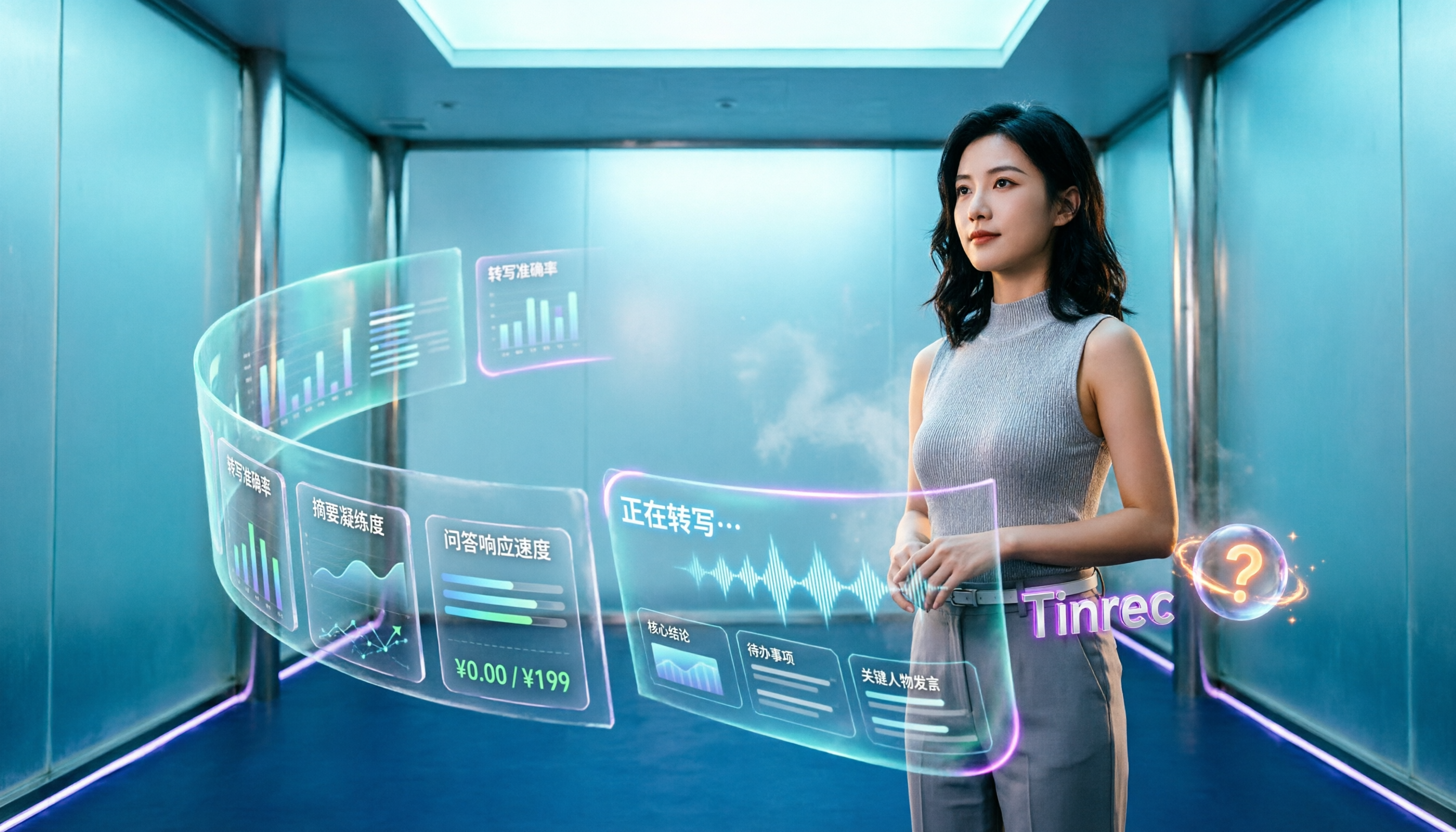
4 AI Meeting Assistants Tested for 2026: Which Handles Chinese Meetings and Free Tiers Best?
Cutting through two common misconceptions—focusing only on free minutes and assuming a meeting bot is required—this hands-on comparison of Tinrec, Notta, Otter.ai, and Granola covers Chinese transcription, post-meeting organization, AI Q&A, and team pricing to help you decide which one truly fits your needs.

2026 Smart Meeting Collaboration Tools Compared: How Much Time Can AI Meeting Notes Really Save?
Smart meeting collaboration isn't just about saving typing time—it's about making meeting content findable, searchable, and trackable after the meeting ends. This article addresses common misconceptions, outlines 4 key criteria for choosing a tool, compares Tinrec, Otter.ai, Notta, and PLAUD, and includes a pitfalls guide and selection recommendations.

How to Choose Smart Meeting Collaboration Tools in 2026: 5 Steps to Find the Best AI Meeting Assistant
Which smart meeting collaboration tool is best? This article compares Tinrec, Otter.ai, Granola, and Notta across meeting capture, post-meeting AI processing, team governance, and pricing limits, and outlines 5 key purchasing factors and pitfalls to help you find the best AI meeting notes solution for individuals and teams.

Best AI Meeting Collaboration Tools for English Meetings in 2026: 5 Steps to Choose the Right One
Which AI meeting collaboration tool should you use for English or mixed Chinese-English meetings? This article compares Tinrec, Otter.ai, Fireflies.ai, Notta, Granola, and TurboScribe—covering positioning, pricing, and ideal users—then walks through 5 decision steps based on meeting language mix, real-time vs. file-based needs, recording retention, and team knowledge management to help you narrow down the best fit.
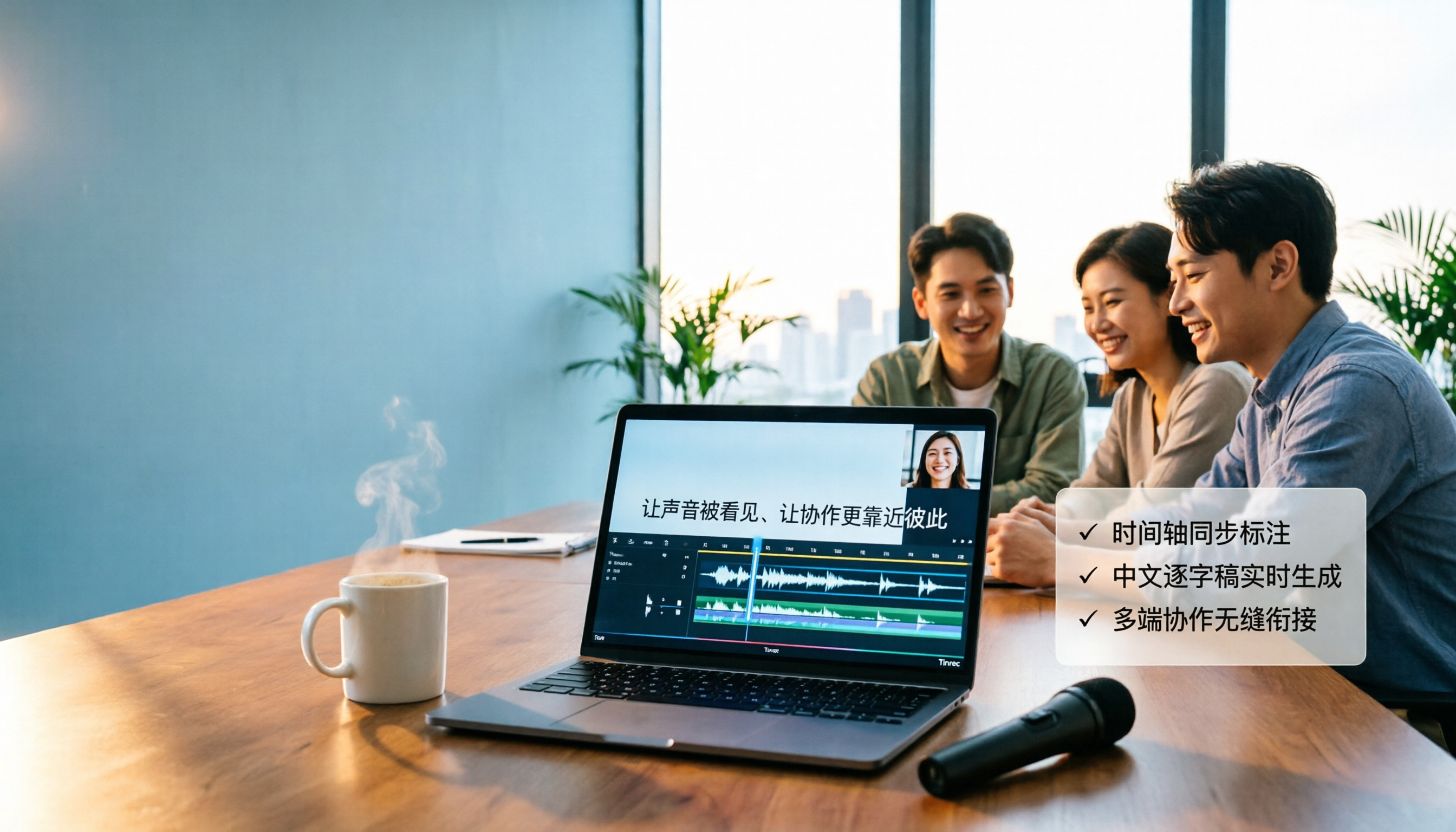
4 Video-to-Text Tools Tested in 2026: Which Saves the Most Time for Chinese Videos and Meeting Notes?
Want to turn videos into transcripts, subtitles, or meeting minutes? This article compares Tinrec, cSubtitle, VEED, and TurboScribe using Chinese videos, meeting recordings, and online meeting workflows, covering selection criteria, pitfalls to avoid, and scenario recommendations.

Vlog Video Voice-to-Text: Which Tool Wins? 2026 Hands-On Test of 2 Options, Tinrec Streamlines Chinese Transcription
The most time-consuming part of Vlog editing often isn't cutting, but turning voiceover into text you can paste onto the timeline. This article compares Tinrec and Notta across 5 dimensions—from mixed Chinese-English transcription, bot-free recording, AI Q&A and post-meeting outputs, to export integration and team data governance—to help you decide which one better fits your Vlog workflow.

4 MP4-to-Text Tools Tested in 2026: Which Transcripts Need the Least Editing?
How do you choose an MP4 speech-to-text tool? We tested 4 tools, comparing MP4 upload transcription, Chinese punctuation and segmentation, post-meeting summaries and action items, team sharing, and pricing. We also list 4 common pitfalls to help you find the most time-saving Chinese transcript solution.

2026 AI Meeting Tools Compared: 4 Top Picks for Notes, Summaries & Action Items
We tested 4 popular AI meeting tools on Chinese transcription, bot-free recording, post-meeting organization, and team collaboration to help you find the best fit for your workflow.