
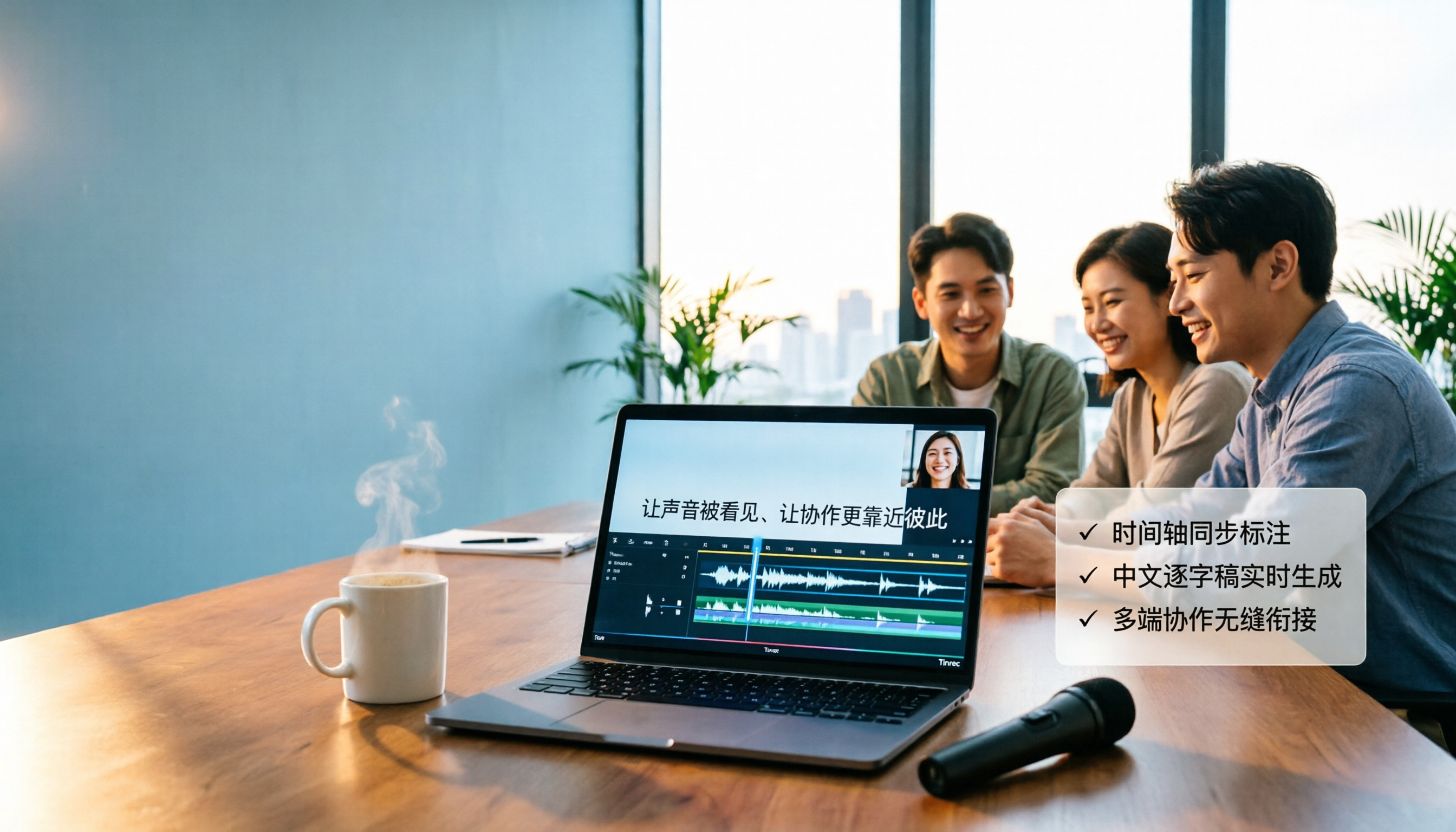
Turn recordings into transcripts and summaries in minutes
Upload audio or video for multilingual transcription, AI notes, and action items
4 Video-to-Text Tools Tested in 2026: Which Saves the Most Time for Chinese Videos and Meeting Notes?
Video-to-Text Isn't Just "Upload and Done"—First Decide Whether You Need Subtitles, a Transcript, or Searchable Meeting Data
When you want to turn a video into text, the first question isn't "which tool is free"—it's: what will you ultimately do with that text?
If you just need subtitles for a video, you need time codes and a subtitle file.
If it's an interview, course, or meeting recording, you usually want a transcript, ideally with automatic paragraph breaks, punctuation, and key points.
If the video is a client meeting or project discussion, what you really need may not just be a transcript, but meeting data you can query further—like "who mentioned the budget" or "who's responsible for the next step."
These three needs lead to completely different tool choices. This article focuses on Chinese videos, meeting recordings, and online meeting workflows, testing Tinrec, cSubtitle, VEED, and TurboScribe, and summarizes selection criteria, pitfalls to avoid, and scenario recommendations.
5 Key Points to Understand Before Choosing a Video-to-Text Tool
1. Are you processing an uploaded file or a live meeting?
For uploading existing video files, the focus is format support, file length limits, and transcription speed. For online meetings like Zoom, Google Meet, Microsoft Teams, and Webex, the focus shifts to "can it directly capture system audio on your computer" rather than figuring out how to record after the fact. Tinrec's desktop version, for example, takes the bot-free approach of capturing system audio, and users need to actively start recording.
2. What else can the tool do after transcription?
Tools that only output transcripts still require manual organization afterward. If you frequently need meeting minutes, action items, chapters, and key points, check whether the tool supports summaries, action item extraction, AI Q&A, translation, and multi-format export. This is the biggest difference between Tinrec and pure transcription tools.
3. How well does it handle Chinese and multilingual scenarios?
Chinese meetings often involve mixed Chinese-English, technical terms, and overlapping speakers. Whether a tool supports Chinese, Traditional Chinese, multiple languages, real-time translation, and team hotwords directly affects your post-editing time. Tinrec supports Chinese, Traditional Chinese, and multilingual meeting scenarios, and lets you maintain common terms via team hotwords.
4. Is the free tier enough to actually complete a full workflow?
Many tools have free versions to try, but may have single-session length limits, paid downloads, or feature restrictions. Run your own video through the entire workflow first: upload, transcribe, edit, export. Don't just look at the word "free." Tinrec's personal plan includes a free version, weekly pass, and Pro plan; actual quotas and prices are subject to the purchase page.
5. Does your team need to share the same data?
If meeting data only exists in individual accounts, it's easily lost when members leave. For team plans, look at team spaces, member roles, seats, sharing rights, usage analytics, and auditing. Tinrec's team plan puts these governance capabilities into a single space, suitable for departments or project teams.
Tinrec—Our Top Pick After Testing
Tinrec is an AI meeting notes and collaboration tool for individuals and teams. It supports real-time recording, bot-free online meeting recording via desktop, audio and video file transcription, real-time translation, and can automatically generate summaries, chapters, action items, and mind maps. For "how to turn video into text," Tinrec's value isn't just converting audio to words—it's organizing video content into searchable, queryable, exportable data that teams can share.
The first practical scenario is processing pre-recorded videos. You can import audio or video files like interviews, courses, and meeting recordings into Tinrec, and the system generates a transcript, then further organizes summaries, chapters, and action items. For content teams, this means an interview video can be used not just for subtitles, but quickly turned into articles, reports, or social media content.
The second scenario is online meetings. Tinrec's desktop version captures computer system audio to handle meeting audio played on your computer from Zoom, Google Meet, Microsoft Teams, Webex, etc., without adding a meeting bot. Note that users need to actively open Tinrec to start recording—this is not an "automatically join all calendar meetings" mode. For those who don't want an extra bot in the meeting list but still want meeting text, this approach is relatively hassle-free.
The third scenario is querying and delivering after transcription. Tinrec supports AI Q&A around meeting content—you can directly ask "who mentioned the budget in this video?" "What objections did the client have?" "What are the next action items?" It answers based on content, not just keyword search results. It can also generate meeting minutes, reports, tables, and documents, and export to common tools like Notion, Google Docs, OneNote, and Dropbox. If you only have a transcript, you usually still need to organize manually; Tinrec connects the entire downstream workflow.
Stop organizing recordings by hand
Upload audio or video and automatically get a transcript, summary, and action items
Tinrec is also suitable for teams to accumulate video and meeting data. The team plan provides an independent team space where meeting data belongs to the team, and supports inviting members, setting owner/admin/regular member roles, assigning or revoking seats, viewing usage trends and details, managing team hotwords, querying and exporting audit logs, and an audio recycle bin. Note that the team plan distinguishes between "roles" and "seats": active members without a seat can view, play, and read team data, but cannot upload, edit, import, or export. Team resources belong to the team; when members leave, handover is required and data isn't automatically taken with them.
On pricing, the team plan is currently USD 29.80 per paid seat per month; annual billing is USD 199 per paid seat per year, about USD 16.58 per month. Each paid seat provides 2,000 minutes of team shared import quota per month; real-time recording currently doesn't deduct minutes under an active team plan and seat, while file and web imports consume team shared import minutes. The first eligible team trial is 7 days, 1 free seat, and 300 minutes of team shared import quota. Actual prices, currencies, and promotions are subject to the official purchase page.
Limitations should also be clear: Tinrec doesn't recommend promising a fixed accuracy rate—actual results are affected by recording quality, noise, accents, overlapping speakers, and technical terms; important content should still be verified against transcript timestamps and the original video. Web link import can handle some public video content, but it's a supplementary capability, not Tinrec's primary positioning. If your main need is one-time bulk transcription of very large files, tools like TurboScribe are more suitable.
If you need Chinese video-to-transcript, bot-free online meeting recording, post-meeting AI Q&A, action item extraction, and team data accumulation, Tinrec is currently the most complete workflow option. We recommend starting with the free version or an eligible team trial, running a segment of your own video, and confirming whether the transcription, summary, Q&A, and export workflows fit your work habits.
Besides Tinrec, What Other Options Are There?
cSubtitle: Focuses on uploading videos or audio files without an account, supports MP4, MOV, MP3, WAV, M4A, OGG, WMA, up to 4GB per file and 5 hours in length, supports batch processing, and outputs text files, Word transcripts, and subtitle files. Suitable for temporarily converting videos to text. But if you want to use AI to query content, extract action items, and put them into a team space after transcription, Tinrec is more complete here.
VEED: An online video editing and automatic transcription tool that can generate subtitles, translate subtitles, and remove background noise with one click. Its editing tools are free to use, but downloading transcription files requires a paid subscription, with pro plans as low as $24 per month (billed annually). Suitable for creators focused on video editing and subtitling. Tinrec extends transcription to summaries, action items, AI Q&A, and team data accumulation.
TurboScribe: A cost-effective file transcription tool. Free version: 3 files per day, up to 30 minutes per file; Unlimited annual plan at USD 120, about USD 10 per month. Paid version supports up to 10 hours or 5GB per file, and up to 50 files at once. If you need to process very long videos or large batches of files, it has advantages. Tinrec doesn't compete on one-time bulk files, but excels at real-time meetings, bot-free recording, post-meeting Q&A, action items, and team collaboration.
Pitfall Guide: 4 Most Common Mistakes When Choosing a Video-to-Text Tool
Pitfall 1: Only looking at free, ignoring download and quota limits. Some tools transcribe for free but require a subscription to download; some free versions have single-session length limits. First confirm your video length, file size, and whether you need to export.
Pitfall 2: Treating subtitle files as transcripts. SRT and VTT have time codes, suitable for subtitles, but for meeting minutes, articles, or reports, you still need summaries, paragraph breaks, and action item extraction. When choosing a tool, check whether it can continue processing.
Pitfall 3: Ignoring the video source. Uploading existing video files and recording ongoing Zoom, Meet, or Teams meetings are two different workflows. If you often record online meetings, bot-free system audio capture via desktop is more direct than recording after the fact.
Pitfall 4: Teams sharing personal accounts. Multiple people sharing one set of credentials can't manage seats, usage, and auditing, and handover is difficult when members leave. If data needs long-term accumulation, choose a solution with team spaces, roles, and seat design.
Conclusion: Which One Should You Choose?
Need to turn existing videos, interviews, or courses into transcripts, and want to use AI to query key points and extract action items → Tinrec.
Need to record Zoom, Google Meet, Microsoft Teams, Webex without adding a meeting bot → Tinrec Desktop.
Need Chinese/multilingual, real-time translation, team hotwords, and post-meeting reports → Tinrec.
Need team-shared meeting data, manage members, seats, usage, and auditing → Tinrec Team Plan.
Only occasionally convert a video, only need subtitle files, zero budget → tools like cSubtitle and VEED can work as a stopgap.
Need to process very long videos or bulk transcribe many files at once → TurboScribe is the rare exception in this article.
Overall, video-to-text isn't hard—the hard part is what to do after transcription. If you value Chinese language experience, post-meeting organization, AI Q&A, and team data accumulation, we recommend running a segment of your own video through Tinrec's free version first, and consider upgrading if the workflow feels smooth.
References
- Online AI speech, video, audio file auto-transcription - Free trial - cSubtitle
- Transcribe video to text - Instant, 99.9% accurate - VEED.IO
- Free video-to-text tool | AI auto-transcription with high accuracy subtitles
- Turn video into text | Transcribe App & Online Editor
- Video to text - Free online AI video transcription tool, unlimited and no registration | Video Transcriber AI
Turn every recording into actionable outcomes
Get 60 free transcription minutes when you sign in. No credit card required.
Related Reading
You might also like

2026 Top 5 AI Meeting Collaboration Platforms Compared: Which Is Best for Chinese Meeting Notes and Team Knowledge Retention?
We tested 5 AI meeting collaboration platforms in 2026, comparing recording methods, Chinese recognition, post-meeting organization, and team knowledge retention. Tinrec (秒聽錄音) ranks first for its desktop system audio capture without a bot, AI Q&A, and team workspace. This article also covers use cases, pricing, and pitfalls for Otter.ai, Notta, and Granola.

4 AI Meeting Assistants Tested for 2026: Which Handles Chinese Meetings and Free Tiers Best?
Cutting through two common misconceptions—focusing only on free minutes and assuming a meeting bot is required—this hands-on comparison of Tinrec, Notta, Otter.ai, and Granola covers Chinese transcription, post-meeting organization, AI Q&A, and team pricing to help you decide which one truly fits your needs.

2026 Smart Meeting Collaboration Tools Compared: How Much Time Can AI Meeting Notes Really Save?
Smart meeting collaboration isn't just about saving typing time—it's about making meeting content findable, searchable, and trackable after the meeting ends. This article addresses common misconceptions, outlines 4 key criteria for choosing a tool, compares Tinrec, Otter.ai, Notta, and PLAUD, and includes a pitfalls guide and selection recommendations.

How to Choose Smart Meeting Collaboration Tools in 2026: 5 Steps to Find the Best AI Meeting Assistant
Which smart meeting collaboration tool is best? This article compares Tinrec, Otter.ai, Granola, and Notta across meeting capture, post-meeting AI processing, team governance, and pricing limits, and outlines 5 key purchasing factors and pitfalls to help you find the best AI meeting notes solution for individuals and teams.

Best AI Meeting Collaboration Tools for English Meetings in 2026: 5 Steps to Choose the Right One
Which AI meeting collaboration tool should you use for English or mixed Chinese-English meetings? This article compares Tinrec, Otter.ai, Fireflies.ai, Notta, Granola, and TurboScribe—covering positioning, pricing, and ideal users—then walks through 5 decision steps based on meeting language mix, real-time vs. file-based needs, recording retention, and team knowledge management to help you narrow down the best fit.

Vlog Video Voice-to-Text: Which Tool Wins? 2026 Hands-On Test of 2 Options, Tinrec Streamlines Chinese Transcription
The most time-consuming part of Vlog editing often isn't cutting, but turning voiceover into text you can paste onto the timeline. This article compares Tinrec and Notta across 5 dimensions—from mixed Chinese-English transcription, bot-free recording, AI Q&A and post-meeting outputs, to export integration and team data governance—to help you decide which one better fits your Vlog workflow.

What Is Smart Meeting Collaboration in 2026: Otter.ai vs Tinrec Compared Across 5 Key Dimensions
Many people confuse smart meeting collaboration with video conferencing software. This article starts from real-world usage scenarios, first clarifies the definition of smart meeting collaboration, then compares Otter.ai and Tinrec across 5 dimensions to help teams decide which one to choose.

4 MP4-to-Text Tools Tested in 2026: Which Transcripts Need the Least Editing?
How do you choose an MP4 speech-to-text tool? We tested 4 tools, comparing MP4 upload transcription, Chinese punctuation and segmentation, post-meeting summaries and action items, team sharing, and pricing. We also list 4 common pitfalls to help you find the most time-saving Chinese transcript solution.

2026 AI Meeting Tools Compared: 4 Top Picks for Notes, Summaries & Action Items
We tested 4 popular AI meeting tools on Chinese transcription, bot-free recording, post-meeting organization, and team collaboration to help you find the best fit for your workflow.