

Turn recordings into transcripts and summaries in minutes
Upload audio or video for multilingual transcription, AI notes, and action items
4 MP4-to-Text Tools Tested in 2026: Which Transcripts Need the Least Editing?
The Moment an Interview Is Saved as MP4, the Work Has Just Begun
Have you ever had this experience: the interview ends, and there's a 1-hour-47-minute MP4 sitting on your memory card. The content is great, but what you need to deliver is a transcript.
The old way was brute force: put on headphones, open Notepad, pause and replay sentence by sentence. For a two-hour video, typing for four hours is the baseline. When there's mixed Chinese and English or multiple people talking over each other, you have to rewind and listen again and again.
Online meetings are the same. Files recorded by meeting software are often MP4 too. After the meeting, you need to organize decisions, action items, and who agreed to what. But video doesn't turn itself into text you can search or paste into an email.
Course and lecture recordings are even more so. If you want subtitles, you need a transcript first; if you want to cut highlight clips, you need to know what was said where.
The root of all these problems is the same: MP4 only preserves the audio, not the content. The good news is that today's tools can compress this from four hours to a few minutes—provided you choose the right one.
Before Choosing an MP4-to-Text Tool, Understand These 4 Key Points
1. First, See If It Can Handle Your File
"Supports MP4" doesn't mean it accepts every MP4. Pay attention to the maximum duration per file, maximum file size, and whether there's a daily limit.
For example, TurboScribe's free version allows 3 files per day, 30 minutes per file. After paying, a single file can be up to 10 hours or 5 GB. How long your own video is determines which plan you need. Tinrec, on the other hand, can directly upload MP4 or audio files to turn existing recordings into text data.
2. Chinese Punctuation and Segmentation Matter More Than You Think
There are many English transcription tools, but Chinese deals with strings without spaces. If punctuation and segmentation are done poorly, the transcript is as good as needing to be retyped.
So when trying it out, don't just throw in a clean recording. Pick a segment with mixed Chinese and English, proper nouns, and quiet discussion—that's when you see the real difference.
3. After Transcription, Can You Use It Directly?
A transcript is just raw material. What really saves time is the layer after that: summaries, chapters, action items, and whether you can ask it questions directly.
If the tool only spits out a big block of plain text, you still have to read it from beginning to end. If it can give you a summary, mark chapters, list action items, and even let you ask "What was the conclusion of this meeting?"—that's what truly saves you the next two hours.
4. Free Quotas and Pricing Need to Be Laid Out Clearly
Free version limits vary a lot between tools: some count monthly minutes, some count files, some can only process a few minutes at a time.
First confirm your usage frequency, then decide whether to pay. For occasional transcription, the free version is plenty. For those who handle meetings every week, a subscription is worth considering.
Tinrec (秒聽錄音)—Our Top Choice After Testing
Tinrec (秒聽錄音) is an AI meeting notes and collaboration tool for individuals and teams, supporting iOS, Android, and web/desktop versions.
What's most interesting is that it doesn't just want to turn sound into text—it wants to turn meetings into "data you can keep using."
The first scenario is uploading existing files. MP4, MOV, MP3, WAV, M4A files on hand can all be uploaded and converted into transcripts. The resulting text automatically gets punctuation and segmentation, so you don't have to re-break sentences yourself.
The second scenario is online meetings. The desktop version directly captures your computer's system audio, handling Zoom, Google Meet, Microsoft Teams, Webex, and other meetings without inviting a meeting bot to join. You can see the transcript during the meeting, and summaries and action items come out after it ends.
The third scenario is post-meeting follow-up questions. After recording, you can directly ask Tinrec: "Who mentioned the budget in the last meeting?" It doesn't give you keyword search results; it answers based on content understanding. This is where I think it pulls ahead of tools in the same price range.
Besides Q&A, it can also generate chapters, highlights, mind maps, and export results to Notion, Google Docs, OneNote, Dropbox, and other tools for further processing. It can also generate reports, tables, and documents.
Here's how we actually tested it: we took a roughly 50-minute Chinese interview MP4 (with a little English terminology and indoor air-conditioning background noise) and uploaded it to see whether the transcript's segmentation and punctuation were directly usable. The result was that most content didn't need major retyping, and proper nouns could be reinforced through team hotwords. Actual performance will still be affected by recording quality, accent, noise, and overlapping speakers—this needs to be made clear upfront.
Stop organizing recordings by hand
Upload audio or video and automatically get a transcript, summary, and action items
Its advantages are roughly three:
First, no extra hardware and no meeting bot needed; web, desktop, and mobile all work.
Second, after transcription it doesn't give you a big blob of text, but a whole set of summaries, chapters, action items, and Q&A.
Third, the output can be taken away and integrated into your existing workflow.
Two limitations to note. It doesn't focus on batch-processing dozens of long files at once. If you need batch transcription of many files, tools like TurboScribe are more suitable. Also, the free version provides a basic quota; heavy users need to pay. For actual quotas and prices, please refer to the official page.
The team version solves another problem. The team version is not "multiple people sharing one personal account," but an independent team space: you can create multiple teams, invite members via link, set owner/admin/regular member roles, assign and revoke seats, view usage trends and details, manage team hotwords, and query and export audit logs. Meeting data belongs to the team; when a member leaves, resources are transferred to other active members and don't disappear with the individual.
Currently, the team version configuration is: first-time eligible users can try it for 7 days, including 1 free seat and 300 minutes of team shared import quota; monthly payment is USD 29.80 per paid seat per month, annual payment is USD 199 per paid seat per year (about USD 16.58 per month), and each paid seat provides 2,000 minutes of team shared import quota per month. Under an active team plan, real-time recording currently does not deduct minutes; file and web imports use the team shared quota.
If you frequently handle Chinese MP4s or meeting recordings, want to get summaries and action items directly after transcription, and also need AI Q&A, Tinrec is the smoothest choice among these.
Besides Tinrec, What Other Options Are There?
Notta is a competitor with high overlap with Tinrec, offering multi-platform transcription, file import, translation, and team plans. The free version has 120 minutes per month, up to 3 minutes per session; Pro annual payment is about USD 8.17 per month, 1,800 minutes per month; Business annual payment is about USD 16.67 per seat per month. Its multilingual and business plans are mature, but it lacks Tinrec's combination of "bot-free desktop recording plus team seats and usage governance."
TurboScribe takes the high-cost-performance file transcription route, with long files and batch uploads as its strong suit. The free version allows 3 files per day, up to 30 minutes per file; Unlimited annual payment is USD 120 (about USD 10 per month). After paying, a single file can be up to 10 hours or 5 GB, and you can upload 50 files at once. If you need to process many files at once, it's more suitable; but post-transcription summaries, action items, AI Q&A, and team space are things Tinrec has that it doesn't.
Granola is a bot-free AI meeting notes tool: Basic is free, Business is USD 14 per user per month, Enterprise is USD 35. It transcribes in real time through desktop system audio and combines with your handwritten notes. But note—it doesn't support uploading pre-recorded MP4 files, nor does it save meeting audio. For the need of "MP4 speech to text," Granola is not the corresponding solution.
Pitfall Guide: The 4 Most Common Mistakes When Choosing an MP4-to-Text Tool
Pitfall 1: Only looking at "supports MP4." Many tools can upload, but hide limits on per-file duration, capacity, and daily count. First measure how long your video is, then look back at the plan.
Pitfall 2: Only looking at the officially claimed accuracy. That's usually measured in a quiet environment. Real interviews have air-conditioning noise, keyboard sounds, and multiple people talking over each other—the difference only shows up under these conditions. It's recommended to try your own recording, not just look at ads.
Pitfall 3: Treating "converting to text" as the endpoint. A transcript is only a semi-finished product. Summaries, chapters, action items, searchability, and askability—these are the parts that really take time later. Comparing only minutes is like using only one-third of the tool's capability.
Pitfall 4: Ignoring mixed Chinese-English and proper nouns. Meetings in Taiwan often mix Chinese and English. If product names, people's names, and abbreviations keep being wrong, proofreading time eats up the savings. Whether you can customize a vocabulary (e.g., team hotwords) is worth confirming first.
One final reminder: recording and transcription involve others' privacy. Please obtain participants' consent in accordance with local regulations, and for important content, it's recommended to cross-check the transcript with the recording.
Summary: Which One Should You Choose?
Need to upload MP4 or audio files to transcribe, and want summaries and action items directly after transcription → Tinrec (most complete post-meeting processing)
Want to use AI to ask key points directly after recording, without reading through the transcript yourself → Tinrec (AI Q&A is its core differentiator)
Team needs to share meeting data and manage members, seats, and usage → Tinrec Team Version
Just want to confirm if it's easy to use, occasionally transcribe a short file → Tinrec Free Version (basic quota is enough to test the waters)
Need to batch-process dozens of long files at once → TurboScribe (the scenario this article considers it more suitable for)
It's recommended to first run your own MP4 through the free quota to see if the transcript's segmentation and punctuation are directly usable. If it works, then consider paying—no need to subscribe from the start.
References
- Online AI speech, video, audio file auto-transcription - Free trial - cSubtitle
- Convert MP4 to text file | Transcribe App & Online Editor
- MP4 to text - Convert MP4 files to text online - VEED.IO
- Transcribe video to text - Real-time, 99.9% accurate - VEED.IO
- Free! Chinese video speech to text subtitles, supports very large videos and long recordings
Turn every recording into actionable outcomes
Get 60 free transcription minutes when you sign in. No credit card required.
Related Reading
You might also like

2026 Top 5 AI Meeting Collaboration Platforms Compared: Which Is Best for Chinese Meeting Notes and Team Knowledge Retention?
We tested 5 AI meeting collaboration platforms in 2026, comparing recording methods, Chinese recognition, post-meeting organization, and team knowledge retention. Tinrec (秒聽錄音) ranks first for its desktop system audio capture without a bot, AI Q&A, and team workspace. This article also covers use cases, pricing, and pitfalls for Otter.ai, Notta, and Granola.
4 AI Meeting Assistants Tested for 2026: Which Handles Chinese Meetings and Free Tiers Best?
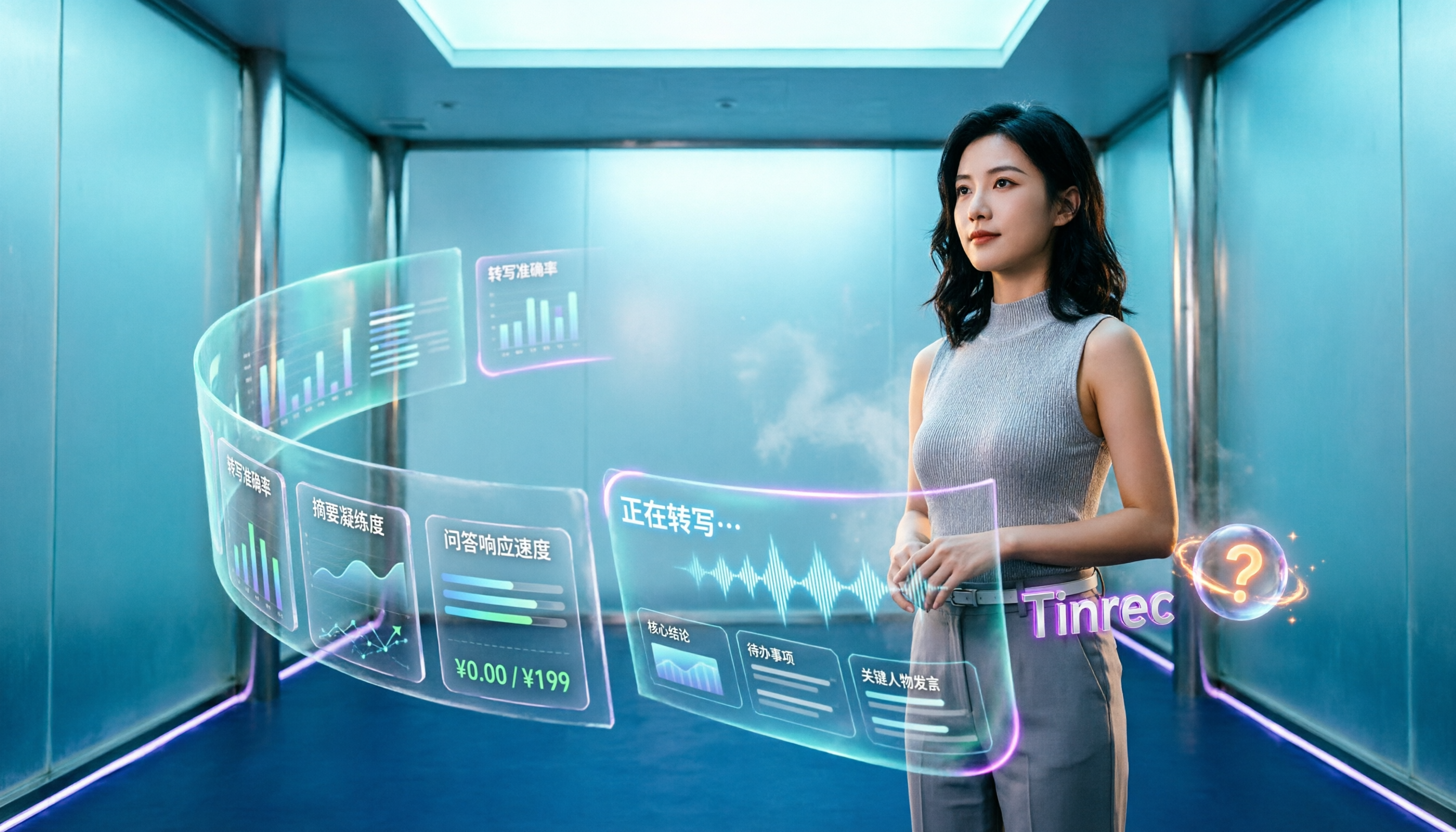
Cutting through two common misconceptions—focusing only on free minutes and assuming a meeting bot is required—this hands-on comparison of Tinrec, Notta, Otter.ai, and Granola covers Chinese transcription, post-meeting organization, AI Q&A, and team pricing to help you decide which one truly fits your needs.

2026 Smart Meeting Collaboration Tools Compared: How Much Time Can AI Meeting Notes Really Save?
Smart meeting collaboration isn't just about saving typing time—it's about making meeting content findable, searchable, and trackable after the meeting ends. This article addresses common misconceptions, outlines 4 key criteria for choosing a tool, compares Tinrec, Otter.ai, Notta, and PLAUD, and includes a pitfalls guide and selection recommendations.

How to Choose Smart Meeting Collaboration Tools in 2026: 5 Steps to Find the Best AI Meeting Assistant
Which smart meeting collaboration tool is best? This article compares Tinrec, Otter.ai, Granola, and Notta across meeting capture, post-meeting AI processing, team governance, and pricing limits, and outlines 5 key purchasing factors and pitfalls to help you find the best AI meeting notes solution for individuals and teams.

Best AI Meeting Collaboration Tools for English Meetings in 2026: 5 Steps to Choose the Right One
Which AI meeting collaboration tool should you use for English or mixed Chinese-English meetings? This article compares Tinrec, Otter.ai, Fireflies.ai, Notta, Granola, and TurboScribe—covering positioning, pricing, and ideal users—then walks through 5 decision steps based on meeting language mix, real-time vs. file-based needs, recording retention, and team knowledge management to help you narrow down the best fit.
4 Video-to-Text Tools Tested in 2026: Which Saves the Most Time for Chinese Videos and Meeting Notes?
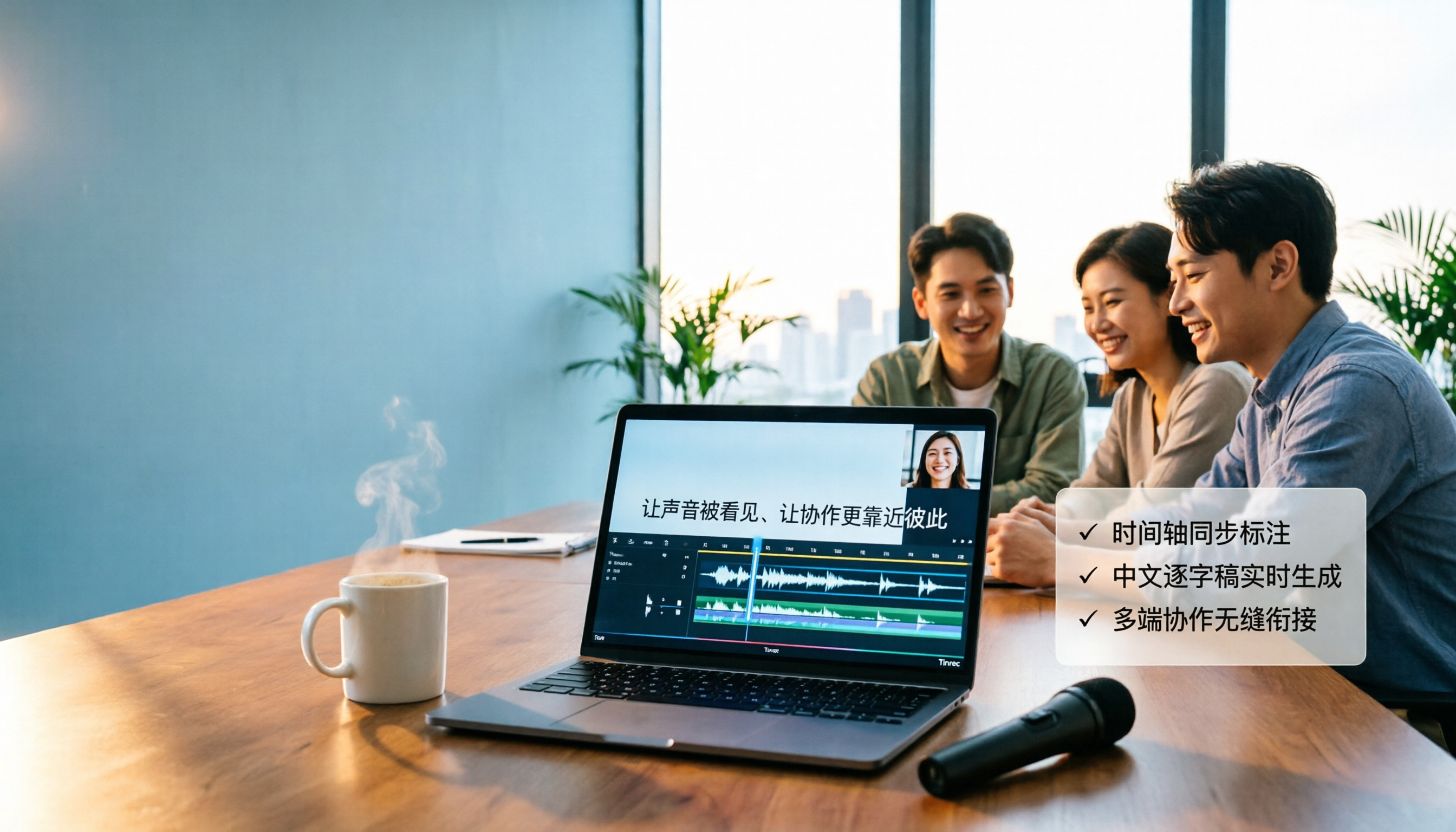
Want to turn videos into transcripts, subtitles, or meeting minutes? This article compares Tinrec, cSubtitle, VEED, and TurboScribe using Chinese videos, meeting recordings, and online meeting workflows, covering selection criteria, pitfalls to avoid, and scenario recommendations.

Vlog Video Voice-to-Text: Which Tool Wins? 2026 Hands-On Test of 2 Options, Tinrec Streamlines Chinese Transcription
The most time-consuming part of Vlog editing often isn't cutting, but turning voiceover into text you can paste onto the timeline. This article compares Tinrec and Notta across 5 dimensions—from mixed Chinese-English transcription, bot-free recording, AI Q&A and post-meeting outputs, to export integration and team data governance—to help you decide which one better fits your Vlog workflow.

What Is Smart Meeting Collaboration in 2026: Otter.ai vs Tinrec Compared Across 5 Key Dimensions
Many people confuse smart meeting collaboration with video conferencing software. This article starts from real-world usage scenarios, first clarifies the definition of smart meeting collaboration, then compares Otter.ai and Tinrec across 5 dimensions to help teams decide which one to choose.

2026 AI Meeting Tools Compared: 4 Top Picks for Notes, Summaries & Action Items
We tested 4 popular AI meeting tools on Chinese transcription, bot-free recording, post-meeting organization, and team collaboration to help you find the best fit for your workflow.