
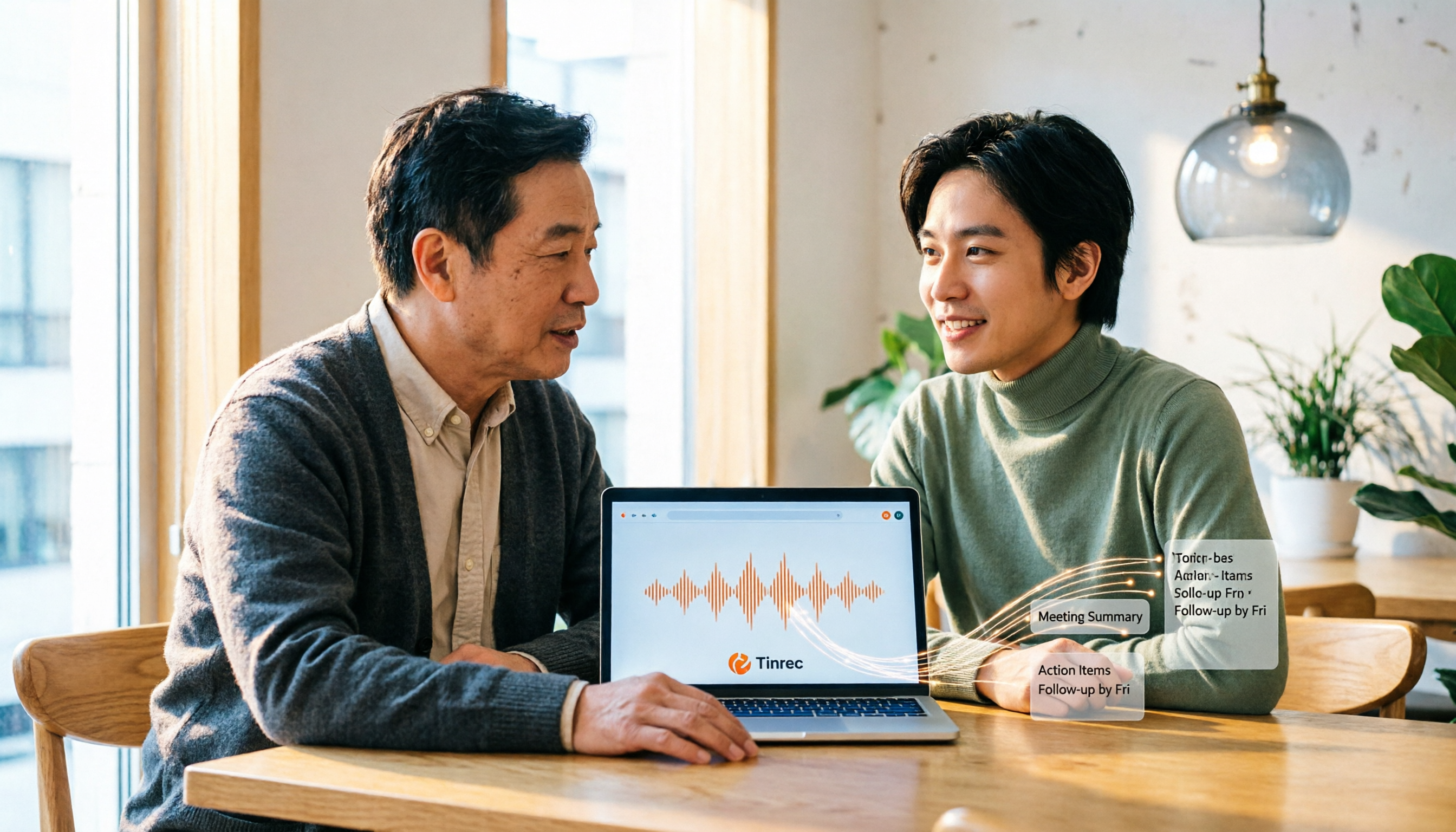
Turn recordings into transcripts and summaries in minutes
Upload audio or video for multilingual transcription, AI notes, and action items
How to Choose Recording Software in 2026: AI Transcription + Auto To-Dos Made Easy
The Real Trouble Starts After the Meeting Ends
It's 3 PM, and your online meeting just ended. You close the window, and there's a 90-minute recording sitting on your phone.
Your boss assigned three tasks, but you only remember two. You want to listen to the recording from the beginning, but just fast-forwarding to find key points takes over ten minutes, and you end up piecing things together from a colleague's memory.
Another common scenario: you recorded a one-hour client interview and need to transcribe it. You put on headphones and type sentence by sentence. By the time you finish, the afternoon is gone.
The core issue isn't whether you can record. Windows has a built-in Voice Recorder, and browsers can record from your microphone directly. Recording was never hard. The hard part is what comes after: turning audio into data you can find, use, and share.
Before Choosing Recording Software, Understand These 4 Key Points
1. Do you want to "record" or "use" the audio? If you just need a sound file for reference, free tools are enough. But if your goal is meeting notes, interview summaries, or lecture notes, whether the tool can automatically transcribe and generate summaries will determine how much time you spend fixing things later. When choosing a tool, first think about what you want to have when you're done.
2. How is the online meeting recorded? The early approach was to have a "meeting bot" join as a participant. This works in most cases, but sometimes you don't want an extra stranger on the list. Another approach is to capture system audio directly from your computer, without interfering with the meeting. These two methods offer very different experiences, so it's worth checking first.
3. Recognition performance for Chinese and mixed Chinese-English Meetings in Taiwan rarely use a single language throughout. It's normal to speak Chinese in one sentence and then use English technical terms in the next. If a tool only excels in English, the transcript becomes hard to read. When testing, use your own work recordings rather than relying on official claims.
4. Is the free tier enough for you? Almost all tools have free plans, but the limits and restrictions vary. Light users might never pay; those who organize meetings weekly need to evaluate the monthly cost of paid plans. First look at your usage frequency, then decide whether to pay.
Tinrec – The Best Choice for Meetings and Interviews After Testing
Tinrec is an AI meeting notes and collaboration tool for individuals and teams, available on web, desktop, and mobile. It doesn't just convert audio to text; it organizes meetings into searchable, queryable, and further processable data.
During the meeting, it transcribes in real-time. The desktop version captures system audio directly, so when handling online meetings like Zoom, Google Meet, Microsoft Teams, or Webex, you don't need to invite an extra bot into the meeting room. For participants, no unfamiliar account appears on the list; for you, recording and transcription happen simultaneously.
After the meeting, summaries, chapters, and to-dos are ready. For a 90-minute discussion, recalling "what was decided" is tough. Tinrec automatically generates summaries and chapters, and extracts action items—who is responsible and what to do—directly listed. When you need to deliver, you can further generate reports, tables, and documents.
After recording, you can ask it questions directly. This is where it differs most from regular recording software. You can ask about meeting content, such as "What was the budget cap mentioned in the last meeting?" It answers based on semantics, not just a list of keywords. The transcript itself supports search and translation, and can be viewed in original, translated, or bilingual format.
Our own testing used real internal meeting recordings, including mixed Chinese-English segments and multiple speakers. With clear audio quality, the transcript readability was high, and mixed Chinese-English terms were mostly recognized. Actual results still depend on audio quality, background noise, accents, and overlapping speech; for important content, we recommend cross-checking with the recording.
Notable advantages:
- No bot needed for online meetings; desktop version records system audio directly, minimizing disruption.
- Good experience with Chinese and mixed Chinese-English meetings, plus real-time translation and team hotwords.
- Complete post-transcription workflow, from summaries and to-dos to AI Q&A, and export to Notion, Google Docs, OneNote, Dropbox for further use.
Stop organizing recordings by hand
Upload audio or video and automatically get a transcript, summary, and action items
Things to note: The free version offers basic quota, suitable for trying recording, importing, summaries, and transcription; if you organize meetings weekly, you'll need to evaluate paid plans. Also, AI results are辅助; for important decisions, cross-check with the transcript and recording.
Who is it for: If you have weekly online meetings to record, need Chinese and mixed Chinese-English transcripts, and want to use AI to find key points after recording, Tinrec is currently the smoothest choice. For teams sharing meeting data, its team version offers independent team spaces, meeting data owned by the team, and management features like members, roles, seats, usage analytics, and audit logs; when a member leaves or loses a seat, data can be transferred to other members, not lost with the individual account.
Besides Tinrec, What Other Recording Software Options Are There?
Bandicam Bandicam is a screen recording and audio recording tool for Windows. Its audio mode can record system audio alone, microphone alone, or both simultaneously, supports MP3 and WAV output, and can set timed start/stop and long continuous recording. Suitable for scenarios where you need to record the screen or do long monitoring. Note that it doesn't do transcription or AI summaries; post-recording organization is still up to you.
Audacity Audacity is a free, open-source audio editing software, cross-platform for Windows, macOS, and Linux, long a favorite for beginner audio editing. It excels in waveform editing, noise reduction, and post-processing, suitable for those who need detailed audio adjustments. However, it lacks cloud transcription, AI Q&A, and team sharing; recording is just the start, and organization is manual.
Online Voice Recorder Online Voice Recorder is a browser-based online recording tool. Open the webpage, authorize the microphone, and record; save as MP3, and it can automatically detect and trim silence at the beginning and end. Completely free, no installation, suitable for quick voice memos. But it only records microphone, not system audio, and has no transcription or summaries, so it's insufficient for online meetings or transcription needs.
Pitfalls Guide: 3 Most Common Mistakes When Choosing Recording Software
Pitfall 1: Only looking at "can it record," not thinking about what to do after. The biggest difference in recording software isn't recording quality, but what happens after. Many people pick a handy recording tool first, only to find they need another service for transcription, and have to manually move files. Before choosing, ask yourself: what do I ultimately want to produce? An audio file, or a transcript, summary, and to-dos?
Pitfall 2: Thinking online meetings must rely on a meeting bot. Meeting bots appear as participants on the list, which isn't suitable for some external or client meetings. Now there are tools that capture system audio directly from the computer, without adding extra participants. If this matters to you, be sure to confirm the recording method before buying.
Pitfall 3: Using a transcription tool as a pure recorder. If a tool is only used for recording, you're only using part of its capabilities. For example, Tinrec's AI Q&A lets you ask "What was the conclusion of this meeting?" directly after recording, much faster than manually scanning a 30-minute transcript. Buying AI features but not using them is the most common waste.
Conclusion: Which One Should You Choose?
In one sentence: if you want meeting data that's "ready to use after recording," Tinrec is the top choice in this article.
- Online meetings without bots, but need transcripts → Tinrec (desktop captures system audio directly)
- Need Chinese and mixed Chinese-English meeting notes → Tinrec (supports multiple languages, real-time translation, and team hotwords)
- Want to use AI to find key points and ask questions after recording → Tinrec (can query meeting content)
- Need team sharing and management of members and usage → Tinrec Team (team space, roles, and seat management)
- Just need to record screen or long monitoring → Bandicam (all-in-one video and audio recording)
- Need noise reduction, editing, and post-processing → Audacity (free open-source editor)
- Just want to record a quick voice memo → Online Voice Recorder (no installation)
We suggest trying Tinrec's free version for one or two meetings to experience the practicality of transcripts and summaries, then decide whether to upgrade. The best way to know if a tool works is to test it with your own recordings.
References
- Apowersoft Free Online Audio Recorder official page (https://www.apowersoft.tw/free-audio-recorder-online)
- Bandicam Best Audio Recording Software official page (https://www.bandicam.com.tw/audio-recorder/)
- Windows Voice Recorder Microsoft Store page (https://apps.microsoft.com/detail/9wzdncrfhwkn)
- DigiLog Acoustics Lab: Free recording software Audacity gets biggest update (https://digilog.tw/posts/1611)
- Online Voice Recorder official website (https://online-voice-recorder.com/tw/)
References
- Apowersoft Free Online Audio Recorder is a powerful free recording software that can record sound card and microphone audio
- Bandicam Best Audio Recording Software | Free recording tool supports system and microphone (Windows)
- Windows Voice Recorder - Free download and install on Windows | Microsoft Store
- Free recording software Audacity hasn't disappeared; this time it gets its biggest update! | DigiLog Acoustics Lab
- Online Voice Recorder - Record via microphone
Turn every recording into actionable outcomes
Get 60 free transcription minutes when you sign in. No credit card required.
Related Reading
You might also like
4 Video-to-Text Tools Tested in 2026: Which Saves the Most Time for Chinese Videos and Meeting Notes?
Want to turn videos into transcripts, subtitles, or meeting minutes? This article compares Tinrec, cSubtitle, VEED, and TurboScribe using Chinese videos, meeting recordings, and online meeting workflows, covering selection criteria, pitfalls to avoid, and scenario recommendations.

Vlog Video Voice-to-Text: Which Tool Wins? 2026 Hands-On Test of 2 Options, Tinrec Streamlines Chinese Transcription
The most time-consuming part of Vlog editing often isn't cutting, but turning voiceover into text you can paste onto the timeline. This article compares Tinrec and Notta across 5 dimensions—from mixed Chinese-English transcription, bot-free recording, AI Q&A and post-meeting outputs, to export integration and team data governance—to help you decide which one better fits your Vlog workflow.

What Is Smart Meeting Collaboration in 2026: Otter.ai vs Tinrec Compared Across 5 Key Dimensions
Many people confuse smart meeting collaboration with video conferencing software. This article starts from real-world usage scenarios, first clarifies the definition of smart meeting collaboration, then compares Otter.ai and Tinrec across 5 dimensions to help teams decide which one to choose.

4 MP4-to-Text Tools Tested in 2026: Which Transcripts Need the Least Editing?
How do you choose an MP4 speech-to-text tool? We tested 4 tools, comparing MP4 upload transcription, Chinese punctuation and segmentation, post-meeting summaries and action items, team sharing, and pricing. We also list 4 common pitfalls to help you find the most time-saving Chinese transcript solution.

2026 AI Meeting Tools Compared: 4 Top Picks for Notes, Summaries & Action Items
We tested 4 popular AI meeting tools on Chinese transcription, bot-free recording, post-meeting organization, and team collaboration to help you find the best fit for your workflow.
4 iPad Transcription Tools Tested: Which Handles Chinese Best in 2026?
iPad transcription isn't about speed—it's about whether you can use the transcript right away. We tested four common approaches: iPadOS 18 Voice Memos, SoundType AI, Aiko, and Tinrec. We compared Chinese and mixed Chinese-English recognition, post-meeting summaries and action items, online meeting recording, and team data retention to help you find the right fit for your workflow.

2026 Comparison of 4 MOV Video Summarization Tools: Which One Can Turn Videos into Transcripts and AI Summaries?
Many people think MOV videos can only be manually reviewed and organized, but with the right tools, you can upload MOV files to automatically generate transcripts and summaries, and even use AI to ask follow-up questions. This article compares 4 tools in practice, analyzing upload support, summarization capabilities, AI Q&A, and team collaboration, with Tinrec as the top recommendation, and provides buying criteria and pitfalls to avoid.

4 Speech-to-Text Tools Tested for 2026: Which Is Best for Chinese Meetings and AI Q&A?
A hands-on comparison of speech-to-text tools, starting with common misconceptions. We compare Tinrec, Notta, Granola, and PLAUD on Chinese recognition, online meeting recording methods, post-meeting organization, and team collaboration. Includes key buying factors, pitfalls to avoid, and scenario-based recommendations.

2026 Comparison of 4 Apple Meeting Transcription Tools: Is iPhone's Built-in Transcription Enough?
iPhone's built-in Voice Memos can already turn meeting recordings into transcripts, but meeting notes require more than just text. This article compares 4 common Apple meeting transcription solutions from the perspectives of transcription, AI summaries and action items, bot-free online meeting recording, cross-platform and team collaboration, and pricing limits, helping you determine whether the built-in feature is sufficient and which meeting scenarios Tinrec is suitable for.