

Turn recordings into transcripts and summaries in minutes
Upload audio or video for multilingual transcription, AI notes, and action items
2026 Smart Meeting Assistant Comparison: After Dcard GNTC, Which One Should You Choose for Chinese Meetings?
"dcard smart meeting assistant" has recently become a hot search term, and the reason is simple: Dcard has been fully promoting its Agent-Native transformation since 2025 and established its enterprise AI Agent business "GNTC" to productize its internal experience. Many people's first reaction upon seeing the news was—did Dcard also make a meeting transcription tool?
Let's get straight to the conclusion: GNTC's first two products, EntryDesk and VibeHost, are enterprise-grade AI Agent solutions, not meeting transcription tools. So the only decision you need to make is: Do you need an "integration platform for enterprises to adopt AI Agents" or a "meeting collaboration tool that turns every meeting into usable data"? This article will first clarify GNTC's positioning, then compare tools actually used for meetings using five evaluation criteria, and finally give you a selection recommendation you can take directly into the meeting room to justify your budget.
Why did you search for "Dcard smart meeting assistant"? First, understand what GNTC has launched
Dcard is Taiwan's largest youth social platform with over 10 million registered members, long centered on anonymous communities, topic boards, and real experience sharing. In recent years, Dcard has publicly shared its internal Agent-Native transformation experience and established its enterprise AI Agent business "GNTC" to turn these experiences into products that can be sold to enterprises.
GNTC's first two core products are:
- EntryDesk: An integration hub for enterprises adopting AI Agents, helping businesses connect existing internal systems, unify data permission management, and streamline workflows.
- VibeHost: Allows users to quickly deploy, share, and collaborate on AI-generated websites, presentations, reports, and interactive tools.
Both products support flexible cloud and on-premises deployment. From public information, this is an enterprise-grade AI Agent solution aimed at organizations wanting to integrate Agents across systems, not a meeting tool that "generates transcripts during meetings and organizes to-dos afterward."
In other words, if your need is "automatically generate minutes for weekly meetings," "searchable and queryable customer interview recordings," or "capture decisions from cross-department meetings," GNTC currently doesn't address that; you should be looking at the category of smart meeting assistants—tools that integrate recording, transcription, summarization, to-dos, Q&A, and team databases.
Two-hour meeting, two more hours to organize—you don't need a tool, you need a solution
Let's start with a few scenarios you've surely encountered.
The first is the "transcript graveyard." Meeting recordings are transcribed, but no one will re-read a 30,000-word transcript. Three months later, to confirm "who said to cut last quarter's budget," you can only rely on memory and scattered chat screenshots.
The second is cross-language and mixed Chinese-English. Meetings in Taiwan are rarely pure Chinese; mixing three English technical terms in one sentence is the norm. If a client speaks Cantonese or English, most transcription tools turn it into gibberish. Inaccurate transcription leads to inaccurate summaries and to-dos.
The third is "when people leave, data leaves." When a team member resigns, their meeting recordings, notes, and decisions disappear with their personal account, and the new colleague starts from scratch.
The common thread in these three scenarios is: the problem isn't whether there's a recording, but whether meeting content becomes searchable, queryable, and transferable data. Choose the right tool, and these three issues are solved together; choose the wrong tool, and you've just replaced paper notes with cloud files.
Before choosing a smart meeting assistant, understand these 5 key points
Before diving into products, let's clarify which dimensions to consider. These five are the most common pitfalls in practice.
1. How meetings are recorded. There are two main approaches: one is sending a meeting bot to join online meetings as a participant; the other is a desktop app that directly captures the computer's system audio. The problem with the bot approach is that external clients see an unfamiliar account in the list and often ask "who is this," or even request removal. Bot-free capture avoids this awkwardness, but usually requires the user to initiate recording manually.
2. What you get after recording. Getting only a transcript means only one-third of the work is done. What really saves time is summaries, chapters, key points, and to-dos—after the meeting, you get something you can send out, not material you have to read through yourself.
3. Actual performance in Chinese and multilingual settings. Mixed Chinese-English, accents, and multiple people talking over each other are the norm in real meetings. Also check for real-time translation and bilingual display, and whether you can customize team hotwords (product names, project codes—generic speech models almost always get these wrong).
4. Whether audio is retained and whether existing files can be imported. Some tools don't save meeting audio for privacy, but that also means you can't replay to verify. Also, whether you can upload existing audio and video files determines whether your past years of meeting recordings can be organized together.
5. Team-level management capabilities. Once you go from personal to departmental use, you need to ask: Who owns the data? What happens when a member leaves? Who can edit, who can only view? How is usage calculated? Tools that can't answer these will run into trouble as headcount grows.
Tinrec—Our top pick after testing
One-sentence positioning: Tinrec is an AI meeting notes and collaboration tool for individuals and teams, covering web, desktop, and mobile, turning meetings into searchable, collaborative, actionable team data.
Feature 1: Record online meetings without a meeting bot. Tinrec's desktop app directly captures the computer's system audio, handling Zoom, Google Meet, Microsoft Teams, Webex, and other online meetings without adding a bot to the participant list. During external meetings, no unfamiliar account appears in the client list—this is especially practical in sales and consulting scenarios. Note that this is "user-initiated recording," not automatically joining all meetings on your calendar.
Stop organizing recordings by hand
Upload audio or video and automatically get a transcript, summary, and action items
Feature 2: Not just recording—meeting data you can query. Open Tinrec during the meeting to get live transcription; after the meeting, AI has already generated summaries, chapters, and to-dos. More importantly, AI Q&A—after recording, you can directly ask it "Who mentioned the budget in the last meeting?" or "What were the client's concerns about the delivery date?" It answers based on meeting content, rather than dumping a list of keyword search results for you to sift through. Transcripts can be viewed in original, translated, or bilingual mode, so mixed Chinese-English meetings don't require back-and-forth switching.
Feature 3: Meeting data settles into team spaces. Tinrec's team version isn't multiple people sharing one account, but an independent team collaboration space: you can create and switch between multiple teams, invite members via link, set Owner/Admin/Member roles, and store Audio, Folder, and TODO together. Admins can view usage trends, member rankings, and details, as well as query and export audit logs; accidentally deleted audio can be restored from the recycle bin. Meeting data belongs to the team; when a member exits, is removed, or loses their seat, resources can be transferred to other active members, not disappearing with personal accounts.
Pricing and quotas (subject to official purchase page): The personal version offers Free, Weekly, Pro Monthly, and Pro Annual; choose based on your usage. For occasional recording organization, the free version suffices; for steady weekly needs, consider Pro; for long-term recording data accumulation, look at the annual plan. The team version offers a 7-day trial for first-time eligible teams, 1 free seat, and 300 minutes of shared team import quota; paid seats are USD 29.80/seat/month, or USD 199/seat/year (about USD 16.58/month), with each paid seat providing 2,000 minutes of shared team import quota per month. Under an active team plan and active seat, live recording currently does not deduct minutes; file and web imports use the shared team quota.
Three main reasons to buy: First, Chinese and mixed Chinese-English meetings are its strong suit, with real-time translation and team hotwords, offering a more direct experience for Chinese teams than purely English-oriented tools. Second, bot-free desktop recording means no need to explain the extra person in the list during external meetings. Third, it upgrades from a "personal tool" to a "team database"—meetings have ownership, seats, and auditing, which most similar tools in the Taiwan market haven't fully implemented.
Limitations to be clear about: First, Tinrec is currently not a calendar-based meeting bot and won't automatically join every scheduled meeting; users must initiate recording. Second, the team version is primarily team-level sharing; all active members can read team data, and there is no file-level granular permission control—governance relies on roles and seats, not per-file authorization. Third, transcription quality is affected by recording environment, noise, accents, overlapping speech, and technical terms; important content should still be verified with audio playback.
Who it's for: If you have more than 2 Chinese or mixed Chinese-English meetings per week, want to use AI to find key points directly after meetings, and need meeting data to stay with the team rather than personal accounts, Tinrec is currently the closest fit.
Besides Tinrec, what other options are there?
Otter.ai is a long-time favorite for English meetings. The Basic free version offers 300 minutes per month; Pro annual is about USD 8.49/user/month, including 1,200 minutes of in-app recording and 10 file imports per month. If 90% of your meetings are in English, it's still a good deal. However, Chinese and mixed Chinese-English are not its strong suit; Tinrec offers real-time translation and bilingual transcripts for such content. Prices are subject to Otter's official pricing page.
Granola also uses a bot-free approach, transcribing in real-time via desktop system audio and enhancing AI with your handwritten notes. Basic is free; Business is USD 14/user/month. Its difference is that it doesn't save meeting audio files and doesn't support uploading pre-recorded audio. If you need to retain recordings, import historical meeting files, or store data in a team space for long-term accumulation, Tinrec fills exactly that gap.
PLAUD Note / NotePin represents AI recording hardware. NotePin is USD 159, Note Pro USD 189; membership plans: Starter 300 minutes/month, Pro USD 99.99/year. The advantage is portability and ability to record phone calls; the cost is carrying an extra device and an additional hardware budget. Tinrec requires no extra hardware, works on desktop, web, and mobile, handles online meetings directly, and further organizes them into to-dos and team data.
Pitfall guide: The 4 most common mistakes when choosing a smart meeting assistant
Pitfall 1: Mistaking an "enterprise AI Agent platform" for a meeting transcription tool. This is the most common misunderstanding when searching for "dcard smart meeting assistant." GNTC's EntryDesk solves cross-system integration and data permission governance; VibeHost solves deployment and sharing of AI outputs. Neither is a transcription tool. Before purchasing, ask yourself: Am I solving "meeting content organization" or "cross-system Agent adoption"? Different answers mean different budget categories.
Pitfall 2: Only looking at transcription minutes, not post-meeting output. Minutes are intuitive, but what really determines ROI is what you get after the meeting. For the same 2,000 minutes, one tool gives you only a transcript, another gives you summaries, chapters, to-dos, and queryable AI—the latter often saves several times the organization time. When evaluating, ask directly what "the 5 minutes after the meeting" looks like.
Pitfall 3: Ignoring whether audio is retained and whether existing files can be imported. Some tools don't save meeting audio, which is good for privacy, but you can't replay to verify transcript accuracy. Also confirm whether you can upload existing audio and video, otherwise your past meeting recordings will stay on your hard drive forever.
Pitfall 4: Not distinguishing "roles" from "seats." This is the most common misunderstanding in team purchasing. Roles determine who can manage the team, members, auditing, and settings; seats determine who can record, upload, edit, import/export. Active members without a seat can still view, play, and read team data, but cannot perform resource usage operations. Many teams buy and then discover "can see but can't act," so calculate seat numbers during the quotation stage, not just headcount.
Conclusion: Which one should you choose?
Back to the initial decision: If you want an enterprise AI Agent adoption platform, Dcard's GNTC (EntryDesk, VibeHost) is worth including in your evaluation list; but if you want a tool that turns meetings into usable data, the answer falls into the smart meeting assistant category.
- Mainly Chinese or mixed Chinese-English meetings → Tinrec, with real-time translation and bilingual transcripts.
- Don't want an extra bot participant in online meetings → Tinrec desktop app, directly captures system audio.
- Want to use AI to query meeting content directly after meetings → Tinrec, with summaries, chapters, to-dos, and AI Q&A.
- Need meeting data to stay with the team, with seat and usage management → Tinrec team version, including team space, roles/seats, usage analytics, audit logs, and audio recycle bin.
- Record on mobile, organize on computer, switch across devices → Tinrec, works seamlessly on web, desktop, and mobile.
- Meetings almost entirely in English, budget is $0 → Otter.ai, with 300 free minutes per month—the only exception recommendation in this article.
Also, if you have a hard requirement to "carry it everywhere and record physical phone calls," hardware devices like PLAUD are a different discussion, but that's hardware procurement, not software selection.
If you're unsure which version to choose, we suggest running two or three meetings with Tinrec's free version first to confirm that transcript quality and AI summaries match your meeting style, then decide whether to upgrade to Pro or team version. For team purchases, start with the 7-day trial and 1 free seat, clarify role and seat requirements, then request a quote.
References
Turn every recording into actionable outcomes
Get 60 free transcription minutes when you sign in. No credit card required.
Related Reading
You might also like

2026 Comparison of 4 Meeting Transcription Tools: Tinrec's Bot-Free Recording and AI Q&A Stand Out
Meeting transcription isn't just about typing every word—it's about turning chaotic conversations into trackable action items. This article tests 4 popular meeting transcription tools, comparing bot-free recording, Chinese recognition, AI summaries, and team collaboration, plus buying tips and pitfalls to help you find the best meeting notes solution for your team.
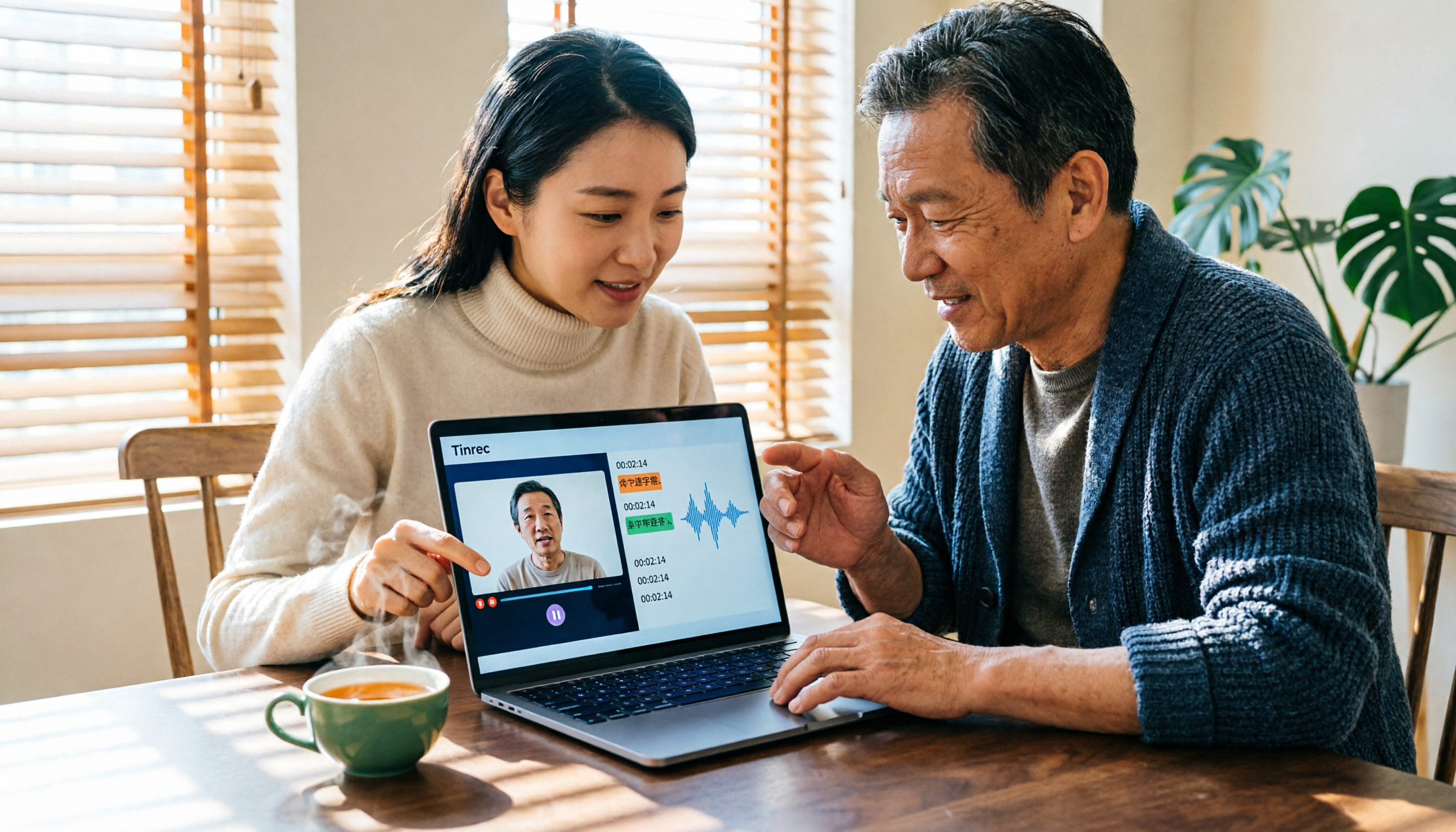
Tinrec vs Notta 2026: 5-Dimension Comparison — Which Is Better for Chinese Video-to-Text?
Video-to-text isn't just about finishing a transcript. This article starts with common pitfalls and reviews 6 tools for converting video to text, comparing Tinrec, Notta, Otter.ai, TurboScribe, VEED, and PLAUD in terms of positioning, pricing, and best-fit scenarios, helping you find a way to turn video content into truly usable data.

2026 M4A to Text Free Options: 3 Tools Compared
A 2026 guide to free M4A-to-text options, covering common pitfalls, core features, and what to look for when choosing a tool. Using Tinrec as an example, it shows how to turn M4A audio into transcripts, summaries, and to-dos, and compares personal and team plans.

4 Best PDF Image to Text Tools in 2026: How to Make Scanned PDFs Searchable
This article compares four online PDF image-to-text tools in 2026: iLovePDF, Adobe Acrobat, PDFCandy, and Smallpdf. Learn about OCR language settings, output formats, free limitations, and privacy pitfalls, plus the difference between meeting transcription and PDF OCR.
2026 OPPO Recording & Note-Taking: 5 Solutions Tested – Is the Built-in Recorder Enough?
Is OPPO's built-in recorder and notes app really enough? Starting from the three most common mistakes OPPO users make, this article outlines 4 key factors for choosing a recording and note-taking tool, then hands-on compares Tinrec, OPPO's built-in tools, Notta, and Otter.ai. It also includes compliance reminders and pitfalls to avoid for call recording, helping you find the best OPPO recording and note-taking workflow.
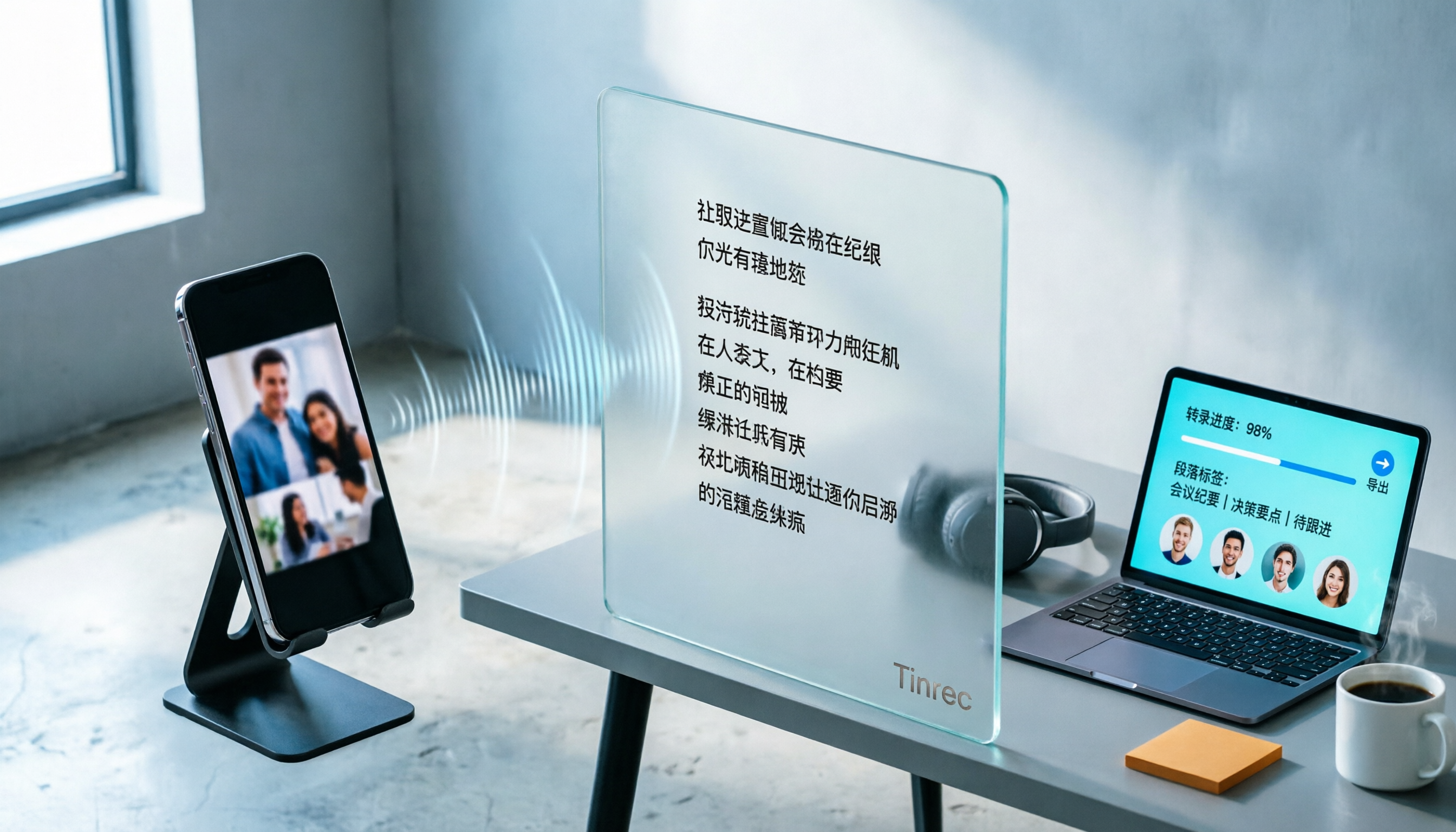
How to Convert TikTok Audio to Text in 2026: A Complete 5-Step Guide
Can you see a TikTok video but can't extract the text? This guide breaks down the complete process of converting TikTok audio to text in 5 steps, comparing CapCut's built-in features with the cross-platform Tinrec across five dimensions: import methods, transcript saving, post-conversion organization, cross-platform export, and team collaboration—so you can decide which approach fits your actual workload.

Xiaomi Voice to Text in 2026: Built-in Recorder vs Tinrec — Which Is Better for Meeting Transcripts?
Xiaomi (including Redmi and POCO) phones have a built-in recorder that can turn recordings into text. But once you have a large transcript, what then? This article compares Xiaomi's built-in recorder with Tinrec across five dimensions: Chinese recognition, post-meeting organization, recording sources, file management, and pricing. It also includes FAQs to help you decide whether to stick with your phone or switch to a dedicated tool based on your meeting volume.

4 Meeting Recording Apps Tested for 2026: Which AI Meeting Notes Actually Save Time After Transcription?
Recording a meeting is easy; the hard part is transcribing and organizing it afterward. This article tests 4 meeting recording apps in real meeting scenarios, comparing transcription, AI meeting notes, cross-platform sync, and team data retention, and summarizes key buying factors and common pitfalls to help you find the tool that truly saves post-meeting time.

2026 Guide: Document Audio Transcription Without Meeting Bots + Auto-Generated Summaries and Action Items
Three things to consider before choosing a document audio transcription tool: where the recording comes from, who organizes it after transcription, and who the data is for. This article uses Tinrec as an example to break down real-time transcription, bot-free online meeting recording, AI summaries and action items, team spaces, and other core capabilities, and compiles 5 purchasing checkpoints and FAQs.