

Turn recordings into transcripts and summaries in minutes
Upload audio or video for multilingual transcription, AI notes, and action items
The built-in recorder on Xiaomi (including Redmi and POCO) phones can convert recordings to text. After recording, just tap the convert-to-text button and you'll get a transcript without installing any extra app.
So the real question isn't whether Xiaomi can do voice-to-text, but whether you can actually use that text to get work done.
This article compares two approaches: Xiaomi's built-in recorder (some models also offer transcription via Notes or AI features) and Tinrec. By the end, you'll have a good idea whether to stick with your phone or switch to a dedicated tool.
Xiaomi Voice to Text vs Tinrec: Quick Overview
Xiaomi's built-in recorder has a simple purpose: record audio and convert it to text. It's free, requires no installation, and works offline for recording, though transcription typically needs an internet connection.
Tinrec, on the other hand, is an AI meeting notes and collaboration tool. Beyond transcripts, it generates summaries, chapters, action items, and supports AI Q&A, export, and team sharing.
| Item | Xiaomi Built-in Recorder | Tinrec |
|---|---|---|
| Availability | Built into phone | Web, desktop, and mobile |
| Cost | Comes with phone, no extra fee | Free tier; weekly pass, Pro monthly, and annual plans; team plan USD 29.80 per paid seat per month |
| Main output | Audio file and converted text | Transcript, summary, chapters, action items, translation, reports, and tables |
| Cross-device | Primarily phone | Seamless across phone, computer, and web |
Now let's compare across five dimensions.
Dimension 1: Practicality of Chinese Transcripts
Xiaomi's recorder does a decent job with Chinese recognition. In a quiet environment, a conversation recording produces largely readable text, which is why many people stick with it.
However, some users report limitations when transcribing long audio. Whether there's a limit and what it is may vary by model and system version. It's best to test with a recording longer than 30 minutes yourself.
Tinrec supports Chinese, Traditional Chinese, and multilingual meeting scenarios, and can handle mixed Chinese-English content. It also allows teams to maintain custom terminology via hotwords. Recording quality, accents, noise, and overlapping speech affect results with any tool.
→ In this dimension: For short recordings in quiet settings, Xiaomi is sufficient. For long meetings and mixed Chinese-English content, Tinrec is noticeably more capable.
Dimension 2: Can You Use the Transcript Right Away?
Xiaomi's recorder gives you text, usually a large continuous block. You'll need to read through it, segment it, highlight key points, and figure out who needs to do what.
Tinrec generates AI summaries, chapters, and key points after transcription, extracts action items from discussions, and lets you ask follow-up questions about the meeting content. You can export to common formats or continue working in tools like Notion, Google Docs, OneNote, and Dropbox.
→ In this dimension: If you just need a text file, Xiaomi works. If that text needs to become meeting minutes, action items, and follow-up documents, Tinrec saves significant time.
Dimension 3: Recording Sources — Online Meetings and Foreign Language Content
Xiaomi's recorder is great for in-person, face-to-face, or impromptu phone recordings. For online meetings, you'd typically need to point your phone at your computer speakers, which compromises audio quality and completeness.
Tinrec's desktop app captures system audio directly, handling Zoom, Google Meet, Microsoft Teams, Webex, and other online meetings without needing a meeting bot to join. It also supports uploading existing audio and video files, and during recording you can enable real-time translation to view in original, translated, or bilingual mode.
→ In this dimension: For pure phone recording, both are similar. For online and foreign language meetings, Tinrec offers a much more complete solution.
Stop organizing recordings by hand
Upload audio or video and automatically get a transcript, summary, and action items
Dimension 4: Where Do Files Go? Cross-Device and Team Accumulation
Xiaomi's recordings are usually stored in the Recorder folder in File Manager. Backing up, organizing, or sharing requires manual effort, and recordings and notes stay scattered on individual phones.
Tinrec keeps transcripts, summaries, and action items in one place, accessible across phone, computer, and web. The team plan provides a shared team space where meeting data belongs to the team. You can manage members, roles, and seats, view usage and activity logs, and transfer resources when a member leaves.
→ In this dimension: For personal short-term use, Xiaomi is convenient. For cross-device or team sharing, Tinrec's structure is much clearer.
Dimension 5: Pricing and Quotas
Xiaomi's built-in recorder comes with the phone at no extra cost — no debate there.
Tinrec's personal plan offers a free tier for basic usage. For short-term intensive use, a weekly pass is available. For regular weekly use, consider the Pro monthly plan. For long-term accumulation of recording data, the annual plan is suitable. The team plan is currently USD 29.80 per paid seat per month, or USD 199 per paid seat per year (about USD 16.58 per month). Each paid seat provides 2,000 minutes of shared team import quota per month. Under an active team plan and seat, live recording currently does not deduct minutes; file and web imports use the shared team quota.
→ In this dimension: If you're just comparing whether you have to pay, Xiaomi wins. If you're comparing the workflow you get for your money, it depends on how many meetings you process each month.
What Are the Unique Advantages of Each?
Tinrec's unique advantages:
- Beyond transcripts, it provides summaries, chapters, action items, and AI Q&A, turning meetings into actionable data.
- Desktop app records online meetings without a bot, so no extra account sits in the meeting room.
- Covers phone, computer, and web, so meeting data continues across devices.
- Team plan includes member, role, seat management, usage analytics, and activity logs, suitable for shared meeting assets.
Xiaomi's built-in recorder unique advantages:
- Completely built-in, no installation, no extra cost — ready to record anytime.
- Intuitive operation; for those who just want to turn a conversation into text, the learning curve is nearly zero.
Conclusion: Which Should You Choose?
• If you occasionally record an interview or class and want readable text → Xiaomi's built-in recorder is enough.
• If you often have meetings longer than 30 minutes and need to turn them into minutes → Tinrec's summaries and chapters save a lot of time.
• If you need live translation or have mixed Chinese-English content → Tinrec (supports real-time translation and bilingual view).
• If meetings are on your computer and you don't want a bot to join → Tinrec's desktop app captures system audio directly.
• If meeting data needs to be accessible to the whole team and transferable → Tinrec's team plan.
In one sentence: Xiaomi's built-in recorder solves "turning a phone recording into text," while Tinrec solves "turning meetings into data you can keep working with." Most professionals with a regular meeting load will need the latter more.
FAQ
Q1: Does Xiaomi's built-in voice-to-text require an internet connection?
Based on user reports, Xiaomi's recorder transcription typically requires an internet connection. Actual behavior varies by model and system version; test on your own phone.
Q2: Is there a time or word limit for Xiaomi's transcription?
Some users report limitations with long audio, but there's no unified answer. Whether a limit exists and what it is may vary by model and version.
Q3: Where are Xiaomi's recordings stored?
Usually in the Recorder folder in File Manager. You can manually upload them to other transcription tools that support file import for further processing.
Q4: Is Tinrec's free plan enough?
If you only occasionally transcribe a recording, the free plan is a good way to try it. If you have weekly meetings to organize, consider a weekly pass or Pro.
Q5: Does Tinrec need a meeting bot to record online meetings?
No. Tinrec's desktop app captures system audio directly; you start recording manually. It currently does not automatically join all calendar meetings.
Q6: What does "seat" mean in the team plan?
Roles determine who can manage the team; seats determine whether a member can record, upload, edit, and export. Active members without a seat can still view, play, and read team data.
References
- Xiaomi 14T Pro using "Recorder" and "Notes/AI" to transcribe text — is there a time and word limit? - Mobile01
- Xiaomi doesn't have voice-to-text?? - Mobile01
- Xiaomi's built-in voice-to-text is surprisingly powerful — too few people know - Daily Headlines
- Xiaomi voice-to-text tutorial: 5 steps to complete meeting transcripts and AI summaries - Tinrec Blog
- High-accuracy voice-to-text: Xiaomi recorder vs AI tools, one-click meeting transcript generation - Tinrec Blog
Turn every recording into actionable outcomes
Get 60 free transcription minutes when you sign in. No credit card required.
Related Reading
You might also like

2026 Comparison of 4 Meeting Transcription Tools: Tinrec's Bot-Free Recording and AI Q&A Stand Out
Meeting transcription isn't just about typing every word—it's about turning chaotic conversations into trackable action items. This article tests 4 popular meeting transcription tools, comparing bot-free recording, Chinese recognition, AI summaries, and team collaboration, plus buying tips and pitfalls to help you find the best meeting notes solution for your team.
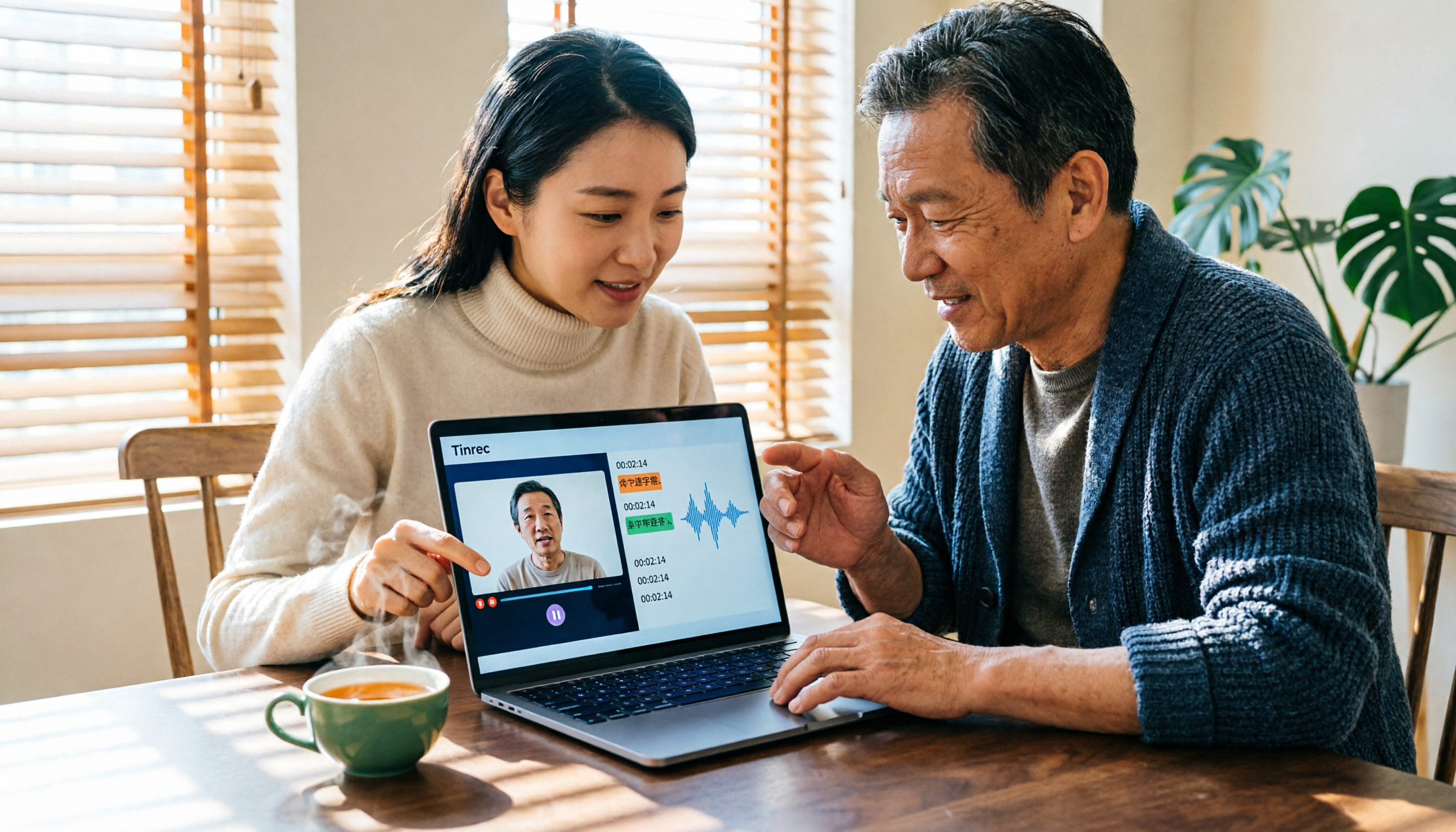
Tinrec vs Notta 2026: 5-Dimension Comparison — Which Is Better for Chinese Video-to-Text?
Video-to-text isn't just about finishing a transcript. This article starts with common pitfalls and reviews 6 tools for converting video to text, comparing Tinrec, Notta, Otter.ai, TurboScribe, VEED, and PLAUD in terms of positioning, pricing, and best-fit scenarios, helping you find a way to turn video content into truly usable data.

2026 M4A to Text Free Options: 3 Tools Compared
A 2026 guide to free M4A-to-text options, covering common pitfalls, core features, and what to look for when choosing a tool. Using Tinrec as an example, it shows how to turn M4A audio into transcripts, summaries, and to-dos, and compares personal and team plans.

4 Best PDF Image to Text Tools in 2026: How to Make Scanned PDFs Searchable
This article compares four online PDF image-to-text tools in 2026: iLovePDF, Adobe Acrobat, PDFCandy, and Smallpdf. Learn about OCR language settings, output formats, free limitations, and privacy pitfalls, plus the difference between meeting transcription and PDF OCR.
2026 OPPO Recording & Note-Taking: 5 Solutions Tested – Is the Built-in Recorder Enough?
Is OPPO's built-in recorder and notes app really enough? Starting from the three most common mistakes OPPO users make, this article outlines 4 key factors for choosing a recording and note-taking tool, then hands-on compares Tinrec, OPPO's built-in tools, Notta, and Otter.ai. It also includes compliance reminders and pitfalls to avoid for call recording, helping you find the best OPPO recording and note-taking workflow.
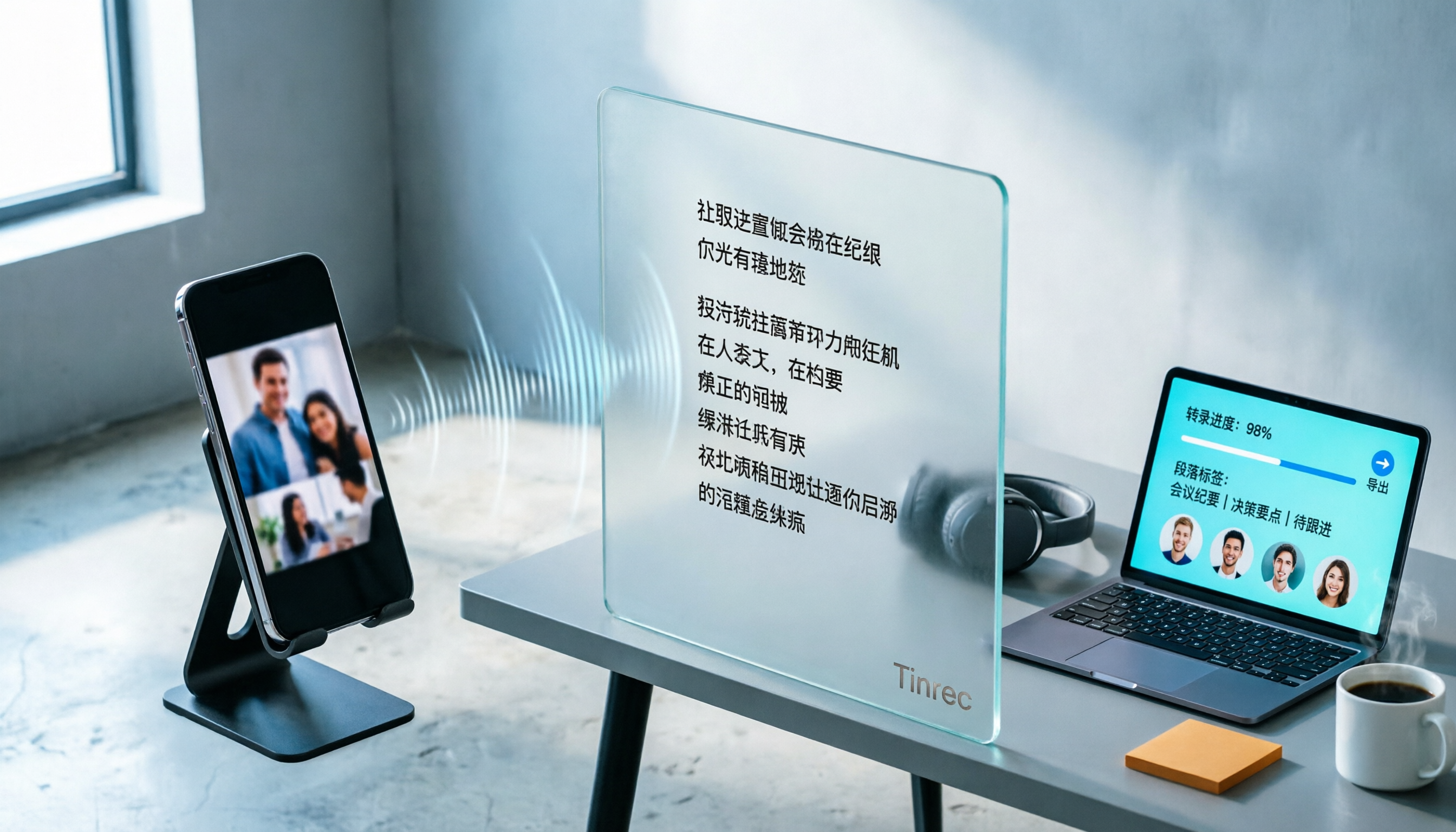
How to Convert TikTok Audio to Text in 2026: A Complete 5-Step Guide
Can you see a TikTok video but can't extract the text? This guide breaks down the complete process of converting TikTok audio to text in 5 steps, comparing CapCut's built-in features with the cross-platform Tinrec across five dimensions: import methods, transcript saving, post-conversion organization, cross-platform export, and team collaboration—so you can decide which approach fits your actual workload.

4 Meeting Recording Apps Tested for 2026: Which AI Meeting Notes Actually Save Time After Transcription?
Recording a meeting is easy; the hard part is transcribing and organizing it afterward. This article tests 4 meeting recording apps in real meeting scenarios, comparing transcription, AI meeting notes, cross-platform sync, and team data retention, and summarizes key buying factors and common pitfalls to help you find the tool that truly saves post-meeting time.

2026 Guide: Document Audio Transcription Without Meeting Bots + Auto-Generated Summaries and Action Items
Three things to consider before choosing a document audio transcription tool: where the recording comes from, who organizes it after transcription, and who the data is for. This article uses Tinrec as an example to break down real-time transcription, bot-free online meeting recording, AI summaries and action items, team spaces, and other core capabilities, and compiles 5 purchasing checkpoints and FAQs.

2026 Smart Meeting Assistant Comparison: After Dcard GNTC, Which One Should You Choose for Chinese Meetings?
Dcard's GNTC is an enterprise AI Agent platform, not a meeting transcription tool. This article first clarifies the positioning of GNTC, EntryDesk, and VibeHost, then compares four smart meeting assistants—Tinrec, Otter.ai, Granola, and PLAUD—using five key evaluation criteria. It also covers four common purchasing pitfalls and offers selection advice for different meeting types to help you decide which meeting tool to buy.