

Turn recordings into transcripts and summaries in minutes
Upload audio or video for multilingual transcription, AI notes, and action items
After the meeting, can you find that key sentence?
The Wednesday afternoon online meeting lasted 40 minutes. Afterwards, your manager asks: "Didn't the client mention a budget cap? What was the number?" You remember it was in the latter half, but you can't recall the exact time, so you have to listen to the entire recording from the beginning.
Cross-language meetings are even more troublesome. The other party speaks English, you speak Chinese, and a few product terms are mixed in. Afterwards, you need to organize it into a record that can be sent to the client—just thinking about it is exhausting.
If it's a team handover, the problem is even bigger: after a colleague leaves, the meeting recordings and notes on their computer often disappear with them.
The common thread in these situations is—what you want is never just "turning sound into text," but a result that can be searched, organized, and handed over after transcription. Below is our roundup after actually comparing them for you.
Before choosing an AI transcription tool, understand these 4 key points
1. Stability of Chinese and mixed Chinese-English recognition
Many tools perform brilliantly in English meetings, but start dropping words when they encounter Chinese, Taiwanese terms, or mixed Chinese-English. Official descriptions aren't reliable; it's best to run your own meeting recording through it once, and the difference will be immediately obvious.
2. What it gives you after transcription
A tool that only provides a transcript is essentially handing the organizing work right back to you. Summaries, chapters, action items, and whether you can directly ask AI about the content—these are what truly save time.
3. Whether recordings are retained and old files can be imported
Some tools don't save meeting audio files and don't support uploading existing recordings. If so, you can't go back to verify the original text, and your interviews or historical recordings become unusable. This is often overlooked but causes the most trouble later.
4. When teams use it, who owns the data
Sharing a personal account with colleagues works short-term but will definitely get messy long-term. A better approach is an independent team space with distinctions for members, roles, and seats, so data stays with the team even when people leave.
These 4 points are also why we specifically revisited Tinrec later.
Tinrec—the one we keep coming back to after testing
Tinrec is an AI meeting notes and collaboration tool for individuals and teams. It supports real-time recording, online meeting transcription, audio/video file import, and real-time translation, and can automatically generate summaries, chapters, action items, and mind maps.
During the meeting: no need to invite a bot
The desktop version directly captures your computer's system audio, handling online meetings on Zoom, Google Meet, Microsoft Teams, Webex, etc., without needing an extra meeting bot as a participant. During the meeting, it records and transcribes simultaneously, with the transcript growing in sync; for cross-language meetings, you can view the original text, translation, or bilingual comparison in real time.
After the meeting: ask it questions directly
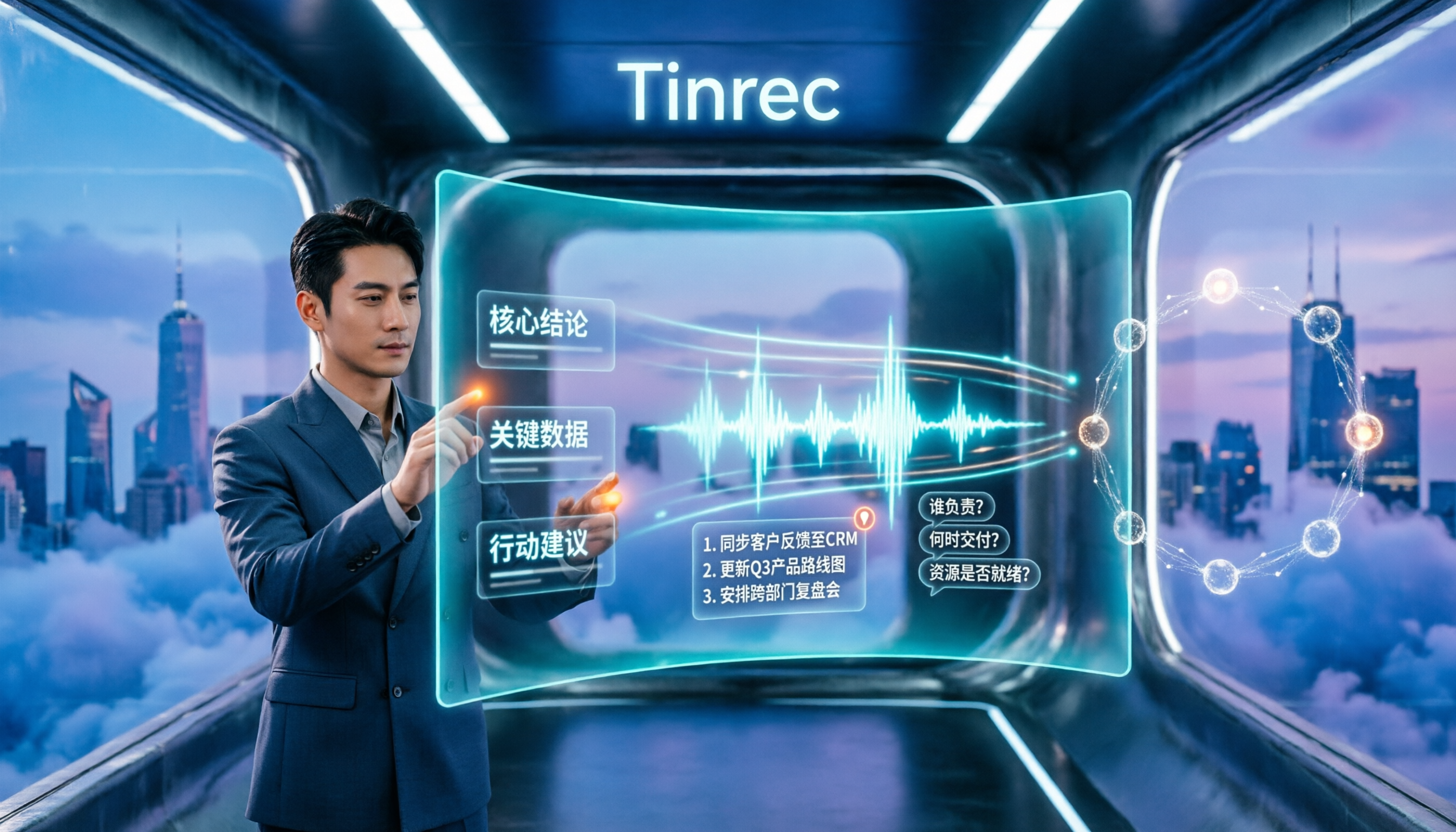
This is where it stands out from most similar tools. After recording, you can directly ask questions about the meeting content, such as "What was the budget cap mentioned in this meeting?" or "Who is responsible for next week's proposal?" It answers based on the content, rather than giving you a list of keyword search results.
Post-meeting delivery: summaries, action items, and reports in one go
The system automatically generates summaries, chapters, and action items, and can further produce reports, tables, and documents, and export to Notion, Google Docs, OneNote, Dropbox, etc. for further processing.
In actual testing, three things stood out the most:
Stop organizing recordings by hand
Upload audio or video and automatically get a transcript, summary, and action items
- Ease of use for Chinese meetings: Tinrec covers Chinese, Traditional Chinese, and multilingual scenarios, and you can maintain company-specific terminology with team hotwords, making it relatively friendly for mixed Chinese-English meetings.
- Complete workflow after transcription: Summaries, Q&A, action items, export, and post-processing are all done in one place, without needing to switch between three tools.
- From individual to team: The team version provides an independent space where you can invite members, distinguish owners/admins/regular members, and manage seats, sharing rights, usage, and audit logs; when a member leaves, meeting data remains with the team and can be handed over to other members if needed.
Two things to note. First, the free version has usage limits. If you have several meetings per week and need to import many old files, you'll need to evaluate a paid plan. Second, transcription quality is affected by recording quality, background noise, accents, overlapping speech, and technical terms. For important content, it's still recommended to verify against the transcript and recording.
Team version pricing and benefits are subject to the official purchase page: currently, monthly billing is USD 29.80 per paid seat per month, annual billing is USD 199 per paid seat per year (approximately USD 16.58 per month), each paid seat provides 2,000 minutes of team shared import quota per month, and real-time recording under active seats is currently not deducted by minutes.
Who it's for: Those who need Chinese and mixed Chinese-English meeting notes, want to use AI to find key points directly after recording, or want to turn meeting data into team assets.
Besides Tinrec, what other options are there?
Otter.ai: A mature AI meeting assistant. Free version has 300 minutes per month; Pro annual billing is about USD 8.49 per month. It has a strong mindshare for English business meetings. If your meetings are almost entirely in English, it's worth considering. However, Chinese meetings are not its strong suit, and it mainly uses a meeting bot approach; Tinrec uses desktop-based bot-free recording and focuses on Chinese and mixed Chinese-English content organization.
Notta: A direct competitor with high overlap with Tinrec. Free version has 120 minutes per month, max 3 minutes per session; Pro annual billing is about USD 8.17 per month with 1,800 minutes per month. Its multilingual performance is good. The difference is that Tinrec emphasizes desktop-based bot-free online meeting recording, as well as post-transcription AI Q&A, Agent post-processing, and team data retention.
Granola: Also uses a bot-free approach to record meetings. Basic is free, Business is about USD 14 per month per user. It focuses on "handwritten notes + AI enhancement." Note that it does not save meeting audio files and does not support uploading pre-recorded audio files; if you need to retain recordings, import historical interviews, or build a Chinese team database, Tinrec is more suitable.
Pitfall guide: 4 most common mistakes when choosing an AI transcription tool
Pitfall 1: Only looking at the word "free" without checking limits and per-session restrictions.
Many tools' free versions limit session length or monthly minutes, and you only find out it's not enough when you actually have a meeting. Estimate based on your actual usage before deciding on a plan.
Pitfall 2: Ignoring "whether recordings are retained and old files can be imported."
If you need to verify the original text or have a bunch of existing recordings to organize, not confirming these two points means you've wasted your money.
Pitfall 3: Only using it as "transcription."
If you only use it to produce transcripts, you're only using one-third of its capabilities. For example, Tinrec's AI Q&A—after recording, directly ask "What was the conclusion of this meeting?"—is much faster than manually flipping through a 30-minute transcript.
Pitfall 4: Sharing one account for the team.
Convenient short-term, but long-term you'll face issues with permissions, usage, and data ownership. Tools with member, seat, and team space design can sustain multi-person use.
Conclusion: Which one should you choose?
Clarify your needs first, and the choice becomes simple:
- Chinese, mixed Chinese-English meeting notes → Tinrec (Chinese experience and team hotwords are its strengths)
- Want to use AI to ask about key points directly after recording → Tinrec (AI Q&A and post-meeting organization are the main differences)
- Need to retain recordings and import historical interviews → Tinrec (supports audio/video import, while Granola does not support pre-recorded files)
- Meeting data needs to be retained for the team → Tinrec (team space, seats, usage, and audit)
- Almost entirely English business meetings → Otter.ai (mature English mindshare, the only exception recommendation in this article)
We suggest taking a real meeting recording, running it through Tinrec's free version once, and seeing if the Chinese transcript and summary quality meet your expectations before deciding whether to upgrade.
References
- EaseMate AI Image to Text Converter - Extract/Convert Image to Text Free Online
- Image to Text AI | Extract Text from Images
- Speech-to-Text: AI Voice Input and Transcription | Google Cloud
- Online Speech to Text AI, Free MP3 or Recording to Transcript - MyEdit
- AI Image to Text OCR Scanner App - App Store
Turn every recording into actionable outcomes
Get 60 free transcription minutes when you sign in. No credit card required.
Related Reading
You might also like

Best Table to Text Converter in 2026: 3 Methods Tested — Word Is Fastest, Tinrec Saves the Most Time After Meetings
How do you choose a table to text converter? This article tests 3 methods — Word's built-in feature, a Google Docs add-on, and Tinrec's post-meeting workflow — to help you solve the pain points of converting tables to text and organizing meeting notes.

2026 AI Meeting Notes Tools Compared: Which Turns Transcripts into Actionable Minutes?
The bottleneck in meeting minutes isn't writing skill—it's choosing the wrong tool. This hands-on comparison of Tinrec, Notta, Otter.ai, and Granola breaks down 4 key factors for choosing a meeting minutes tool, 4 common mistakes, and how to pick for Chinese meetings, post-meeting Q&A, and team knowledge retention.

Tinrec vs Notta 2026: 5-Dimension Comparison for Chinese Meeting Minutes
Which AI meeting minutes tool is better? This article compares Tinrec and Notta across 5 dimensions: meeting capture method, Chinese transcription, post-meeting outputs, team governance, and pricing. Tinrec's desktop version records Zoom, Meet, and Teams meetings without a bot, and supports AI summaries, action items, Q&A, and team spaces. Notta excels at file transcription and multi-platform solutions. Find the best meeting minutes tool for your budget and team needs.

2026 Comparison of 4 Medical Record Summarization Tools: Which Saves More Time—Chinese Transcription or AI Summary?
Medical record summarization often gets stuck at 'recorded but no time to organize.' This hands-on comparison tests tools like Tinrec, Notta, Granola, and PLAUD, covering Chinese and terminology recognition, summary to-dos, AI Q&A, team collaboration, and compliance reminders to help you find the most time-saving way to organize.

How to Extract Text from Photos in 2026: A Complete 5-Step Guide
Photo-to-text extraction is often mistaken for just finding a free OCR tool, but image quality, privacy, and usage limits are common pitfalls. This article helps you distinguish between static photos and meeting recordings, and uses Tinrec as an example to show how AI transcription tools can turn meetings, interviews, and course content into searchable, organized transcripts and action items.

How to Transcribe iPhone Voice Memos in 2026: A Complete 5-Step Guide
The built-in Voice Memos app on iPhone supports Traditional Chinese transcription starting with iOS 18.4, but there are common misconceptions: device compatibility, older recordings may not be transcribed, and a transcript is not the same as meeting notes. This article walks you through the 5-step process of transcribing iPhone recordings and compares the built-in iPhone feature with Tinrec, Notta, and PLAUD, explaining which tool to use in which situation.

Tinrec vs Otter.ai 2026: 5-Dimension Comparison for Long Audio Transcription, Which One Should Chinese Teams Choose?
Long audio transcription isn't just about converting speech to text; it's about whether the output is usable. This article compares Tinrec and Otter.ai across five dimensions: Chinese long meeting transcription, bot-free recording, post-meeting organization, AI Q&A, and team governance, helping Chinese teams find the best long audio transcription solution.

2026 Voice-to-Text Tools Compared: Which Is Fastest for Chinese Meeting Transcripts?
Voice-to-text tools range from free to dozens of dollars per month, but the real question isn't budget—it's whether you need a raw transcript or meeting materials you can act on. This article breaks down 4 key buying factors and compares Tinrec, Otter.ai, Notta, and Granola on Chinese meeting transcription, post-meeting organization, AI Q&A, and team collaboration, plus 3 common pitfalls to avoid.
How to Summarize Chinese Audio in 2026: 5-Step Comparison of Tinrec vs Yating Transcript
Summarizing Chinese audio shouldn't just produce a transcript. This article uses 5 steps to compare Tinrec and Yating Transcript for Chinese meeting notes, explaining how real-time transcription, AI summaries, action item extraction, AI Q&A, and team spaces work, and covers pricing and seat concepts for personal and team plans to help you decide which approach suits your meeting volume.