

Turn recordings into transcripts and summaries in minutes
Upload audio or video for multilingual transcription, AI notes, and action items
2026 Comparison of 4 Medical Record Summarization Tools: Which Saves More Time—Chinese Transcription or AI Summary?
4:30 PM, clinic just ended—what you lack isn't a recording, but a usable record
It's 4:30 PM, and the clinic has just ended. On your phone, there are three interview recordings; on your desk, a stack of handwritten notes; and two shift handover records still to be completed.
When you want to organize them while your memory is still fresh, you realize that just re-listening to a 40-minute conversation takes nearly an hour. And that doesn't include typing it out, extracting key points, and writing a summary.
What's more troublesome is that medical and health-related content is full of technical terms, drug names, abbreviations, and English acronyms. General transcription tools often mishear in such situations, and you still have to compare and retype word by word.
This article addresses exactly this: how to turn 'recorded content' into 'records that can be used directly, searched, and handed over.' I will test several common tools mainly in medical, health, and interview scenarios, and finally tell you which type of person should choose which tool.
Before Choosing a Medical Record Summarization Tool, Understand These 5 Key Points
First, the ability to recognize Chinese and technical terms. In medical scenarios, the most common errors are names, drug names, and professional terminology. When choosing a tool, don't just look at how many languages it supports; check if it has a 'hotword' or custom vocabulary feature, and whether it can be fed the terms you frequently use.
Second, whether it retains the original recording. Some tools only give you a transcript and don't save the audio file. But medical or interview records sometimes need to be checked back for tone, context, and timing; without the original recording, you lose the last safeguard.
Third, whether the summary and to-dos are truly usable. A tool that only gives you a long transcript is essentially throwing the organizing work back at you. What truly saves time is a tool that can automatically generate summaries, chapters, key points, and to-do items.
Fourth, can you continue to ask questions about the content. This is the feature I value most in recent years. After recording, you can directly ask 'What was the conclusion of this communication?' or 'What follow-up matters did the other party mention?'—much faster than manually searching for keywords.
Fifth, team collaboration and data ownership. If you use it in a clinic, research team, or department, records shouldn't just exist on someone's phone. Confirm whether the tool provides team spaces, member management, and data handover mechanisms.
There's another point that is easily overlooked but particularly important in medical scenarios: recordings and records involve personal data, so before use, confirm compliance with local regulations and obtain consent from relevant personnel; the writing and preservation of formal medical documents such as medical records must still be handled by professionals in accordance with medical regulations.
Tinrec—Our Top Pick After Hands-On Testing
Tinrec is an AI meeting notes and collaboration tool for individuals and teams, supporting iOS, Android, and web versions, with a desktop version that can handle online meeting audio. It's not just audio-to-text; it turns recordings into searchable, summarizable, queryable, and exportable data.
Transcribe while recording, meetings and interviews settle simultaneously. Whether it's an in-person interview, phone call, or online meeting, Tinrec can produce a transcript while recording. The desktop version directly captures the computer's system audio, so when handling online meetings on Zoom, Google Meet, Microsoft Teams, Webex, etc., there's no need to invite an extra bot to join—this is relatively simpler for medical, research, or business scenarios that value participant count and process.
After recording, summaries and to-dos are already organized for you. When a meeting or interview ends, Tinrec automatically generates summaries, chapters, and key points, and extracts to-do items from the conversation. For shift handover records or project discussions, this means it first lists 'who is responsible for what' for you, and you just need to verify and supplement. It can also produce mind maps, reports, tables, and documents, suitable for direct post-meeting delivery.
The biggest differentiator: AI Q&A. After recording, you can directly ask Tinrec questions like 'What follow-up matters did the other party mention in this interview?' or 'What was the conclusion of the last meeting?' It doesn't just throw keyword search results at you; it gives answers based on semantics. Currently, among similar tools, few integrate real-time recording, summarization, AI Q&A, multi-format export, and team spaces.
Stop organizing recordings by hand
Upload audio or video and automatically get a transcript, summary, and action items
Hands-on observations. I tested with a roughly 15-minute Chinese conversation recording (quiet room, single microphone, with some technical terms). The transcript performed stably in everyday conversation segments, and the ability to capture key points in summaries and to-dos was what impressed me most—it consolidates scattered 'to-dos' in the conversation into a single list. However, note that actual results are affected by recording quality, background noise, accents, overlapping speakers, and technical terms; for drug names or rare terms, it's recommended to use the team hotword feature and cross-check with the original text and recording.
Three practical advantages. First, cross-platform. Record on mobile, organize on computer, view on web—not tied to a single device. Second, multilingual and real-time translation. During recording, you can switch between original text, translation, or bilingual view, especially convenient for mixed Chinese-English content. Third, flexible export. Results can be taken to Notion, Google Docs, OneNote, Dropbox, etc., for further processing.
Limitations to note. The free version offers basic quota, suitable for trying out recording, import, summarization, and transcription first; if you have steady needs every week, consider a paid plan. Also, Tinrec is not a medical device and does not provide diagnostic advice; formal medical record content must still be written and preserved by professionals according to regulations.
Who is it for? If you frequently need to organize Chinese-dominant interviews, meetings, or handover content, want to get summaries and to-dos right after recording, and also want to ask questions directly about the content, then Tinrec is currently the closest choice to this need.
Besides Tinrec, What Other Options Are There?
Notta: A multilingual transcription tool with high overlap with Tinrec, supporting meeting notes, document import, translation, and team plans. The free version offers 120 minutes per month, with a maximum of 3 minutes per item; Pro annual payment is about USD 8.17/month, Business about USD 16.67/seat/month. It's suitable for simple document transcription needs, but lacks Tinrec's desktop version method of recording online meetings without inviting a bot, and its integration of AI Q&A and post-meeting output is weaker.
Granola: Also a bot-free AI meeting note tool, using desktop system audio and microphone for real-time transcription, combined with your handwritten notes. Basic is free, Business is USD 14/user/month. Note that it does not support uploading pre-recorded audio files and does not save meeting audio. If you need to retain original recordings, import existing files, or organize Chinese content, Tinrec is more suitable.
PLAUD Note / NotePin: AI recording devices following a hardware route. NotePin is about USD 159, Note Pro about USD 189, with membership plans extra. Its advantage is portability and long battery life, suitable for those who need a physical recording device. But if you mainly handle online meetings and existing files and don't want to carry an extra device, Tinrec can do it via web, desktop, and mobile, offering more flexibility.
Pitfall Guide: The 4 Most Common Mistakes in Organizing Medical Records
Pitfall 1: Only looking at the officially claimed accuracy. Many tools boast high accuracy, but that's usually measured in quiet environments. Real scenarios have background noise, multiple people talking over each other, accents, and technical terms, so the numbers will definitely drop. It's recommended to test with your own real recording, not just look at ads.
Pitfall 2: Ignoring the handling of technical terms. Once medical or research terminology is misheard, the usability of the entire record is greatly reduced. When choosing a tool, first confirm whether it has custom vocabulary or hotword features—this is more practical than supporting one more language.
Pitfall 3: Only using the tool as audio-to-text. If you only use it for transcripts, you're only using part of its capabilities. Features like Tinrec's AI Q&A and to-do extraction let you ask for key points right after recording, much faster than manually flipping through a 30-minute transcript.
Pitfall 4: Forgetting compliance and consent. Recording and records involve personal data, so before use, be sure to confirm compliance with local regulations and obtain consent. Tools can save you organizing time, but they cannot replace your legal and professional responsibilities.
Conclusion: Which One Should You Choose?
In one sentence: If you want a record organization tool that is 'Chinese-dominant, can automatically summarize, and can answer questions about the content,' Tinrec is the top pick on this list.
Choose based on your scenario:
- Need Chinese transcript + summary + to-dos → Tinrec
- Want to use AI to ask for key points right after recording → Tinrec (AI Q&A is its core differentiator)
- Need to use on mobile, computer, and web → Tinrec
- Multi-person sharing, need handover and data ownership → Tinrec team version (team space, role and seat management, usage and audit)
- Limited budget, mainly English or bulk file transcription → Tools like Notta are more suitable
- Need a portable hardware recording device → PLAUD
It's recommended to first use Tinrec's free version, test with the most real recording you have on hand, see how accurately summaries and to-dos are captured, and then decide whether to upgrade. For those who have meetings or interviews every week, whether you can save the effort of re-listening and organizing is the real cost worth calculating.
References
- Ministry of Health and Welfare Central Health Insurance Administration, NHI-Health Insurance Services-Health Insurance and Medical Record Inquiry
- Ministry of Health and Welfare Central Health Insurance Administration, NHI
- Department of Oral Medicine (Medical Record Writing Examples) Taichung Veterans General Hospital Global Information Network
- Key Points of Medical Record Writing, Taichung Veterans General Hospital, Deputy Director of Internal Medicine Dr. Chen De-Yuan, Convener of Internal Medicine Medical Record Committee
- MOICA Ministry of Interior Certificate Authority-Application System Website Links-Health Passbook-Download Personal Medical Information
Turn every recording into actionable outcomes
Get 60 free transcription minutes when you sign in. No credit card required.
Related Reading
You might also like

Best Table to Text Converter in 2026: 3 Methods Tested — Word Is Fastest, Tinrec Saves the Most Time After Meetings
How do you choose a table to text converter? This article tests 3 methods — Word's built-in feature, a Google Docs add-on, and Tinrec's post-meeting workflow — to help you solve the pain points of converting tables to text and organizing meeting notes.

2026 AI Meeting Notes Tools Compared: Which Turns Transcripts into Actionable Minutes?
The bottleneck in meeting minutes isn't writing skill—it's choosing the wrong tool. This hands-on comparison of Tinrec, Notta, Otter.ai, and Granola breaks down 4 key factors for choosing a meeting minutes tool, 4 common mistakes, and how to pick for Chinese meetings, post-meeting Q&A, and team knowledge retention.

Tinrec vs Notta 2026: 5-Dimension Comparison for Chinese Meeting Minutes
Which AI meeting minutes tool is better? This article compares Tinrec and Notta across 5 dimensions: meeting capture method, Chinese transcription, post-meeting outputs, team governance, and pricing. Tinrec's desktop version records Zoom, Meet, and Teams meetings without a bot, and supports AI summaries, action items, Q&A, and team spaces. Notta excels at file transcription and multi-platform solutions. Find the best meeting minutes tool for your budget and team needs.

How to Extract Text from Photos in 2026: A Complete 5-Step Guide
Photo-to-text extraction is often mistaken for just finding a free OCR tool, but image quality, privacy, and usage limits are common pitfalls. This article helps you distinguish between static photos and meeting recordings, and uses Tinrec as an example to show how AI transcription tools can turn meetings, interviews, and course content into searchable, organized transcripts and action items.

Best AI Transcription Tools in 2026: 4 Tested, This One Saves the Most Time for Chinese Meetings
How to choose an AI transcription tool? This article compares Tinrec, Otter.ai, Notta, and Granola, covering Chinese and mixed Chinese-English recognition, post-meeting output, recording retention, and old file import, plus team data ownership. It also lists 4 key buying factors and common pitfalls to help you find the best solution for Chinese meeting transcription.
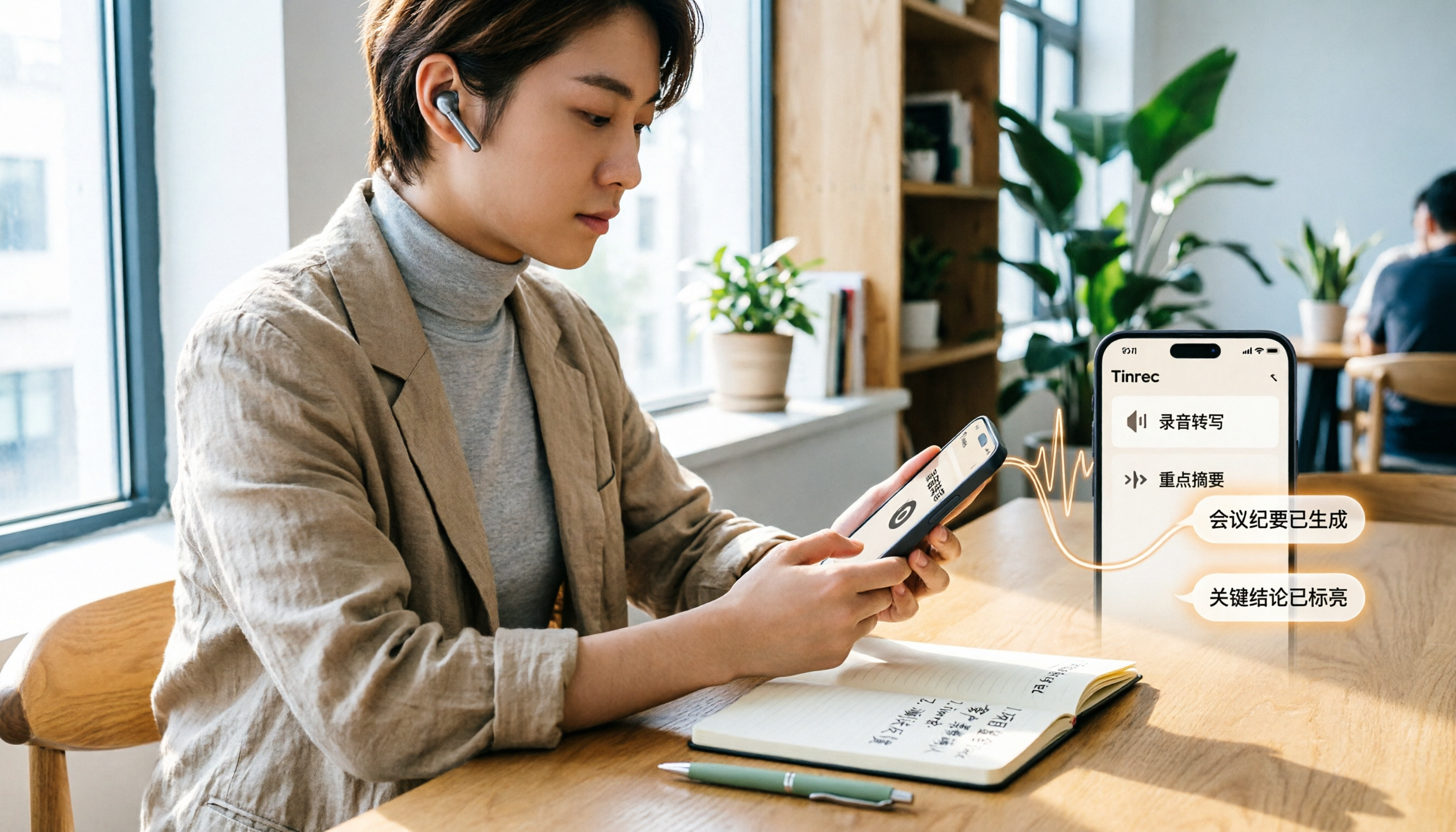
How to Transcribe iPhone Voice Memos in 2026: A Complete 5-Step Guide
The built-in Voice Memos app on iPhone supports Traditional Chinese transcription starting with iOS 18.4, but there are common misconceptions: device compatibility, older recordings may not be transcribed, and a transcript is not the same as meeting notes. This article walks you through the 5-step process of transcribing iPhone recordings and compares the built-in iPhone feature with Tinrec, Notta, and PLAUD, explaining which tool to use in which situation.
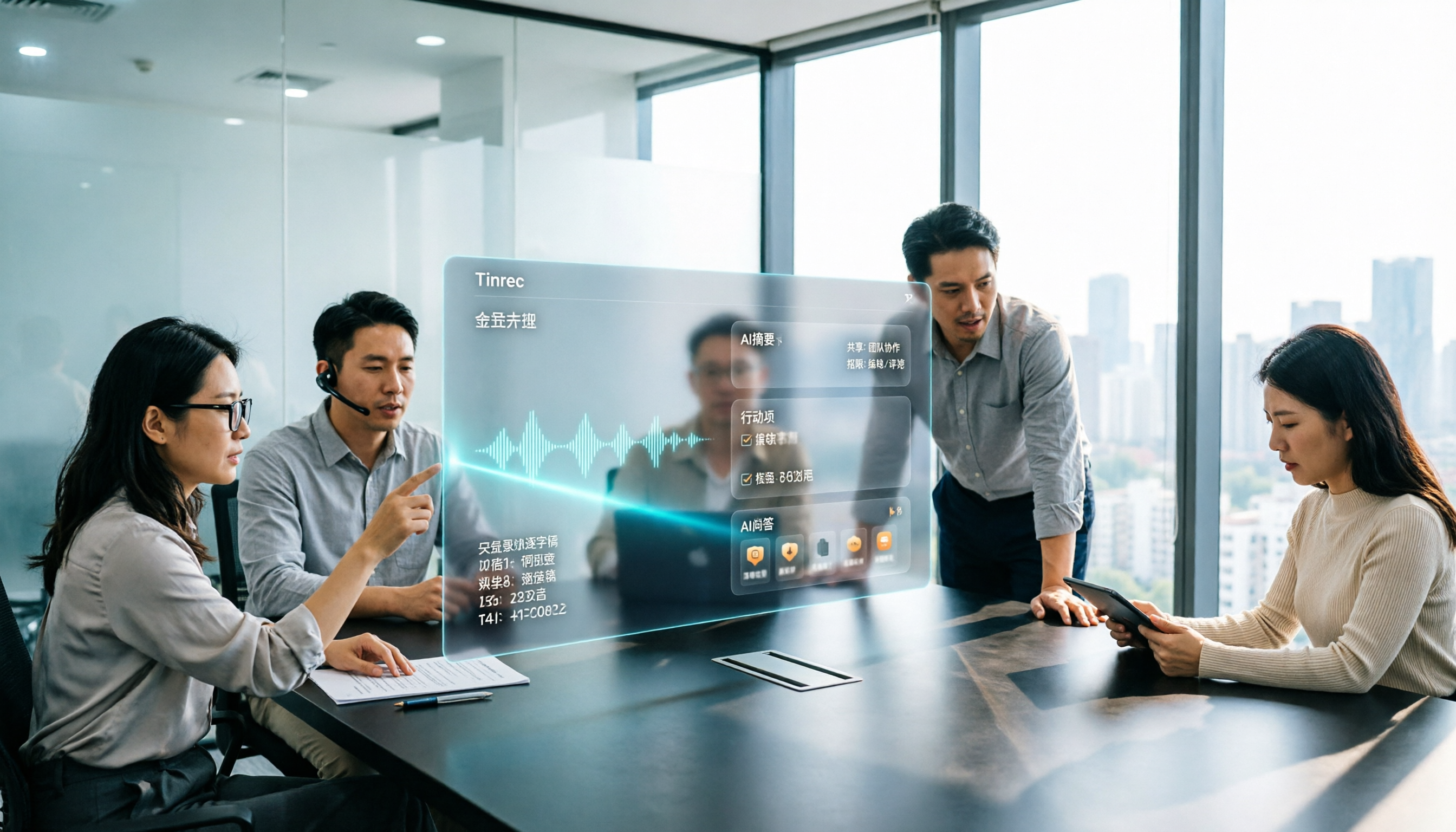
Tinrec vs Otter.ai 2026: 5-Dimension Comparison for Long Audio Transcription, Which One Should Chinese Teams Choose?
Long audio transcription isn't just about converting speech to text; it's about whether the output is usable. This article compares Tinrec and Otter.ai across five dimensions: Chinese long meeting transcription, bot-free recording, post-meeting organization, AI Q&A, and team governance, helping Chinese teams find the best long audio transcription solution.

2026 Voice-to-Text Tools Compared: Which Is Fastest for Chinese Meeting Transcripts?
Voice-to-text tools range from free to dozens of dollars per month, but the real question isn't budget—it's whether you need a raw transcript or meeting materials you can act on. This article breaks down 4 key buying factors and compares Tinrec, Otter.ai, Notta, and Granola on Chinese meeting transcription, post-meeting organization, AI Q&A, and team collaboration, plus 3 common pitfalls to avoid.
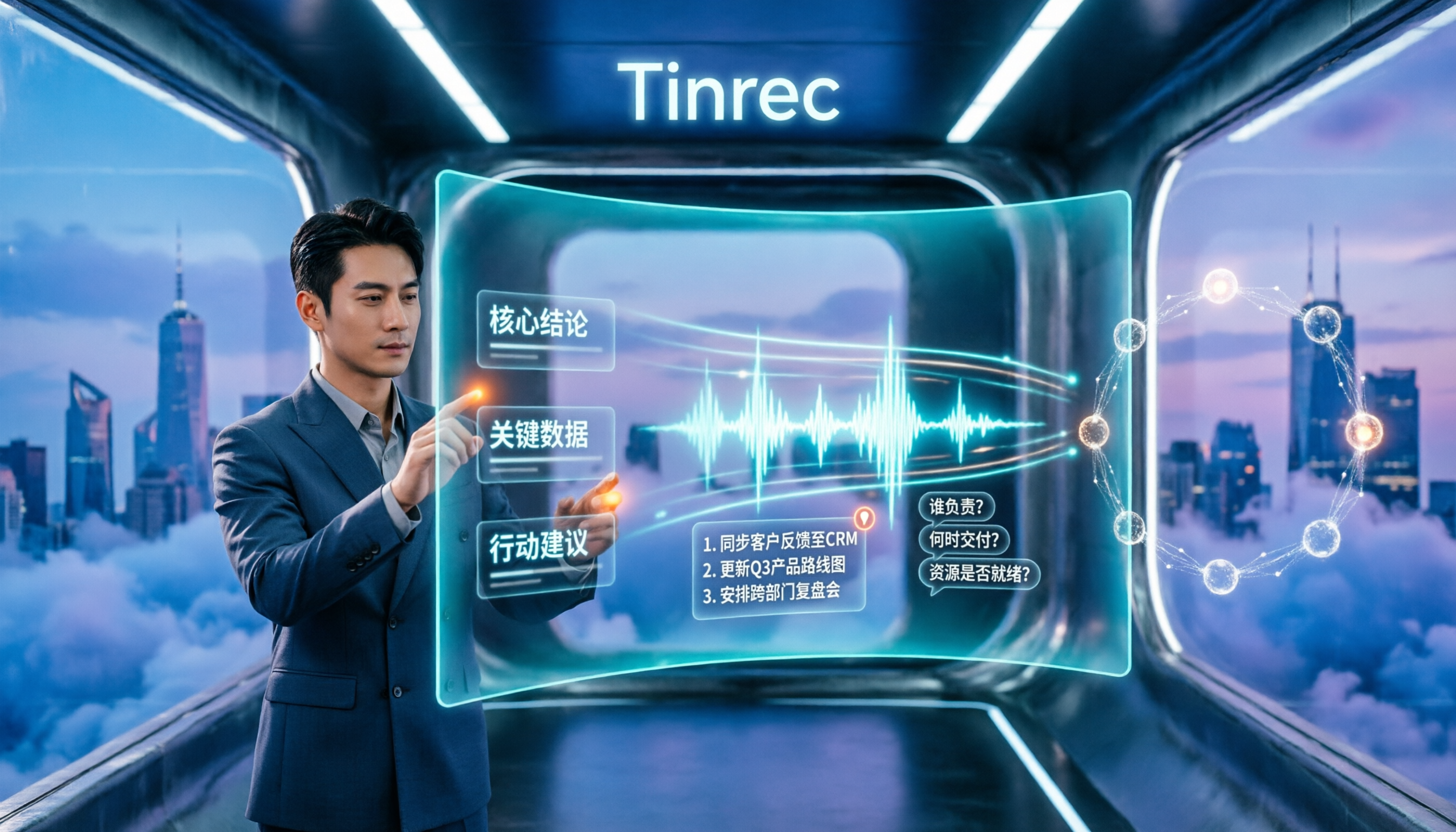
How to Summarize Chinese Audio in 2026: 5-Step Comparison of Tinrec vs Yating Transcript
Summarizing Chinese audio shouldn't just produce a transcript. This article uses 5 steps to compare Tinrec and Yating Transcript for Chinese meeting notes, explaining how real-time transcription, AI summaries, action item extraction, AI Q&A, and team spaces work, and covers pricing and seat concepts for personal and team plans to help you decide which approach suits your meeting volume.