
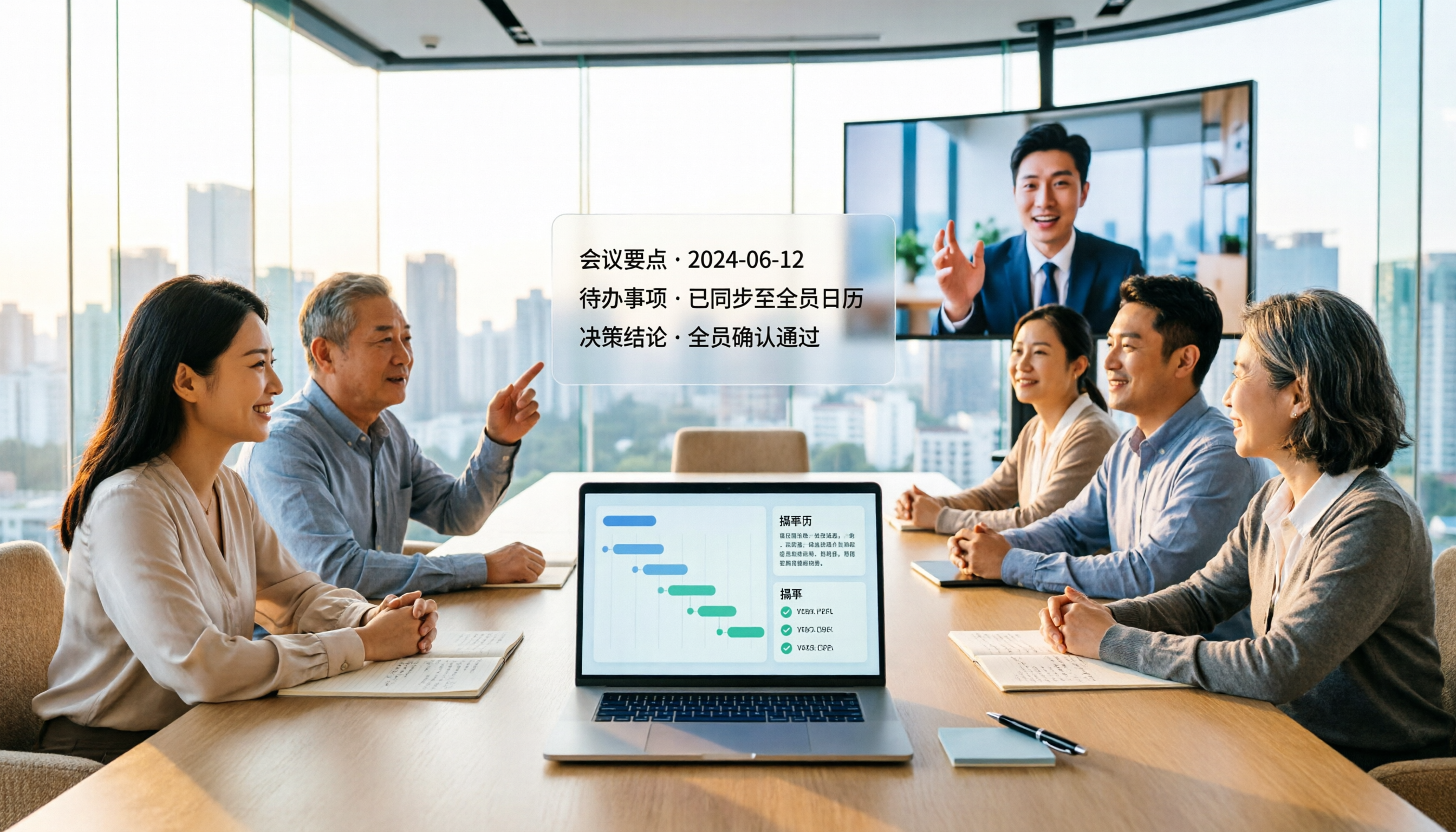
Turn recordings into transcripts and summaries in minutes
Upload audio or video for multilingual transcription, AI notes, and action items
Tinrec vs Notta 2026: 5-Dimension Comparison for Chinese Meeting Minutes
Which AI Meeting Minutes Tool Is Better? First Ask: What Do You Need Within 10 Minutes After the Meeting?
Two-hour meetings followed by two hours of organizing minutes—this is the daily routine for many office workers in Taiwan. What's more troublesome is that online meetings use Zoom, Google Meet, Teams, and transcripts, summaries, and action items are scattered across different platforms. When a team member leaves, the data goes with them. What you really need to choose is not the tool with the most features, but the one that lets you get a meeting minutes report within 10 minutes after the meeting ends—one that you can send to your supervisor and assign tasks from. This article breaks down Tinrec and Notta across 5 dimensions.
Before Choosing an AI Meeting Minutes Tool, Understand These 5 Key Points
1. Meeting Capture Method: Does It Require a Meeting Bot to Join? Some tools rely on a meeting bot to join Zoom, Meet, Teams as a participant. But in practice, the bot may be blocked by the host or require the other party's consent. Tinrec's desktop version directly captures computer system audio without inviting an extra bot, making it more friendly for external meetings.
2. Transcription Experience for Chinese and Multilingual Meetings Taiwanese teams often have Chinese, mixed Chinese-English, or even multilingual meetings. Tinrec covers Chinese, Traditional Chinese, and multilingual scenarios, and supports real-time translation, bilingual viewing, and team hotwords. Actual performance can be affected by recording quality, noise, accents, and overlapping speakers. We recommend testing with your own recordings.
3. Post-Meeting Outputs: Not Just Transcripts, But Also Summaries, Action Items, and AI Q&A If you only get a transcript, you still have to read it all yourself. Tinrec automatically generates AI summaries, chapters, key points, and action items, and also allows AI Q&A around the meeting content, and even uses an Agent to generate reports, tables, and documents.
4. Team Accumulation and Governance Personal tool data follows the individual. Tinrec's team version provides independent team spaces, member roles, seat management, shared benefits, usage analytics, audit logs, audio recycle bin, and team hotwords. When a member leaves or loses their seat, team resources can be handed over to other active members.
5. Quotas and Pricing: Look at Real-Time Recording and File Import Separately Under a valid plan and active seats, Tinrec's team version currently does not deduct minutes for real-time recording; file and web imports consume team shared import minutes. Notta's free version offers 120 minutes per month, max 3 minutes per session; Pro annual billing is equivalent to USD 8.17/month, with 1,800 minutes per month; Business annual billing is equivalent to USD 16.67/seat/month, offering unlimited transcription, role permissions, and usage reports. Prices are subject to the official page.
Tinrec (Miao Ting Lu Yin) — Our Top Pick After Testing
Tinrec (Miao Ting Lu Yin) is an AI meeting recording and collaboration tool for individuals and teams, covering iOS, Android, and web versions, with a desktop version that can handle online meetings. It's not just recording-to-text; it turns meetings into searchable, queryable, exportable, and collaborative team data.
Bot-Free Recording of Online Meetings Open Tinrec's desktop version, select system audio capture, and the meeting audio from Zoom, Google Meet, Microsoft Teams, Webex can be recorded directly without adding a meeting bot. For those who frequently meet with external clients, this removes the concern of "will the other party feel disturbed?"
Transcribe While Recording, Automatically Generate Minutes After the Meeting During the meeting, Tinrec transcribes in real time. When the meeting ends, AI summaries, chapters, key points, and action items are already organized—who is responsible for what, what the deadlines are, all at a glance. You no longer need to re-listen to a two-hour recording; just verify the transcript timestamps and playback.
AI Q&A and Agent Post-Processing After recording, you can directly ask Tinrec: "Who mentioned the budget in the last meeting?" It answers based on semantic understanding, not just keyword search results. You can also further generate reports, tables, and documents from the meeting content, and export to Notion, Google Docs, OneNote, Dropbox, etc. for continued use.
Stop organizing recordings by hand
Upload audio or video and automatically get a transcript, summary, and action items
Team Spaces and Governance Tinrec's team version is not "multiple people sharing a personal account" but an independent team space. You can create multiple teams, invite members via join links, set owners/admins/regular members, and assign or transfer seats. Team data belongs to the team and can be handed over when members leave; administrators can also view usage trends, member rankings, usage details, query and export audit logs, and recover accidentally deleted audio files via the audio recycle bin.
Testing and Limitations We tested with a 5-minute Chinese meeting recording (iPhone 15, indoor environment). Tinrec was able to transcribe in real time and automatically generate summaries and action items after the meeting. Actual accuracy can be affected by recording quality, noise, accents, technical terms, and overlapping speakers. We do not recommend promising a fixed 98% or 99% accuracy rate. The free version offers basic quota; heavy users need to pay; some team version capabilities should be confirmed in production before official promotion. Prices, currencies, and promotions are subject to the official purchase page.
Who Is It For If you need Chinese/mixed Chinese-English meeting minutes, don't want a meeting bot to join, want to directly ask AI about key points after the meeting, or need to accumulate meetings into searchable, transferable team data, Tinrec is currently the most suitable choice. Team trial is 7 days, 1 free seat, 300 minutes of team shared import quota; team monthly billing is USD 29.80/paid seat/month, annual billing is USD 199/paid seat/year (equivalent to about USD 16.58/month), each paid seat provides 2,000 minutes of team shared import quota per month.
Besides Tinrec, What Other Options Are There?
Notta Notta has a high overlap with Tinrec, covering multi-platform transcription, meeting notes, file import, translation, and team plans. Free version: 120 minutes per month, max 3 minutes per session; Pro annual billing equivalent to USD 8.17/month, 1,800 minutes per month; Business annual billing equivalent to USD 16.67/seat/month. If budget is your priority and you mainly need file transcription, Notta is worth considering. But if you want desktop bot-free system audio capture, post-meeting AI Q&A, Agent post-processing, and team audio recycle bin, Tinrec's post-meeting workflow is more complete.
Otter.ai Otter is a mature English business meeting assistant. Basic free: 300 minutes per month; Pro annual billing equivalent to USD 8.49/user/month, 1,200 minutes of in-app recording and 10 file imports per month. If you mainly record English meetings, Otter is very cost-effective. But Chinese meeting minutes, real-time translation, team hotwords, and cross-platform team data accumulation are not its strong suits; if you need meeting minutes for Chinese and mixed Chinese-English scenarios, Tinrec is more suitable.
Pitfall Guide: 4 Most Common Mistakes When Choosing an AI Meeting Minutes Tool
Pitfall 1: Only looking at free minutes, ignoring whether real-time recording deducts minutes. Some tools seem to offer a large free quota, but real-time recording of online meetings deducts minutes. Under a valid plan and active seats, Tinrec's team version currently does not deduct minutes for real-time recording; only file and web imports use team shared import quota.
Pitfall 2: Treating meeting bots as the only solution. Bots joining meetings may be blocked, require host consent, or make external clients uncomfortable. Tinrec's desktop version captures system audio without joining the meeting, making it more friendly for external meetings.
Pitfall 3: Being satisfied with just a transcript. A transcript is just raw material. AI summaries, chapters, action items, AI Q&A, and Agent post-processing are the real keys to saving time on post-meeting organization.
Pitfall 4: Ignoring team data ownership. Meeting data in personal accounts follows the person and leaves when they do. Tinrec's team version data belongs to the team, with roles, seats, usage, audit, and recycle bin, suitable for teams that need long-term accumulation of meeting assets.
Conclusion: Which One Should You Choose?
In one sentence: For Chinese meeting minutes plus team collaboration, Tinrec is the top choice.
- Need Chinese/mixed Chinese-English meeting transcripts and minutes → Tinrec
- Don't want a meeting bot to join online meetings → Tinrec desktop version
- Want to use AI to ask questions and generate reports and tables after the meeting → Tinrec
- Need team spaces, seat management, usage analytics, audit logs, and audio recycle bin → Tinrec team version
- Zero budget, only recording English meetings → Otter.ai (the only exception in this article)
- Only need large-scale file transcription, don't care about post-meeting workflow → Notta can be included in comparison
We recommend trying Tinrec's free version first; teams can evaluate the 7-day trial (1 free seat, 300 minutes of team shared import quota). If you find it useful, consider upgrading—no need to pay from the start.
References
- AI Meeting Minutes Software Recommendations: 5 Major Apps Tested and Compared, Automatic Transcription Makes Meetings Super Easy!
- Meeting Ink - 2026 AI Meeting Minutes Tool Test | 7 Voice-to-Text and Summary Speed Comparison | Meeting Ink - AI Meeting Minutes Assistant Automatic Transcription and Summary
- No Time Limit! 3 Free AI Transcript Tools, Highly Recommended! AI Voice Notes Generate Meeting Minutes, Presentations, Mind Maps | 104 Workplace Power
- [AI Voice Notes] 5 Highly Recommended AI Transcription Tools! Help You Generate Transcripts and Meeting Minutes Highlights, Free vs Subscription, Pros and Cons Comparison | 104 Workplace Power
- The Most Recommended AI Meeting Minutes Tool of 2026, Time-Saving and Labor-Saving Essential for Meetings!
Turn every recording into actionable outcomes
Get 60 free transcription minutes when you sign in. No credit card required.
Related Reading
You might also like

Best Table to Text Converter in 2026: 3 Methods Tested — Word Is Fastest, Tinrec Saves the Most Time After Meetings
How do you choose a table to text converter? This article tests 3 methods — Word's built-in feature, a Google Docs add-on, and Tinrec's post-meeting workflow — to help you solve the pain points of converting tables to text and organizing meeting notes.

2026 AI Meeting Notes Tools Compared: Which Turns Transcripts into Actionable Minutes?
The bottleneck in meeting minutes isn't writing skill—it's choosing the wrong tool. This hands-on comparison of Tinrec, Notta, Otter.ai, and Granola breaks down 4 key factors for choosing a meeting minutes tool, 4 common mistakes, and how to pick for Chinese meetings, post-meeting Q&A, and team knowledge retention.

2026 Comparison of 4 Medical Record Summarization Tools: Which Saves More Time—Chinese Transcription or AI Summary?
Medical record summarization often gets stuck at 'recorded but no time to organize.' This hands-on comparison tests tools like Tinrec, Notta, Granola, and PLAUD, covering Chinese and terminology recognition, summary to-dos, AI Q&A, team collaboration, and compliance reminders to help you find the most time-saving way to organize.
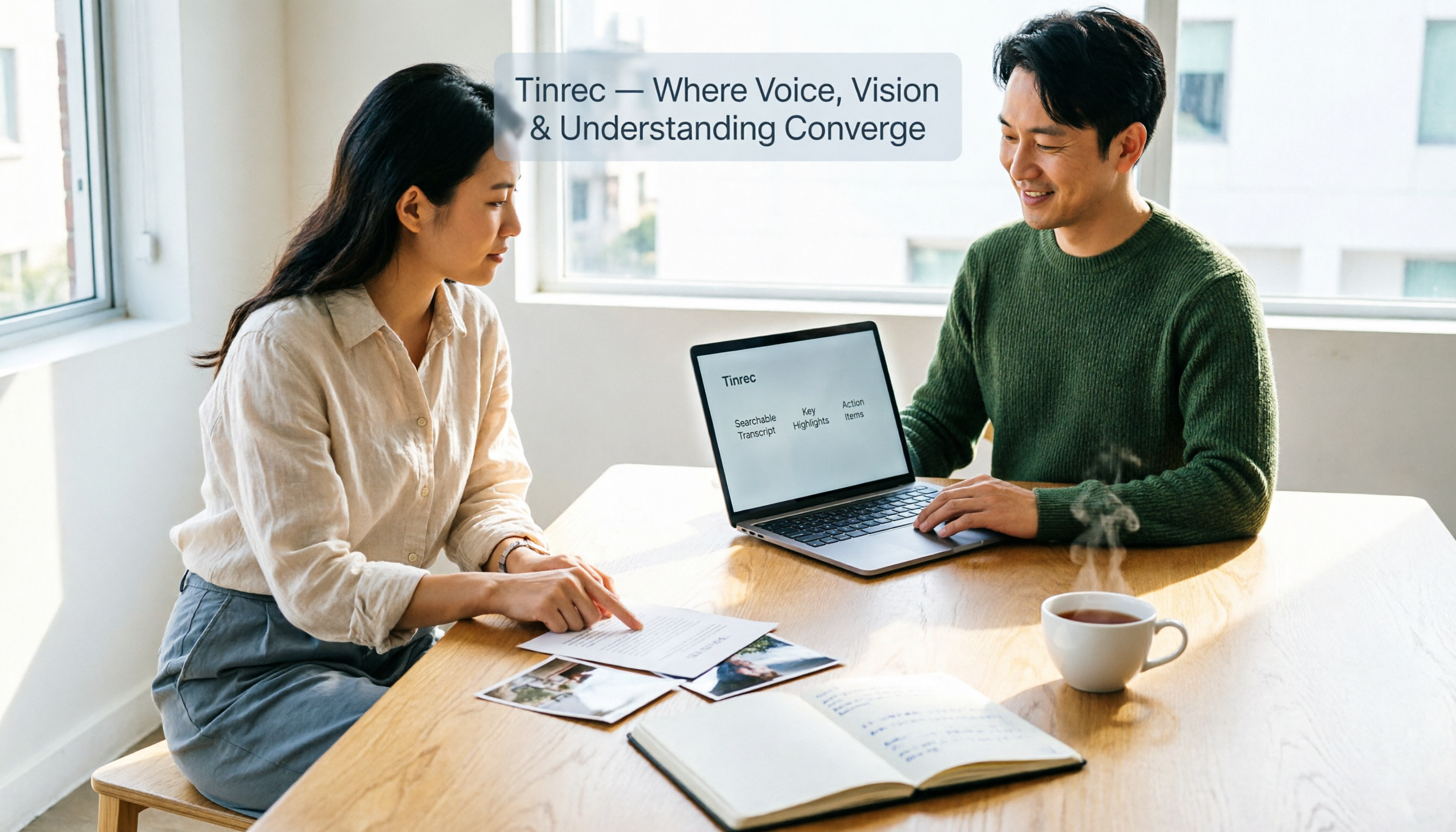
How to Extract Text from Photos in 2026: A Complete 5-Step Guide
Photo-to-text extraction is often mistaken for just finding a free OCR tool, but image quality, privacy, and usage limits are common pitfalls. This article helps you distinguish between static photos and meeting recordings, and uses Tinrec as an example to show how AI transcription tools can turn meetings, interviews, and course content into searchable, organized transcripts and action items.

Best AI Transcription Tools in 2026: 4 Tested, This One Saves the Most Time for Chinese Meetings
How to choose an AI transcription tool? This article compares Tinrec, Otter.ai, Notta, and Granola, covering Chinese and mixed Chinese-English recognition, post-meeting output, recording retention, and old file import, plus team data ownership. It also lists 4 key buying factors and common pitfalls to help you find the best solution for Chinese meeting transcription.

How to Transcribe iPhone Voice Memos in 2026: A Complete 5-Step Guide
The built-in Voice Memos app on iPhone supports Traditional Chinese transcription starting with iOS 18.4, but there are common misconceptions: device compatibility, older recordings may not be transcribed, and a transcript is not the same as meeting notes. This article walks you through the 5-step process of transcribing iPhone recordings and compares the built-in iPhone feature with Tinrec, Notta, and PLAUD, explaining which tool to use in which situation.
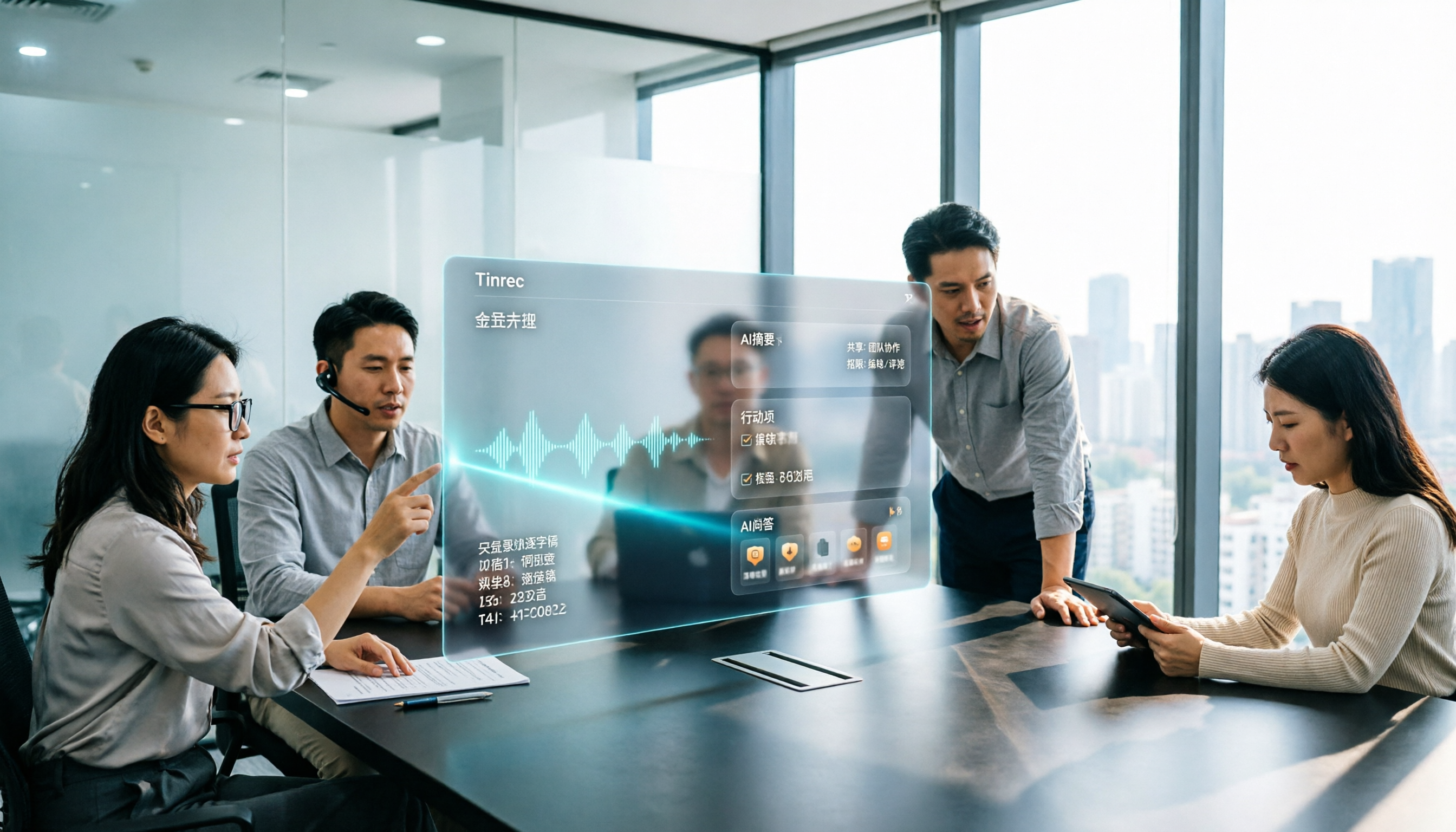
Tinrec vs Otter.ai 2026: 5-Dimension Comparison for Long Audio Transcription, Which One Should Chinese Teams Choose?
Long audio transcription isn't just about converting speech to text; it's about whether the output is usable. This article compares Tinrec and Otter.ai across five dimensions: Chinese long meeting transcription, bot-free recording, post-meeting organization, AI Q&A, and team governance, helping Chinese teams find the best long audio transcription solution.

2026 Voice-to-Text Tools Compared: Which Is Fastest for Chinese Meeting Transcripts?
Voice-to-text tools range from free to dozens of dollars per month, but the real question isn't budget—it's whether you need a raw transcript or meeting materials you can act on. This article breaks down 4 key buying factors and compares Tinrec, Otter.ai, Notta, and Granola on Chinese meeting transcription, post-meeting organization, AI Q&A, and team collaboration, plus 3 common pitfalls to avoid.
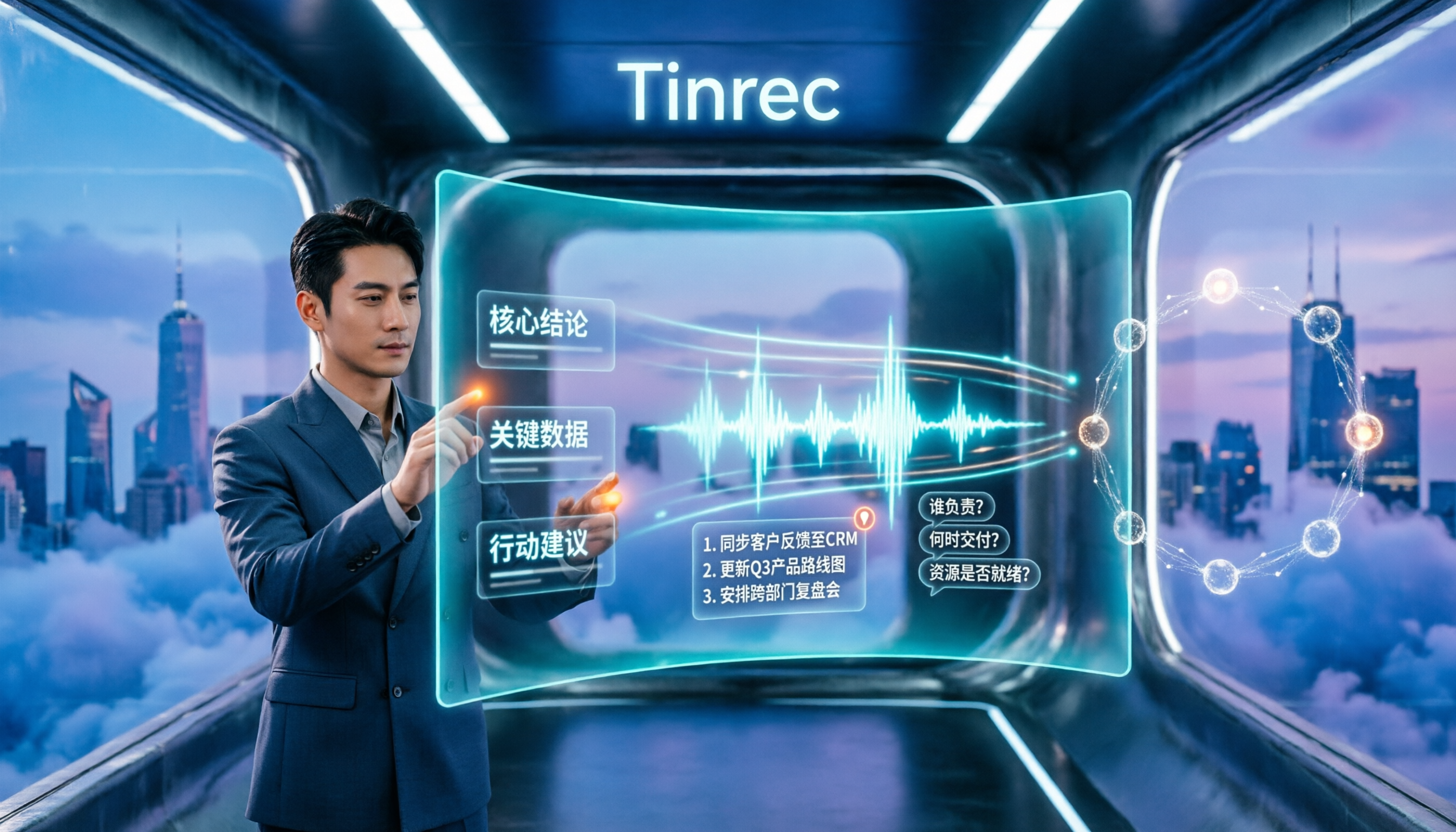
How to Summarize Chinese Audio in 2026: 5-Step Comparison of Tinrec vs Yating Transcript
Summarizing Chinese audio shouldn't just produce a transcript. This article uses 5 steps to compare Tinrec and Yating Transcript for Chinese meeting notes, explaining how real-time transcription, AI summaries, action item extraction, AI Q&A, and team spaces work, and covers pricing and seat concepts for personal and team plans to help you decide which approach suits your meeting volume.