

Turn recordings into transcripts and summaries in minutes
Upload audio or video for multilingual transcription, AI notes, and action items
2026 AI Meeting Notes Tools Compared: Which Turns Transcripts into Actionable Minutes?
The First Choice in Meeting Minutes Optimization: Do You Want a "Record" or "Action"?
After a meeting, the real choice most people face isn't "should I write minutes" but "are these minutes worth my time and can they drive the next step?"
A two-hour meeting might produce a 30-minute transcript. Afterward, you still need to extract key points, confirm decisions, and assign action items to the right people—spending twice the time just to reconstruct a conversation that already ended.
Another common scenario: in cross-department meetings, the same issue gets described three different ways. By the next meeting, everyone realizes "last time we said A, but I thought it was B."
Series-based project meetings are even trickier: last week's conclusions can't be found this week, so you have to ask again. Meeting minutes become an archive, not an asset.
So the first step in optimizing meeting minutes is to ask yourself three questions: Who will do it? When will it be done? Can it be reused directly in the next meeting?
If you can't answer these three questions, it's usually not your writing ability—it's the wrong tool.
Before Buying a Meeting Minutes Tool, Understand These 4 Key Points
1. Does it produce a transcript or minutes? A transcript is just raw material. A usable set of minutes needs a main topic, discussion summary, clear decisions, and finally action items broken down into "owner + deadline." If the tool only gives you a transcript, the organizing work still falls on you.
2. Can it be queried? Most transcription tools let you Ctrl+F keywords in the transcript. But if you want to ask "who mentioned the budget in the last meeting," keyword search won't help. The ability to directly ask questions about meeting content is the dividing line for this generation of tools.
3. Where does the meeting data end up? Recordings stored on personal devices disappear when the person leaves. If meeting content needs to be repeatedly queried by the team, check whether the tool has a team space and how member and data ownership are designed.
4. How are quotas calculated? Watch two things: how much free quota you get, and whether "live recording" and "file import" are counted separately. Some tools seem generous with free minutes, but uploading files deducts extra.
Tinrec — Our Top Recommendation After Testing
Tinrec is an AI meeting recording and collaboration tool for individuals and teams, supporting iOS, Android, web, and desktop. Its core value is turning meeting recordings into searchable, queryable, exportable, and further processable data.
During the meeting: no need to invite a meeting bot The worst part of online meetings is having an extra "participant" that's a bot, and having to explain it to others. Tinrec's desktop version directly captures your computer's system audio, handling Zoom, Google Meet, Microsoft Teams, Webex, and other online meetings without a bot joining. The transcript is generated in sync during the meeting. Note: this is not "automatically joining all calendar meetings"—the user actively starts recording.
After the meeting: summary, chapters, and action items all at once The transcript is just the starting point. Tinrec automatically generates summaries and chapters, breaking long meetings into browsable structure, and extracts action items from discussions. For weekly meetings or review meetings—where "decisions pile up and tracking is even more annoying"—this part is most impactful.
After recording: you can ask it questions directly This is where it differs most noticeably from similar tools. You can directly ask Tinrec: "Who mentioned the budget in the last meeting?" "What are the main points of customer complaints this quarter?" It doesn't give you keyword search results but answers directly based on semantic understanding, and can also query across multiple meeting documents. You can also export results to Notion, Google Docs, OneNote, Dropbox, or use Agent post-processing to generate reports, tables, and documents.
Test conditions and observations We tested with a real meeting recording containing mixed Chinese and English, keyboard sounds, and air conditioning background noise. Under clear audio and common meeting scenarios, Tinrec's transcription results are of usable quality. But honestly, accuracy is affected by recording quality, accents, overlapping speakers, and technical terminology, and the official team does not recommend promising fixed numbers. For important content, verify against transcript timestamps and recording playback.
Pros
Stop organizing recordings by hand
Upload audio or video and automatically get a transcript, summary, and action items
- Chinese meetings are its home turf: supports Chinese, Traditional Chinese, and multilingual meetings, plus "team hotwords" to maintain common terminology and reduce misheard technical terms.
- Complete workflow from record to action: summary, chapters, action items, AI Q&A, real-time translation, export, and Agent post-processing.
- Team version is a separate team space, not "multiple people sharing one account": includes members, roles, seats, usage analytics, audit logs, and audio recycle bin.
Limitations
- The free version offers basic quota, suitable for trying out; if you have multiple meetings weekly, you'll need to upgrade.
- File and web imports consume quota; the team version deducts "team shared import minutes"; live recording under an active team plan and active seat currently does not deduct by minutes.
- Some team version capabilities are still pending official release status; before purchase, refer to the official purchase page.
Pricing (subject to official purchase page) Personal plans include free, weekly, Pro monthly, and Pro annual—choose based on your usage tasks, not just price comparison. Team version: first-time eligible users can try 7 days, 1 free seat, 300 minutes team shared import quota; monthly USD 29.80 per paid seat per month, annual USD 199 per paid seat per year (about USD 16.58/month), each paid seat provides 2,000 minutes team shared import quota per month.
Who it's for If you mainly hold Chinese or mixed Chinese-English meetings, want to ask AI directly for key points afterward, and need to turn meetings into team-queryable, handover-ready data, Tinrec is currently the most suitable choice.
Besides Tinrec, What Other Options Are There?
Notta Covers multi-platform transcription, meeting notes, file import, translation, and team plans. Free version: 120 minutes per month, max 3 minutes per item; Pro annual equivalent to about USD 8.17/month. Its transcription and translation foundation is solid, but after transcription it mostly stops at subtitles and summaries, lacking Tinrec's AI conversational Q&A and Agent post-processing. If you only need subtitles and translation, consider it.
Otter.ai A mature choice for English business meetings. Free version: 300 minutes per month; Pro annual equivalent to about USD 8.49/user/month, with complete summaries, action items, and Q&A. However, its core mindset is English meetings; Chinese meetings and mixed Chinese-English content are not its strong suit—Tinrec has advantages in Chinese experience and team hotwords. If almost all your recordings are English meetings, Otter.ai is a cost-effective option.
Granola A bot-free AI meeting notes tool. Free version available; Business is USD 14/user/month, emphasizing "your notes + AI enhancement." Note: it does not support uploading pre-recorded audio files and does not save meeting audio, so you can't go back to verify the transcript afterward; Tinrec retains recordings and supports audio/video file import.
Pitfall Guide: The 4 Most Common Mistakes in Meeting Minutes Optimization
Pitfall 1: Treating the transcript as meeting minutes. The transcript is just a draft. AI can make mistakes with proper nouns, accents, and tone. Sending it out without proofreading easily causes misunderstandings. The right approach: verify first, then add decision context and emotional nuance.
Pitfall 2: Only recording the "immediate" discussion. Meetings easily lose focus, even introducing new topics that overturn the original purpose. When writing minutes, keep both past and future in view—the state of the last meeting, what to verify in the next. Only then will the record help drive activities forward.
Pitfall 3: Action items without owners and deadlines. Many minutes say "optimize the website" or "review pricing" but don't say who will do it or when. Always add What/Who/When to each action item for executable minutes.
Pitfall 4: Buying a tool but only using it as a voice recorder. If you only use "audio-to-text," you're using only one-third of what these tools can do. For example, Tinrec's AI Q&A lets you ask "what was the conclusion of this meeting" right after recording—much faster than manually flipping through a 30-minute transcript.
Also note: before recording and transcribing, inform participants and get consent, and comply with local regulations; data ownership and storage methods should also be clarified at the team level.
Conclusion: Which One Should You Choose?
In one sentence: the key to meeting minutes optimization isn't "writing faster" but turning transcripts into actionable, queryable, reusable data—and Tinrec performs most completely in this regard.
- Chinese or mixed Chinese-English meetings, need high-quality Chinese minutes → Tinrec
- Want to ask AI directly for key points after meetings, automatically generate action items and reports → Tinrec
- Need to continue using across phone, computer, and web → Tinrec
- Team wants to turn meetings into searchable assets and manage members, seats, and usage → Tinrec Team
- Almost all recordings are English meetings, limited budget → Otter.ai (the only exception recommendation in this article)
Rather than buying the highest-tier plan at once, try running a real meeting with Tinrec's free version first. Actually use the transcript, summary, and action items once, and you'll know what level your team needs.
References
- Meeting Minutes = Transcript? Professional Meeting Minutes Only Record 3 Key Points | Writing Tips and Templates | 104 Career Power
- After the Meeting, Do You Only Ask AI to Summarize? That's Just the Most Basic 1% Technique | Three-Level Meeting Minutes Prompts to Turn AI into Your Strategic Analyst | Personal Knowledge Management X AI Applications | Coach Jiang Jiang
- Tips for Creating Meeting Minutes Templates 2026 • Asana
- Business Weekly - 6-Step AI Meeting Minutes Organization: Use a Fixed Template to Turn Discussions into Clear Action Items - Business Weekly
- How to Take Meeting Minutes? 2026 Complete Guide for Beginners to Get Started Quickly - Meta Note
Turn every recording into actionable outcomes
Get 60 free transcription minutes when you sign in. No credit card required.
Related Reading
You might also like

Best Table to Text Converter in 2026: 3 Methods Tested — Word Is Fastest, Tinrec Saves the Most Time After Meetings
How do you choose a table to text converter? This article tests 3 methods — Word's built-in feature, a Google Docs add-on, and Tinrec's post-meeting workflow — to help you solve the pain points of converting tables to text and organizing meeting notes.
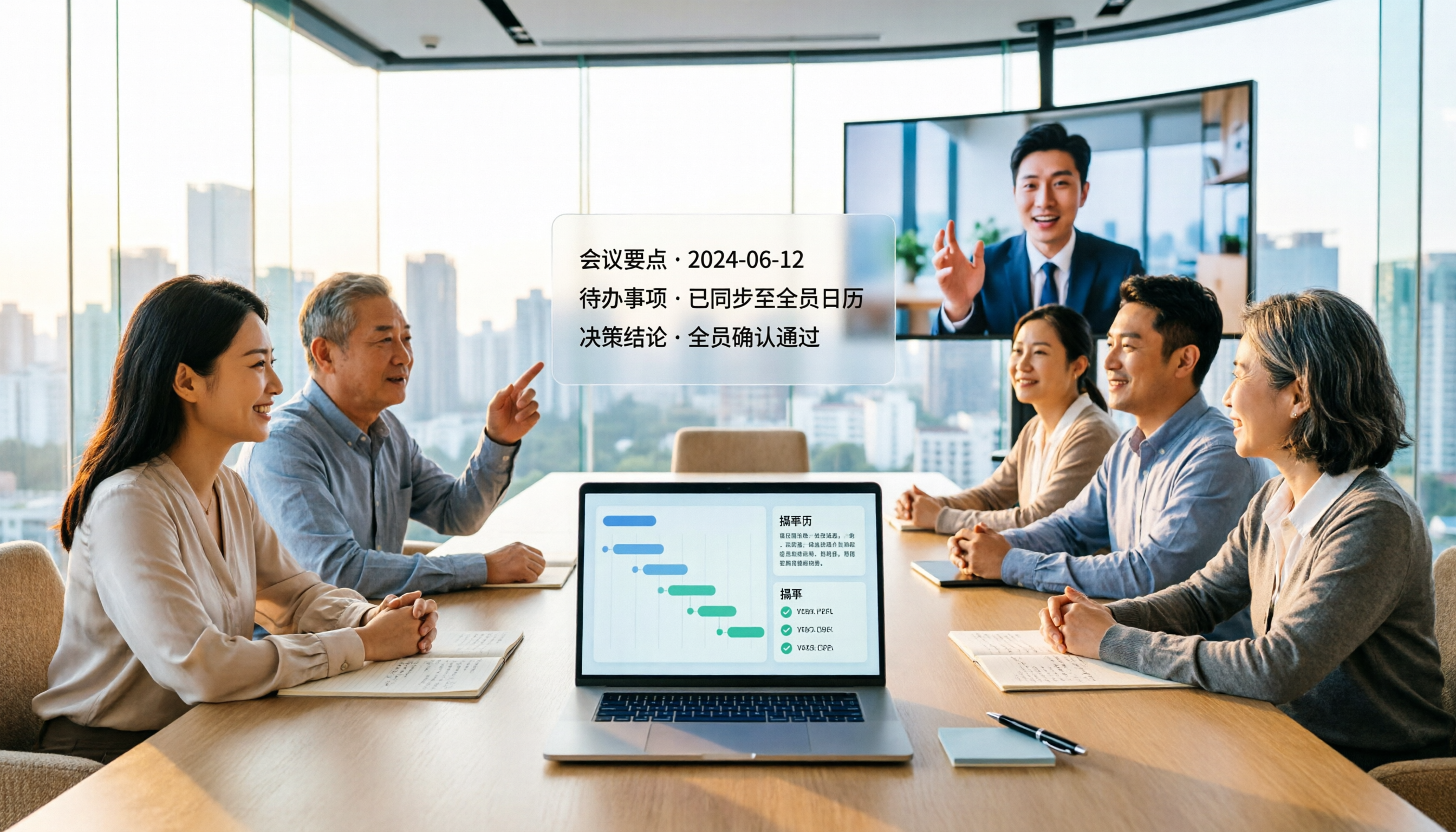
Tinrec vs Notta 2026: 5-Dimension Comparison for Chinese Meeting Minutes
Which AI meeting minutes tool is better? This article compares Tinrec and Notta across 5 dimensions: meeting capture method, Chinese transcription, post-meeting outputs, team governance, and pricing. Tinrec's desktop version records Zoom, Meet, and Teams meetings without a bot, and supports AI summaries, action items, Q&A, and team spaces. Notta excels at file transcription and multi-platform solutions. Find the best meeting minutes tool for your budget and team needs.

2026 Comparison of 4 Medical Record Summarization Tools: Which Saves More Time—Chinese Transcription or AI Summary?
Medical record summarization often gets stuck at 'recorded but no time to organize.' This hands-on comparison tests tools like Tinrec, Notta, Granola, and PLAUD, covering Chinese and terminology recognition, summary to-dos, AI Q&A, team collaboration, and compliance reminders to help you find the most time-saving way to organize.
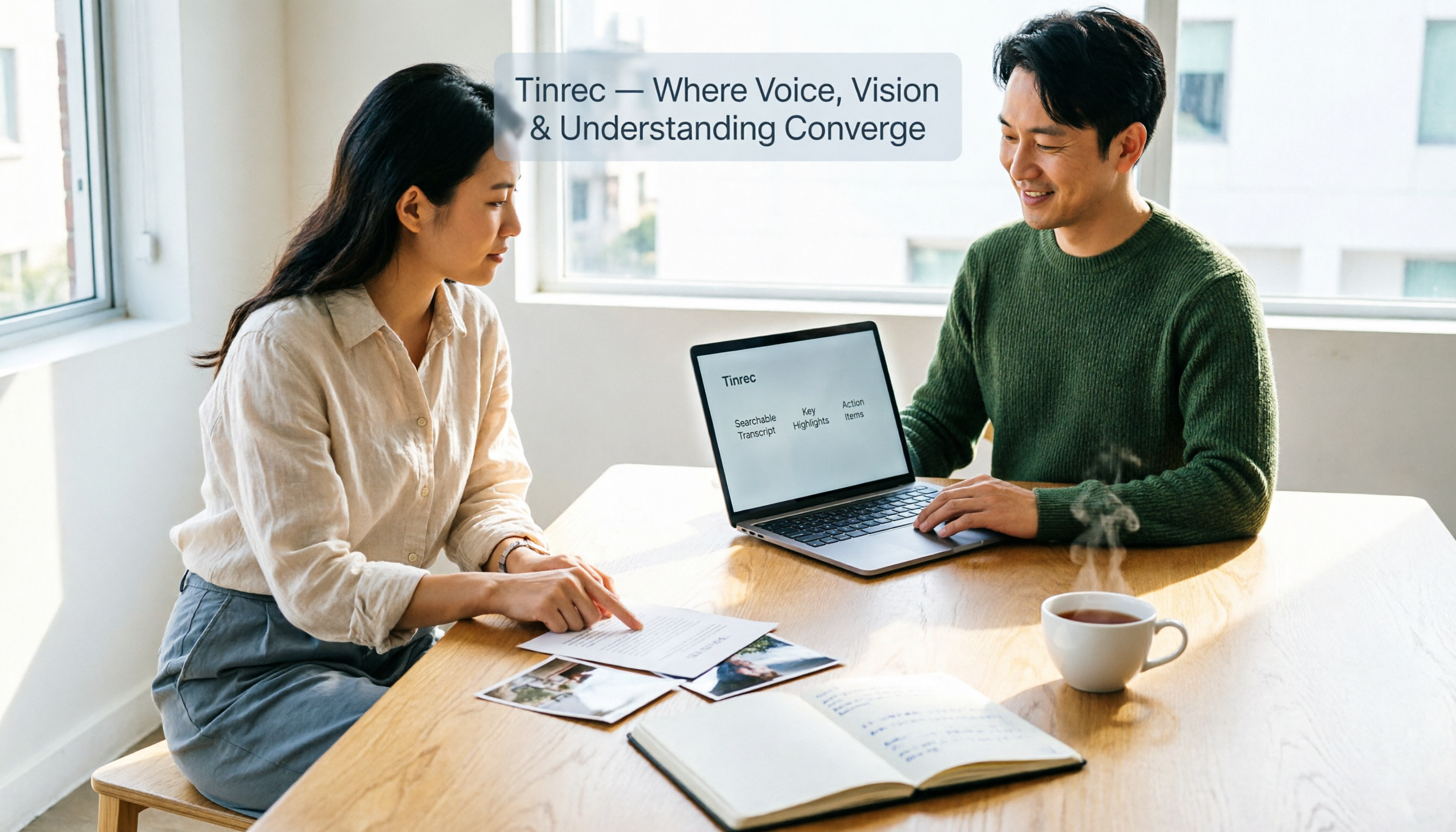
How to Extract Text from Photos in 2026: A Complete 5-Step Guide
Photo-to-text extraction is often mistaken for just finding a free OCR tool, but image quality, privacy, and usage limits are common pitfalls. This article helps you distinguish between static photos and meeting recordings, and uses Tinrec as an example to show how AI transcription tools can turn meetings, interviews, and course content into searchable, organized transcripts and action items.

Best AI Transcription Tools in 2026: 4 Tested, This One Saves the Most Time for Chinese Meetings
How to choose an AI transcription tool? This article compares Tinrec, Otter.ai, Notta, and Granola, covering Chinese and mixed Chinese-English recognition, post-meeting output, recording retention, and old file import, plus team data ownership. It also lists 4 key buying factors and common pitfalls to help you find the best solution for Chinese meeting transcription.

How to Transcribe iPhone Voice Memos in 2026: A Complete 5-Step Guide
The built-in Voice Memos app on iPhone supports Traditional Chinese transcription starting with iOS 18.4, but there are common misconceptions: device compatibility, older recordings may not be transcribed, and a transcript is not the same as meeting notes. This article walks you through the 5-step process of transcribing iPhone recordings and compares the built-in iPhone feature with Tinrec, Notta, and PLAUD, explaining which tool to use in which situation.
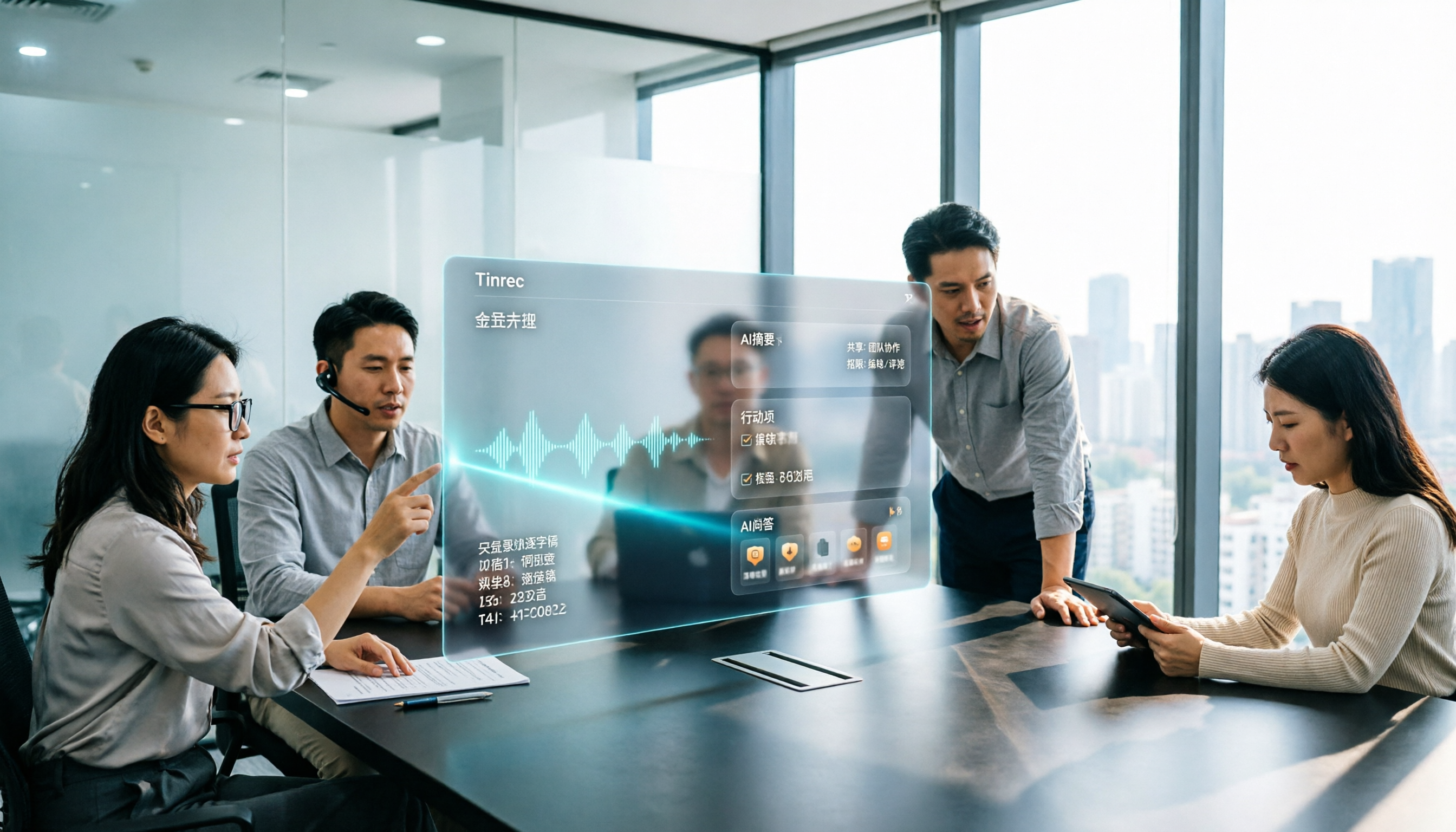
Tinrec vs Otter.ai 2026: 5-Dimension Comparison for Long Audio Transcription, Which One Should Chinese Teams Choose?
Long audio transcription isn't just about converting speech to text; it's about whether the output is usable. This article compares Tinrec and Otter.ai across five dimensions: Chinese long meeting transcription, bot-free recording, post-meeting organization, AI Q&A, and team governance, helping Chinese teams find the best long audio transcription solution.

2026 Voice-to-Text Tools Compared: Which Is Fastest for Chinese Meeting Transcripts?
Voice-to-text tools range from free to dozens of dollars per month, but the real question isn't budget—it's whether you need a raw transcript or meeting materials you can act on. This article breaks down 4 key buying factors and compares Tinrec, Otter.ai, Notta, and Granola on Chinese meeting transcription, post-meeting organization, AI Q&A, and team collaboration, plus 3 common pitfalls to avoid.
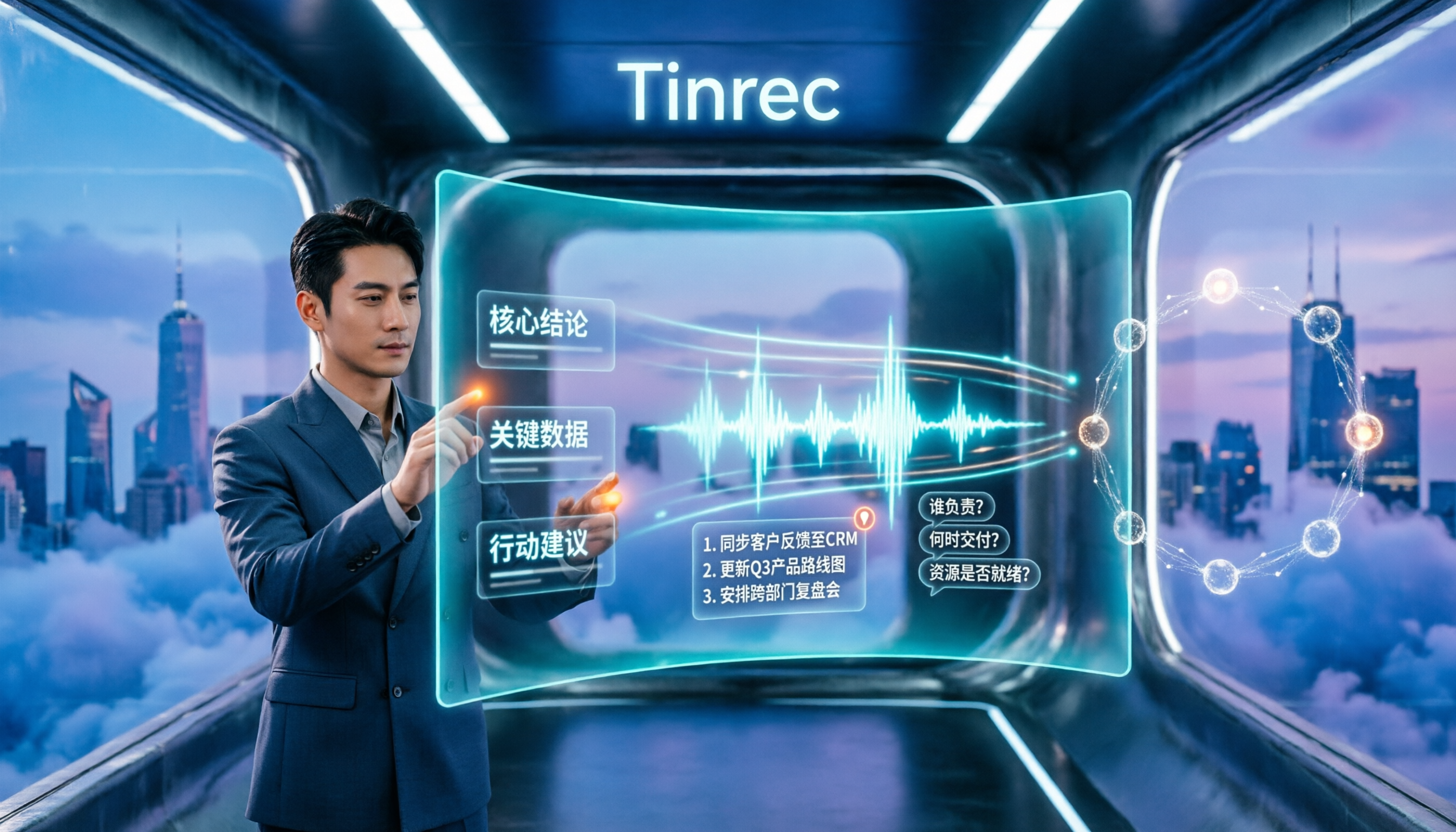
How to Summarize Chinese Audio in 2026: 5-Step Comparison of Tinrec vs Yating Transcript
Summarizing Chinese audio shouldn't just produce a transcript. This article uses 5 steps to compare Tinrec and Yating Transcript for Chinese meeting notes, explaining how real-time transcription, AI summaries, action item extraction, AI Q&A, and team spaces work, and covers pricing and seat concepts for personal and team plans to help you decide which approach suits your meeting volume.