

Turn recordings into transcripts and summaries in minutes
Upload audio or video for multilingual transcription, AI notes, and action items
2026 Text-to-Video AI Tools Tested: The Real Bottleneck Isn't Generation, It's Your Text
At last month's weekly meeting, my manager called me out: "Product intro video—I want to see a first draft next week." I nodded, went back to my desk, opened a text-to-video AI tool, and pasted in the three notes I'd jotted during the meeting. What came out looked like a slideshow with canned music—nothing like what I had in mind.
My immediate conclusion was "this tool sucks." But after trying a fourth one, it hit me: the tool wasn't the problem. What I fed it wasn't text material—it was fragments.
The real bottleneck with text-to-video AI tools was never the "generation" step. It's where your text comes from, whether it has structure, and whether it can work as a script. And for someone in 15 meetings a week, that text is usually still sitting in meeting recordings—not transcribed, not organized.
This isn't about hyping which generation tool is best. I want to talk about how I filled in the rest of the workflow: first use Tinrec to turn meeting, interview, and course audio into usable text, then hand it to a video generation tool. Get the order right, and the output follows.
What Can Text-to-Video AI Tools Do for You? First, Figure Out What You're Missing
Most people think a text-to-video AI tool's job is "paste text, get video." Run through it once and you'll see it handles the last mile; the first mile—turning audio into structured text—is where the real time goes.
Scenario 1: Turn meeting conclusions into an internal video script After a two-hour product meeting, I used to have to find separate time to write up an explanation for colleagues. Now, while the meeting is happening, Tinrec produces a transcript, and after the meeting the AI summary, chapters, and action items are ready. I pull the three conclusions from the summary, add a few transitions, and I have a script for a 90-second internal video. The video tool handles the visuals; the script comes from Tinrec.
Scenario 2: Turn customer interviews into a case study video asset library The most valuable part of a customer interview is the exact quotes, but an hour-long interview yields over 10,000 words of transcript—and when you need something, you can't find it. Tinrec turns interviews into searchable transcripts. I can just ask it "What were the three pain points the customer mentioned?" and it pulls the corresponding quotes. When cutting a case study video, this is the fastest place to pick material.
Scenario 3: Turn course or lecture recordings into a short video series Splitting a one-hour course into six short videos—the hardest part is finding the key points. Tinrec's AI summary and chapters break long content into a digestible structure. I write scripts one by one following the chapters, without re-listening to the whole recording.
Scenario 4: Generate bilingual subtitle scripts directly from cross-language meetings When meeting with overseas colleagues, Tinrec supports real-time translation—during recording you can view the original, translation, or both. For bilingual subtitles, you don't need to find someone to translate the first version.
In the Text-to-Video Workflow, These Five Capabilities Come First
When choosing tools, people tend to look at "generation quality" first, but my experience is: if these five capabilities aren't in place, no amount of flashy generation can save you.
1. Real-time recording to text: transcribe as you record, not after Tinrec supports real-time recording to text—in-person meetings, interviews, and on-site discussions can be captured as text while they happen. The pain point is simple: the moment a meeting ends, you should have a transcript in hand—not three days later.
2. Bot-free online meeting recording: no extra account sitting in the meeting room Tinrec's desktop version captures your computer's system audio directly, handling Zoom, Google Meet, Microsoft Teams, Webex, and other online meetings without inviting a meeting bot as a participant. To be clear: this is not "automatically joining every meeting on your calendar"—you actively open Tinrec to start recording.
3. AI summary and chapters: compress 90 minutes into a readable structure Transcripts are raw material; summaries are what you can use for video scripts. Tinrec automatically generates summaries, chapters, and key points, breaking long meetings into digestible sections. When I write video scripts, I usually look at the chapters to decide how many segments, then pull sentences from each.
4. Action items and key point extraction: what you want viewers to do at the end of the video comes from here A video without a call to action is just a scenic film. Who promised to do what and by when—Tinrec organizes these into action items, which are exactly the material for the last 10 seconds of a video.
5. AI Q&A and multi-format export: your data needs to keep working After transcription, you can ask Tinrec directly, for example "What was the conclusion about pricing in this meeting?" or "Which competitors did the customer mention?" It organizes answers semantically. The organized content can be exported to Notion, Google Docs, OneNote, Dropbox, and other tools, and can also be post-processed via Agent to generate reports, tables, and documents.
Real-World Use Cases
Product team internal communication: After product weekly meetings, review meetings, and cross-department coordination meetings, the owner records the entire session with Tinrec desktop, then organizes the summary and action items into an internal video script. What used to take half a day to write becomes a ten-minute video—and the conclusions come from the transcript, so nothing is missed.
Stop organizing recordings by hand
Upload audio or video and automatically get a transcript, summary, and action items
Customer success and sales: Customer interviews, requirement confirmations, solution discussions—record and transcribe with Tinrec to preserve customer needs, concerns, and commitments. When making case study videos or proposal decks, pulling exact quotes from the transcript is far more reliable than rewriting from memory.
Training and content creation: Online courses, internal lectures, podcast recordings—first import into Tinrec to get transcripts and summaries, then plan a short video series by chapter. Organize long content once, reuse across platforms—this is the most efficient approach.
Team knowledge retention: Meeting data is centralized in the team space; new members can look up past meetings. When members leave, team resources can be handed over to other active members—they won't disappear with an individual account.
Five Things to Watch When Choosing a Text-to-Video AI Tool
1. First, separate "generation" from "organization" There are plenty of video generation tools, but none can turn an hour-long meeting into a structured script. My approach is division of labor: Tinrec handles turning audio into transcripts, summaries, action items, and queryable data; the video tool handles final visual generation.
2. Is the source material broad enough? Check whether the tool can handle what you have. Tinrec supports real-time recording, desktop online meetings, audio and video files, mobile recording, and can also process some public web link content as a supplement. Historical recordings don't need to be re-recorded—just import them.
3. Chinese and mixed Chinese-English experience Meetings in Taiwan are rarely pure Chinese—they're often mixed with English. Tinrec covers Chinese, Traditional Chinese, and multilingual meeting scenarios, and supports real-time translation and bilingual viewing; the team version also lets you maintain team hotwords, training the recognition on your company's internal product codes and jargon.
4. Can you take the organized content with you? Transcription is just a process—whether it fits into your existing workflow is key. Tinrec supports multi-format export to Notion, Google Docs, OneNote, Dropbox, and other tools for further processing, and can also use Agent post-processing to generate reports, tables, and documents.
5. Should the team use it together? If it's just you, the personal version is enough. To share meeting data, manage members and usage across multiple people, look at the team version: Tinrec team version provides an independent team space, invite members via link, owner/admin/member role settings, seat allocation and transfer, team usage trends and member details, hotword management, audit logs, and audio recycle bin. Pricing is team monthly USD 29.80 per paid seat per month, annual USD 199 per paid seat per year (about USD 16.58 per month), each paid seat provides 2,000 minutes of team shared import quota per month; eligible teams get a first trial of 7 days, 1 free seat, 300 minutes of team shared import quota. Actual prices and benefits are subject to the official purchase page.
One more reminder: roles and seats are two different things. Roles determine who can manage the team, members, and audits; seats determine whether you can record, upload, edit, and import/export. Active members without a seat can still view, play, and read team data.
FAQ
Q: Can text-to-video AI tools turn meeting recordings directly into videos? A: Most tools can't do end-to-end. They're good at taking structured text you already have and turning it into visuals. The middle step—turning audio into usable text—still needs a meeting notes tool like Tinrec.
Q: Can Tinrec generate videos? A: No, and I want to be clear about that. Tinrec is positioned as an AI meeting notes and collaboration tool, responsible for turning real-time recordings, online meetings, audio and video files into transcripts, summaries, chapters, action items, and queryable data, and can export or generate reports, tables, and documents. Video generation should be left to dedicated video tools.
Q: Is the free version enough? A: Depends on how often you use it. For occasional recording organization, start with the free version's basic quota to try recording, importing, summaries, and transcription; for short-term intensive meetings or interviews, consider a weekly card; for steady weekly needs, choose the Pro monthly card; to build a long-term recording database, the annual card's monthly equivalent is more cost-effective. Actual personal version quotas and prices are subject to the official purchase page.
Q: Do online meetings need a bot to join? A: No. Tinrec desktop captures your computer's system audio directly, handling Zoom, Google Meet, Microsoft Teams, Webex, and other meetings without an extra bot sitting in the meeting. You start it yourself by opening Tinrec to record—it does not automatically join every meeting on your calendar.
Q: What's the difference between team and personal versions? A: Personal version data belongs to the individual account; the team version is an independent team space where meeting data belongs to the team, with additional member and role management, seat allocation, team sharing benefits, usage analytics, audit logs, and audio recycle bin. When a member leaves or is removed, their team resources can be handed over to other active members.
Q: Can transcription accuracy be guaranteed? A: Don't trust any fixed number. Actual performance is affected by recording quality, ambient noise, accents, overlapping speakers, and technical jargon. The practical approach is to run a test with your own recording, and for important content, cross-check with transcript timestamps and recording playback. Also, follow local laws for recording and transcription, and get participant consent when necessary.
Conclusion
Text-to-video AI tools aren't a magic switch—they're more like the printing press for the last mile: whatever your manuscript looks like, that's what gets printed. And for most people, the manuscript is still buried in meeting recordings.
My current approach is fixed: record meetings with Tinrec desktop, then use summaries, chapters, action items, and AI Q&A to organize a script, then hand it to a video generation tool. The biggest time saver in the whole workflow isn't the 30 seconds of generation—it's the transcript you didn't have to type yourself.
If you have more than 3 meetings a week and want to turn meeting content into video or presentation material, I suggest putting Tinrec at the very front of your workflow first. The personal version can start with the free version's basic quota; for teams, there's a 7-day, 1 free seat trial to evaluate.
References
Turn every recording into actionable outcomes
Get 60 free transcription minutes when you sign in. No credit card required.
Related Reading
You might also like

Tinrec vs Windows Voice Typing in 2026: 5-Dimension Comparison — Which PC Speech-to-Text Shortcut Should You Choose?
A PC speech-to-text shortcut is more than just a hotkey. This article compares Tinrec and Windows built-in voice typing (Win+H) across 5 dimensions—activation, online meeting capture, post-meeting organization, existing audio transcription, and team collaboration—to help you decide which solution truly fits your meeting notes needs.

Tinrec vs Yating Transcription in 2026: 5-Dimension Comparison of Chinese Real-Time Transcription Apps
How to choose a real-time transcription app? This article focuses on Tinrec (Miaoting Recording), covering practical uses, core capabilities, and 5 key purchasing considerations for real-time transcription apps. It explains differences in bot-free online meeting recording, AI summaries and action items, AI Q&A, export options, and team spaces, with FAQs to help you decide which app is better for Chinese meetings and team collaboration.

6 Best iOS Transcription Solutions in 2026: Is the Built-in iPhone Option Enough?
We compare six iPhone recording-to-text solutions in 2026, from the built-in iOS Voice Memos to Tinrec, Otter, Notta, TurboScribe, and PLAUD. We break down free tiers, Chinese language support, AI summaries, and team collaboration to help you find the best fit.
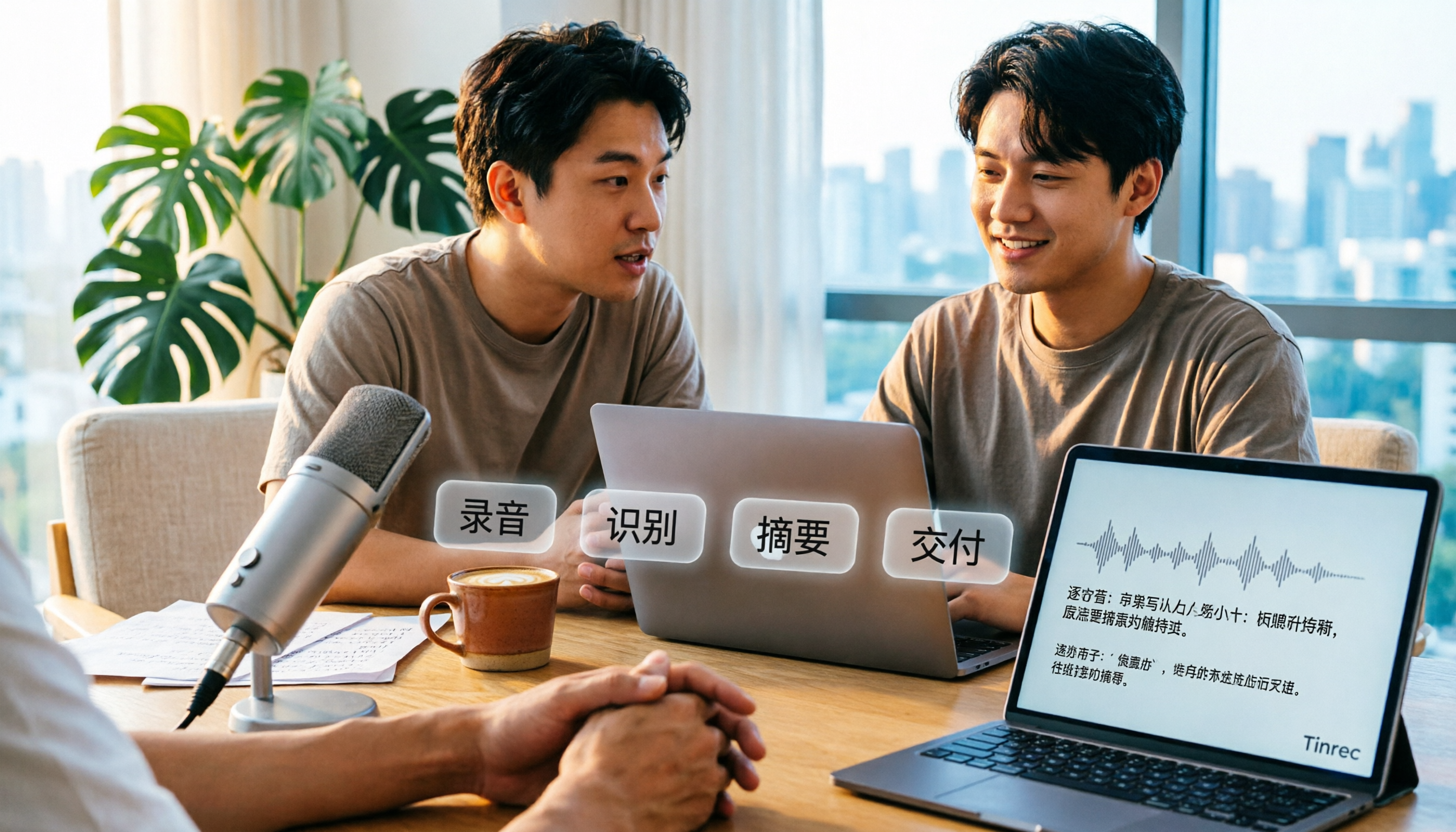
How to Transcribe Audio to Text in 2026: A Complete 5-Step Guide
Transcribing audio doesn't have to mean typing it out yourself. This article addresses common misconceptions and compares Tinrec and Otter.ai on Chinese language support, online meeting recording methods, post-transcription organization, pricing, and team collaboration. It also provides a 5-step implementation guide and answers frequently asked questions to help you find the right audio-to-text solution.

2026 Apple Voice-to-Text Comparison: 4 Methods Tested — Is Built-in Transcription Enough?
iPhone's built-in Voice Memos now offers transcription, but is it enough? We compare 4 Apple voice-to-text methods, breaking down device and iOS version requirements, AI Q&A, cross-platform export, and free tiers. Tinrec is our top recommendation, with its bot-free desktop recording, AI summaries and action items, and team workspace. Includes a pitfalls guide and selection advice.

Vivo Audio to Text Free Options in 2026: 3 Solutions Compared
Starting from common misconceptions about Vivo audio-to-text, this guide reviews 3 free solutions and compares Vivo's built-in voice tools with Tinrec across 5 dimensions to help you decide which to use for meetings, interviews, and quick voice notes.
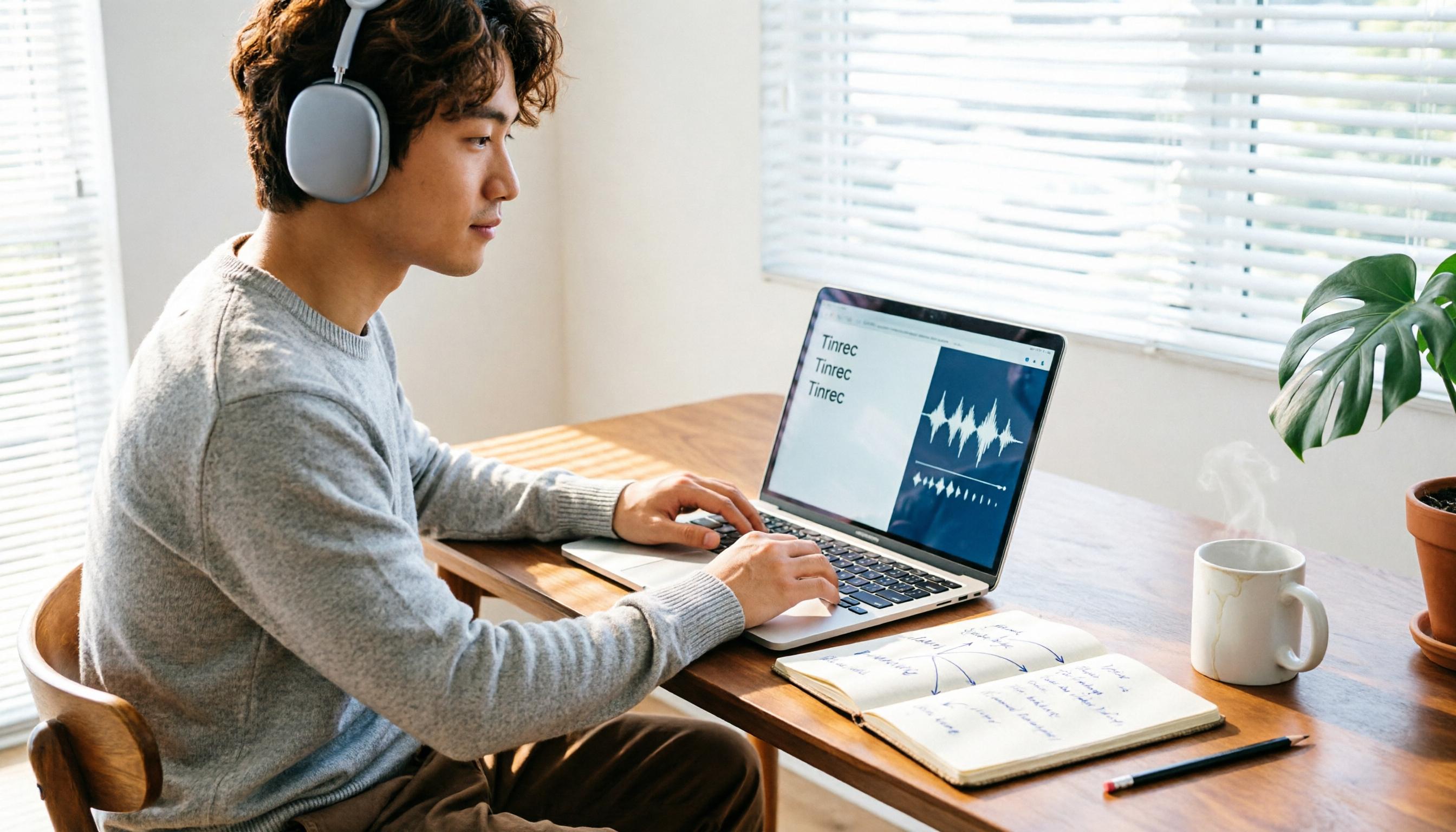
Tinrec vs BibiGPT in 2026: 5-Dimension Comparison of Bilibili Video-to-Text Tools
This article reviews 6 Bilibili video-to-text solutions, including Tinrec, BibiGPT, bili2text, CapCut, a Chrome extension, and Notta, comparing features, pricing, and target users to help you quickly turn Bilibili videos into transcripts and notes.

5 Best Meeting Transcription Apps in 2026: Chinese Transcripts vs. AI Summaries—Which Actually Saves Time?
Two-hour meeting, two more hours organizing? We tested 5 meeting transcription apps using the same real meeting recordings, comparing recording methods, post-meeting outputs, Chinese and mixed Chinese-English performance, and team member/seat management. Find out why Tinrec wins for Chinese meetings and post-meeting AI queries, plus selection advice for different budgets and use cases.
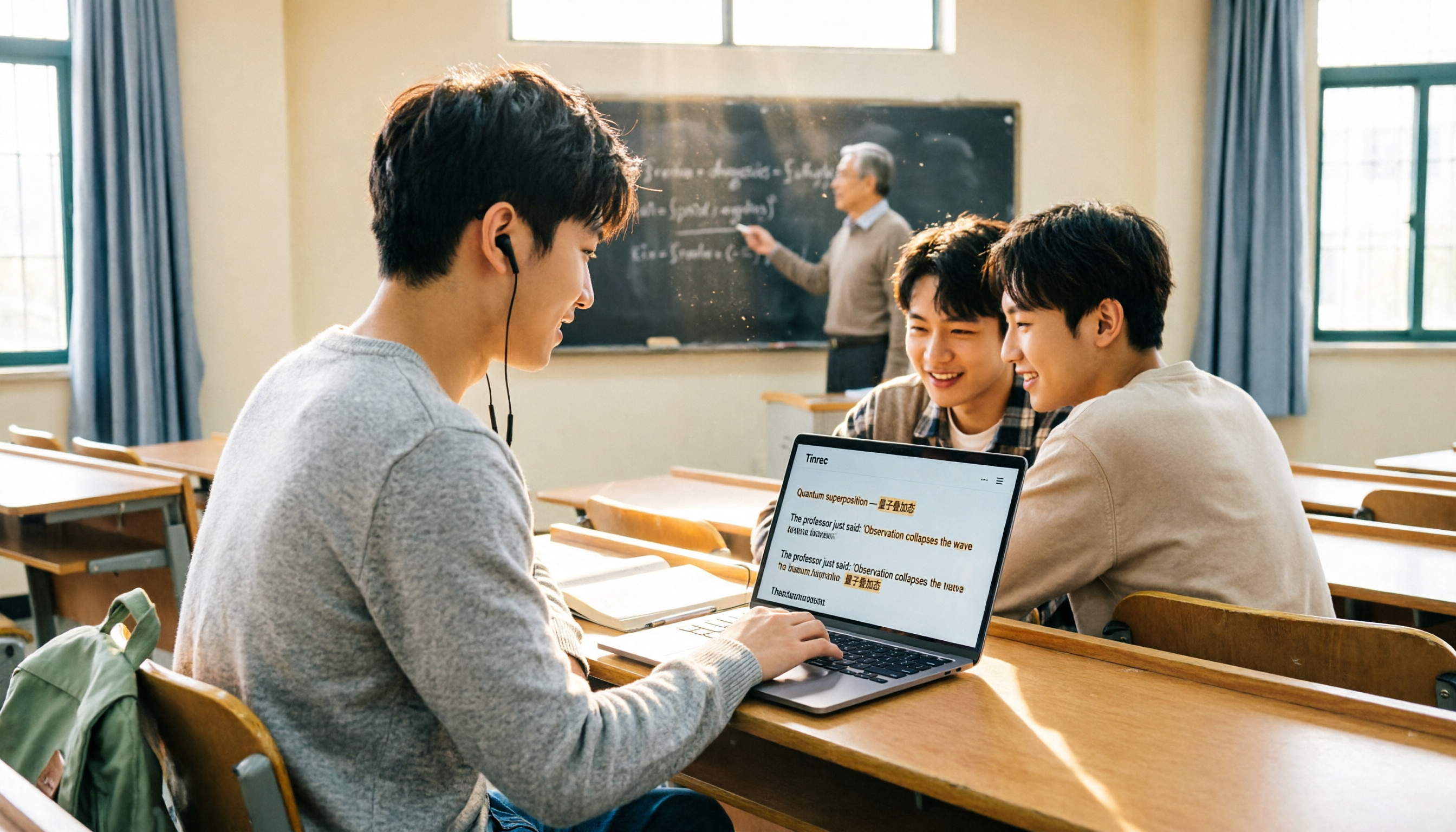
4 Classroom Transcription Apps Tested for 2026: Which One Can Generate Live Transcripts and Key Points During Class?
Can't keep up with note-taking in class? Professor switching between Chinese and English? We tested 4 classroom recording-to-text apps, comparing live transcription, mixed-language recognition, AI summaries, and post-class Q&A. We also compiled buying criteria and pitfalls to help you find the one that truly saves time.