
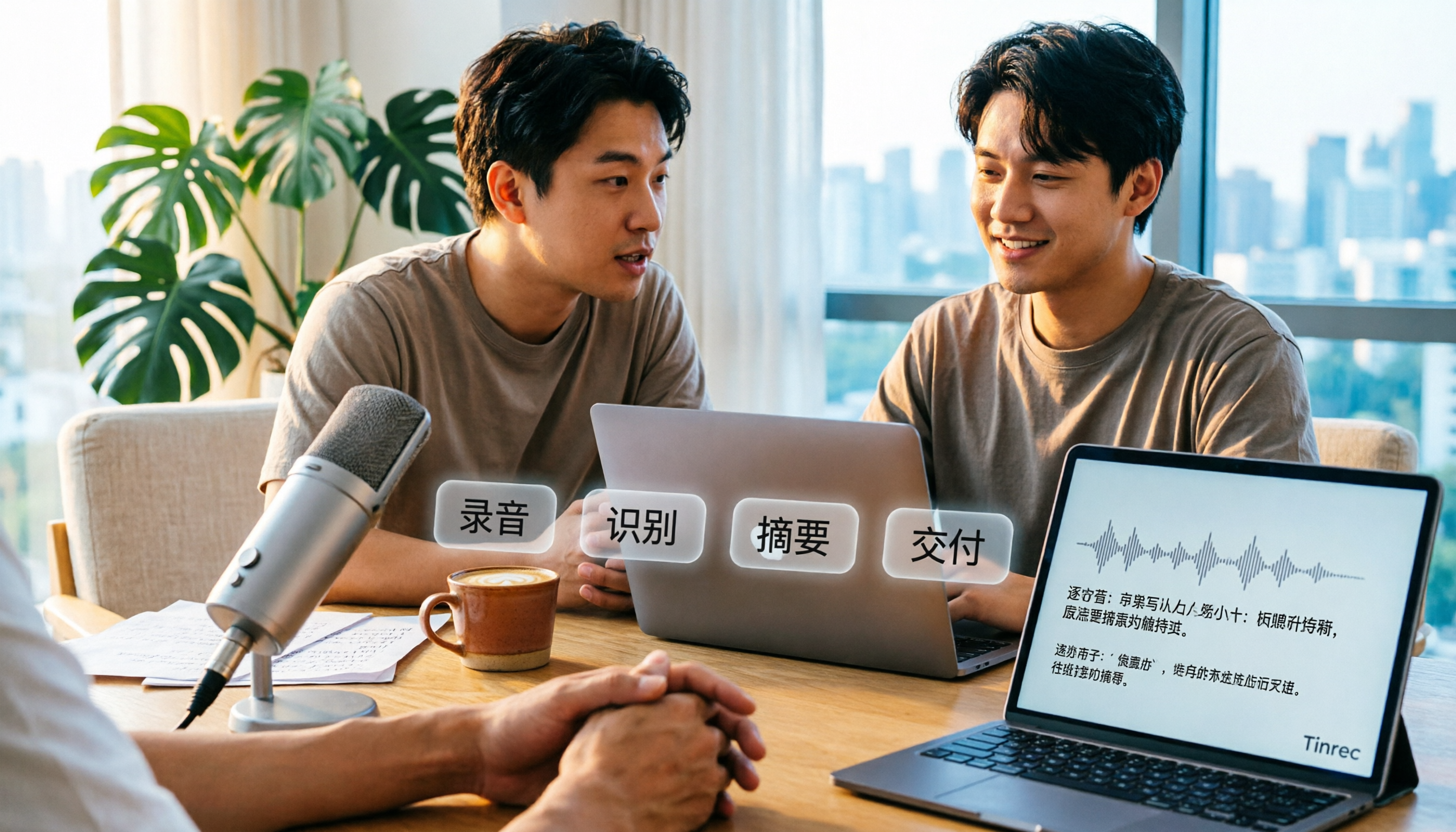
Turn recordings into transcripts and summaries in minutes
Upload audio or video for multilingual transcription, AI notes, and action items
How to Transcribe Audio to Text in 2026: A Complete 5-Step Guide
The 3 Most Common Misconceptions About Audio Transcription
The first misconception is thinking you have to type out the transcript yourself. A two-hour meeting recording can eat up half a day just from constantly pausing, rewinding, and replaying. The longer you go, the worse your focus gets, and the more typos you make.
The second misconception is thinking that throwing the file at AI solves everything. If the recording environment is noisy, multiple people talk over each other, and there's a lot of technical jargon, the transcript will still need significant editing—sometimes more tiring than just listening to it again.
The third misconception is thinking that "converting to text" is the end goal. A transcript is just raw material. Without summaries, action items, and a searchable database, you'll still have to listen from the beginning the next time you need to recall a decision.
A more reasonable approach: first optimize your recording conditions (close-mic capture, reduce cross-talk), then let AI speech-to-text handle the transcription, and finally use summaries, chapters, and action items to distill the content into actionable data. Below, we compare Tinrec and Otter.ai item by item to show the practical differences.
Tinrec vs Otter.ai | Quick Overview
Tinrec is an AI meeting notes and collaboration tool for individuals and teams. It supports live recording, bot-free desktop recording of online meetings, audio and video file imports, and automatically generates transcripts, summaries, chapters, action items, and mind maps.
Otter.ai is a highly mature AI meeting assistant covering real-time transcription for Zoom, Microsoft Teams, and Google Meet, speaker identification, AI Chat, workflows, and team management. It has deep experience in English business meetings.
| Item | Tinrec | Otter.ai |
|---|---|---|
| Core positioning | AI meeting notes and team collaboration | AI meeting assistant and meeting automation |
| Meeting recording method | Desktop captures system audio, no bot needed | Meeting bot, desktop, and other methods |
| Primary input sources | Live recording, online meetings, audio/video files, mobile devices, some web links | Mainly online meetings, also supports file uploads |
| Free plan | Free version with basic quota | Basic free, 300 minutes per month |
| Team paid plan | Monthly USD 29.80 per paid seat per month; annual USD 199 per paid seat per year (approx. USD 16.58/month) | Business offers unlimited meetings and in-app recording; pricing may vary by promotion |
Prices are based on official pages and current product terms; actual amounts are subject to the purchase page. Next, we compare across five dimensions: Chinese language processing, online meeting recording methods, post-transcription organization, quota and pricing, and team collaboration.
5-Step Audio Transcription Walkthrough (Using Tinrec as an Example)
Step 1: Choose the right input source. For in-person meetings and interviews, use live recording to transcribe as you speak. For online meetings, use the desktop version to directly capture computer system audio—works with Zoom, Google Meet, Microsoft Teams, and Webex without inviting an extra bot into the meeting. For pre-recorded audio/video files, simply upload them.
Step 2: Select the language and enable real-time translation if needed. Tinrec covers Chinese, Traditional Chinese, and multilingual meeting scenarios, and can handle mixed Chinese-English content. For cross-language meetings, you can enable real-time translation and view the original text, translation, or bilingual side-by-side.
Step 3: First scan the key sections of the transcript. The transcript supports search and review. For content that must be accurate—decisions, amounts, names—it's recommended to verify against the recording timestamps.
Step 4: Use summaries, chapters, and action items to distill key points. The system generates summaries, chapters, highlights, action items, and mind maps. You can also continue asking AI questions about the meeting content without having to re-listen to the entire meeting to find one sentence.
Step 5: Export or place into team spaces. Results can be exported in common formats or taken to Notion, Google Docs, OneNote, or Dropbox for further processing. Team plans allow sharing in team spaces and controlling who can record, upload, and edit via roles and seats.
Dimension 1 | Chinese, Mixed Chinese-English, and Multilingual
Otter.ai has deep experience in real-time transcription and speaker identification for English business meetings, making it very handy for all-English teams. For Chinese meeting terminology, mixed Chinese-English, and technical jargon, actual performance depends on audio conditions and settings—we recommend testing with your own recordings.
Tinrec focuses on Chinese meetings and mixed Chinese-English content as key scenarios. It supports multilingual meetings, real-time translation, and original/translation/bilingual views. Team plans also allow maintaining team glossaries to lock in company-specific terminology, reducing the chance of the same proper nouns being mistranscribed every time.
→ For this dimension: If your meetings are primarily in Chinese or mixed Chinese-English, Tinrec's settings are more aligned with your needs.
Stop organizing recordings by hand
Upload audio or video and automatically get a transcript, summary, and action items
Dimension 2 | Online Meetings: Should You Let a Bot Join?
Otter.ai offers multiple methods including meeting bots and desktop. The advantage of a bot joining is high automation—recording starts as soon as the meeting begins. However, for external client meetings, having an extra bot account on the participant list usually requires explaining to the other party beforehand.
Tinrec's desktop approach directly captures computer system audio, handling meeting audio from Zoom, Google Meet, Microsoft Teams, and Webex without adding an extra bot participant. Note that this still requires the user to actively open Tinrec and start recording—it does not automatically join all calendar meetings.
→ For this dimension: If you don't want a bot appearing on the participant list, Tinrec's method is more straightforward.
Dimension 3 | After the Transcript: Summaries, Action Items, and Follow-up Questions
Otter.ai provides summaries, action items, AI Chat, and workflows. You can directly ask follow-up questions after the meeting—this part is highly mature.
In addition to summaries, chapters, highlights, and action items, Tinrec can also organize meeting structure into mind maps and use Agent post-processing to generate reports, tables, and documents, then export to common formats or Notion, Google Docs, OneNote, or Dropbox for further processing.
→ For this dimension: Both can "keep using after transcription," so this is a tie. Tinrec offers a few more output formats for subsequent deliverables.
Dimension 4 | Quota and Pricing
Otter.ai's official pricing page shows: Basic free, 300 minutes per month; Pro annual billing equivalent to USD 8.49 per user per month, including 1,200 minutes of in-app recording per month and 10 file imports; Business offers unlimited meetings and in-app recording, more imports and management capabilities, with pricing subject to promotions.
Tinrec's personal plans include a free version, weekly pass, Pro monthly, and Pro annual, allowing you to choose based on your usage rhythm. The team plan's first eligible trial is 7 days, 1 free seat, and 300 minutes of shared team import quota. Paid seats provide 2,000 minutes of shared team import quota per month. Under an active team plan and active seat, live recording is currently not deducted by the minute.
→ For this dimension: For individuals with all-English meetings and low usage, Otter Pro's monthly equivalent is lower. But if your team needs shared quota and doesn't want live recording constrained by minutes, Tinrec's pricing is easier to budget for.
Dimension 5 | Team Collaboration and Data Governance
Otter.ai's Business plan offers team and enterprise management capabilities, and its meeting automation and third-party integrations are mature.
Tinrec's team plan is a separate team space, not multiple people sharing a personal account. Meeting data belongs to the team. You can create and switch between multiple teams, invite members via join links, set owners, admins, and regular members, and allocate, revoke, or transfer seats. Admins can view usage trends, member rankings, and details, query and export audit logs, maintain team glossaries, and use the audio recycle bin (currently 30-day retention). When a member leaves, is removed, or loses their seat, their team resources can be handed over to other active members.
→ For this dimension: For teams that need to accumulate meeting data long-term while managing members and usage, Tinrec's design is more complete.
What Are the Unique Advantages of Each?
Tinrec's unique advantages:
- Bot-free desktop recording of online meetings—handles Zoom, Meet, Teams, and Webex meeting audio without changing the participant list.
- Chinese, Traditional Chinese, and mixed Chinese-English meeting organization, plus real-time translation and bilingual views to keep up with cross-language meetings.
- Continues after the transcript: summaries, chapters, action items, mind maps, AI Q&A, then generates reports, tables, and documents.
- Team spaces with roles, seats, usage, audit, and recycle bin—meeting data stays with the team, not on individual devices.
Otter.ai's unique advantages:
- Mature real-time transcription, speaker identification, and workflow integration for English business meetings, covering multiple mainstream meeting platforms.
- Business plan offers unlimited meetings and in-app recording, attractive for all-English teams with high meeting volume.
Conclusion: Which Should You Choose?
- Meetings primarily in Chinese or mixed Chinese-English → Tinrec
- Don't want a bot on the participant list → Tinrec
- Want transcripts to directly become summaries, action items, and follow-up documents → Tinrec
- Team needs to share meeting data and manage seats and usage → Tinrec
- Team primarily holds English meetings and needs mature meeting bot automation and extensive integrations → Otter.ai
In one sentence: For most Chinese meetings and scenarios requiring team data accumulation, Tinrec is the more complete choice. We recommend starting with the free version, testing with a segment of your own recording, and seeing if the transcript quality and organization workflow feel smooth.
Frequently Asked Questions
Q1: What accuracy can audio transcription achieve? We don't recommend summarizing with a single number. Actual results depend on recording quality, background noise, accents, overlapping speakers, and technical jargon. A more practical approach is to test with real meeting recordings first, then decide whether to use it long-term.
Q2: Is Tinrec's free version enough? The free version lets you experience recording, importing, summaries, and transcription with a basic quota. For occasional transcription, the free version is sufficient. For short-term intensive meetings or interviews, consider a weekly pass. For steady weekly needs, Pro is suitable. For long-term accumulation of recording data, an annual plan is best. Actual prices are subject to the purchase page.
Q3: Do online meetings always require inviting a bot? Not necessarily. Tinrec's desktop version directly captures computer system audio without an extra bot joining the meeting. However, the user still needs to actively open Tinrec to start recording—it does not automatically join all calendar meetings.
Q4: Will meeting data be taken away when a team member leaves? No. Team resources belong to the team. When a member leaves, is removed, or loses their seat, their team resources need to be handed over to other active members.
Q5: Can team members without a seat see the data? They can view, play, and read team data. Only after obtaining a seat can they record, upload, edit, import/export, and use team resources.
Q6: What should I pay attention to before recording? Please comply with local regulations and obtain participant consent when necessary. AI transcription can greatly reduce manual note-taking costs, but for important content, we recommend verifying against transcript timestamps and recording playback.
References
- Online AI speech, video, audio file auto-transcription - Free trial - cSubtitle
- View Voice Memos transcripts on iPhone - Apple Support (Taiwan)
- Audio to Text - Free Speech-to-Text Tool
- Audio to Text | Free Online Audio File to Transcript | Proactor AI
- Online Speech-to-Text AI, Free MP3 or Audio File to Transcript - MyEdit
Turn every recording into actionable outcomes
Get 60 free transcription minutes when you sign in. No credit card required.
Related Reading
You might also like

How to Write a Meeting Summary in 2026: 5 Steps from Recording to AI Summary
Spending twice as long organizing meeting notes after the meeting ends? This article starts with common pain points in meeting summaries, outlines 4 key purchasing factors and 3 pitfalls to avoid, tests Tinrec's bot-free recording and AI summary workflow, compares it with Otter.ai, Notta, and Granola, and provides selection advice for different scenarios.
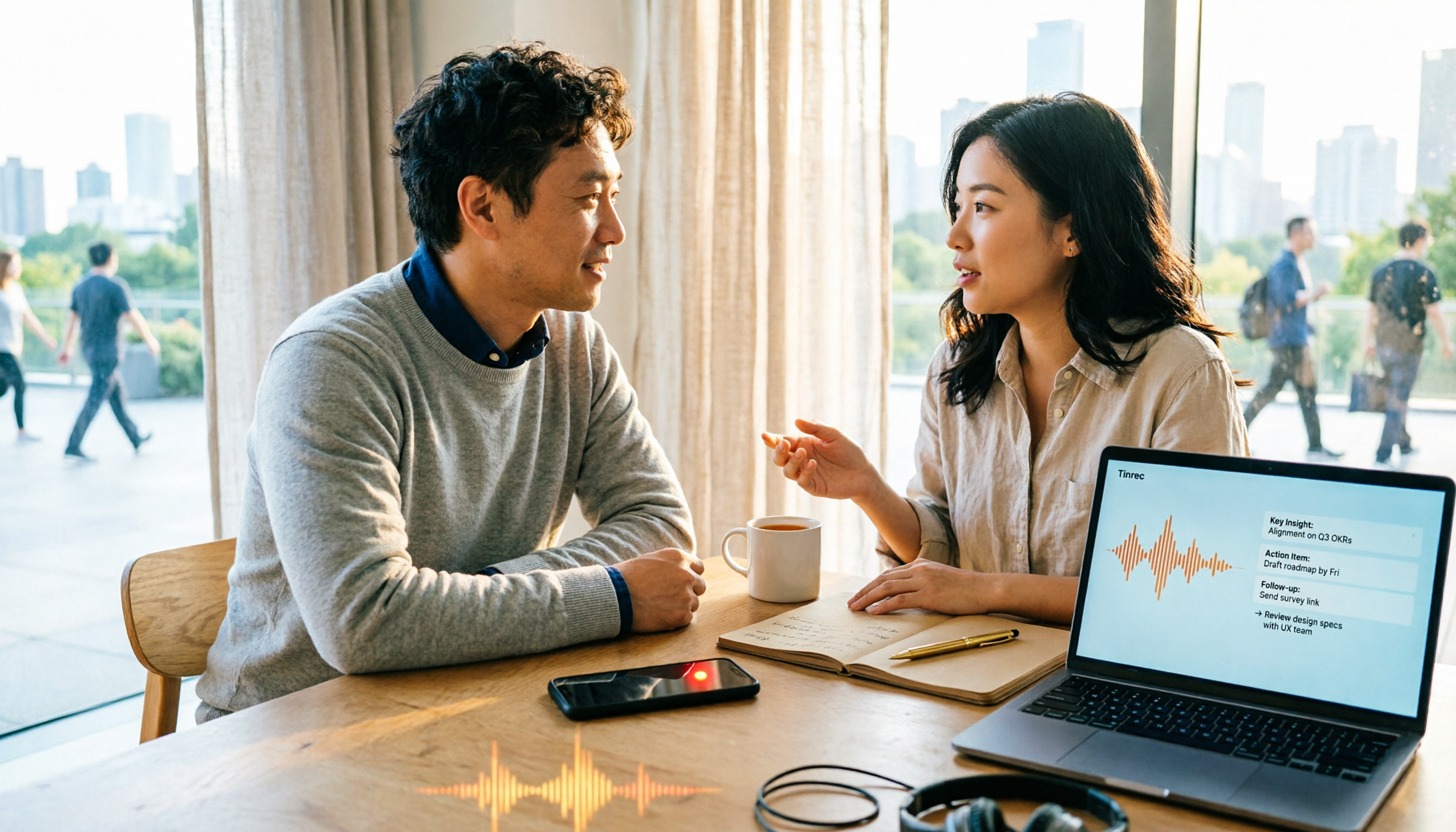
2026 Comparison of 4 Document Summarization Apps: Which Handles Recordings, Meetings, and Long Documents Best?
Are meeting, interview, and lecture recordings piling up on your phone, but you can't find a document summarization app that truly saves time? This article starts with the real limitations of free versions, breaks down 4 key purchasing points, and provides a hands-on comparison of Tinrec, Notta, TurboScribe, and Otter.ai, along with a guide to avoid pitfalls and selection advice for different needs.

2026 Comparison of 4 iPhone Speech-to-Text Tools: Built-in Transcripts Aren't Enough—Post-Meeting Organization Is Key
The built-in Voice Memos transcript on iPhone is free, but a transcript is not the same as meeting notes. This article starts with the most common misconceptions and compares Tinrec, Otter.ai, Granola, and Notta in Chinese transcription, post-meeting organization, cross-platform support, and team collaboration. It also provides key buying factors and pitfalls to help you find a solution that truly saves time.
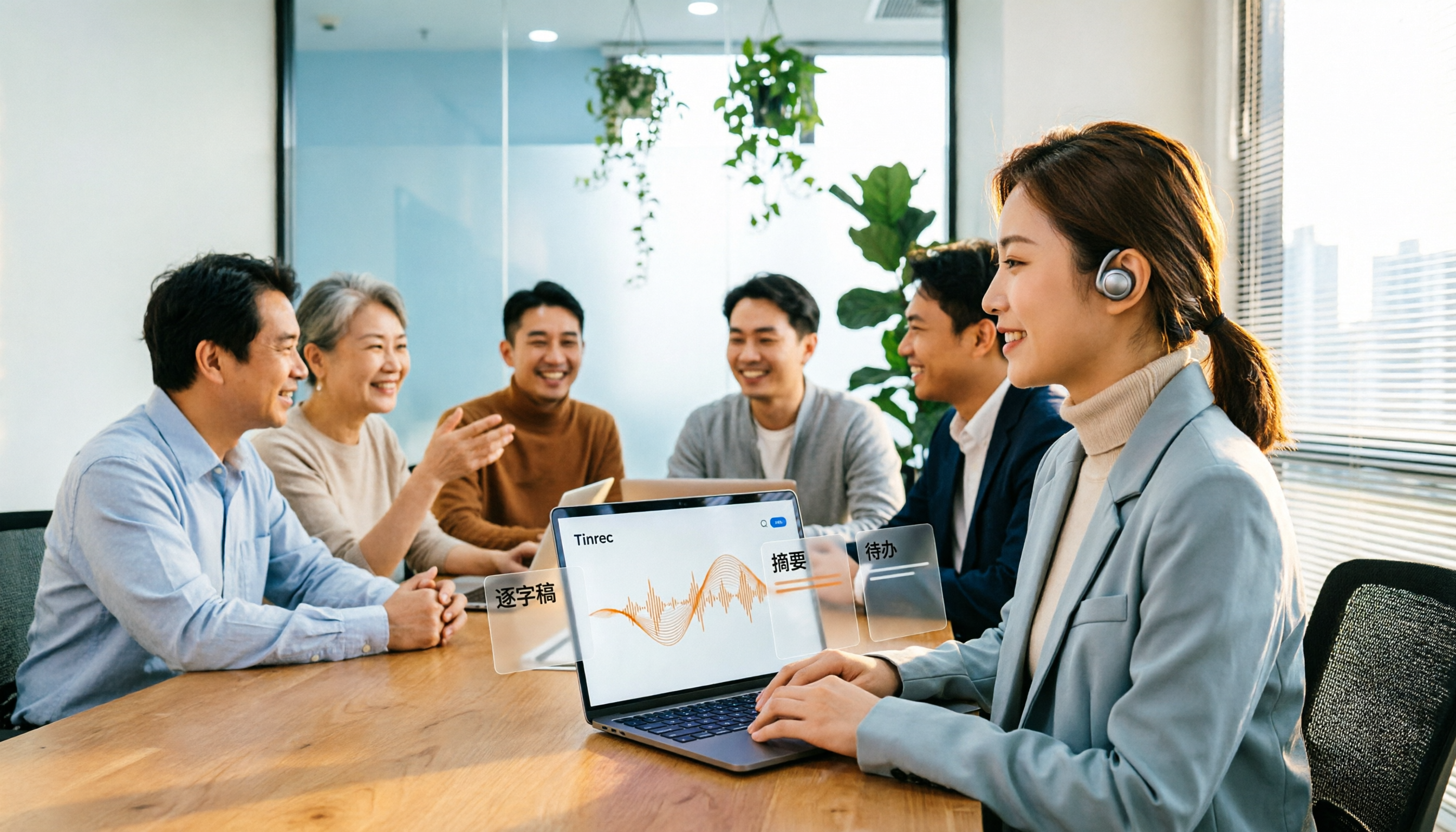
5 Best Text-to-Speech Tools in 2026: Which Free TTS Sounds Most Natural?
We compare five text-to-speech tools—Ondoku, Luvvoice, TTSMaker, ReadOut, and ChromeVox—covering their features, free options, and ideal users. Plus, we address the reverse need: using Tinrec to turn meeting audio into transcripts, summaries, and action items.
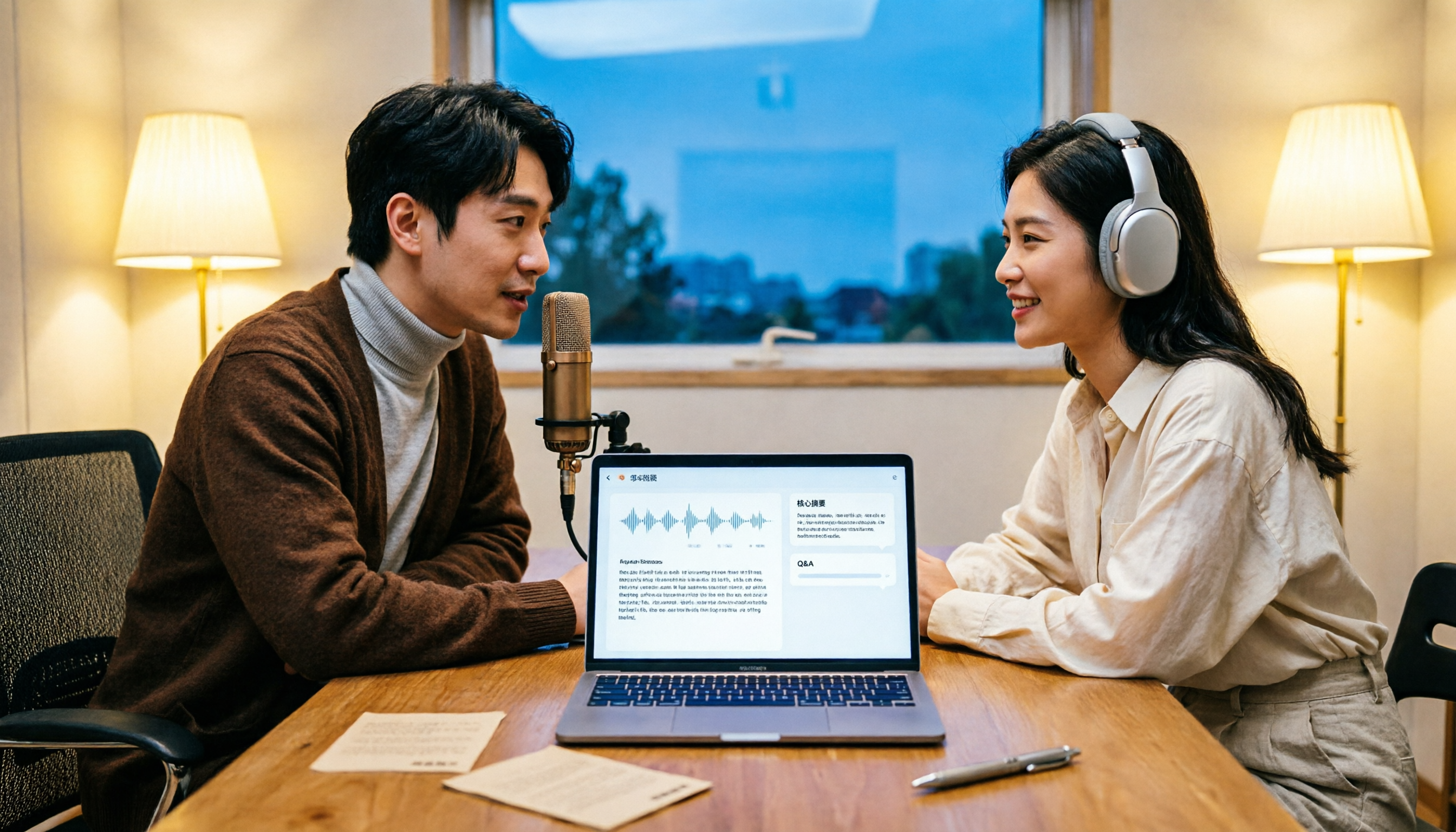
How to Transcribe Podcasts to Text in 2026: Tinrec Audio Transcription + AI Summary Q&A
Turning a podcast into a transcript isn't the hard part—it's what you do with it afterward. This guide covers common pitfalls, the actual workflow for podcast transcription, core capabilities, and 5 key buying considerations, using Tinrec as an example to demonstrate the full process from audio upload to AI summaries and Q&A organization.

Tinrec vs Windows Voice Typing in 2026: 5-Dimension Comparison — Which PC Speech-to-Text Shortcut Should You Choose?
A PC speech-to-text shortcut is more than just a hotkey. This article compares Tinrec and Windows built-in voice typing (Win+H) across 5 dimensions—activation, online meeting capture, post-meeting organization, existing audio transcription, and team collaboration—to help you decide which solution truly fits your meeting notes needs.

Tinrec vs Yating Transcription in 2026: 5-Dimension Comparison of Chinese Real-Time Transcription Apps
How to choose a real-time transcription app? This article focuses on Tinrec (Miaoting Recording), covering practical uses, core capabilities, and 5 key purchasing considerations for real-time transcription apps. It explains differences in bot-free online meeting recording, AI summaries and action items, AI Q&A, export options, and team spaces, with FAQs to help you decide which app is better for Chinese meetings and team collaboration.

6 Best iOS Transcription Solutions in 2026: Is the Built-in iPhone Option Enough?
We compare six iPhone recording-to-text solutions in 2026, from the built-in iOS Voice Memos to Tinrec, Otter, Notta, TurboScribe, and PLAUD. We break down free tiers, Chinese language support, AI summaries, and team collaboration to help you find the best fit.
2026 Apple Voice-to-Text Comparison: 4 Methods Tested — Is Built-in Transcription Enough?
iPhone's built-in Voice Memos now offers transcription, but is it enough? We compare 4 Apple voice-to-text methods, breaking down device and iOS version requirements, AI Q&A, cross-platform export, and free tiers. Tinrec is our top recommendation, with its bot-free desktop recording, AI summaries and action items, and team workspace. Includes a pitfalls guide and selection advice.