

Turn recordings into transcripts and summaries in minutes
Upload audio or video for multilingual transcription, AI notes, and action items
Why Do You Need Text-to-Speech?
Text-to-speech (TTS) is exactly what it sounds like: giving text to a tool and having it read aloud.
Two common scenarios: you want to "listen" to a document while commuting, exercising, or doing chores, but your eyes are busy; or you're learning a foreign language and want to hear correct pronunciation of words and sentences, or even use it for video voiceovers.
Most of these tools now work right in your browser—just type in text and it reads it out. Some can even save the audio as MP3. Below, we review five options, and then cover a reverse need many people also have: turning speech into text.
Option 1: Ondoku — Online Tool That Reads Text Aloud
Ondoku is straightforward: enter your text in the box on the webpage, and it converts it to speech.
- Listen instantly without downloading a file first.
- Besides online listening, you can download the result as an MP3 audio file.
- For pricing and available quotas, please refer to the official website.
Ideal for those who occasionally want to turn a piece of text into audio without installing any software.
Option 2: Luvvoice — Free Online Text-to-Speech with Many Voice Choices
Luvvoice is officially a free online text-to-speech tool, featuring a large number of AI voices—over 200 voices in more than 70 languages.
- After entering text and selecting a voice, you can listen directly and download the generated MP3.
- It's positioned as a text reader and can be used for voiceovers on YouTube, TikTok, language learning, and reading books aloud.
Ideal for content creators, students, or anyone needing multilingual voices.
Option 3: TTSMaker — Free AI Voice Generator
TTSMaker is an online text-to-speech tool that converts text to audio for playback or download.
- Click "Convert to Speech" to start; longer texts take more time.
- Adjust speed and volume under "More Settings."
- Besides web use, it offers email support and a text-to-speech API.
Ideal for video voiceovers, audiobook creation, or language learners practicing pronunciation.
Option 4: ReadOut — Text-to-Speech App for Android
ReadOut is a text-to-speech app on Google Play, focused on "reading to yourself."
- It can read entered text, extract text from URLs, or read directly from shared links from browsers and other apps.
- Supports PDF, TEXT, docx, xlsx, pptx, docm, xlsm, pptm and other file formats, and can save content as audio files.
- Adjustable reading speed and pitch, plus a dark theme.
Users note that text highlights as it's read; to start from a specific point, select that text and press play. The app has ads, but they appear when adding content, not interrupting playback.
Ideal for commuters, students, or anyone wanting to turn documents into audio for listening on the go.
Option 5: ChromeVox — Built into Chromebook, No Installation Needed
If you use a Chromebook, the system includes a built-in screen reader—no extra tools needed.
- Enable via Settings → Accessibility → Text-to-speech → turn on ChromeVox, or press Alt + Shift + S.
- For reading only selected text, enable "Select-to-speak."
- Press Ctrl + Alt + Z on any page to toggle ChromeVox.
Ideal for those who just want the system to read web content without installing extensions.
The Reverse: Turning Speech into Text with Tinrec
Beyond reading text aloud, another common situation is "recording a lot but having no time to listen back."
Tinrec is an AI meeting notes and collaboration tool for individuals and teams. It's not a text-to-speech tool—it does the opposite: turning meeting audio into searchable, queryable data.
Stop organizing recordings by hand
Upload audio or video and automatically get a transcript, summary, and action items
- The desktop version captures system audio directly, handling Zoom, Google Meet, Microsoft Teams, Webex, and other online meetings without a bot joining as a participant.
- Supports real-time recording transcription, audio/video file transcription, real-time translation, and mobile recording; can also process some web link content.
- After transcription, it generates AI summaries, chapters, key points, and action items; you can also ask AI questions about the meeting content and export to Notion, Google Docs, OneNote, Dropbox, etc.
- Team plan offers separate team spaces with member, role, seat management, usage analytics, audit logs, team glossary, and audio recycle bin. First eligible team trial: 7 days, 1 free seat, 300 minutes shared import quota. Paid plans: USD 29.80/paid seat/month, or USD 199/paid seat/year (about USD 16.58/month), each paid seat includes 2,000 minutes shared import quota per month. Actual prices and benefits subject to the official purchase page.
Note: roles and seats are different. Roles determine who can manage the team and members; seats determine whether a member can record, upload, edit, and export. Valid members without a seat can still view, play, and read team data.
Ideal for those who have regular meetings and need to turn discussions into team knowledge.
How to Choose Among These Options?
- Just occasionally read text aloud → Ondoku or similar web tools suffice.
- Need multilingual, multiple voices for video voiceovers → Luvvoice, TTSMaker.
- Want to save documents or webpages as audio for commuting → ReadOut.
- Don't want to install anything, just want the system to read webpages → Chromebook's built-in ChromeVox.
- Need to handle meetings, interviews, client communications, and keep searchable records and action items → Tinrec, supports Chinese meetings, bot-free recording, AI Q&A, and team knowledge retention.
- Need to switch between phone and computer, and have the team review past meetings → Tinrec team plan, multi-platform plus member and seat management.
3 Things to Know Before Using Text-to-Speech
- Clarify whether it's for "personal listening" or "publication." Personal use is usually fine, but for public videos or commercial content, check the tool's voice licensing terms.
- Free tool quotas and download limits often change; actual available minutes, formats, and voice counts are subject to the official website.
- How smooth it sounds depends on the text. Fix punctuation and sentence breaks first—it makes a big difference. For meeting transcription, audio quality, accents, overlapping speech, and jargon also affect results; verify important content against the original audio.
Conclusion
Turning text into speech is now almost free: open a webpage, type, and listen; save as MP3 if needed. Choose based on your use case: voiceover, commuting, or simply reading webpages.
If your real pain is "too many meeting notes, can't find key points later," you need a different approach. Tinrec turns recordings into transcripts, summaries, and action items, and stores them in team spaces—more targeted than simple reading tools.
FAQ
Q1: Is text-to-speech the same as speech-to-text?
No. Text-to-speech (TTS) reads text aloud; speech-to-text converts audio to text.
Q2: Are these tools free?
Luvvoice and TTSMaker are officially free online tools; ChromeVox is built into Chromebook. For Ondoku and ReadOut, check their official websites or store pages for pricing and quotas.
Q3: Can I download as MP3?
Among the sources reviewed: Ondoku mentions MP3 download, Luvvoice can download generated MP3, TTSMaker can download audio files, and ReadOut can save text as audio files.
Q4: Can I use them on mobile?
Yes. ReadOut is an Android app; Luvvoice and TTSMaker work in mobile browsers; ChromeVox is a Chromebook built-in feature.
Q5: Can Tinrec read text aloud?
No. Tinrec does the opposite—turning speech and meeting recordings into text, summaries, and action items. If you want to "listen to text," the TTS tools above are the right choice.
Q6: Meeting recordings often go unheard—any better approach?
Consider Tinrec: desktop version records online meetings without a bot, automatically generates transcripts, summaries, and action items; team plan centralizes storage and manages members and seats, with AI Q&A to find key points later.
References
Turn every recording into actionable outcomes
Get 60 free transcription minutes when you sign in. No credit card required.
Related Reading
You might also like

3 Link-to-Text Tools Tested and Compared in 2026: Which One Turns Link Content into a Transcript?
There are two needs for link-to-text: one is to display hyperlinks as readable text, and the other is to turn videos or meeting content behind links into transcripts. This article tests Tinrec, Notta, TurboScribe, and Link Transformer, covering buying considerations, hands-on performance, and pitfalls to help you choose the right tool for your situation.

4 Video Summarization Tools Tested in 2026: Which One Turns Long Videos into Usable Data?
Stored a bunch of videos but no time to rewatch them? This article compares 4 video summarization tools in practice, examining input sources, summarization methods, AI follow-up questions, and team collaboration, and shares hands-on experience, pricing, and limitations of Tinrec in meeting recordings and interview organization.

6 Best Speech-to-Text Tools in 2026: Which Saves More Time for Chinese Transcripts and AI Meeting Notes?
This article reviews 6 speech-to-text tools in 2026, including Tinrec, cSubtitle, Yating Transcription, Google Cloud Speech-to-Text, Notta, and TurboScribe. It compares Chinese transcription, AI meeting notes, team collaboration, and pricing. The article explains each tool's positioning, highlights, free and paid plans, and provides scenario-based recommendations to help professionals and teams find the right speech-to-text tool.

2026 Comparison of 2 Audio-to-Text Tools: Tinrec vs PLAUD Note – Which Is Better for Chinese Meetings?
The real fork in the road for turning recordings into text isn't which AI is strongest, but whether you're dealing with in-person audio or online meetings on your computer. This article compares Tinrec and PLAUD Note across 6 dimensions: acquisition threshold, online meeting recording method, post-transcription output, Chinese and bilingual review, historical file import, and team data retention. It ends with a ready-to-use starter checklist.
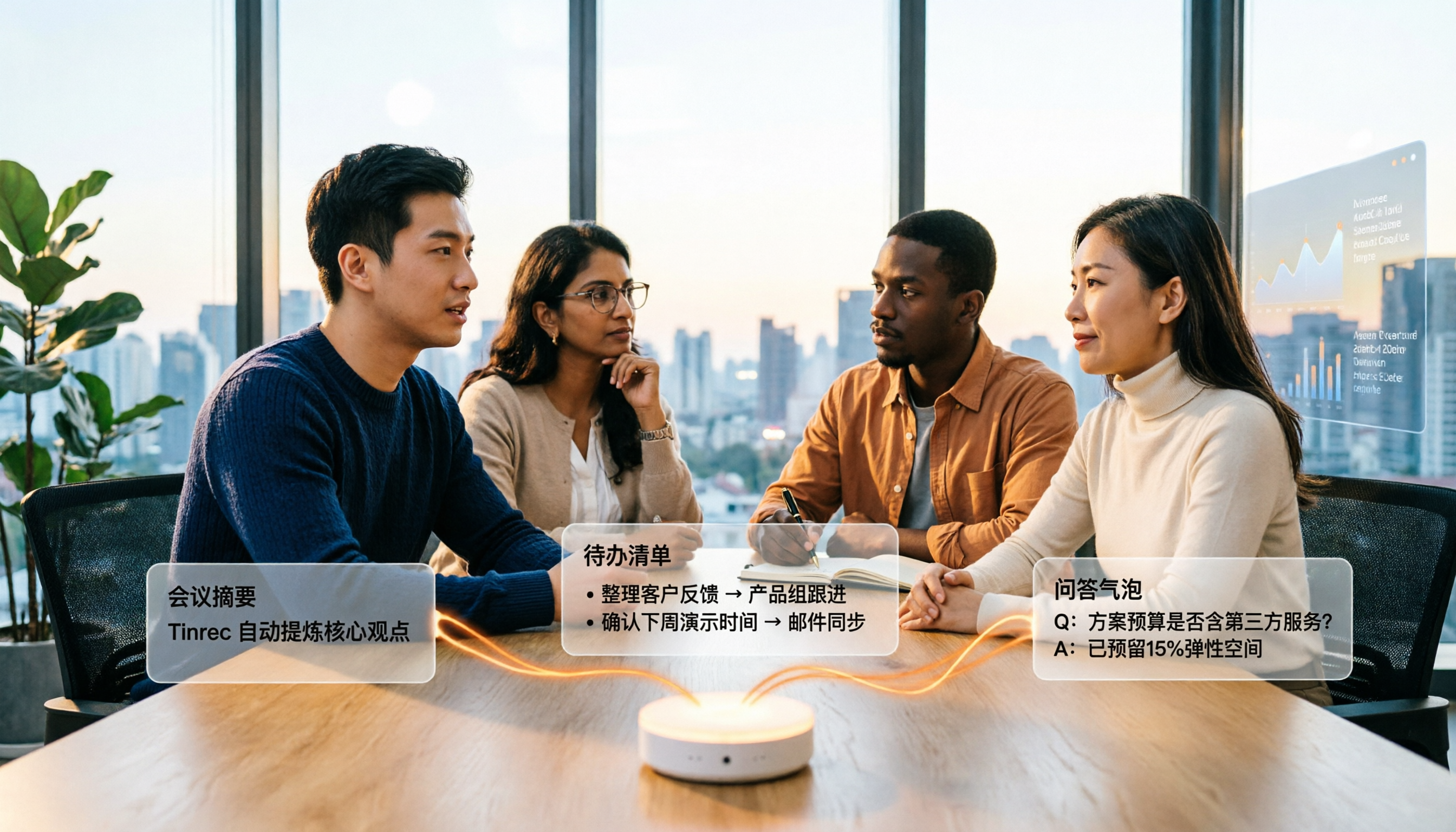
4 Audio-to-Text Summary Tools Tested and Compared in 2026: Which AI Summary Actually Saves Time?
Audio-to-text summarization isn't just about turning recordings into transcripts. This article starts with common misconceptions, explains what audio-to-text summarization can do for you, its core capabilities, and real-world use cases. It uses Tinrec as an example to demonstrate the full workflow from recording, transcription, summarization, to-dos, AI Q&A, and team knowledge retention, and concludes with buying considerations and FAQs.

How to Write a Meeting Summary in 2026: 5 Steps from Recording to AI Summary
Spending twice as long organizing meeting notes after the meeting ends? This article starts with common pain points in meeting summaries, outlines 4 key purchasing factors and 3 pitfalls to avoid, tests Tinrec's bot-free recording and AI summary workflow, compares it with Otter.ai, Notta, and Granola, and provides selection advice for different scenarios.

2026 Comparison of 4 Document Summarization Apps: Which Handles Recordings, Meetings, and Long Documents Best?
Are meeting, interview, and lecture recordings piling up on your phone, but you can't find a document summarization app that truly saves time? This article starts with the real limitations of free versions, breaks down 4 key purchasing points, and provides a hands-on comparison of Tinrec, Notta, TurboScribe, and Otter.ai, along with a guide to avoid pitfalls and selection advice for different needs.

2026 Comparison of 4 iPhone Speech-to-Text Tools: Built-in Transcripts Aren't Enough—Post-Meeting Organization Is Key
The built-in Voice Memos transcript on iPhone is free, but a transcript is not the same as meeting notes. This article starts with the most common misconceptions and compares Tinrec, Otter.ai, Granola, and Notta in Chinese transcription, post-meeting organization, cross-platform support, and team collaboration. It also provides key buying factors and pitfalls to help you find a solution that truly saves time.
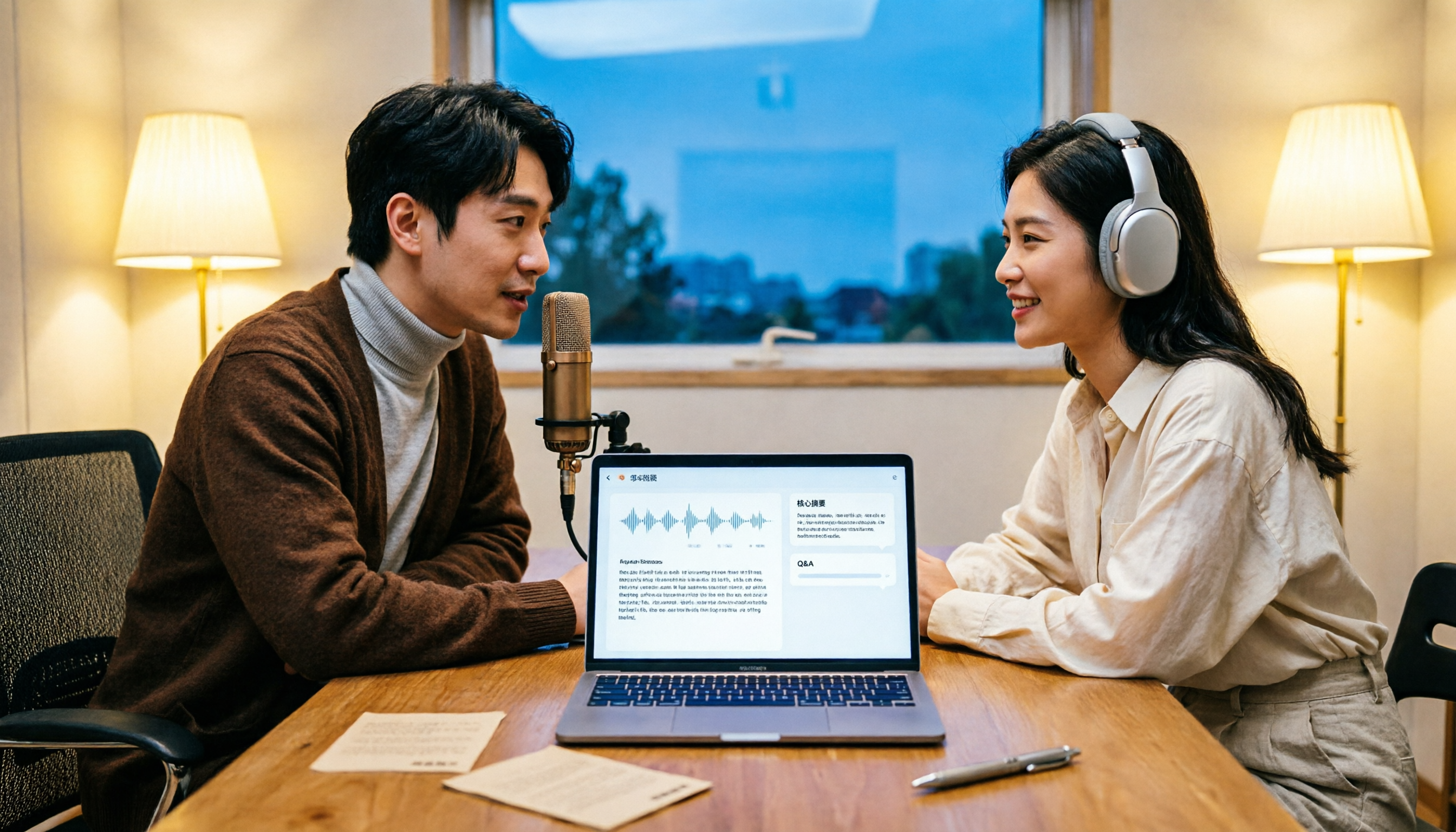
How to Transcribe Podcasts to Text in 2026: Tinrec Audio Transcription + AI Summary Q&A
Turning a podcast into a transcript isn't the hard part—it's what you do with it afterward. This guide covers common pitfalls, the actual workflow for podcast transcription, core capabilities, and 5 key buying considerations, using Tinrec as an example to demonstrate the full process from audio upload to AI summaries and Q&A organization.