

Turn recordings into transcripts and summaries in minutes
Upload audio or video for multilingual transcription, AI notes, and action items
2026 Comparison of 2 Audio-to-Text Tools: Tinrec vs PLAUD Note – Which Is Better for Chinese Meetings?
When it comes to turning recordings into text, most people first ask, "Which AI should I use?"
But after years of helping teams streamline their meeting workflows, I've seen that the real fork in the road isn't the AI—it's an earlier step: Is the recording you need to process live audio, or an online meeting happening on your computer?
Get that wrong, and no amount of effort later can fully make up for it.
I used to transcribe interview recordings by playing, pausing, and typing—a single interview would take an entire afternoon.
Later, I changed my process to "transcribe first, then organize, and finally archive." The same interview now takes just a coffee break before I can start reading the highlights.
Tools are just supporting actors; the process is the star.
Tinrec vs PLAUD Note | Quick Overview
Today I'll compare two different approaches:
- Tinrec: Software route. An AI meeting notes and team collaboration tool that works on web, desktop, and mobile. The desktop version can capture computer system audio to record online meetings.
- PLAUD Note / NotePin: Hardware route. An AI recording device that requires a physical device, with a mobile app handling transcription and summarization.
| Item | Tinrec | PLAUD Note / NotePin |
|---|---|---|
| Core positioning | AI meeting notes and team collaboration | AI recording hardware |
| Acquisition method | No extra hardware needed, multi-platform login | Requires purchasing a device: NotePin USD 159, Note Pro USD 189 |
| Pricing structure | Personal plan has free version, weekly pass, Pro monthly, Pro annual; Team plan USD 29.80 per paid seat per month (monthly), USD 199 per paid seat per year (annual) | Device cost plus membership: Starter 300 minutes/month, Pro annual USD 99.99 (1,200 minutes/month), Unlimited annual USD 239.99 |
| Main input | Live recording, online meetings, audio and video file import, some web links | Primarily device recording |
Prices and benefits are subject to change; refer to the official purchase page.
Next, I'll examine 6 dimensions: acquisition threshold, how to record online meetings, what you get after transcription, Chinese and bilingual support, historical file import, and team archiving.
Dimension 1 | Acquisition Threshold: Buy a Device First or Install Software First?
PLAUD's logic is hardware-first. NotePin USD 159, Note Pro USD 189—you get a physical device, press a button to start recording, it's portable, and has long battery life.
The benefit is intuitiveness. The cost is that for every additional person on the team who needs to record, you need another device.
Tinrec takes a software-first approach. You can log in via web, desktop, or mobile. The personal plan lets you start with a free version to test your actual recording scenarios, and if it works for you, consider a weekly pass or Pro.
→ For this dimension: If you need to record meetings on your computer, Tinrec has a significantly lower acquisition threshold.
Dimension 2 | How to Record Online Meetings: Place a Device on the Table or Capture System Audio Directly on Desktop?
This is the dimension I find most critical.
Hardware devices have clear limitations in online meetings: they use microphones to capture "air in the room." Meeting room echo, speakers being far from the device, and sound from the other party coming through speakers being re-captured—all these variables drag down transcript quality.
Tinrec's desktop version captures computer system audio, handling meetings on Zoom, Google Meet, Microsoft Teams, Webex, and similar platforms played on the computer, without needing an extra meeting bot to join.
But to be clear: it doesn't "automatically join all meetings." In practice, you open Tinrec desktop and initiate recording yourself. The recording indicator responds only when audio is actually being captured.
→ For this dimension: Tinrec wins because it handles where the meeting actually produces sound.
Dimension 3 | After Transcription, What Do You Have?
A transcript is just the starting point, not the end.
PLAUD's app also offers summaries, templates, and Q&A, which is sufficient for those who want a quick overview after recording.
Tinrec extends the "post-meeting" further: beyond the transcript, it generates summaries, chapters, key points, and action items. You can continue AI Q&A around the meeting content, produce mind maps, and even use Agent post-processing to turn meetings into reports, tables, or documents.
Whether you need to submit a report or continue editing in Notion, Google Docs, OneNote, or Dropbox, it's all in the same workflow.
Stop organizing recordings by hand
Upload audio or video and automatically get a transcript, summary, and action items
→ For this dimension: Tinrec wins, offering broader post-meeting outputs and better continuity.
Dimension 4 | Chinese Meetings, Mixed Chinese-English, and Bilingual Review
Taiwan's workplace is rarely pure Chinese.
Engineers say "spec," marketers say "campaign," clients say "KPI"—mixed Chinese and English is the norm. Tinrec handles mixed Chinese-English content in Chinese, Traditional Chinese, and multilingual meetings. During recording, you can view the original text, translation, or bilingual view in real time. The team plan also allows maintaining a glossary to build a recognition vocabulary for internal product names and terminology.
PLAUD's primary focus is the hardware experience of portable recording; deep organization for Chinese meetings is not its main selling point.
I won't guarantee accuracy either. Recording quality, background noise, accents, multiple people talking over each other, technical jargon—any one of these affects results, and that's true for every tool.
→ For this dimension: For Chinese meetings and bilingual review, Tinrec is more aligned with the need.
Dimension 5 | How to Handle Existing Audio and Video Files?
Many people already have a backlog of recordings.
Tinrec supports uploading existing audio and video files, and also has some supplementary ability to import web links, making it suitable for turning historical meetings, interviews, and course recordings into searchable text data.
PLAUD focuses on "recording in the moment." When you need to organize past accumulated files, the process is less smooth.
→ For this dimension: Tinrec wins.
Dimension 6 | Team Archiving: Where Does Meeting Data Ultimately Live?
This is the question I always ask clients in the end.
PLAUD offers team membership and device management, which is a reasonable design for scenarios where "a group of people each have a device."
Tinrec's team plan takes a different approach: it's not multiple people sharing a personal account, but an independent team space. Meeting data belongs to the team. You can create and switch between multiple teams, invite members via join links, set owners, admins, and regular members, and assign, revoke, or transfer seats.
Two easily confused concepts need clarification: Roles determine who can manage the team, members, audit, and team settings; seats determine who can record, upload, edit, and import/export. Members who are active but have no seat can still view, play, and read team data.
Admins can also see usage trends, member rankings, and details, and query and export audit logs. Deleted audio files can be restored from the recycle bin (currently retained for 30 days). When a member leaves, is removed, or loses their seat, their responsible team resources must be handed over to other active members, so data doesn't leave with the individual.
Note that currently the team plan is primarily team-level sharing—all active members can read team data, not file-level granular permissions.
→ For this dimension: When meeting data needs to be archived as a team asset, Tinrec's team plan is clearly more complete.
What Unique Advantages Does Each Have?
Tinrec's four unique advantages:
- Bot-free online meeting recording. The desktop version directly captures system audio without inviting an extra bot into the meeting.
- Post-transcription workflow. Summaries, chapters, action items, AI Q&A, Agent post-processing, and multi-format export allow the transcript to continue being used.
- Team space and governance. Team space, roles, seats, usage analytics, audit logs, and audio recycle bin give meeting data both ownership and management.
- Real-time translation and bilingual review. Cross-language meetings allow viewing original and translated text while recording, and team glossaries build a recognition foundation for technical terms.
PLAUD's two unique advantages:
- Portable hardware recording. For on-site situations without a computer, needing physical buttons, or needing phone call recording, the device route is more convenient.
- Device experience. Long battery life and intuitive operation of a standalone device make it a low-friction choice for those not used to opening software.
Conclusion: Which Should You Choose?
- You need to record online meetings on your computer (Zoom, Meet, Teams, Webex) → Tinrec
- You want to ask questions directly about meeting content and extract action items after recording → Tinrec
- You need Chinese transcripts with mixed Chinese-English and bilingual review → Tinrec
- Your team wants to centralize meeting data, manage member seats, and track usage → Tinrec Team Plan
- You already have a pile of historical recordings to convert to text → Tinrec
- You often work on-site without a computer, need a physical device to record with one press, or need phone call recording → PLAUD-type hardware is more suitable
In one sentence: For most office workers and teams who want to turn recordings into usable text, Tinrec is the more complete choice.
Here's a quick starter checklist:
- First decide the source of this recording: on-site, computer meeting, or existing file.
- For on-site recording, use mobile live recording; for computer meetings, use the desktop version to capture system audio.
- After recording, first look at the summary and chapters—don't start reading from the first line of the transcript.
- Extract action items and put them directly into your existing task list.
- For unclear points, use AI Q&A to follow up, then cross-reference with the transcript timestamps.
- Export content worth keeping to your existing note-taking or document tools—don't let it stay only in the transcription tool.
Before recording, also remember to check local recording laws and obtain consent from participants when necessary.
Test step by step, and you'll gradually master this method of turning sound into data.
References
- Online AI speech, video, audio file auto-transcription - Free trial - cSubtitle
- Audio to text - Free speech-to-text tool
- Tested 4 best online speech-to-text tools, free instant transcription of audio files
- SoundType AI ultra-accurate transcripts, speech-to-text, AI dictation - Google Play app
- Yating Transcript
Turn every recording into actionable outcomes
Get 60 free transcription minutes when you sign in. No credit card required.
Related Reading
You might also like
8 Best Phone-to-Text Tools in 2026: Image OCR, Audio Transcription, and Meeting Notes Compared
Phone-to-text tools fall into two distinct categories: image OCR and audio transcription. This guide compares 8 tools—including Google Lens, Google Keep, LINE, and Google Drive for free image-to-text OCR, plus Tinrec, Otter.ai, Notta, and Granola for meeting transcription. We cover 4 key selection criteria and 4 common mistakes to help you choose the right tool without wasting money.

4 iPhone Image-to-Text Methods Compared: Live Text vs Notes Scan vs Shortcuts—Which Saves the Most Time?
iPhone has built-in image-to-text features, but they're scattered across Photos, Notes, and Shortcuts—many people never use them. This guide walks through Live Text, Notes scan text, and Shortcuts workflows, covering device and OS requirements, real-world factors that affect accuracy, and a commonly overlooked scenario: when the source isn't an image but meeting recordings and videos, how to use Tinrec, its limitations, and how it differs from Otter.ai, Notta, and PLAUD.

Tinrec vs Otter.ai 2026: 5-Dimension Comparison for English Audio Transcription
Which tool should you use for English audio transcription? This article compares Tinrec and Otter.ai across 5 dimensions, covering bot-free meeting recording, mixed Chinese-English recognition, AI summaries and action items, team knowledge retention, and pricing. It also includes practical use cases, buying considerations, and FAQs to help you find the right English transcription workflow.

2026 Office Recording to Text Guide: Tinrec Real-Time Transcription + AI Meeting Notes
Should you buy a voice recorder for meetings, or use an AI meeting notes tool? This guide examines office scenarios, explains why a standalone recorder only does half the job, and tests how Tinrec turns recordings into searchable, collaborative data with real-time transcription, AI summaries, action item extraction, and team spaces. It also covers 6 key buying factors and FAQs.
5 Meeting Transcription Apps Compared in 2026: Which AI Meeting Notes Actually Save Time?
We compare five common approaches to meeting recording and transcription, explain where each one falls short, and use Tinrec to demonstrate a complete workflow from live recording and bot-free online meeting transcription to AI summaries, action item extraction, AI Q&A, and team knowledge retention. Includes buying tips and FAQs.

3 Link-to-Text Tools Tested and Compared in 2026: Which One Turns Link Content into a Transcript?
There are two needs for link-to-text: one is to display hyperlinks as readable text, and the other is to turn videos or meeting content behind links into transcripts. This article tests Tinrec, Notta, TurboScribe, and Link Transformer, covering buying considerations, hands-on performance, and pitfalls to help you choose the right tool for your situation.

4 Video Summarization Tools Tested in 2026: Which One Turns Long Videos into Usable Data?
Stored a bunch of videos but no time to rewatch them? This article compares 4 video summarization tools in practice, examining input sources, summarization methods, AI follow-up questions, and team collaboration, and shares hands-on experience, pricing, and limitations of Tinrec in meeting recordings and interview organization.

6 Best Speech-to-Text Tools in 2026: Which Saves More Time for Chinese Transcripts and AI Meeting Notes?
This article reviews 6 speech-to-text tools in 2026, including Tinrec, cSubtitle, Yating Transcription, Google Cloud Speech-to-Text, Notta, and TurboScribe. It compares Chinese transcription, AI meeting notes, team collaboration, and pricing. The article explains each tool's positioning, highlights, free and paid plans, and provides scenario-based recommendations to help professionals and teams find the right speech-to-text tool.
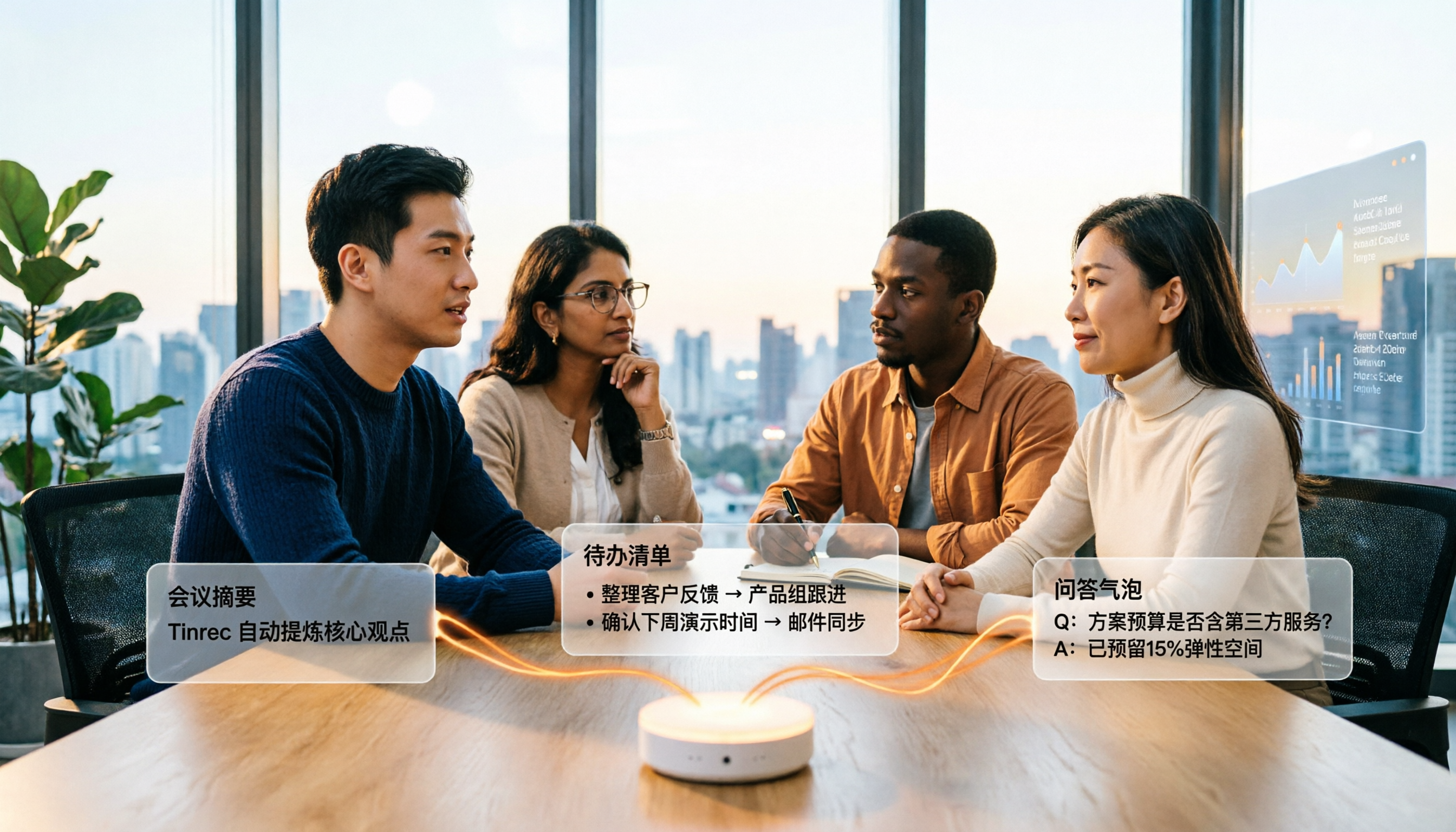
4 Audio-to-Text Summary Tools Tested and Compared in 2026: Which AI Summary Actually Saves Time?
Audio-to-text summarization isn't just about turning recordings into transcripts. This article starts with common misconceptions, explains what audio-to-text summarization can do for you, its core capabilities, and real-world use cases. It uses Tinrec as an example to demonstrate the full workflow from recording, transcription, summarization, to-dos, AI Q&A, and team knowledge retention, and concludes with buying considerations and FAQs.