
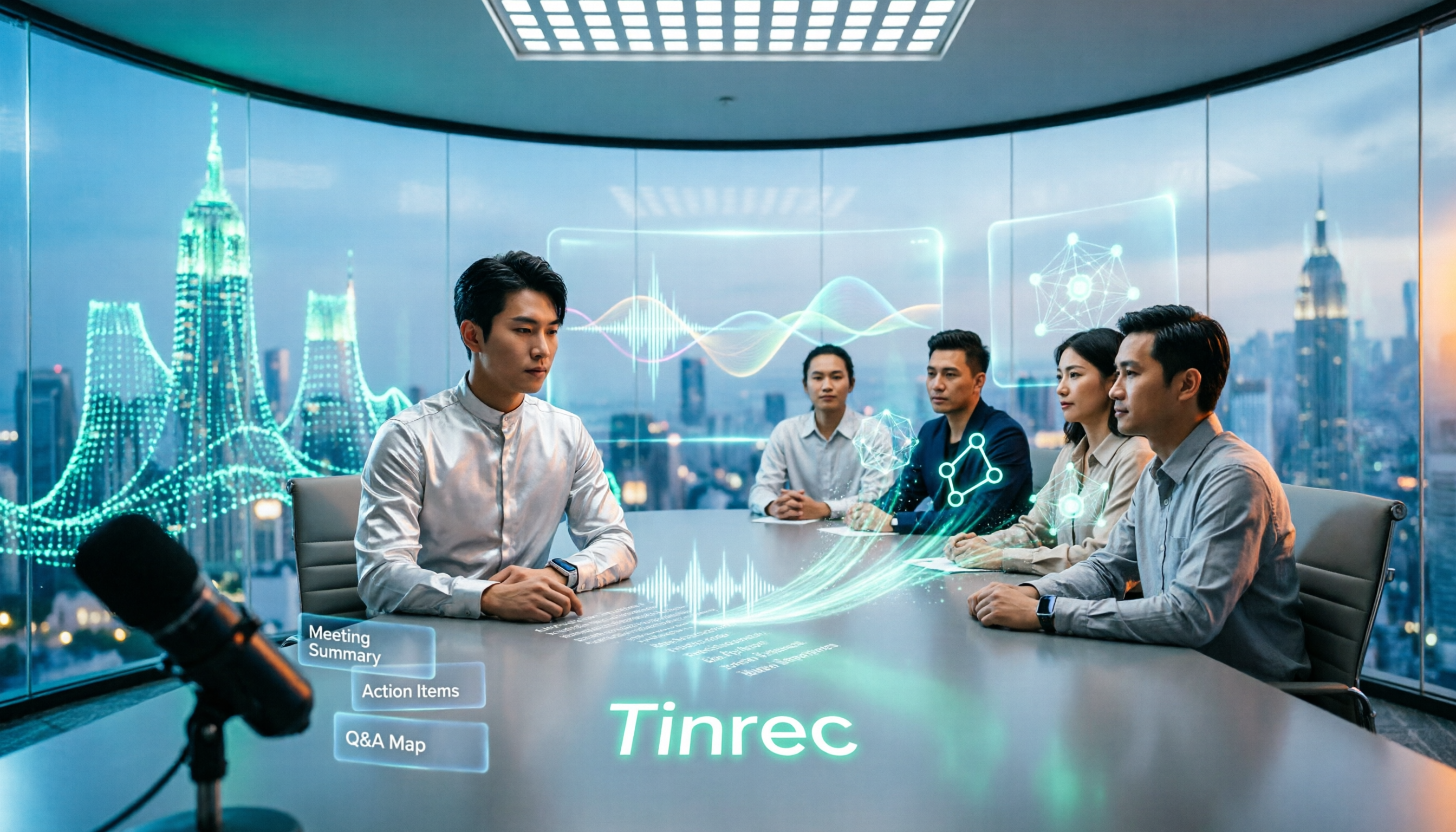
Turn recordings into transcripts and summaries in minutes
Upload audio or video for multilingual transcription, AI notes, and action items
Many people imagine meeting transcription apps work like this: hit record, drop the file in afterward, wait for the transcript to generate, copy it into a document, and you're done.
After a few rounds of real use, you'll find that's the easiest trap to fall into. A transcript only solves the "typing what was said" step. What actually eats up time is digging through tens of thousands of words afterward to pull out conclusions, decisions, and action items. Most people's first reaction when opening a transcript is usually "where do I even start?"
A more sensible approach: when choosing a tool, don't just compare transcription accuracy—look at how much it can help you organize after transcription. Take Tinrec, for example. It's an AI meeting notes and collaboration tool for individuals and teams that connects live recording, online meeting transcription, AI summaries, action item extraction, AI Q&A, and team knowledge retention into one flow. The free version offers basic credits so you can run through the entire workflow first. It's suitable for general office workers, project teams, and anyone who needs to keep meeting records long-term.
In this article, I'll compare "5 common approaches," explain who each one suits, where each falls short, and what role Tinrec plays.
What Can a Meeting Transcription App Do for You?
Scenario 1: No more spending an hour organizing notes after meetings In the past, after a two-hour meeting, you'd spend the same amount of time or longer organizing notes. With Tinrec, by the time the meeting ends, AI has already generated a summary, chapters, and key points, and pulled out action items from the discussion—who's responsible for what and when it's due, all listed out.
Scenario 2: No extra "bot" needed for online meetings Tinrec's desktop version captures your computer's system audio directly to handle online meetings on Zoom, Google Meet, Microsoft Teams, Webex, and more—no need to add an extra meeting bot to the participant list. Note: this isn't "automatically join all meetings"—you need to open Tinrec yourself to start recording.
Scenario 3: Keep up with mixed Chinese-English or foreign-language clients The biggest fear in international meetings is missing keywords. Tinrec supports real-time translation—during recording you can switch between original text, translation, or bilingual view, and mixed Chinese-English content can be organized together.
Scenario 4: Turn scattered meetings into searchable data Who mentioned the budget in the March meeting? What was the client's feedback at the time? After transcription, you can ask Tinrec directly—it answers based on semantic understanding, so you don't have to dig through transcripts yourself.
What Are the Core Capabilities of a Meeting Transcription App?
Real-time transcription Transcribes as you record, not after. For in-person meetings, interviews, or impromptu discussions, text appears on screen simultaneously, so you can ask follow-up questions on the spot for anything you missed.
Bot-free online meeting recording Captures system audio through the desktop version to handle online meetings—participants won't see a strange bot account appear in the meeting room.
AI summaries and chapters It's not about condensing a transcript into one paragraph—it breaks long meetings into structured sections so you can grasp the flow of the entire meeting in two or three minutes.
Action item extraction and AI Q&A Organizes follow-up actions from conversations and lets you ask follow-up questions about a single meeting or multiple meetings—great for anyone who needs to trace back decision-making processes.
Multi-format export and Agent post-processing Meeting results can be taken to Notion, Google Docs, OneNote, Dropbox, and other tools for continued use, and can also generate meeting minutes, reports, tables, or mind maps.
Team workspace The team version provides an independent collaboration space where meeting data belongs to the team. New members can see historical meetings, and data isn't taken away when members leave.
Practical Use Cases
Department weekly meetings and project meetings Weekly recurring meetings are the easiest to "forget as soon as they end." With Tinrec recording, action items are automatically organized. Before the next meeting, review them—what actually got done and what got pushed to next week—all clear at a glance.
Client interviews and business communications Client needs, concerns, and commitments are scattered throughout the conversation—easy to miss if you rely on memory. Tinrec keeps transcripts, summaries, and action items together. When you need to hand off to a colleague, just export as a document.
Stop organizing recordings by hand
Upload audio or video and automatically get a transcript, summary, and action items
Courses and lectures Re-listening to a two-hour class is costly. Tinrec supports audio and video file import—after class, review chapters and summaries directly, and search the transcript when you need details.
Content creation and research interviews Interview recordings easily run one or two hours—the transcript is your material library. Tinrec's AI Q&A helps you quickly locate the section where the interviewee discussed a certain topic, saving re-listening time.
5 Things to Watch When Choosing a Meeting Transcription App
1. What are the common approaches and their limitations There are roughly 5 approaches: built-in voice memo transcription on phones, built-in transcription in meeting platforms, AI meeting tools that join via bot, pure file transcription services, and desktop bot-free recording with post-meeting organization like Tinrec. The first two are easiest but have limited post-processing. Bot-type tools require adding an account to the meeting. Pure transcription services usually stop at the transcript.
2. Can it help you organize after transcription A transcript is raw material, not a finished product. Tinrec follows transcription with summaries, chapters, action items, and Q&A—that's where the real time savings happen.
3. Performance with Chinese and mixed Chinese-English If your meetings heavily use Chinese or mixed Chinese-English, test with your own recording. Tinrec covers Chinese, Traditional Chinese, and multilingual meeting scenarios, and offers team hotwords for maintaining professional terminology. Actual results are still affected by recording quality, accents, background noise, and overlapping speakers—don't rely solely on officially stated accuracy rates.
4. Can you take your data with you Meeting records usually need to fit into existing workflows. Tinrec supports multi-format export to Notion, Google Docs, OneNote, Dropbox, and other tools—your content isn't locked into a single platform.
5. How to manage for teams If meeting data is shared among multiple people, look at permissions and governance design. Tinrec's team version distinguishes between "roles" and "seats": roles determine who can manage the team and members; seats determine whether you can record, upload, edit, and export. Members without seats can still view and play team data. There's also usage analytics, audit logs, and a 30-day audio recycle bin.
Frequently Asked Questions
Q: Is the free version enough? Tinrec's free version offers basic credits to experience recording, file import, summaries, and transcription. If you only occasionally organize a meeting, run through the entire workflow with the free version first, then decide whether to upgrade. In addition to the free version, the personal plan offers a weekly pass, Pro monthly, and Pro annual—for short-term intensive use and long-term stable use respectively.
Q: Does Tinrec need a meeting bot to join? No. The desktop version captures system audio directly to record online meetings, but the user must actively start recording. It's not currently a mode that automatically joins all calendar meetings.
Q: Which meeting platforms are supported? It can handle meeting audio played on your computer from Zoom, Google Meet, Microsoft Teams, Webex, and other platforms. Supporting platform recording doesn't mean official partnerships with these platforms.
Q: Are recordings saved? Tinrec retains audio. Deleted audio in the team version first goes to the recycle bin and is kept for 30 days before permanent deletion (TODO items are not covered by the recycle bin). Also, please comply with local regulations when recording and transcribing—obtain participant consent when necessary.
Q: What's the difference between the team version and personal version? Personal version data is managed by the individual account. The team version is an independent team space with member invitations, role and seat management, shared import credits, usage analytics, audit logs, and an audio recycle bin. The team's first eligible trial is 7 days, 1 free seat, and 300 minutes of shared team import credits. Paid seats are USD 29.80/month or USD 199/year (about USD 16.58/month), with 2,000 minutes of shared team import credits per seat per month. Actual prices and benefits are subject to the official purchase page.
Q: Can you guarantee 100% accuracy? We don't recommend expecting that. AI may miss or misinterpret details. Tinrec's value is in significantly reducing manual recording and organizing costs. For important content, we still recommend cross-checking with transcript timestamps and recording playback.
Summary
The real problem meeting transcription apps solve isn't "recording"—it's the organizing work nobody wants to do afterward. The transcript is just the starting point. Whether it can automatically generate summaries and action items, and whether you can ask questions and get answers when needed—that's where the difference lies.
If you have more than 3 meetings per week, we suggest running a real meeting through Tinrec's free version first to experience what it's like not having to re-listen afterward. For teams that need to share meeting data among multiple people, start with the 7-day team trial and put meeting data into one shared space, so every meeting leaves behind a record you can reuse.
References
- Yating Transcript
- Notta - Super Accurate Transcript, Speech to Text, Meeting Recording, AI Summary Notes App - App Store
- [⭐ Great App Recommendation] Meeting Notes - Voice/Recording to Text Tool ...
- [AI Voice Notes] Top 5 Recommended AI Transcription Tools! Generate Transcripts and Meeting Notes Highlights, Free vs Subscription, Pros and Cons Comparison | 104 Career Power
- How to Transcribe Mobile Meeting Recordings? Use Plaud + AI Recording and Organizing in One Go
Turn every recording into actionable outcomes
Get 60 free transcription minutes when you sign in. No credit card required.
Related Reading
You might also like

8 Best Phone-to-Text Tools in 2026: Image OCR, Audio Transcription, and Meeting Notes Compared
Phone-to-text tools fall into two distinct categories: image OCR and audio transcription. This guide compares 8 tools—including Google Lens, Google Keep, LINE, and Google Drive for free image-to-text OCR, plus Tinrec, Otter.ai, Notta, and Granola for meeting transcription. We cover 4 key selection criteria and 4 common mistakes to help you choose the right tool without wasting money.

4 iPhone Image-to-Text Methods Compared: Live Text vs Notes Scan vs Shortcuts—Which Saves the Most Time?
iPhone has built-in image-to-text features, but they're scattered across Photos, Notes, and Shortcuts—many people never use them. This guide walks through Live Text, Notes scan text, and Shortcuts workflows, covering device and OS requirements, real-world factors that affect accuracy, and a commonly overlooked scenario: when the source isn't an image but meeting recordings and videos, how to use Tinrec, its limitations, and how it differs from Otter.ai, Notta, and PLAUD.

Tinrec vs Otter.ai 2026: 5-Dimension Comparison for English Audio Transcription
Which tool should you use for English audio transcription? This article compares Tinrec and Otter.ai across 5 dimensions, covering bot-free meeting recording, mixed Chinese-English recognition, AI summaries and action items, team knowledge retention, and pricing. It also includes practical use cases, buying considerations, and FAQs to help you find the right English transcription workflow.

2026 Office Recording to Text Guide: Tinrec Real-Time Transcription + AI Meeting Notes
Should you buy a voice recorder for meetings, or use an AI meeting notes tool? This guide examines office scenarios, explains why a standalone recorder only does half the job, and tests how Tinrec turns recordings into searchable, collaborative data with real-time transcription, AI summaries, action item extraction, and team spaces. It also covers 6 key buying factors and FAQs.

3 Link-to-Text Tools Tested and Compared in 2026: Which One Turns Link Content into a Transcript?
There are two needs for link-to-text: one is to display hyperlinks as readable text, and the other is to turn videos or meeting content behind links into transcripts. This article tests Tinrec, Notta, TurboScribe, and Link Transformer, covering buying considerations, hands-on performance, and pitfalls to help you choose the right tool for your situation.

4 Video Summarization Tools Tested in 2026: Which One Turns Long Videos into Usable Data?
Stored a bunch of videos but no time to rewatch them? This article compares 4 video summarization tools in practice, examining input sources, summarization methods, AI follow-up questions, and team collaboration, and shares hands-on experience, pricing, and limitations of Tinrec in meeting recordings and interview organization.

6 Best Speech-to-Text Tools in 2026: Which Saves More Time for Chinese Transcripts and AI Meeting Notes?
This article reviews 6 speech-to-text tools in 2026, including Tinrec, cSubtitle, Yating Transcription, Google Cloud Speech-to-Text, Notta, and TurboScribe. It compares Chinese transcription, AI meeting notes, team collaboration, and pricing. The article explains each tool's positioning, highlights, free and paid plans, and provides scenario-based recommendations to help professionals and teams find the right speech-to-text tool.

2026 Comparison of 2 Audio-to-Text Tools: Tinrec vs PLAUD Note – Which Is Better for Chinese Meetings?
The real fork in the road for turning recordings into text isn't which AI is strongest, but whether you're dealing with in-person audio or online meetings on your computer. This article compares Tinrec and PLAUD Note across 6 dimensions: acquisition threshold, online meeting recording method, post-transcription output, Chinese and bilingual review, historical file import, and team data retention. It ends with a ready-to-use starter checklist.
4 Audio-to-Text Summary Tools Tested and Compared in 2026: Which AI Summary Actually Saves Time?
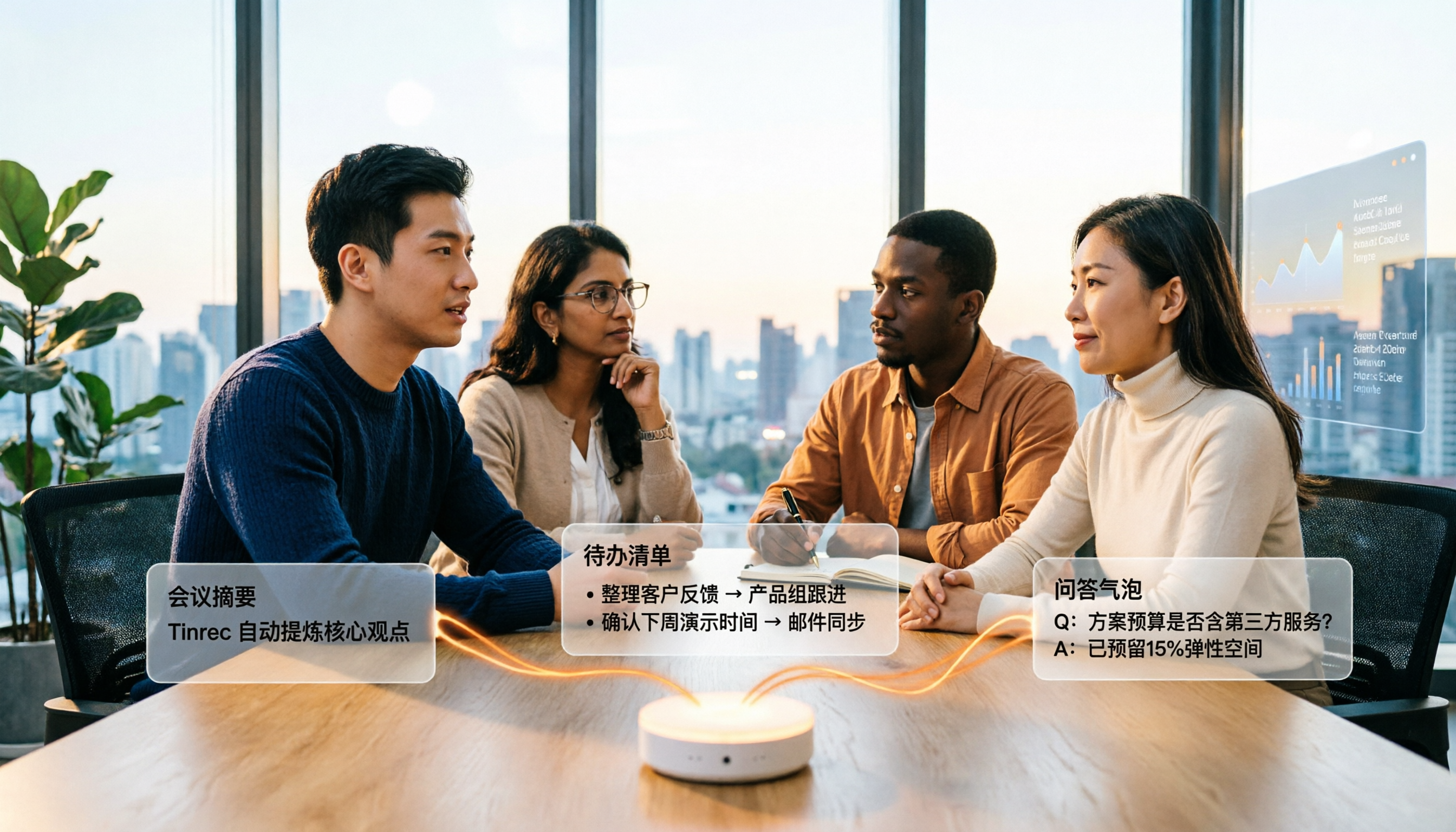
Audio-to-text summarization isn't just about turning recordings into transcripts. This article starts with common misconceptions, explains what audio-to-text summarization can do for you, its core capabilities, and real-world use cases. It uses Tinrec as an example to demonstrate the full workflow from recording, transcription, summarization, to-dos, AI Q&A, and team knowledge retention, and concludes with buying considerations and FAQs.