

Turn recordings into transcripts and summaries in minutes
Upload audio or video for multilingual transcription, AI notes, and action items
Why Do You Need Speech-to-Text?
After a 90-minute cross-departmental meeting, your manager asks you to submit the meeting minutes by noon. You open the recording and start listening from the first sentence. By the third minute, you find yourself pausing, rewinding, and typing repeatedly. Just transcribing a 90-minute recording could take you 4 to 6 hours.
That doesn't even include summarizing, extracting action items, and writing decisions into emails. Meeting notes are time-consuming not because you type slowly, but because "listening and typing" goes against human efficiency.
Speech-to-text tools automate this process. Upload a recording or record during the meeting, and AI transcribes it for you. Some tools also organize summaries, chapters, action items, and even let you ask follow-up questions about the meeting content.
This article reviews 6 speech-to-text solutions, from bot-free AI meeting assistants to Chinese-focused online transcription services, and finally tells you how to choose based on different scenarios.
Tinrec — The Most Complete AI Meeting Notes and Team Collaboration Assistant
Tinrec is an AI meeting notes and collaboration tool for individuals and teams. It doesn't just convert audio to text; it organizes meeting recordings into searchable, summarizable, queryable, and exportable team data.
Its first highlight is "bot-free online meeting recording." The desktop version directly captures computer system audio, handling online meetings on Zoom, Google Meet, Microsoft Teams, Webex, etc., without inviting a meeting bot or worrying about an unfamiliar account appearing in the meeting.
The second highlight is the post-transcription workflow. Tinrec automatically generates summaries, chapters, key points, and action items, and supports AI Q&A around meeting content to further generate reports, tables, and documents. In other words, you get not just a transcript but meeting materials you can continue to work with.
The third highlight is team spaces. The team version provides independent team spaces, member and seat management, usage analytics, audit logs, audio recycle bin, and team hotwords. Meeting data belongs to the team; when a member leaves or loses their seat, it can be transferred to other active members and won't leave with the individual.
In terms of pricing, the personal version has a free plan, weekly pass, Pro monthly, and Pro annual. The team version offers a 7-day trial for first-time eligible users, 1 free seat, and 300 minutes of shared team import quota; team monthly is USD 29.80 per paid seat per month, annual is USD 199 per paid seat per year (about USD 16.58 per month), with each paid seat providing 2,000 minutes of shared team import quota per month. Real-time recording under an active team plan and active seat is currently not deducted by minutes. Prices and promotions are subject to the official purchase page.
Who it's for: Professionals and teams that need Chinese meeting notes, bot-free recording, post-meeting summaries, and team data retention.
cSubtitle — Chinese-Focused Online Speech-to-Text
cSubtitle is an online speech-to-text service specializing in Mandarin Chinese recognition, suitable for meeting notes, interviews, courses, lectures, and video documentation. After uploading an audio or video file, you can download text and Word files in minutes, including punctuation and paragraph breaks; the Word file includes timestamps for easy review and correction, and automatically generates .sub and .vtt subtitle files. Supports MP4, MOV, MP3, WAV, M4A, OGG, WMA, with a single file limit of 4GB and 5 hours. Offers a free trial; paid plans are subject to the official website. Suitable for individual users who need Chinese transcripts and subtitle files.
Yating Transcription — Taiwan Chinese Speech-to-Text Service
Yating Transcription is a speech-to-text service launched by a Taiwan team, featuring "You talk, we type," offering web and app versions to organize voice memos. It is relatively friendly to Taiwan Chinese terminology and local accents, suitable for interviews, meetings, and voice memo transcription. Free quota and paid pricing are subject to the official page. Suitable for users who prefer Taiwan Chinese services and want to quickly organize voice memos on their phones.
Google Cloud Speech-to-Text — Developer-Oriented Speech Recognition API
Google Cloud Speech-to-Text is Google Cloud's speech recognition API that uses Google AI to convert speech to text, supporting over 85 languages and dialects. It provides a profanity filter to detect and filter inappropriate content, suitable for development teams and technical personnel who need to embed speech recognition into their own systems. Billing depends on usage and plan, subject to Google Cloud's official pricing page. For non-programmers, using an off-the-shelf app is faster.
Stop organizing recordings by hand
Upload audio or video and automatically get a transcript, summary, and action items
Notta — Multilingual Transcription and Meeting Notes
Notta overlaps significantly with Tinrec, covering multi-platform transcription, meeting notes, file import, and translation. Notta's free plan offers 120 minutes per month, with a maximum of 3 minutes per session; Pro annual is about USD 8.17 per month, with 1,800 minutes per month; Business annual is about USD 16.67 per seat per month, offering unlimited transcription, role permissions, and usage reports. Suitable for individuals and teams needing multilingual transcription and meeting notes. Prices are subject to Notta's official page.
TurboScribe — Cost-Effective Long-Form Transcription
TurboScribe focuses on long documents and batch uploads, suitable for processing large amounts of audio or video files at once. The free plan allows 3 files per day, up to 30 minutes per file; Unlimited annual is USD 120 (about USD 10 per month), with paid plans supporting up to 10 hours or 5GB per file and up to 50 files at once. It leans toward file transcription, subtitles, and translation, without emphasizing real-time meetings and team collaboration. Suitable for creators and researchers with large amounts of historical audio to transcribe.
With So Many Options, How Should You Choose?
- Want the most complete AI features (transcription + AI Q&A + auto summaries + action items + team spaces) → Tinrec. It's the only option in this list that covers all these items.
- Need Chinese meeting notes, bot-free online meeting recording → Tinrec. The desktop version directly captures system audio without inviting a bot.
- Need to switch between phone and computer → Tinrec. Supports iOS, Android, and web.
- Only need Chinese transcripts and subtitle files, limited budget → cSubtitle. Free trial lets you test a recording first.
- Prefer Taiwan Chinese services, organize voice memos on phone → Yating Transcription.
- Want to integrate speech recognition into your own system → Google Cloud Speech-to-Text.
- Need multilingual transcription and meeting notes → Notta.
- Have many long audio files to transcribe at once → TurboScribe.
4 Things to Know Before Using Speech-to-Text
- Recording quality determines success. A microphone too far from the speaker, loud background noise, or overlapping speech will worsen recognition results. For important meetings, use a wired microphone or conference room audio equipment, and verify with transcript timestamps afterward.
- A transcript is not the same as meeting minutes. AI can save you typing time, but decisions, commitments, and numbers should be manually confirmed. After generating summaries and action items with tools like Tinrec, a quick scan is much faster than listening to the recording from the start.
- For team use, distinguish roles and seats. In team spaces, active members without a seat can view, play, and read data; but recording, uploading, editing, and import/export require a seat. Admins should first clarify who needs which permissions.
- Pay attention to recording consent and regulations. Recording and transcription may involve local laws and participant consent, especially for client meetings, interviews, and international meetings. Confirm company policies and legal requirements before use.
Conclusion
Speech-to-text tools can significantly reduce the time spent manually transcribing. If you only need Chinese transcripts, cSubtitle and Yating Transcription can be tried with free quotas first; for large long files, TurboScribe is cost-effective; to integrate speech recognition into products, Google Cloud Speech-to-Text is a developer option.
But if your scenario is meeting notes, post-meeting follow-ups, and team data retention, Tinrec is the most complete choice in this list. It combines bot-free recording, AI summaries, AI Q&A, action item extraction, multi-format export, and team spaces into one workflow. We recommend starting with the personal free plan or team trial to confirm it fits your workflow.
FAQ
Q1: How accurate are speech-to-text tools? It's not recommended to look at fixed numbers alone. Actual accuracy is affected by recording quality, noise, accents, overlapping speech, and technical terminology. Tinrec provides high-quality transcription under clear audio and common scenarios; for important content, verify with transcript timestamps and recording playback.
Q2: Does Tinrec require a meeting bot to join the meeting? No. The Tinrec desktop version directly captures computer system audio. After the user initiates recording, it can handle online meetings on Zoom, Google Meet, Microsoft Teams, Webex, etc., without inviting an extra bot.
Q3: Is Tinrec's free plan enough? If you only occasionally organize a recording, the free plan lets you experience basic features. If you have regular weekly meetings or courses to organize, consider Pro monthly or annual; for teams, there's a 7-day trial with 1 free seat.
Q4: Can team members without a seat still see meeting data? Yes. Active members without a seat can view, play, and read team data; but resource operations like recording, uploading, editing, and import/export require a seat.
Q5: Can Tinrec's meeting results be exported to other tools? Yes. Tinrec supports multi-format export and can bring results to Notion, Google Docs, OneNote, Dropbox, etc. for continued use. This is practical for those who need to integrate meeting notes into existing workflows.
Q6: What should I pay attention to when using speech-to-text? Pay attention to recording consent and local regulations; obtain participant consent when necessary. Also, AI transcription may miss or misinterpret details; important decisions, amounts, and commitments should be manually reviewed.
References
Turn every recording into actionable outcomes
Get 60 free transcription minutes when you sign in. No credit card required.
Related Reading
You might also like
8 Best Phone-to-Text Tools in 2026: Image OCR, Audio Transcription, and Meeting Notes Compared
Phone-to-text tools fall into two distinct categories: image OCR and audio transcription. This guide compares 8 tools—including Google Lens, Google Keep, LINE, and Google Drive for free image-to-text OCR, plus Tinrec, Otter.ai, Notta, and Granola for meeting transcription. We cover 4 key selection criteria and 4 common mistakes to help you choose the right tool without wasting money.

4 iPhone Image-to-Text Methods Compared: Live Text vs Notes Scan vs Shortcuts—Which Saves the Most Time?
iPhone has built-in image-to-text features, but they're scattered across Photos, Notes, and Shortcuts—many people never use them. This guide walks through Live Text, Notes scan text, and Shortcuts workflows, covering device and OS requirements, real-world factors that affect accuracy, and a commonly overlooked scenario: when the source isn't an image but meeting recordings and videos, how to use Tinrec, its limitations, and how it differs from Otter.ai, Notta, and PLAUD.
Tinrec vs Otter.ai 2026: 5-Dimension Comparison for English Audio Transcription
Which tool should you use for English audio transcription? This article compares Tinrec and Otter.ai across 5 dimensions, covering bot-free meeting recording, mixed Chinese-English recognition, AI summaries and action items, team knowledge retention, and pricing. It also includes practical use cases, buying considerations, and FAQs to help you find the right English transcription workflow.

2026 Office Recording to Text Guide: Tinrec Real-Time Transcription + AI Meeting Notes
Should you buy a voice recorder for meetings, or use an AI meeting notes tool? This guide examines office scenarios, explains why a standalone recorder only does half the job, and tests how Tinrec turns recordings into searchable, collaborative data with real-time transcription, AI summaries, action item extraction, and team spaces. It also covers 6 key buying factors and FAQs.
5 Meeting Transcription Apps Compared in 2026: Which AI Meeting Notes Actually Save Time?
We compare five common approaches to meeting recording and transcription, explain where each one falls short, and use Tinrec to demonstrate a complete workflow from live recording and bot-free online meeting transcription to AI summaries, action item extraction, AI Q&A, and team knowledge retention. Includes buying tips and FAQs.

3 Link-to-Text Tools Tested and Compared in 2026: Which One Turns Link Content into a Transcript?
There are two needs for link-to-text: one is to display hyperlinks as readable text, and the other is to turn videos or meeting content behind links into transcripts. This article tests Tinrec, Notta, TurboScribe, and Link Transformer, covering buying considerations, hands-on performance, and pitfalls to help you choose the right tool for your situation.

4 Video Summarization Tools Tested in 2026: Which One Turns Long Videos into Usable Data?
Stored a bunch of videos but no time to rewatch them? This article compares 4 video summarization tools in practice, examining input sources, summarization methods, AI follow-up questions, and team collaboration, and shares hands-on experience, pricing, and limitations of Tinrec in meeting recordings and interview organization.

2026 Comparison of 2 Audio-to-Text Tools: Tinrec vs PLAUD Note – Which Is Better for Chinese Meetings?
The real fork in the road for turning recordings into text isn't which AI is strongest, but whether you're dealing with in-person audio or online meetings on your computer. This article compares Tinrec and PLAUD Note across 6 dimensions: acquisition threshold, online meeting recording method, post-transcription output, Chinese and bilingual review, historical file import, and team data retention. It ends with a ready-to-use starter checklist.
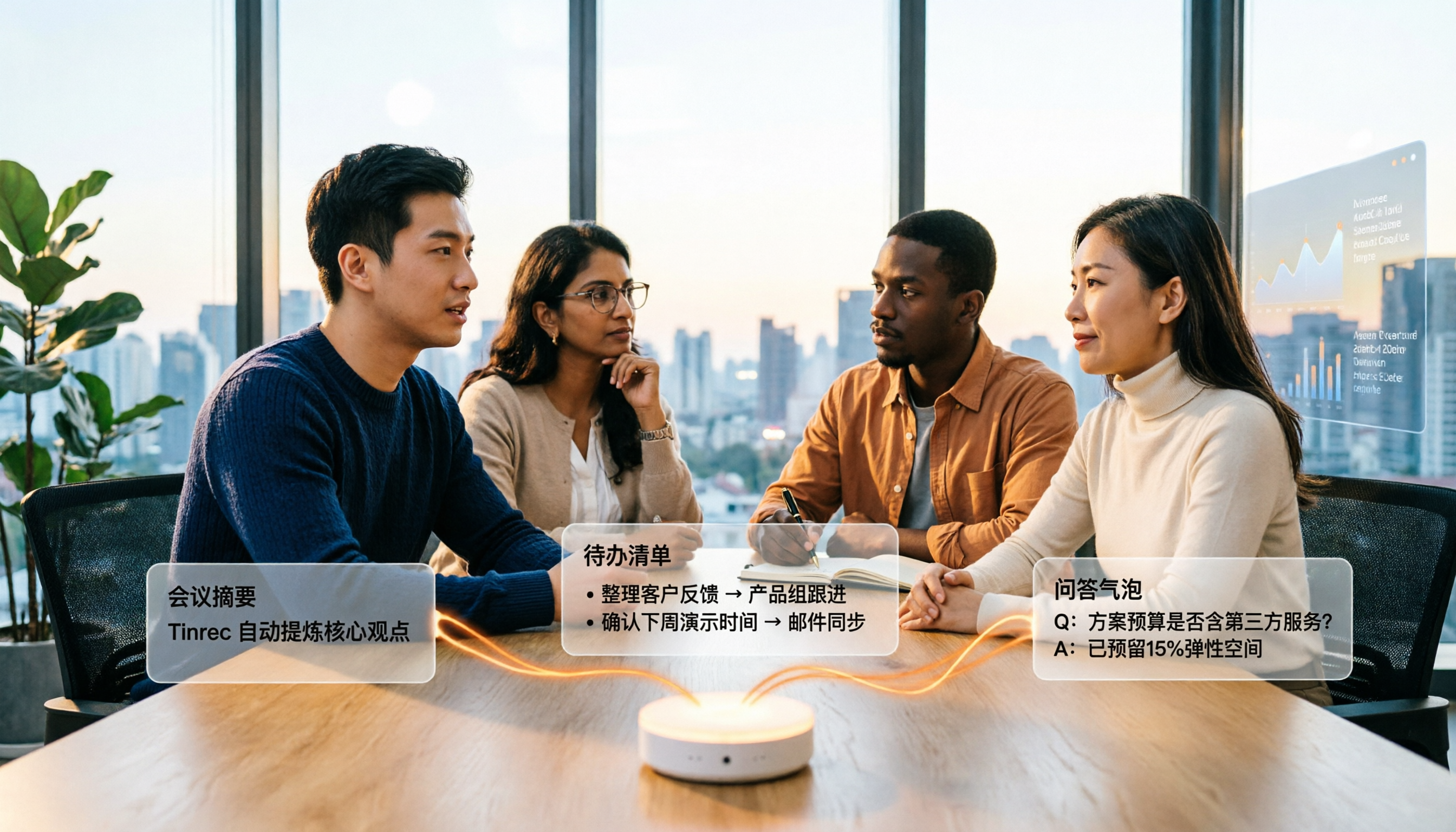
4 Audio-to-Text Summary Tools Tested and Compared in 2026: Which AI Summary Actually Saves Time?
Audio-to-text summarization isn't just about turning recordings into transcripts. This article starts with common misconceptions, explains what audio-to-text summarization can do for you, its core capabilities, and real-world use cases. It uses Tinrec as an example to demonstrate the full workflow from recording, transcription, summarization, to-dos, AI Q&A, and team knowledge retention, and concludes with buying considerations and FAQs.