

Turn recordings into transcripts and summaries in minutes
Upload audio or video for multilingual transcription, AI notes, and action items
You've stored a pile of videos but rewatched almost none—what you lack isn't a player, it's an organization method
On your phone and in the cloud, you've saved dozens of videos. Seminar recordings, client interviews, online courses, team weekly meetings—yet fewer than five have actually been revisited.
It's not laziness; rewatching a 40-minute video is simply too costly.
The bigger problem is with teams. For the same video, A wants conclusions, B wants action items, and C just wants to know which sentence the client said. Each person rewatching it separately means the same time is wasted three times over.
If you're also looking for "which video summarization tool can actually turn videos into usable data," this is my organized take after actually using them.
Before Choosing a Video Summarization Tool, Understand These 4 Key Points
1. Can it handle videos "without subtitles"?
Many tools are actually "reading subtitles," not truly watching the video. If the platform has no subtitles, they're stuck.
But real-world interviews, sports events, landscape footage, and casual phone videos often lack subtitles. Before choosing, confirm whether it reads subtitles or actually listens to audio and watches visuals.
2. Does it only give a summary, or can you ask follow-up questions?
A summary is one-time; Q&A is ongoing.
A good tool should let you directly ask after reading the summary: "What was the budget cap the client mentioned?" "Who said this conclusion?" Being able to ask follow-ups is what truly saves time.
3. Are the input sources broad enough?
A tool that only accepts YouTube links is helpless when you have your own MP4 recording.
Where 80% of your videos come from matters more than how many platforms the tool supports.
4. Can the team use it together?
Organizing alone saves your own time; using it as a team truly builds an asset.
Check whether it has team spaces, member and seat management, shared quotas, and usage logs. These are usually completely absent in personal versions.
Tinrec—The One I Open Most Often After Testing
Tinrec is an AI meeting notes and collaboration tool for individuals and teams, available on desktop, web, and mobile.
It doesn't just convert audio to text; it organizes audio and video content into searchable, queryable, and exportable data.
Drop your video files directly in
Meeting recordings, client interviews, course videos—after uploading, they're transcribed, then automatically generate summaries, chapters, key points, and action items.
My own habit is to drop yesterday's interviews in the morning and have structured transcripts to review by noon. This used to take me an entire afternoon.
AI Q&A is its most obvious differentiator
After reading the summary, you can keep asking.
"In this interview, what were the client's concerns about pricing?" It doesn't throw a bunch of keywords at you; it answers directly based on the content. I rarely see this feature executed so smoothly in tools at the same price point.
It can also query across multiple meetings at once, essentially turning the entire batch of data into a conversational database.
Export and post-processing
After organizing, you can export directly to Notion, Google Docs, OneNote, or Dropbox for further work.
You can also use Agent to generate reports, tables, and meeting minutes. For those who need to deliver something daily, this step saves a lot of copy-pasting.
No bot needed for online meetings
The desktop version directly captures computer system audio, handling Zoom, Google Meet, Microsoft Teams, and Webex without inviting a meeting bot into the room.
This is especially important for external client meetings—you don't want an odd account hanging on the participant list in front of a client.
The team version is its true complete form
In the personal version, data belongs to the individual account. The team version is an independent team space where meeting data belongs to the team.
Members can share and view historical data; admins can manage roles, seats, shared quotas, and usage, plus audit logs and a 30-day audio recycle bin. When a member leaves or is removed, data can be transferred and won't leave with the person.
Stop organizing recordings by hand
Upload audio or video and automatically get a transcript, summary, and action items
Pricing (based on internal configuration as of August 2026; actual pricing subject to the official purchase page): team monthly USD 29.80 per paid seat per month, annual USD 199 per paid seat per year, approximately USD 16.58 per month. Each paid seat has 2,000 minutes of team shared import quota per month; live recording under an active plan and seat is currently not deducted by minutes. First eligible teams get a 7-day trial, 1 free seat, and 300 minutes of shared import quota.
Testing conditions
We tested with our own team's real meeting recordings and client interview files (indoor, single microphone, occasional keyboard sounds), not a studio environment. Performance under these conditions is usually more conservative than official numbers but closer to everyday reality.
Limitations, still need to be clear
First, importing online video links is only a supplementary capability and can only handle some public video content. If what you want is "paste a YouTube URL and get a summary instantly," Tinrec doesn't take that route; it's better at handling your own and your team's internal audio and video files.
Second, no tool should promise a fixed accuracy rate. Noisy environments, multiple people talking over each other, and heavy jargon will degrade anyone's performance.
Third, the free version has limited quota; heavy users must pay.
Who it's for
People who frequently organize meeting recordings, interviews, and course videos and want to use AI to find key points directly after organizing and keep data within the team. If you work solo and only watch public videos, the tools in the next section may be more convenient.
Besides Tinrec, What Other Options Are There?
WayinVideo
Focuses on free AI video summarization, emphasizing timestamps, scene and action recognition, and can handle content without subtitles like silent films, ballet, and sports events. It also supports social short videos from Facebook Reels, Instagram Reels, TikTok, etc.
If your main focus is public videos on social platforms, its entry point is more direct than Tinrec. However, features like team spaces, member seats, shared quotas, and usage governance are not within its current public description.
Monica (YouTube Summary with GPT)
A browser-side tool that, once installed, uses GPT to summarize YouTube videos. It supports multiple languages and allows selecting transcript language, making it quite friendly for students and language learners.
However, its world basically revolves around "online videos on platforms." Your own MP4s are outside its scope, and post-meeting follow-ups, action item extraction, and exporting to Notion are done much more completely by Tinrec.
TurboScribe
A cost-effective file transcription tool, strong for long files and batch processing. Free version: 3 files per day, 30 minutes per file; paid version: up to 10 hours or 5 GB per file, up to 50 files at once, annual USD 120.
If you just need "a bunch of long recordings quickly turned into text," it's a great deal. But it doesn't focus on summary Q&A and team collaboration; after transcription, you still have to organize it yourself.
Pitfall Guide: The 3 Most Common Mistakes When Choosing a Video Summarization Tool
Pitfall 1: Only choosing tools that "summarize by pasting a URL"
These tools are convenient, but the premise is that the video is already on a platform and has subtitles or can be parsed by the platform.
Your own meeting recordings, client interviews, and phone-shot videos can only be handled by "uploading audio/video files." Before buying, think clearly about where 80% of your videos come from.
Pitfall 2: Treating the summary as the endpoint
The summary is just the first step.
In a 40-minute transcript, finding a specific number requires Ctrl+F and scrolling forever; a tool that lets you directly ask "What's the budget cap?" truly gives you back your time.
Pitfall 3: Teams using personal accounts with makeshift methods
Many people "buy Pro individually and share the account password with colleagues."
This is a minefield for data ownership, offboarding handover, and usage management. If a team is to use it together, choose a version with team spaces, roles and seats, usage and auditing, so data truly stays with the company.
Conclusion: Which One Should You Choose?
One-sentence conclusion: If what you want is "to turn videos at hand and in the meeting room into searchable, queryable, collaborative data," Tinrec is our top choice after testing.
Scenario breakdown:
- Organizing your own meeting recordings, interviews, course videos → Tinrec (upload and transcribe, with summary, chapters, and action items together)
- Want to ask follow-up details after watching → Tinrec (AI Q&A is currently the most practical differentiator)
- Team needs to share meeting data, manage seats and usage → Tinrec team version
- Don't want a bot added to online meetings → Tinrec desktop version (directly captures system audio)
- Only handling public social short videos → WayinVideo
- Only doing YouTube videos with subtitles → Browser extensions like Monica
- Only need mass long-file transcription, budget first → TurboScribe
Honestly, the only way to know if a tool is good is to throw one of your own videos into it.
Start with Tinrec's free version, upgrade if it feels right—no need to pay upfront. Also, before recording and transcribing, remember to check local regulations and obtain consent from participants when necessary.
References
- Free AI Video Summarization Tool—Accurate, Fast, with Timestamps
- Summarize YouTube with GPT: Free Online Video Summarization Tool
- One-Click Video to Text: 3 Video Summarization AI Tools Recommended, Quickly Produce High-Quality Key Summaries - Tinrec Blog
- Top 10 Best AI YouTube Video Summarization Tools Recommended
- ChatGPT YouTube Summary Video Key Techniques, from Transcript to Summary Method - Mr. Mad
Turn every recording into actionable outcomes
Get 60 free transcription minutes when you sign in. No credit card required.
Related Reading
You might also like
8 Best Phone-to-Text Tools in 2026: Image OCR, Audio Transcription, and Meeting Notes Compared
Phone-to-text tools fall into two distinct categories: image OCR and audio transcription. This guide compares 8 tools—including Google Lens, Google Keep, LINE, and Google Drive for free image-to-text OCR, plus Tinrec, Otter.ai, Notta, and Granola for meeting transcription. We cover 4 key selection criteria and 4 common mistakes to help you choose the right tool without wasting money.

4 iPhone Image-to-Text Methods Compared: Live Text vs Notes Scan vs Shortcuts—Which Saves the Most Time?
iPhone has built-in image-to-text features, but they're scattered across Photos, Notes, and Shortcuts—many people never use them. This guide walks through Live Text, Notes scan text, and Shortcuts workflows, covering device and OS requirements, real-world factors that affect accuracy, and a commonly overlooked scenario: when the source isn't an image but meeting recordings and videos, how to use Tinrec, its limitations, and how it differs from Otter.ai, Notta, and PLAUD.
Tinrec vs Otter.ai 2026: 5-Dimension Comparison for English Audio Transcription
Which tool should you use for English audio transcription? This article compares Tinrec and Otter.ai across 5 dimensions, covering bot-free meeting recording, mixed Chinese-English recognition, AI summaries and action items, team knowledge retention, and pricing. It also includes practical use cases, buying considerations, and FAQs to help you find the right English transcription workflow.

2026 Office Recording to Text Guide: Tinrec Real-Time Transcription + AI Meeting Notes
Should you buy a voice recorder for meetings, or use an AI meeting notes tool? This guide examines office scenarios, explains why a standalone recorder only does half the job, and tests how Tinrec turns recordings into searchable, collaborative data with real-time transcription, AI summaries, action item extraction, and team spaces. It also covers 6 key buying factors and FAQs.
5 Meeting Transcription Apps Compared in 2026: Which AI Meeting Notes Actually Save Time?
We compare five common approaches to meeting recording and transcription, explain where each one falls short, and use Tinrec to demonstrate a complete workflow from live recording and bot-free online meeting transcription to AI summaries, action item extraction, AI Q&A, and team knowledge retention. Includes buying tips and FAQs.

3 Link-to-Text Tools Tested and Compared in 2026: Which One Turns Link Content into a Transcript?
There are two needs for link-to-text: one is to display hyperlinks as readable text, and the other is to turn videos or meeting content behind links into transcripts. This article tests Tinrec, Notta, TurboScribe, and Link Transformer, covering buying considerations, hands-on performance, and pitfalls to help you choose the right tool for your situation.

6 Best Speech-to-Text Tools in 2026: Which Saves More Time for Chinese Transcripts and AI Meeting Notes?
This article reviews 6 speech-to-text tools in 2026, including Tinrec, cSubtitle, Yating Transcription, Google Cloud Speech-to-Text, Notta, and TurboScribe. It compares Chinese transcription, AI meeting notes, team collaboration, and pricing. The article explains each tool's positioning, highlights, free and paid plans, and provides scenario-based recommendations to help professionals and teams find the right speech-to-text tool.

2026 Comparison of 2 Audio-to-Text Tools: Tinrec vs PLAUD Note – Which Is Better for Chinese Meetings?
The real fork in the road for turning recordings into text isn't which AI is strongest, but whether you're dealing with in-person audio or online meetings on your computer. This article compares Tinrec and PLAUD Note across 6 dimensions: acquisition threshold, online meeting recording method, post-transcription output, Chinese and bilingual review, historical file import, and team data retention. It ends with a ready-to-use starter checklist.
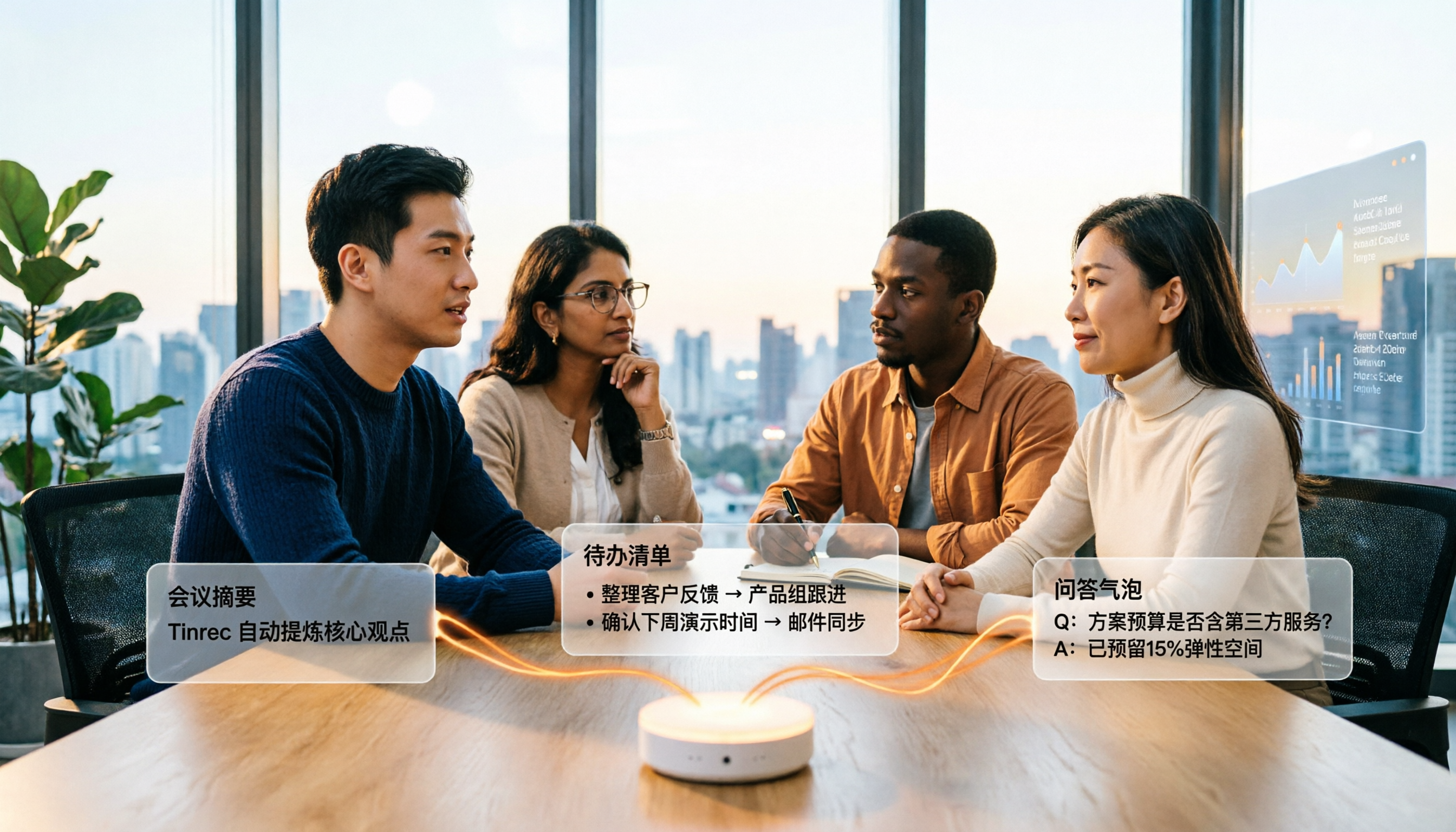
4 Audio-to-Text Summary Tools Tested and Compared in 2026: Which AI Summary Actually Saves Time?
Audio-to-text summarization isn't just about turning recordings into transcripts. This article starts with common misconceptions, explains what audio-to-text summarization can do for you, its core capabilities, and real-world use cases. It uses Tinrec as an example to demonstrate the full workflow from recording, transcription, summarization, to-dos, AI Q&A, and team knowledge retention, and concludes with buying considerations and FAQs.