

Turn recordings into transcripts and summaries in minutes
Upload audio or video for multilingual transcription, AI notes, and action items
The meeting ending is just the beginning of the pain—what you need isn't to type away, but a tool that can summarize for you
It's 4 PM on Wednesday, and the meeting finally ends. You look at the dense notes on your screen and think: Who said what just now? What exactly was the decision? And who should the action items be sent to?
This is the daily routine for most office workers. Two hours in a meeting, then another two hours organizing afterward—pasting the transcript into ChatGPT, manually extracting key points, copying and pasting into emails, and repeatedly checking for missed important conclusions.
Cross-departmental meetings are even more troublesome. Participants take turns speaking, mixing Chinese and English technical terms, and the audio file turns into a mess when transcribed. If you also need to organize it into formal meeting minutes, just thinking about it is exhausting.
This article isn't about getting you to buy a more expensive tool, but to help you find a process that truly reduces post-meeting organization time. We tested several common meeting summary tools and will tell you which features are marketing hype and which actually save time.
Before Choosing a Meeting Summary Tool, Understand These 4 Key Points
1. Accuracy Isn't Just About Official Numbers
Almost every company claims "98% accuracy," but that's usually measured in a quiet recording studio, with a single speaker, and standard accent. Real meeting rooms have air conditioning noise, keyboard sounds, and multiple people talking over each other, so accuracy drops significantly. We recommend testing with a short recording of your own, not just relying on ads.
2. AI Features Are a Key Purchase Factor, Not an Added Value
If a tool only converts voice to text, you still have to manually read through the transcript. Truly time-saving tools automatically generate summaries, chapters, and action items, and even let you ask questions in natural language: "Who mentioned the budget in the last meeting?" Such AI Q&A features are not necessarily available in products at the same price point.
3. Cross-Platform and Meeting Platform Support
Today you record on iPhone, tomorrow you organize on a Windows computer, and the day after you need to import Zoom cloud recordings. If the tool only supports a single platform, you'll be moving files back and forth between devices. Also, whether it can handle audio from Google Meet, Microsoft Teams, and Webex is a major difference.
4. Team Collaboration and Data Ownership
For personal use, keeping meeting notes in your own account is fine. But for department-wide use, consider: Will data disappear when a member leaves? Can seats and usage be managed centrally? These are the biggest differences between team and personal versions.
Tinrec—Our Top Choice After Testing
Tinrec is an AI meeting recording and collaboration tool for individuals and teams, supporting iOS, Android, and web. Its core positioning is not just audio-to-text, but turning meetings into searchable, collaborative, and actionable team data.
First, the most surprising thing: Tinrec's desktop version can directly capture computer system audio, recording online meetings on Zoom, Google Meet, Microsoft Teams, Webex, etc., without inviting a meeting bot. That means participants won't see an extra "AI recorder" in the list, which is especially considerate for external client meetings.
In actual use, open Tinrec desktop version and it generates a transcript while the meeting is ongoing. After the meeting, AI automatically produces a summary, chapters, and action items—who is responsible for what, what the deadlines are, all clear at a glance. If the meeting lasts an hour, you can jump to chapters to browse, without reading the transcript from the beginning.
Even better is AI Q&A. After recording, you can directly ask Tinrec: "What was the conclusion about the marketing budget in the last meeting?" It doesn't just throw keyword search results, but gives answers based on semantic understanding. Among competitors at the same price point, this feature is not standard.
We tested a 5-minute Chinese meeting recording (iPhone built-in microphone, indoor air conditioning background noise). Tinrec correctly recognized most speech and automatically segmented it. Mixed Chinese-English technical terms occasionally needed manual correction, but overall transcript usability was high. Note that accuracy is still affected by accent, speaking speed, and overlapping speech; for important content, it's recommended to replay and verify with timestamps.
Tinrec's advantages can be summarized in three points:
Stop organizing recordings by hand
Upload audio or video and automatically get a transcript, summary, and action items
First, bot-free recording. The desktop version directly captures system audio, suitable for teams that don't want a bot joining meetings, and saves the hassle of meeting platform authorization.
Second, a complete workflow after transcription. Besides transcripts and summaries, it can extract action items, generate mind maps, output documents, reports, and tables, and even continue processing content through Agent post-processing. Export formats also support common tools like Notion, Google Docs, OneNote, Dropbox, etc.
Third, Chinese and multilingual meeting experience. Tinrec covers Chinese, Traditional Chinese, and multilingual scenarios, supports real-time translation and bilingual viewing, and the team version can maintain hot words to improve recognition of technical terms.
Limitations must be honestly stated: The free version provides basic quota, suitable for light use; if you have many meetings or interviews every week, consider a paid plan. Personal plans include weekly card, Pro monthly, and Pro annual; actual prices are subject to the official page. The team version is an independent team space; first-time eligible teams get a 7-day trial, 1 free seat, and 300 minutes of shared team import quota; team monthly is USD 29.80 per paid seat per month, annual is USD 199 per paid seat per year, equivalent to about USD 16.58 per month, with each paid seat providing 2,000 minutes of shared team import quota per month. Real-time recording under an active team plan and active seat currently does not deduct minutes; file and web imports consume shared team import minutes.
If you frequently need to organize Chinese meetings, want to use AI to find key points directly after meetings, or switch between phone and computer, Tinrec is a very suitable choice. For team use, it can also keep meeting data in a unified team space, so data won't be taken away by individuals when members leave.
Besides Tinrec, What Other Options Are There?
Otter.ai: A mature English meeting assistant. Basic free version offers 300 minutes per month; Pro annual is about USD 8.49 per user per month, suitable for English business meetings. However, its Chinese meeting experience is relatively not its strength, and Tinrec's bot-free desktop recording and real-time translation are more convenient in Chinese cross-language meetings. If you only record English content, Otter.ai is a cost-effective choice.
Notta: Supports multi-platform transcription, translation, and team plans. Free offers 120 minutes per month (max 3 minutes per session); Pro annual is about USD 8.17 per month. Notta's file transcription capability is good, but Tinrec adds AI Q&A, Agent post-processing, and team space data governance; if you need to directly query content after recording a meeting, Tinrec is more handy.
Granola: A bot-free AI meeting note tool. Business plan is USD 14 per user per month. It supports real-time transcript viewing and search, but note: Granola does not support uploading pre-recorded audio files and does not save meeting audio. If you need to keep recordings, import historical meeting files, or organize with AI Q&A afterward, Tinrec is more complete in this regard.
Pitfall Guide: 3 Most Common Mistakes When Choosing a Meeting Summary Tool
Pitfall 1: Only looking at official advertised accuracy. Many tools test in quiet environments, and the numbers look great. But real meetings have air conditioning noise, keyboard sounds, and multiple people talking over each other. We recommend testing with your own meeting recordings, not just ads.
Pitfall 2: Ignoring team data ownership. If meeting notes are stored in personal accounts, data may disappear when members leave. Team use should choose tools with independent team spaces, seat management, and resource handover mechanisms, such as Tinrec team version, which can keep meeting data within the team.
Pitfall 3: Buying a tool but only using it as a voice recorder. If you only use an AI meeting tool as "audio-to-text," you're only using one-third of its capabilities. Features like Tinrec's AI Q&A, action item extraction, and Agent post-processing can help you turn meeting content directly into reports or action lists—that's the key to saving time.
Conclusion: Which One Should You Choose?
Need Chinese and multilingual meeting notes, and want to use AI to find key points directly after meetings → Tinrec, supports real-time translation, summaries, and AI Q&A.
Don't want a meeting bot joining online meetings → Tinrec desktop version, directly captures system audio.
Team needs to share meeting notes, manage member seats and usage → Tinrec team version, with independent team space and audit logs.
Need to import historical audio files, keep recordings, and continue querying → Tinrec, supports audio/video file transcription and multi-format export.
Budget is 0, and only record English meetings → Otter.ai free version offers 300 minutes per month, one of the few recommended alternatives in this article.
Overall, Tinrec is not the cheapest option, but if you factor in "post-meeting organization time," the work hours saved often exceed the subscription cost. We recommend starting with the free version or team trial, testing with your own meeting recordings, and then deciding whether to upgrade.
References
- Meeting Ink - AI Meeting Notes Assistant Automatic Transcription and Summary
- Meeting notes too troublesome? ChatGPT+Whisper does it all! Auto transcription, summary, and sending | BusinessNext
- [Workplace English] Want to ask someone to summarize key points in a meeting? Don't say: "Please summary!" - Cheers
- Meeting minutes = transcript? Professional meeting minutes only record 3 key points | Writing tips, templates | 104 Workplace
- Learn English for ending meetings, easily tell everyone that's it for today! | EF ENGLISH LIVE Blog | EF English Live
Turn every recording into actionable outcomes
Get 60 free transcription minutes when you sign in. No credit card required.
Related Reading
You might also like

3 Link-to-Text Tools Tested and Compared in 2026: Which One Turns Link Content into a Transcript?
There are two needs for link-to-text: one is to display hyperlinks as readable text, and the other is to turn videos or meeting content behind links into transcripts. This article tests Tinrec, Notta, TurboScribe, and Link Transformer, covering buying considerations, hands-on performance, and pitfalls to help you choose the right tool for your situation.

4 Video Summarization Tools Tested in 2026: Which One Turns Long Videos into Usable Data?
Stored a bunch of videos but no time to rewatch them? This article compares 4 video summarization tools in practice, examining input sources, summarization methods, AI follow-up questions, and team collaboration, and shares hands-on experience, pricing, and limitations of Tinrec in meeting recordings and interview organization.

6 Best Speech-to-Text Tools in 2026: Which Saves More Time for Chinese Transcripts and AI Meeting Notes?
This article reviews 6 speech-to-text tools in 2026, including Tinrec, cSubtitle, Yating Transcription, Google Cloud Speech-to-Text, Notta, and TurboScribe. It compares Chinese transcription, AI meeting notes, team collaboration, and pricing. The article explains each tool's positioning, highlights, free and paid plans, and provides scenario-based recommendations to help professionals and teams find the right speech-to-text tool.

2026 Comparison of 2 Audio-to-Text Tools: Tinrec vs PLAUD Note – Which Is Better for Chinese Meetings?
The real fork in the road for turning recordings into text isn't which AI is strongest, but whether you're dealing with in-person audio or online meetings on your computer. This article compares Tinrec and PLAUD Note across 6 dimensions: acquisition threshold, online meeting recording method, post-transcription output, Chinese and bilingual review, historical file import, and team data retention. It ends with a ready-to-use starter checklist.
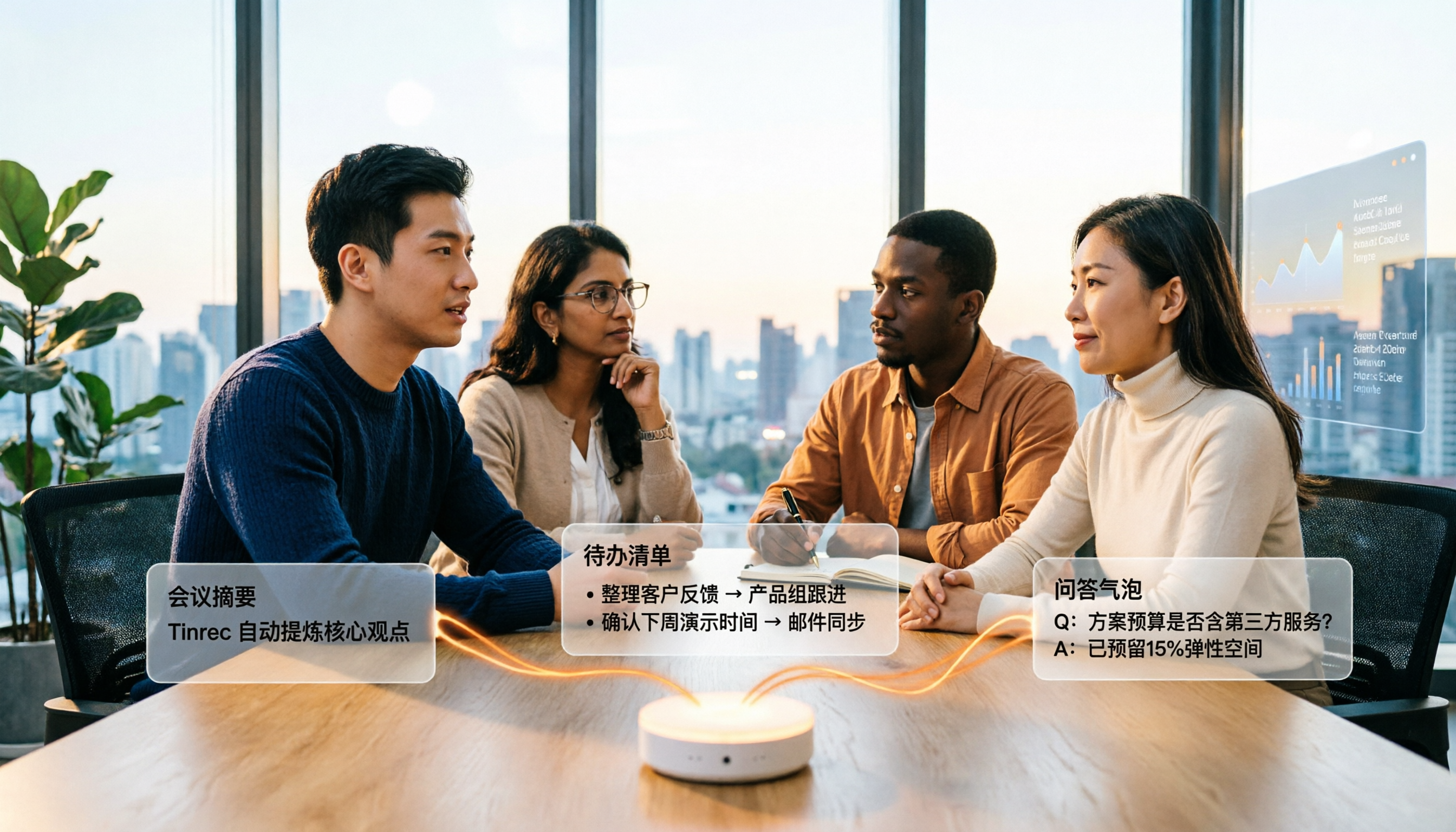
4 Audio-to-Text Summary Tools Tested and Compared in 2026: Which AI Summary Actually Saves Time?
Audio-to-text summarization isn't just about turning recordings into transcripts. This article starts with common misconceptions, explains what audio-to-text summarization can do for you, its core capabilities, and real-world use cases. It uses Tinrec as an example to demonstrate the full workflow from recording, transcription, summarization, to-dos, AI Q&A, and team knowledge retention, and concludes with buying considerations and FAQs.
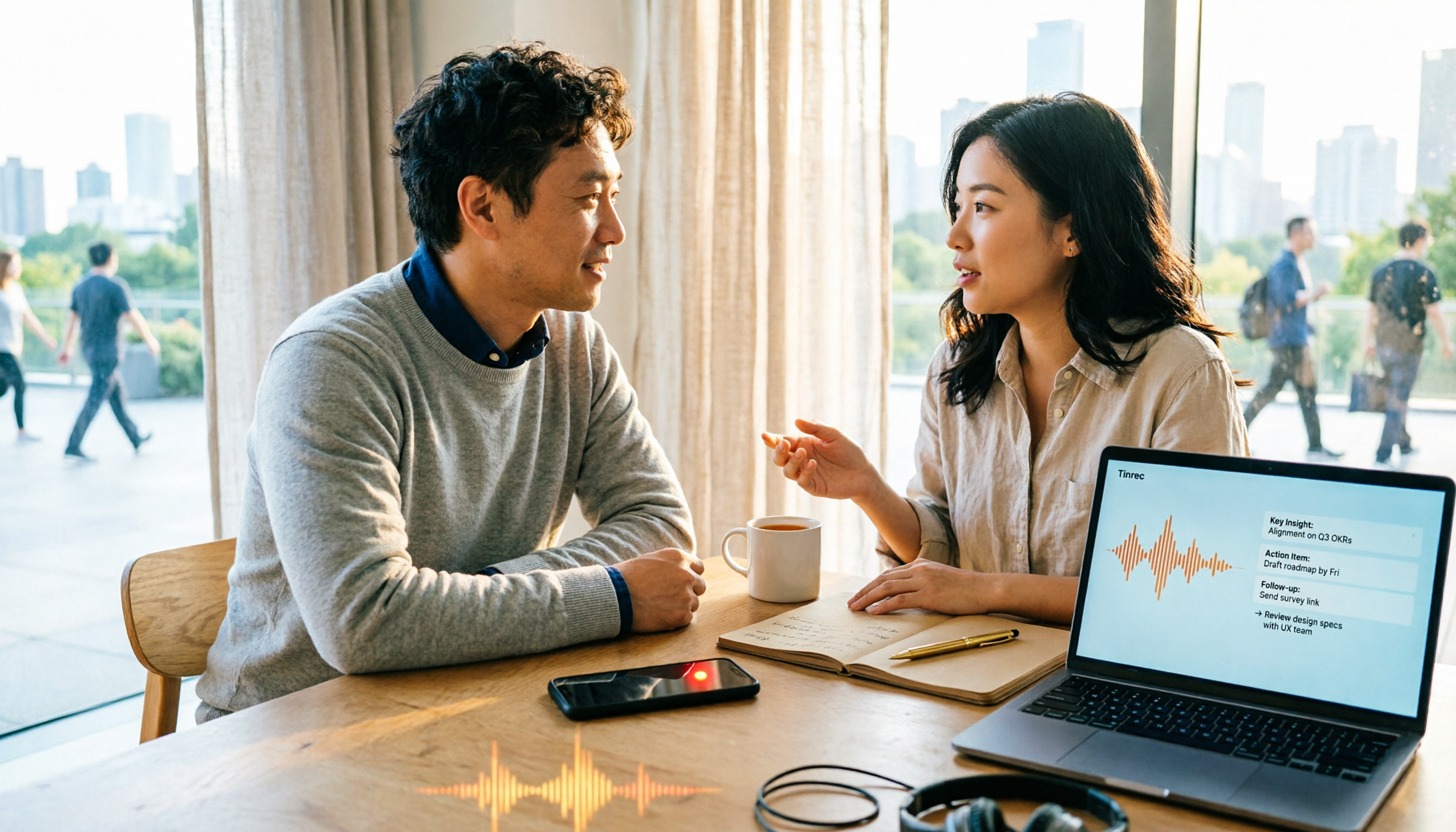
2026 Comparison of 4 Document Summarization Apps: Which Handles Recordings, Meetings, and Long Documents Best?
Are meeting, interview, and lecture recordings piling up on your phone, but you can't find a document summarization app that truly saves time? This article starts with the real limitations of free versions, breaks down 4 key purchasing points, and provides a hands-on comparison of Tinrec, Notta, TurboScribe, and Otter.ai, along with a guide to avoid pitfalls and selection advice for different needs.

2026 Comparison of 4 iPhone Speech-to-Text Tools: Built-in Transcripts Aren't Enough—Post-Meeting Organization Is Key
The built-in Voice Memos transcript on iPhone is free, but a transcript is not the same as meeting notes. This article starts with the most common misconceptions and compares Tinrec, Otter.ai, Granola, and Notta in Chinese transcription, post-meeting organization, cross-platform support, and team collaboration. It also provides key buying factors and pitfalls to help you find a solution that truly saves time.

5 Best Text-to-Speech Tools in 2026: Which Free TTS Sounds Most Natural?
We compare five text-to-speech tools—Ondoku, Luvvoice, TTSMaker, ReadOut, and ChromeVox—covering their features, free options, and ideal users. Plus, we address the reverse need: using Tinrec to turn meeting audio into transcripts, summaries, and action items.
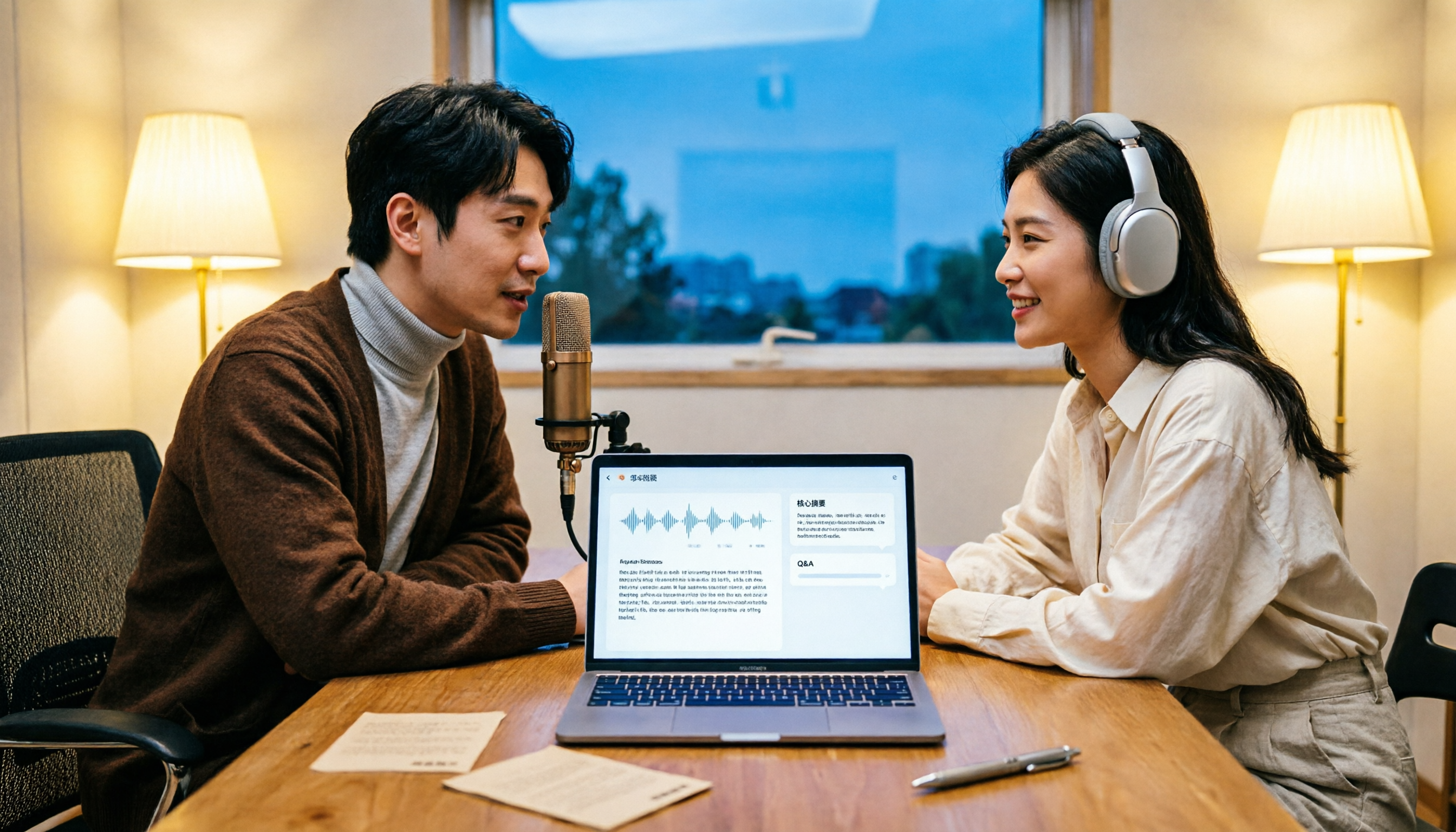
How to Transcribe Podcasts to Text in 2026: Tinrec Audio Transcription + AI Summary Q&A
Turning a podcast into a transcript isn't the hard part—it's what you do with it afterward. This guide covers common pitfalls, the actual workflow for podcast transcription, core capabilities, and 5 key buying considerations, using Tinrec as an example to demonstrate the full process from audio upload to AI summaries and Q&A organization.