
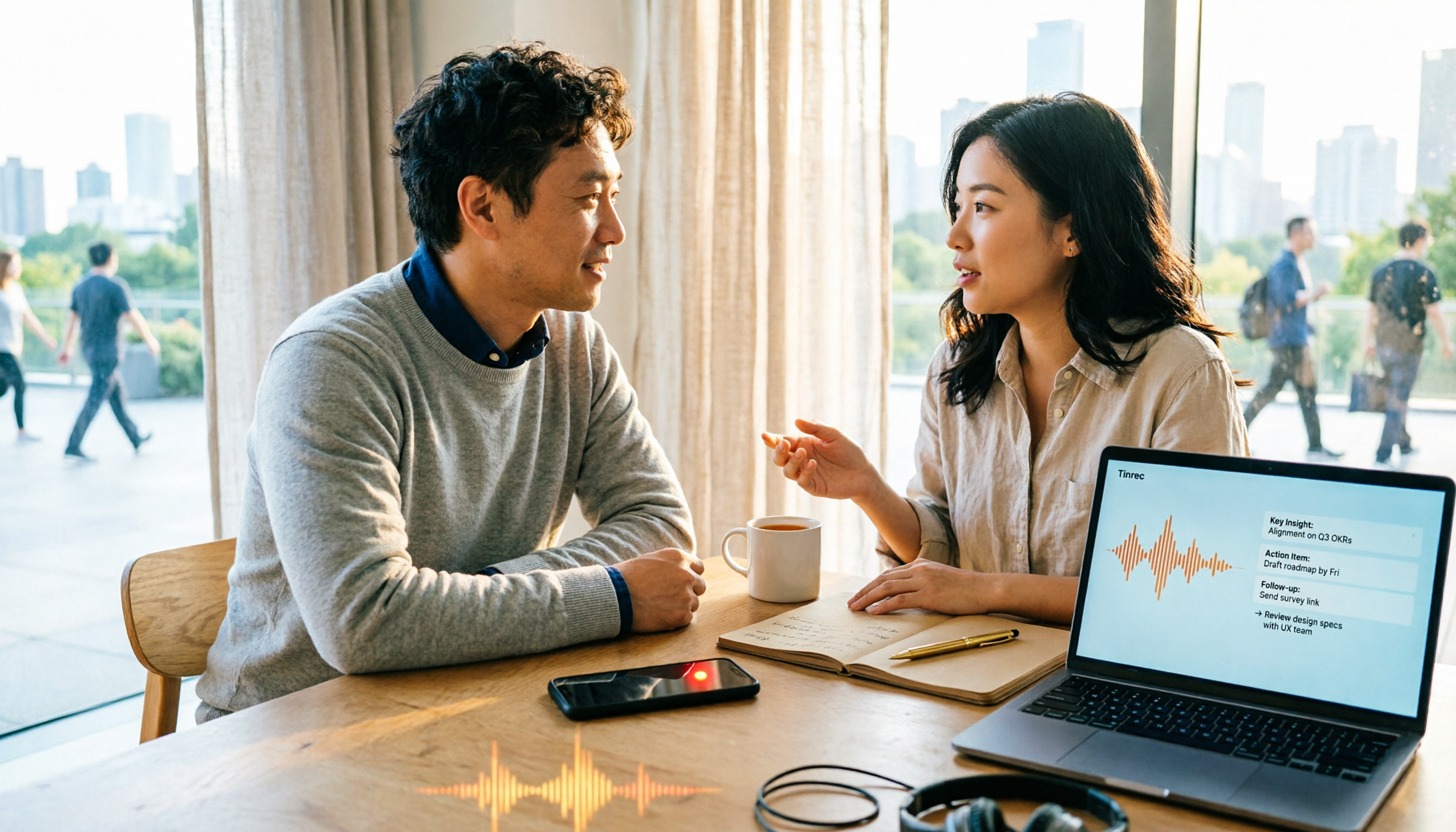
Turn recordings into transcripts and summaries in minutes
Upload audio or video for multilingual transcription, AI notes, and action items
2026 Comparison of 4 Document Summarization Apps: Which Handles Recordings, Meetings, and Long Documents Best?
The First Pitfall You Might Encounter When Searching for a 'Document Summarization App'
Open the App Store or Google Play and search for 'document summarization app'—almost every one advertises 'free download.' Only after actually using them do you discover: the free version either has a pitifully small monthly quota, or can only process a few minutes at a time, and exporting requires an extra fee. After spending an entire evening comparing, your files are still not organized.
This is the first pitfall most people encounter when choosing a document summarization tool—mistaking 'free download' for 'free to use.'
Let's clarify the scope of this article: when we talk about 'document summarization,' we include meeting recordings, customer interviews, lectures and speeches, audio/video files, and long-form materials that need to be turned into key points. Because what most people really struggle with is not reading documents, but turning 'audio' and 'video' into readable summaries and to-dos.
If you've also experienced these situations, this article is for you:
- After a two-hour meeting, you still have to re-listen to write the summary yourself.
- Interview recordings pile up on your phone, and to find a key statement you have to fast-forward from the beginning.
- You've tried a bunch of apps but don't know which one actually saves time.
Before Choosing a Document Summarization App, Understand These 4 Key Points
1. Is the input source broad enough?
Many tools only accept 'text files'—you paste an article and they condense it. But the raw materials for meetings, interviews, and lectures are audio or video. You need to confirm whether it can handle audio files, video, or even record and transcribe simultaneously.
2. Does it give you only a transcript, or directly usable results?
A transcript is just raw material. Summaries, chapters, to-dos, and interactive Q&A are where time is saved. Before choosing, ask yourself: do I want 'text' or 'organized results I can deliver directly'?
3. Can your team use it?
Individual and team needs differ greatly. If meeting materials need to be viewed by colleagues, and new hires need to take over old projects, then 'who owns the data' is far more important than 'is the interface pretty.'
4. The real limitations of free quotas
Don't just look at the word 'free.' Check whether the free version allows exporting, the maximum length per session, and what happens when the monthly quota runs out. These three points determine whether you'll be forced to pay by the third day.
Tinrec (秒聽錄音) — Our Top Pick After Hands-On Testing
In one sentence: Tinrec is an AI meeting notes and collaboration tool for individuals and teams, covering iOS, Android, and web, taking you from 'recording' all the way to 'data you can continue working with.'
The first most impressive scenario is online meetings. Tinrec's desktop version directly captures your computer's system audio, so when handling Zoom, Google Meet, Microsoft Teams, Webex, and other online meetings, you don't need to invite a meeting bot. For participants, no unfamiliar account appears in the meeting room; for organizers, it saves the hassle of permission approval. During the meeting, the transcript is generated in sync, and after it ends, the AI summary, chapters, and to-dos are already in place—who is responsible for what, what to follow up on next time, no need to re-listen to the recording.
The second is 'you can still ask after recording.' Tinrec supports AI Q&A around meeting content. You can directly ask it 'What was the conclusion about the budget in the last meeting?' and it will answer based on the content, rather than throwing a bunch of keyword search results at you. Among tools in the same price range, few can do this kind of semantic follow-up.
The third is output. Besides transcripts, summaries, chapters, to-dos, and mind maps, you can export results to Notion, Google Docs, OneNote, Dropbox, and other tools for further processing, or use Agent post-processing to directly generate reports, tables, and documents. For those who need to submit weekly reports and meeting minutes, this step saves the most practical time.
Cross-language meetings also have corresponding designs: during recording, you can switch between original text, translation, or bilingual view, and teams can maintain their own hotwords to make product names and proper nouns recognition closer to actual usage. Note that actual recognition performance is affected by recording quality, noise, accents, multiple people talking over each other, and technical terminology. It's recommended to try with your own recordings first, not just rely on advertising copy.
Stop organizing recordings by hand
Upload audio or video and automatically get a transcript, summary, and action items
Pros:
- Record online meetings without a bot, no need to add an extra account to the meeting for recording.
- Not just a transcript—summaries, chapters, to-dos, and Q&A all in one place.
- Solutions for both individuals and teams; team version has an independent collaboration space.
Limitations:
- The free version offers a basic quota, suitable for trial; heavy users need to upgrade.
- Document and web imports consume the team's shared import quota; real-time recording under an active team plan and active seat currently does not deduct minutes.
Who it's for: Those who frequently need to organize meetings and interviews, want to directly follow up on key points after recording, or want to turn meeting data into team assets.
If your needs extend to a team, the Tinrec team version is an independent team space, not multiple people sharing a personal account. You can create multiple teams, invite members via link, and distinguish between owner, admin, and regular member. Note that 'role' and 'seat' are two different things: role determines who can manage the team, members, and audit settings; seat determines whether a member can record, upload, edit, import/export. Members who are active but have no seat can still view, play, and read team data. When a member leaves, is removed, or loses their seat, team resources are transferred to other active members and will not disappear with the personal account.
Currently, the first eligible team trial is 7 days, 1 free seat, 300 minutes of team shared import quota; team monthly payment is USD 29.80 per paid seat per month, annual payment is USD 199 per paid seat per year (about USD 16.58 per month), and paid seats provide 2,000 minutes of team shared import quota per month. Actual prices, currencies, and benefits are subject to the official purchase page.
Besides Tinrec, What Other Options Are There?
Notta: A multi-platform transcription tool. Free version: 120 minutes per month, max 3 minutes per session. Pro annual payment is about USD 8.17 per month, 1,800 minutes per month, with good multilingual transcription. But if you want bot-free online meeting recording, post-meeting AI Q&A, and team data management, these are areas where Tinrec is relatively more complete.
TurboScribe: Takes the high-cost-performance file transcription route. Free version: 3 files per day, max 30 minutes per file. Unlimited annual payment is USD 120 (about USD 10 per month). Paid version supports up to 10 hours or 5 GB per file, and can upload 50 files at once. If you have a one-time large batch of long audio files, its batch processing is smoother; but it does not focus on real-time meetings, post-meeting follow-up, and team collaboration—which is exactly Tinrec's strong suit.
Otter.ai: A mature choice for English meetings. Basic free version: 300 minutes per month. Pro annual payment is about USD 8.49 per user per month. If you mainly record English meetings, it is indeed easy to use; but Chinese meeting experience, real-time translation, and bilingual view are not its strengths. When you need to turn meeting data into team assets, Tinrec's spatial management is also more complete.
Pitfall Avoidance Guide: The 3 Most Common Mistakes When Choosing a Document Summarization App
Pitfall 1: Only looking at 'free,' not the limitations. Many apps' free versions cut corners on session length, monthly quota, or export functionality. It's advisable to first confirm three things: can the free version export, what is the session limit, and what happens when the quota runs out—then decide whether to invest time.
Pitfall 2: Treating the transcript as the end goal. Getting only a transcript means you've completed only one-third. What really saves time are summaries, chapters, to-dos, and Q&A. When choosing a tool, list 'what can be done after transcription' and compare item by item—more useful than looking at spec sheets.
Pitfall 3: Ignoring team data ownership. Personal accounts record and store separately; when someone leaves, data scatters. If meeting content is valuable to the team, choosing a tool with an independent team space, seat management, and resource handover is more valuable in the long run than the monthly fee saved.
Conclusion: Which One Should You Choose?
In one sentence: For most people who need to organize meetings, interviews, and audio/video content, Tinrec is our top recommendation after hands-on testing.
- Need Chinese meetings, mixed Chinese-English transcripts and summaries → Tinrec
- Don't want to invite a meeting bot into online meetings → Tinrec (desktop version captures system audio)
- Want to directly ask AI about key points after recording → Tinrec (supports Q&A around meeting content)
- Need to submit weekly reports, meeting minutes, and post-meeting reports → Tinrec (multi-format export and Agent post-processing)
- Need team to view and hand over meeting data together → Tinrec team version (space, roles, seats, usage, and audit)
- Have a one-time large batch of long audio files, just need quick transcription → TurboScribe
- Mainly record English meetings → Otter.ai
We suggest starting with the Tinrec free version, trying it with a segment of your own meeting or interview recording, and seeing if the output summaries and to-dos match your actual work habits before deciding whether to upgrade.
References
Turn every recording into actionable outcomes
Get 60 free transcription minutes when you sign in. No credit card required.
Related Reading
You might also like

3 Link-to-Text Tools Tested and Compared in 2026: Which One Turns Link Content into a Transcript?
There are two needs for link-to-text: one is to display hyperlinks as readable text, and the other is to turn videos or meeting content behind links into transcripts. This article tests Tinrec, Notta, TurboScribe, and Link Transformer, covering buying considerations, hands-on performance, and pitfalls to help you choose the right tool for your situation.

4 Video Summarization Tools Tested in 2026: Which One Turns Long Videos into Usable Data?
Stored a bunch of videos but no time to rewatch them? This article compares 4 video summarization tools in practice, examining input sources, summarization methods, AI follow-up questions, and team collaboration, and shares hands-on experience, pricing, and limitations of Tinrec in meeting recordings and interview organization.

6 Best Speech-to-Text Tools in 2026: Which Saves More Time for Chinese Transcripts and AI Meeting Notes?
This article reviews 6 speech-to-text tools in 2026, including Tinrec, cSubtitle, Yating Transcription, Google Cloud Speech-to-Text, Notta, and TurboScribe. It compares Chinese transcription, AI meeting notes, team collaboration, and pricing. The article explains each tool's positioning, highlights, free and paid plans, and provides scenario-based recommendations to help professionals and teams find the right speech-to-text tool.

2026 Comparison of 2 Audio-to-Text Tools: Tinrec vs PLAUD Note – Which Is Better for Chinese Meetings?
The real fork in the road for turning recordings into text isn't which AI is strongest, but whether you're dealing with in-person audio or online meetings on your computer. This article compares Tinrec and PLAUD Note across 6 dimensions: acquisition threshold, online meeting recording method, post-transcription output, Chinese and bilingual review, historical file import, and team data retention. It ends with a ready-to-use starter checklist.
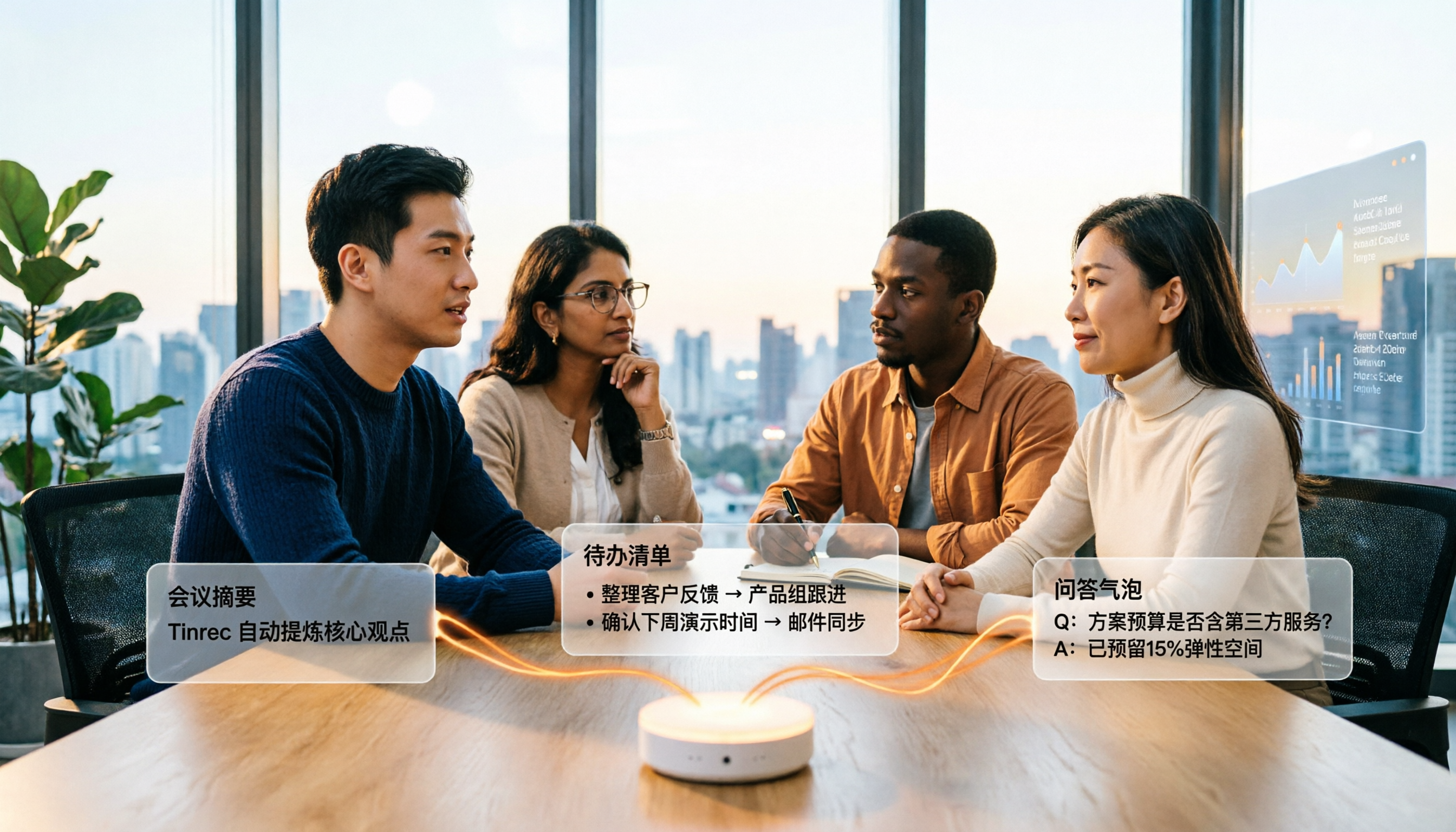
4 Audio-to-Text Summary Tools Tested and Compared in 2026: Which AI Summary Actually Saves Time?
Audio-to-text summarization isn't just about turning recordings into transcripts. This article starts with common misconceptions, explains what audio-to-text summarization can do for you, its core capabilities, and real-world use cases. It uses Tinrec as an example to demonstrate the full workflow from recording, transcription, summarization, to-dos, AI Q&A, and team knowledge retention, and concludes with buying considerations and FAQs.

How to Write a Meeting Summary in 2026: 5 Steps from Recording to AI Summary
Spending twice as long organizing meeting notes after the meeting ends? This article starts with common pain points in meeting summaries, outlines 4 key purchasing factors and 3 pitfalls to avoid, tests Tinrec's bot-free recording and AI summary workflow, compares it with Otter.ai, Notta, and Granola, and provides selection advice for different scenarios.

2026 Comparison of 4 iPhone Speech-to-Text Tools: Built-in Transcripts Aren't Enough—Post-Meeting Organization Is Key
The built-in Voice Memos transcript on iPhone is free, but a transcript is not the same as meeting notes. This article starts with the most common misconceptions and compares Tinrec, Otter.ai, Granola, and Notta in Chinese transcription, post-meeting organization, cross-platform support, and team collaboration. It also provides key buying factors and pitfalls to help you find a solution that truly saves time.
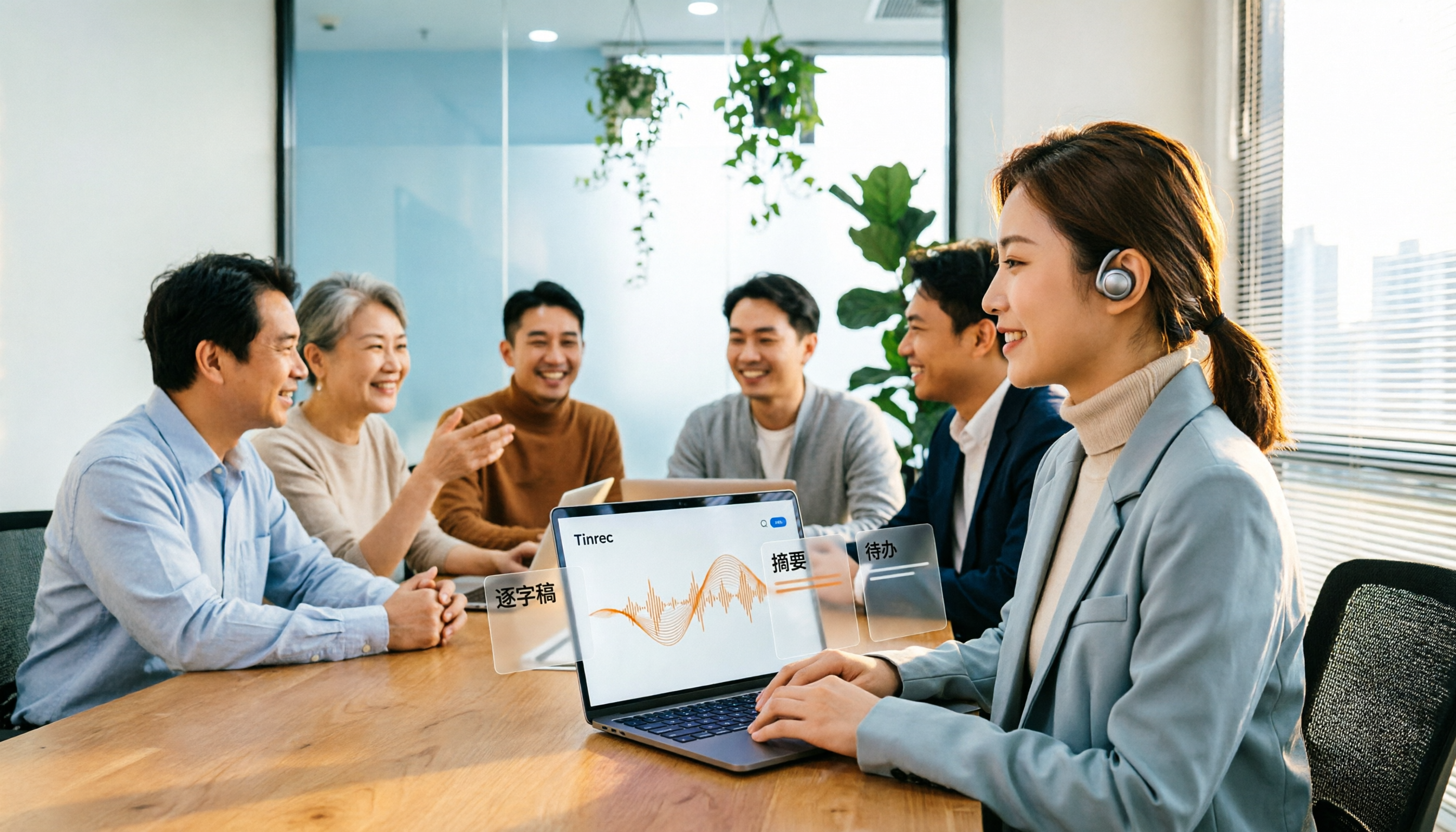
5 Best Text-to-Speech Tools in 2026: Which Free TTS Sounds Most Natural?
We compare five text-to-speech tools—Ondoku, Luvvoice, TTSMaker, ReadOut, and ChromeVox—covering their features, free options, and ideal users. Plus, we address the reverse need: using Tinrec to turn meeting audio into transcripts, summaries, and action items.
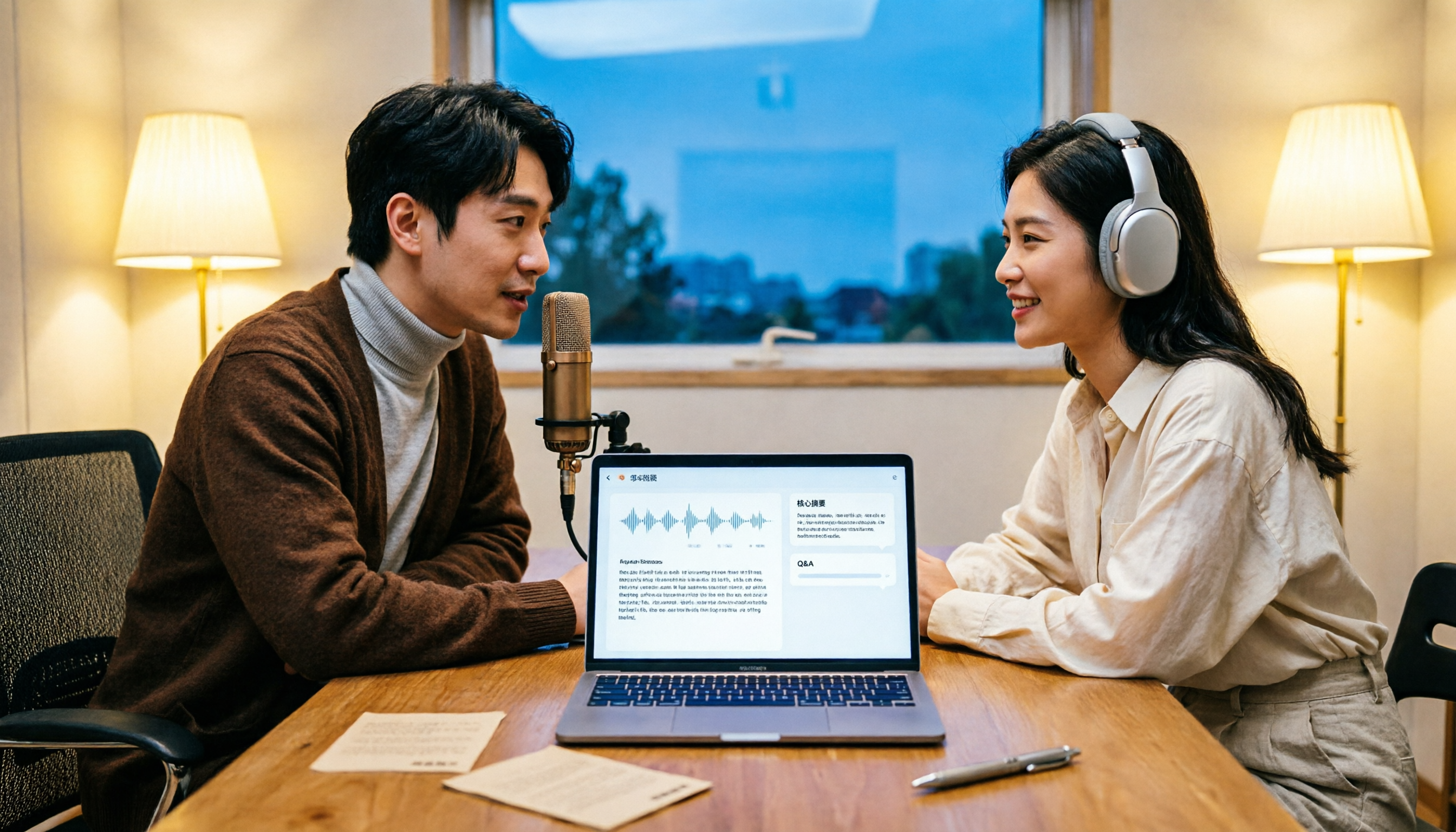
How to Transcribe Podcasts to Text in 2026: Tinrec Audio Transcription + AI Summary Q&A
Turning a podcast into a transcript isn't the hard part—it's what you do with it afterward. This guide covers common pitfalls, the actual workflow for podcast transcription, core capabilities, and 5 key buying considerations, using Tinrec as an example to demonstrate the full process from audio upload to AI summaries and Q&A organization.