

Turn recordings into transcripts and summaries in minutes
Upload audio or video for multilingual transcription, AI notes, and action items
2026 Comparison of 4 iPhone Speech-to-Text Tools: Built-in Transcripts Aren't Enough—Post-Meeting Organization Is Key
Pain Point: Assuming a Transcript Equals Meeting Notes—The Most Common Misconception
Many people's first misunderstanding about iPhone speech-to-text is treating it as the meeting notes itself. After iOS 18, the Voice Memos app on iPhone 12 or later can indeed convert recordings into transcripts directly, and you can even turn on the transcript while recording to read and take notes. The problem is: a transcript just turns sound into a large block of text. Who said what, what the conclusion was, and who needs to follow up—you still have to read through it yourself.
The second common misconception is using dictation instead of recording. Press the microphone icon on the keyboard and speak; text appears in real time, which seems convenient. But this method only leaves text, does not save the audio file, and you cannot go back to verify later. Once the other person speaks too fast or the environment is too noisy, the missed words are lost forever.
The truly time-saving approach is to break the process into three steps: first record completely, then convert speech to searchable text, and finally let the tool help you organize summaries and to-dos. This article uses the same standard to test several common speech-to-text solutions on iPhone.
Before Choosing an iPhone Speech-to-Text Solution, Understand These 4 Key Points
1. Beyond the transcript, is the audio file retained? Transcripts always have errors. Only solutions that keep the recording and allow the transcript to be linked back to timestamps let you verify. Real-time input like dictation only has text, no recording, so errors cannot be corrected. This is the first pitfall most people encounter.
2. Can you find key points directly through Q&A? A 30-minute meeting transcript can easily be tens of thousands of words. If you can only use Ctrl+F to search keywords, you still have to piece together the answer yourself. Solutions that let you ask a question in one sentence and have the tool read the content and answer can save several times the organization time.
3. How Chinese and mixed Chinese-English are handled Meetings in Taiwan and Hong Kong almost always mix Chinese with English terms (KPI, budget, roadmap). Pay attention to how the tool handles mixed Chinese-English content and whether you can customize proper nouns, otherwise you'll have to manually correct the same batch of words every time.
4. Cross-platform and post-meeting output Recording only on iPhone is not enough. Whether you can organize on a computer, export to documents for existing workflows, and share with team members determines whether this data ends up just sitting on your phone.
Tinrec—The Top Choice After Testing
Tinrec is an AI meeting notes and collaboration tool for individuals and teams, covering iOS, Android, desktop, and web. It doesn't just convert sound to text; it organizes meeting recordings into searchable, summarizable, queryable, and exportable data.
Recording and transcription: Start recording directly on your phone or desktop during meetings, and the transcript appears as you record. For online meetings like Zoom, Google Meet, Microsoft Teams, and Webex, the desktop version captures computer system audio directly without inviting a meeting bot into the room. Existing audio and video files can also be uploaded for transcription, suitable for organizing historical meetings and interviews; during recording, you can switch between original text, translation, or bilingual display.
Post-meeting organization: After the meeting, Tinrec automatically generates summaries and chapters, breaking long meetings into readable sections and extracting to-dos from discussions. The most distinctive feature is AI Q&A—you can directly ask it "Who mentioned the budget in the last meeting?" or "What was the conclusion of this decision?" It answers based on semantics, not a list of keyword search results. Most tools at the same price point currently lack this capability.
Output and collaboration: Organized content can be exported to Notion, Google Docs, OneNote, Dropbox, etc. for further processing, and Agent post-processing can directly generate reports, tables, and meeting minutes. The team version provides an independent team space where meeting data belongs to the team, and you can manage members, roles, and seats, view usage, and check audit logs. There is also a 30-day audio recycle bin and team hotwords.
Stop organizing recordings by hand
Upload audio or video and automatically get a transcript, summary, and action items
Hands-on experience: We tested in a real meeting room environment with air conditioning noise and multiple people talking over each other. Tinrec's advantage is not "magically getting everything right," but that the transcript can be linked back to recording timestamps, and you can grasp conclusions without re-listening to the entire audio file. For Chinese and mixed Chinese-English content, combined with team hotwords, proper noun recognition is more stable than built-in transcripts.
Limitations: Transcript accuracy is still affected by recording quality, accents, background noise, and overlapping speech. The free version has a basic quota; heavy users need to upgrade, and teams that frequently process large files should watch their import minute consumption.
Who it's for: People who have regular weekly meetings, need Chinese meeting notes, want to use AI to find key points directly after recording, and switch between phone and computer.
Besides Tinrec, What Other Options Are There?
Otter.ai: A veteran AI meeting assistant supporting Zoom, Teams, and Google Meet, with mature speaker identification, AI Chat, and team management. The free version offers 300 minutes per month. However, it has long been oriented toward English business meetings; Chinese meetings are not its strong suit, and its capture method includes a meeting bot approach. Tinrec's differences are bot-free desktop recording, real-time translation, and post-meeting Chinese organization. If your meetings are almost entirely in English, Otter.ai is still a reasonable choice.
Granola: An AI meeting note tool that also takes a bot-free approach, using desktop system audio and microphone for real-time transcription, then combining with your handwritten notes to generate content. The free version is available; the business version is USD 14 per user per month. It does not support uploading pre-recorded audio files and does not save meeting audio, meaning you cannot verify afterward. Tinrec retains recordings, supports file import and multi-format export, making it more practical for those who need verification and team sharing.
Notta: A multilingual transcription tool covering multiple platforms and team plans. The free version offers 120 minutes per month with a maximum of 3 minutes per item; Pro annual payment is about USD 8.17 per month with 1,800 minutes per month. Document transcription and translation perform well, but meeting capture still relies mainly on bots or uploads. Tinrec's differences are bot-free online meeting recording, AI Q&A, and Agent post-processing.
Pitfall Guide: The 4 Most Common Mistakes When Choosing an iPhone Speech-to-Text Tool
Pitfall 1: Treating a "transcript" as "meeting notes." A transcript only solves transcription, not organization. What you need are conclusions, decisions, and to-dos, not a wall of ten thousand words. When choosing a tool, first ask yourself: can it directly answer "what did this meeting decide?"
Pitfall 2: Using dictation instead of recording. Dictation is great for replying to messages and writing short notes, but it does not retain audio files. For truly important meetings, be sure to record so you have the means to verify if the transcript has errors.
Pitfall 3: Only looking at free minutes and ignoring post-meeting features. Minutes only determine how long you can record; post-meeting summaries, Q&A, to-dos, and export determine how much time you save. Two solutions with the same minutes can differ several times in organization efficiency.
Pitfall 4: Ignoring data ownership and cross-platform. If meeting data is stored on an individual's phone, colleagues can't see it, and it leaves when they do—equivalent to no accumulation. For team use, choose a solution with team space and seat management, where data belongs to the team and can be handed over when members change.
Conclusion: Which One Should You Choose?
In one sentence: iPhone's built-in transcript is a free starting point, but Tinrec truly saves post-meeting organization time.
- Just occasionally converting an iPhone recording to text → Built-in Voice Memos transcript (iPhone 12 or later, iOS 18 or later; may not be supported in some regions and languages)
- Need Chinese meeting notes, plus post-meeting Q&A and to-dos → Tinrec (AI Q&A is its core differentiator)
- Don't want to add a meeting bot for online meetings → Tinrec desktop version (directly captures system audio)
- Cross-platform phone and computer, plus team data sharing → Tinrec team version (team space, roles and seats, usage and audit)
- Meetings almost entirely in English, limited budget → Otter.ai free version with 300 minutes per month is one of the few exceptions recommended in this article
We suggest starting with the free quota and testing with a real meeting recording of your own—especially one with mixed Chinese and English and people talking over each other. Then decide whether to upgrade; it's more accurate than any promotional numbers.
References
- View Voice Memos transcript on iPhone - Apple Support (Taiwan)
- iPhone speech-to-text setup tips: 5 methods to achieve recording to text - Mr. Mad
- Practical guide to iPhone speech-to-text
- iPhone speech-to-text tutorial: Easily done without third-party apps
- Free iPhone recording to text transcript! iOS 18 supports 10 languages | Quality Life | 500 Times
Turn every recording into actionable outcomes
Get 60 free transcription minutes when you sign in. No credit card required.
Related Reading
You might also like

3 Link-to-Text Tools Tested and Compared in 2026: Which One Turns Link Content into a Transcript?
There are two needs for link-to-text: one is to display hyperlinks as readable text, and the other is to turn videos or meeting content behind links into transcripts. This article tests Tinrec, Notta, TurboScribe, and Link Transformer, covering buying considerations, hands-on performance, and pitfalls to help you choose the right tool for your situation.

4 Video Summarization Tools Tested in 2026: Which One Turns Long Videos into Usable Data?
Stored a bunch of videos but no time to rewatch them? This article compares 4 video summarization tools in practice, examining input sources, summarization methods, AI follow-up questions, and team collaboration, and shares hands-on experience, pricing, and limitations of Tinrec in meeting recordings and interview organization.

6 Best Speech-to-Text Tools in 2026: Which Saves More Time for Chinese Transcripts and AI Meeting Notes?
This article reviews 6 speech-to-text tools in 2026, including Tinrec, cSubtitle, Yating Transcription, Google Cloud Speech-to-Text, Notta, and TurboScribe. It compares Chinese transcription, AI meeting notes, team collaboration, and pricing. The article explains each tool's positioning, highlights, free and paid plans, and provides scenario-based recommendations to help professionals and teams find the right speech-to-text tool.

2026 Comparison of 2 Audio-to-Text Tools: Tinrec vs PLAUD Note – Which Is Better for Chinese Meetings?
The real fork in the road for turning recordings into text isn't which AI is strongest, but whether you're dealing with in-person audio or online meetings on your computer. This article compares Tinrec and PLAUD Note across 6 dimensions: acquisition threshold, online meeting recording method, post-transcription output, Chinese and bilingual review, historical file import, and team data retention. It ends with a ready-to-use starter checklist.
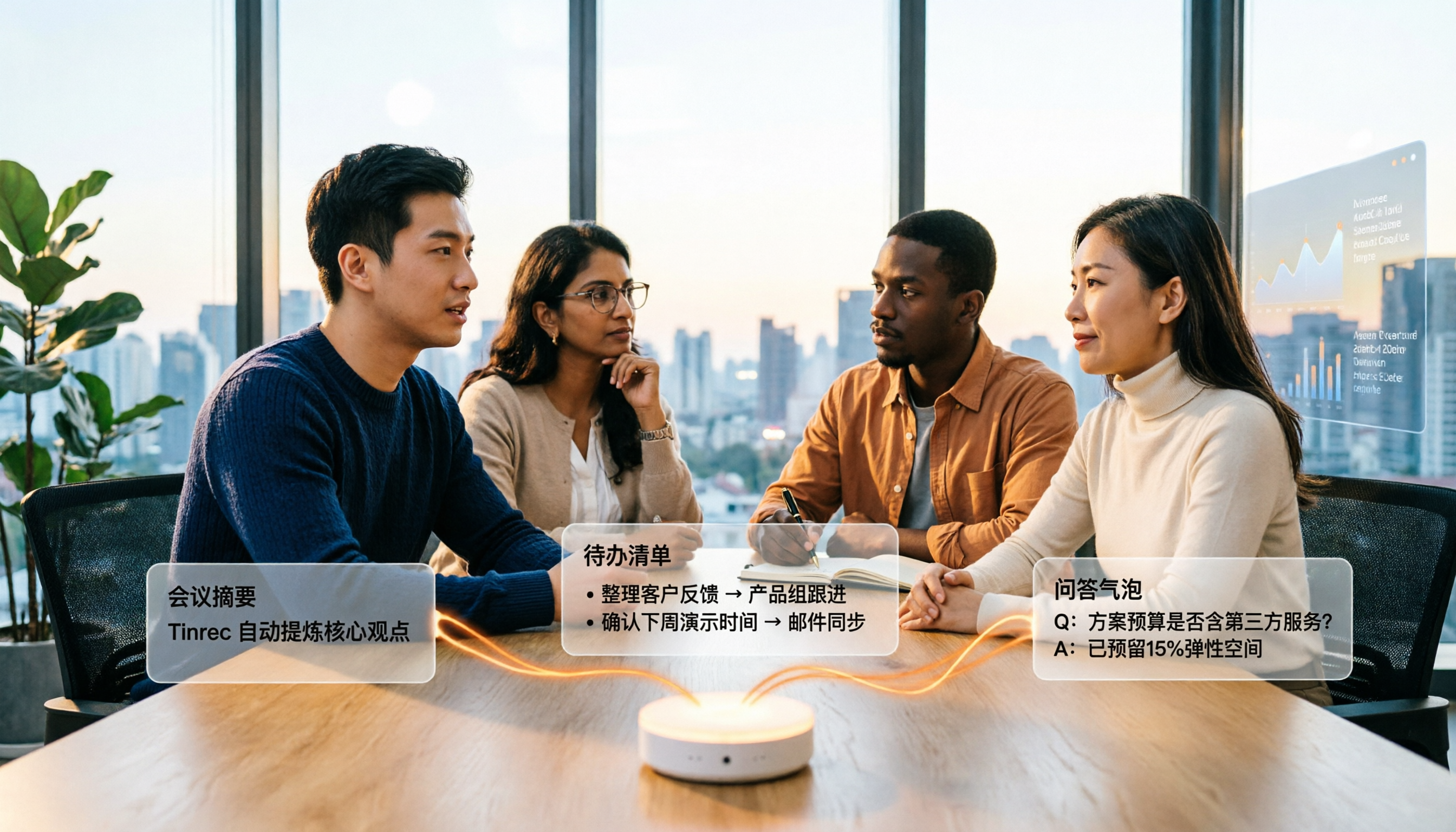
4 Audio-to-Text Summary Tools Tested and Compared in 2026: Which AI Summary Actually Saves Time?
Audio-to-text summarization isn't just about turning recordings into transcripts. This article starts with common misconceptions, explains what audio-to-text summarization can do for you, its core capabilities, and real-world use cases. It uses Tinrec as an example to demonstrate the full workflow from recording, transcription, summarization, to-dos, AI Q&A, and team knowledge retention, and concludes with buying considerations and FAQs.

How to Write a Meeting Summary in 2026: 5 Steps from Recording to AI Summary
Spending twice as long organizing meeting notes after the meeting ends? This article starts with common pain points in meeting summaries, outlines 4 key purchasing factors and 3 pitfalls to avoid, tests Tinrec's bot-free recording and AI summary workflow, compares it with Otter.ai, Notta, and Granola, and provides selection advice for different scenarios.
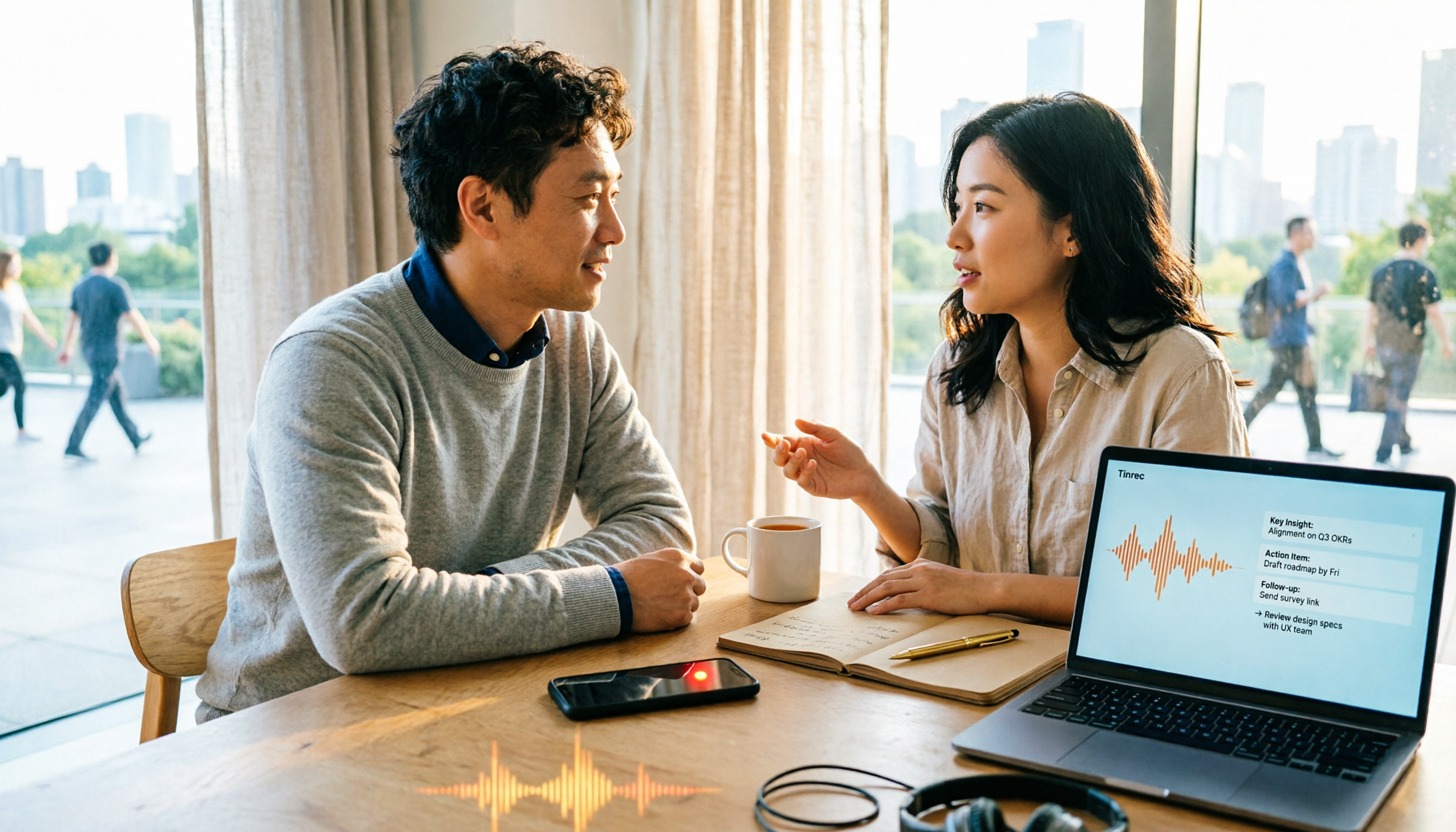
2026 Comparison of 4 Document Summarization Apps: Which Handles Recordings, Meetings, and Long Documents Best?
Are meeting, interview, and lecture recordings piling up on your phone, but you can't find a document summarization app that truly saves time? This article starts with the real limitations of free versions, breaks down 4 key purchasing points, and provides a hands-on comparison of Tinrec, Notta, TurboScribe, and Otter.ai, along with a guide to avoid pitfalls and selection advice for different needs.

5 Best Text-to-Speech Tools in 2026: Which Free TTS Sounds Most Natural?
We compare five text-to-speech tools—Ondoku, Luvvoice, TTSMaker, ReadOut, and ChromeVox—covering their features, free options, and ideal users. Plus, we address the reverse need: using Tinrec to turn meeting audio into transcripts, summaries, and action items.
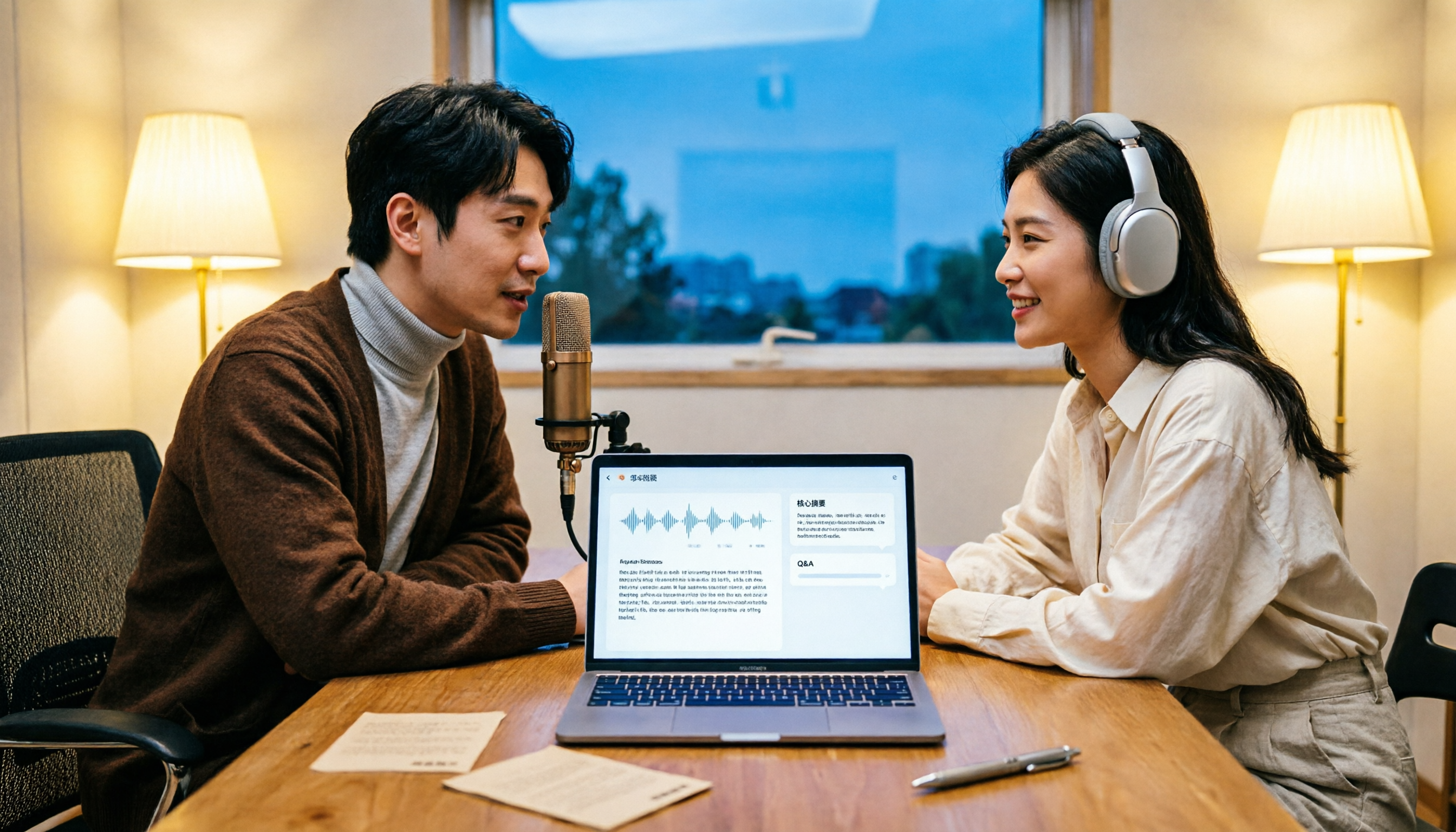
How to Transcribe Podcasts to Text in 2026: Tinrec Audio Transcription + AI Summary Q&A
Turning a podcast into a transcript isn't the hard part—it's what you do with it afterward. This guide covers common pitfalls, the actual workflow for podcast transcription, core capabilities, and 5 key buying considerations, using Tinrec as an example to demonstrate the full process from audio upload to AI summaries and Q&A organization.